Blender is the best free animation software for PC, a full 3D and 2D suite that costs nothing and is rated 4.6/5 on G2 from 319 reviews. Pick Animaker for template explainers or Krita for hand-drawn 2D animation.
How we make this list: we compare pricing pages, product documentation and public user reviews, then re-check every price before each update. No product paid for a place. Disclosure.
Blender is the only tool here that is fully free with no paid tier, no watermark and no export cap.
Animaker, Powtoon and Renderforest all have real free plans, but every free export carries a watermark.
The cheapest paid upgrades are Renderforest Lite at $13.09 a month, then Animaker Basic and Powtoon Lite at $15 a month.
Krita, Synfig Studio, Pencil2D and OpenToonz are free open-source desktop apps for hand-drawn and 2D work.
OpenToonz and Pencil2D rest on very thin review bases of 6 and 16 G2 reviews, so treat their ratings as weak signals.
What free animation software for PC should cover
Free animation software for PC splits into two kinds. Desktop apps such as Blender and Krita run on your computer and cost nothing, while browser tools such as Animaker and Powtoon run online and charge to remove watermarks.
The free plan is where the tools differ most. Desktop apps give you the whole tool, while browser tools cap video length, add a watermark and limit downloads. Our guide on embedding a video in WordPress shows how a finished clip fits into a page once it is exported.
Check the export limits before you start a project. A 3-minute cap or a watermark is fine for a school project, but it rules out a client video unless you pay.
Ratings matter less here than in paid software, because five of these tools are free and open source. Judge them on the kind of animation you want to make: 3D, hand-drawn 2D, or a quick template video.
Blender is a free, open-source suite for 3D modelling, animation and rendering, with 2D animation through Grease Pencil. It costs nothing, has no paid tier and no watermark, runs on Windows, macOS and Linux, and is rated 4.6 out of 5 from 319 reviews on G2.
The trade off is the learning curve. Blender packs modelling, sculpting, rigging and video editing into one dense interface, so a first animation takes longer than a template video. It suits creators who want full control over 2D and 3D animation and are willing to learn the editor.
Animaker is a browser-based tool for animated explainer videos, built around templates, characters and drag-and-drop scenes. The free plan covers basic animated videos with a watermark, 2-minute videos and 3 downloads a month. It is rated 4.7 out of 5 from 1,071 reviews on G2.
The trade off is the free plan's limits. Exports carry a watermark, premium assets are limited and longer videos need a paid plan, with Basic at $15 a month removing the watermark. It suits marketers and teachers who want a finished explainer fast without learning animation.
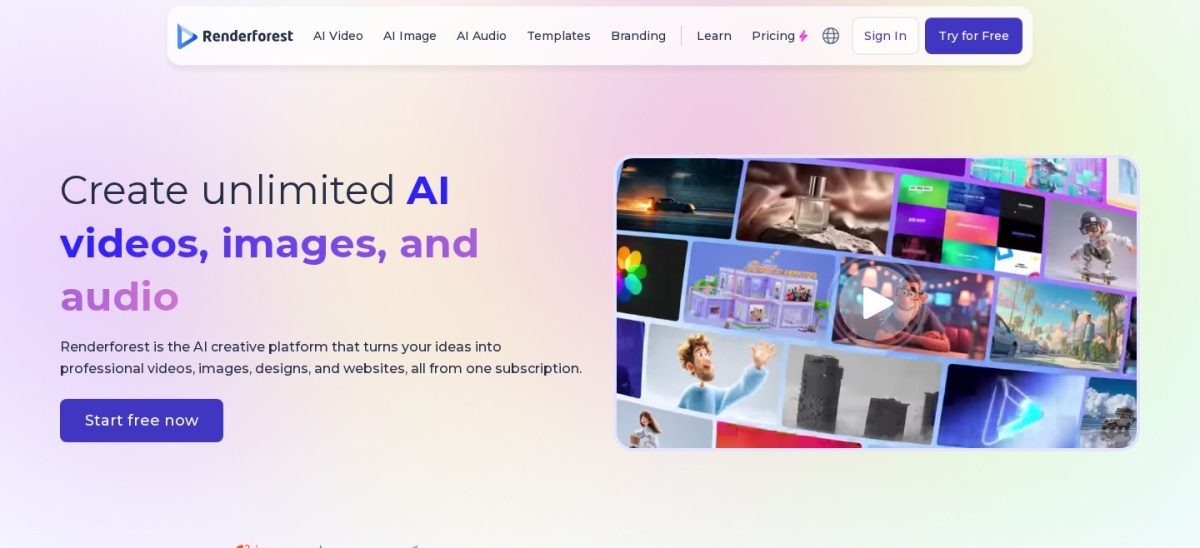
Renderforest is a browser-based tool for animated intros, explainer videos, logos and slideshows from ready-made templates. The free plan exports HD 720p videos up to 3 minutes with a watermark. It is rated 4.7 out of 5 from 447 reviews on G2.
The trade off is depth. Templates make a first video fast, but the same scenes appear in many other videos, and real custom animation is limited. Lite at $13.09 a month removes the watermark. It suits small businesses that need a polished intro or explainer without an editor.
Powtoon is a browser-based tool that turns slides into animated videos, with characters, scenes and motion for explainers and training. The free plan exports 720p videos up to 3 minutes with a Powtoon watermark. It is rated 4.4 out of 5 from 287 reviews on G2.
The trade off is the export cap. Lite at $15 a month billed yearly removes the watermark, allows 5 watermark-free exports a month and lifts videos to 10 minutes in 1080p. It suits trainers and marketers who present ideas as short animated videos.
What we like
Built for animated presentations and training
Characters and scenes included in templates
Screen recording on the free plan
Free plan to try before paying
Watch out for
Free exports carry a watermark
Lite caps watermark-free exports at 5 a month
AI credits renew yearly, not monthly
Lite at $15 a month billed yearly removes the watermarkVisit powtoon.com
05
Krita
4.4/5on G2 (64 reviews, checked Nov 2026)
PriceFree
Best for hand-drawn 2D animation
Free planYes, fully free
AnimationFrame-by-frame timeline
Onion skinningYes
Paid planNone
krita.org
Krita homepage, captured Nov 2026.
Krita is a free, open-source digital painting app with a timeline and onion skinning for frame-by-frame animation. It runs on Windows, macOS and Linux, costs nothing and has no paid tier. It is rated 4.4 out of 5 from 64 reviews on G2.
The trade off is that animation is a side feature. Krita is built for painting first, so it has no rigging, no templates and no video editor. It suits artists who already draw in Krita and want to animate their own frames.
Canva is a browser-based design tool with animation effects for text and page elements, plus templates for social posts, slides and short videos. The free plan covers basic animation effects and a large free template library. It is rated 4.7 out of 5 from 7,643 reviews on G2.
The trade off is scope. Canva animates designs rather than drawing frame-by-frame animation, so it cannot make a cartoon or a 3D scene. Pro at $144 a year adds premium assets, Brand Kits and 100GB of storage. It suits anyone who needs a moving social post fast.
What we like
Largest G2 review base here at 7,643 reviews
Fastest route to an animated social post
Free exports carry no watermark
Huge free template library
Watch out for
Not a real animation tool for cartoons or 3D
Premium assets need the $144 a year Pro plan
Pro covers one person only
Pro at $144 a year adds premium assets and Brand KitsVisit canva.com
07
Synfig Studio
4.6/5on SourceForge (39 reviews, checked Nov 2026)
PriceFree
Best for vector tweening without drawing every frame
Free planYes, fully free
AnimationVector tweening
Bone riggingYes
Paid planNone
synfig.org
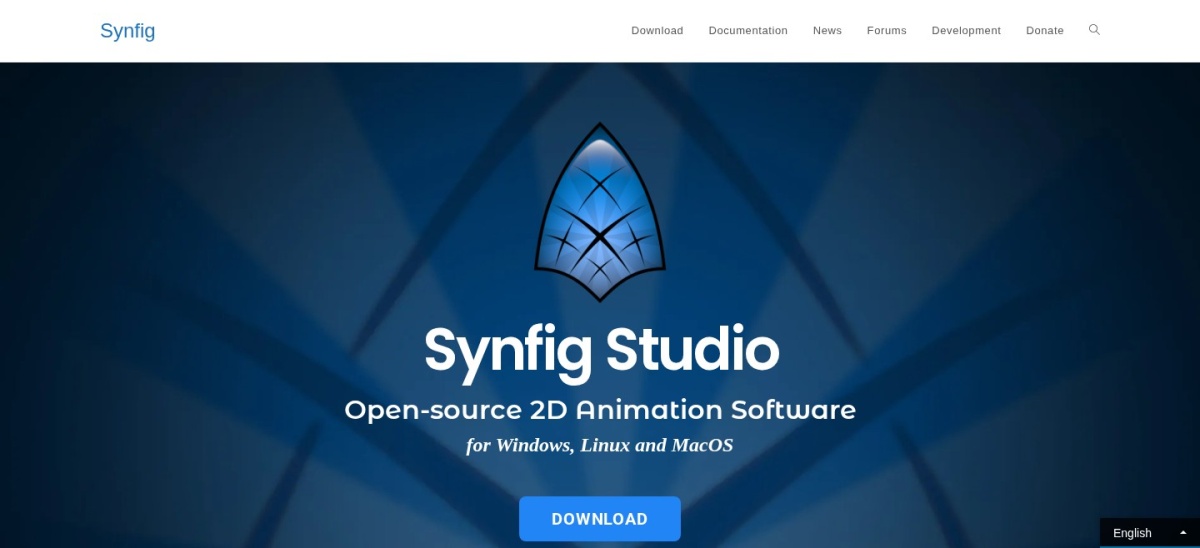
Synfig Studio homepage, captured Nov 2026.
Synfig Studio is a free, open-source vector animation tool that draws the frames between your keyframes, so you animate less by hand. It adds bone rigging for cut-out characters and runs on Windows, macOS and Linux. It is rated 4.6 out of 5 from 39 reviews on SourceForge.
The trade off is the interface. Synfig is powerful but dense, and new users report a long first week before the workflow clicks. It suits 2D animators who want rigging and automatic in-betweening without paying for a studio tool.
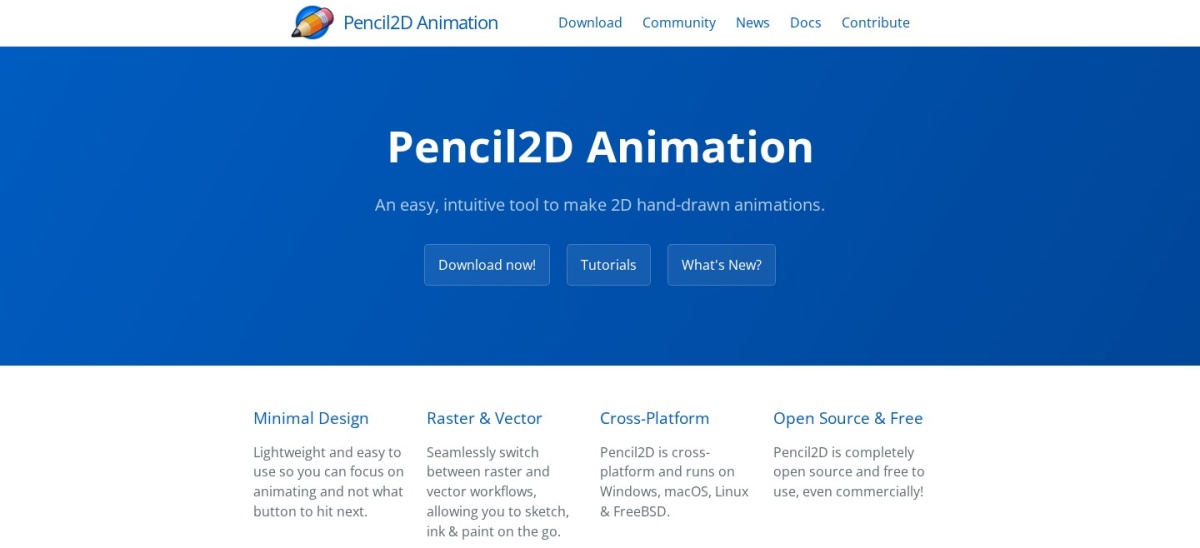
Pencil2D is a free, open-source tool for simple hand-drawn 2D animation, with raster and vector drawing, onion skinning and a light, minimal interface. It runs on Windows, macOS and Linux, and it is free to use even commercially. It is rated 4.1 out of 5 from 16 reviews on G2.
The trade off is scope. There is no rigging, no template library and no built-in audio tools, so projects stay small and simple. It suits beginners who want to learn frame-by-frame drawing without paying or learning a large program.
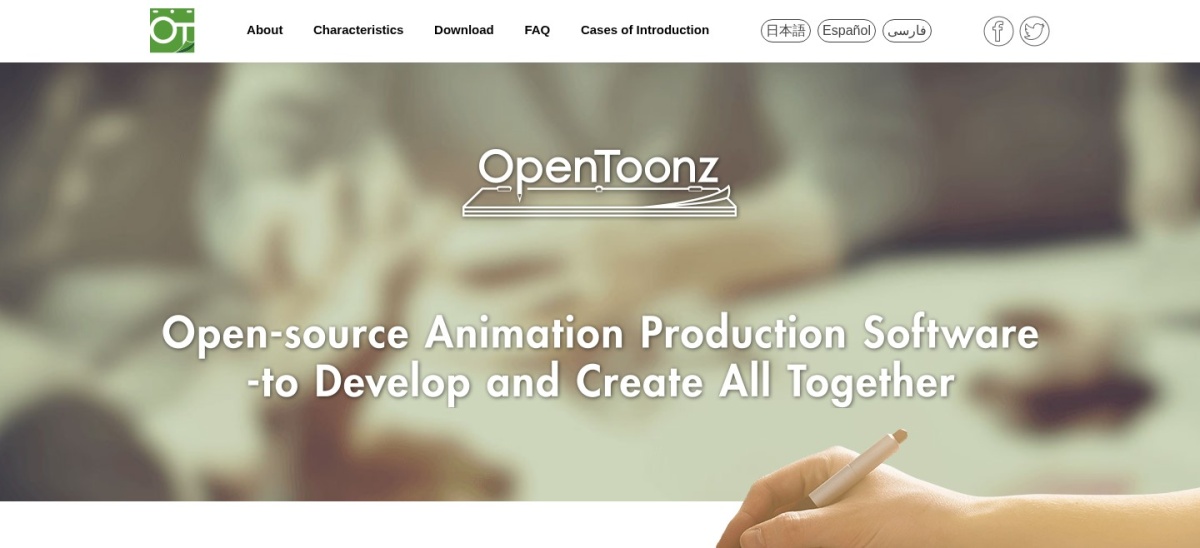
OpenToonz is a free, open-source 2D animation tool built for production work, including the tools Studio Ghibli used on its films. It covers drawing, scanning, effects and compositing, and it is free for commercial and non-commercial projects. It is rated 4.4 out of 5 from 6 reviews on G2.
The trade off is polish. OpenToonz is powerful but rough at the edges, with a dated interface and few reviews to judge it by. It suits traditional animators who want a production-grade free tool and can learn a demanding program.
Five tools in this list never charge. Blender, Krita, Synfig Studio, Pencil2D and OpenToonz are open source, so the download is the full tool and exports carry no watermark.
The other four are free to start and paid to finish. Animaker, Powtoon and Renderforest watermark free exports and cap video length, so a video you want to show a client needs a paid plan. Canva is the exception: its free exports carry no watermark, but premium assets need Pro.
Paid plans start low. Renderforest Lite lists at $13.09 a month, Animaker Basic and Powtoon Lite at $15 a month, and Canva Pro at $144 a year. Paying removes the watermark on the three browser video tools and lifts their length and download caps.
We started from the animation tools most often recommended for PC users, then kept 9 established tools with a free plan and a public rating on G2 or SourceForge.
Prices come from each vendor's pricing page, checked on 25 November 2026, except Renderforest, whose Lite price comes from vendor pricing data on G2. Ratings and review counts come from G2 on the same day, except Synfig Studio, which uses SourceForge. Where a vendor shows a sale, the list shows the regular price.
We left out tools with no public rating and tools with no free plan, including Vyond and Adobe Animate. No vendor paid for a place, and we do not claim to have used these tools ourselves.
How to choose free animation software for PC
Start with the kind of animation you want to make, then check the free plan's limits before you invest time.
Pick 3D, hand-drawn 2D, or a template video. Blender covers 3D and 2D, Krita and Pencil2D cover hand-drawn frames, and Animaker, Powtoon and Renderforest cover template videos.
Check the watermark and length cap. Desktop tools export clean, while browser tools watermark free videos and cap them at 2 or 3 minutes.
Match the tool to your computer. Blender needs a capable machine for 3D rendering, while Pencil2D and Krita run well on older computers.
Try the free plan on a real project. Make one short finished clip before you pay, so you learn the export limits and the editor's quirks early.
FAQ
What is the best free animation software for PC?
Blender is the best free animation software for PC. It covers 3D modelling, rigging, animation and rendering, plus 2D animation through Grease Pencil, all at no cost with no watermark. It is rated 4.6 out of 5 on G2 from 319 reviews.
Is Blender really free?
Yes. Blender is free and open source, with no paid plan, no watermark and no export cap. The Blender Foundation funds development through donations and grants, so the download on blender.org is the full tool. Paid support and training exist, but the software itself costs nothing.
Which free animation software is best for beginners?
Animaker is the easiest start if you want a finished video fast, because templates and characters do most of the work. Pencil2D is the simplest desktop option for hand-drawn animation. Blender is the most capable free tool, but its learning curve is the steepest here.
Do free animation tools add a watermark?
The desktop tools here do not. Blender, Krita, Synfig Studio, Pencil2D and OpenToonz export without a watermark because they have no paid tier. The browser tools do: Animaker, Powtoon and Renderforest watermark free exports, and removing it needs a paid plan from $13.09 a month.
Can I use free animation software for commercial work?
Yes, for the desktop tools in this list. Blender, Krita, Synfig Studio, Pencil2D and OpenToonz are open source and allow commercial use. The browser tools restrict commercial use on their free plans, so read the terms of Animaker, Powtoon, Renderforest or Canva before selling work made on a free plan.
What is the cheapest paid animation software here?
Five tools cost nothing at all: Blender, Krita, Synfig Studio, Pencil2D and OpenToonz have no paid tier. Among the tools that charge, Renderforest Lite lists at $13.09 a month, and Animaker Basic and Powtoon Lite both list at $15 a month.
SaaS SEO and WordPress specialist with about 8 years of experience. Rakib compares WordPress plugins, themes, hosting and software using public pricing, documentation and user reviews. See how we rank.