Best AI Tools to Animate Still Photos in 2026: 8 Tools Compared
WLWPLegible EditorsLast verified 22 Nov 2026How we rank7 min read
★ Short answer
Runway is the best AI tool to animate still photos, with Gen-4.5 image-to-video at $12 a month billed yearly. Pika is the best budget pick at $8 a month, while HeyGen is the best talking-photo pick at $24 a month.
How we make this list: we compare pricing pages, product documentation and public user reviews, then re-check every price before each update. No product paid for a place. Disclosure.
Runway leads for image-to-video at $12 a month billed yearly, with Gen-4.5 and 625 credits a month.
Pika is the best budget pick at $8 a month billed yearly, with no watermark on any tier, but a low 1.8 out of 5 Trustpilot rating.
HeyGen is the best talking-photo pick at $24 a month billed yearly, rated 4.8 out of 5 on G2.
D-ID is the cheapest talking-photo tool at $4.70 a month, rated 4.6 out of 5 on G2.
What photo animation needs from an AI tool
Animating a still photo means three different things. General motion turns a landscape or scene into a moving clip. Talking-head tools make a portrait speak. Depth tools add a subtle 3D parallax.
Runway, Pika, Kling and Luma cover general motion, with image-to-video models and credit pricing. HeyGen and D-ID cover talking heads, with synced speech and cloned voices.
MyHeritage covers the narrow case: face animation for old family photos.
Credits decide the real cost. A 5-second clip and a 10-second clip can cost very different credit amounts, so check the per-clip cost.
Runway is an AI image and video platform whose Gen-4.5 model animates still images into video clips. Standard at $12 a month billed yearly adds 625 credits a month, 4K upscaling, music, voice and sound generation, and no watermarks on paid plans.
The trade off is credit-based pricing means longer clips consume credits fast, and monthly credits do not roll over on Standard or Pro. It suits creators who want the strongest model quality in this set for image-to-video.
Pika is an image-to-video generator with effects, scene tools and character tools. Standard at $8 a month billed yearly adds 700 credits, Pika 2.5 image-to-video, Pikaframes, Pikascenes and Pikaffects, with no watermark on any tier.
The trade off is its Trustpilot rating is low at 1.8 out of 5, and the free tier is limited to 480p. It suits creators who want a cheap, simple prompt-to-clip workflow.
HeyGen is a platform that turns a still photo into a talking-head video with an AI avatar and cloned voice. Creator at $24 a month billed yearly adds photo-to-talking-avatar, voice cloning, video translation in 175+ languages and full-body Avatar V.
The trade off is it covers talking-head style only, not general motion animation, and costs more than clip generators. It suits creators who want the most lifelike talking-photo output in this set.
D-ID is a tool that animates still portraits into talking-head videos with synced speech. Lite at $4.70 a month adds photo-to-video avatars, text-to-speech in many languages and API access.
The trade off is it covers talking-head only, and higher tiers are needed for volume and commercial use. It suits creators who want the cheapest entry price for talking photos.
Kaiber is an AI video generator that animates images with camera moves and style transfer. It adds image-to-video, camera movement controls, style presets and music-reactive video.
The trade off is pricing was not verified on the vendor page today, and credit limits apply on lower tiers. It suits music and art creators who want strong stylised motion output.
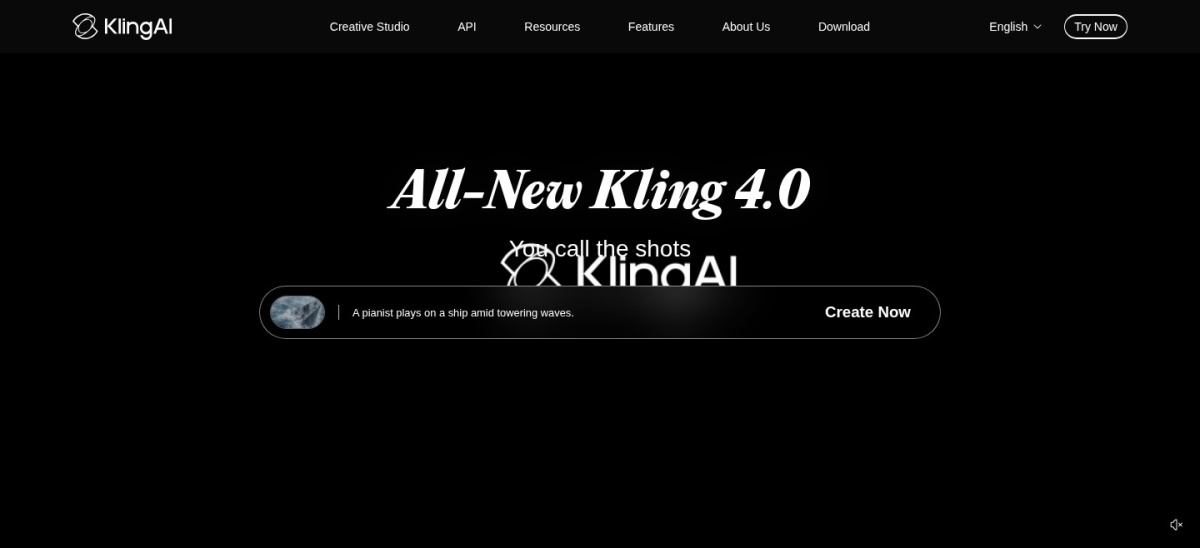
Kling AI is an AI video model for text- and image-to-video generation. Standard at $8.80 a month adds image-to-video with motion control, 1080p output and elements and character consistency features.
The trade off is credit costs vary by length and quality. It suits creators who want a low entry price for 1080p output.
Luma Dream Machine is an AI video generator whose Ray 3 model animates still images into clips. It starts at $30 a month, with image-to-video, camera controls, high-motion output and API access.
The trade off is its entry price is higher than Runway and Pika, and its Trustpilot rating is low at 1.5 out of 5. It suits creators who want high-motion clips from a single image.
4.4/5on Trustpilot (111,624 reviews, checked Nov 2026)
PricingQuote/yr
Best for old family photos
Free planYes
Cheapest paid planQuote/yr
Face animationYes
ColourisationYes
myheritage.com
MyHeritage Deep Nostalgia homepage, captured Nov 2026.
MyHeritage Deep Nostalgia is a tool that animates old family photos so the people in them smile, blink and turn their heads. It adds face animation for old photos, photo enhancement and colourisation, and family-tree integration.
The trade off is it adds only subtle face motion, and full use needs a MyHeritage subscription whose price was not verified. It suits anyone animating old family photos with a one-click workflow.
General motion animates a whole scene, with camera moves and moving elements.
Talking-head motion animates a face, with synced speech and expressions.
Depth motion adds a subtle 3D parallax to a still photo, without generating new video.
A tool built for one kind will disappoint on another, so match the tool to the motion you want.
How we chose
We started from photo-animation roundups and vendor sites, then kept tools with a real animation use case: general image-to-video, talking-head photos, or depth motion.
Prices come from each vendor pricing page, checked on 22 November 2026. Ratings come from G2, Capterra or Trustpilot on the same day, where a rating was published. Where a vendor shows a sale, the list shows the regular price.
We left out tools with no published price or no public review record where a priced alternative existed. No vendor paid for a place, and this list is based on pricing, docs and reviews, not on using the tools ourselves.
How to choose a photo animation tool
Start with the kind of motion you want, then check the credit cost per clip.
Name the motion first. General motion, talking-head and depth motion need different tools. Pick the motion you want.
Check the credit cost per clip. Divide the monthly credit allowance by the clips you need, and check the cost per second for your model.
Check the output quality. Free tiers cap resolution at 480p on Pika. Check the paid resolution before you buy.
Animate one photo first. Try one photo end to end, check the motion and the face, then scale up.
FAQ
What is the best AI tool to animate still photos?
Runway is the best pick to animate still photos, with Gen-4.5 image-to-video at $12 a month billed yearly. Pika is the best budget pick at $8 a month, and HeyGen is the best talking-photo pick at $24 a month.
Can AI animate a still photo into a video?
Yes. Runway, Pika, Kling and Luma turn a still image into a video clip with motion, camera moves and sound. Most are credit-based, so check the monthly allowance and the per-clip cost before you buy.
What is the cheapest photo animation tool?
D-ID Lite is the cheapest talking-photo pick at $4.70 a month, and Pika Standard is $8 a month billed yearly for image-to-video with no watermark. Most tools here also have a free tier for a first try.
How do I make a photo talk?
HeyGen and D-ID turn a still portrait into a talking-head video with synced speech. HeyGen is $24 a month billed yearly with voice cloning, while D-ID Lite is $4.70 a month. Both need a clear front-facing photo.
Is Runway better than Pika?
Runway has the strongest model quality in this set, with Gen-4.5 and 4K upscaling at $12 a month billed yearly. Pika is cheaper at $8 a month and has no watermark on any tier, but its Trustpilot rating is low at 1.8 out of 5.
Can AI animate old family photos?
Yes, MyHeritage Deep Nostalgia animates old photos so the people in them smile, blink and turn their heads. It also adds enhancement and colourisation. Full use needs a MyHeritage subscription.