Best AI Video Generation Tools Comparison in 2026: 8 Tools Compared
WLWPLegible EditorsLast verified 22 Nov 2026How we rank9 min read
★ Short answer
Runway is the best AI video generation tool for creative control, with Gen-4.5 models and pro editing tools at $15 a month. Pick Kling for the cheapest cinematic clips at $10 a month, rated 4.8 out of 5 on G2, or HeyGen for avatar videos at $29 a month.
How we make this list: we compare pricing pages, product documentation and public user reviews, then re-check every price before each update. No product paid for a place. Disclosure.
Runway leads at $15 a month, but its G2 rating of 3.8 comes from only 18 reviews.
Kling, Pika, Hailuo and Vidu all start at $10 to $10.50 a month, the cheapest paid plans here.
HeyGen is the top-rated pick at 4.8 out of 5 on G2 from 1,841 reviews, at $29 a month.
Pika's free account now includes 0 credits, so the $10 a month Standard plan is the real entry point.
What an AI video generation tool should do
AI video generation tools turn text, images or scripts into video. Some make cinematic clips, others make avatar presenters, and a few do both.
The split is between generation and avatars. Runway, Kling, Pika, Hailuo and Vidu generate scenes, while HeyGen and Synthesia build presenter videos from a script.
Credits decide the real cost. Most tools meter generation by credits, so a $10 plan may last a week or a day. Our guide on embedding a video in WordPress shows where the finished video usually ends up.
Prices below are the cheapest paid plan on monthly billing, with the yearly figure in the ladder. Ratings come from G2, SelectHub or Trustpilot, checked in November 2026.
Runway is a generative video platform with pro editing tools, built around its Gen-4.5 models for text-to-video, image-to-video and effects. The free plan gives 125 one-time credits, and Standard at $15 a month adds 625 credits a month.
The trade off is the rating. Runway holds 3.8 out of 5 on G2 from only 18 reviews, the thinnest base in this list, and credits run out fast on long clips. It suits filmmakers and ad teams testing shots with generative AI.
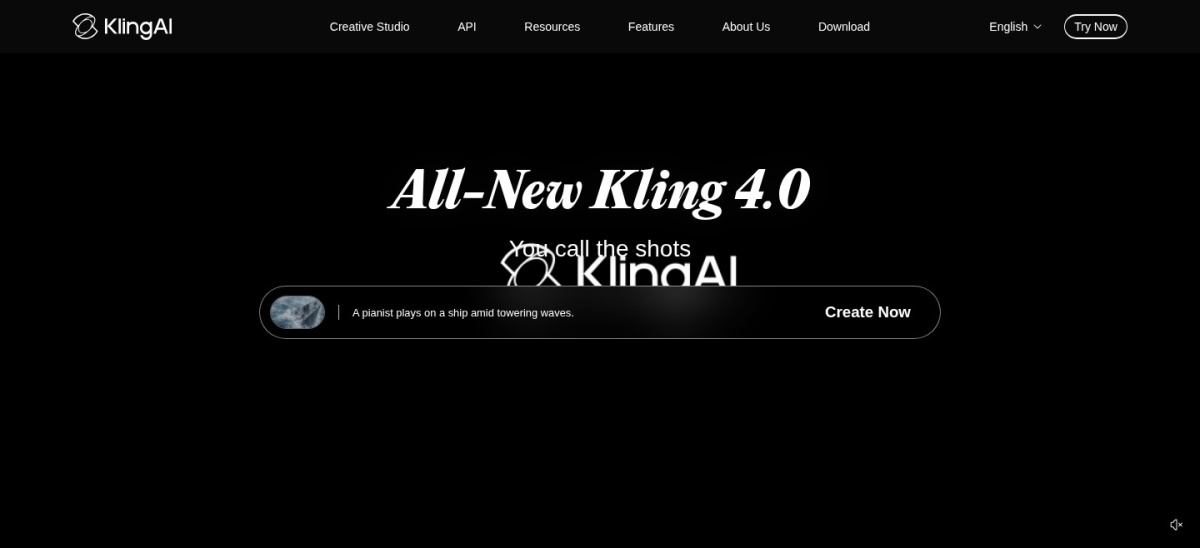
Kling is a video generation model from Kuaishou, known for realistic motion and consistent characters in cinematic clips. The free plan refreshes about 66 credits a day, and Standard at $10 a month is the cheapest paid plan in this list.
The trade off is the rating. Kling holds 4.8 out of 5 on G2 from only 2 reviews, and the free tier has no commercial use. It suits creators who want realistic footage on a small budget.
What we like
Cheapest paid plan here at $10 a month
Most generous free tier, about 66 credits a day
Strong realism and motion quality
Watch out for
G2 rating from only 2 reviews
No commercial use on the free tier
Some sources say daily credits are now for subscribers
HeyGen is an AI avatar platform that turns scripts into presenter-led videos with AI avatars, voice cloning and translation in more than 175 languages. The free plan includes 3 videos a month, and Creator at $29 a month adds 600 credits and longer videos.
The trade off is price. Creator is $29 a month on monthly billing, or $24 a month billed annually, and the free plan caps videos under a minute. It suits marketers and educators making talking-head video at scale.
Synthesia is an AI avatar platform that turns scripts into presenter-led training and explainer videos, with realistic avatars, dubbing in more than 120 languages and a built-in scene editor. The free Basic plan gives 10 minutes of video a month, and Starter at $29 a month is the entry plan.
The trade off is the price spread. Starter is $29 a month on monthly billing, or $18 a month billed annually, and the free plan is watermarked with share-link only. It suits learning teams making training video at scale.
Pika is a stylised video generator built for social clips, with playful effects such as Pikaffects and Pikaswaps. The free account now includes 0 credits, so Standard at $10 a month is the real entry point, with 700 credits a month.
The trade off is the rating split. SelectHub rates it 4.6 from 15 reviews, while Trustpilot reviewers rate it 1.8 out of 5. It suits creators making fun, effects-led clips for social feeds.
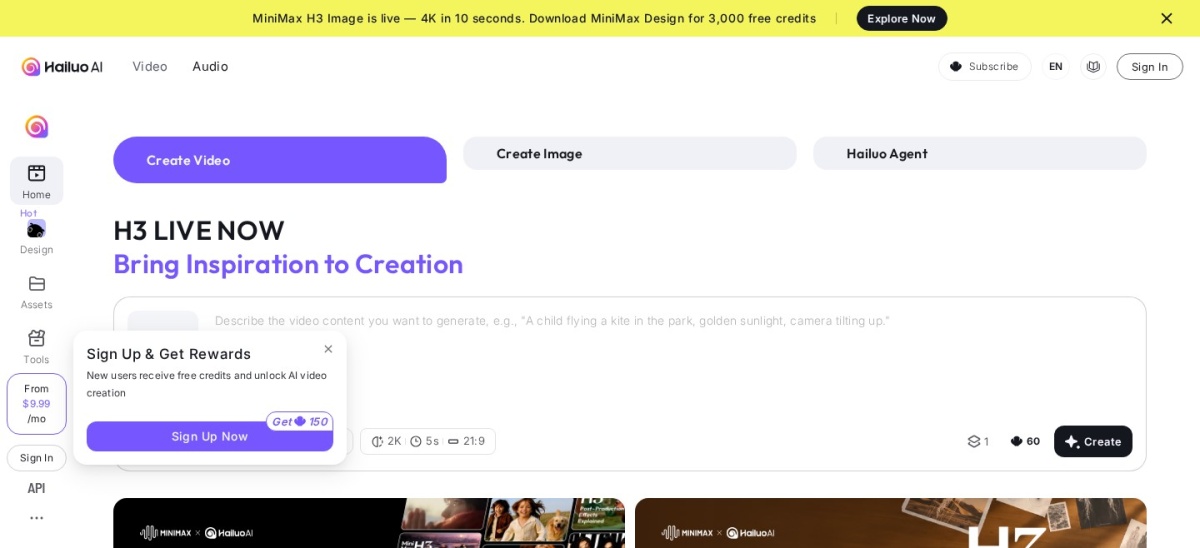
Hailuo is MiniMax's video model, built for fluid motion and physics-aware image-to-video clips. New accounts get one-time trial credits only, and Standard at $10.50 a month is the entry plan, with 1,000 credits a month.
The trade off is the missing rating. No review-site rating was verified for Hailuo, and some sources list the Standard plan at $14.99 a month instead. It suits creators who want fast, stylised clips for social feeds.
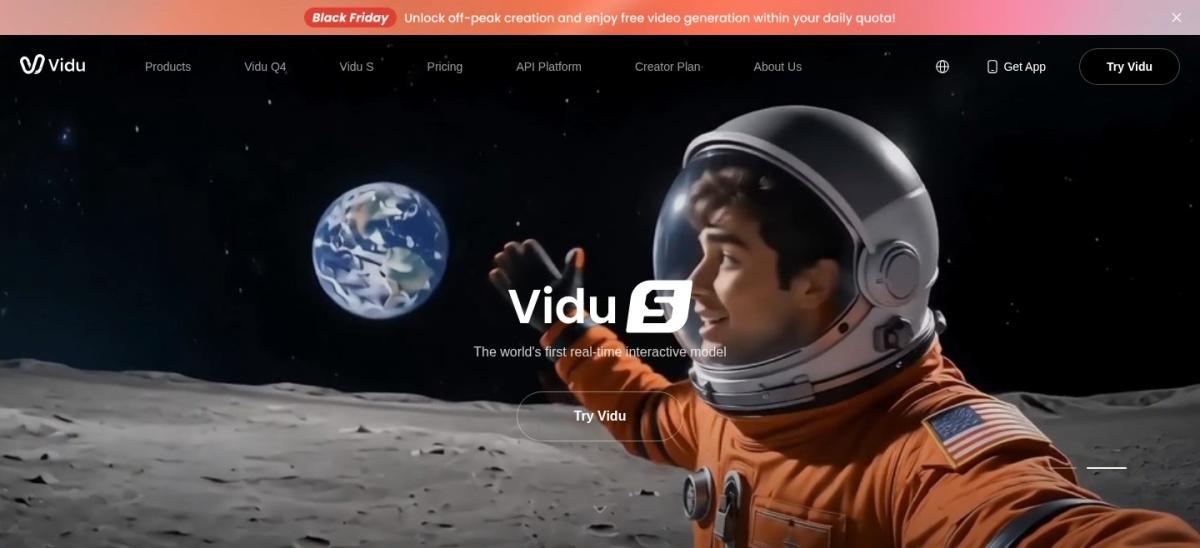
Vidu is a video generation model that builds multi-shot clips from text or images, with consistent characters across shots. The free plan covers basic generation, and Standard at $10 a month adds 800 credits a month.
The trade off is the missing rating. No review-site rating was verified for Vidu, so its $10 price is judged on features alone. It suits creators who need longer, multi-shot scenes on a small budget.
Pictory is a script-to-video tool that turns scripts, articles and long recordings into short branded videos, with AI voices, stock footage and automatic captions. There is no free plan, only a 14-day trial, and Starter at $29 a month is the entry plan.
The trade off is control. It is built for speed, not fine editing, and the G2 base is small at 81 reviews. It suits marketers who need a steady stream of short video from written content.
Most generators sell credits, not minutes. A 5-second clip can cost 10 credits on one tool and 100 on another, so compare the credit price, not the plan price.
Free credits are often one-time. Runway gives 125 credits once, while Kling refreshes about 66 a day.
Commercial rights usually need a paid plan. Kling's free tier has no commercial use, and Pika's free account now includes 0 credits.
If you generate every day, count a month of clips first, then pick the plan whose credits cover it.
How we chose
We started from AI video generators with published pricing and a review-site listing, then kept eight that cover cinematic generation, avatars and script-to-video.
Prices come from vendor pricing pages and review-site pricing data, checked on 22 November 2026. Ratings come from G2 or SelectHub on the same day. Where a vendor shows a sale, the list shows the regular price.
We left out Google Veo 3.1, which has no review-site listing to verify a rating, along with Sora, which was discontinued in April 2026, and Luma Dream Machine, whose prices conflict across sources. No vendor paid for a place, and we do not claim hands-on testing for this list.
How to choose an AI video generation tool
Start with the kind of video you need, then count the credits.
Pick generation or avatars first. Cinematic clips need Runway, Kling or Vidu. Training and presenter videos need HeyGen or Synthesia.
Count a month of clips. Credits run out fast. A $10 plan may cover a few clips a week, not a daily output.
Check the free tier carefully. Some free plans refresh daily and some are one-time. Pika's free account now includes 0 credits.
Check commercial rights. Free tiers often ban commercial use. If the video earns money, you need a paid plan.
FAQ
What is the best AI video generation tool?
Runway leads for creative control with its Gen-4.5 models at $15 a month, though its G2 rating is only 3.8 from 18 reviews. HeyGen is the top-rated pick at 4.8 from 1,841 reviews, at $29 a month.
Can I generate AI video for free?
Yes, with limits. Kling refreshes about 66 credits a day, and Runway gives 125 credits once. Pika's free account now includes 0 credits, so its $10 a month Standard plan is the real entry point.
Which AI video generator is cheapest?
Kling, Pika and Vidu all start at $10 a month, and Hailuo at $10.50 a month. Kling also gives about 66 free credits a day, the most generous free tier here.
What is the difference between HeyGen and Synthesia?
Both make avatar videos from scripts. HeyGen starts at $29 a month with 600 credits and a free plan of 3 videos a month. Synthesia starts at $29 a month with a free Basic plan of 10 minutes a month.
Do I own the videos I generate?
It depends on the plan. Free tiers often ban commercial use, as with Kling, while paid plans usually grant it. Check the terms on the pricing page before using a clip in paid work.