Adobe Photoshop is the best AI tool for photo editing for most people, whatever the project, with Generative Fill, the Remove Tool and Neural Filters in one desktop editor. Canva is the quicker choice for social graphics, and Luminar Neo is the pick if you want a one-time licence instead of a subscription.
How we make this list: we compare pricing pages, product documentation and public user reviews, then re-check every price before each update. No product paid for a place. Disclosure.
Photoshop leads with Generative Fill, the Remove Tool and Neural Filters, rated 4.5 out of 5 on G2 from 2,100 reviews.
Canva Pro costs $144 a year and adds Magic Edit, Magic Eraser and 100GB of storage to a free plan.
Pixlr Plus is the cheapest paid plan here at $1.99 a month, with a free plan for basic AI edits.
Luminar Neo is the only one-time licence in this list at $417, but generative tools need renewal after a year.
Topaz Photo AI is the specialist pick for denoise and upscaling, though its G2 score rests on only 2 reviews.
PhotoRoom is the pick for sellers, with one-click background removal and batch editing for product catalogs.
What should you look for in the best AI tool for photo editing?
Start with the job, not the brand. A product seller needs background removal and batch editing, while a portrait photographer needs skin retouching and RAW support, so the best tool depends on the photos you edit most.
Price spreads are wide. Paid plans in this list run from $1.99 a month to $22.99 a month, and the one-time licence costs $417, so a free plan can be enough for casual edits.
Ratings need a second look. Canva holds 4.7 out of 5 from 7,762 G2 reviews, while Topaz and PhotoRoom score above 4 out of 5 from fewer than 25 reviews each, so treat small samples with care.
Free plans are real but limited. Most cap AI use, watermark exports or hold back the best tools, so check what the free plan actually includes before you commit. Our best AI photo editors guide compares the same tools from a different angle.
Adobe Photoshop is the desktop editor that sets the standard for AI photo editing, with Generative Fill, the Remove Tool and Neural Filters built into a full layer-based workflow. A text prompt can add, remove or replace parts of a photo, while AI masking and selection tools speed up retouching that used to take hours.
The trade off is cost and complexity. The single-app plan costs $22.99 a month on an annual plan, and the entry plan includes only 25 generative credits a month, so heavy AI users need a bigger plan. It suits photographers and designers who edit photos every day and want full control.
What we like
Deepest AI toolset in this list
Precise selections, layers and masks
Works on desktop, web and mobile
Watch out for
Highest price in this list
Only 25 generative credits a month on the entry plan
Steep learning curve for beginners
Photography plan adds Lightroom and 1TB of storageVisit adobe.com
02
Canva
4.7/5on G2 (7,762 reviews, checked Nov 2026)
Paid from$144/yr
Best for quick AI edits and design
AI editingMagic Edit, Magic Eraser
Background removerYes, on Pro
Templates660,000+
Paid planPro, $144 a year
canva.com
Canva homepage, captured Nov 2026.
Canva is a browser-based design platform with AI photo tools built into the editor most social teams already use. Magic Edit changes part of an image from a text prompt, Magic Eraser removes objects, and the background remover cuts out a subject in one click.
The trade off is that the best AI tools sit behind Pro. The free plan covers basic design, while Pro costs $144 a year and adds the full Magic Studio set plus 100GB of storage. It suits small teams and creators who want fast edits inside finished graphics.
What we like
Easiest editor here for beginners
Huge template library for social posts
Free plan covers basic design
Watch out for
Key AI tools need Pro
Less precise than a desktop editor
Yearly price has been reported at different figures
Adobe Lightroom is a photo catalog and editor built for photographers who manage thousands of RAW files. AI Denoise cleans up high-ISO shots, Generative Remove erases distractions, and AI masking selects skies, subjects and backgrounds without manual brushing.
The trade off is that it is not a compositing tool. Layer-based edits and Generative Fill still need Photoshop, and the plan costs $11.99 a month. It suits photographers who want fast batch edits and an organised library in one place.
Luminar Neo is a standalone AI photo editor built around one-click creative edits. Sky AI swaps a dull sky, Relight AI rebalances light across a scene, and Skin AI retouches portraits, all without manual masks or layers.
The trade off is the licence fine print. The list price is $417 paid once, and the generative tools are included for one year, then need a yearly renewal to keep working. It suits hobbyists who want dramatic edits fast and dislike subscriptions.
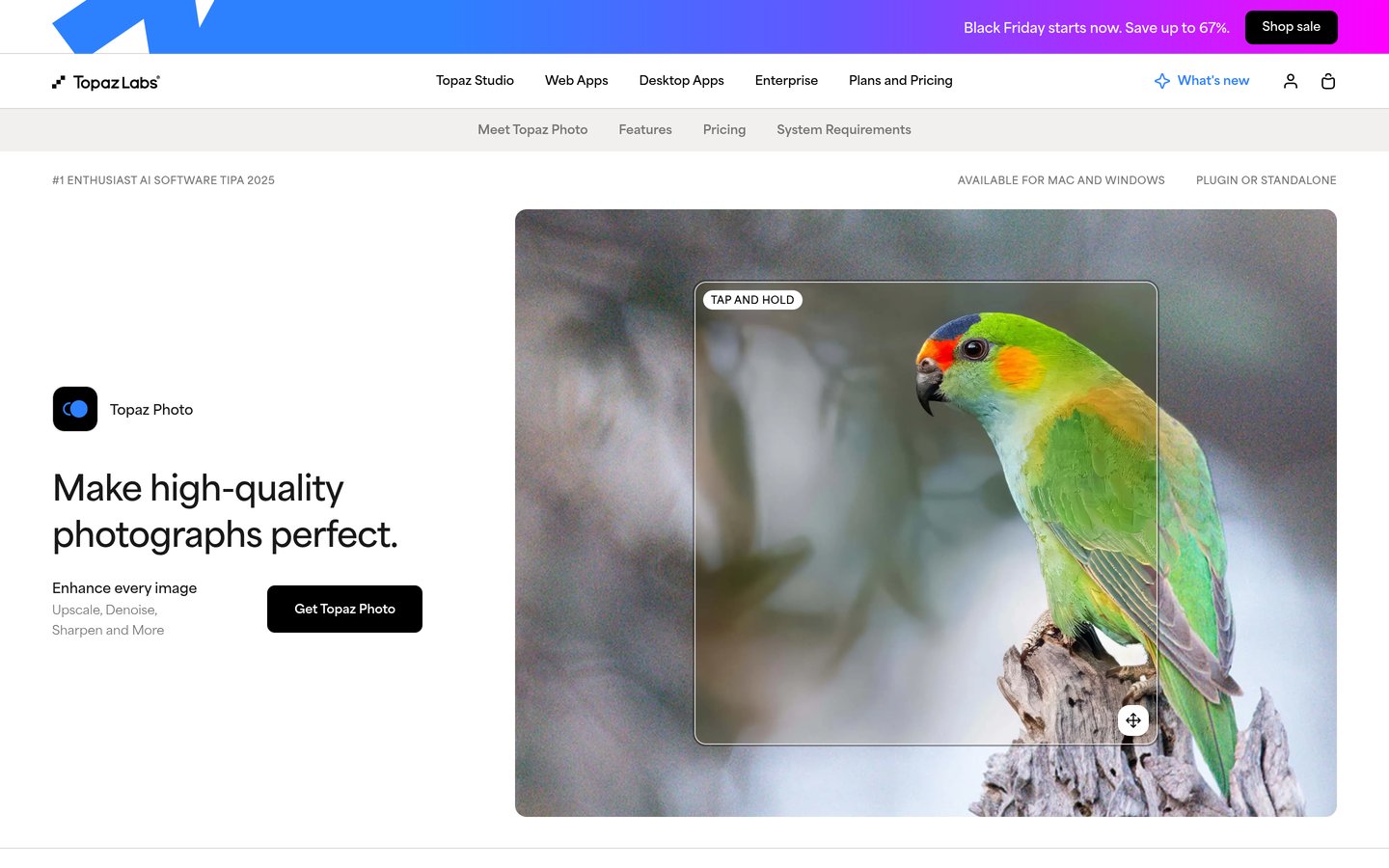
Topaz Photo AI is a specialist desktop app that fixes photo quality rather than replacing an editor. Its AI models remove noise, sharpen soft detail, recover faces and upscale images in one pass, and it works standalone or as a plugin for Lightroom and Photoshop.
The trade off is scope and price. It does not offer general editing, layers or catalog tools, and Personal costs $199 a year. It suits photographers who need to rescue noisy, blurry or low-resolution shots that other editors cannot save.
Pixlr is a browser-based photo editor with AI tools that need no install. Generative fill, AI object removal and background removal run in the browser, and the free plan covers basic edits with ads.
The trade off is depth. It cannot match Photoshop for layered retouching, and the free plan limits AI use and shows ads. It suits casual editors who want quick AI fixes in a browser for almost nothing.
Fotor is a browser and desktop editor that pairs one-click AI enhancement with design tools. Its AI enhancer sharpens and brightens photos, the background remover cuts out subjects, and batch editing handles whole folders at once.
The trade off is polish. Results are fast but less refined than Photoshop or Topaz, and the free plan watermarks some exports and limits AI tools. It suits bloggers and small sellers who need quick, good-looking photos on a budget.
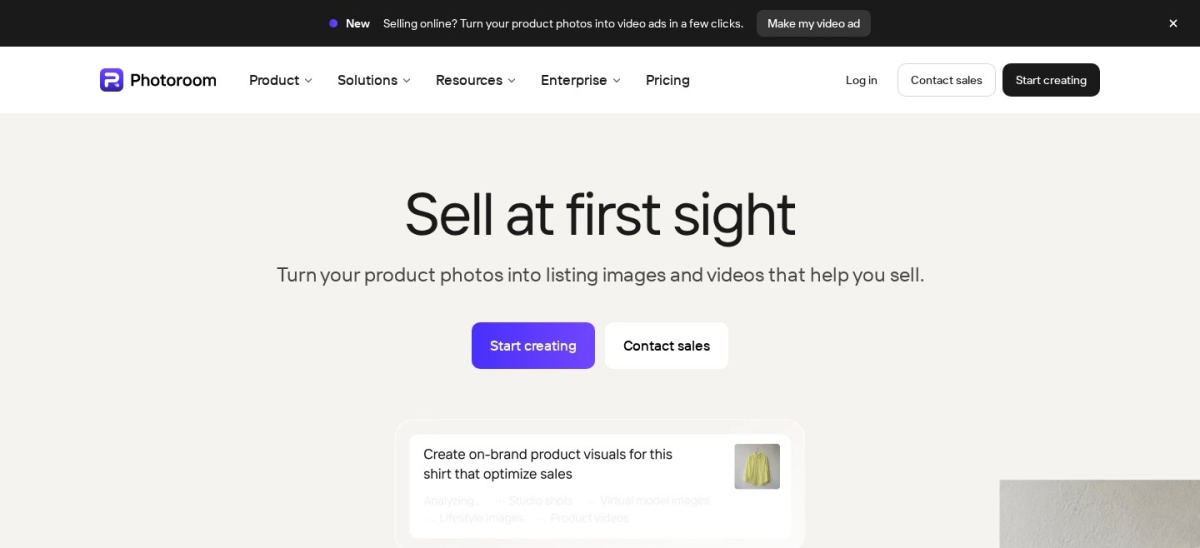
PhotoRoom is an AI editor built for product photos. It removes backgrounds in one click, drops products into clean scenes and templates, and batch editing processes whole catalogs for online stores.
The trade off is range. It is a product-photo tool first, not a general editor for portraits or landscapes, and Pro costs $89.99 a year. It suits sellers who need clean, consistent listing photos fast.
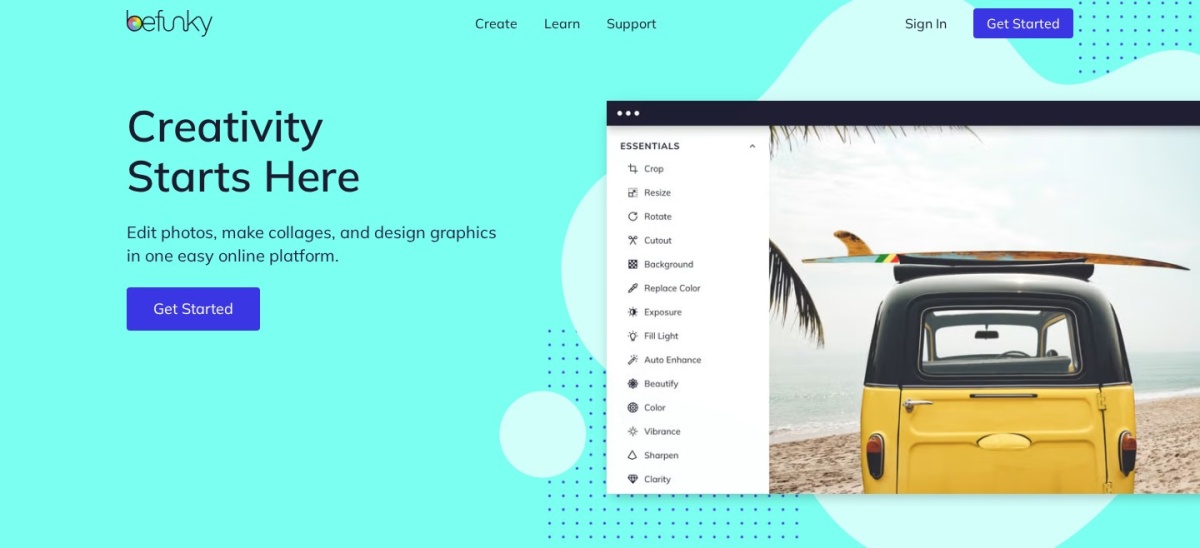
BeFunky is a browser-based editor that mixes AI photo tools with collages and graphic design. Its AI enhancer fixes exposure and colour, the background remover cuts out subjects, and the collage maker turns photos into shareable layouts.
The trade off is pro depth. It is built for quick, creative edits rather than precise retouching, and Plus costs $83.88 a year. It suits casual creators who want fast, fun edits without learning a desktop editor.
Free plans cover the basics well. Most include background removal, one-click enhancement and a limited number of AI uses each month.
Paid plans mostly add volume and quality. You get more AI uses, batch editing, watermark-free exports and the stronger generative tools.
If you edit photos every day, a paid plan pays for itself in saved time. Pixlr Plus at $1.99 a month is the cheapest way in, while Photoshop at $22.99 a month is the full professional set.
For occasional edits, stay free. Canva, Pixlr, Fotor, PhotoRoom and BeFunky all let you try their AI tools without paying anything.
How we chose
We started from the AI photo editors people actually use, then kept nine with a verifiable G2 rating and a published price. Photoshop, Canva, Lightroom, Luminar Neo, Topaz Photo AI, Pixlr, Fotor, PhotoRoom and BeFunky made the list.
Prices come from each vendor pricing page or a published comparison checked in November 2026, and ratings come from G2 on the same basis. Where prices conflicted between sources, we used the figure with the most support and flagged the conflict in our notes.
We left out tools with no verifiable rating on G2, Capterra or Trustpilot. No vendor paid for a place, and we do not claim hands-on testing for this list.
How to choose the best AI tool for photo editing
Match the tool to the photos you edit most, then check the price and the free plan.
Name the job first. Background removal, portrait retouching and RAW editing need different tools, so list your three most common edits before you compare prices.
Try the free plan. Most tools here offer a free plan or trial, so test background removal and AI enhancement on your own photos before paying.
Check the AI limits. Some plans cap generative credits or AI uses each month, so read the plan details if you edit in bulk.
Weigh subscription against a one-time licence. A $417 licence can beat years of monthly fees, but only if its generative tools stay included for as long as you need them.
FAQ
What is the best AI tool for photo editing in 2026?
Adobe Photoshop is the best AI tool for photo editing for most people. Its Generative Fill, Remove Tool and Neural Filters cover the widest range of edits, and it holds a 4.5 out of 5 G2 rating from 2,100 reviews.
How much does the best AI photo editor cost?
Photoshop costs $22.99 a month on an annual plan, which works out at about $276 a year. Cheaper options include Pixlr Plus at $1.99 a month and Fotor Pro at $39.99 a year, both with free plans.
Is there a free AI tool for photo editing?
Yes. Canva, Pixlr, Fotor, PhotoRoom and BeFunky all offer free plans with AI tools such as background removal and one-click enhancement. Free plans limit AI use, watermark some exports or hold back the best tools, so check the limits first.
Which AI photo editor is best for beginners?
Canva is the easiest pick for beginners. Its Magic Edit and Magic Eraser tools work in the browser with no install, and its templates turn an edited photo into a finished post in minutes.
Photoshop or Lightroom: which AI photo editor is better?
Photoshop is better for generative edits, layers and compositing, while Lightroom is better for organising and batch-editing large photo libraries. Many photographers use both, since the Photography plan bundles them together.
What is the best AI tool for photo editing without a subscription?
Luminar Neo is the best one-time licence option in this list at $417 paid once. Its generative tools are included for one year, then need a yearly renewal, so check the renewal cost before you buy.
SaaS SEO and WordPress specialist with about 8 years of experience. Rakib compares WordPress plugins, themes, hosting and software using public pricing, documentation and user reviews. See how we rank.