WLWPLegible EditorsLast verified 24 Nov 2026How we rank11 min read
★ Short answer
Adobe Photoshop is the best AI photo editor for most people, with Generative Fill, AI masking and a 4.5/5 G2 rating. Canva is the best free-friendly choice for quick designs, and Luminar Neo is the pick if you want a one-time licence instead of a subscription.
How we make this list: we compare pricing pages, product documentation and public user reviews, then re-check every price before each update. No product paid for a place. Disclosure.
Photoshop has the deepest AI toolset: Generative Fill, Remove Tool and Neural Filters, rated 4.5/5 on G2.
Canva Pro costs $144 a year and adds Magic Edit, Magic Eraser and 100GB of storage to a free plan.
Pixlr Plus is the cheapest paid plan here at $1.99 a month billed annually, with AI tools in the browser.
Luminar Neo is the only one-time purchase in the list at $417, but sale prices muddy the real cost.
Topaz Photo AI is the best sharpener and upscaler, but at $39 a month it is the priciest subscription.
What to look for in an AI photo editor
AI photo editors promise to do in one click what used to take layers and masks. The useful ones remove backgrounds, extend images, sharpen blurry shots and fix lighting without manual work.
Start with the job. Product sellers need fast background removal and batch edits, photographers need RAW support and noise reduction, and marketers need templates and text tools beside the photo.
Price shapes the choice more than features. Subscriptions in this list run from $1.99 a month for Pixlr Plus to $39 a month for Topaz Photo AI, while Luminar Neo sells a one-time licence for $417. Our guide to the best AI ad generators covers tools that pair these edits with ad copy.
Ratings are thin for the smaller tools. Topaz Photo AI holds 4.3/5 on G2 from only 2 reviews and Photoroom from 20, so treat those scores as a weak signal next to Canva's 7,762 reviews.
Adobe Photoshop is the standard pro photo editor, and its AI tools are the deepest in this list. Generative Fill adds or removes objects from a text prompt, the Remove Tool cleans up distractions, and Neural Filters retouch portraits, recolour scenes and smooth skin in a few clicks.
The trade off is price and weight. At $22.99 a month for the single app, it costs more than every other editor here, and it needs a capable computer. It suits photographers and designers who already live in Adobe's apps and want the fullest AI toolset.
What we like
Deepest AI editing tools in this list
Generative Fill works from a text prompt
Huge template, brush and plugin library
Watch out for
Most expensive editor in this list
Heavy app, needs a strong computer
No permanent free plan, trial only
The plan includes 100GB of cloud storage and Adobe FontsVisit adobe.com
02
Canva
4.7/5on G2 (7,762 reviews, checked Nov 2026)
Paid from$144/yr
Best for quick AI edits and design
AI editingMagic Edit, Magic Eraser
Free planYes, with limits
Templates660,000+ templates
Paid planPro, $144/yr
canva.com
Canva homepage, captured Nov 2026.
Canva is a design platform with strong AI photo tools built in. Magic Edit changes parts of an image from a text prompt, Magic Eraser removes objects, and the background remover cuts out subjects in one click. Pro unlocks the full set plus 100GB of storage.
The trade off is depth. Canva edits photos well but cannot match Photoshop for detailed retouching or RAW work, and the best AI tools need Pro. It suits marketers, teachers and small teams who need a finished graphic fast.
What we like
Fastest route from photo to finished design
Huge template and stock library
Free plan covers basic AI edits
Watch out for
No RAW editing or deep retouching
Best AI tools need the Pro plan
Exports can look generic without custom work
Pro adds Magic Edit, 100GB storage and brand kitsVisit canva.com
03
Adobe Lightroom
4.6/5on G2 (3,403 reviews, checked Nov 2026)
Starts at$11.99/mo
Best for AI photo organisation and RAW edits
AI editingMasks, Denoise, Generative Remove
Free planNo, 7-day trial
RAW editingYes, with presets
Paid planSingle app, $11.99/mo
adobe.com
Adobe Lightroom homepage, captured Nov 2026.
Adobe Lightroom is Adobe's photo manager and RAW editor with AI built into the workflow. AI masks select skies, subjects and backgrounds in one click, Denoise cleans up high-ISO shots, and Generative Remove erases objects while filling the background.
The trade off is scope. Lightroom is built for organising and grading photos, not for layered compositing or graphic design. It suits photographers who shoot RAW and want fast, consistent edits across whole albums.
Luminar Neo is a desktop photo editor built around one-click AI tools. Sky AI swaps skies and relights the scene to match, Relight AI fixes backlit portraits, and the portrait tools smooth skin and reshape light without manual masking.
The trade off is the price tag and the sales. The regular Desktop Only licence is $417 one-time, and the site often shows much lower sale prices that do not last. It suits photographers who want AI edits without a monthly subscription.
Pixlr is a browser-based editor with AI tools that need no install. AI Remove cuts out backgrounds, Generative Fill extends or replaces parts of an image, and the free plan covers basic edits with ads.
The trade off is polish. The interface is busy, free exports carry ads, and the AI tools are simpler than Photoshop's. It suits quick edits on any computer and anyone who wants the cheapest paid plan in this list.
Fotor is an online editor built for fast one-click fixes. Its AI Enhancer sharpens and brightens photos, the background remover cuts out subjects, and HDR and batch editing handle whole sets at once.
The trade off is depth. Fotor is quick and simple but lacks the layered editing and RAW controls of the pro tools, and the free plan shows ads. It suits casual users who want better photos in seconds.
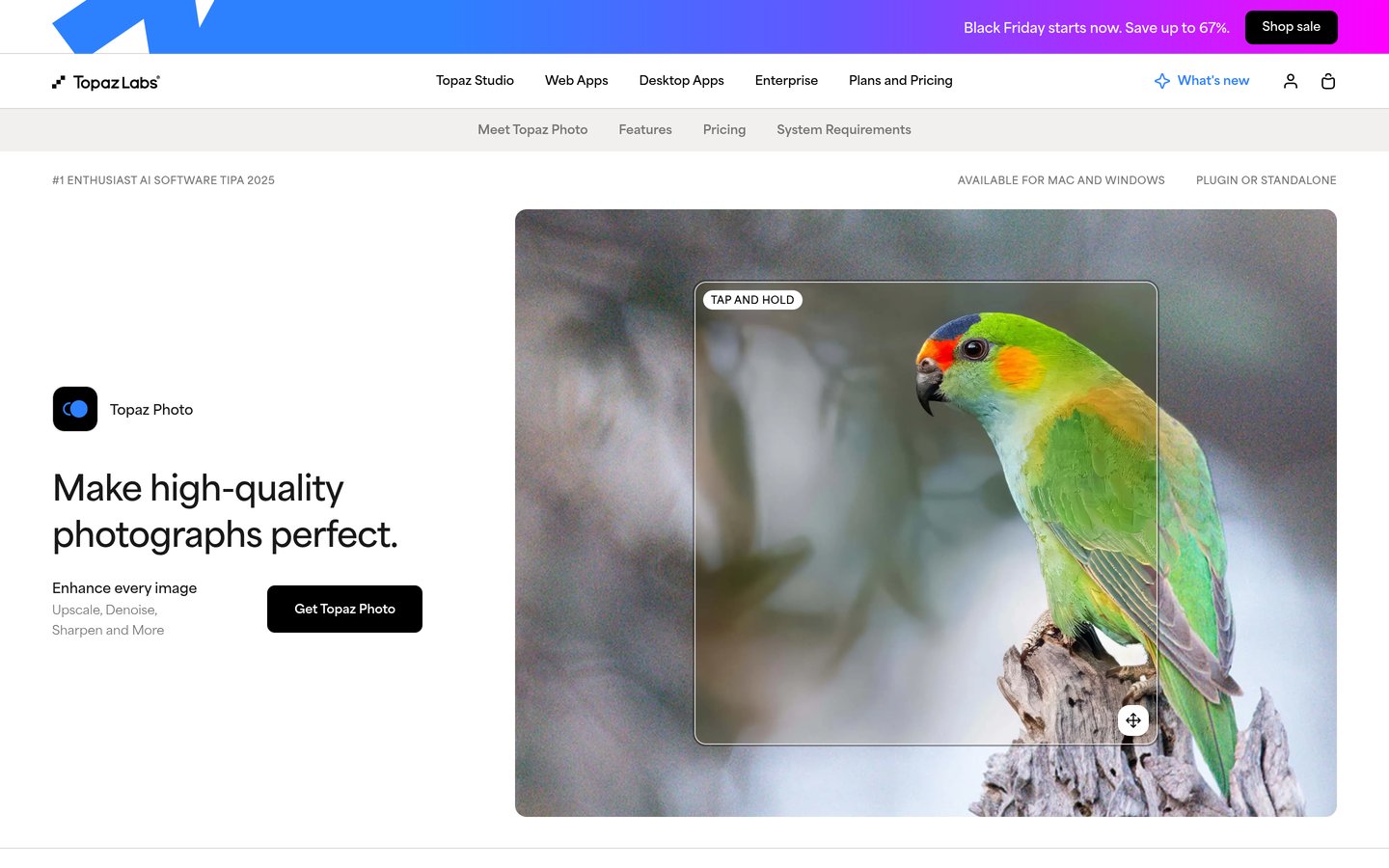
Topaz Photo AI is a specialist that fixes image quality with AI. It sharpens soft shots, removes noise and upscales small images, and it can run as a standalone app or as a plugin for Lightroom and Photoshop.
The trade off is price and narrow focus. At $39 a month it is the priciest subscription here, and it only improves quality rather than editing creatively. It suits photographers restoring old or noisy images.
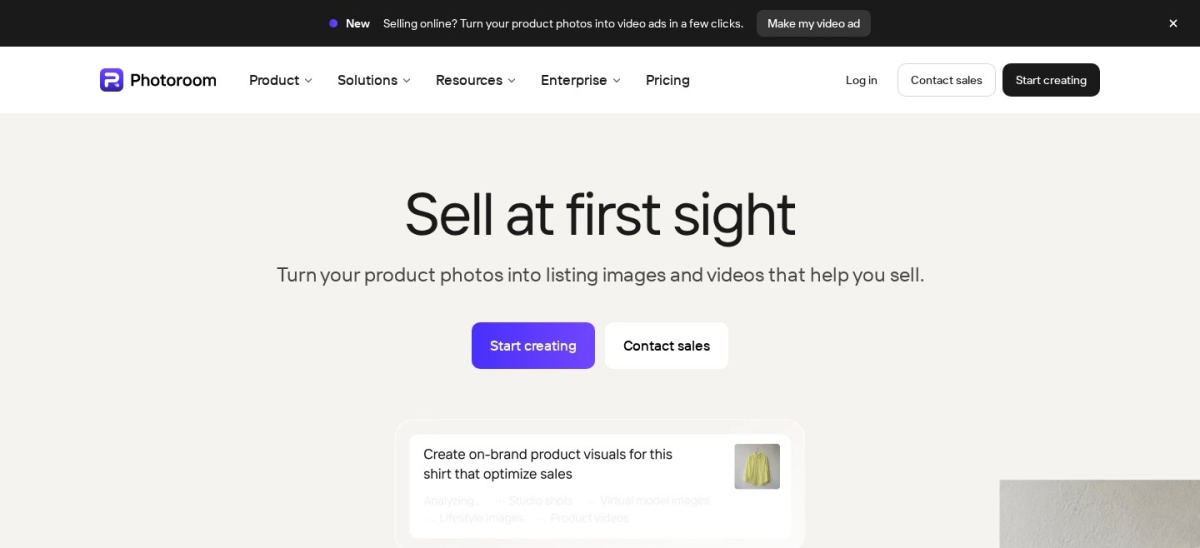
Photoroom is built for product photos. It removes backgrounds in one tap, generates studio-style AI backgrounds, and batch-edits whole catalogues for shops that list many items.
The trade off is the narrow focus and the thin review base, with only 20 G2 reviews behind its 4.3 rating. It suits sellers who need clean product shots fast rather than general photo editing.
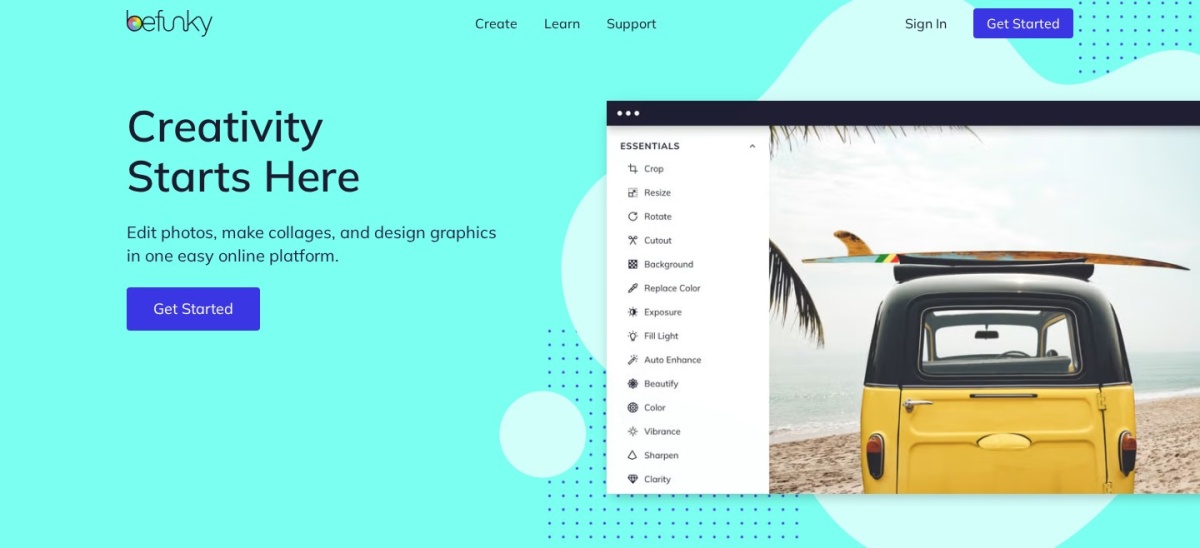
BeFunky is a simple online editor with AI helpers and a collage maker. Its AI tools remove backgrounds, enhance photos and apply artsy effects, and the built-in designer adds text and graphics.
The trade off is power. BeFunky is easy to learn but cannot match the pro editors for detailed work, and the free plan shows ads. It suits casual users who want quick edits and collages.
Free plans cover basic AI edits in most of these tools. Canva, Pixlr, Fotor, Photoroom and BeFunky all let you edit and export without paying, though ads or watermarks apply.
Paid plans mostly add the stronger AI tools and remove ads. Canva Pro unlocks Magic Edit, Pixlr Plus removes ads, and Photoroom Pro removes the watermark and adds batch editing.
Photoshop, Lightroom, Luminar Neo and Topaz Photo AI have no lasting free plan. They offer a trial, then a subscription or a one-time licence.
How we chose
We started from the AI photo editors with the most G2 reviews and the clearest AI features, then kept nine with a verifiable rating and a published price.
Prices come from each vendor's pricing page or a recent read of it, checked on 24 November 2026. Ratings come from G2 on the same day. Where a vendor shows a sale, the list shows the regular price.
We left out editors with no verifiable rating or no published price. No vendor paid for a place, and we do not claim hands-on testing for this list.
How to choose an AI photo editor
Match the editor to the job you do most, then check the price shape before you commit.
Decide what you edit most. Product photos need background removal and batch tools, portraits need retouching and skin AI, and landscapes need sky and light tools.
Check the free plan first. Canva, Pixlr and Fotor all edit for free. If the free tools cover your job, you may never need to pay.
Compare subscriptions with one-time licences. Pixlr Plus costs $1.99 a month while Luminar Neo charges $417 once. Work out how long you will use it before choosing.
Watch the review count. A 4.3 rating from 2 reviews means far less than 4.7 from 7,762. Treat thin ratings as a weak signal.
FAQ
What is the best AI photo editor?
Adobe Photoshop is the best AI photo editor overall, with Generative Fill, the Remove Tool and Neural Filters, rated 4.5 out of 5 on G2. It costs $22.99 a month for the single app, so Canva Pro at $144 a year is the better value for quick edits and designs.
Is there a free AI photo editor?
Yes. Canva, Pixlr, Fotor, Photoroom and BeFunky all offer a free plan with AI tools such as background removal and one-click enhancement. Free plans usually show ads or add a watermark, and the strongest AI features sit behind a paid plan.
Which AI photo editor is cheapest?
Pixlr Plus is the cheapest paid plan in this list at $1.99 a month billed annually, or $23.88 a year. Fotor Pro costs $39.99 a year and BeFunky Plus $83.88 a year, while Photoshop costs $22.99 a month.
Can AI photo editors replace Photoshop?
For quick edits, yes. Canva and Pixlr handle background removal, object removal and enhancement well. For layered work, RAW editing and print-quality output, Photoshop and Lightroom still lead, and Topaz Photo AI beats them all on sharpening and upscaling.
What is the best AI photo editor without a subscription?
Luminar Neo is the best one-time purchase in this list, with a regular Desktop Only licence of $417. It includes Sky AI, Relight AI and portrait tools, and works as a plugin for Photoshop and Lightroom.
Do AI photo editors work in the browser?
Yes. Canva, Pixlr, Fotor, Photoroom and BeFunky all run in the browser with no install. Photoshop and Lightroom offer web versions too, but their full AI tools need the desktop apps.