Best Ai Productivity Tools in 2026: 9 Tools Compared
WLWPLegible EditorsLast verified 22 Nov 2026How we rank13 min read
★ Short answer
Notion is the best AI productivity tool for most people, with a 4.6 out of 5 G2 rating from 13,771 reviews and a free plan that covers docs, tasks and wikis. Pick ChatGPT for a general AI assistant, Grammarly to polish everything you write, and Fireflies or Otter.ai when meetings need notes.
How we make this list: we compare pricing pages, product documentation and public user reviews, then re-check every price before each update. No product paid for a place. Disclosure.
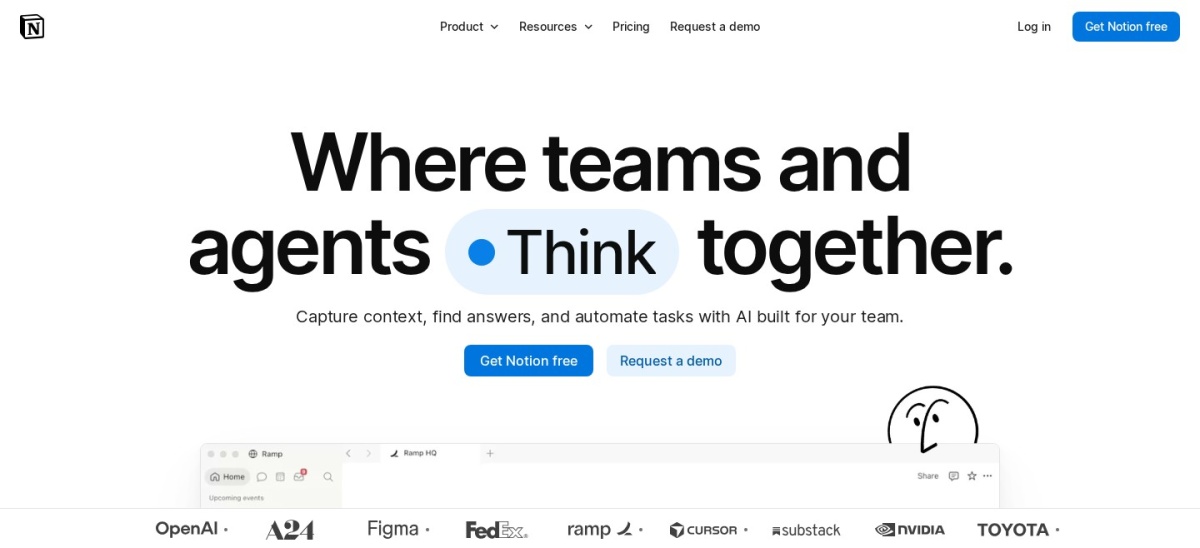
Notion leads with 100 million+ users, a 4.6 G2 rating and a free plan that covers docs, tasks and wikis.
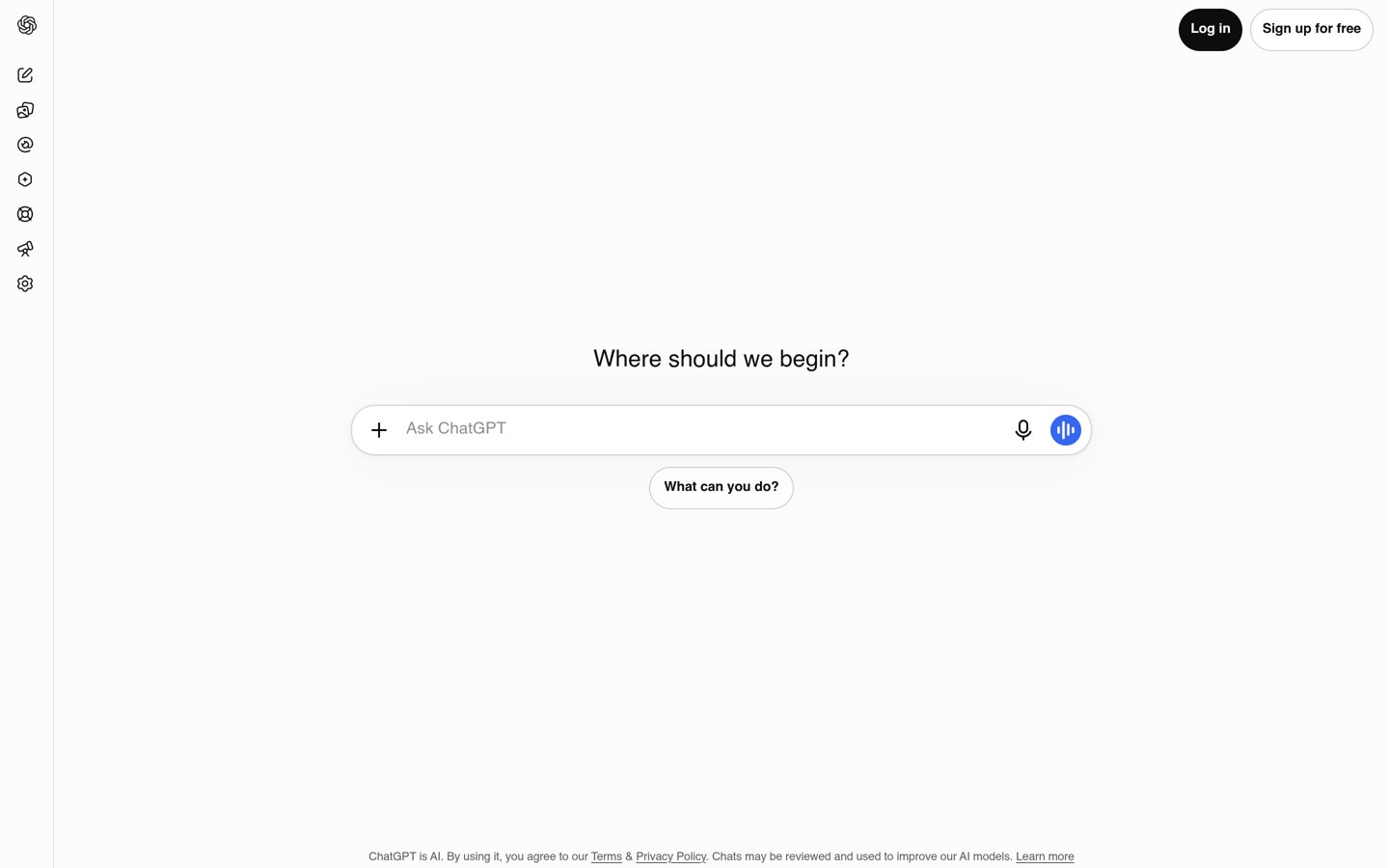
ChatGPT is the most-used AI assistant here, with 1.2 billion weekly users, but Plus has no annual discount at $240 a year.
Grammarly and Fireflies share the highest large-base rating at 4.7 out of 5 on G2, from 14,066 and 752 reviews.
Reclaim.ai has the highest rating in the list at 4.8 out of 5, but from only 144 G2 reviews.
Paid plans run from $60 a year for Todoist Pro to $240 for ChatGPT Plus; Sunsama and Motion have no free plan.
What to look for in an AI productivity tool
AI productivity tools now split into three kinds: workspaces like Notion that hold docs and tasks, assistants like ChatGPT and Grammarly that draft and polish, and schedulers and notetakers like Motion, Reclaim, Otter and Fireflies that run the calendar and meetings.
Ratings are the quickest quality check. Every tool here scores at least 4.1 out of 5 on G2 or Capterra, and the review counts run from 144 for Reclaim.ai to 14,066 for Grammarly on G2, so treat small-sample ratings with care.
Price matters after the free version runs out. Seven of the nine tools have a free plan, and the price ladder below shows the cheapest paid plan for each, with the annual rate where one exists.
Free plans are where the limits hide. Minutes, storage and scheduling range are the caps that bite first, so check the free tier against a normal week before you pay.
Notion is an all-in-one workspace for notes, docs, tasks and wikis, used by more than 100 million people. The free plan covers databases, basic forms and sites, Notion Calendar and a trial of Notion AI. Plus adds unlimited file uploads up to 5 GB, a 30-day page history, charts and custom forms and sites.
The trade off is that the full AI features sit on higher plans. Notion Agent and AI Meeting Notes need Business at $20 per member a month, and Custom Agents cost extra at $10 per 1,000 monthly credits. It suits teams that want docs, tasks and AI in one place instead of three separate tools.
ChatGPT is OpenAI's general AI assistant, used by more than 1.2 billion people a week as of September 2026. The free plan covers unlimited text chats with GPT-6, plus limited uploads, image creation, voice chats and deep research. Plus adds advanced reasoning, expanded limits, projects, scheduled tasks and custom GPTs.
The trade off is the monthly-only billing. Plus costs $20 a month with no annual discount, so a year costs $240, and the cheaper Go plan at $8 a month still shows ads. It suits anyone who wants one AI assistant for drafting, planning, research and quick answers.
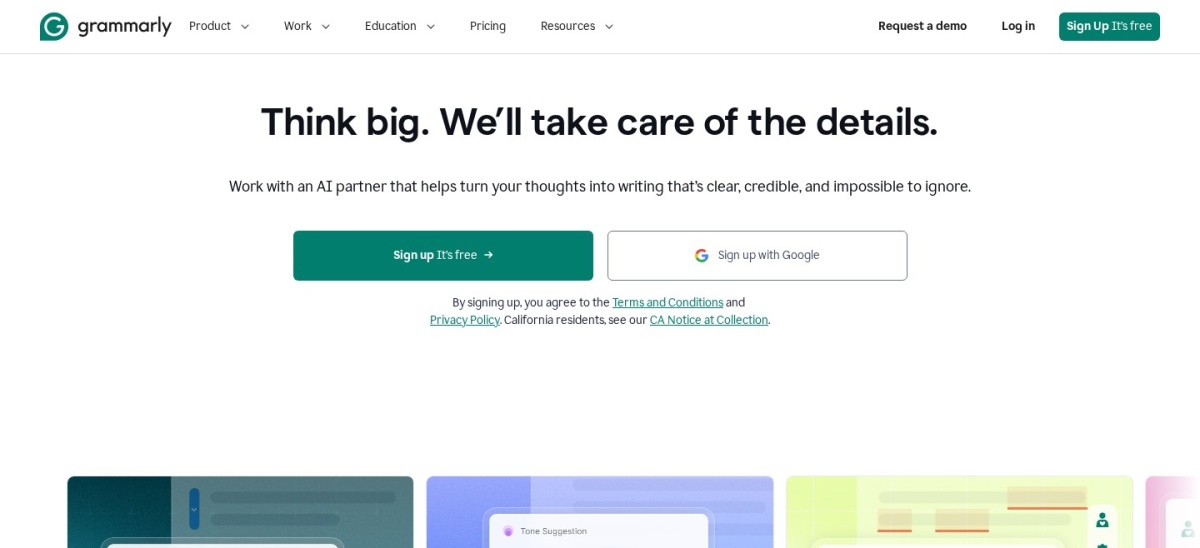
Grammarly is an AI writing assistant that checks grammar, clarity and tone inside email, documents and browsers. The free plan covers spelling and grammar checks, tone detection and 100 AI prompts a month. Pro adds full-sentence rewrites, tone adjustment, plagiarism and AI-text detection and 2,000 AI prompts a month.
The trade off is the billing gap. Pro costs $12 a member a month billed annually, but $30 a month on monthly billing, so a year costs $360 if you pay month to month. It suits anyone who writes all day and wants every draft checked before it goes out.
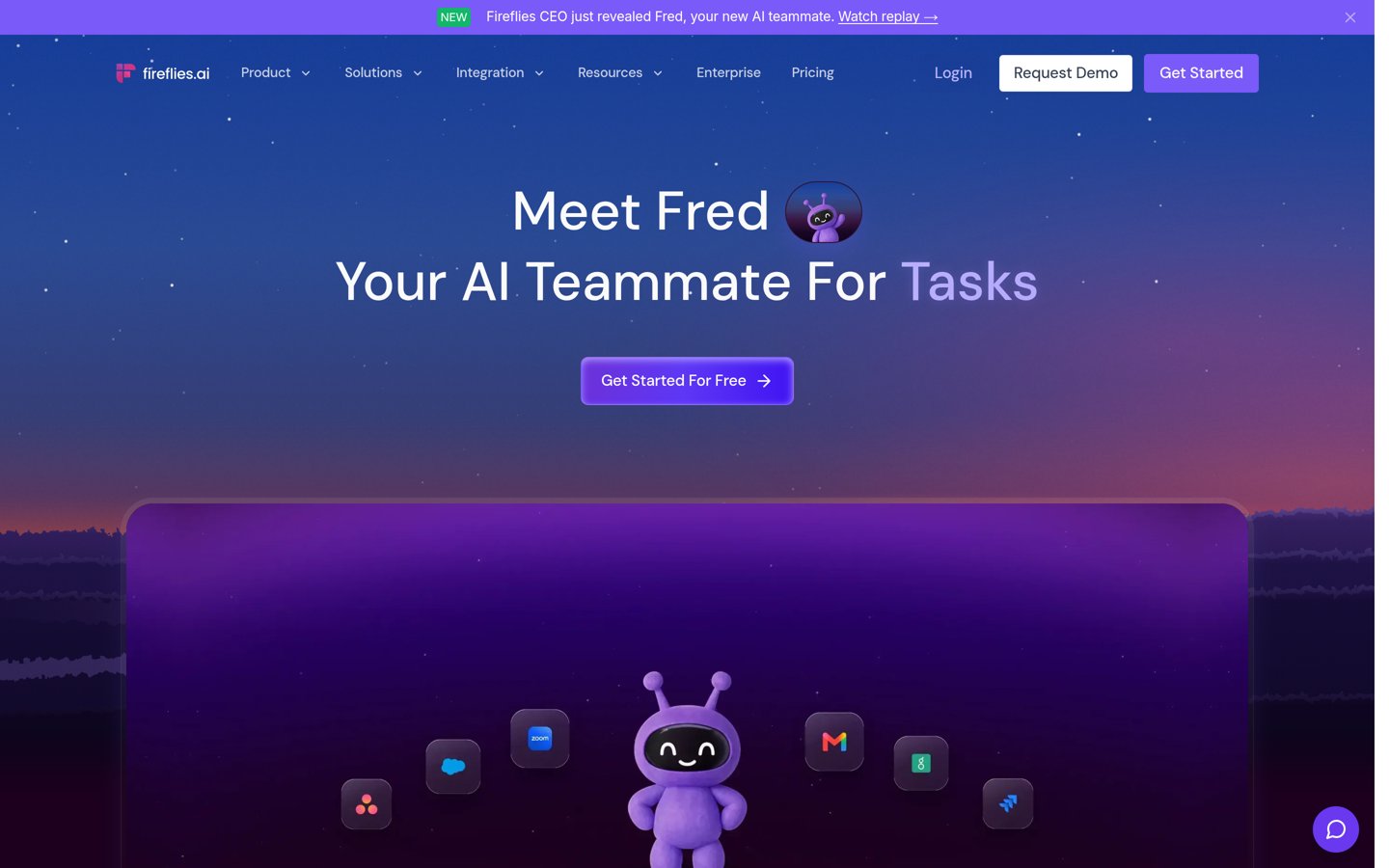
Fireflies.ai is an AI notetaker that joins Zoom, Meet and Teams calls, transcribes them and writes summaries with action items. The free plan covers unlimited transcription, limited AI summaries and 400 minutes of storage per team. Pro adds unlimited summaries, 8,000 minutes of storage per seat and video recording.
The trade off is the free storage cap. A team that meets often will fill 400 minutes fast, and the AI credits that power its assistants are capped at 20 on every plan. It suits teams that want searchable meeting records without anyone taking notes.
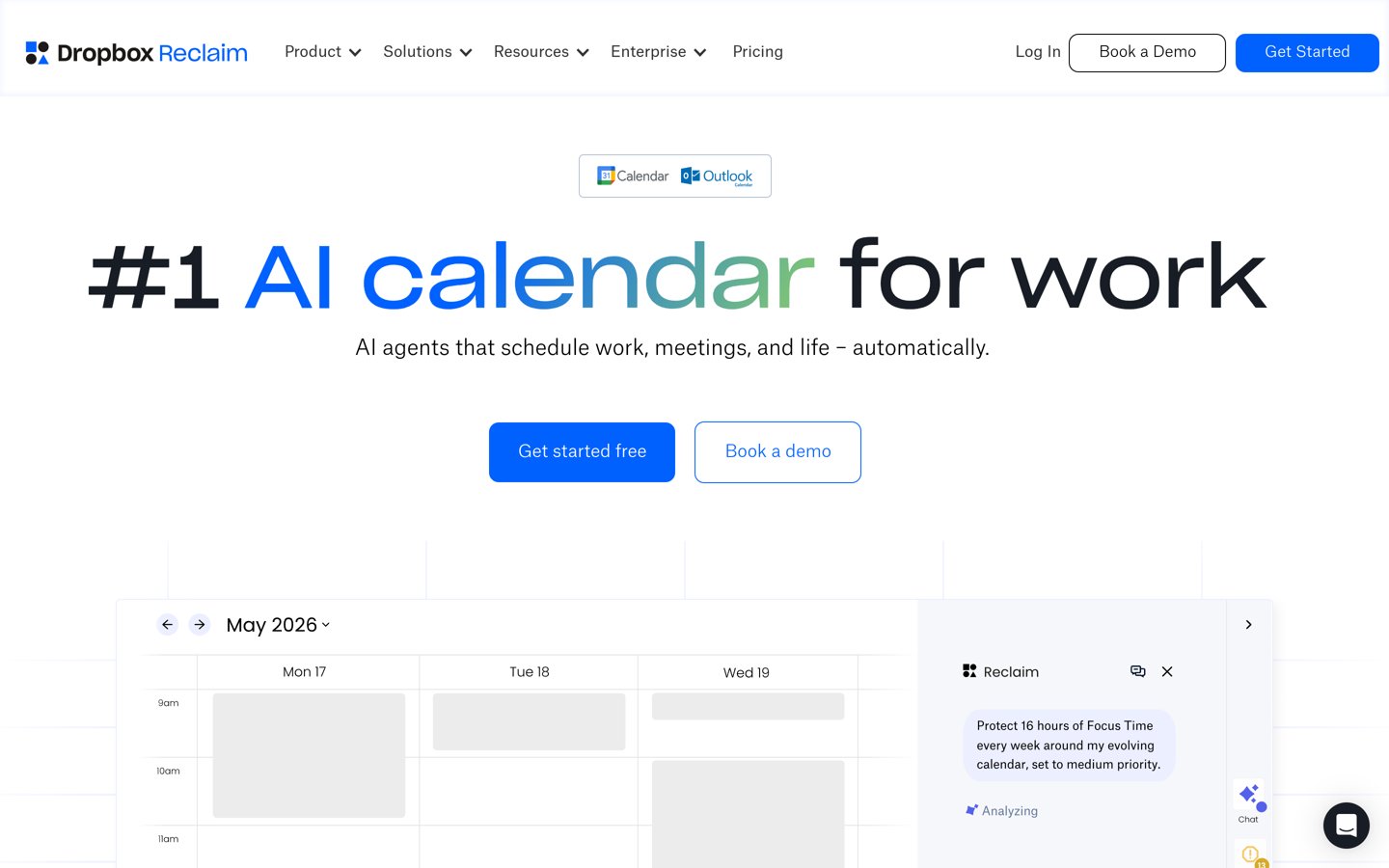
Reclaim.ai is an AI calendar assistant that turns tasks, habits and focus time into scheduled blocks around your meetings. The free Lite plan covers 2 connected calendars, 3 Smart Meetings and a 1-week scheduling range. Starter adds unlimited calendars and habits, calendar sync and an 8-week range.
The trade off is the small review base. Its 4.8 out of 5 G2 rating comes from only 144 reviews, and the free plan's 1-week range is too short for real planning. It suits busy people whose calendar fills up before their task list gets a look-in.
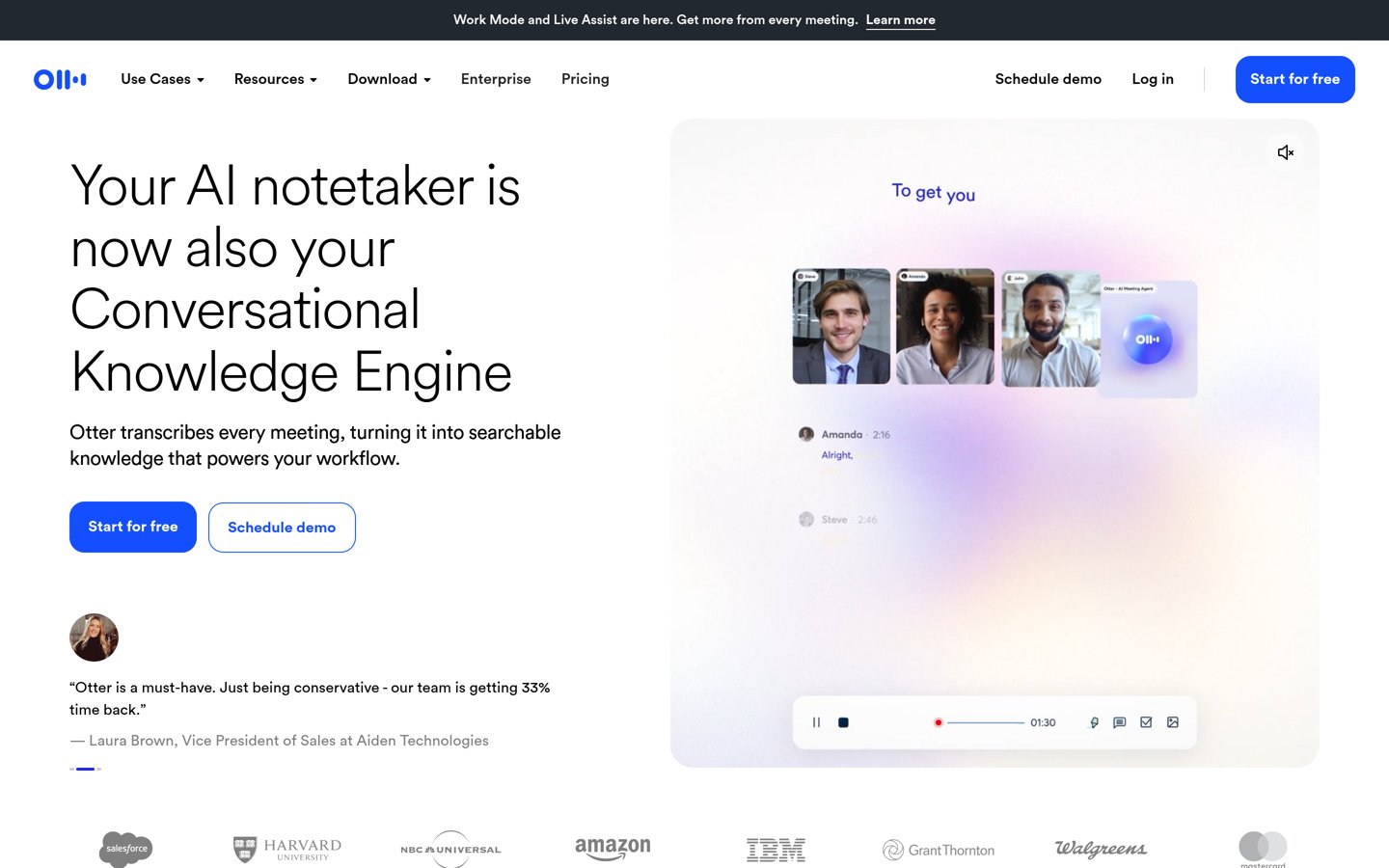
Otter.ai is an AI notetaker that transcribes meetings live and turns them into searchable notes with summaries and action items. The free Basic plan covers 300 transcription minutes a month, 30 minutes per conversation and 3 lifetime file imports. Pro raises that to 1,200 minutes a month and 90 minutes per conversation.
The trade off is the annual discount. Pro costs $16.99 a month billed monthly, but $8.33 a month, or $99.96 a year, billed annually, so monthly billing costs about double. It suits people who want live captions and a transcript they can search later.
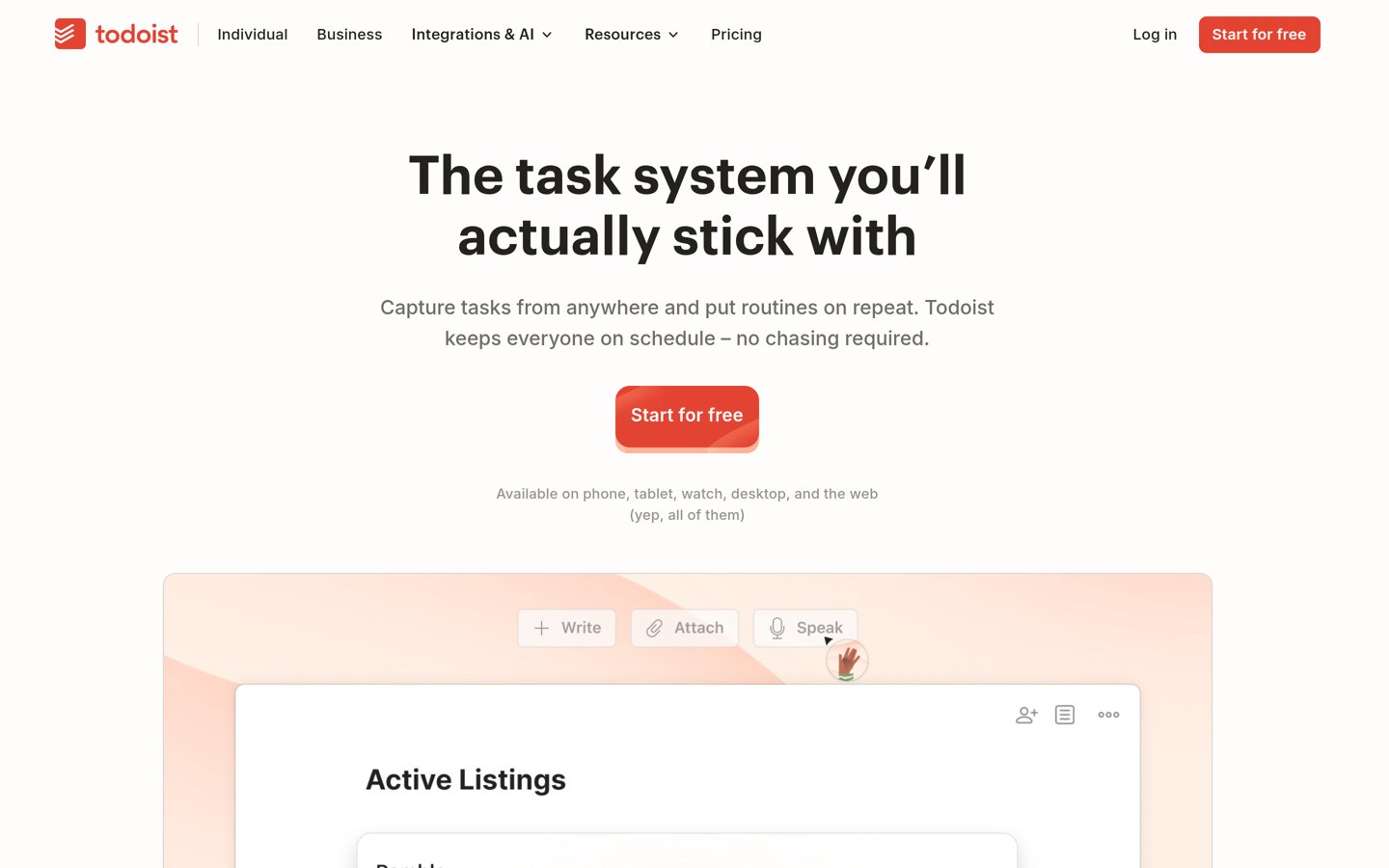
Todoist is a fast task manager with natural-language capture: type a sentence and it picks out the date, time and project. The free Beginner plan covers 5 personal projects, 3 filter views and 1 week of history. Pro adds 300 personal projects, a calendar layout, Task Assist and unlimited Ramble.
The trade off is the 2025 price rise. Pro went from $48 to $60 a year on 10 December 2025, and it still has no auto-scheduling, so tasks wait until you plan them. It suits anyone who wants a list that opens instantly and never gets in the way.
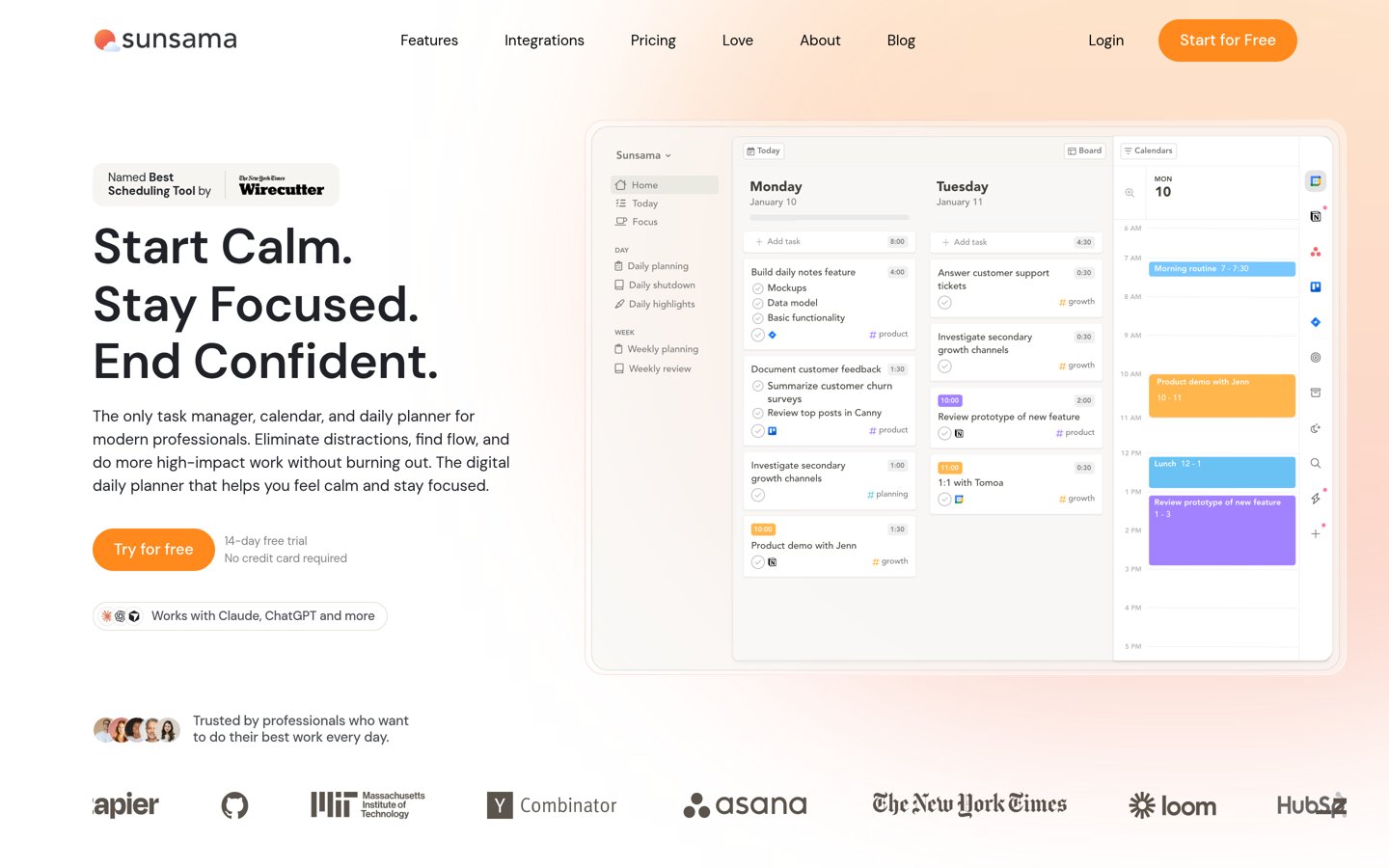
Sunsama is a daily planner built around two rituals: a guided morning plan and an end-of-day shutdown. It pulls tasks from Asana, Trello, Todoist, Gmail, Slack and Notion into one day plan, with timeboxing, a focus mode and time tracking. There is no free plan, only a trial before you pay.
The trade off is the price. At $17 a month billed annually, or $22 month to month, it is one of the dearest single-user planners here, and its AI is modest: it tags tasks and guesses time estimates rather than scheduling for you. It suits people who want a calm daily ritual more than automation.
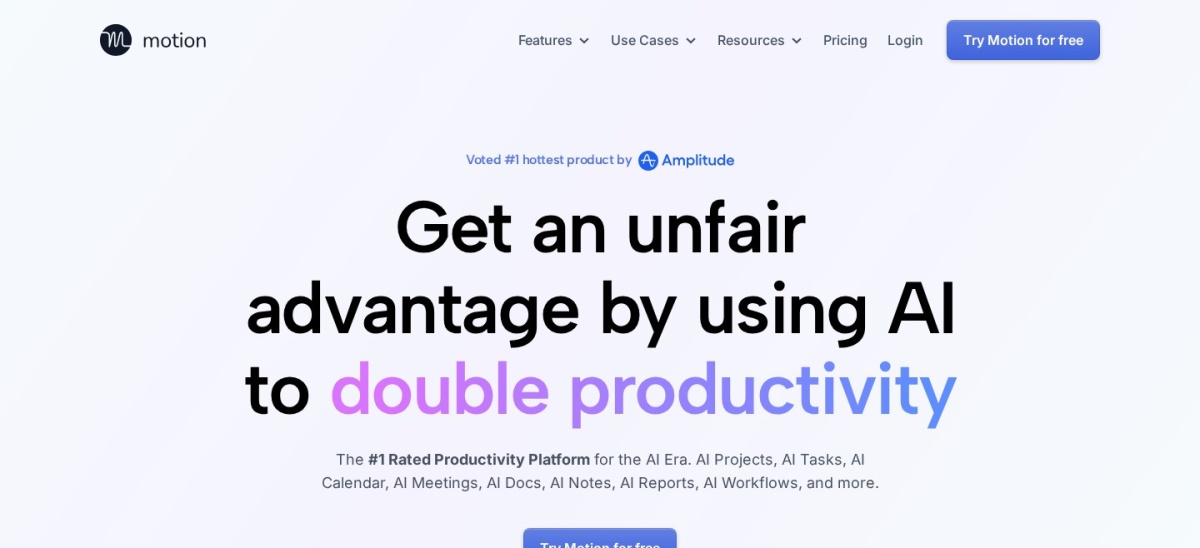
Motion is an AI work app that places tasks on your calendar from deadlines and priorities, then re-plans when a meeting moves. Pro AI costs $19 a seat a month billed annually and adds AI Chat, AI Projects and Tasks, AI Calendar and Meetings, AI Docs and Wiki, an AI Task Planner and 7,500 credits a seat a month.
The trade off is the cost and the learning curve. There is no free plan, only a 7-day trial, and G2 reviewers mention a steep learning curve and a price that feels high for one person. It suits people who live in their calendar and want the day planned for them.
Free plans cover the core job well. Notion, ChatGPT, Grammarly, Fireflies, Reclaim, Otter and Todoist all do useful work without paying.
Paid plans mostly add limits and depth. You get more minutes, longer history, more projects and the full AI features.
Motion and Sunsama are the exceptions: neither has a free plan, so the trial is the only way to check the fit before paying.
For a tool you open every workday, the annual rate is usually the honest price. ChatGPT Plus is the odd one out, with monthly-only billing at $20 a month.
How we chose
We started from the most-used AI productivity tools: workspaces, assistants, schedulers and notetakers with a real user base and a public pricing page.
Prices come from each vendor's pricing page, checked on 22 November 2026. Ratings and review counts come from G2 on the same day, except Sunsama, which is rated on Capterra, and Motion, where G2 lists the scheduler at 4.1 out of 5 from 157 reviews. Where a vendor shows a sale, the list shows the regular price.
We left out tools that shut down or had no verifiable rating, including Clockwise, which stops on 27 March 2026. No vendor paid for a place, and we do not claim hands-on testing for this list.
How to choose an AI productivity tool
Start with the job that eats most of your day, then check the free plan before you pay.
Name the job first. Docs, drafting, scheduling and meeting notes are different jobs. Pick the tool that covers your biggest time sink, not the one with the longest feature list.
Try the free plan for a real week. Seven of these tools have a free plan. Use it for a full workweek so the minute, storage and scheduling caps show up before you pay.
Check the renewal price, not the first month. Otter Pro costs $16.99 a month billed monthly but $8.33 billed annually, and Grammarly Pro is $30 monthly against $12 annually. Budget for the annual rate.
Keep one tool per job. Two schedulers or two notetakers will fight over the same calendar and meetings. Pick one, set it up, and only add a second if a real gap remains.
FAQ
What is the best AI productivity tool?
Notion is the best overall pick for most people. It holds docs, tasks and wikis in one workspace, has more than 100 million users and a 4.6 out of 5 G2 rating from 13,771 reviews, and its free plan covers the basics.
Is ChatGPT Plus worth $20 a month?
It is worth it if you hit the free plan's limits most days. Plus adds advanced reasoning, expanded messages and uploads, deep research, projects, scheduled tasks and custom GPTs, but there is no annual discount, so a year costs $240.
Which AI productivity tool is best for meetings?
Fireflies.ai is the strongest pick for teams, with a 4.7 out of 5 G2 rating and automatic transcripts and summaries for Zoom, Meet and Teams. Otter.ai is the better pick for live transcription and captions, with a free plan covering 300 minutes a month.
Do any of these tools have a free plan?
Seven of the nine do. Notion, ChatGPT, Grammarly, Fireflies, Reclaim, Otter and Todoist all have a free plan, though minutes, storage and AI features are capped. Motion and Sunsama offer only a trial, with paid plans from $204 a year.
What is the cheapest AI productivity tool here?
Todoist Pro is the cheapest paid plan at $60 a year, or $5 a month billed annually. Reclaim Starter at $96 a year and Otter Pro at $99.96 a year are the next cheapest, while ChatGPT Plus is the dearest at $240 a year.
Can I use two AI productivity tools at once?
Yes, if they do different jobs, such as Notion for docs and Otter for meeting notes. Avoid two schedulers or two notetakers at once, because they will both try to manage the same calendar and meetings.