Best AI Automation Tools in 2026: 10 Tools Compared
WLWPLegible EditorsLast verified 22 Nov 2026How we rank13 min read
★ Short answer
Zapier is the best AI automation tool for most teams, rated 4.5 out of 5 on G2 from 2,169 reviews, with a free plan and Professional from $19.99 a month. Pick Make for visual workflows at a lower price, and Workato for enterprise integration.
How we make this list: we compare pricing pages, product documentation and public user reviews, then re-check every price before each update. No product paid for a place. Disclosure.
Zapier leads on breadth: 4.5 out of 5 from 2,169 G2 reviews, with 9,000-plus apps and a free plan.
Make is the value pick: 4.6 out of 5 on G2, and Core costs $12 a month for 10,000 credits.
Workato is the enterprise pick: 4.7 out of 5 from 778 G2 reviews, with Pro from $75 a month.
n8n is the technical pick: 4.7 out of 5 on G2, a free self-hosted edition, and cloud prices shown in euros only.
UiPath has the largest review base here, 7,769 G2 reviews, but Standard and Enterprise prices are quote-only.
The cheapest paid plans are IFTTT at $2.99 a month and Bardeen at $10 a month.
What to look for in an AI automation tool
AI automation tools connect apps, move data and run tasks without a person doing each step. Some are simple app-to-app connectors, others add AI agents that draft, decide and act inside a workflow.
Rating and review volume are the quickest quality check. Every tool here is rated 4.4 or higher on G2, but the review bases range from 36 reviews for Bardeen to 7,769 for UiPath, so a high score on a small base means less.
Price is usually charged per month, per user or per credit, and the cheapest plan is rarely the one a busy team ends on. Our guide on adding an AI chatbot to WordPress shows how AI features often sit behind a paid tier.
Check what happens when usage grows. Credit pools, execution caps and per-bot fees can turn a cheap starter plan into a large bill, so read the limits before you build on a tool.
List prices in each vendor's currency, checked Nov 2026
IFTTTFREE$36
BardeenFREE$120
MakeFREE$144
Power Auto$180
ZapierFREE$240
n8nFREE€240
UiPathFREE$300
Tray.ai$600
WorkatoFREE$900
Automation$9,000
The 10 best AI automation tools
01
Zapier
4.5/5on G2 (2,169 reviews, checked Nov 2026)
Paid from$19.99/mo
Best AI automation tool overall
Free planYes, 100 tasks/mo
Cheapest paidProfessional, $19.99/mo
G2 rating4.5/5, 2,169 reviews
Connected apps9,000+
zapier.com
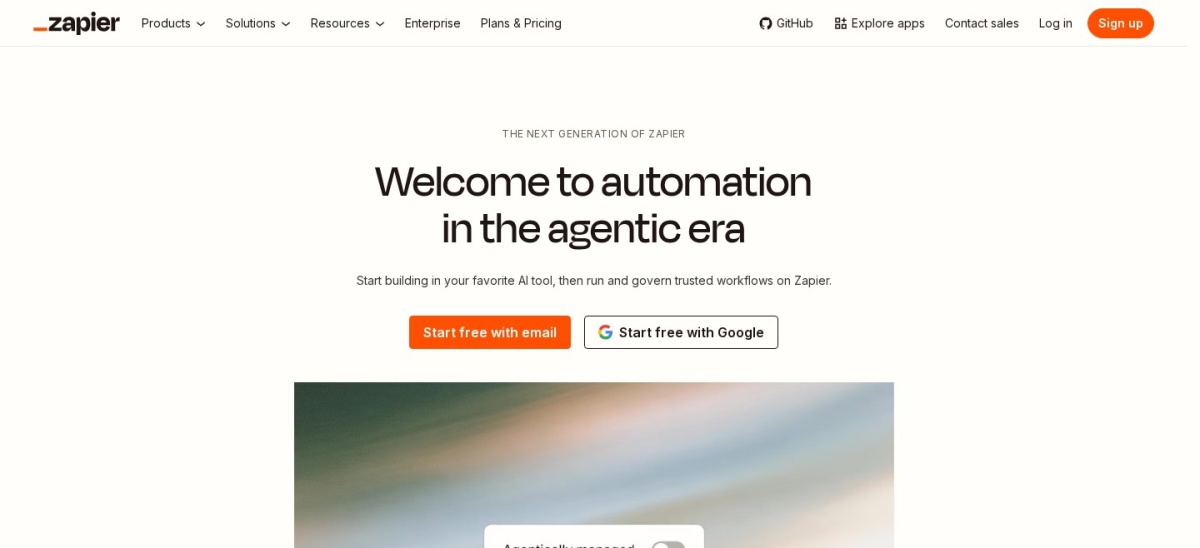
Zapier homepage, captured Nov 2026.
Zapier is a no-code automation platform that connects more than 9,000 apps with workflows called Zaps. The free plan covers 100 tasks a month with unlimited Zaps, and paid plans add multi-step Zaps, webhooks and AI tools such as Copilot and Zapier MCP.
The trade off is cost at volume. Professional starts at $19.99 a month billed annually for 750 tasks, and $29.99 month to month, so heavy use gets expensive fast. It suits small businesses and teams that want the widest app library with the least setup.
What we like
Largest app library here at 9,000+ apps
4.5 out of 5 on G2 from 2,169 reviews
Free plan with 100 tasks a month
AI Copilot builds Zaps from a prompt
Watch out for
Costs rise fast as task volume grows
Multi-step Zaps need a paid plan
Free plan allows two-step Zaps only
Professional adds multi-step Zaps, webhooks and premium appsVisit zapier.com
02
Workato
4.7/5on G2 (778 reviews, checked Nov 2026)
Paid from$75/mo
Best for enterprise integration
Free planYes, 50,000 credits
Cheapest paidPro, $75/mo
G2 rating4.7/5, 778 reviews
AI agentsYes, Orchestrate
workato.com
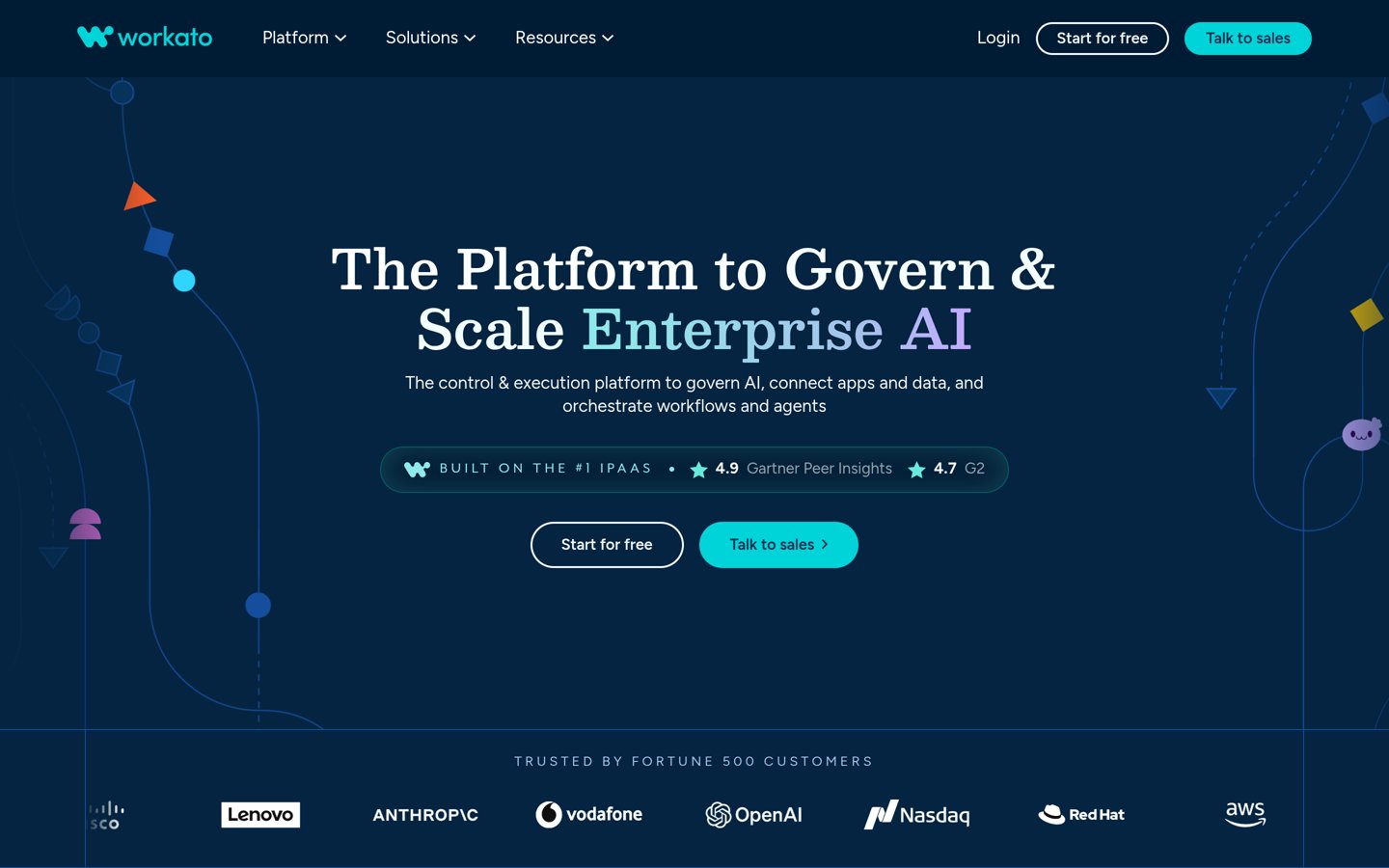
Workato homepage, captured Nov 2026.
Workato is an enterprise integration and automation platform built around recipes, its name for workflows. The free plan gives a one-time grant of 50,000 credits, and the platform covers API management, data movement and AI agents on the same system.
The trade off is price and scale. Pro starts at $75 a month for 2,500 credits a month, and credits expire at the end of each month, while larger workspaces are quoted. It suits mid-market and enterprise teams that need governance across many systems.
What we like
4.7 out of 5 on G2 from 778 reviews
Free plan with a 50,000-credit grant
14,000-plus integrations
Governance, SSO and multi-region hosting on Enterprise
Watch out for
Pro credits expire each month
Enterprise pricing is quote-only
Task-based pricing can surprise as usage grows
Pro adds document processing, analytics and custom connectorsVisit workato.com
03
Make
4.6/5on G2 (512 reviews, checked Nov 2026)
Paid from$12/mo
Best value visual builder
Free planYes, 1,000 credits/mo
Cheapest paidCore, $12/mo annual
G2 rating4.6/5, 512 reviews
Connected apps1,000+
make.com
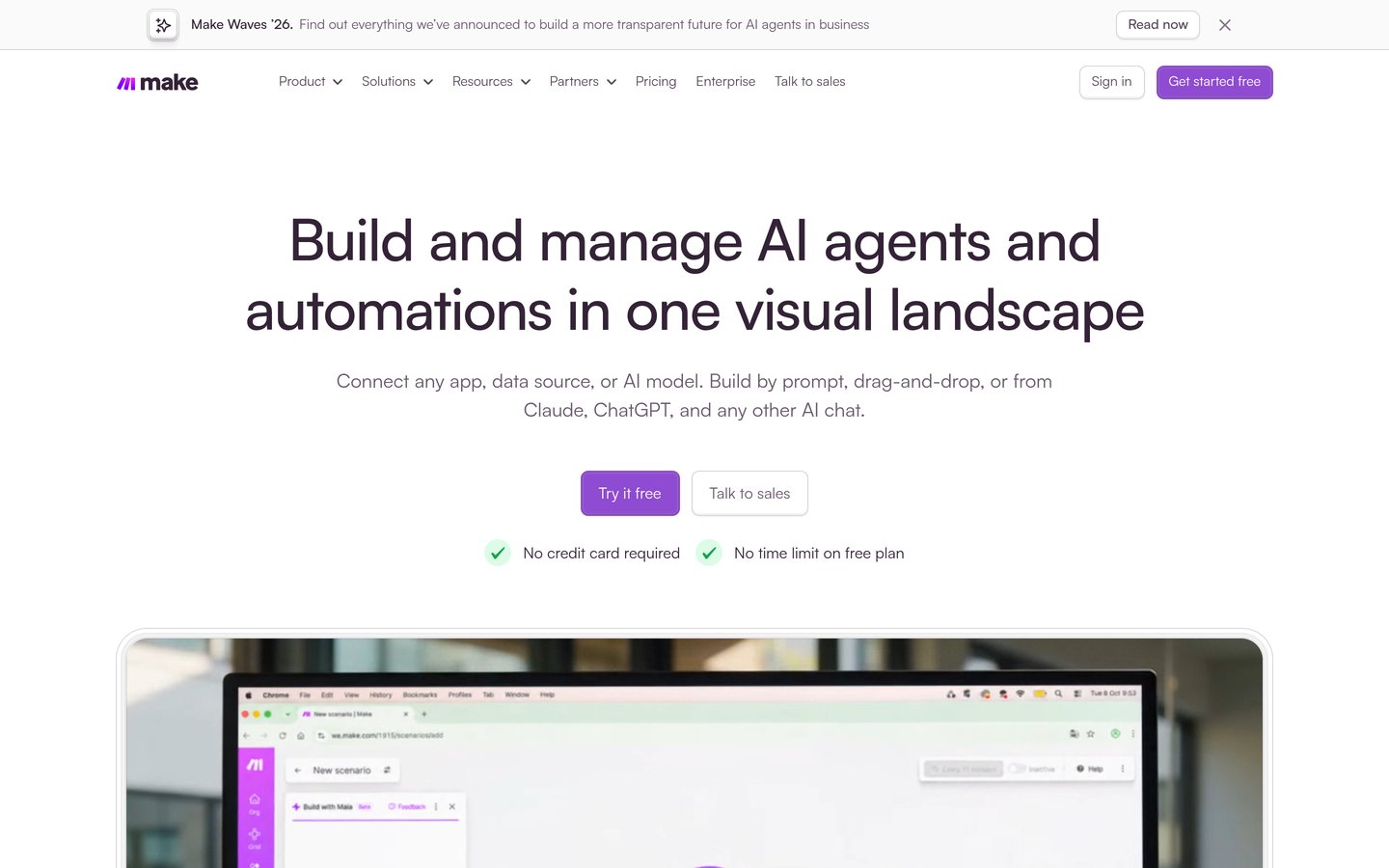
Make homepage, captured Nov 2026.
Make is a visual automation platform that builds workflows, called scenarios, on a drag-and-drop canvas with routers, filters and AI agents. The free plan includes 1,000 credits a month, and Core adds 10,000 credits for $12 a month billed annually.
The trade off is the learning curve. Scenarios with branching and data mapping take time to master, and credit use is hard to predict until a scenario runs. It suits teams that want Zapier-style automation with more visual control at a lower price.
What we like
4.6 out of 5 on G2 from 512 reviews
Core is $12 a month for 10,000 credits
Visual canvas shows the whole workflow
Maia AI assistant builds scenarios from a prompt
Watch out for
Steeper learning curve than Zapier
Credit use is hard to forecast
Some AI features burn credits fast
Core adds 10,000 credits a month and more data transferVisit make.com
04
n8n
4.7/5on G2 (323 reviews, checked Nov 2026)
Paid from€20/mo
Best for technical teams
Free planYes, self-hosted Community
Cheapest paidStarter, €20/mo annual
Monthly executions2,500 on Starter
G2 rating4.7/5, 323 reviews
n8n.io
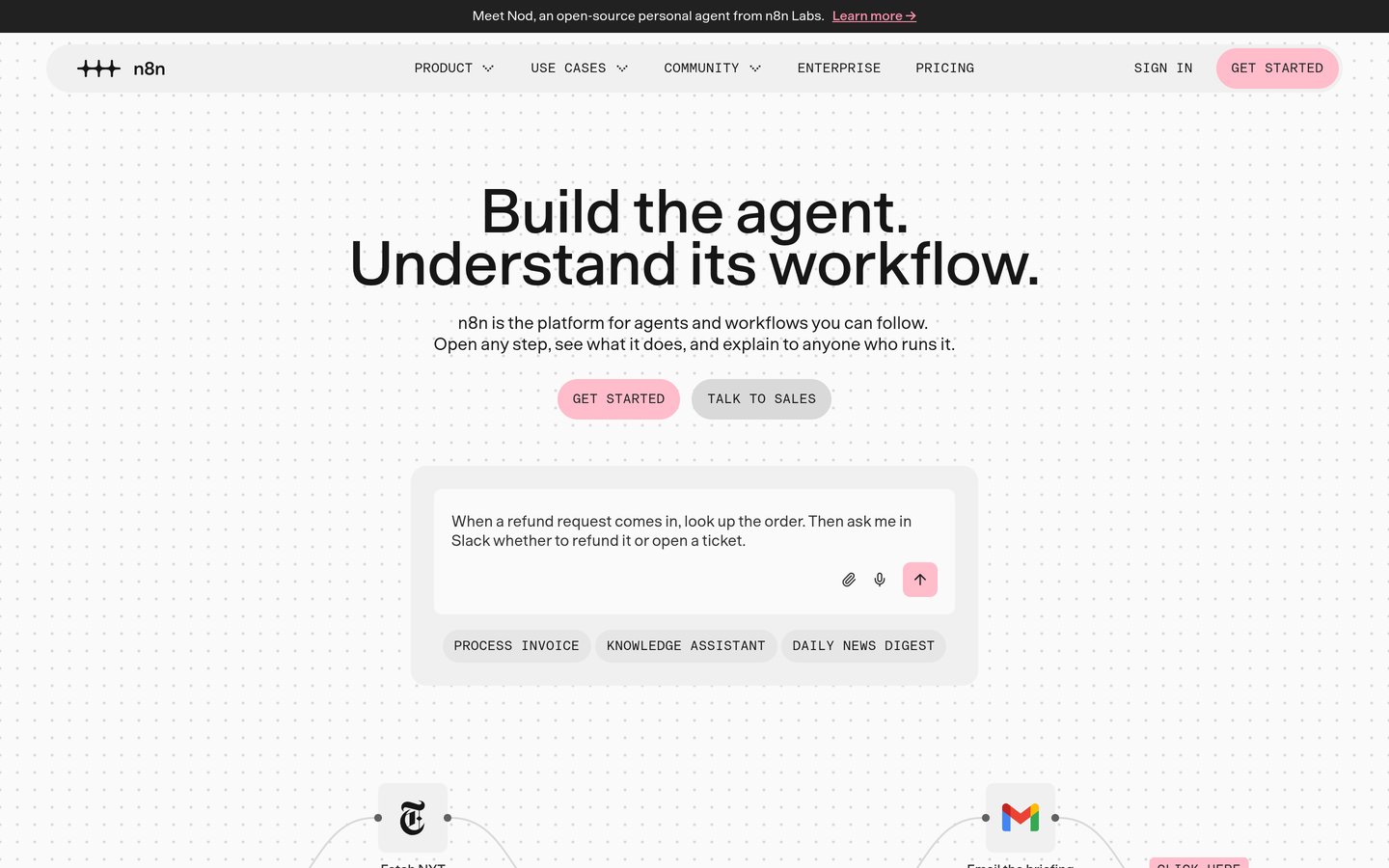
n8n homepage, captured Nov 2026.
n8n is a node-based workflow automation tool built for technical teams, with a visual editor, code nodes and AI agent nodes. The self-hosted Community edition is free, and every cloud plan includes unlimited users and workflows.
The trade off is the learning curve. APIs, JSON and n8n's expression syntax are the most common complaints in reviews, and cloud prices are shown in euros only. It suits teams with a developer who want deep control and the option to self-host.
What we like
4.7 out of 5 on G2, the joint-highest here
Free self-hosted edition with no execution cap
Unlimited users and workflows on every plan
211,620 GitHub stars
Watch out for
Steepest learning curve in this list
Pricing page shows euros only
Support is forum-based on Starter
Pro adds shared projects, admin roles and workflow historyVisit n8n.io
05
UiPath
4.6/5on G2 (7,769 reviews, checked Nov 2026)
Paid from$25/mo
Best for enterprise RPA
Free planYes, Community
Cheapest paidBasic, $25/mo
G2 rating4.6/5, 7,769 reviews
RPA botsAttended and unattended
uipath.com
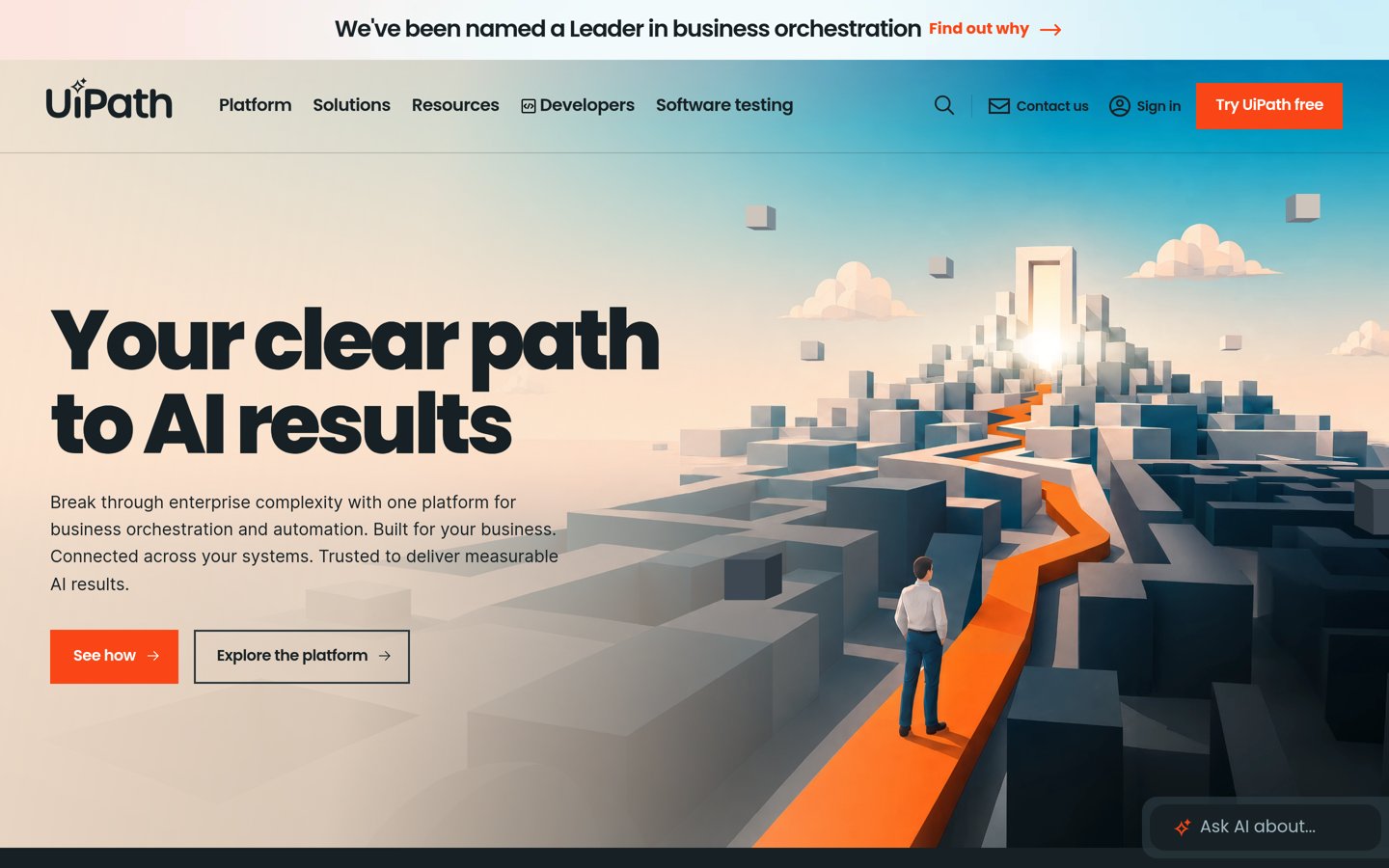
UiPath homepage, captured Nov 2026.
UiPath is an enterprise automation platform that combines robotic process automation, process mining, document understanding and AI agents in one system. The free Community plan includes Studio and production-ready automations.
The trade off is cost beyond the entry plan. Basic costs $25 a month, but Standard and Enterprise are custom quotes, and reviewers most often complain about price. It suits large teams running many bots across a process portfolio.
What we like
Largest G2 review base here, 7,769 reviews
Free Community plan for individuals
Seventh straight year as a Gartner RPA Leader
Watch out for
Standard and Enterprise prices are quote-only
Reviewers cite cost and complex licensing
Heavy platform for simple app-to-app flows
Basic adds team automations with business-grade supportVisit uipath.com
06
Automation Anywhere
4.5/5on G2 (5,732 reviews, checked Nov 2026)
Starts at$9,000/yr
Best for large RPA estates
Free planNo, free trial only
Cheapest paidBasic, $9,000/yr
G2 rating4.5/5, 5,732 reviews
AI agentsYes, AI Agent Studio
automationanywhere.com
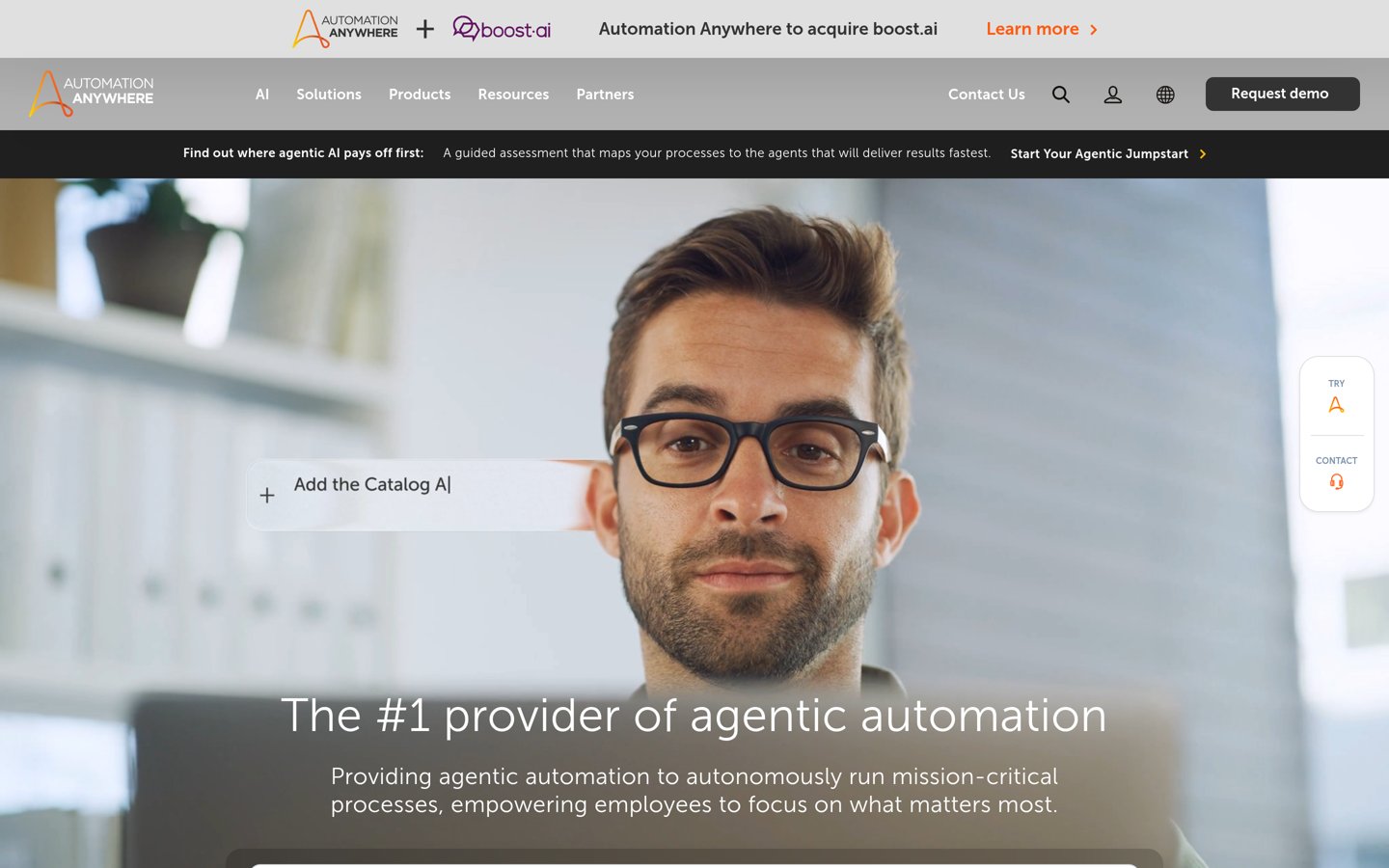
Automation Anywhere homepage, captured Nov 2026.
Automation Anywhere is an agentic process automation platform for large organisations, with bot deployment, orchestration and an AI Agent Studio. Its G2 profile lists 37 integrations, and reviewers praise ease of use most often.
The trade off is the entry price. Basic starts at $9,000 a year on a usage basis, with no permanent free plan, and G2 reviewers cite cost and complex pricing. It suits mid-market and enterprise teams with high-volume, complex automation needs.
Tray.ai is an integration platform that connects cloud apps with a visual drag-and-drop builder, plus Merlin, an agent builder, and an MCP gateway. Pricing is based on usage in Tasks, with no per-user, per-connection or per-runtime fees.
The trade off is that the base plan is only the start. Builder costs $50 a month per workspace, usage above the plan is billed at $1.00 per compute unit, and the iPaaS plans are quoted. It suits mid-market teams with complex, scalable integrations.
What we like
4.5 out of 5 on G2 and Gartner Peer Insights
No per-user fees; price follows usage
Merlin Agent Builder and MCP gateway
Watch out for
No permanent free plan
Usage pricing is hard to forecast
Agent builder is an add-on
Builder adds the Helix platform for $50 a monthVisit tray.ai
08
Microsoft Power Automate
4.4/5on G2 (1,094 reviews, checked Nov 2026)
Starts at$15/user/mo
Best for Microsoft 365 teams
Free planNo, free trial only
Cheapest paidPremium, $15/user/mo
G2 rating4.4/5, 1,094 reviews
Premium connectorsPaid plan only
microsoft.com
Microsoft Power Automate homepage, captured Nov 2026.
Microsoft Power Automate is the automation tool inside Microsoft 365, for cloud flows, desktop flows and AI Builder. Premium costs $15 per user a month billed annually and unlocks unlimited cloud and desktop flows in attended mode.
The trade off is the Microsoft lock-in. Many useful features, including premium connectors for HTTP, SQL and Salesforce, sit behind paid plans, and licensing is confusing. It suits teams already running on Outlook, SharePoint, Teams and Excel.
IFTTT is the simplest automation tool in this list, linking apps and smart-home devices with small applets. The free plan covers 2 applets, and the service connects more than 1,000 services, including devices other tools do not support.
The trade off is depth. Multi-action applets, webhooks and unlimited applets need a paid plan, and the free plan is far smaller than it once was. It suits individuals and small businesses automating simple, repeated tasks.
Bardeen is a browser automation tool that builds automations directly in Chrome, for scraping, enrichment and moving data between web apps. Every account gets free credits, and the Basic plan adds 100 credits a month for $10.
The trade off is the credit model. Credits burn fast when actions are chained, unused credits expire, and the G2 base is only 36 reviews. It suits sales and growth teams automating web tasks without an official API.
Free plans cover simple jobs well. Zapier, Make, Workato, n8n, UiPath, IFTTT and Bardeen all do useful work without paying, from 100 tasks a month on Zapier to a full self-hosted n8n.
Paid plans mostly add limits, speed and support. You get more credits, more executions, more users and help when a workflow breaks.
Credit and usage pricing is the trap to watch. A plan that looks cheap at $10 or $25 a month can cost far more once credits, executions or bots run past the included allowance.
For a team that automates every day, budget for the second year, not the first. First-year discounts and free credit grants do not last, and the renewal price is the real cost.
How we chose
We started from the most-reviewed automation platforms on G2, then kept those with a verifiable rating and a published entry price.
Prices and ratings were checked on 22 November 2026. The top 3 prices were confirmed on the vendors' own pages: Zapier Professional $19.99 a month on zapier.com/pricing, Workato Pro $75 a month in Workato's official billing docs, and Make Core $12 a month on make.com/en/pricing. Ratings come from each tool's G2 page.
We left out tools with no verifiable G2 rating and tools whose prices conflicted across sources. No vendor paid for a place, and we do not claim hands-on testing for this list.
How to choose an AI automation tool
Start with the job you automate most, then check the free version before you pay.
List the apps you need to connect. A tool is only useful if it connects the apps you already use. Check the connector list before you check the price.
Pick the right kind of tool. Simple app-to-app flows suit Zapier, IFTTT or Bardeen, visual workflows suit Make, n8n or Workato, and desktop and legacy apps need RPA from UiPath or Automation Anywhere.
Work out the real monthly cost. Add up credits, executions, users and bots for a typical month. A $10 plan with credit limits can cost more than a $25 flat plan.
Start on the free plan or trial. Build one real workflow first. If it runs for two weeks without hitting a limit, the plan is probably the right size.
FAQ
What is the best AI automation tool?
Zapier is the best overall pick in this list, rated 4.5 out of 5 on G2 from 2,169 reviews, with a free plan and Professional from $19.99 a month. Make is the value pick for visual workflows, and Workato suits enterprise teams.
What is the cheapest AI automation tool?
IFTTT is the cheapest paid option here at $2.99 a month for Starter, followed by Bardeen at $10 a month. Both have free plans, but IFTTT allows only 2 applets free and Bardeen charges by credits.
Is there a free AI automation tool?
Yes. Zapier, Make, Workato, n8n, UiPath, IFTTT and Bardeen all have free plans, though each limits credits, executions, tasks or applets. Microsoft Power Automate, Automation Anywhere and Tray.ai offer a free trial instead of a permanent free plan.
How much does AI automation cost?
Entry paid plans in this list range from $2.99 a month for IFTTT Starter to $9,000 a year for Automation Anywhere Basic. Most teams land between $15 and $75 a month per user or workspace, plus any credit, execution or bot usage above the included allowance.
Do I need an RPA tool or a workflow tool?
Use a workflow tool such as Zapier, Make, n8n or Power Automate when your apps have APIs and the work is moving data between them. Use an RPA tool such as UiPath or Automation Anywhere when the work happens in desktop or legacy apps with no API.
Are AI agents in these tools safe to use?
They need limits. Give an agent access only to the apps and data it needs, set spending or credit caps, and check its first runs before letting it act alone. Enterprise plans add the governance controls that make this easier.