Khanmigo is the best AI software for classroom use for most teachers because it tutors students instead of giving answers, which is what most classrooms need. MagicSchool covers planning and Nearpod covers live lessons, so pair Khanmigo with one of those for a full classroom setup.
How we make this list: we compare pricing pages, product documentation and public user reviews, then re-check every price before each update. No product paid for a place. Disclosure.
Khanmigo is free for teachers and tutors students instead of giving answers.
MagicSchool packs 80-plus teacher tools, with Plus at $8.33 a month billed yearly.
Nearpod Gold costs $159 a year and covers 40 students per lesson free.
Wayground holds the highest G2 rating here at 4.9 from 255 reviews, but school plans are by quote.
Kahoot! Bronze is the cheapest paid plan at $3 a month billed yearly.
What AI software works best for classroom use?
Student-facing tools beat planning tools for classroom use. A tutor that talks with students during the lesson changes the lesson itself, while a planner only changes the preparation.
The best classroom AI keeps the teacher in charge. Look for tools where the teacher sets the task, watches student answers live and can step in, rather than tools that chat with students unsupervised.
Free plans matter more than scores here. Most of these tools hold fewer than 300 reviews on G2, and two hold fewer than 10, so a free plan you can try with a real class tells you more than a rating. Our guide to AI teacher tools for lesson planning covers the same tools for planning work.
Privacy is the first check before any classroom rollout. Prefer tools that list FERPA and COPPA compliance, keep student accounts optional and do not train models on student work.
Khanmigo is Khan Academy's AI tutor and teacher assistant, free for teachers in the United States. It coaches students through problems with questions instead of giving answers, drafts lesson plans, rubrics and hooks, and includes a Writing Coach for student writing practice.
The trade off is scope. Khanmigo is strongest in maths and writing, and its planning help is lighter than a full toolkit such as MagicSchool. Learners pay $4 a month outside a school plan. It suits teachers who want a free tutor for students plus light planning help.
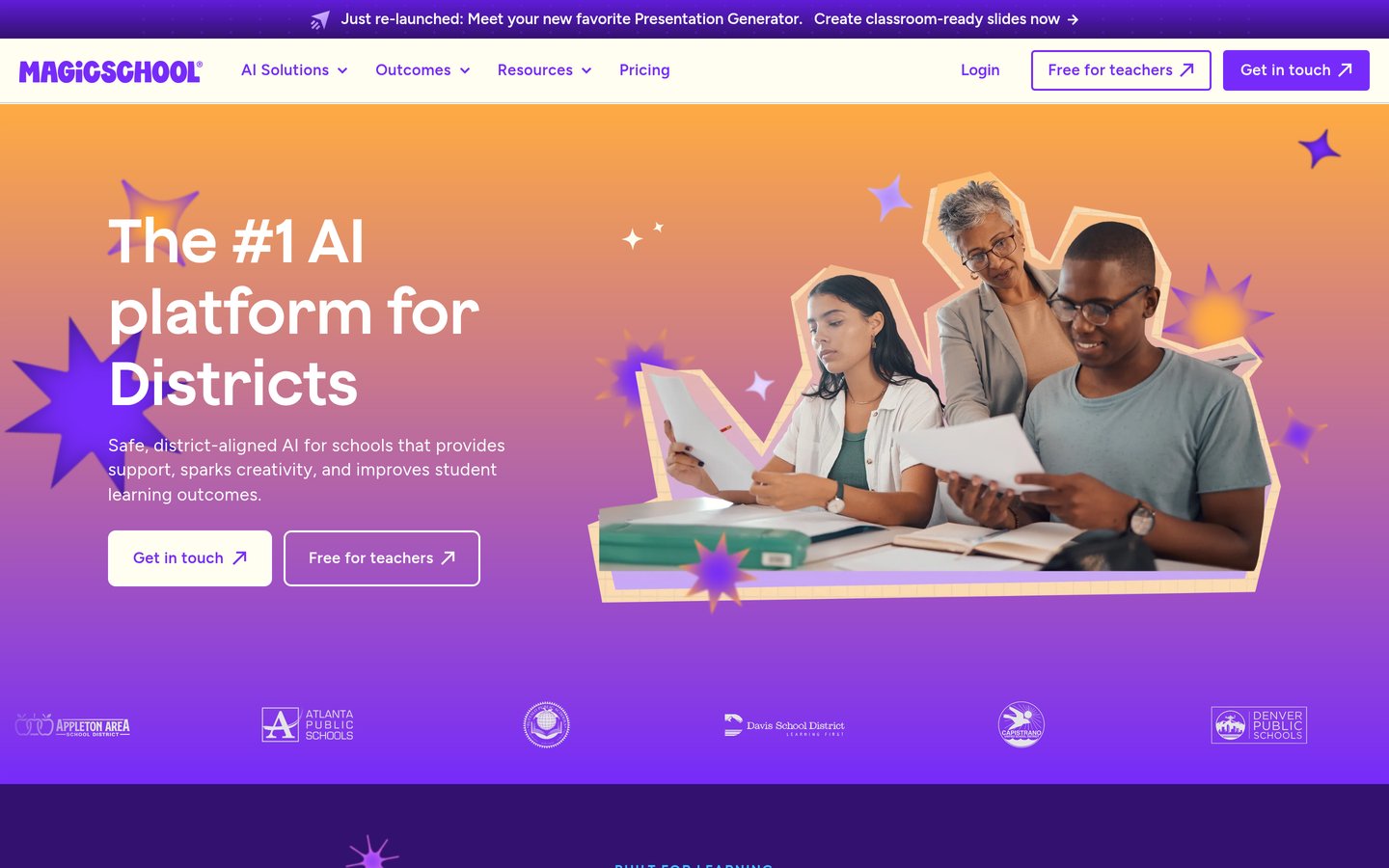
MagicSchool AI is the broadest AI toolkit built for teachers, with 80-plus tools for lesson plans, rubrics, quizzes, IEP drafts, report card comments and parent emails. The free plan includes the core tools, and more than 5 million educators use it.
The trade off is volume. The free plan caps generations, and the exact limit is not published. Plus costs $8.33 a month billed yearly, or $12.99 billed monthly, and adds unlimited generations, output history and 50-plus student tools. It suits teachers who want one login for most tasks.
What we like
80-plus tools cover planning, grading and messages
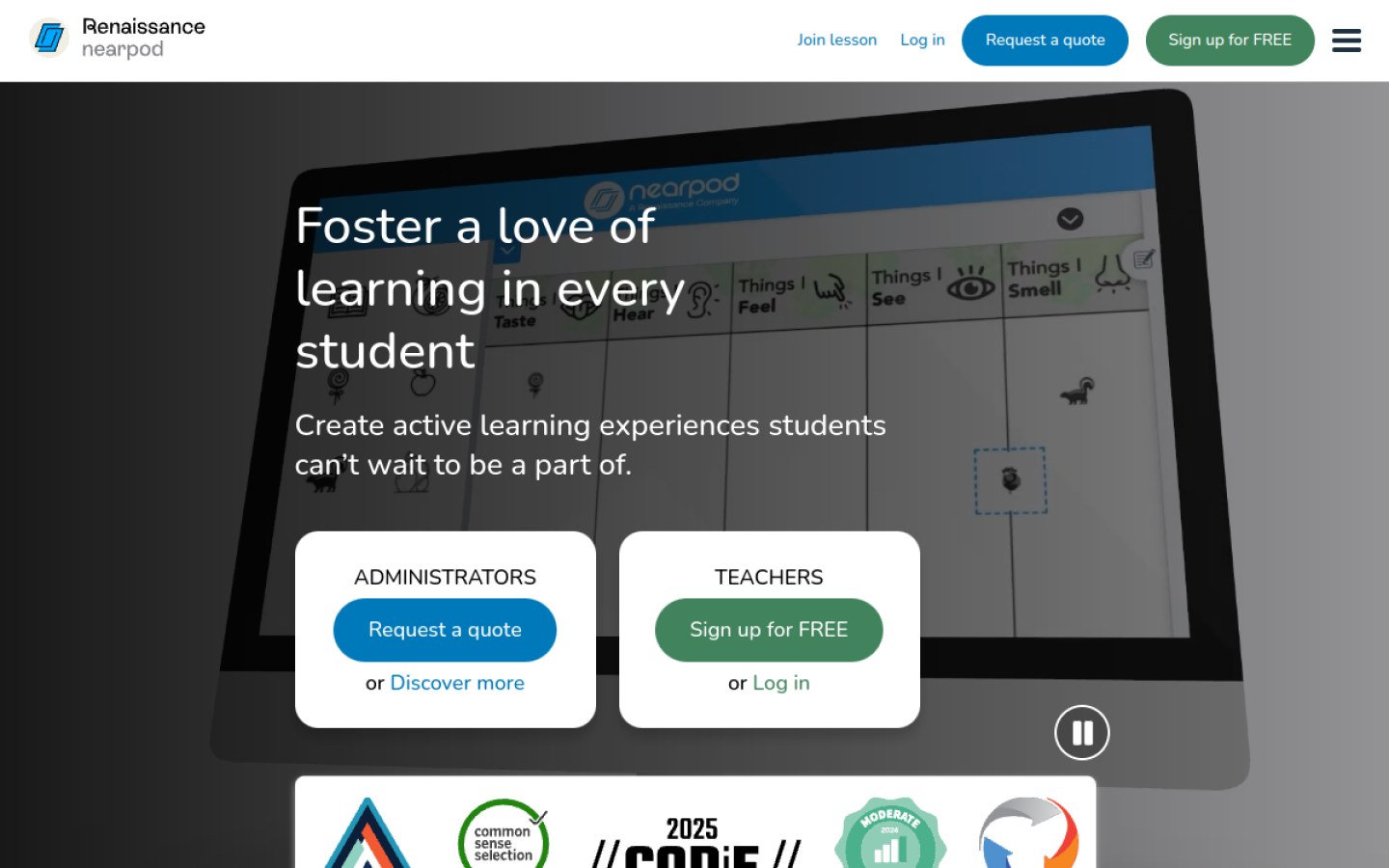
Nearpod is a ready-made interactive lesson library with AI generation built in. Teachers can generate slides, quizzes and activities from a topic, then run them live with polls, drawings and open questions that every student answers on their own device.
The trade off is the price ladder. The paid Gold plan costs $159 a year, and the deepest features need higher tiers. It suits teachers who want a ready-made library first and AI generation second.
Wayground is the new name for Quizizz, rebranded in 2025, and it now combines a giant library of teacher-created activities with AI generation. Teachers can generate full activities from a topic, document or standard, then run them as games, homework or exit tickets.
The trade off is price. Wayground is free for teachers, but school plans are by quote, with $18 a month per teacher reported for the paid tier. It suits teachers who want AI generation plus a massive library of ready-made activities.
Edpuzzle is a video lesson platform that turns any video into an interactive lesson with embedded questions, notes and voiceovers. Its Teacher Assist AI tools now generate quizzes, slides and docs from the same material, and the Basic plan is free.
The trade off is the focus. Edpuzzle is built around video, so it is not a print-first worksheet studio, and the free plan caps at 20 activities. It suits teachers who teach from video and want questions embedded in it.
Kahoot! is a live quiz game platform that turns review into a game show, with music, timers and a leaderboard. The teacher shows a question, students answer on their own devices, and the free Kahoot! Go plan hosts a game for up to 40 players.
The trade off is depth. Kahoot! is built for fast review games, not full lessons, and higher question types need a paid plan. Bronze costs $3 a month billed yearly. It suits teachers who want a quick, high-energy check at the end of a lesson.
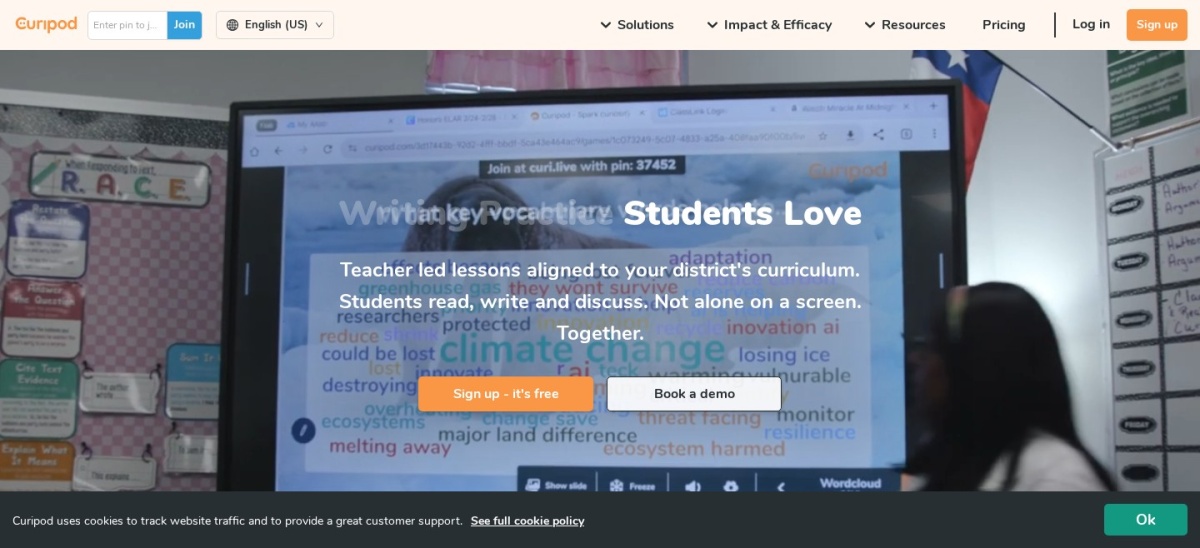
Curipod is a live interactive lesson platform that turns a topic into slides mixed with polls, word clouds, drawings and open questions that every student answers on their own device. Its AI gives instant feedback on student writing during the lesson.
The trade off is the review base. Curipod holds 4.5 out of 5 on G2 from only 2 reviews, and school pricing is by quote. It suits ELA, science and social studies teachers who want live participation.
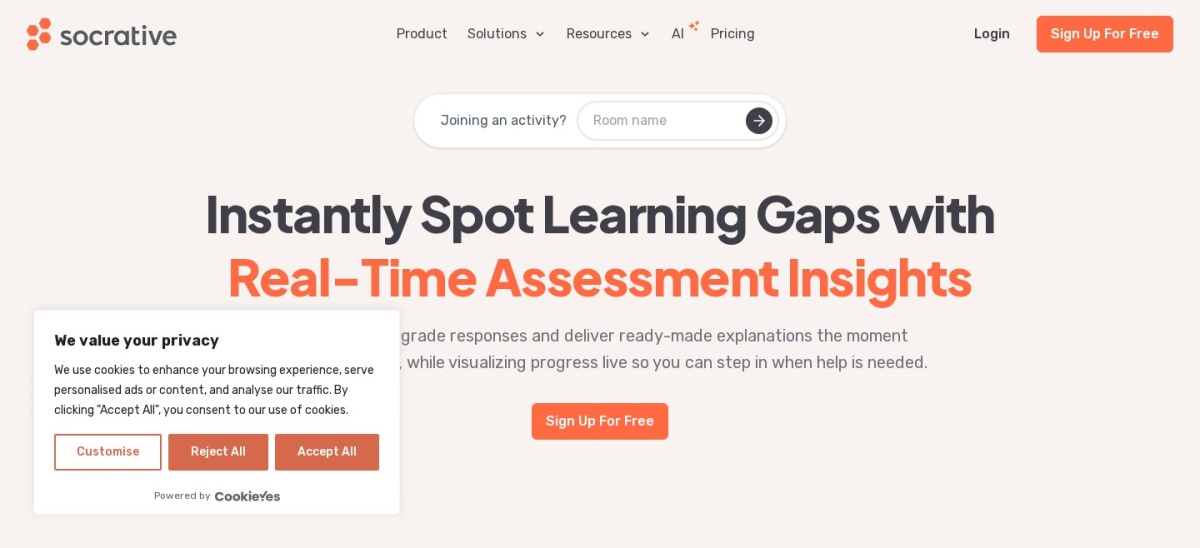
Socrative is a classroom quiz and formative assessment tool that lets teachers create quizzes, tests, polls and exit tickets in minutes, with live results as students answer. The Basic plan is free, and Essentials adds more rooms and reports.
The trade off is depth. Socrative is built for quick checks rather than full worksheet design, and the free plan covers one room. It suits teachers who want fast formative checks after a lesson, not a worksheet studio.
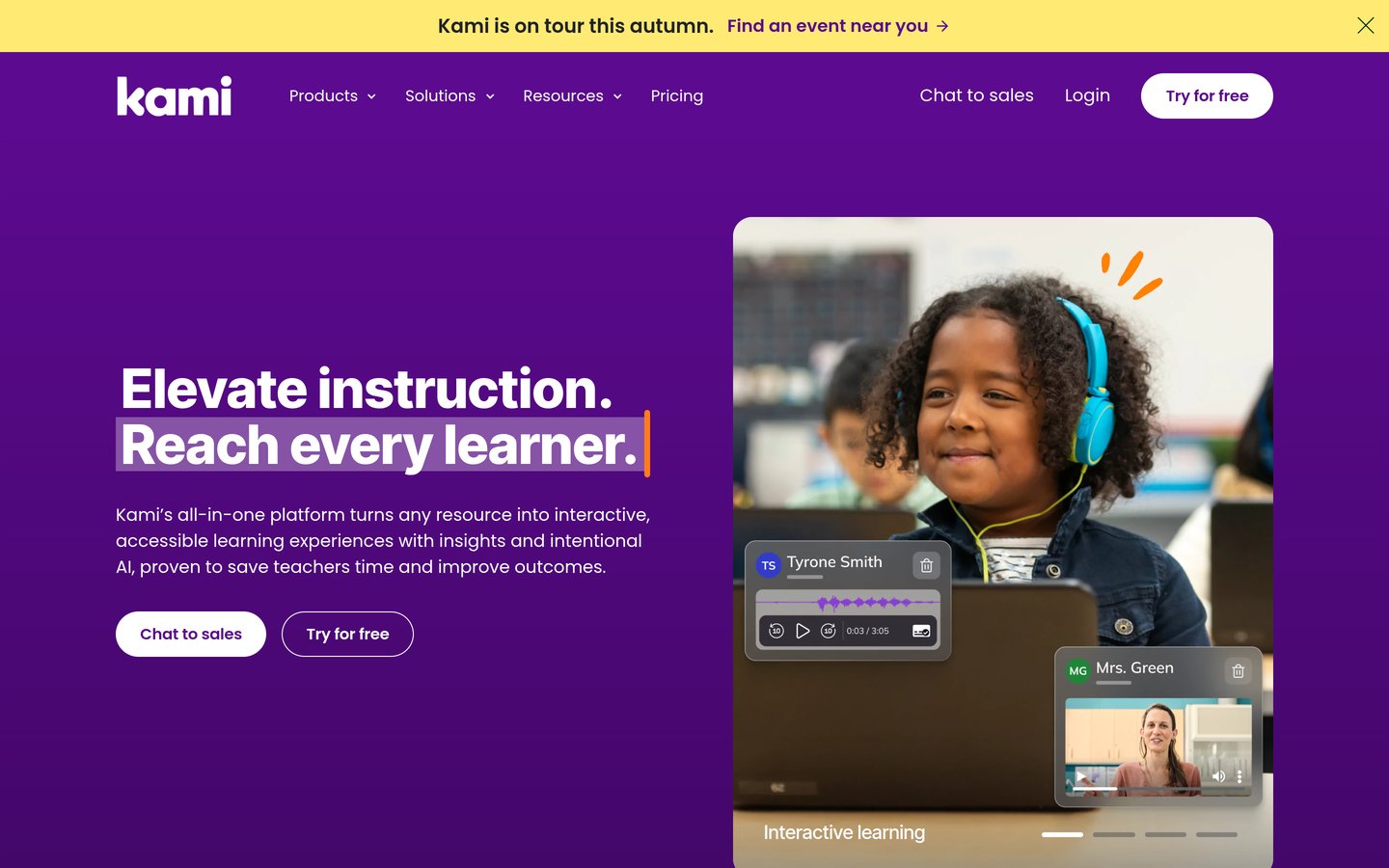
Kami is a digital classroom tool for annotating PDFs and documents, assigning work and giving feedback without printing. Teachers can mark up worksheets, add voice and video comments, and send work straight to Google Classroom.
The trade off is price. The Teacher Plan costs $149 a year, and the free Basic plan limits some annotation and collaboration features. It suits teachers who assign a lot of digital worksheets and want feedback on the page.
Free plans cover a real class well. Most include live student responses, a tutor or a quiz maker, with caps on students, rooms or generations.
Paid plans mostly add room and history. You get more students per lesson, more rooms, unlimited generations and saved reports.
If students will use the AI every day, the paid plan is the real cost to budget. A free plan is enough to test one unit with one class.
How we chose
We started from the AI tools teachers actually use in class, then kept the nine with a verifiable rating on G2. Tools with no rating on G2, Capterra or Trustpilot were left out, even when they are popular.
Prices come from each vendor's pricing page, checked on 29 November 2026, using the regular price, not a sale price. Ratings and review counts come from G2 on the same day. Where a vendor sells by quote, the list shows Custom.
We left out general chatbots and planning-only toolkits, since this list is about software students use during lessons. No vendor paid for a place, and we do not claim hands-on testing for this list.
How to choose AI software for classroom use
Start with one real lesson, then check the student experience, the free-plan cap and the privacy page.
Pick the classroom job first. Tutoring, live lessons, video work and quick checks need different tools. Name the job before comparing prices.
Try the free plan with one class. Run a single lesson and watch whether every student can join and answer. A free plan that caps at 40 students may not fit a full class.
Check the privacy page before rollout. Confirm FERPA and COPPA compliance and whether student accounts are needed. Skip any tool that will not say how it handles student data.
Price the paid plan for a full year. Multiply the monthly price by 12 and check whether school plans are by quote. Quote-only tools can cost far more than the free tier suggests.
FAQ
What is the best AI software for classroom use in 2026?
Khanmigo is the best pick for most classrooms. It is free for teachers, tutors students with questions instead of giving answers, and is rated 4.5 out of 5 on G2 from 178 reviews.
How much does classroom AI software cost?
Most of these tools start free for teachers. Paid plans run from $3 a month for Kahoot! Bronze to $159 a year for Nearpod Gold, while Wayground and Curipod price school plans by quote.
Is there a free AI tool for classroom use?
Yes. Khanmigo is free for teachers, and MagicSchool, Wayground, Nearpod, Edpuzzle, Kahoot!, Curipod, Socrative and Kami all have free plans with limits on students, rooms or generations.
Which AI software is best for live lessons?
Nearpod and Curipod are the strongest live-lesson picks. Nearpod brings a ready-made library with polls and drawings, while Curipod turns a topic into interactive slides with live student answers.
Khanmigo or MagicSchool: which should a teacher pick first?
Pick Khanmigo first if students will use the AI during lessons, since its tutor coaches rather than answers. Pick MagicSchool first if you mainly need planning, rubrics and parent messages in one place.
Can students use these AI tools without accounts?
It depends on the tool. Curipod lets students join without accounts, and Kahoot! players join with a game code, while Khanmigo and Nearpod use teacher-managed student access.
SaaS SEO and WordPress specialist with about 8 years of experience. Rakib compares WordPress plugins, themes, hosting and software using public pricing, documentation and user reviews. See how we rank.