Best AI Software for Teachers in 2026: 8 Tools Compared
WLWPLegible EditorsLast verified 22 Nov 2026How we rank8 min read
★ Short answer
MagicSchool is the best AI software for teachers for most classrooms, with 80+ teacher tools on a free plan rated 4.7/5 on G2. Pick Brisk Teaching for feedback inside Google Docs, and Khanmigo for free tutoring tied to Khan Academy.
How we make this list: we compare pricing pages, product documentation and public user reviews, then re-check every price before each update. No product paid for a place. Disclosure.
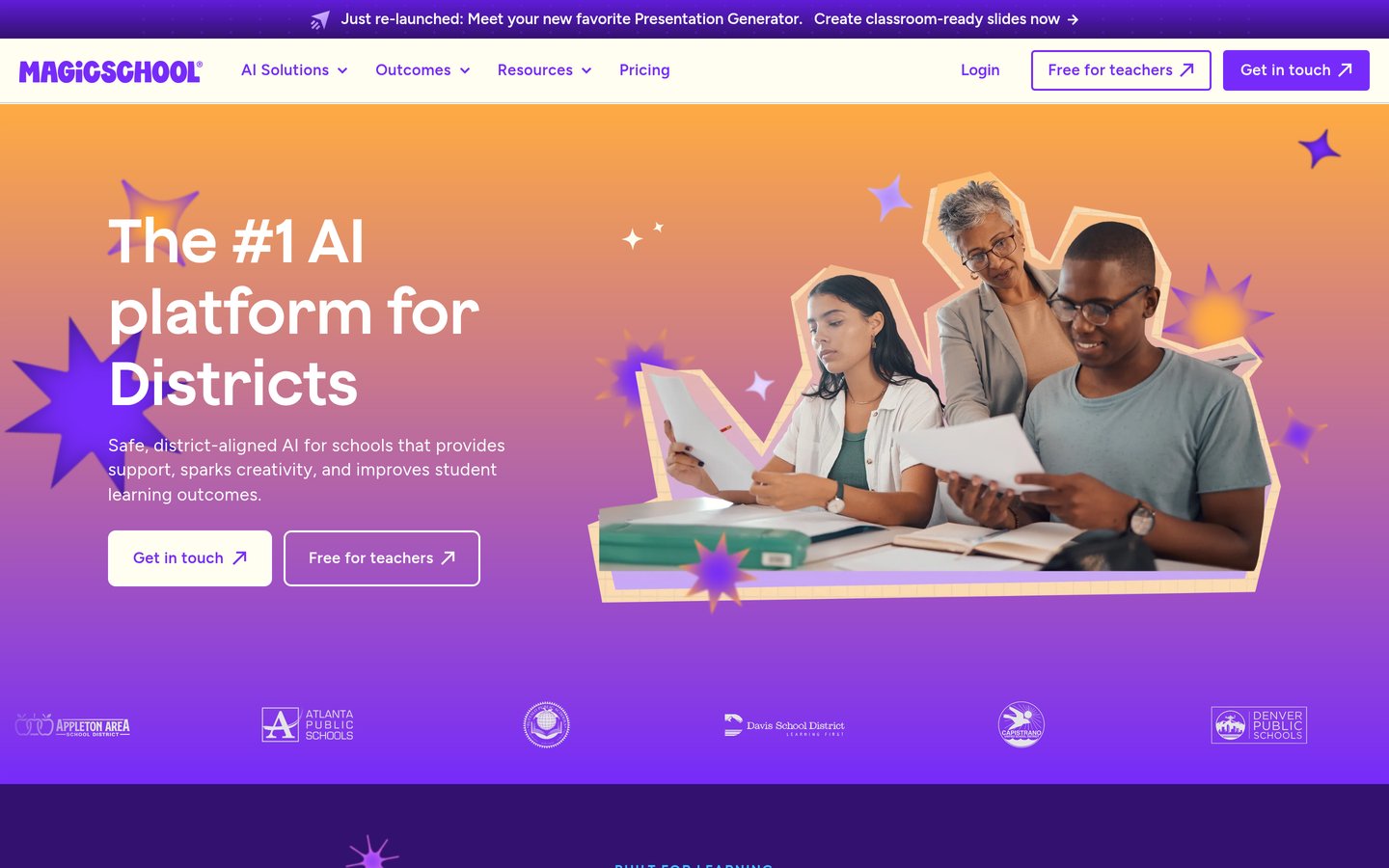
MagicSchool gives the most on its free plan: 80+ teacher tools, the Raina chatbot, quizzes and writing feedback.
Brisk Teaching works inside Google Docs and Slides, so feedback happens where student work already lives.
Khanmigo is free for teachers and tutors students with questions instead of giving away answers.
Canva for Education is free for K-12 teachers, with thousands of templates for slides, worksheets and posters.
Most of these tools are free to start. Of the paid plans with a published price, MagicSchool Plus is cheapest at $99.96 a year.
What AI software should do for a teacher
The best AI tools for teachers save time on the same jobs every week: lesson plans, rubrics, quizzes, feedback and parent emails.
A good tool should fit the way you already work. Some live in a dashboard, some sit inside Google Docs, and some run live lessons with students.
Privacy matters more here than in most software. Check whether a tool lists FERPA and COPPA compliance and whether it trains on student data before you upload class work.
Price is rarely the barrier. Our guide on choosing classroom software for a school site explains how to weigh a free plan against a school-wide licence.
MagicSchool is the broadest AI toolkit built for teachers, with 80+ teacher tools for lesson plans, rubrics, quizzes, IEP drafts, report card comments and parent emails. The free plan includes the core tools, the Raina chatbot, quizzes and class writing feedback, and it lists FERPA, COPPA, SOC 2 and GDPR compliance.
The trade off is volume. The free plan caps generations, and Plus at $8.33 a month billed yearly, or $12.99 billed monthly, adds unlimited generations, output history and 50+ student tools. It suits teachers who want one toolkit for most planning and feedback jobs.
4.7/5on Chrome Web Store (730 reviews, checked Nov 2026)
Paid from$99.99/yr
Best for feedback inside Google Docs
Where it worksChrome and Edge extension
Free tools20+
Feedback stylesGlow and Grow, rubric, next steps
Paid planEducator Pro, $99.99/yr reported
briskteaching.com
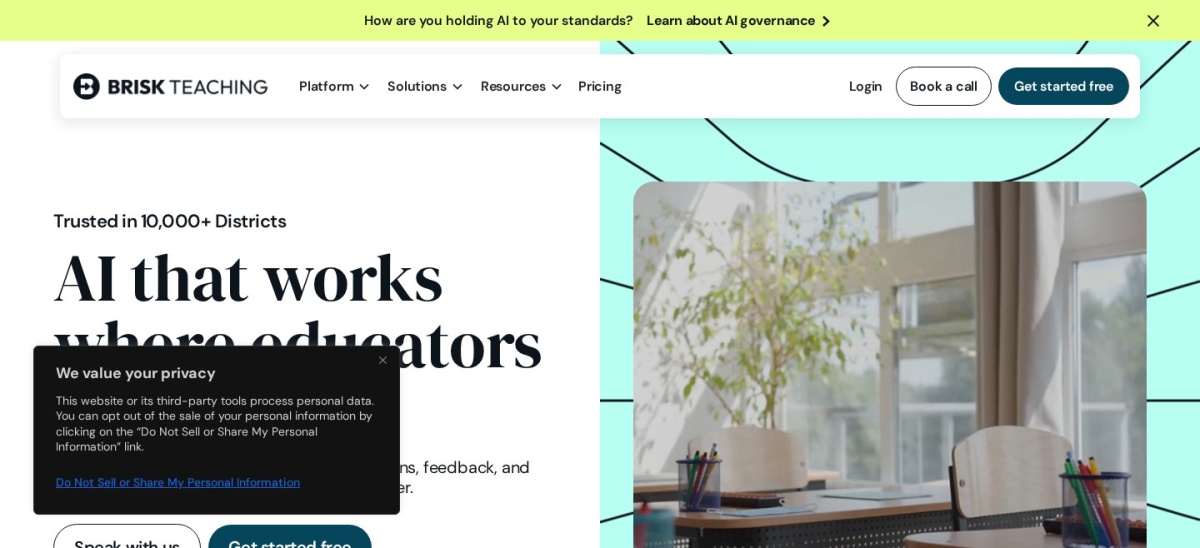
Brisk Teaching homepage, captured Nov 2026.
Brisk Teaching is a browser extension, so its AI appears inside the tools teachers already use: Google Docs and Slides, YouTube, PDFs and LMS pages such as Canvas and Google Classroom. The free teacher plan includes 20+ tools for quizzes, presentations, reading levels and rubric feedback on student writing.
The trade off is pricing. Brisk publishes no individual paid price on its plans page, and third-party sources report Educator Pro at $99.99 a year, so confirm the price before you buy. It suits teachers who live in Google Docs and want feedback without opening another app.
Khanmigo is Khan Academy's AI teaching assistant, and its teacher tools are free for teachers. It drafts lesson plans, quizzes, rubrics and exit tickets, and its Writing Coach gives students feedback while they write. The student tutor asks questions and gives hints instead of handing over answers.
The trade off is scope. Khanmigo works best alongside Khan Academy content, and the full student tutor needs a district partnership. It suits teachers who already assign Khan Academy work and want a free tutor that coaches rather than completes homework.
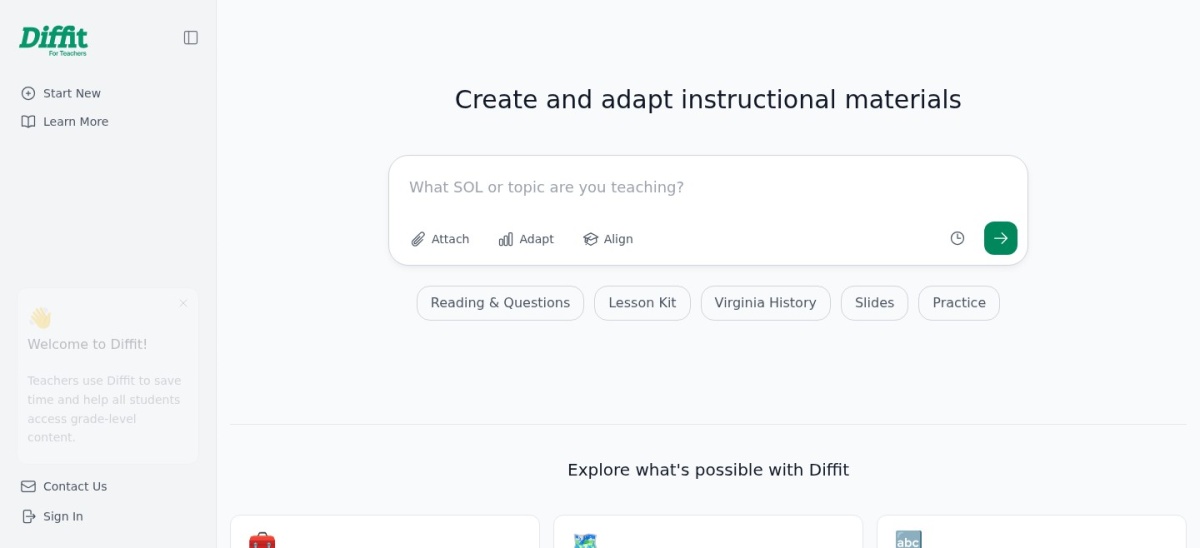
Diffit is a focused tool that does one job well: it takes a text, topic, link or video and rewrites it at the reading level each student needs, then adds a summary, key vocabulary, comprehension questions and a quiz. Exports go to Google Docs, Slides and Forms, which suits classes where reading ages span several years.
The trade off is price for a single job. Individual Premium costs $14.99 a month, or $149.99 a year, and the free Basic plan only shows content from the last 90 days. It suits teachers with mixed-ability classes and multilingual learners.
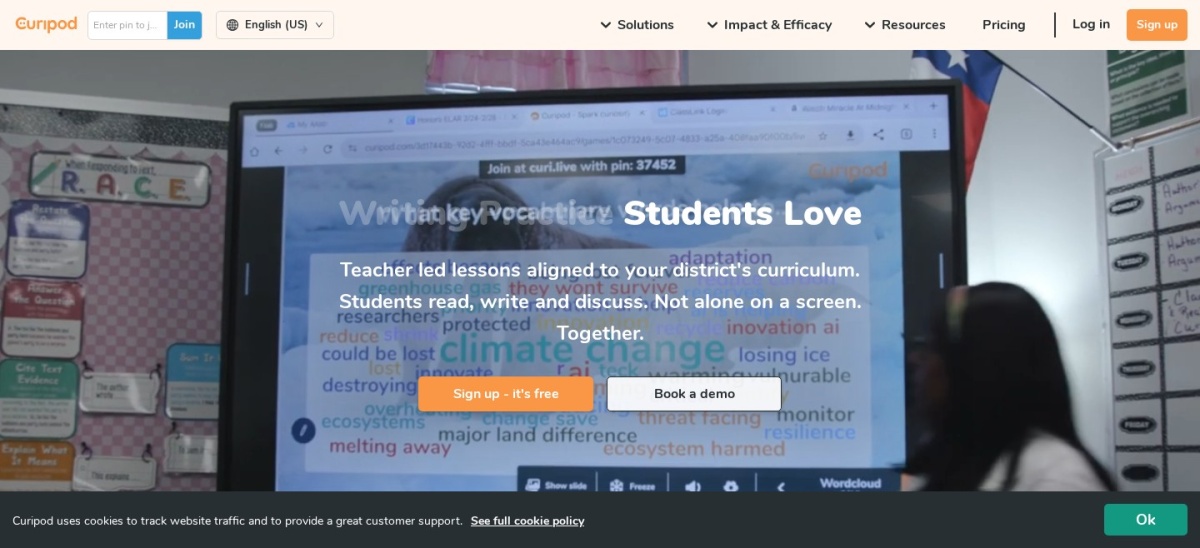
Curipod is a live lesson tool that turns a topic into an interactive lesson. Students join from their own devices, answer polls, draw and write, and get instant Glow and Grow feedback while the lesson runs. The free plan includes weekly writing sessions, and students need no accounts.
The trade off is price clarity. Curipod publishes no individual paid price, and third-party sources report Premium at $7.50 a month billed yearly, so confirm before you buy. It suits teachers who want writing practice with feedback in the lesson itself.
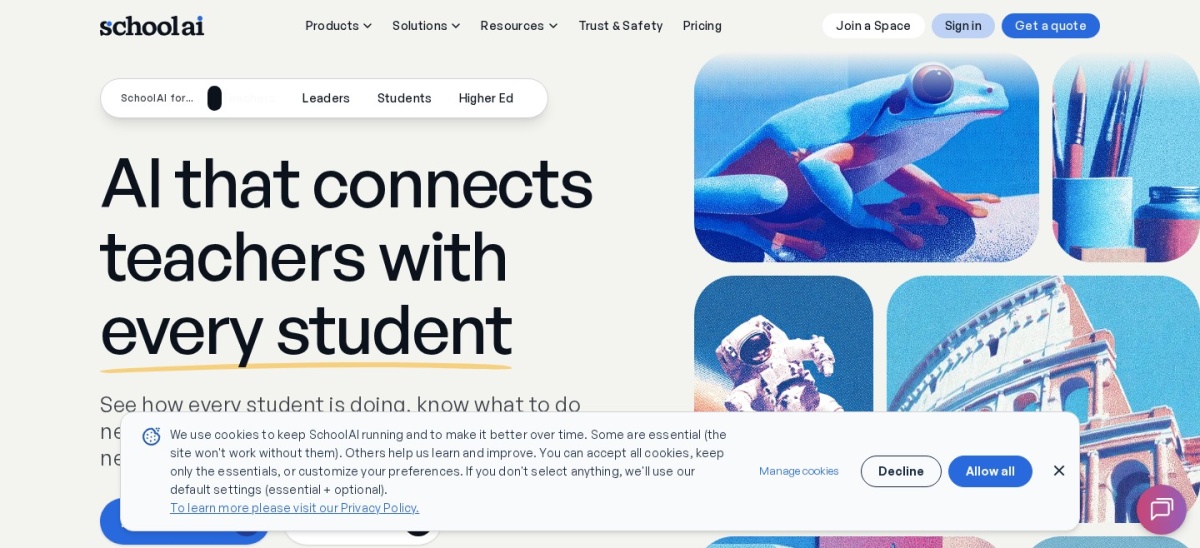
SchoolAI is a teacher-guided AI workspace that flips the model: instead of AI that helps the teacher plan, it gives students monitored spaces to chat with AI while the teacher watches. Teachers can set up a tutor for a topic, a debate partner or a writing coach, all inside guardrails they control. The free plan allows 5 Space launches a year.
The trade off is cost. Pro and Scale are sold on quote, so a single teacher cannot buy a fixed-price upgrade. It suits schools that want students using AI directly, with teacher oversight built in.
Gemini for Education is Google's AI inside the tools schools already use. Teachers can draft lesson outlines, quizzes and leveled texts in Classroom and Docs, and it is free for qualifying institutions through Google Workspace for Education. No new account or install is needed.
The trade off is access. It needs a school-managed Google account with admin settings turned on, so a teacher cannot simply sign up alone. It suits schools already on Google Workspace that want AI without a new vendor.
Canva for Education is free for K-12 teachers and schools, with thousands of templates for slides, worksheets, posters and certificates. Its AI tools draft text and images inside the same editor, and teachers can share work to Classroom. The G2 rating here is for Canva as a whole, from 7,839 reviews.
The trade off is focus. Canva is a design tool first, so it will not plan a lesson, grade work or tutor a student. It suits teachers who need polished slides and handouts fast, and it pairs well with a planning tool from this list.
Free plans cover the daily jobs well. Most include lesson drafts, quizzes and some feedback, with caps on how much you can generate.
Paid plans mostly add volume and history. You get unlimited generations, full output history and student tools.
If you teach one class and plan weekly, a free plan may last all year. Our guide on free tools for teachers lists other no-cost options worth pairing with these.
For a whole school, ask for a quote early. District plans add SSO, rostering and admin controls that no single-teacher plan includes.
How we chose
We started from the AI tools teachers name most often in 2026 comparisons, then kept those with a free plan or a published price for one teacher.
Prices come from each vendor's pricing page or a dated comparison that read it, checked on 22 November 2026. Ratings come from G2, the Chrome Web Store or MyTheAI on the same day. Where a vendor shows no individual price, the list says so.
We left out general chatbots with no teacher features. No vendor paid for a place. This list is based on pricing, docs and reviews, not on using the tools ourselves.
How to choose AI software for teachers
Start with the job that eats most of your evenings, then pick the tool built for it.
Name the job first. Planning, grading, leveling readings and live lessons are different jobs. One all-round tool beats four narrow ones only if it covers your main job.
Try the free plan for two weeks. Use it on real class work, not a demo. If the generation cap bites before Friday, the paid plan is the real price.
Check the privacy page. Look for FERPA and COPPA wording and a clear statement that student data is not used for training.
Ask what the school already pays for. Your school may already license Gemini, Canva or a district plan, so do not buy a second copy yourself.
FAQ
What is the best AI software for teachers?
MagicSchool is the best all-round pick for most teachers. Its free plan includes 80+ teacher tools for planning, quizzes and feedback, and it is rated 4.7 out of 5 on G2.
Is there free AI software for teachers?
Yes. MagicSchool, Brisk Teaching, Khanmigo, Diffit, Curipod, SchoolAI, Gemini for Education and Canva for Education all have free plans, and Khanmigo is free for teachers.
What is the cheapest paid AI tool for teachers?
The cheapest paid plan with a published price is MagicSchool Plus at $99.96 a year billed yearly. Diffit costs $149.99 a year, and Curipod Premium is reported at $7.50 a month billed yearly.
Can AI grade student work for teachers?
It can draft feedback and check writing against a rubric, as Brisk Teaching and MagicSchool do. A teacher should still read the feedback before it reaches a student.
Is AI software safe to use with students?
It depends on the tool. Look for FERPA and COPPA compliance, a clear data policy and teacher controls over student chats before you upload class work.
Does Brisk Teaching work with Google Classroom?
Yes. Brisk Teaching is a Chrome and Edge extension that works inside Google Docs, Slides, Classroom, YouTube and PDFs, so it meets teachers where they already work.