Best AI Teacher Tools for Lesson Planning in 2026: 9 Tools Compared
WLWPLegible EditorsLast verified 24 Nov 2026How we rank14 min read
★ Short answer
MagicSchool AI is the best AI lesson-planning tool for most teachers, with 80+ teacher tools on a free plan and a 4.7 out of 5 G2 rating. Pick Eduaide for the cheapest unlimited plan at $49.99 a year, or Brisk Teaching if you plan inside Google Docs.
How we make this list: we compare pricing pages, product documentation and public user reviews, then re-check every price before each update. No product paid for a place. Disclosure.
MagicSchool AI covers the most ground: 80+ teacher tools on a free plan, with Plus at $99.96 a year.
Eduaide is the cheapest unlimited plan in this list at $49.99 a year, with 110+ resource types.
Brisk Teaching works inside Google Docs and Slides, so you plan where the document already lives.
Khanmigo is free for teachers, and Nearpod's free Silver plan covers 40 students per lesson.
Paid plans run from $48 to $228 a year; only Diffit and Curipod pass $150.
Eduaide, Diffit, SchoolAI and Twee rest on 1, 5, 13 and 3 reviews, so free plans matter more than scores here.
What to look for in an AI lesson-planning tool
Lesson planning with AI means drafting, not delegating. The tool turns a topic, a text or a standard into a first draft — a plan, a worksheet, a quiz — and you check it, fix it and teach from it.
The best tools keep the teacher in charge. Look for clear source material, standards alignment and exports to the apps you already use, such as Google Docs or Slides.
Free plans vary more than prices do. Some cap how much you can generate each month, some cap how long your work is kept, and some are trials with a fixed number of runs.
AI drafts still need a teacher's eye before they reach students. Our guide to using AI to write in WordPress covers the same review habit for AI-written text: read it, check the facts and rewrite what sounds wrong.
MagicSchool AI is the broadest AI toolkit for teachers, with 80+ tools for lesson plans, rubrics, quizzes, IEPs and parent messages in one place. The free plan includes the full tool set with generation limits, and more than 5 million educators use it. Plus adds unlimited generations, output history and student tools.
The trade off is that the free plan caps how much you can generate, and the exact limit is not published. Plus costs $12.99 a month billed monthly, or $8.33 a month billed yearly. It suits teachers who plan, grade and write parent messages every week and want one tool for all of it.
What we like
80+ teacher tools in one place
Free plan covers the full tool set
Student tools and rooms included on Plus
Rated 4.7 out of 5 on G2
Watch out for
Free generation limit is not published
Mostly a drafting tool, not a live lesson platform
5/5on AI Educator Tools (1 reviews, checked Nov 2026)
Paid from$4.17/mo
Best value for unlimited lesson planning
Resource types110+
Free plan24 credits a month
Paid planPro, $49.99/yr
StandardsBuilt from your standards
eduaide.ai
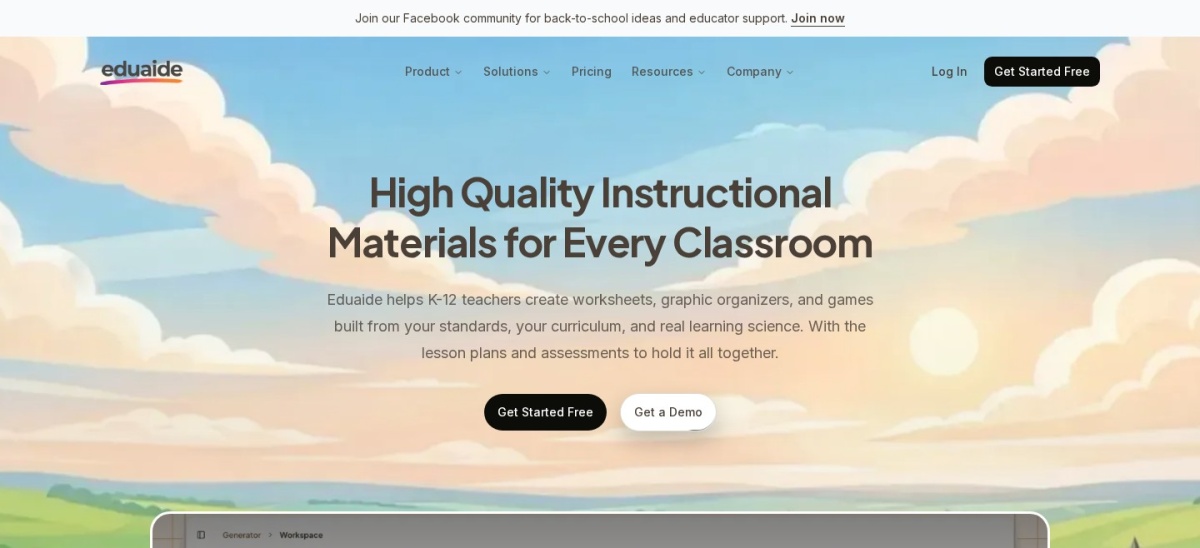
Eduaide homepage, captured Nov 2026.
Eduaide is an AI teaching assistant built for K-12 teachers, with 110+ resource types for lesson plans, worksheets, organizers and classroom games. The free plan gives 24 credits a month, enough for up to 8 resources, and includes evaluations and exports. Pro removes the limit.
The trade off is that differentiation, document chat and image generation need Pro at $5.99 a month or $49.99 a year. There are no student-facing features or LMS integrations. It suits teachers who want the cheapest unlimited plan for drafting classroom materials.
4.7/5on Chrome Web Store (730 reviews, checked Nov 2026)
Paid from$8.33/mo
Best for planning inside Google Docs
Free tools20+
Works inGoogle Docs, Slides
Paid planPro, $99.99/yr
Districts10,000+
briskteaching.com
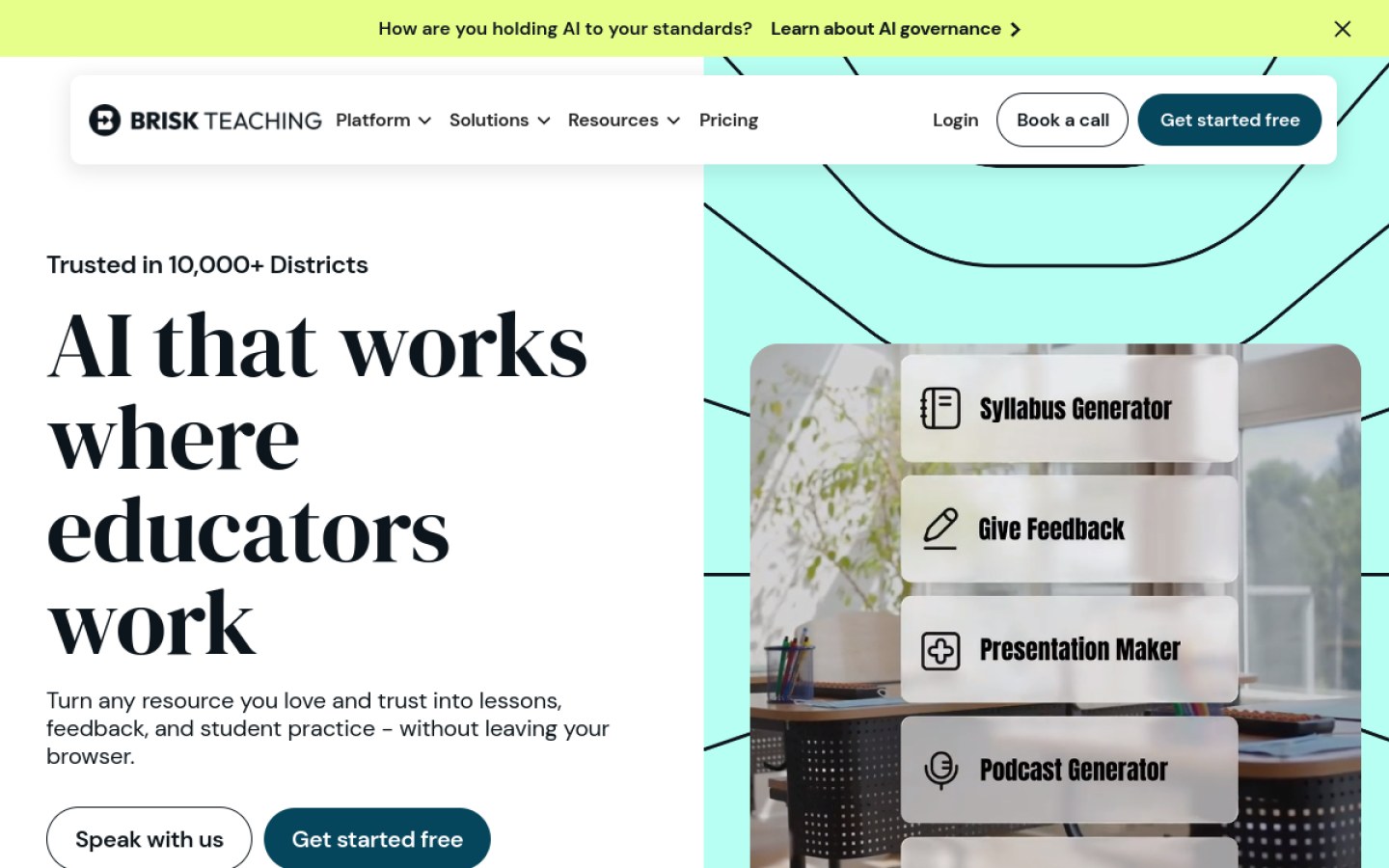
Brisk Teaching homepage, captured Nov 2026.
Brisk Teaching is a browser extension that brings AI tools into Google Docs, Slides, Forms and Microsoft apps, so you plan inside the document where the lesson will live. The free plan includes 20+ tools with daily usage caps and a 14-day Premium trial. It is trusted in more than 10,000 districts.
The trade off is that the strongest model and targeted feedback need Educator Pro at $9.99 a month or $99.99 a year. It only works in a browser, so there is no standalone app. It suits teachers who already live in Google Workspace and want feedback and planning in one place.
4.2/5on AI Educator Tools (5 reviews, checked Nov 2026)
Paid from$12.50/mo
Best for leveled reading and differentiation
Reading levelsMultiple
Free exportPDF
Paid planPremium, $149.99/yr
Student dataNone collected
diffit.me
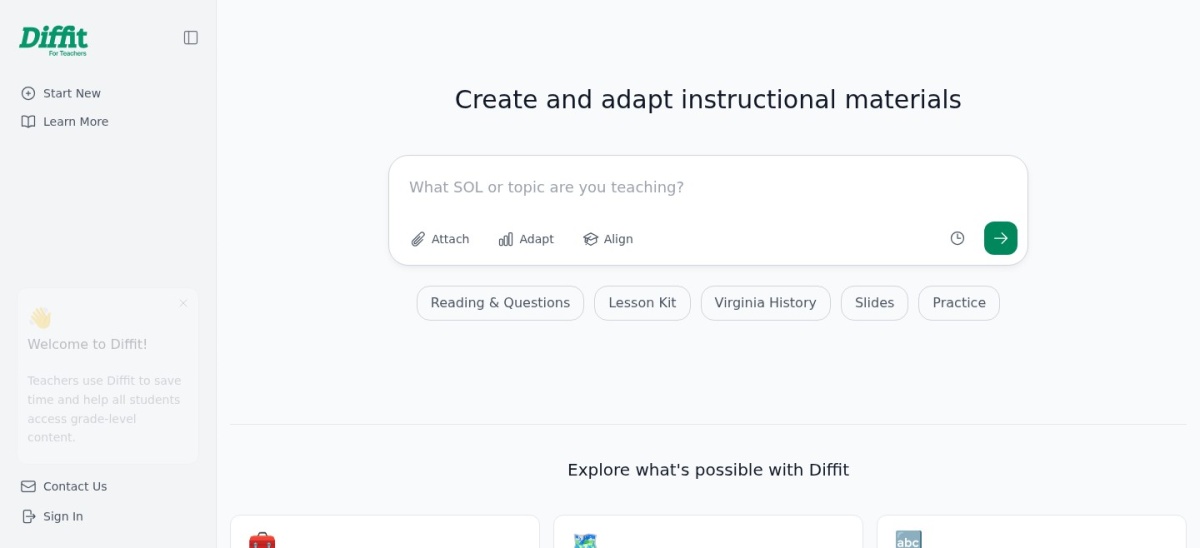
Diffit homepage, captured Nov 2026.
Diffit is a focused tool that turns any topic, text, link or video into leveled reading passages with vocabulary, summaries, comprehension questions and activities. The free Basic plan covers the core workflow with PDF export and keeps resources for 90 days. It takes no student logins and collects no student data.
The trade off is export. Google Docs, Slides and Microsoft Word exports need Premium at $14.99 a month or $149.99 a year, as do standards alignment and full resource history. It suits teachers whose classes span several reading levels and who need one text at many levels.
Khanmigo is Khan Academy's AI tutor and teacher assistant, free for teachers. It drafts lesson plans, rubrics and hooks, coaches students through problems instead of giving answers, and includes a Writing Coach for student writing practice. It is rated 4.5 out of 5 on G2.
The trade off is scope. Khanmigo is strongest in maths and writing, and its planning help is lighter than a full toolkit such as MagicSchool or Eduaide. Learners pay $4 a month outside a school plan. It suits teachers who want a free tutor for students plus help with plans and rubrics.
4.9/5on AI Educator Tools (13 reviews, checked Nov 2026)
Paid from$9.99/mo
Best for supervised student AI in class
Free Spaces5
Paid planTeacher Pro, $9.99/mo
MonitoringMission Control
ComplianceFERPA, COPPA
schoolai.com
SchoolAI homepage, captured Nov 2026.
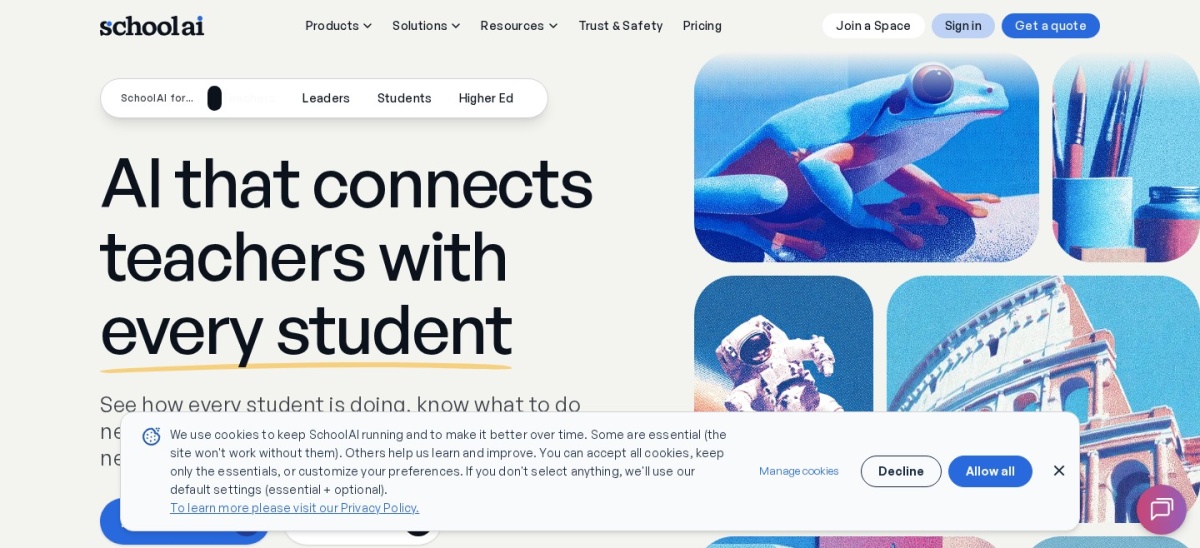
SchoolAI is built around Spaces, teacher-configured AI activities that students join for tutoring, practice, debate or writing help. The teacher watches every conversation from Mission Control and sets the guardrails. The free plan includes up to 5 Spaces, and it is FERPA and COPPA compliant.
The trade off is price and proof. Teacher Pro is $9.99 a month, but some sources list $14.99 or $15, so check the pricing page before you pay. SchoolAI has no reviews on G2. It suits teachers who want students to use AI in class under close supervision.
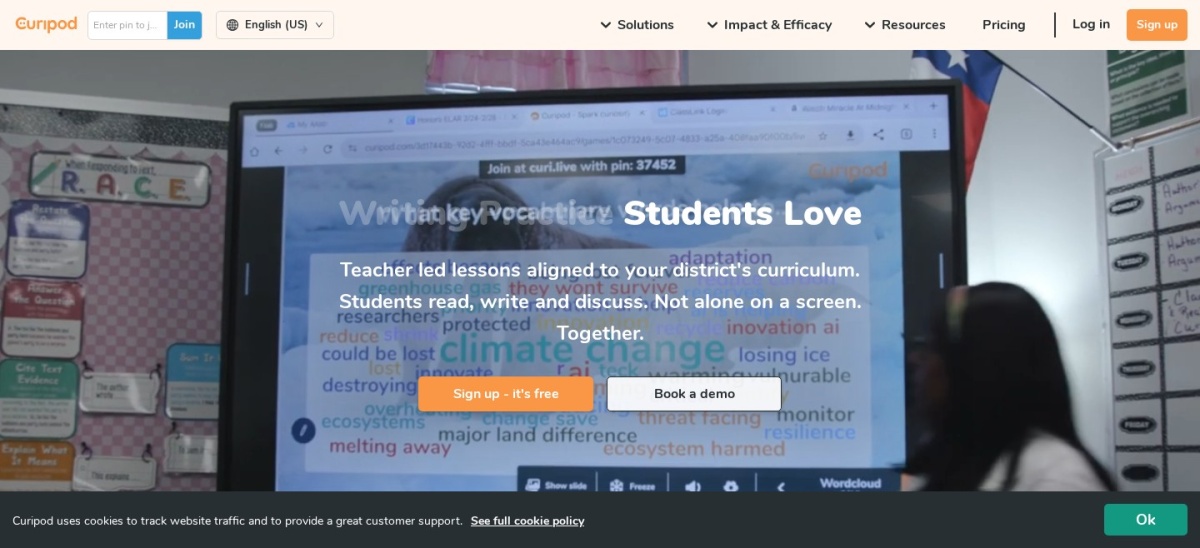
Curipod turns a topic into a live interactive lesson: slides mixed with polls, word clouds, drawings and open questions that every student answers on their own device. Its AI gives instant feedback on student writing during the lesson. The free plan includes weekly live sessions for unlimited students.
The trade off is that unlimited sessions, rubric scoring, read-aloud and PDF downloads need Premium at $24 a month or $228 a year. AI-generated slides still need a teacher's editing pass before class. It suits ELA, science and social studies teachers who want live participation.
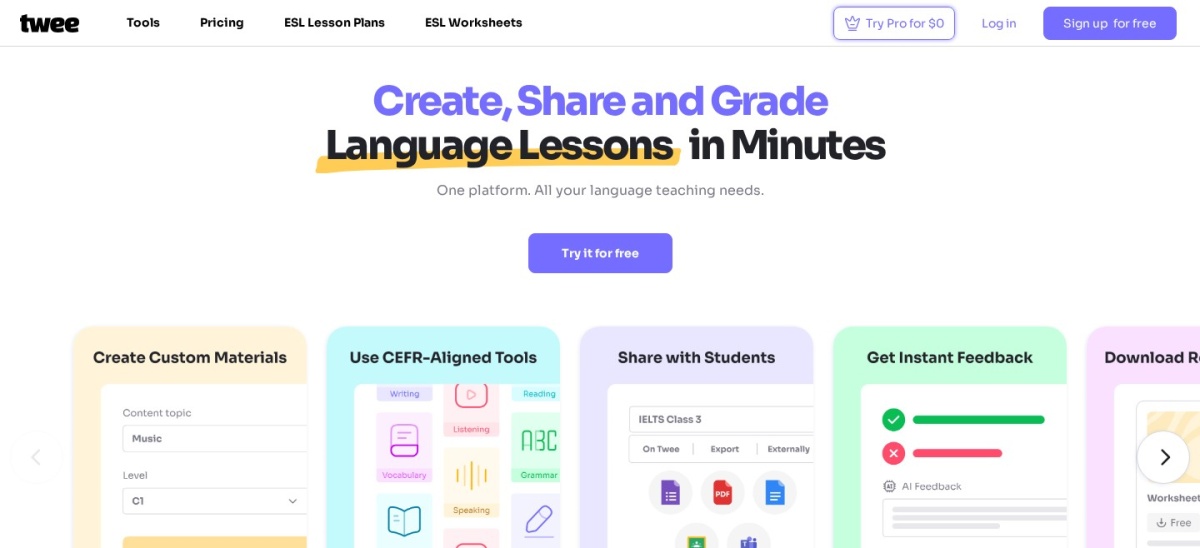
Twee is an AI platform built for language teachers, with 40+ tools for reading, speaking, vocabulary and grammar across 10 languages. It creates CEFR-aligned lessons, worksheets and listening tasks from any topic or YouTube video, and Pro adds AI grading and a CEFR level checker.
The trade off is the free tier. The trial gives five runs and 500 audio credits, then Basic costs $6.50 a month billed yearly for 100 runs a month. It is built for language teaching, so other subjects get less from it. It suits ESL and language teachers who plan in CEFR levels.
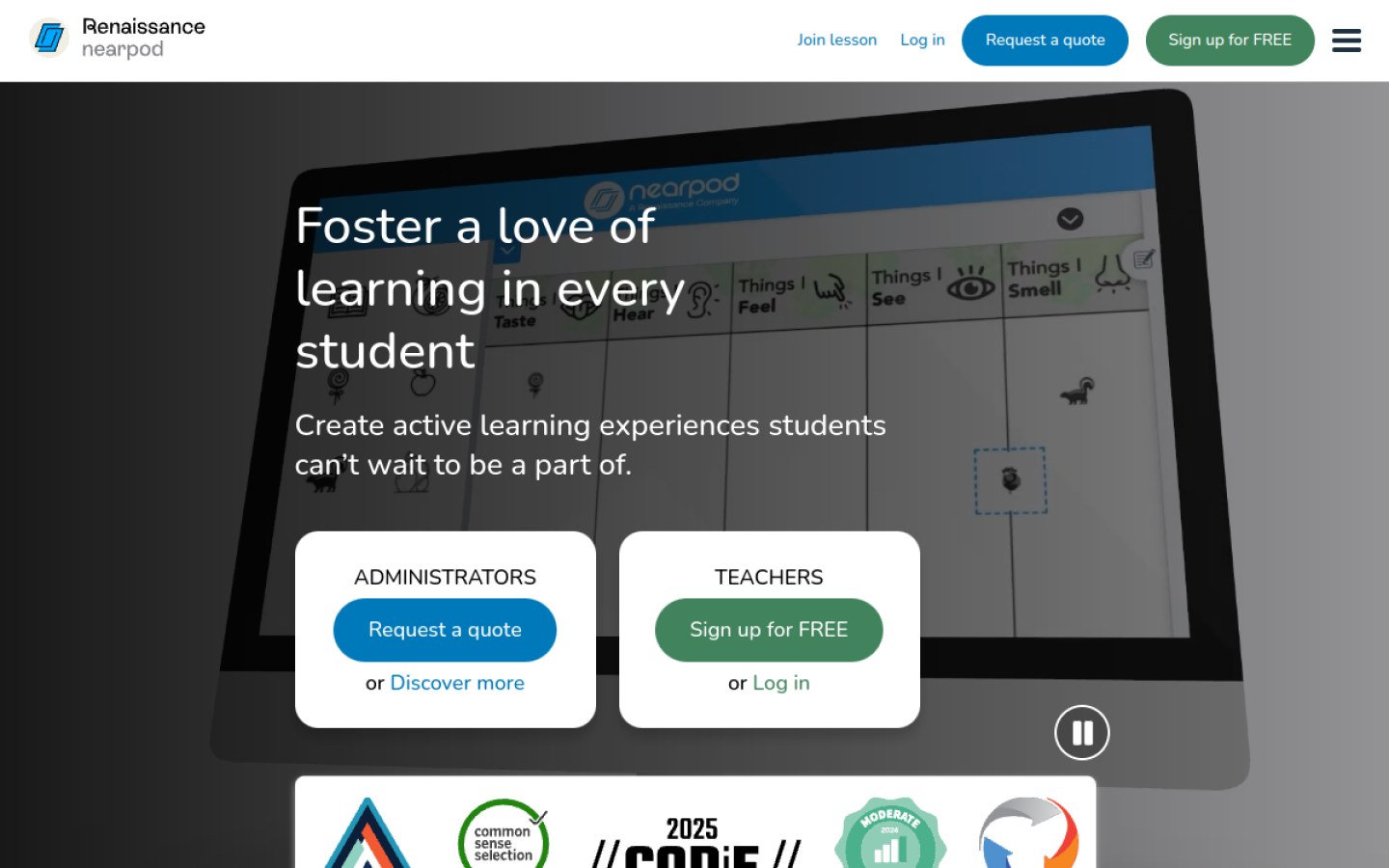
Nearpod turns slides into interactive lessons with polls, quizzes, virtual field trips and a library of more than 22,000 standards-aligned lessons. The free Silver plan covers 40 students per lesson with live and self-paced delivery and real-time reports. It is rated 4.6 out of 5 on G2.
The trade off is that the AI question generator and larger classes need Gold at $159 a year, and storage caps bite on video-heavy lessons. The free plan allows five AI assessments. It suits teachers who want a ready-made lesson library plus live interaction.
The most common mistake is paying before trying the free plan. Eight of these tools cost nothing for a teacher's normal week, and Twee gives you five free runs to judge it.
The second is trusting a reading level or a quiz answer without reading it. One review found Diffit's reading levels run about a grade off, so check the output against your class before you print it.
The third is stacking tools that do the same job. MagicSchool, Eduaide and Brisk overlap heavily on drafting; pick one main planner and add a specialist such as Diffit or Curipod only where it fills a gap.
How we chose
We started from the AI tools teachers name most often for lesson planning, then kept nine with a real free plan or free trial, a published price and a live homepage.
Ratings come from G2, checked the same day. Brisk Teaching is rated on the Chrome Web Store instead, and Eduaide, Diffit, SchoolAI and Twee are rated in the AI Educator Tools directory and on aitools.inc, because none of the four has a G2 or Capterra rating. Treat those four scores as thin: they rest on 1, 5, 13 and 3 reviews.
We left out tools that block automated checks or publish no individual price. No vendor paid for a place, and we do not claim to have used these tools ourselves.
How to choose an AI lesson-planning tool
Start with one real week of planning, then pick the tool that fits how you already work.
Try the free plan on a real lesson. Draft next week's plan in each of your top two picks. The one that needs the least fixing after generation is the one to keep.
Check the free limit, not just the feature list. A monthly generation cap or a 90-day history limit decides whether the free plan lasts a term. Eduaide gives 24 credits a month; Diffit keeps work for 90 days.
Match the tool to where you teach. If you live in Google Docs, Brisk saves the copy-paste. If your students need leveled reading, Diffit is the specialist. If students will chat with the AI, SchoolAI keeps you in control.
Read every AI draft before it reaches students. Check facts, reading levels and answer keys. No tool in this list guarantees correct output, and a wrong quiz answer costs more time than the draft saved.
FAQ
What is the best AI tool for lesson planning?
MagicSchool AI is the best all-round pick. Its free plan includes 80+ teacher tools for plans, rubrics, quizzes and parent messages, and it is rated 4.7 out of 5 on G2. Eduaide is the best value if you want unlimited generations for $49.99 a year.
Is there a free AI lesson planner for teachers?
Yes. MagicSchool, Eduaide, Brisk, Diffit, Khanmigo, SchoolAI, Curipod and Nearpod all have free plans. Khanmigo is free for teachers outright. Twee is the exception: it gives five free trial runs, then needs a paid plan.
Can AI write a full lesson plan?
It can draft one from a topic, a text or a standard in under a minute. You still need to check the facts, the reading level and the timing, and adapt it to your class. Treat the output as a first draft, not a finished plan.
Which AI tool is best for differentiated instruction?
Diffit is the specialist: it rewrites a text at different reading levels and adds vocabulary, questions and activities for each version. Eduaide and MagicSchool also offer differentiation, but Diffit's whole design is built around it.
Do these tools work with Google Classroom?
Most do. Brisk works inside Google Docs, Slides and Classroom, and Diffit exports to Google Docs and Slides on its paid plan. SchoolAI and Nearpod offer Google Classroom connections on their school plans.
Is student data safe with AI teacher tools?
It depends on the tool. MagicSchool, Brisk, Eduaide, SchoolAI and Diffit all publish FERPA and COPPA statements, and SchoolAI is SOC 2 Type II certified. Read the privacy policy before students use any tool, and never upload names or grades you do not need to share.