Best AI Photo Enhancement Tools in 2026: 9 Tools Compared
WLWPLegible EditorsLast verified 24 Nov 2026How we rank8 min read
★ Short answer
Topaz Photo AI is the best AI photo enhancement tool for serious photographers, with denoise, sharpening, face recovery and upscaling at $199 a year. Lightroom suits photographers who also want a catalog and cloud sync at $11.99 a month, while Fotor is the cheapest pick at $39.99 a year.
How we make this list: we compare pricing pages, product documentation and public user reviews, then re-check every price before each update. No product paid for a place. Disclosure.
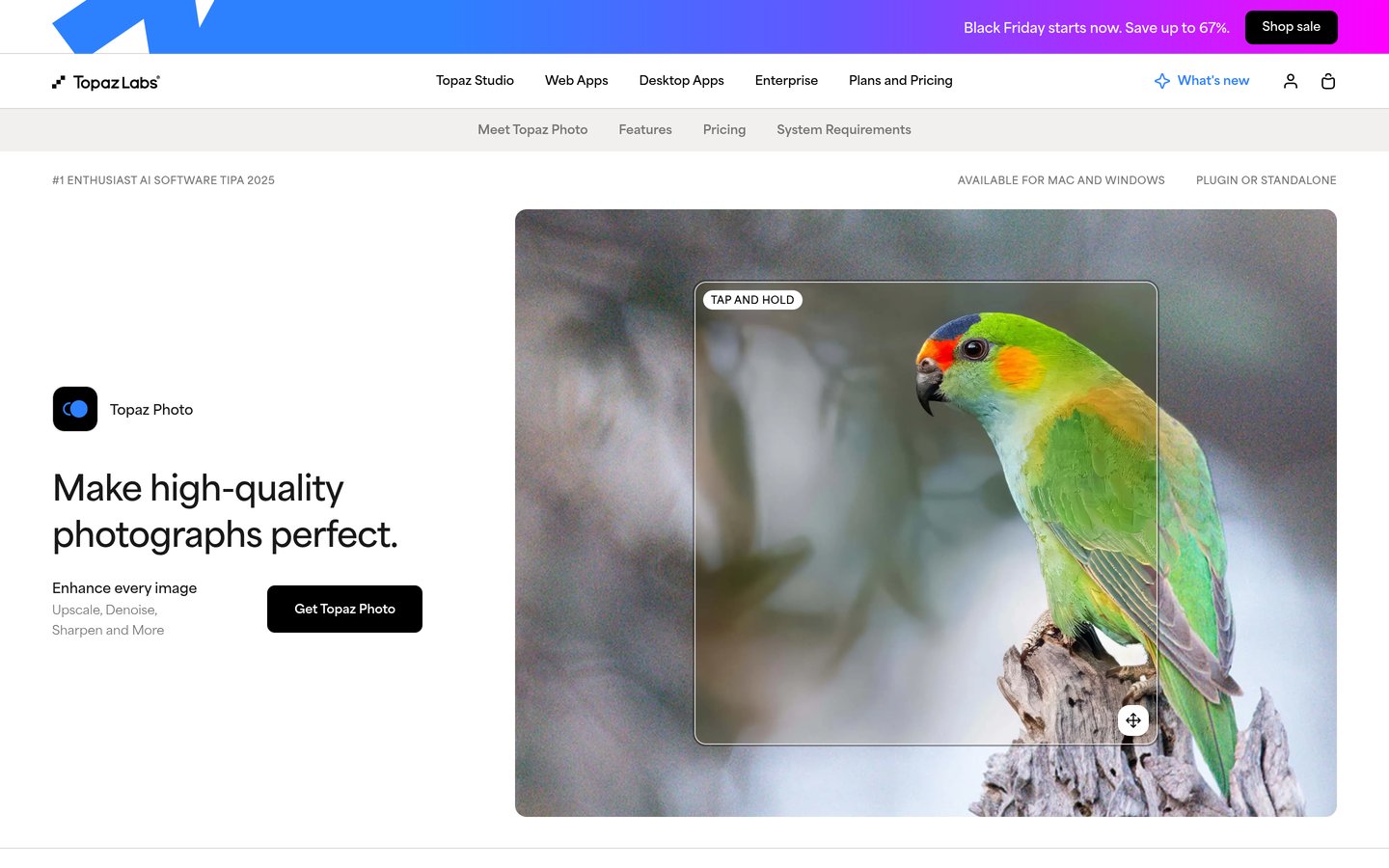
Topaz Photo AI is the strongest dedicated enhancer, at $199 a year with denoise, sharpening, face recovery and upscaling.
Lightroom costs $11.99 a month and pairs AI enhance with a full catalog, 1TB of cloud storage and Classic.
Luminar Neo is the only perpetual licence here, at $139 paid once for desktop and mobile.
Weekly billing makes Remini the priciest habit: $6.99 a week is more than $360 a year.
Fotor Pro is the cheapest paid plan at $39.99 a year, and Upscale.media is the best free upscaler.
What to look for in an AI photo enhancement tool
AI photo enhancement covers a few jobs: removing noise, sharpening blur, recovering faces and enlarging small images. Some tools do all four, while others specialise in one, so match the tool to the photos you fix most.
Desktop apps suit heavy work and RAW files, while browser tools suit quick fixes and product photos. If you edit hundreds of photos, check batch processing and credit limits before you pay.
Pricing splits three ways: subscriptions like Topaz and Lightroom, one-time licences like Luminar Neo and DxO PhotoLab, and credit plans like Let's Enhance and VanceAI. Weekly billing looks cheap and adds up fast, so work out the yearly cost first.
Free tiers help for a few photos a month. Remini, Fotor and Upscale.media all offer free use with limits, which is enough to test quality before you commit.
Topaz Photo AI is a desktop AI enhancer that removes noise, sharpens soft shots, recovers faces and upscales images in one pass. Personal costs $199 a year paid upfront and covers denoise, sharpen, face recovery and upscaling, with commercial use for organisations under $1M revenue.
The trade off is the $199 yearly subscription replaced the old one-time licence in October 2025, so the cost repeats every year, and monthly billing costs more. It suits photographers who rescue noisy or soft images most weeks.
Adobe Lightroom is a photo editor and catalog that pairs RAW editing and cloud sync with AI denoise, masking and generative tools. The Lightroom plan costs $11.99 a month on annual billing and adds 1TB of cloud storage, 250 generative credits a month and Lightroom Classic.
The trade off is the legacy $9.99 Photography Plan is closed to new subscribers, so new buyers start at $11.99, and there is no way to buy Lightroom outright. It suits photographers who want one catalog, cloud sync and AI enhance in a single app.
What we like
Full catalog and cloud sync
Strong RAW editing tools
AI denoise and masking built in
Watch out for
Subscription only
Photoshop needs the $19.99 Photography Plan
Photography Plan adds Photoshop at $19.99 a monthVisit adobe.com
03
Luminar Neo
4.4/5on G2 (116 reviews, checked Nov 2026)
Starts at$139/yr
Best one-time purchase AI editor
LicencePerpetual
AI toolsSky, face, erase
Generative tools1 year included
PlatformsWindows, Mac, mobile
skylum.com
Luminar Neo homepage, captured Nov 2026.
Luminar Neo is a standalone AI photo editor with one-click sky replacement, face retouching, object removal and generative expand tools. The Cross-device licence costs $139 paid once and covers desktop plus mobile apps, with generative tools included for the first year.
The trade off is generative tools stop after a year unless you renew with Luminar Prime, and prices on Skylum's page have moved several times in 2026. It suits photographers who want to own their editor instead of renting one.
What we like
Perpetual licence, no subscription
Fast one-click AI edits
Desktop and mobile apps included
Watch out for
Generative tools expire after a year
Prices have changed often in 2026
Prime renewals from $33 a year keep generative toolsVisit skylum.com
04
DxO PhotoLab
4.3/5on G2 (25 reviews, checked Nov 2026)
Starts at$249.99/yr
Best for RAW quality and lens corrections
DenoiseDeepPRIME
Lens correctionsAutomatic
RAW editingYes
LicenceOne-time
dxo.com
DxO PhotoLab homepage, captured Nov 2026.
DxO PhotoLab is a RAW photo editor known for DeepPRIME AI denoising and automatic lens corrections built from lab-measured profiles. PhotoLab 10 Elite costs $249.99 paid once and adds DeepPRIME denoising, local adjustments and full RAW editing with no subscription.
The trade off is the Elite price is the highest one-time cost on this list, and there is no cloud sync or catalog like Lightroom. It suits photographers who prize image quality and shoot RAW.
What we like
Best-in-class AI denoising
Automatic lens corrections
One-time purchase, no subscription
Watch out for
Highest one-time price here
No cloud sync or catalog
Essential edition costs less with fewer toolsVisit dxo.com
05
Let's Enhance
4.6/5on G2 (24 reviews, checked Nov 2026)
Starts at$9/mo
Best budget AI upscaler
Credits100 a month
UpscalingUp to 16x
BatchYes
PlatformsWeb
letsenhance.io
Let's Enhance homepage, captured Nov 2026.
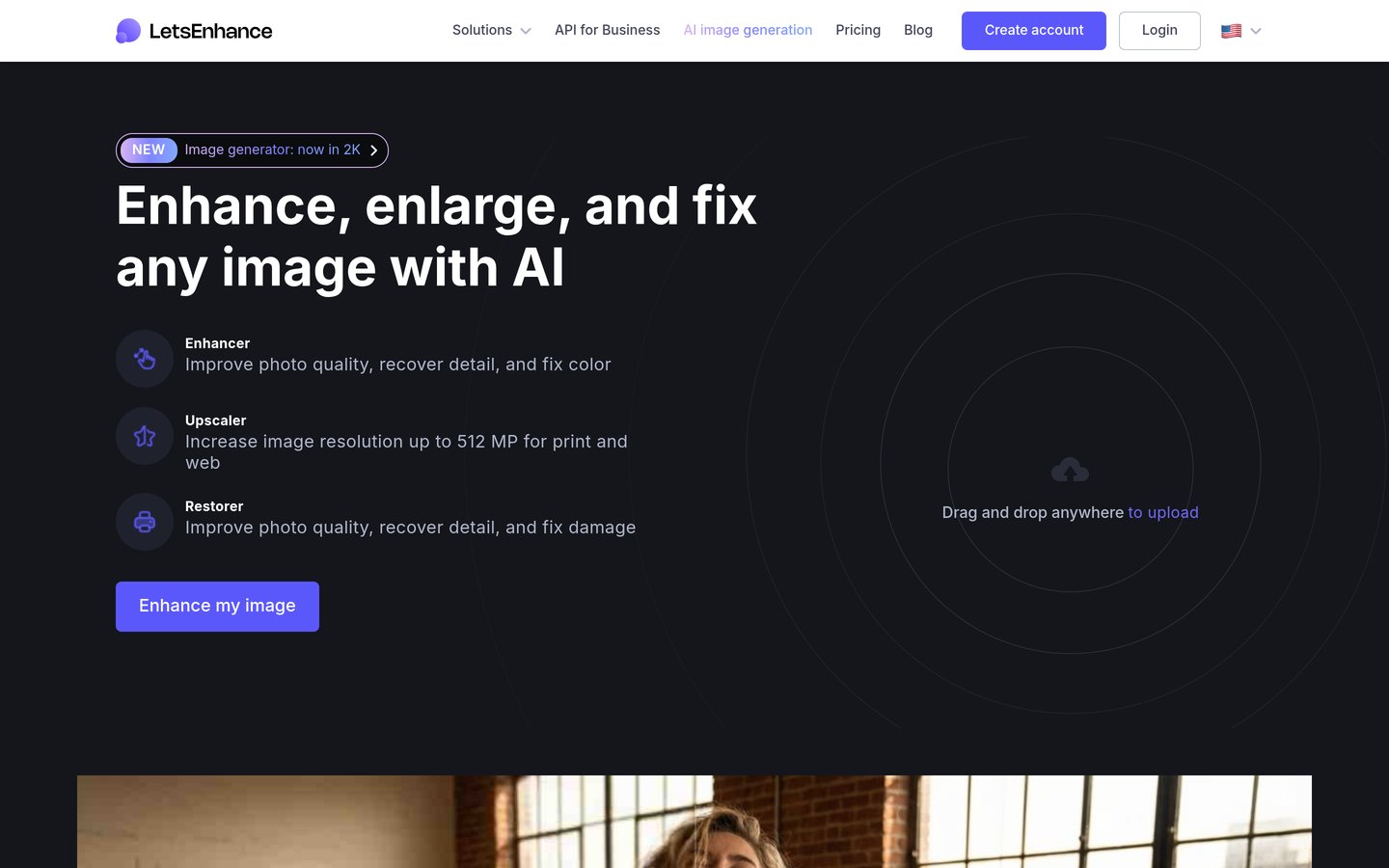
Let's Enhance is a web-based AI upscaler that sharpens, denoises and enlarges photos without installing software. Starter costs $9 a month billed yearly and covers 100 credits a month, with upscaling, sharpening and background removal in the browser.
The trade off is the credit system means heavy months cost more, and monthly billing costs $12 a month instead of $9. It suits sellers and creators who upscale product and web photos in batches.
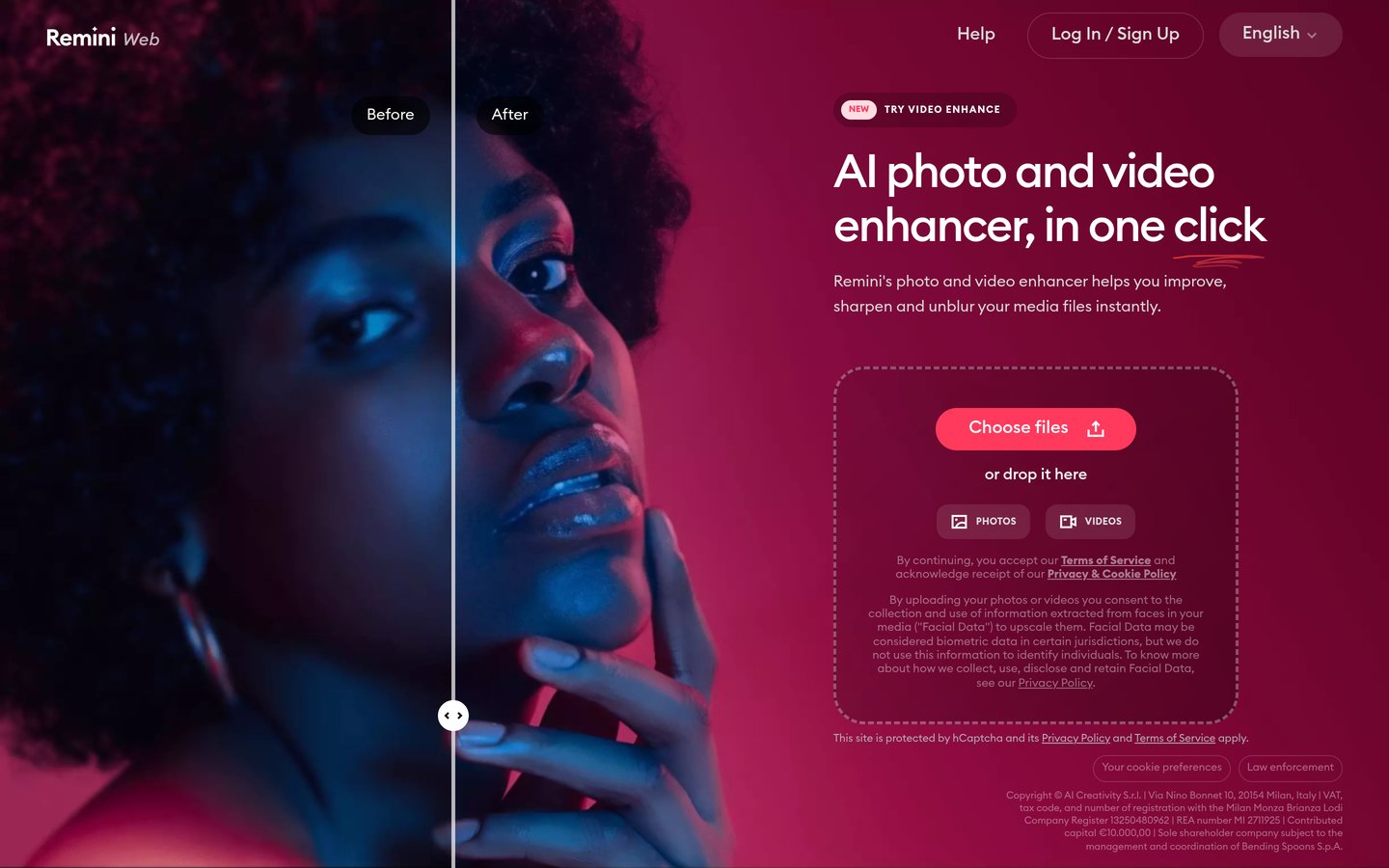
Remini is a mobile-first AI enhancer that unblurs faces, restores old photos and upscales images with one tap. Personal costs $6.99 a week and covers 20 photo enhancements a week with JPG output, and paying yearly costs less than staying weekly.
The trade off is weekly billing adds up to more than $360 a year if you stay on it, and free exports carry a watermark with daily limits. It suits anyone restoring family photos from a phone.
Fotor is a browser photo editor that pairs one-click AI enhancement with cropping, filters, collage and design tools. Pro costs $39.99 a year billed annually, or $8.99 month to month, and removes watermarks while adding HD exports, batch edits and background removal.
The trade off is the free tier limits enhancement and adds watermarks, and Fotor is a general editor rather than a dedicated enhancer like Topaz. It suits casual users who want one account for edits, enhancement and simple design.
VanceAI is a web-based AI toolkit for photo restoration, upscaling, denoising and sharpening, with separate tools for each job. The subscription costs $9.90 a month and covers 100 credits a month across its restore, upscale and denoise tools.
The trade off is credits run out fast on large batches, and the interface splits tools across separate pages rather than one editor. It suits users who restore old photos in the browser without installing software.
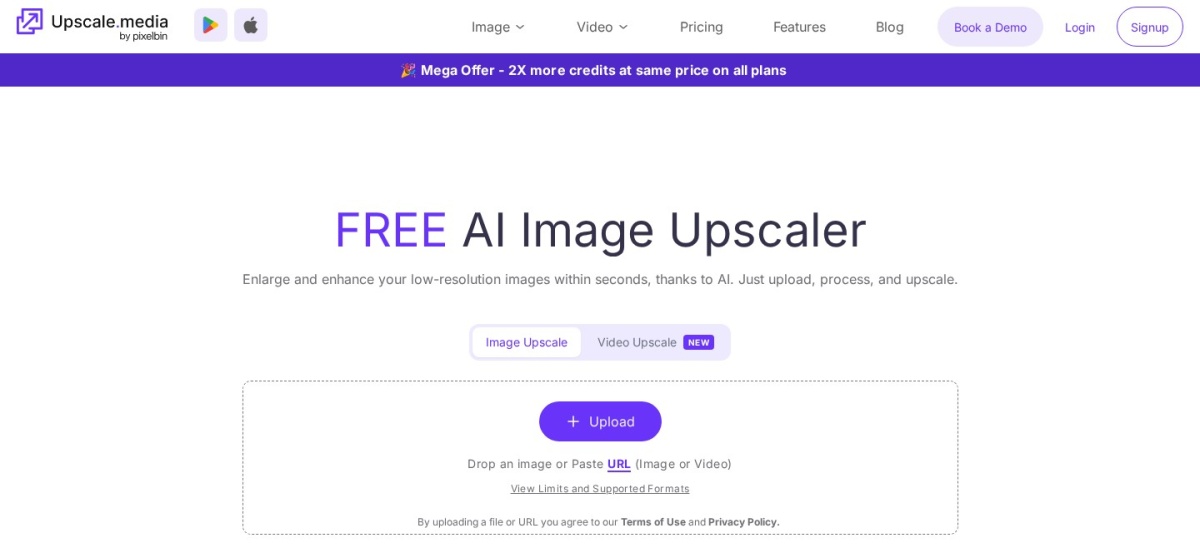
Upscale.media is a free online upscaler from PixelBin that enlarges images up to 4x with AI, aimed at quick product and web photos. The yearly plan costs $49.99 a year and covers 3,000 credits, while the free tier gives 3 credits and 3 downloads a month.
The trade off is the free tier is tiny at 3 credits a month, and the tool only upscales rather than editing, so you still need an editor for the rest. It suits sellers who need a fast free upscale for a few product photos.
We started from the AI photo enhancers named most often in photographer round-ups and review sites, then kept nine established tools with a current release and a public price.
Prices come from each vendor pricing page, checked on 24 November 2026. Ratings come from G2 on the same day, where a rating page was available. Where a vendor shows a sale, the list shows the regular price.
We left out tools with no published price and tools that have not been updated in the last 12 months. No vendor paid for a place, and we do not claim hands-on testing for this list.
How to choose an AI photo enhancement tool
Start with the photos you fix most, then match the tool to that job.
Pick desktop or browser. Heavy RAW work and big batches suit a desktop app, while a few web photos suit a browser tool with no install.
Check the yearly cost. Work out subscriptions, one-time licences and credits over a year, since weekly billing and credit caps change the real price.
Test with your own photos. Run the same noisy, blurry or old photo through the free tier of two tools and compare the results before you pay.
Mind the export limits. Check resolution caps, watermarks and file formats on the plan you buy, since free tiers often limit exports.
FAQ
What is the best AI photo enhancement tool?
Topaz Photo AI is the best AI photo enhancement tool for serious photographers, with denoise, sharpening, face recovery and upscaling in one desktop app at $199 a year. Lightroom is the best pick if you also want a catalog and cloud sync, while Fotor is the cheapest paid option.
Is there a free AI photo enhancer?
Yes. Upscale.media is the best free AI photo enhancer for a few photos a month, with 3 free credits and 3 downloads a month. Fotor and Remini also offer free tiers with limits, and most paid tools offer a free trial.
How much does Topaz Photo AI cost?
Topaz Photo AI costs $199 a year paid upfront for the Personal plan, or $25 a month on an annual commitment and $39 a month with no commitment. The old one-time licence ended in October 2025, so the cost now repeats every year.
Can AI photo enhancers fix very blurry photos?
They can improve soft and noisy photos a lot, especially with face recovery and sharpening models, but they cannot invent detail that was never captured. Very blurry or tiny images still come back soft, so expect a cleaner photo rather than a perfect one.
What is the best AI photo enhancer for old photos?
Remini is the best AI photo enhancer for old photos on a phone, with one-tap face restoration and colour repair. VanceAI Photo Restorer is the best browser pick for the same job, and Topaz Photo AI suits desktop users restoring large batches.
Do I need a subscription for AI photo enhancement?
No. Luminar Neo costs $139 paid once and DxO PhotoLab costs $249.99 paid once, with no subscription. Free tiers from Upscale.media, Fotor and Remini cover a few photos a month without paying at all.