Best AI Photo Restoration Tools in 2026: 9 Tools Compared
WLWPLegible EditorsLast verified 22 Nov 2026How we rank12 min read
★ Short answer
MyHeritage Reimagine is the best AI photo restoration tool for most people, repairing scratches, sharpening faces and adding colour for $49.99 a year. Pick VanceAI for heavy restoration work, Topaz Photo AI for the highest-quality desktop results, or Fotor if you want the cheapest paid plan.
How we make this list: we compare pricing pages, product documentation and public user reviews, then re-check every price before each update. No product paid for a place. Disclosure.
MyHeritage Reimagine is the best pick for family photos: repair, enhance, colourise and animate for $49.99 a year.
VanceAI is the most focused restorer, with a dedicated old-photo tool at 4 credits a photo and plans from $180 a year.
Topaz Photo AI gives the best desktop quality, but its cheapest plan with restoration is $19 a month on the web.
Remini is the fastest one-tap fix on a phone, but its Trustpilot score is 1.4 out of 5 and billing complaints are common.
Fotor Pro is the cheapest paid plan here at $47.99 a year, with restoration as one tool in a big editor.
What an AI photo restoration tool should do
Old photos fail in predictable ways. Prints fade, tear and pick up scratches, while scans of small prints come out soft and low-resolution.
A good restoration tool should fix damage first, then sharpen faces and, only if you want it, add colour. Colourising is a guess, so a tool that keeps the original beside the restored copy is safer.
Watch how you pay. Some tools charge per photo or per credit, so a box of 200 prints can cost far more than a yearly plan. If the restored photos are for a website, our list of the best WordPress plugins for photographers covers galleries and selling prints.
Ratings matter more here than in most lists. Several tools in this category score badly on Trustpilot for billing, even when the restoration itself works well, so check the cancellation terms before you subscribe.
4.4/5on Trustpilot (111,624 reviews, checked Nov 2026)
Paid from$49.99/yr
Best for old family photos
Photo repairScratches and tears
ColouriseYes, In Color
Face animationDeep Nostalgia
Cheapest paidReimagine, $49.99/yr
myheritage.com
MyHeritage Reimagine homepage, captured Nov 2026.
MyHeritage Reimagine is the photo app from MyHeritage, built for old family prints. It combines Photo Repair for scratches and tears, a Photo Enhancer that sharpens faces, In Color for black-and-white shots, and Deep Nostalgia, which animates a face into a short video. A few photos are free; unlimited use costs $49.99 a year.
The trade off is the subscription maze. The photo tools also sit inside MyHeritage's Complete genealogy plan, which costs far more, and prices vary by region, so the Reimagine app is the cheaper route if you only want photos. It suits anyone working through a box of family prints.
What we like
Four tools in one app: repair, enhance, colourise, animate
Cheapest yearly plan in this list at $49.99
Keeps the original photo beside the restored copy
Rated 4.4 out of 5 from 111,624 Trustpilot reviews
Watch out for
Free tier covers only a few photos
Complete plan costs far more if you buy it by mistake
MyHeritage warns results may be inaccurate or distorted
4.1/5on Trustpilot (1,342 reviews, checked Nov 2026)
Starts at$180/yr
Best dedicated photo restorer
Photo Restorer4 credits a photo
UpscalingUp to 8x
ColouriseYes, 4 credits
Cheapest paidStarter, $180/yr
vanceai.com
VanceAI Photo Restorer homepage, captured Nov 2026.
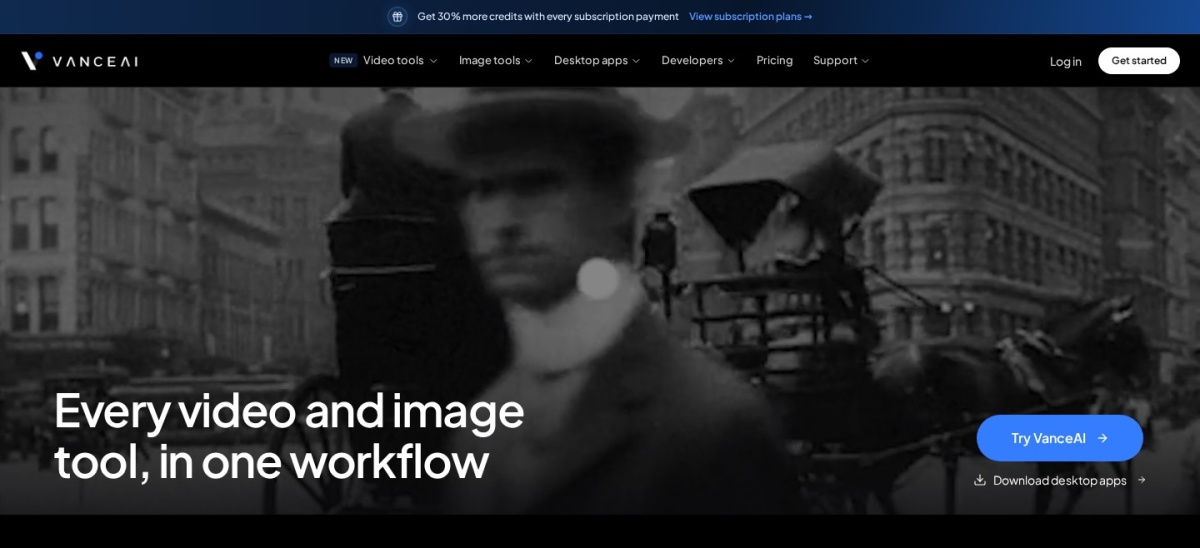
VanceAI Photo Restorer is a browser suite of single-purpose AI tools, and its Photo Restorer fixes scratches, creases and fading on old prints. Restoration costs 4 credits a photo at standard size, and the same credit balance covers upscaling, sharpening, denoising and colourising. New accounts get 10 free credits to try it.
The trade off is the credit maths. The Starter plan costs $180 a year for 260 credits a month, so a large archive of damaged photos eats the balance fast, and credits expire when the subscription ends. It suits people restoring photos in volume who want one tool per job.
What we like
Dedicated old-photo restorer, not a general editor
3.6/5on Trustpilot (56,788 reviews, checked Nov 2026)
Starts at$19/mo
Best desktop quality
Dust & ScratchYes, dedicated model
Face recoveryRecover Faces
UpscalingStandard and High Fidelity
Cheapest paidWeb Image, $19/mo
topazlabs.com
Topaz Photo AI homepage, captured Nov 2026.
Topaz Photo AI is a desktop app for Mac and Windows that sharpens, denoises and upscales photos with separate AI models for each job. Its Dust & Scratch model and Recover Faces tool handle old prints, and the web version adds a dedicated Photo Restoration workflow. Topaz says it is trusted by over 1 million photographers.
The trade off is price and power. The one-time licence is gone, so new buyers rent it, and the desktop app needs a capable computer, especially the graphics card, to run fast. It suits photographers who already edit on a desktop and want the best output quality.
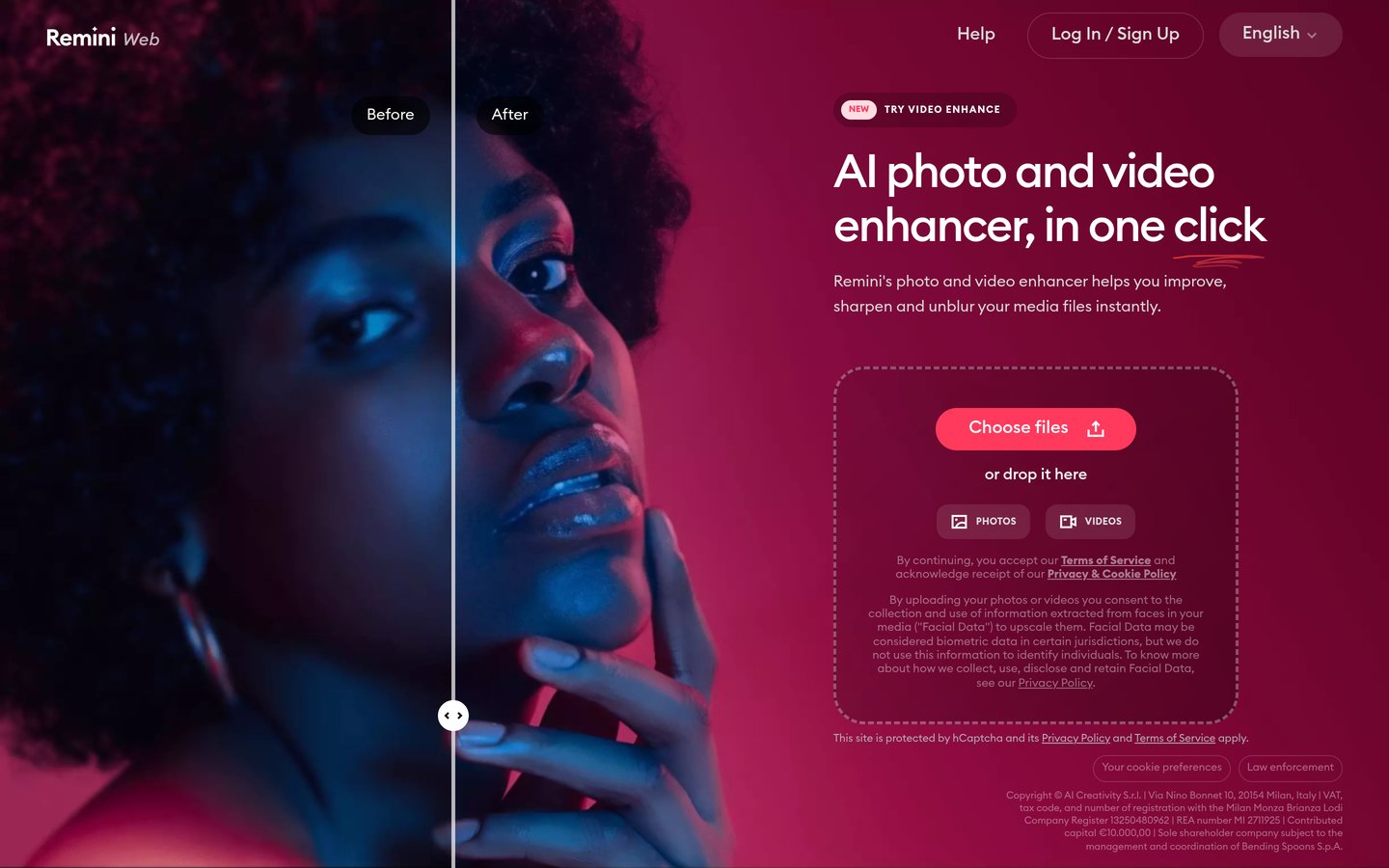
Remini is a mobile-first AI enhancer from Bending Spoons, with a web version at remini.ai. Its Old Photos Restorer sharpens faded portraits and rebuilds faces in one tap, and the app holds a 4.6 out of 5 rating on the App Store from about 339,000 reviews. The free tier gives about five enhancements a day.
The trade off is billing. Weekly plans work out to roughly $30 a month or more, and Trustpilot sits at 1.4 out of 5, mostly from people charged after they thought they had cancelled. It suits phone users who want the fastest one-tap fix and will cancel carefully.
What we like
Fastest one-tap restoration on a phone
Strong face rebuilding on faded portraits
4.6 out of 5 on the App Store
Web version needs no install
Watch out for
Trustpilot score of 1.4 out of 5
Weekly billing works out to $30+ a month
Free exports carry a watermark and ads
Personal adds 20 enhancements a week, no watermarkVisit remini.ai
05
Adobe Photoshop
4.6/5on G2 (13,409 reviews, checked Nov 2026)
Starts at$19.99/mo
Best for manual control
Neural FiltersYes, plus Generative Fill
One-click restoreNo, manual repair
UpscalingGenerative Upscale to 8MP
Cheapest paidPhotography, $19.99/mo
adobe.com
Adobe Photoshop homepage, captured Nov 2026.
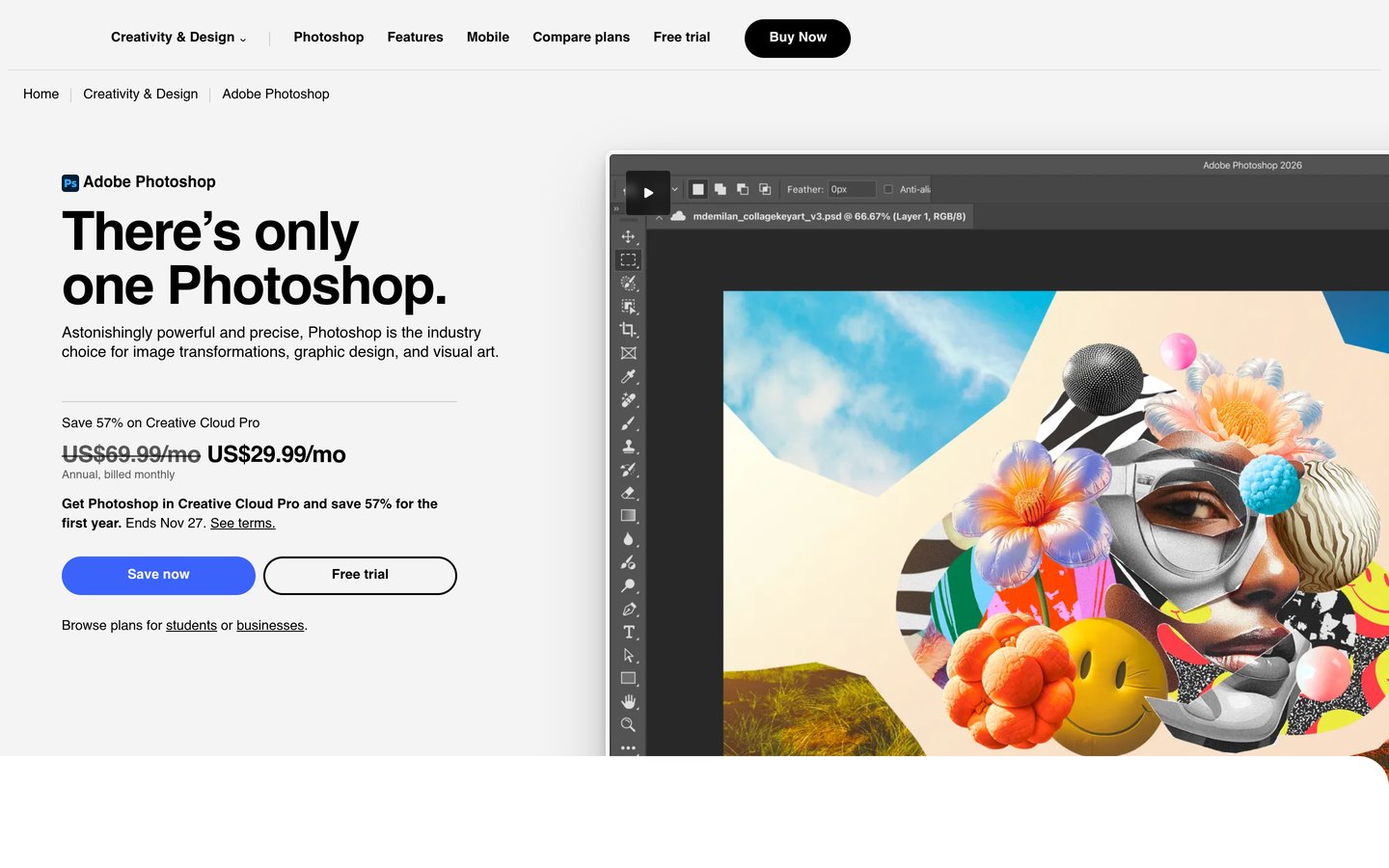
Adobe Photoshop is the industry-standard editor, and its Neural Filters and Generative Fill can repair damage, rebuild missing areas and recolour old photos by hand. It is the only tool here that gives full manual control over every fix, with layers and masks. The Photography plan costs $19.99 a month and adds Lightroom and 1TB of storage.
The trade off is effort and price. There is no one-click restoration, so each photo takes real work, and the subscription costs $239.88 a year. It suits photographers who already use Photoshop and want control rather than automation.
What we like
Full manual control with layers and masks
Generative Fill rebuilds missing areas
Rated 4.6 out of 5 from 13,409 G2 reviews
Photography plan adds Lightroom and 1TB storage
Watch out for
No one-click restoration
Steep learning curve for beginners
Subscription only, no free tier
Photography plan adds Lightroom, 1TB and 1,000 AI creditsVisit adobe.com
06
Fotor
4.1/5on G2 (342 reviews, checked Nov 2026)
Paid from$47.99/yr
Best value yearly plan
Photo RestorationOne click
ColouriseYes
UpscalingUp to 4x
Cheapest paidPro, $47.99/yr
fotor.com
Fotor homepage, captured Nov 2026.
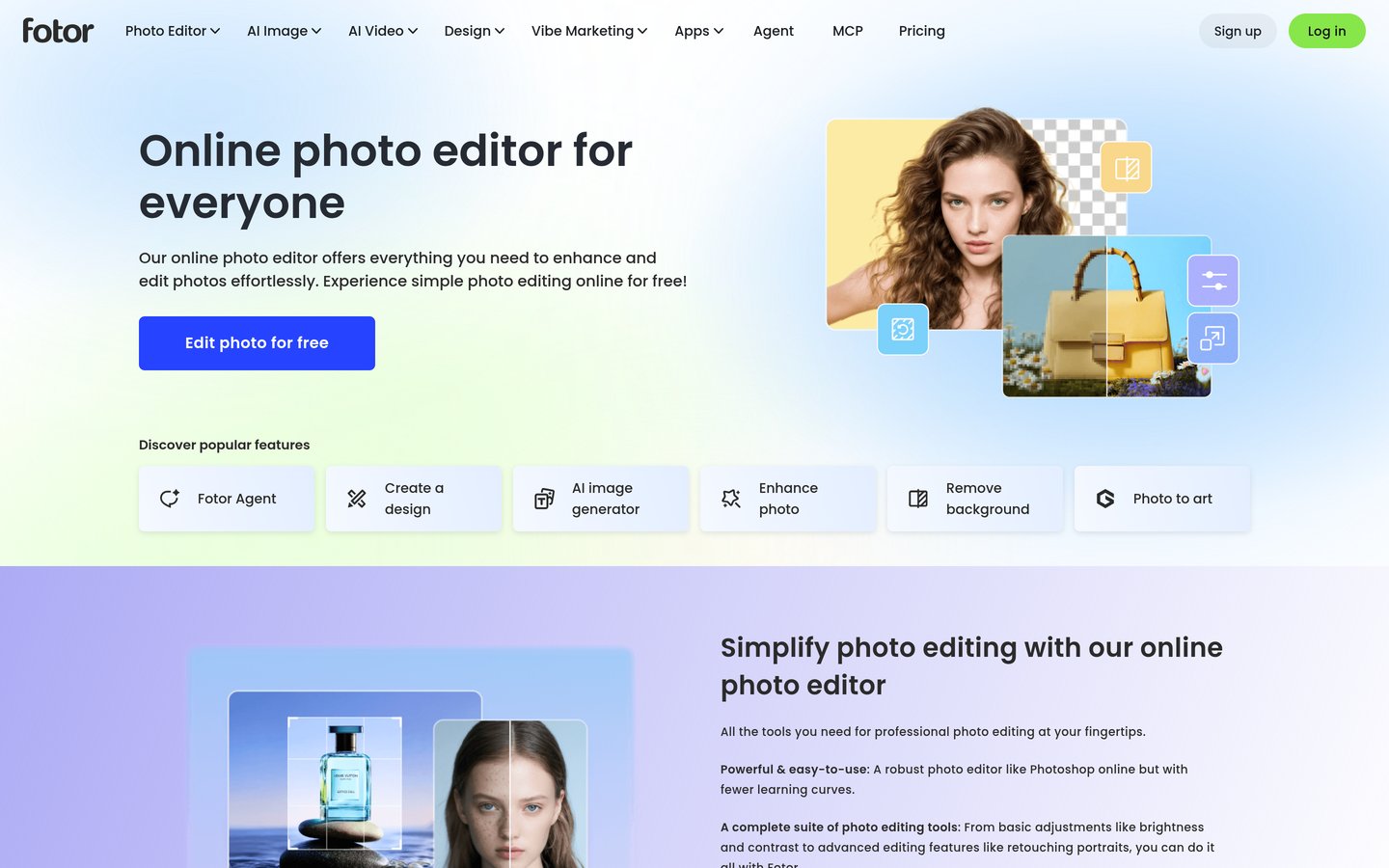
Fotor is a browser photo editor with a Photo Restoration tool that fixes scratches, sharpens faces and colourises black-and-white shots in one click. The free plan covers a few restorations a day, and Pro at $47.99 a year removes watermarks and adds HD exports. Fotor says it serves over 800 million users.
The trade off is credits. Pro includes only 100 AI credits a month, so heavy generation work runs out fast, and the 7-day trial converts automatically if you forget to cancel. It suits casual users who want the cheapest yearly plan and a broad editor.
What we like
Cheapest paid plan in this list
Free plan with daily restorations
One-click restore, colourise and upscale
Rated 4.1 out of 5 from 342 G2 reviews
Watch out for
Pro includes only 100 AI credits a month
Trial converts automatically after 7 days
G2 reviewers report charges after cancellation
Pro adds HD exports, no watermark and 100 credits a monthVisit fotor.com
07
Hotpot AI
4.7/5on G2 (68 reviews, checked Nov 2026)
Paid from$10/mo
Best for occasional fixes
Photo RestorerScratches and damage
ColouriseYes
Free tierUp to 75 a day, watermarked
Cheapest paid1,000 credits, $10/mo
hotpot.ai
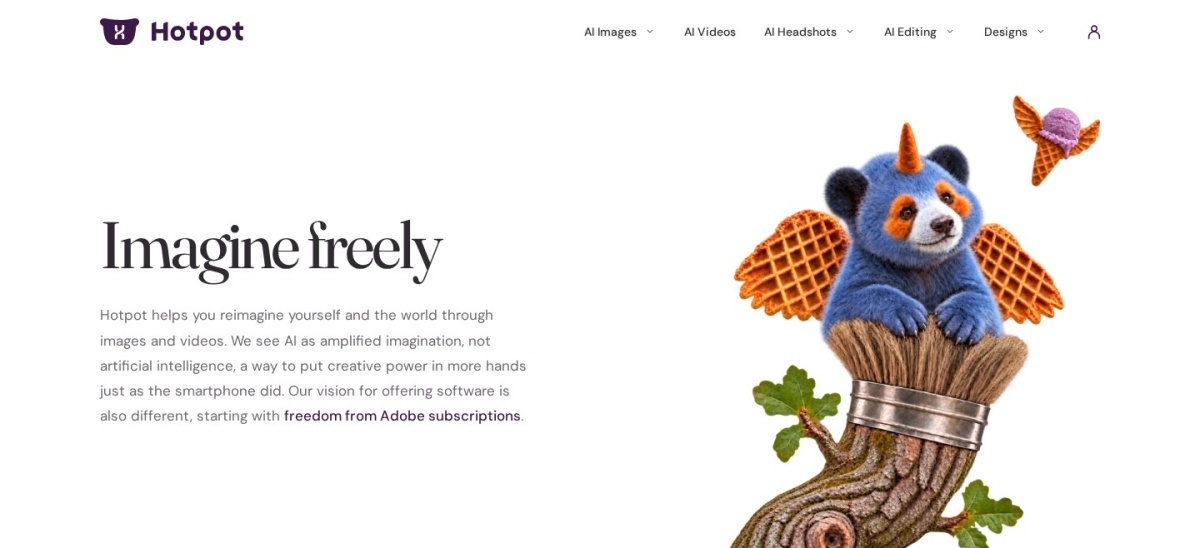
Hotpot AI homepage, captured Nov 2026.
Hotpot AI is a browser set of AI image tools from Panabee, with a Photo Restorer that repairs scratches and damage on old pictures, plus a colouriser and upscaler. Everything is paid from one credit balance, and the free tier allows up to 75 images a day with watermarks. Paid plans start at $10 a month for 1,000 credits.
The trade off is forecasting cost. Hotpot does not publish a full list of credit costs per tool, so the price of restoring a large archive is hard to predict, and its Trustpilot score is 2.1 out of 5. It suits occasional fixes where a small credit pack is enough.
What we like
Generous free tier, up to 75 images a day
Restorer, colouriser and upscaler in one place
Credit packs never expire
Rated 4.7 out of 5 from 68 G2 reviews
Watch out for
Credit cost per photo is not published
Trustpilot score is 2.1 out of 5
Free exports carry watermarks
Paid credits add full resolution and a commercial licenceVisit hotpot.ai
08
HitPaw FotorPea
4.3/5on Trustpilot (2,000+ reviews, checked Nov 2026)
Starts at$90.39/yr
Best for batch desktop work
AI modelsNine specialised models
Batch processingYes, desktop
ColouriseYes
Cheapest paidYearly, $90.39/yr
hitpaw.com
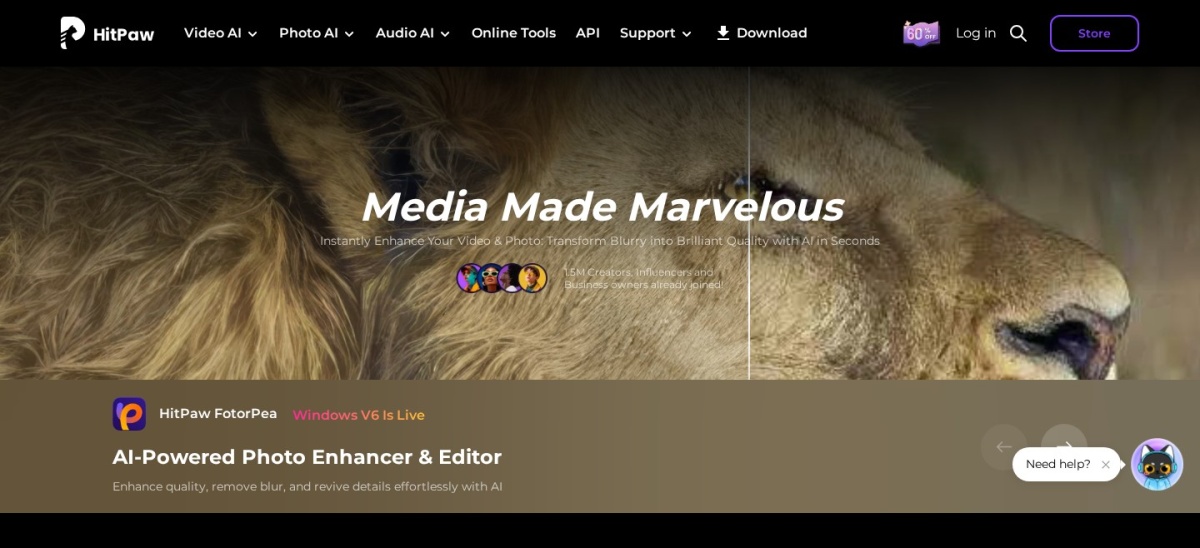
HitPaw FotorPea homepage, captured Nov 2026.
HitPaw FotorPea is a desktop AI photo editor with nine specialised models for sharpening, denoising and upscaling. Renamed from HitPaw Photo Enhancer, it can colourise and restore old photos, fix blurry shots and repair scratches, with batch processing on desktop. The yearly plan costs $90.39 and includes 500 credits.
The trade off is the credit system on top of the subscription. The yearly plan ships with 500 credits for AI features, and restoring photos can use many credits per image, so heavy use needs top-ups. It suits desktop users who want batch restoration without a browser.
AVCLabs PhotoPro AI is a desktop photo editor for Windows and Mac that enhances, upscales and colourises photos, with an Inpaint tool for scratch removal. It processes locally, which keeps photos private, and enlarges up to 4x with 16K output. The 1-year plan costs $89.95, and a perpetual licence is $99.90 on sale.
The trade off is hardware. Local processing needs a capable graphics card, with 16GB of RAM recommended, and there is no free tier, only a trial with watermarked exports. It suits desktop users who want a buy-once option and private local processing.
What we like
Local processing keeps photos private
Perpetual licence for $99.90 on sale
Upscales to 4x with 16K output
Rated 4.0 out of 5 from 556 Trustpilot reviews
Watch out for
Needs a strong graphics card
No free tier, trial exports are watermarked
Trustpilot reviewers report refund and cancellation trouble
Free tiers cover a handful of photos. MyHeritage lets you try several photos free, Remini gives about five a day behind ads, and Fotor and Hotpot both include limited free use.
Paid plans mostly buy volume and no watermark. A yearly plan is cheaper than credit packs once you pass a few dozen photos.
Check the refund and cancellation terms before you pay. Remini and HitPaw both draw billing complaints on Trustpilot, and free trials can roll into weekly billing.
How we chose
We started from the tools most often recommended for old-photo repair, then kept the nine with a working restoration feature and a verifiable rating on G2 or Trustpilot.
Prices come from each vendor's pricing page or, where the vendor page could not be read directly, from a review that quoted it, checked on 22 November 2026. Ratings and review counts come from G2 and Trustpilot on the same day. Where a vendor shows a sale, the list shows the regular price.
We left out tools with no verifiable rating. No vendor paid for a place, and we do not claim hands-on testing for this list.
How to choose an AI photo restoration tool
Start with your hardest photo, then match the tool to the size of the job.
Run your worst photo through the free tier first. Faces in badly damaged shots are where results vary most, so judge the tool on that photo, not on an easy one.
Count the photos before you pick a plan. A yearly subscription beats credit packs once you pass a few dozen photos, while a small pack is cheaper for ten prints.
Check the export size and watermark rules. Free tiers often cap exports at 1,000 pixels or stamp a logo, so confirm the paid plan exports full resolution without a watermark.
Read the cancellation terms. Several tools in this list bill weekly or renew automatically, and Trustpilot reviewers report charges after cancelling.
FAQ
What is the best AI photo restoration tool?
MyHeritage Reimagine is the best pick for most people. It repairs scratches, sharpens faces, colourises black-and-white shots and animates faces for $49.99 a year, and it is rated 4.4 out of 5 from more than 111,000 Trustpilot reviews.
Can AI restore a torn or badly scratched photo?
Yes, up to a point. Tools such as MyHeritage Photo Repair and VanceAI Photo Restorer remove scratches, creases and tears, but faces in badly damaged areas may come out distorted. MyHeritage itself warns that results may be inaccurate and, in rare cases, distorted.
Is AI colourisation accurate?
No, colourisation is a guess. The AI picks period-plausible colours, but it cannot know the real colour of a dress or a wall. Treat colourised copies as a fresh interpretation, and keep the black-and-white original beside them.
How much does AI photo restoration cost?
Yearly plans in this list run from $47.99 for Fotor Pro to $239.88 for the Adobe Photography plan. Credit-based tools charge per photo instead: VanceAI restoration costs 4 credits a photo, and Hotpot sells 1,000 credits for $12.
Can I restore old photos for free?
Yes, for a few photos. MyHeritage lets you try several photos free, Remini gives about five enhancements a day, and Hotpot allows up to 75 images a day, all with watermarks or limits. A paid plan is needed for a full box of prints.
Will AI restoration change the faces in my photos?
It can. Face-enhancement models rebuild detail that is missing, and on badly damaged portraits they sometimes invent features that were never there. Check faces closely before you print or share a restored photo, especially in group shots.