Best Editing Software for Photography in 2026: 7 Tools Compared
WLWPLegible EditorsLast verified 23 Nov 2026How we rank9 min read
★ Short answer
Adobe Lightroom is the best photo editing software for most photographers, with a catalog, AI masking and cloud sync from $11.99 a month, rated 4.6 out of 5 on G2. Pick Capture One for tethered studio work, or DxO PhotoLab for the cleanest high-ISO RAW files with a one-time license.
How we make this list: we compare pricing pages, product documentation and public user reviews, then re-check every price before each update. No product paid for a place. Disclosure.
Adobe Lightroom is the default for working photographers, from $11.99 a month with a catalog and cloud sync.
Capture One leads for tethered studio work and color, at $26.25 a month billed annually.
DxO PhotoLab has the best noise reduction, with a one-time license from $159.99 and no subscription.
Affinity Photo is now free under Canva, the best no-cost full editor for photographers.
Perpetual licenses from DxO and Luminar Neo cost less over three years than any subscription here.
What photographers should look for in a photo editor
Photo editing splits into two jobs: developing RAW files and retouching pixels. Most photographers need the first every day and the second only sometimes, so a strong RAW editor with a catalog usually beats a pixel editor as the main tool.
A catalog matters more than most buyers expect. Our guide on WordPress plugins for photographers makes the same point for publishing: the library is the workflow, and the editor that organizes thousands of files wins the day.
Subscription versus one-time license is the other big decision. Adobe and Capture One charge monthly, while DxO PhotoLab and Luminar Neo sell perpetual licenses you own outright.
Camera support decides the shortlist. Lightroom supports more than 1,100 cameras, Capture One more than 550, and DxO builds lab-measured profiles for specific camera and lens combinations.
Best photo editing software for most photographers
G2 rating4.6 out of 5
Free planNo, 7-day trial
Cameras supported1,100+
Cloud storage1TB on Lightroom plan
adobe.com
Adobe Lightroom homepage, captured Nov 2026.
Adobe Lightroom is the default catalog editor for working photographers, and the Lightroom plan costs $11.99 a month billed annually with 1TB of cloud storage. The same RAW engine powers AI masking, generative remove and denoise, and presets sync across desktop, phone and tablet.
The trade off is the subscription. There is no perpetual license, and the Photography plan with Photoshop costs $19.99 a month, up from the old $9.99 tier that stopped being sold to new customers. It suits photographers who sort, cull and develop thousands of RAW files in one program.
What we like
Widest camera support, over 1,100 cameras
Catalog, cloud sync and mobile editing in one
AI masking and generative remove included
Largest preset and tutorial ecosystem
Watch out for
Subscription only, no perpetual license
Photography plan rose to $19.99 a month
Cloud library has a deletion clock if you stop paying
Photography plan adds Photoshop at $19.99 a monthVisit adobe.com
02
Capture One Pro
4.5/5on G2 (78 reviews, checked Nov 2026)
Starts at$26.25/mo
Best for tethered studio work and color
G2 rating4.5 out of 5
Free planNo, free trial
TetheringLive view and sessions
Cameras supported550+
captureone.com
Capture One Pro homepage, captured Nov 2026.
Capture One Pro is the studio standard for tethered shooting, with live view, next-capture adjustments and sessions that keep a shoot moving while the client watches. Custom ICC color profiles per camera and precise skin-tone tools give color work a depth Lightroom cannot match.
The trade off is price. Pro costs $26.25 a month billed annually, or $40 billed monthly, and the perpetual license lists at $508, well above older guides that quote $18 a month. It suits fashion, product and commercial photographers who shoot tethered.
DxO PhotoLab wins on pure image quality. Its DeepPRIME and DeepPRIME XD denoising recover detail from high-ISO RAW files that other editors smear, and lab-measured Optics Modules correct distortion, vignetting and sharpness for specific camera and lens combinations.
The trade off is scope. There is no catalog on Lightroom's scale and no cloud sync, and the Elite edition costs $249.99. The Essential edition starts at $159.99 as a one-time purchase. It suits landscape, wildlife and event photographers who shoot at high ISO.
Luminar Neo from Skylum is the most AI-forward editor in this list, with sky replacement, relight AI, portrait bokeh, panorama stitching and HDR merge built around a modular engine. One-click tools compress multi-step retouching into sliders, which suits event and real estate photographers under deadline.
The trade off is price confusion. Luminar Neo sells as a perpetual license from about $129, but subscription options and promotions rotate, so the price on the page changes often. It suits photographers who want AI to do the first pass fast.
Adobe Photoshop remains the standard for retouching, compositing and detailed pixel work, and the single-app plan costs $22.99 a month billed annually. Layers, masks, frequency separation and content-aware fill handle jobs no RAW editor can, and it opens PSD files every other tool in this list can read.
The trade off is that Photoshop has no catalog, so it works beside Lightroom rather than replacing it. The Photography plan at $19.99 a month bundles Lightroom and Photoshop for less than Photoshop alone. It suits retouchers and composite artists.
What we like
The retouching standard for decades
Layers, masks and compositing depth
PSD is the format everyone exchanges
Generative fill and remove built in
Watch out for
No catalog for organizing shoots
Costs more alone than bundled with Lightroom
Steepest learning curve here
Photography plan bundles Lightroom for $19.99 a monthVisit adobe.com
06
Affinity Photo
4.5/5on G2 (452 reviews, checked Nov 2026)
PriceFree
Best free full photo editor
G2 rating4.5 out of 5
Free planYes, full app free
LayersFull layer support
PlatformsMac, Windows, iPad
affinity.serif.com
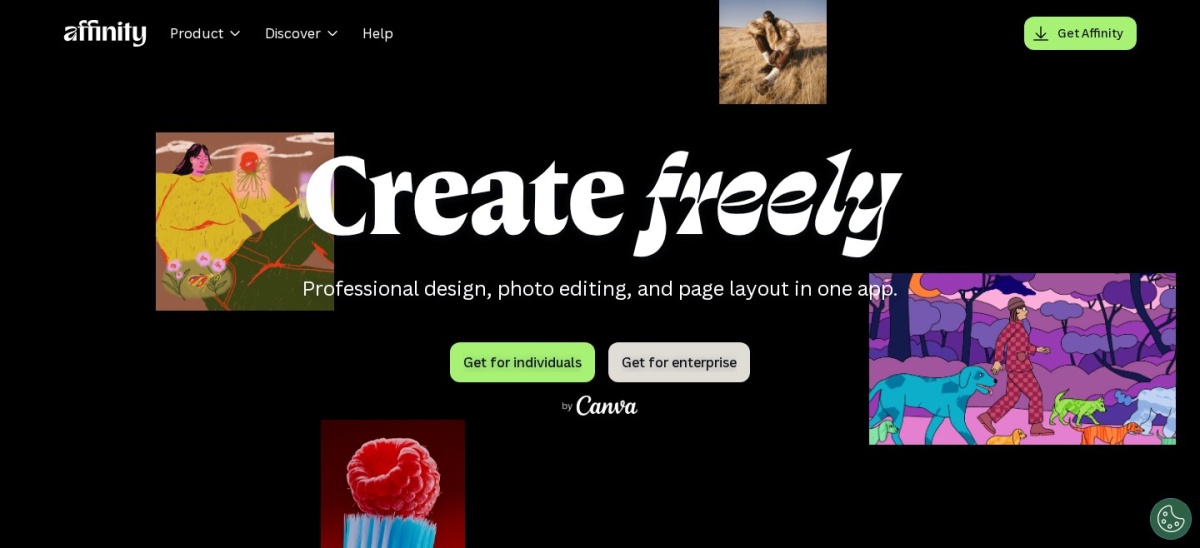
Affinity Photo homepage, captured Nov 2026.
Affinity Photo is now free on Mac, Windows and iPad under Canva, which makes it the best no-cost full editor for photographers who do not need a catalog or cloud library. Layers, masks, frequency separation, panorama stitching, HDR merge and PSD compatibility are all included at no cost.
The trade off is that Serif discontinued the standalone Affinity apps, replacing them with a single freemium Affinity app, and there is no catalog for large shoots. It suits photographers who want a Photoshop-class pixel editor without a subscription.
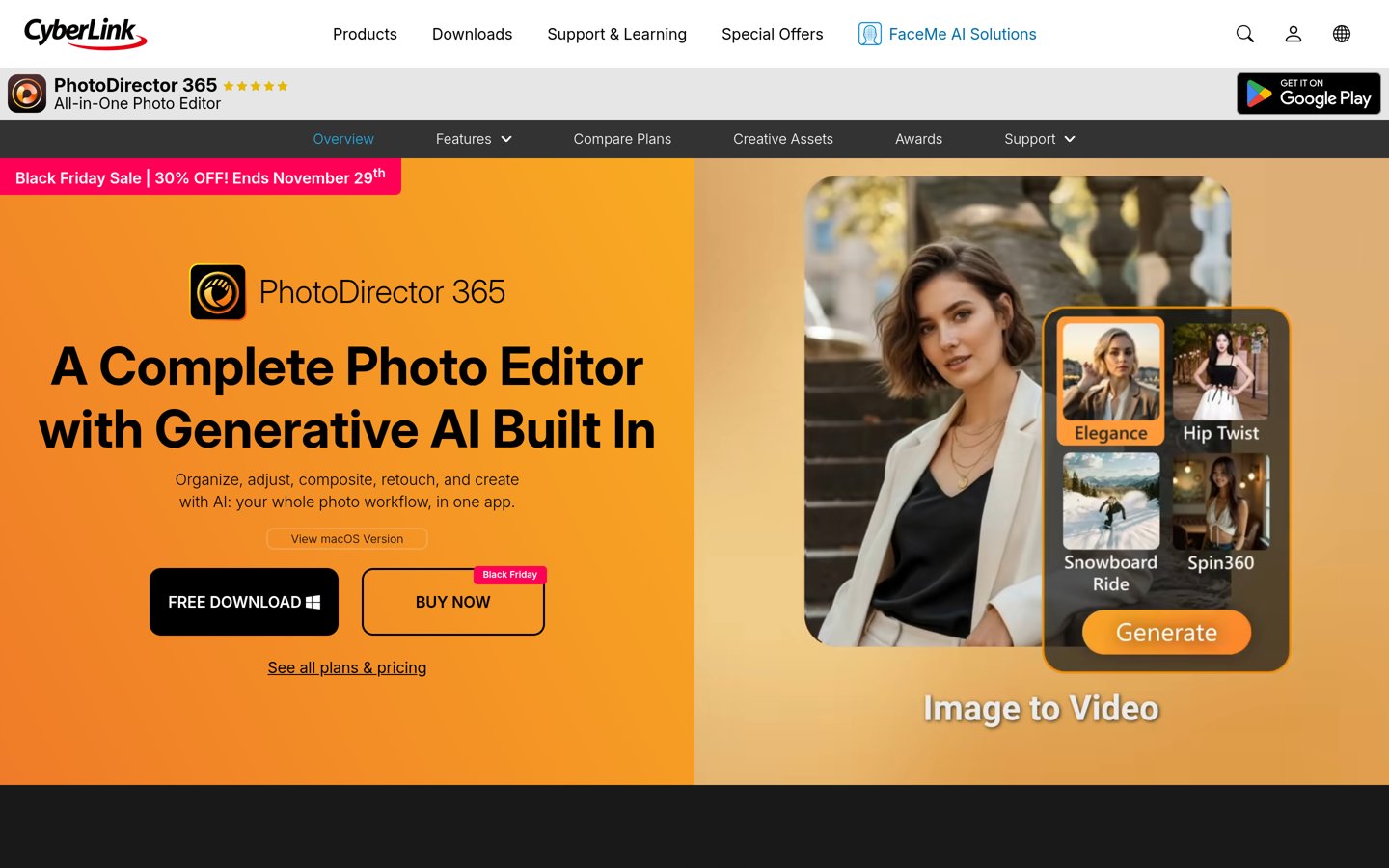
CyberLink PhotoDirector homepage, captured Nov 2026.
CyberLink PhotoDirector brings the company's AI multimedia work into photo editing, with generative AI tools for generating, animating and transforming photos, plus guided edits and layer-based compositing. A free Essential version covers basic editing, and the 365 subscription or lifetime license adds the full AI set.
The trade off is that PhotoDirector is strongest on Windows and lighter on RAW catalog work than Lightroom. The lifetime license costs about $100 one-time, and the 365 subscription runs about $40 a year. It suits photographers who want AI help and a free tier.
Adobe Lightroom costs $11.99 a month on the annual plan, and the Photography plan with Photoshop costs $19.99 a month, so three years runs about $720.
DxO PhotoLab costs $159.99 once and Luminar Neo about $129 once, with no monthly bill, but you pay again for major version upgrades.
Capture One offers both: $26.25 a month billed annually, or a perpetual license at $508, so studio shooters can pick the model that fits the budget.
How we chose
We started from the photo editors with the most reviews on G2 and Capterra, then kept those still sold and maintained in 2026.
Prices come from each vendor's pricing page, checked on 23 November 2026, with the regular price shown where a sale was running. Ratings and review counts come from G2 or Capterra on the same day.
We left out editors with no current release and tools aimed at phone-only casual editing. No vendor paid for a place, and we do not claim hands-on testing for this list.
How to choose photo editing software
Start with how you shoot, then check the license model and the catalog.
Count your files and your cameras. A catalog editor like Lightroom earns its price above a few thousand files. Check your camera is supported before you buy.
Decide the license model. Subscriptions suit photographers who always want the latest version. One-time licenses suit those who keep a version for years.
Try the trial on your own RAW files. Every tool here offers a free trial. Test noise reduction and tethering on your own files, not on sample images.
Check the export and round-trip path. Make sure the editor exports full-resolution files and hands off cleanly to Photoshop or your print lab when needed.
FAQ
What is the best photo editing software for photographers?
Adobe Lightroom is the best pick for most photographers, with a catalog, AI masking and cloud sync from $11.99 a month, rated 4.6 out of 5 on G2 from 3,299 reviews. Capture One is the pick for tethered studio work and exact color.
Is Lightroom or Capture One better?
Lightroom is better for catalog work, cloud sync and value, with the widest camera support. Capture One is better for tethered shooting, live view and color precision, and it is the standard in fashion and product studios.
Which photo editor has a one-time payment?
DxO PhotoLab sells a perpetual license from $159.99 and Luminar Neo from about $129, with no subscription. Capture One also sells a perpetual Pro license at $508.
Is Affinity Photo really free?
Yes. Since Canva acquired Serif, the Affinity apps are free on Mac, Windows and iPad, with layers, masks, panorama stitching and PSD compatibility included. There is no catalog, so pair it with a library tool for large shoots.
What is the best free photo editor for photographers?
Affinity Photo is the best free full editor, with professional layers and retouching at no cost. Darktable and RawTherapee are free open-source RAW developers, but both need more learning time.
Do I need Photoshop as well as Lightroom?
Most photographers do not. Lightroom handles RAW development, cataloging and batch work. Photoshop is for pixel-level retouching, compositing and heavy manipulation, and it is bundled in the $19.99 Photography plan.