Best AI Photo Culling Software in 2026: 8 Tools Compared
WLWPLegible EditorsLast verified 22 Nov 2026How we rank14 min read
★ Short answer
Aftershoot is the best AI photo culling software for most photographers. Its Select plan costs $120 a year, culls unlimited images locally and is rated 4.5 out of 5 on G2. Pick FilterPixel for genre-aware culling with editing included, or Narrative Select for face and focus checks.
How we make this list: we compare pricing pages, product documentation and public user reviews, then re-check every price before each update. No product paid for a place. Disclosure.
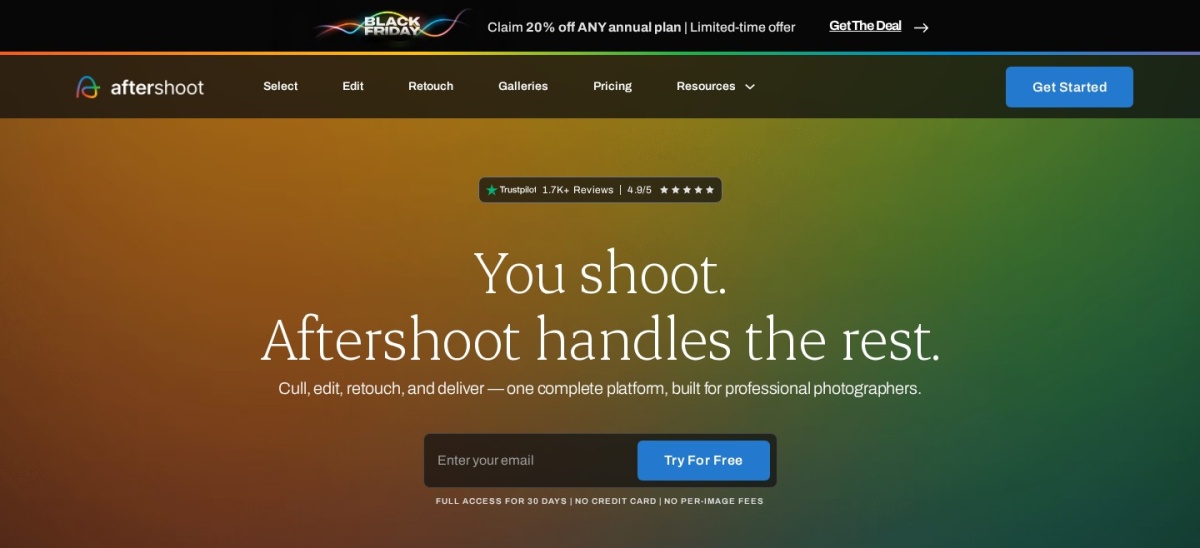
Aftershoot Select costs $120 a year for unlimited AI culling, and its 30-day trial needs no card.
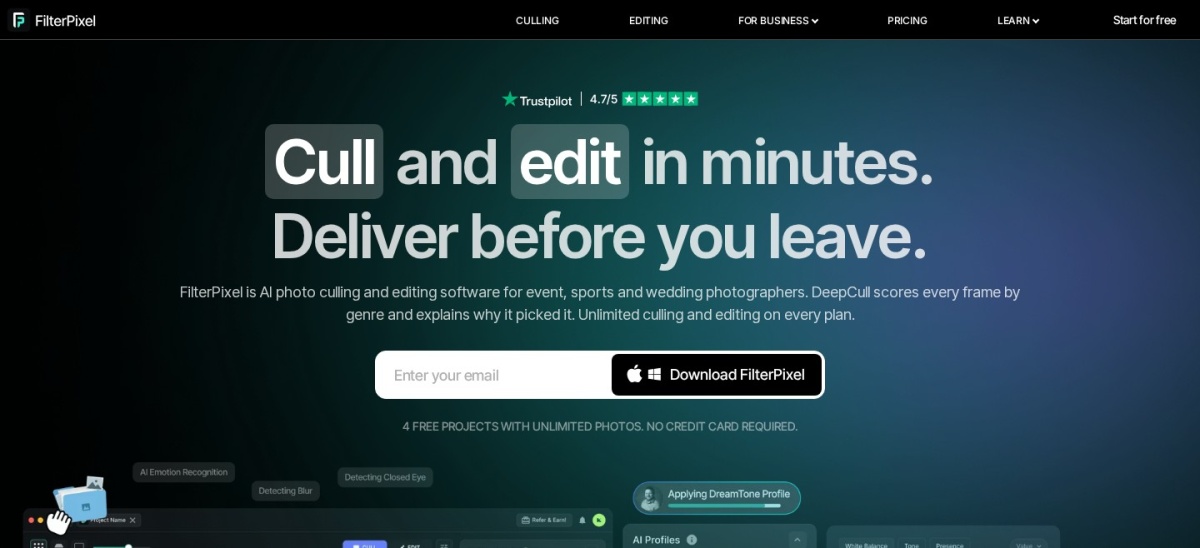
FilterPixel adds genre-aware DeepCull, AI editing and client galleries for $180 a year.
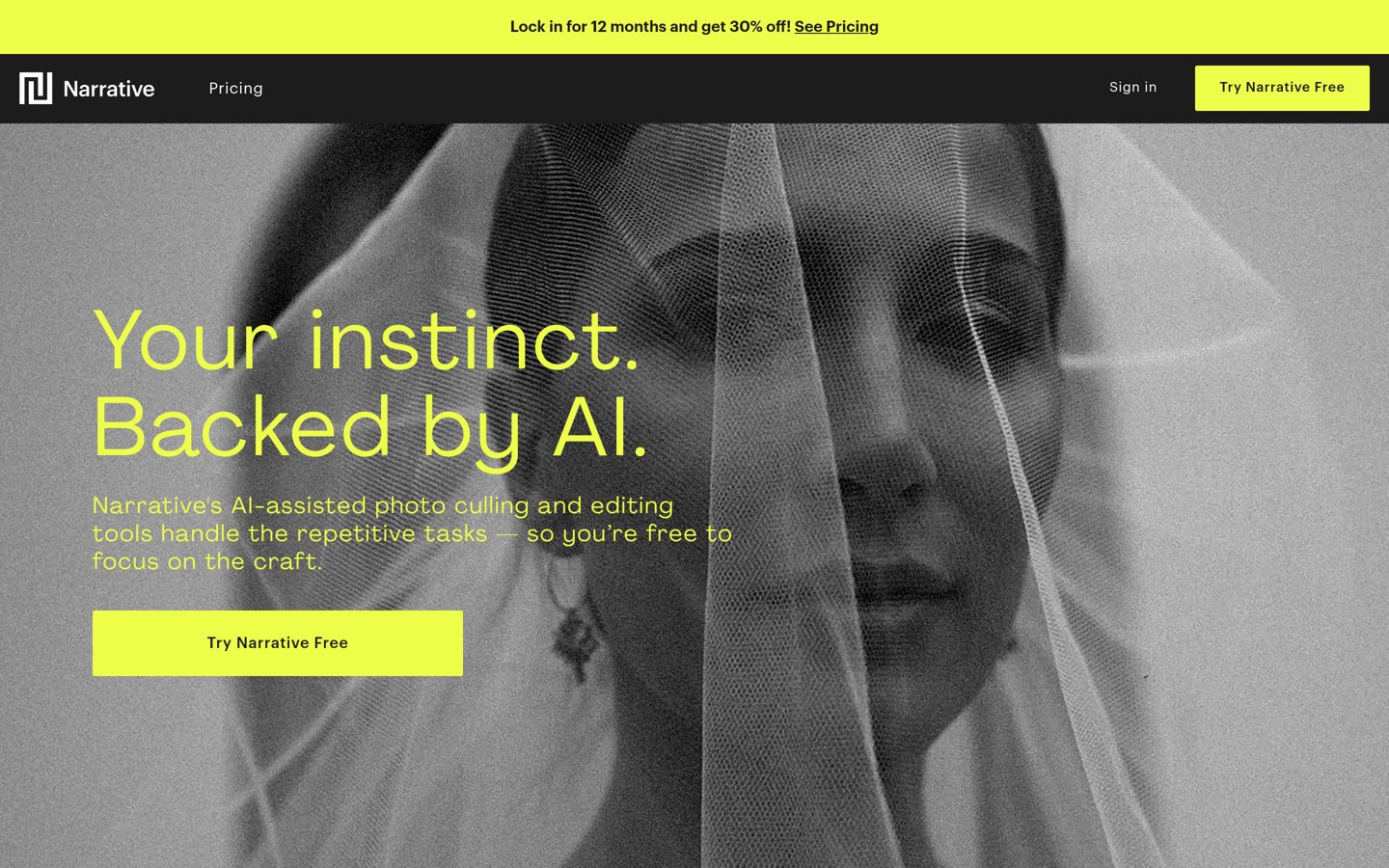
Narrative Select's full AI culling starts on Standard at $240 a year, not the $120 Lite plan.
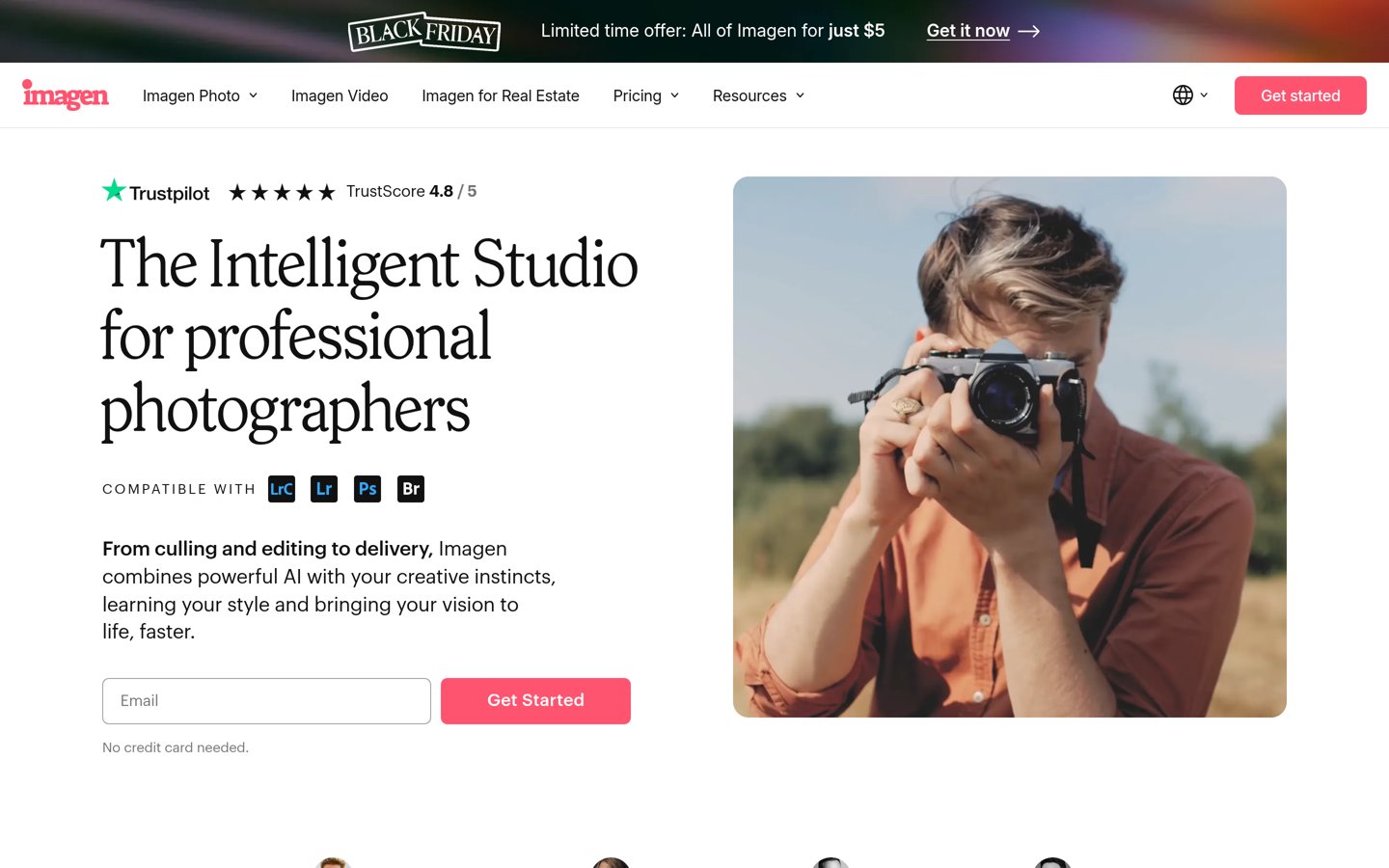
Imagen sells culling as a $144-a-year add-on to per-photo editing, so it only pays if you already edit there.
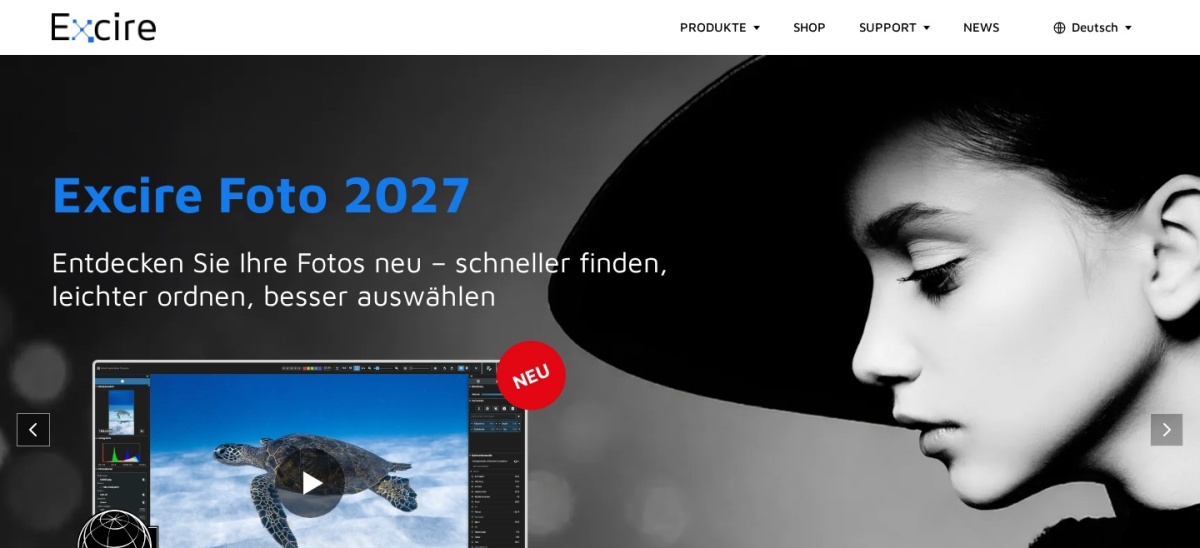
Excire Foto is the only one-time purchase here at $249, with all AI analysis running on your own computer.
Photo Mechanic and Capture One cull by hand, not with AI, but they are the fastest manual options.
What AI culling actually does
AI culling software reviews a whole shoot and flags the frames to keep. It checks focus, exposure, closed eyes and expression, groups near-duplicates and scores each frame, so a 3,000-frame wedding becomes a shortlist in minutes.
The tools differ in who makes the final call. Aftershoot and FilterPixel aim to decide for you, while Narrative Select shows you the evidence — focus scores, eye checks and scene groups — and leaves every keeper decision to you.
Pricing splits three ways: flat subscriptions with unlimited images, per-photo editing with a culling add-on, and one-time purchases. Our guide to the best WordPress plugins for photographers covers the gallery side of the same workflow.
No tool here is perfect. Every vendor and reviewer agrees the AI still misses emotional moments and needs a human pass over the rejects before you delete anything.
Aftershoot is the most complete AI culling tool for high-volume photographers. Select checks focus, closed eyes and duplicates, groups similar frames and learns from your picks, and it runs locally on your computer so nothing uploads. Every plan processes unlimited images, and the 30-day trial needs no card.
The trade off is that culling is only one module. Editing and retouching are separate plans at $30 and $20 a month, so the full workflow costs $45 a month as Complete. It suits wedding and event photographers who want one flat fee and no per-photo charges.
What we like
Unlimited images on every plan, flat fee
Culling, editing and retouching in one app
Rated 4.5 out of 5 on G2
Exports picks to Lightroom, Capture One and Bridge
4.8/5on Trustpilot (179 reviews, checked Nov 2026)
Starts at$14.99/mo
Best for genre-aware culling and editing
AI cullingBasic + DeepCull
DeepCull shoots20 per year
EditingIncluded, AI profiles
Paid planStandard, $180/yr
filterpixel.com
FilterPixel homepage, captured Nov 2026.
FilterPixel is the AI culling tool that knows the genre. Basic culling checks sharpness, exposure, open eyes and duplicates without limit, while DeepCull scores each frame on ten criteria written for weddings, sports, conferences or concerts, with a written reason per pick. Standard also includes AI editing and client galleries.
The trade off is the shoot allowance. DeepCull is capped at 20 shoots a year on Standard, and extra shoots cost $7.99 each, so heavy shooters need Pro at $420 a year. It suits photographers who shoot varied events and want culling, editing and delivery in one plan.
Narrative Select is the culling specialist that keeps you in charge. Its AI scores focus, checks whether eyes are open and sharp, groups a shoot into scenes and ranks frames, then hands every keep-or-reject decision to you. Every plan allows unlimited images and projects, and picks export to Lightroom, Photoshop and Capture One.
The trade off is the tier split. The $10 Lite plan leaves out Scenes View, image rank and the Close-ups Panel, so the full culling toolset starts on Standard at $20 a month. It suits portrait and wedding photographers who want fast evidence per frame, not an unattended cull.
4.7/5on Trustpilot (1,265 reviews, checked Nov 2026)
Starts at$12/mo
Best for photographers who already edit in Imagen
AI cullingAdd-on, unlimited
Editing$0.05 per photo
Cull to numberYes, 15-30% keep
Paid planCulling add-on, $144/yr
imagen-ai.com
Imagen homepage, captured Nov 2026.
Imagen is an AI editing service that learned your style from past edits, and culling sits inside the same app. The culling add-on checks sharpness, exposure, blinks and expression, groups similar frames and can reduce a project to an exact number of photos. New accounts get 1,000 free edits and two free culling projects.
The trade off is the pricing shape. Culling is a separate $12-a-month add-on on top of per-photo editing at $0.05 a photo, so it only makes sense if Imagen already does your editing. It suits photographers who send every wedding through Imagen and want culling in the same pipeline.
4.6/5on Trustpilot (126 reviews, checked Nov 2026)
Starts at$249/once
Best one-time purchase for big archives
AI cullingAesthetic ratings
ProcessingLocal, no uploads
Face recognitionYes
Paid plan$249 one-time
excire.com
Excire Foto homepage, captured Nov 2026.
Excire Foto is a one-time purchase AI photo organizer for Windows and Mac. It analyzes a whole library on your own computer, adds keywords automatically, finds faces and similar shots, and offers culling with aesthetic ratings, grouping and selection profiles. There is no subscription and no cloud upload.
The trade off is the learning curve. Reviewers praise the search but call the interface unfriendly for simple tasks, and it is an organizer, not an editor, so it pairs with Lightroom or Capture One. It suits photographers with huge back catalogs who want to own their culling tool outright.
What we like
One-time purchase, no subscription
All AI analysis runs locally for privacy
Face recognition and plain-language search
Rated 4.6 out of 5 from 126 Trustpilot reviews
Watch out for
Interface has a steep learning curve
No editor built in, pairs with another app
Official shop prices in euros, not dollars
Excire Search is a separate Lightroom plugin at $229Visit excire.com
06
Adobe Lightroom
4.6/5on G2 (3,414 reviews, checked Nov 2026)
Starts at$11.99/mo
Best AI-assisted culling inside an editor
AI cullingAssisted Culling
Cloud storage1TB included
EditingFull, plus AI tools
Paid planLightroom, $143.88/yr
adobe.com
Adobe Lightroom homepage, captured Nov 2026.
Adobe Lightroom is the editor most photographers already pay for, and its Assisted Culling groups similar shots and highlights the best frames so a review pass goes faster. The $11.99-a-month plan includes the full editor on desktop, mobile and web, plus 1TB of cloud storage.
The trade off is that culling is a side feature, not the product. There is no unattended first pass, and the bill never stops: $143.88 a year, or $119.88 prepaid. It suits photographers who already live in Lightroom and want a lighter review pass without another subscription.
What we like
Culling, editing and storage in one plan
Largest review base here, 3,414 G2 reviews
Assisted Culling groups bursts automatically
Syncs picks across desktop, mobile and web
Watch out for
No full auto-cull, you still review everything
Subscription only, no one-time purchase
Cloud storage fills fast with RAW originals
Photography plan adds Photoshop for $19.99 a monthVisit adobe.com
07
Photo Mechanic
4.8/5on Capterra (17 reviews, checked Nov 2026)
Starts at$149/yr
Best manual culling for speed
AI cullingNo, manual
IngestCard to catalog, fast
MetadataCaptions, code replace
Paid planAnnual, $149/yr
home.camerabits.com
Photo Mechanic homepage, captured Nov 2026.
Photo Mechanic is the manual benchmark every AI culler is measured against. It reads the full-size JPEG preview already inside each RAW file, so browsing is instant, and its ingest, tagging and caption tools move a shoot from card to catalog faster than any editor. The annual plan costs $149, or $299 as a perpetual license.
The trade off is that there is no AI at all. You make every keep-or-reject call yourself, so it is only fast if your eye is. It suits sports and news photographers who caption under deadline and trust their own judgment over any algorithm.
What we like
Instant previews from embedded JPEGs
Best ingest and captioning workflow here
Perpetual license option at $299
Rated 4.8 out of 5 on Capterra
Watch out for
No AI culling of any kind
No editing, hands off to another app
Perpetual license includes only one year of updates
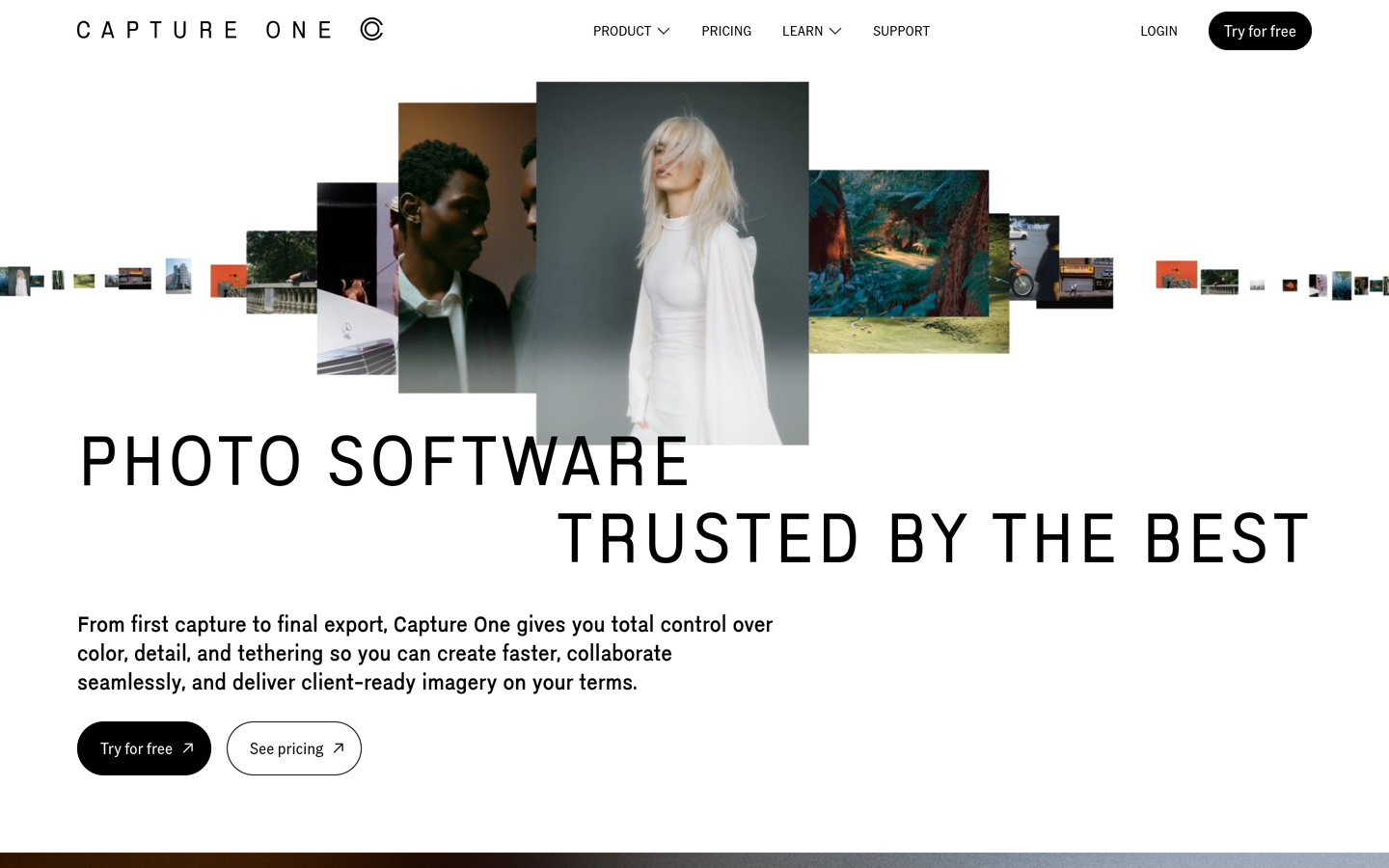
Capture One is a professional RAW editor with a fast manual culling workflow built in: ratings, color tags, variants and tethered capture that drops frames straight into the session. Its AI covers masking and crop, not culling. Pro costs $18 a month on an annual plan, or $349 as a perpetual license.
The trade off is price and scope. At $216 a year it is the dearest tool here for culling alone, and selection is still your job. It suits studio and fashion photographers who already edit in Capture One and want culling inside the same catalog.
Flat subscriptions win for busy seasons. Aftershoot Select at $120 a year costs the same whether you shoot four weddings or forty, and FilterPixel's $180 Standard covers unlimited basic culling either way.
One-time purchases win over time. Excire Foto at $249 pays for itself against a $120-a-year subscription in just over two years, and Photo Mechanic's $299 perpetual license does the same against its $149 annual plan.
Per-photo pricing only wins at low volume. Imagen's culling add-on is cheap at $144 a year, but editing at $0.05 a photo turns a 12,000-photo year into $600 of editing before the add-on.
Watch the sale prices. Aftershoot, FilterPixel and Narrative all run discounts in late November, so the price on the checkout page may sit below the regular prices in this list.
How we chose
We started from every established AI culling tool photographers name in 2026 roundups, then kept only those with a verifiable rating on G2, Capterra or Trustpilot and a confirmed price.
Prices come from each vendor's own pricing page or its own site, checked on 22 November 2026. Where a vendor shows a sale, the list shows the regular price. Ratings come from G2, Capterra or Trustpilot on the same day.
We left out tools with no rating on those three platforms, including Optyx, Zno Pixel, CullAi and FastRawViewer, and tools that are not culling software at all. No vendor paid for a place, and we do not claim hands-on testing for this list.
How to choose AI photo culling software
Start with how many frames you shoot and who makes the final call, then match the tool to that.
Count your shoots, not your photos. Flat subscriptions suit weekly shooters. If you shoot fewer than 15 jobs a year, a capped plan like FilterPixel Standard or a per-shoot option may cost less.
Decide how much you trust the AI. If you want the software to decide, pick Aftershoot or FilterPixel. If you want evidence and the final call, pick Narrative Select.
Check where the work happens. Aftershoot, Excire Foto and Photo Mechanic process files on your computer. Imagen uploads shoots to the cloud, and FilterPixel's DeepCull does too, so a slow connection matters.
Run a real shoot through the trial first. Every tool here offers a free trial. Cull one full wedding with it and check the rejects before you pay for a year.
FAQ
What is the best AI photo culling software?
Aftershoot is the best pick for most photographers. Its Select plan costs $120 a year, culls unlimited images locally and is rated 4.5 out of 5 on G2. FilterPixel is the runner-up for genre-aware culling with editing included.
How much does AI photo culling software cost?
Dedicated AI culling costs $120 to $180 a year on flat subscriptions: Aftershoot Select is $120, Imagen's culling add-on is $144 and FilterPixel Standard is $180. One-time options are Excire Foto at $249 and Photo Mechanic at $299.
Is AI culling accurate enough to trust?
Mostly, but not fully. The AI reliably catches blur, closed eyes and duplicates, but reviewers of every tool here say it still misses emotional moments. Always review the rejects before deleting anything.
Does Lightroom have AI culling?
Lightroom has Assisted Culling, which groups similar shots and highlights the best frames, but it does not cull a shoot unattended. You still review every frame, just faster. It is included in the $11.99-a-month Lightroom plan.
What is the cheapest AI photo culling software?
Aftershoot Select is the cheapest full-culling subscription at $10 a month billed annually. Excire Foto at $249 once is cheapest over three years if you never upgrade.
Do these tools work with Lightroom?
Yes, all eight export picks to Lightroom in some form. Aftershoot, Narrative Select, FilterPixel and Imagen write ratings or XMP that Lightroom reads, while Photo Mechanic and Capture One hand off directly.
Can AI culling replace manual culling completely?
No. The tools here cut the first pass from hours to minutes, but every vendor and reviewer agrees a human should check the rejects. Photo Mechanic remains the fastest option if you prefer to decide every frame yourself.