Best AI Image Enhancement Tools in 2026: 8 Tools Compared
WLWPLegible EditorsLast verified 22 Nov 2026How we rank11 min read
★ Short answer
Topaz Photo AI is the best AI image enhancement tool for most photographers, combining denoise, sharpen and upscale in one desktop app for $199 a year. Pick Let's Enhance for browser upscaling at $108 a year, and Topaz Gigapixel if you only need bigger images.
How we make this list: we compare pricing pages, product documentation and public user reviews, then re-check every price before each update. No product paid for a place. Disclosure.
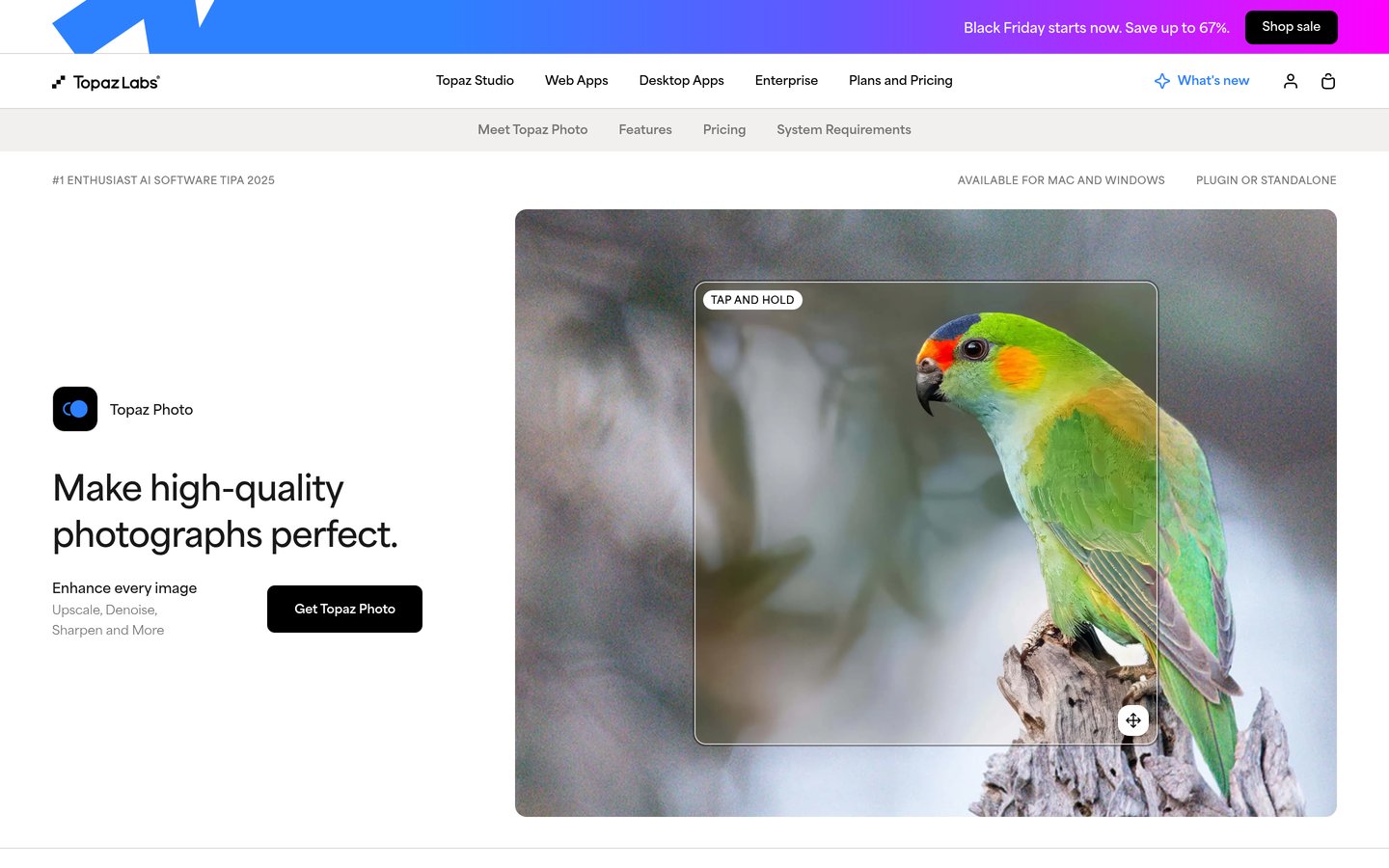
Topaz Photo AI is the strongest all-round pick: denoise, sharpen, face recovery and upscaling in one desktop app for $199 a year.
Let's Enhance is the best browser option, with 100 credits a month on Starter at $108 a year and upscaling to 256 megapixels.
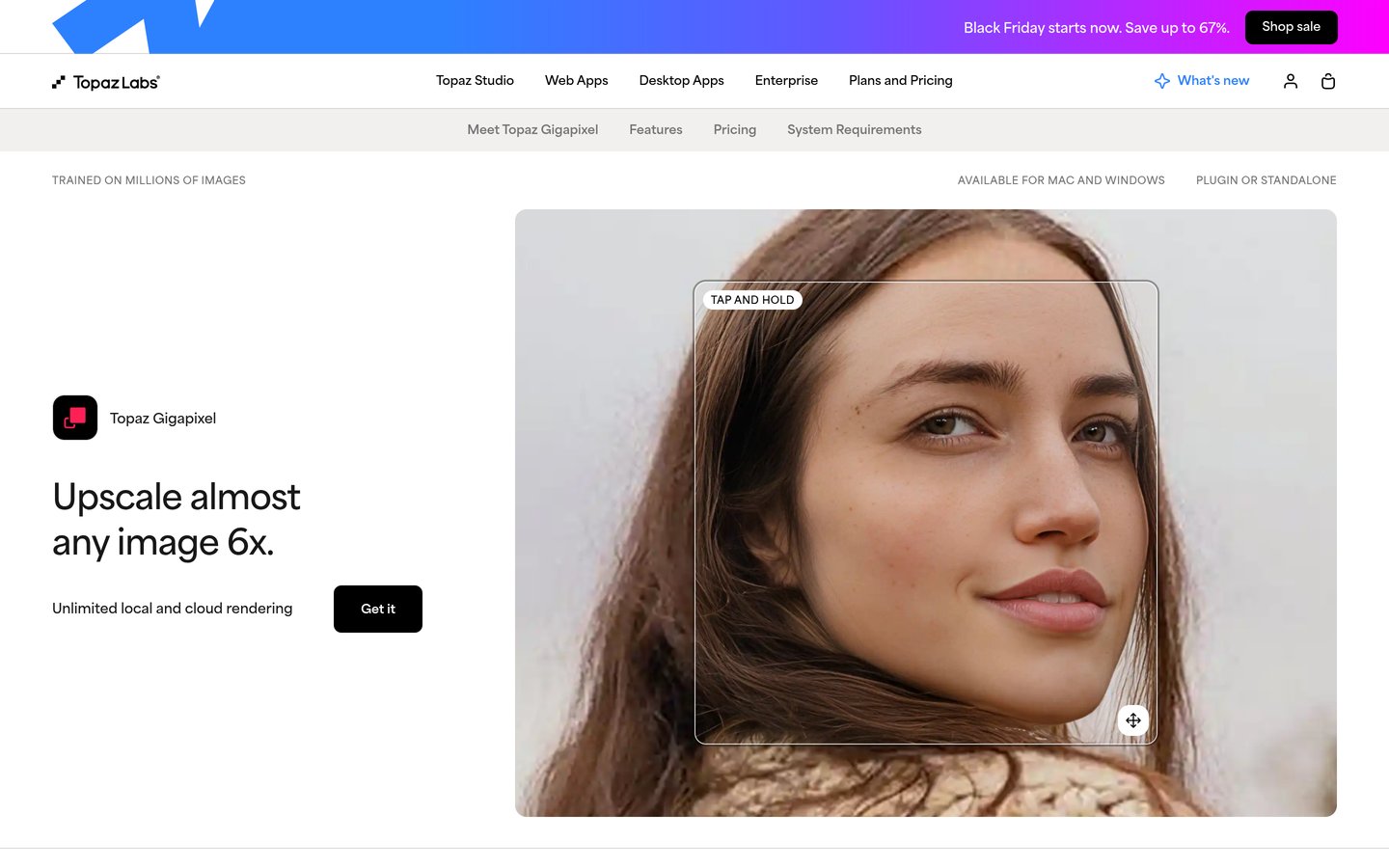
Topaz Gigapixel does one job, upscaling to 6x in a single pass, for $149 a year, and suits print work better than a general editor.
VanceAI and PicWish both pair a free start with a paid plan under $200 a year, at $180 and $59.99 a year.
Remini is the best-known face fixer on phones, but its Trustpilot score is 1.4 out of 5 from 72 reviews, mostly about billing.
What an AI image enhancer should do
An AI image enhancer fixes photos that are small, noisy, blurry or faded. It adds detail, cleans grain and sharpens soft edges, instead of just stretching pixels.
Upscaling matters most for prints and old scans. Desktop tools such as Topaz Gigapixel enlarge images up to 6x in a single pass, while browser tools cap output by plan, from 2x on free plans to 512 megapixels on paid ones.
Face recovery is where results vary most. A tool can rebuild a blurred face well, or invent features that were never there, so run your hardest portrait through the free credits first.
Price is usually a credit pool, not unlimited use. Our guide on optimizing images for WordPress explains why smaller, cleaner files also load faster on the web.
Check the renewal price before you pay. Several tools in this list show a first-year discount, and the regular price is what the ladder below uses.
Topaz Photo AI is a desktop app for Mac and Windows that combines denoise, sharpen, face recovery and upscaling in one pass. Its Autopilot analyses each photo and applies the right models, and local rendering is unlimited on the Personal plan.
The trade off is price and hardware. Personal costs $199 a year as a subscription since October 2025, with no perpetual licence for new buyers, and the app needs a strong computer. It suits photographers who regularly rescue noisy, soft or small images.
4.2/5on Trustpilot (189 reviews, checked Nov 2026)
Paid from$108/yr
Best browser upscaler
Free credits10 on sign-up
Max output256 MP on Starter
Credit rolloverYes, up to 6 months
Paid planStarter, $108/yr
letsenhance.io
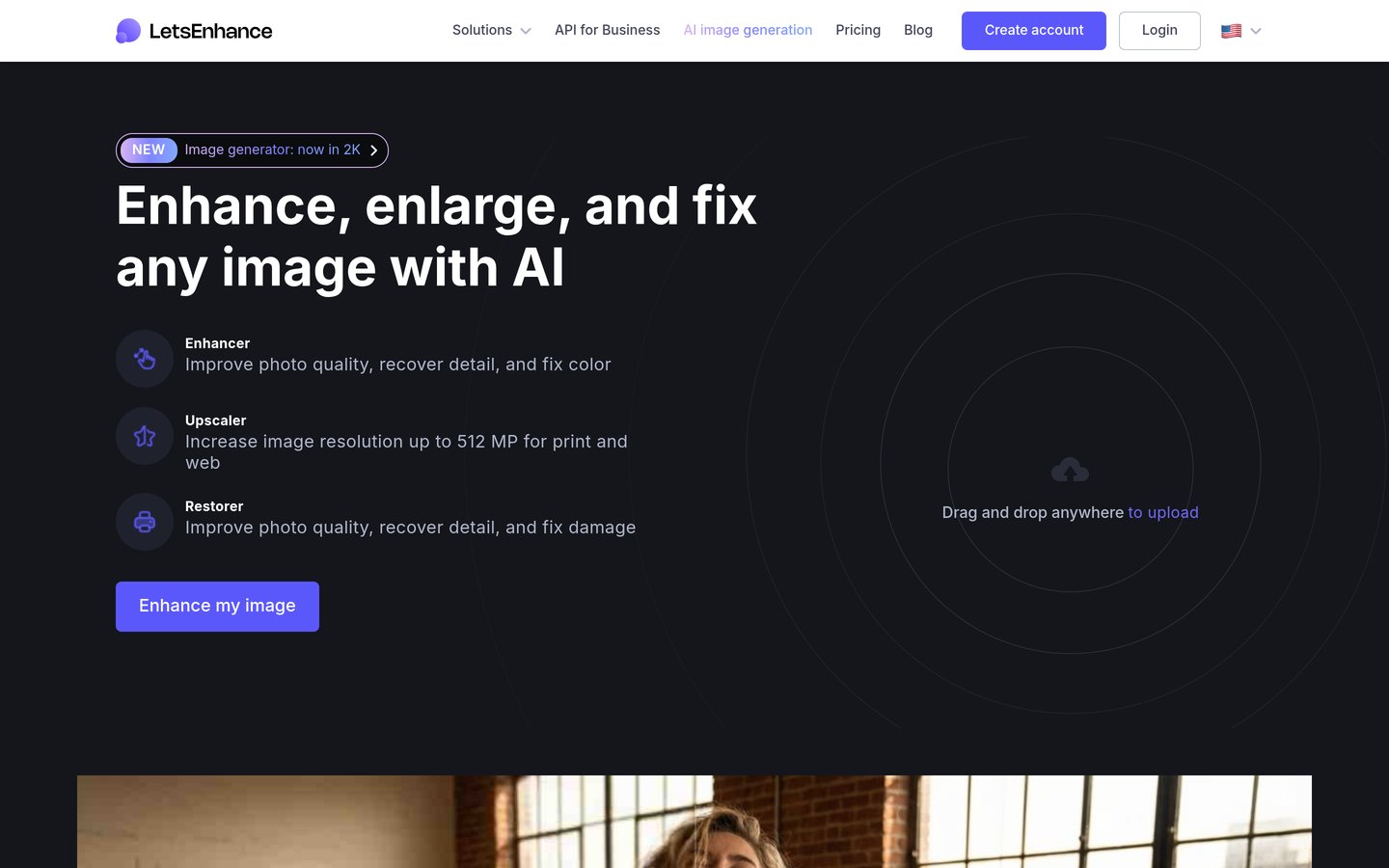
Let's Enhance homepage, captured Nov 2026.
Let's Enhance is a browser tool that upscales images up to 16x with no software to install. Starter costs $9 a month billed annually, or $108 a year, for 100 credits a month, with output up to 256 megapixels and unused credits rolling over.
The trade off is the credit meter. Every image costs 1 credit, so heavy months need Pro at $288 a year or Max at $408 a year. It suits print sellers and sellers who upscale in batches from a browser.
Topaz Gigapixel is a desktop app that does one job: enlarging images up to 6x in a single pass with models for photos, art, text and low-resolution files. Personal costs $149 a year, with unlimited local rendering on Mac and Windows.
The trade off is scope. Gigapixel does not denoise, sharpen or restore photos the way Topaz Photo AI does, so it is a second app, not a replacement. It suits print sellers and artists who need large files from small originals.
4.1/5on Trustpilot (1,342 reviews, checked Nov 2026)
Paid from$180/yr
Best for restoration in volume
Free credits10 on sign-up
Max upscale8x in the web app
Old photo restoreYes
Paid planStarter, $180/yr
vanceai.com
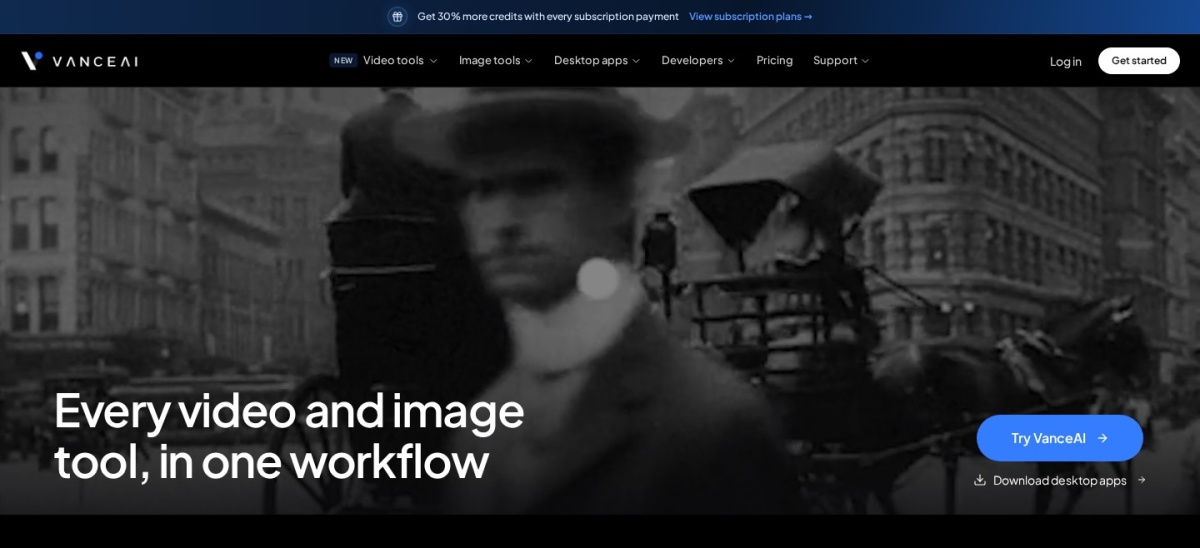
VanceAI homepage, captured Nov 2026.
VanceAI is a browser suite of single-purpose tools for upscaling, sharpening, denoising, background removal and old-photo restoration. Starter costs $15 a month billed annually, or $180 a year, for 260 credits a month shared across image and video tools.
The trade off is credit cost per job. Upscaling costs 1 to 3 credits per image and some tools cost up to 10, so a busy month burns the allowance fast. It suits sellers and archivists who need repair work in volume without opening Photoshop.
4.2/5on Trustpilot (359 reviews, checked Nov 2026)
Paid from$59.99/yr
Best budget all-rounder
Free planYes, non-HD downloads
Pro credits450 a month
HD downloads100 a day on Pro
Paid planPro, $59.99/yr
picwish.com
PicWish homepage, captured Nov 2026.
PicWish is a web, desktop and mobile editor that bundles enhancement, upscaling, background removal and object erasing behind one credit meter. Pro costs $4.99 a month billed annually, or $59.99 a year, for 450 credits a month and 100 HD downloads a day.
The trade off is that credits expire monthly without rollover, and the free plan only allows limited non-HD downloads. It suits online sellers who need quick product-photo fixes across web and phone.
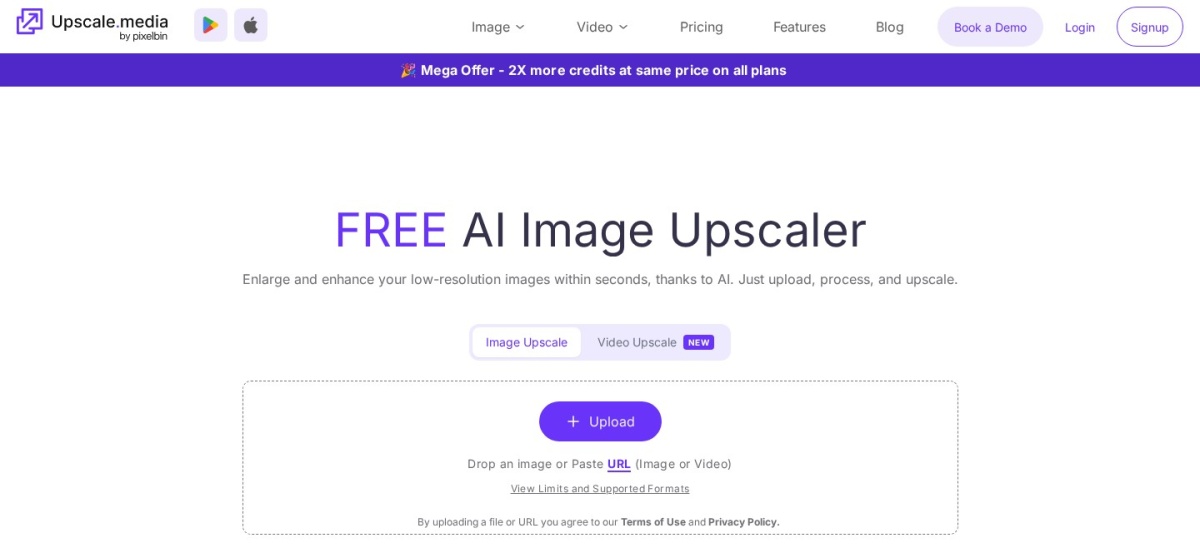
Upscale.media is a browser upscaler that enlarges images at 2x, 4x and 8x, with face enhancement and an API. The free plan gives 3 credits a month, and one image a day needs no sign-up at all, while the cheapest yearly plan is $49.99 a year for 3,000 credits.
The trade off is trust and refunds. Its Trustpilot score is 2.7 out of 5 from only 4 reviews, and the pricing page states no refunds, so test with the free allowance first. It suits occasional users who want a quick upscale without installing anything.
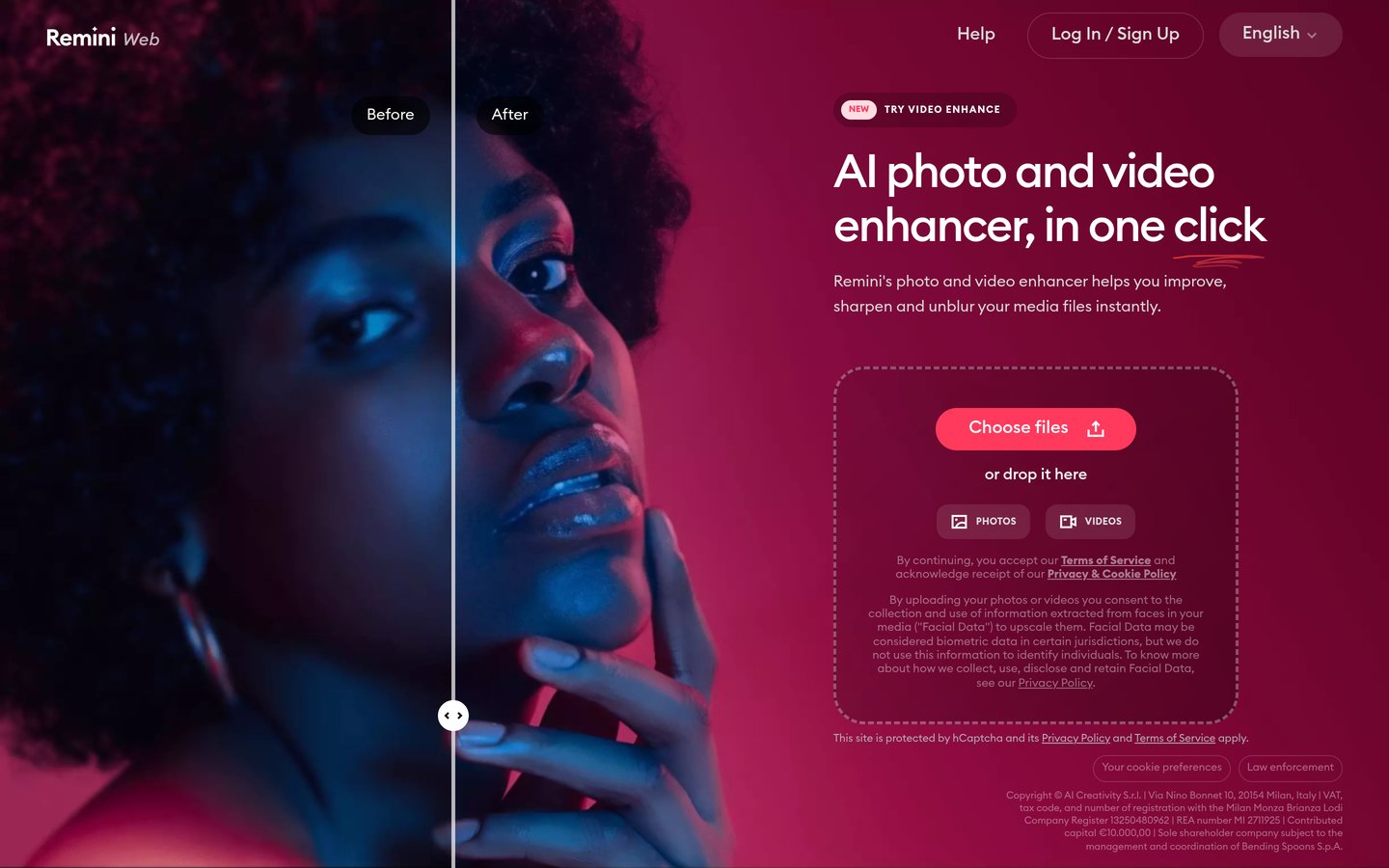
Remini is a mobile-first AI enhancer for iOS and Android, with a web version, that rebuilds blurry faces and restores old photos in one tap. Web Personal costs $179.99 a year for up to 20 enhancements a week, all AI models and short video clips.
The trade off is billing. Its Trustpilot score is 1.4 out of 5 from 72 reviews, mostly about weekly charges and cancellations, and web and mobile subscriptions are billed separately. It suits anyone restoring old family photos on a phone.
What we like
Strongest face restoration in this list
One-tap enhancement, no settings to learn
Also enhances short video clips
Watch out for
Trustpilot score is 1.4 from 72 reviews
Web and mobile plans are billed separately
Web Business adds unlimited photos for $249.99 a yearVisit remini.ai
08
Magnific
3.9/5on Trustpilot (3,233 reviews, checked Nov 2026)
Paid from$174/yr
Best upscaler inside a creative suite
Free planYes, limited daily use
UpscalersMagnific and Topaz
Stock library250M+ assets
Paid planPremium, $174/yr
magnific.com
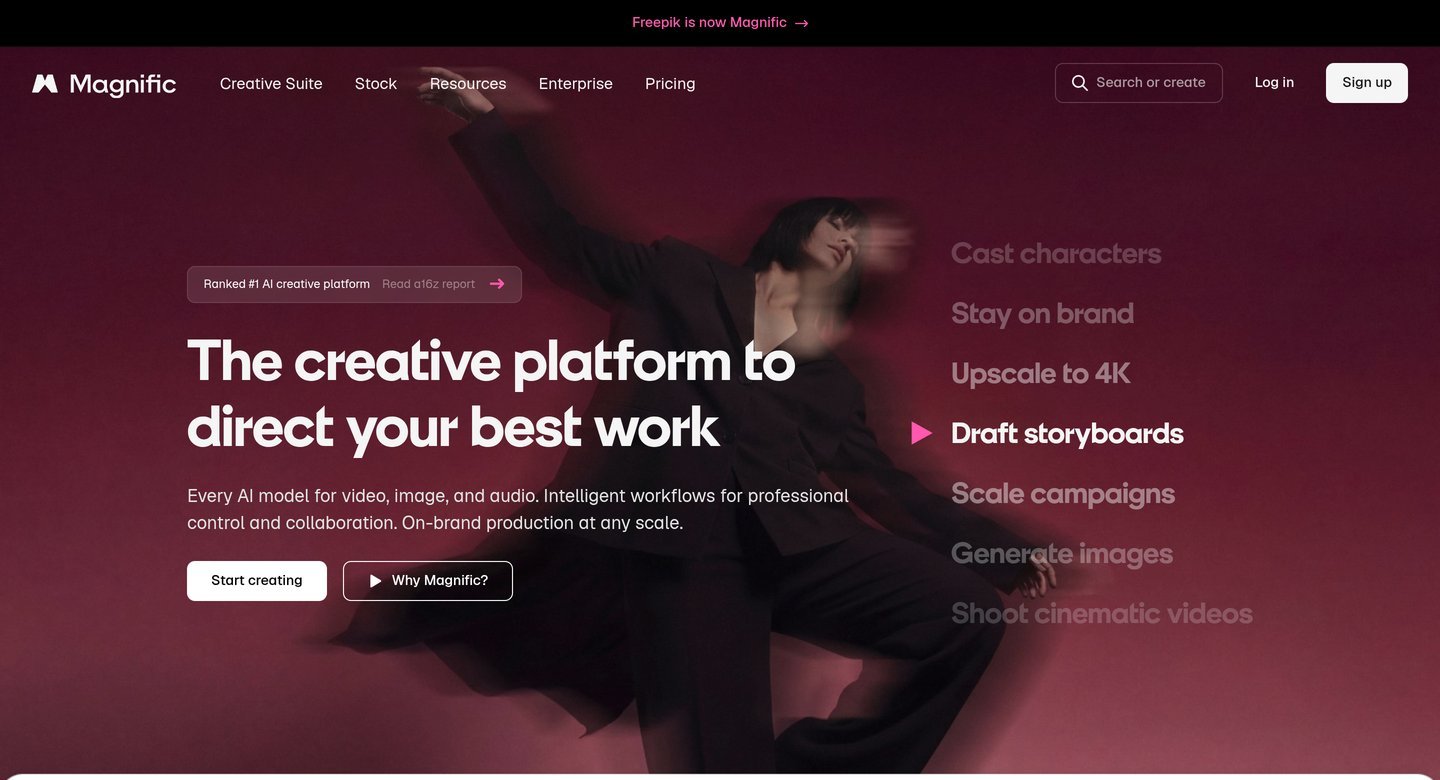
Magnific homepage, captured Nov 2026.
Magnific is the AI creative platform formerly known as Freepik, and its upscaler sits beside image and video generation and a stock library of more than 250 million assets. Premium costs $14.50 a month billed annually, or $174 a year, for 240,000 credits a year.
The trade off is that upscaling is one feature among many, so the price only makes sense if you also use the stock library or generation tools. It suits creators who already pay for stock and want enhancement in the same subscription.
What we like
Upscaler plus a huge stock library in one plan
Rated 3.9 out of 5 from 3,233 Trustpilot reviews
Includes Magnific and Topaz upscalers on higher plans
Free plans cover occasional fixes well. Most give a few credits a month, a watermark on exports, or a cap such as 2x upscaling.
Paid plans mostly add credits and resolution. You get more images a month, higher output sizes and watermark-free downloads.
Watch the credit meter, not just the price. A $49.99 yearly plan with 3,000 credits beats a $59.99 plan with 450 credits a month if you upscale in bursts.
For a store or a site that earns money every day, the first year of a paid plan often costs less than one reshoot.
How we chose
We started from the most-used AI image enhancers: desktop apps from Topaz, browser upscalers and mobile face fixers, then kept those with a verifiable rating on G2, Capterra or Trustpilot.
Prices come from each vendor's pricing page, checked on 22 November 2026. Ratings and review counts come from G2, Capterra or Trustpilot on the same day. Where a vendor shows a sale, the list shows the regular price.
We left out tools with no verifiable rating on those three sources, including Claid.ai and HitPaw FotorPea. No vendor paid for a place, and we do not claim hands-on testing for this list.
How to choose an AI image enhancement tool
Start with the photos you actually fix, then match the tool to that job.
Name the job first. Faces need Remini or Topaz Photo AI, prints need Gigapixel or Let's Enhance, and product shots need PicWish or VanceAI.
Try the free credits on your hardest photo. A blurred group shot shows face problems fast. If the free result invents features, try another tool before paying.
Count credits, not just the monthly price. A cheap plan with 100 credits a month costs more per image than a dearer plan with 3,000 credits a year if you upscale in bursts.
Check the renewal price and the refund rule. Upscale.media offers no refunds, and several tools discount year one, so budget for the regular yearly price.
FAQ
What is the best AI image enhancement tool?
Topaz Photo AI is the best overall pick for most photographers. It combines denoise, sharpen, face recovery and upscaling in one desktop app for $199 a year, with unlimited local rendering.
What is the best free AI image enhancer?
Upscale.media is the best free option for occasional use, with one upscale a day without an account and 3 free credits a month. Let's Enhance gives 10 free credits on sign-up, and PicWish allows limited non-HD downloads free.
Can AI really fix a blurry photo?
It can improve a blurry photo, but it cannot recover detail that was never captured. Denoise and sharpen help soft shots, face recovery rebuilds blurred faces, and upscaling adds plausible detail, not the original pixels.
How much does AI image enhancement cost?
Paid plans in this list run from $49.99 to $199 a year for the cheapest plan. Most tools sell credits, so the real cost depends on how many images you enhance each month.
Is Topaz Photo AI worth $199 a year?
It is worth it if you regularly rescue noisy, soft or small photos and want denoise, sharpen and upscale in one app. If you only upscale, Gigapixel at $149 a year does that job for less.
Which AI enhancer is best for old photos?
Remini is best known for old-photo face restoration on phones, and VanceAI has a dedicated old-photo tool in the browser. Run the same faded portrait through both free allowances and keep the result that looks most natural.