Clip Studio Paint is the best webtoon creation software for comic artists because it combines dedicated comic production tools, vertical layouts and drawing features, with subscriptions starting at $0.99 per month. Choose Procreate for portable iPad illustration or Krita for free, open-source comic creation without recurring fees.
How we make this list: we compare pricing pages, product documentation and public user reviews, then re-check every price before each update. No product paid for a place. Disclosure.
Clip Studio Paint offers dedicated comic creation features and subscriptions starting at $0.99 per month for smartphones.
Procreate costs $12.99 once and holds a 4.9/5 G2 rating from 73 reviews.
Krita is free and open source, with a 4.4/5 rating from 64 G2 reviews.
Adobe Photoshop is available through the Photography plan for $19.99 per month with an annual commitment.
Adobe Fresco provides free painting tools and unlimited layers without a separate paid upgrade.
Three of the seven applications offer complete drawing or editing functionality without a required subscription or purchase.
How do you choose webtoon creation software for comic artists?
Vertical storytelling requires different tools from traditional comic production. Webtoon artists need to arrange scenes around continuous scrolling, using panel spacing, dialogue placement and visual transitions to control the reader's pace.
Dedicated comic features can reduce repetitive production work. Panel borders, reusable character references, perspective guides and speech balloons help artists concentrate on storytelling instead of rebuilding layouts for each episode.
Canvas management matters more than brush quantity for long episodes. Large illustrations can consume substantial memory, particularly when artists maintain separate layers for backgrounds, characters, dialogue and lighting effects.
AI features are optional rather than essential for webtoon production. Generative background assistance can help with selected tasks, but reliable drawing tools, editable source files and consistent character designs remain important for serialized comics.
The cheapest subscription is not always the cheapest production workflow. Compare device restrictions, export capabilities and the availability of comic-specific features before committing to a particular application.
The 7 best webtoon creation tools for comic artists
01
Clip Studio Paint
4.4/5on G2 (56 reviews, checked Nov 2026)
Starts at$0.99/mo
Best for dedicated webtoon production
Vertical comic layoutsDedicated webtoon tools
Drawing toolsRaster and vector layers
Supported devicesDesktop, tablet and smartphone
Entry subscriptionFrom $0.99/mo for smartphones
clipstudio.net
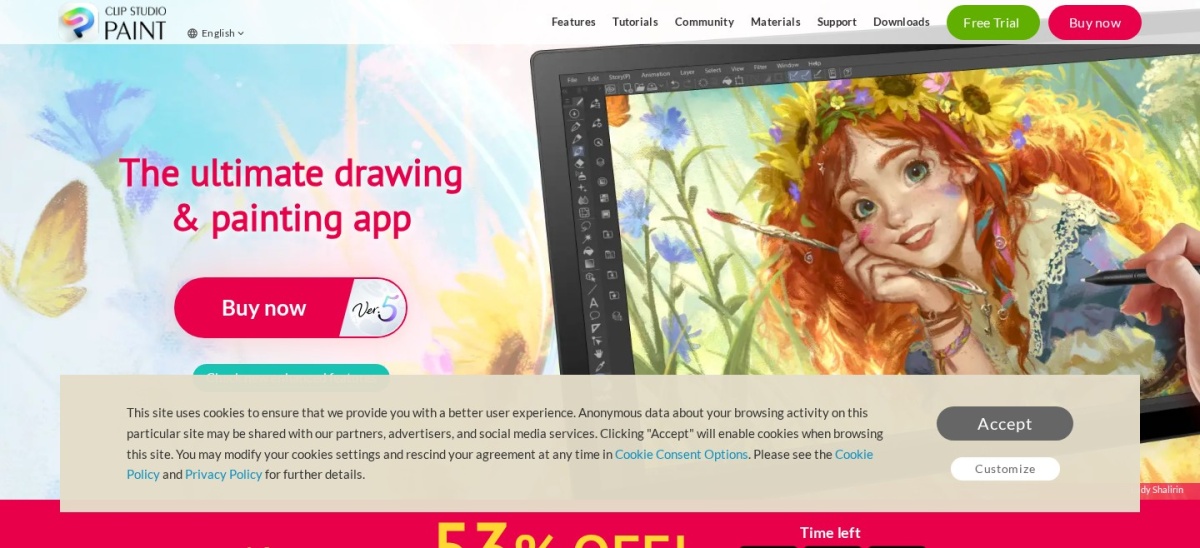
Clip Studio Paint homepage, captured Nov 2026.
Clip Studio Paint is a digital illustration and comic production application with tools for panel creation, speech balloons, perspective drawing and vertical storytelling. Its subscription plans start at $0.99 per month, and eligible subscriptions purchased directly include 10GB of cloud storage.
The trade off is that the $0.99 monthly starting price applies to smartphone access rather than the complete desktop or tablet workflow, while advanced comic management requires higher-tier licensing. It suits professional webtoon artists who want drawing, lettering and episode preparation within a dedicated comic environment.
Paid subscriptions provide licensed drawing access and ongoing feature updates.Visit clipstudio.net
02
Procreate
4.9/5on G2 (73 reviews, checked Nov 2026)
Starts at$12.99 one-time
Best for drawing webtoons on iPad
PlatformiPad
Comic planningPage Assist
File compatibilityPSD, PNG, JPEG and PDF
Purchase price$12.99 once
procreate.com
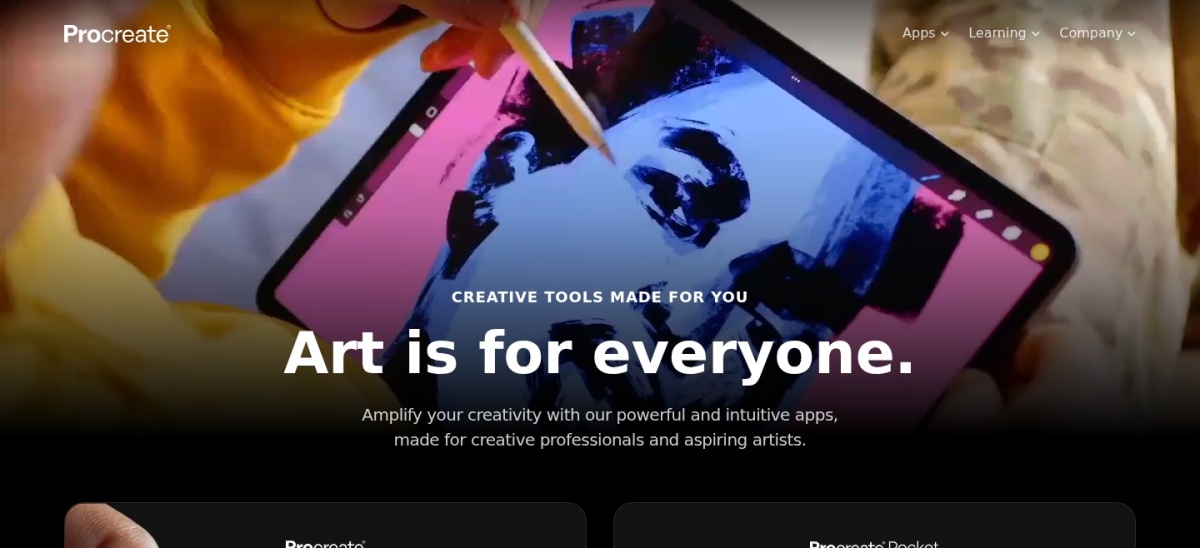
Procreate homepage, captured Nov 2026.
Procreate is an iPad illustration application for sketching, character drawing, coloring and digital painting, available for a one-time payment of $12.99. Its Page Assist feature supports comic planning, while customizable brushes, text tools and perspective guides help artists develop individual panels.
The trade off is that Procreate lacks the specialized episode management and vertical comic production features available in dedicated desktop software, despite its low $12.99 purchase price. It suits independent comic artists who prefer Apple Pencil drawing and are comfortable assembling or exporting episodes manually.
What we like
One-time purchase without recurring subscription fees
High-quality brushes and stroke stabilization
Convenient portable drawing workflow
Layered PSD import and export
Page Assist supports comic planning
Watch out for
Main application requires an iPad
Canvas dimensions and layer limits depend on hardware
Long webtoon episodes may require manual assembly
The one-time purchase unlocks the complete Procreate application.Visit procreate.com
03
Krita
4.4/5on G2 (64 reviews, checked Nov 2026)
PriceFree
Best for free webtoon illustration
LicenseFree and open source
Drawing toolsCustomizable brush engines
Comic layoutTemplates and drawing assistants
PlatformsWindows, macOS, Linux and Android
krita.org
Krita homepage, captured Nov 2026.
Krita is a free, open-source digital painting application suitable for character illustration, comic backgrounds, inking and coloring. It provides raster and vector layers, drawing assistants and customizable brush engines, with a 4.4/5 G2 rating from 64 reviews.
The trade off is that Krita requires more manual work for lettering, vertical panel arrangement and publishing than dedicated webtoon software, although its complete application costs nothing. It suits students, independent creators and budget-conscious comic artists who want professional drawing capabilities without subscription commitments.
What we like
Complete application available without payment
Customizable brushes for different illustration styles
Drawing assistants support perspective work
Available on major desktop operating systems
Open-source development and community resources
Watch out for
No native iPad application
Webtoon export preparation requires manual work
Limited dedicated comic episode management
Optional store purchases support development without unlocking exclusive drawing features.Visit krita.org
04
Adobe Photoshop
4.6/5on G2 (13,463 reviews, checked Nov 2026)
Starts at$19.99/mo
Best for detailed webtoon backgrounds
Image editingRaster layers, masks and selections
AI assistanceGenerative Fill and related features
Entry planPhotography
Cloud storage1TB on Photography plan
adobe.com
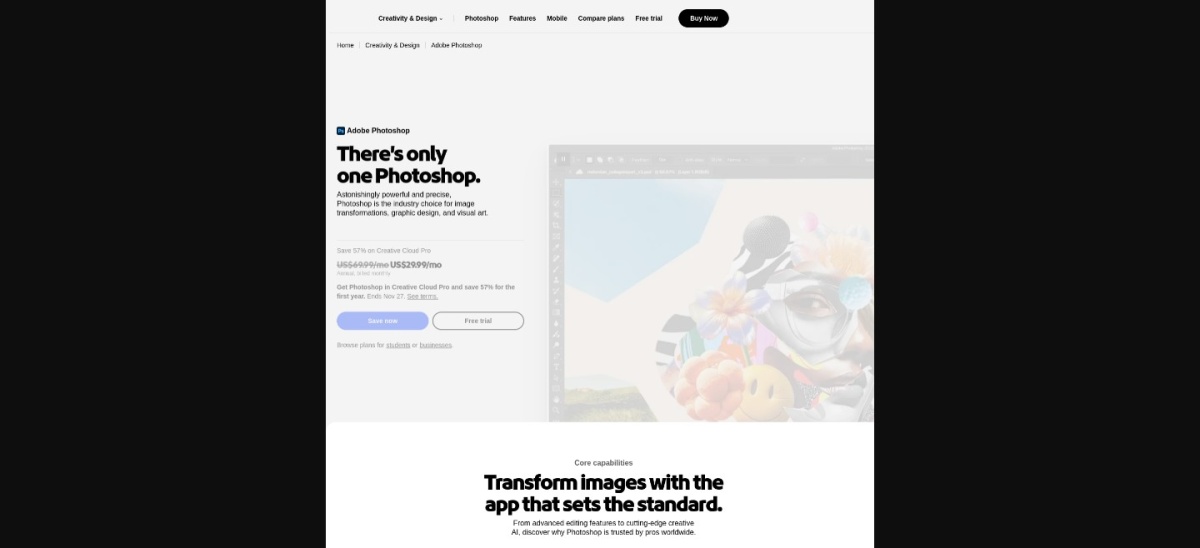
Adobe Photoshop homepage, captured Nov 2026.
Adobe Photoshop is a professional image editing and digital illustration application for detailed backgrounds, visual effects and layered comic artwork. Its Photography plan costs $19.99 per month with an annual commitment and includes Photoshop, Lightroom and 1TB of cloud storage.
The trade off is that the regular $239.88 annual equivalent buys a general-purpose image editor rather than a dedicated webtoon production system, and generative features have plan-specific allowances. It suits experienced comic artists who need detailed compositing, image corrections and complex background development.
What we like
Advanced image editing and compositing
Extensive brush and layer management tools
Generative assistance for selected editing tasks
Widely supported PSD working files
Strong color correction capabilities
Watch out for
Recurring subscription increases production costs
Comic panels and dialogue require manual arrangement
Large layered episodes can consume substantial memory
The Photography plan includes Photoshop, Lightroom and cloud storage.Visit adobe.com
05
Adobe Fresco
4.5/5on G2 (34 reviews, checked Nov 2026)
PriceFree
Best for free stylus-based comic drawing
Brush typesRaster, vector and live brushes
Layer allowanceUnlimited
AnimationFrame and motion tools
PlatformsiPad, iPhone and Windows
adobe.com
Adobe Fresco homepage, captured Nov 2026.
Adobe Fresco is a free digital drawing and painting application that combines traditional painting effects with scalable vector strokes. Its complete free offering includes unlimited layers, thousands of brushes and animation features, and it holds a 4.5/5 G2 rating from 34 reviews.
The trade off is that Fresco focuses on drawing and painting instead of complete webtoon episode management, although its drawing features require no paid subscription. It suits artists who want free stylus-based character illustration, expressive coloring and artwork that can move into another layout application.
What we like
Professional drawing features available free
Unlimited layers without a paid upgrade
Vector and raster brushes in one application
Natural watercolor and painting effects
Watch out for
No dedicated webtoon panel management
Limited platform availability compared with Krita
Episode assembly may require another application
Fresco's drawing and painting features are available without a paid plan.Visit adobe.com
06
Adobe Illustrator
4.6/5on G2 (6,211 reviews, checked Nov 2026)
Starts at$22.99/mo
Best for webtoon lettering and vector graphics
Graphics formatEditable vector artwork
LetteringTypography and text layout
Cloud storage100GB
Entry subscription$22.99/mo, annual commitment
adobe.com
Adobe Illustrator homepage, captured Nov 2026.
Adobe Illustrator is a vector graphics application useful for webtoon lettering, reusable speech balloons, character accessories and geometric backgrounds. The individual subscription costs $22.99 per month with annual commitment and includes 100GB of cloud storage and Adobe Express Premium.
The trade off is that the $275.88 annual equivalent is relatively expensive for artists who primarily need raster painting, and complete episode preparation requires manual layout work. It suits comic artists producing clean vector artwork, consistent typography and reusable visual elements across a serialized story.
What we like
Scalable artwork remains sharp when resized
Advanced typography and text placement
Reusable graphic elements for recurring episodes
Editable shapes for balloons and sound effects
Watch out for
Less suitable for textured raster painting
Subscription required after the trial
No dedicated vertical webtoon publishing workflow
The individual subscription includes Illustrator, Adobe Express Premium and cloud storage.Visit adobe.com
07
GIMP
4.3/5on G2 (1,484 reviews, checked Nov 2026)
PriceFree
Best for free webtoon editing and export
LicenseFree and open source
Image editingLayers, masks and filters
PlatformsWindows, macOS and Linux
Output preparationCropping, resizing and image export
gimp.org
GIMP homepage, captured Nov 2026.
GIMP is a free, open-source image editor suitable for assembling comic artwork, correcting colors, resizing panels and preparing images for online publication. It supports layered image editing and third-party extensions, with a 4.3/5 G2 rating from 1,484 reviews.
The trade off is that GIMP lacks dedicated webtoon storytelling, speech balloon and comic management systems, even though the complete application is free. It suits artists who already draw their panels elsewhere and need a separate desktop editor for image cleanup, episode assembly and final export.
What we like
No required software purchase or subscription
Useful cropping and resizing capabilities
Layer masks support controlled image adjustments
Available across major desktop operating systems
Watch out for
Not specifically designed for comic illustration
Panel management and lettering require manual work
No native tablet-focused drawing workflow
The complete open-source image editor is available without a paid upgrade.Visit gimp.org
How to create a vertical webtoon episode
Start with a scroll-based storyboard instead of a traditional printed page. Arrange scenes according to reading order, leaving space between panels where a pause or dramatic transition improves the story.
Keep character linework, background illustrations, colors and dialogue on separate layers whenever possible. Editable layers make it easier to correct spelling, adjust character positions and change panel spacing before publication.
Preview the completed episode on a smartphone before exporting. Dialogue that looks readable on a desktop monitor may become difficult to read on a narrow mobile screen.
Check your publishing platform's current image dimensions, file size requirements and supported formats. Export smaller sections when necessary, while preserving an editable master copy for future corrections.
Should comic artists use AI for webtoon production?
AI assistance can help with selected production tasks, particularly background concepts, image cleanup and visual experimentation. Photoshop and Illustrator include generative features that complement conventional drawing and editing tools.
Character consistency remains a central challenge when using generated artwork for serialized comics. Maintain reference sheets, color palettes and editable character assets so recurring characters retain recognizable proportions, clothing and facial features.
Review commercial-use terms and your publishing platform's rules before incorporating generated assets. The software comparison prioritizes complete illustration workflows rather than requiring every application to include generative AI.
How we chose
We selected seven established applications covering comic illustration, vertical storytelling, tablet drawing, vector lettering and final image preparation. Dedicated comic features received priority, while general-purpose drawing and editing applications were included for specific production tasks.
We checked official pricing, product information and G2 ratings on 30 Nov 2026. Annual equivalents use regular monthly prices multiplied by twelve, while one-time purchases show their initial purchase cost and free applications have no required paid upgrade.
We excluded products whose regular paid prices or qualifying independent review figures could not be confirmed. The lowest Clip Studio Paint price is device-restricted, and not every listed application provides dedicated webtoon export or generative AI. No vendor paid for a place, and we do not claim testing for this list.
How to choose the right software for creating webtoons
Compare your drawing process, preferred device, publishing requirements and long-term software costs before choosing an application for your comic production workflow.
Prioritize vertical comic features. Choose dedicated comic software if you regularly create long episodes. Panel borders, speech balloons and vertical previews can reduce the time spent arranging artwork and preparing each installment.
Match the application to your drawing device. Choose Procreate for iPad illustration, Krita for free desktop drawing or Clip Studio Paint for a dedicated cross-platform comic workflow. Confirm that your preferred subscription supports your actual device.
Calculate the ongoing production cost. Compare the initial purchase with recurring charges and potential upgrades. Procreate costs $12.99 once, while Photoshop's Photography plan has a $239.88 annual equivalent.
Check export and editing requirements. Confirm that your application supports suitable image dimensions, layered source files and the export formats required by your publishing platform. Consider whether additional software will be necessary for lettering or episode assembly.
FAQ
What is the best webtoon creation software for comic artists in 2026?
Clip Studio Paint is the best overall choice because it combines dedicated comic panels, speech balloons, drawing tools and vertical storytelling features. Procreate is a convenient alternative for iPad artists, while Krita provides a complete free illustration environment for creators on limited budgets.
What is the best free software for creating webtoons?
Krita is the best free software for drawing webtoons on desktop computers because it includes customizable brushes, layers and perspective assistants. Adobe Fresco is another suitable free choice for stylus-based drawing, while GIMP can handle final image editing and export.
How much does webtoon creation software cost?
Webtoon creation software ranges from free applications such as Krita to recurring professional subscriptions. Clip Studio Paint starts at $0.99 per month for smartphones, Procreate costs $12.99 once, and Adobe Photoshop starts at $19.99 per month through its Photography plan.
Is Clip Studio Paint better than Procreate for webtoons?
Clip Studio Paint is better for complete webtoon production because its comic-specific tools help organize panels, dialogue and vertical layouts. Procreate is better for artists who prioritize portable iPad drawing, straightforward illustration tools and a one-time purchase instead of recurring fees.
What webtoon software is easiest for beginners?
Procreate is a suitable starting point for beginners who already own an iPad because its drawing interface is approachable and its purchase cost is predictable. Krita is a better starting point for beginners who want free desktop illustration software and can spend time learning its interface.
Can I create a professional webtoon without AI?
Yes, professional webtoons can be created entirely with conventional digital illustration tools. Clip Studio Paint, Krita and Procreate provide drawing features suitable for character artwork and comic production without requiring generative AI. Storytelling, consistent artwork and readable dialogue matter more than automated image generation.
Can Adobe Photoshop be used to create webtoons?
Yes, Photoshop can be used to draw comic panels, create detailed backgrounds, add text and assemble vertical images. It is particularly useful for artists who need complex compositing and image editing, although dedicated comic applications provide more specialized panel and episode management.
Do webtoon artists need separate software for lettering?
No, dedicated lettering software is not always necessary because applications such as Clip Studio Paint and Procreate include text tools. Adobe Illustrator can be useful when artists need more advanced typography, scalable speech balloons and reusable vector graphics for recurring comic episodes.
SaaS SEO and WordPress specialist with about 8 years of experience. Rakib compares WordPress plugins, themes, hosting and software using public pricing, documentation and user reviews. See how we rank.