Microsoft Teams is the best team chat software for financial advisors because it combines internal messaging, encrypted meetings and Microsoft Purview retention capabilities with appropriate licensing, starting at $4 per user monthly for basic collaboration. Slack suits integration-heavy advisory firms, while Google Workspace is preferable for practices already using Gmail and Drive.
How we make this list: we compare pricing pages, product documentation and public user reviews, then re-check every price before each update. No product paid for a place. Disclosure.
Microsoft Teams starts at $48 per user annually, although regulated message retention requires appropriate additional licensing.
Slack Pro costs $87 per user annually and removes the free plan's 90-day searchable message history restriction.
Google Workspace starts at $84 per user annually, while Business Plus includes Vault archiving capabilities for $264 per user annually.
Pumble provides unlimited free message history and charges $29.88 per seat annually for its Pro subscription.
Chanty Business includes configurable retention policies and data exports for $36 per user annually.
Zulip has the highest Capterra rating in this comparison at 4.9/5 from 196 reviews.
What should team chat software for financial advisors include?
Financial advisory teams need controlled communication environments rather than ordinary personal messaging applications. Internal discussions can contain confidential client information, portfolio updates, financial planning documents and decisions that require appropriate access restrictions.
Searchable message history is not the same as compliant communication archiving. Advisory firms should verify whether their chosen platform preserves edited and deleted messages, supports authorized supervisory reviews and meets applicable recordkeeping obligations.
Access management should reflect employee responsibilities. Advisors, administrative assistants, compliance personnel and external collaborators may require different permissions, particularly when discussing confidential financial records or sensitive client circumstances.
Existing business software influences the most practical messaging choice. Microsoft Teams works particularly well within Microsoft 365 environments, while Google Chat connects naturally with Workspace applications. Slack provides broader integration options for firms using several independent systems.
Entry-level pricing rarely represents the complete cost of regulated communication. Financial advisory firms should evaluate required archiving licenses, external supervision tools, identity management and administrative controls before selecting a platform.
For advisory practices using Zoho business applications
$16.20/mo
Free plan
4.6/5
Price ladder: cheapest paid plan per year
List prices, USD, checked Nov 2026
PumbleFREE$30
ChantyFREE$36
ZulipFREE$42
MS TeamsFREE$48
Google Chat$84
SlackFREE$87
Zoho CliqFREE$194
The 7 best team chat software tools for financial advisors
01
Microsoft Teams
4.5/5on Capterra (11,181 reviews, checked Nov 2026)
Paid from$4/mo
Best for financial advisory firms using Microsoft 365
Entry plan storage10 GB per user
CommunicationChat, channels and video meetings
Message retentionMicrosoft Purview with eligible licensing
Paid planTeams Essentials, per user, billed annually
microsoft.com
Microsoft Teams homepage, captured Nov 2026.
Microsoft Teams is a business communication platform combining internal messaging, meetings, document collaboration and administrative controls. Its Essentials subscription includes 10 GB of cloud storage per user, encrypted communication, meeting recordings and collaborative workspaces for coordinating advisory activities.
The trade off is that the $4 monthly Essentials subscription does not automatically include every regulatory recordkeeping capability. Microsoft Purview retention policies require eligible licenses and configuration. It suits financial advisory firms already using Microsoft applications and seeking centrally managed employee communication.
What we like
Integrates with the Microsoft business application ecosystem
Supports encrypted internal messages and meetings
Eligible Purview licenses support preservation of edited and deleted messages
Combines document collaboration with employee communication
Free personal accounts are unsuitable substitutes for governed business accounts
Teams Essentials adds business meetings and collaboration; eligible Microsoft 365 licenses unlock additional compliance controls.Visit microsoft.com
02
Slack
4.7/5on Capterra (24,517 reviews, checked Nov 2026)
Paid from$7.25/mo
Best for advisory teams connecting multiple business applications
Free searchable history90 days
Free integrationsUp to 10 apps
Paid searchable historyUnlimited on Pro
Paid planPro, per user, billed annually
slack.com
Slack homepage, captured Nov 2026.
Slack is a channel-based communication platform that helps financial advisory teams organize research discussions, administrative requests and internal operational updates. Its free subscription provides 90 days of searchable conversation history and supports up to 10 application integrations, while Pro removes those restrictions.
The trade off is that unlimited searchable history on the $7.25 monthly Pro subscription does not guarantee comprehensive regulatory archiving. Advanced exports, identity controls and compliance integrations may require higher subscriptions. It suits advisory firms using several business applications that need a central communication environment.
What we like
Organized channels separate different advisory workflows
External collaboration can introduce information governance risks
Application integrations require security reviews
Pro adds unlimited searchable history, unrestricted integrations and group meetings.Visit slack.com
03
Google Workspace
4.7/5on Capterra (87,167 reviews, checked Nov 2026)
Starts at$7/mo
Best for financial advisors using Gmail and Google Drive
Messaging applicationGoogle Chat
Starter storage30 GB pooled storage per user
ArchivingGoogle Vault on Business Plus
Paid planBusiness Starter, per user, billed annually
workspace.google.com
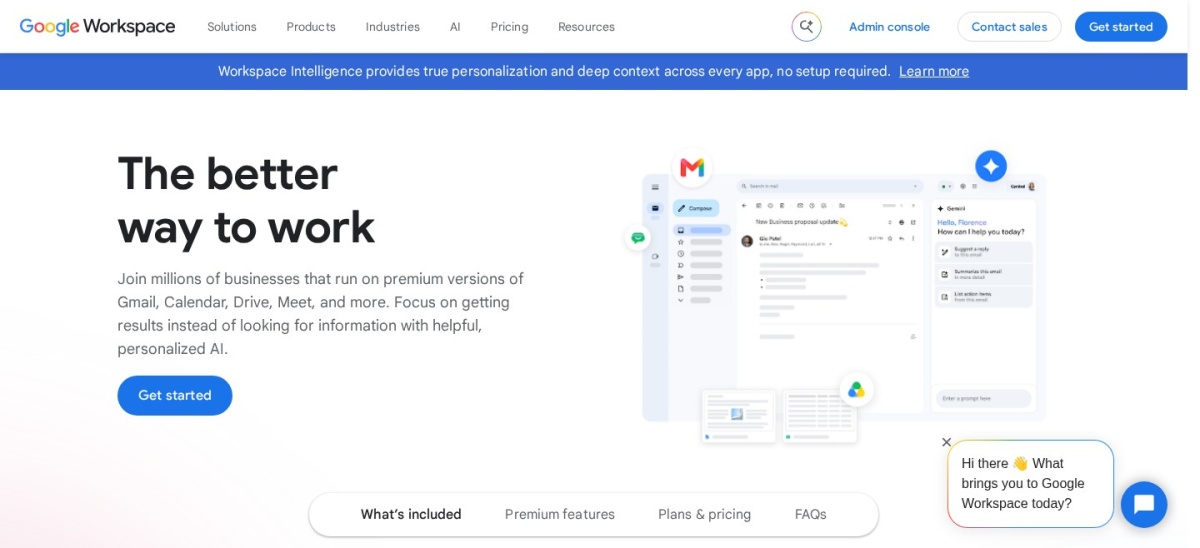
Google Workspace homepage, captured Nov 2026.
Google Workspace is a business productivity suite that includes Google Chat for direct messaging, shared conversation spaces and document collaboration. Business Starter costs $7 per user monthly with annual billing and connects internal communication with business email, cloud storage and online meetings.
The trade off is that the $7 Starter subscription does not include the full Vault capabilities bundled with Business Plus at $22 per user monthly. Chat history and retention settings require careful configuration. It suits financial advisory practices already relying on Google's business productivity applications.
What we like
Connects internal messaging with business email and documents
Centralized organizational account management
Shared spaces support departmental collaboration
Vault provides archiving capabilities on eligible subscriptions
Reduces the need for a separate team messaging subscription
Watch out for
Business Starter lacks bundled Vault capabilities
Consumer Google Chat accounts lack equivalent organizational governance
Capterra rating covers the complete Workspace suite rather than Chat alone
Business Starter provides managed business collaboration; Business Plus includes Vault and additional security controls.Visit workspace.google.com
04
Chanty
4.7/5on Capterra (36 reviews, checked Nov 2026)
Paid from$3/mo
Best for affordable internal messaging and task coordination
Free team sizeUp to 5 members
Free storage20 GB per team
Business retentionConfigurable retention policies
Paid planBusiness, per user, billed annually
chanty.com
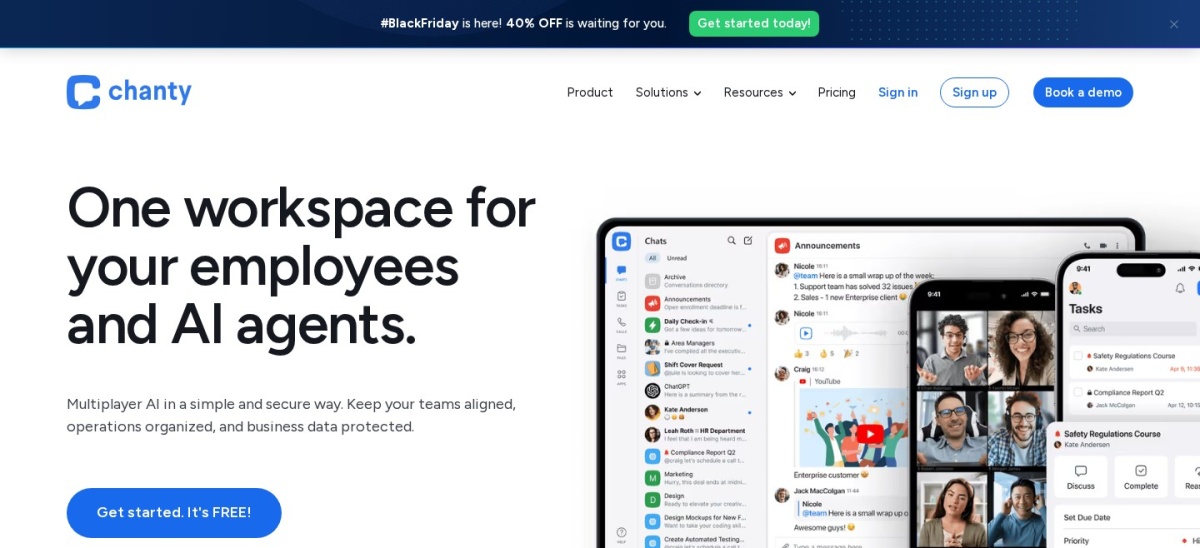
Chanty homepage, captured Nov 2026.
Chanty is a team communication application combining searchable conversations, calls and task management. Its free subscription supports up to 5 team members and 20 GB of shared file storage, allowing smaller advisory practices to coordinate administrative tasks and internal requests.
The trade off is that configurable retention, data exports and advanced access controls require Business at $3 per user monthly with annual billing. Disappearing messages also require governance attention. It suits smaller advisory firms seeking affordable employee communication without an extensive enterprise collaboration suite.
What we like
Affordable subscription with configurable retention policies
Converts internal messages into assigned tasks
Unlimited searchable history on the free plan
Business includes data import and export
Supports configurable roles and access permissions
Watch out for
Free subscription supports only five team members
Smaller public review base than major enterprise platforms
Financial industry archiving compatibility requires separate verification
Business adds configurable retention, group meetings, exports and advanced access controls.Visit chanty.com
05
Zulip
4.9/5on Capterra (196 reviews, checked Nov 2026)
Paid from$3.50/mo
Best for topic-based research discussions and self-hosting
Free cloud searchable history10,000 messages
Free cloud storage5 GB total
Cloud Standard$6.67/user/mo, billed annually
Cheapest paid planSelf-hosted Basic, per user, monthly billing
zulip.com
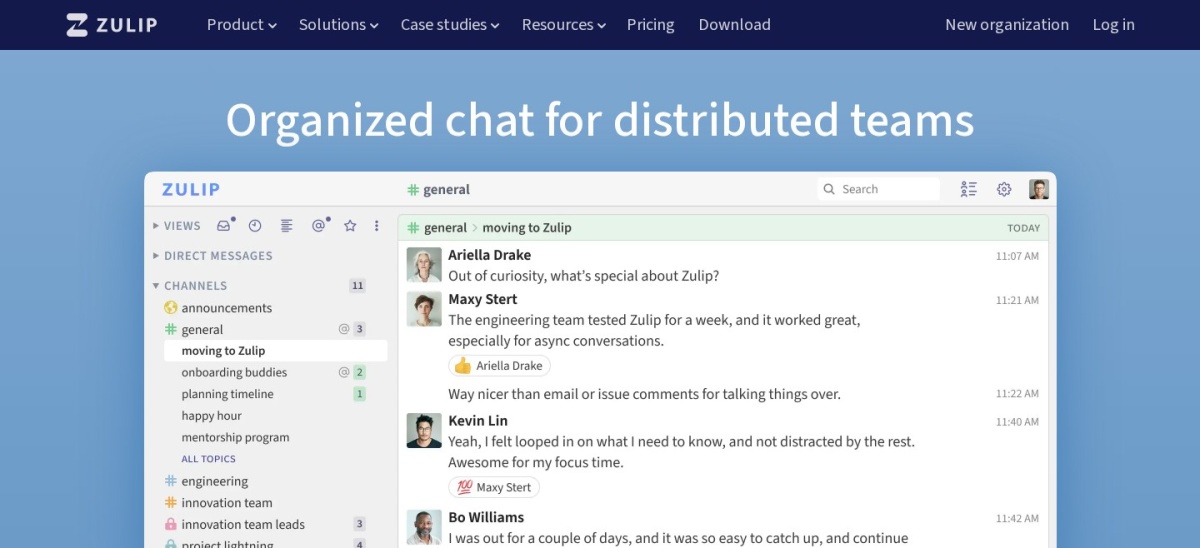
Zulip homepage, captured Nov 2026.
Zulip is an open-source team communication platform that organizes discussions into channels and individual topics. Its free cloud subscription provides 10,000 searchable messages and 5 GB of shared storage, while self-hosting gives organizations greater control over deployment and infrastructure.
The trade off is that self-hosted Basic costs $3.50 per user monthly but excludes infrastructure expenses. Managed Cloud Standard costs $6.67 per user monthly with annual billing and includes retention policies. It suits research-oriented advisory teams that value structured discussions and have suitable technical resources.
What we like
Topic-based discussions organize detailed investment research
Cloud Standard includes configurable retention policies
Highest Capterra rating in this comparison
Watch out for
Self-hosting requires infrastructure and technical maintenance
Free cloud search is limited to 10,000 messages
Specialized financial communication archiving requires verification
Advanced self-hosted compliance support requires a higher subscription
Self-hosted Basic adds unrestricted mobile notifications; Cloud Standard adds unlimited search and retention policies.Visit zulip.com
06
Pumble
4.7/5on Capterra (234 reviews, checked Nov 2026)
Paid from$2.49/mo
Best for affordable team chat with searchable message history
Free usersUnlimited
Free searchable historyUnlimited
Pro storage10 GB per seat
Paid planPro, per seat, billed annually
pumble.com
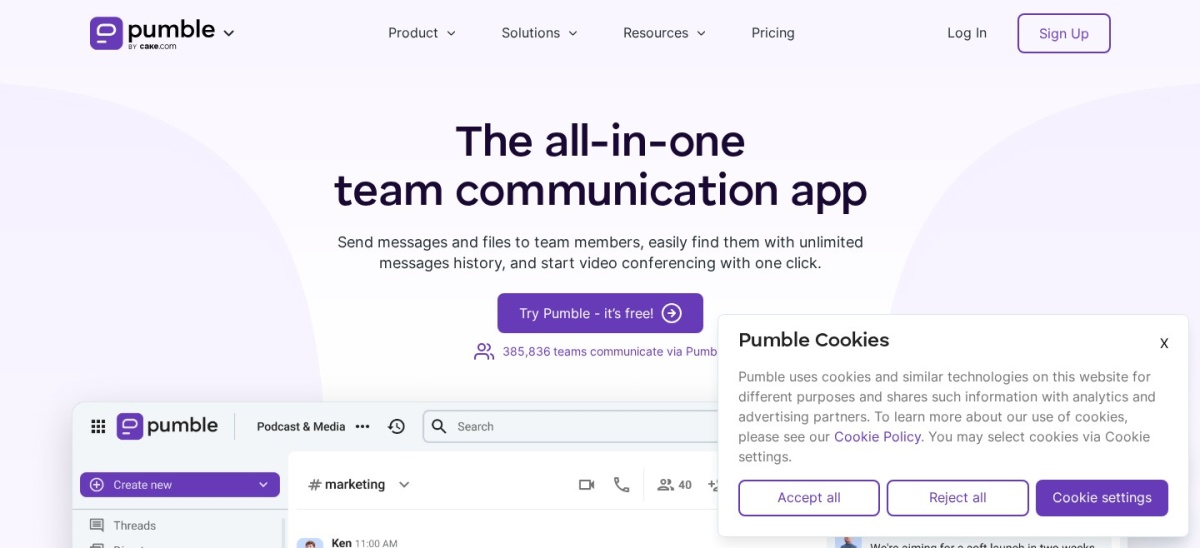
Pumble homepage, captured Nov 2026.
Pumble is a business messaging platform providing public and private channels, direct conversations and voice or video communication. Its free subscription supports unlimited users and searchable message history, while Pro increases storage to 10 GB per paid seat and adds group meeting capabilities.
The trade off is that searchable history does not establish compliance with financial recordkeeping requirements. Pro costs $2.49 per seat monthly with annual billing or $2.99 with monthly billing, and stronger administrative controls require further evaluation. It suits budget-conscious practices using chat for approved internal coordination.
What we like
Unlimited users on the free subscription
Unlimited searchable conversation history
Affordable paid per-seat subscription
Private channels organize departmental conversations
Pro includes screen sharing and group meetings
Watch out for
Pro does not establish regulatory archiving compliance
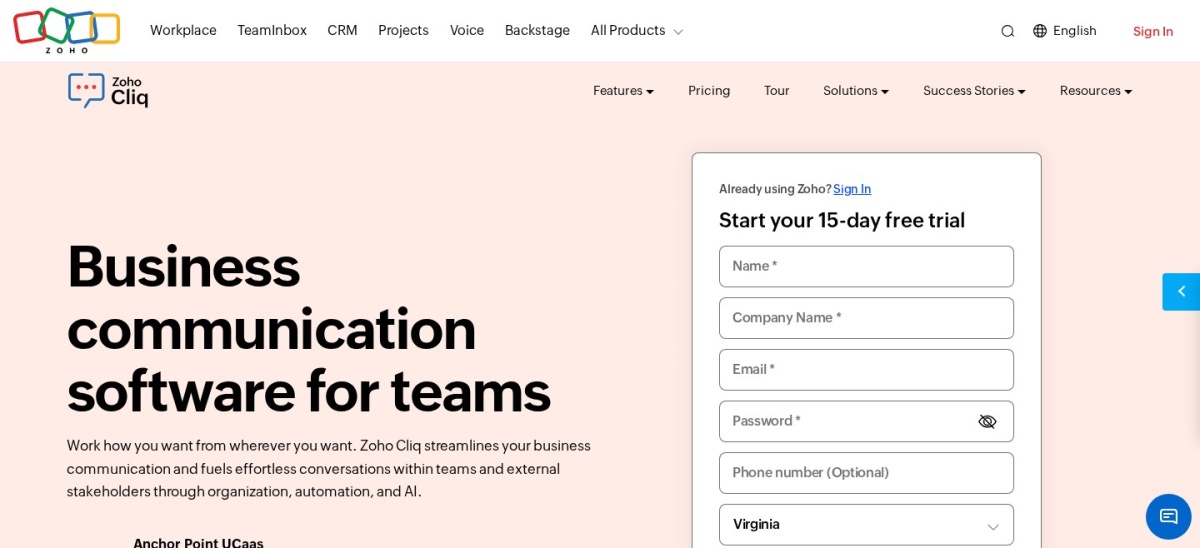
Zoho Cliq is a workplace messaging platform connecting team conversations with business applications such as CRM, customer support and task management. Its free subscription supports 10,000 searchable messages, while Standard introduces unlimited search and external communication capabilities for an organization package covering up to 25 users.
The trade off is that the $16.20 monthly Standard package does not include every advanced governance capability available on higher subscriptions. Pricing also differs by package and billing arrangement. It suits financial advisory practices already using Zoho applications and looking to connect internal conversations with existing business workflows.
What we like
Connects naturally with Zoho CRM and related applications
Organization-based Standard pricing accommodates small teams
Unlimited searchable messages on Standard
Supports chat transcript exports
Higher subscriptions provide more granular administrative controls
Watch out for
Pricing is less straightforward than fixed per-user subscriptions
Free searchable message history has a capacity limit
Advanced governance requires higher subscriptions
Regulated communication archiving requires separate assessment
Standard adds unlimited searchable history, external channels, call recording and additional reporting.Visit zoho.com
Why is message retention important for financial advisory teams?
Financial advisory conversations can contain recommendations, client instructions, research discussions and operational decisions. Depending on the nature of those communications and applicable obligations, firms may need to preserve records for regulatory examinations, internal reviews or dispute resolution.
Unlimited searchable history is primarily a collaboration feature. It does not necessarily preserve original messages after employees edit or delete them, prevent unauthorized changes to archived records or provide the supervisory workflows required by a firm's compliance program.
Microsoft Teams supports retention policies through eligible Microsoft Purview licensing. When appropriately configured, these policies can preserve compliance copies of messages that employees subsequently edit or delete. Google Workspace Business Plus provides Vault for supported retention, archiving and search workflows.
Before approving any messaging platform, ask the compliance team to verify record capture, retention periods, access permissions, external communication coverage and archive retrieval. Separate archiving or supervision software may still be necessary.
How can financial advisors protect confidential information in team chat?
Use organization-managed employee accounts rather than personal messaging profiles. Centralized accounts make it easier to control access, enforce authentication requirements and remove permissions when employees leave the firm.
Restrict sensitive conversations to authorized employees. Client account details, identification documents and financial planning records should remain within approved systems, with chat providing controlled coordination rather than becoming an unrestricted document repository.
Review external guest permissions and application integrations before enabling them. Third-party services, automated assistants and external participants may receive access to information that requires additional security assessment.
Disable or restrict disappearing messages and unapproved communication channels where recordkeeping obligations apply. Establish written procedures for employee messaging, client communication, data sharing and escalation of suspected information security incidents.
How we chose
We selected established team communication platforms offering internal messaging, searchable conversations, administrative controls and business collaboration capabilities. Rankings prioritize organizational governance, retention options, compatibility with existing advisory workflows and transparent subscription pricing.
Official pricing and public Capterra ratings were checked on 30 Nov 2026. Google Workspace reviews represent the complete productivity suite because dedicated Google Chat review pages could not be reopened. Zulip uses its cheapest paid self-hosted subscription, while Zoho Cliq uses its published Standard organization package from its vendor-generated pricing comparison.
We excluded quote-only platforms, consumer-first messengers and products without sufficient public review data. Inclusion does not certify regulatory compliance, and entry prices exclude additional archiving or supervisory services that an advisory firm may require. No vendor paid for a place, and we do not claim testing for this list.
How to choose team chat software for financial advisors
Assess your firm's recordkeeping obligations, confidentiality requirements, existing business applications and employee communication workflows before choosing a messaging subscription.
Establish communication and recordkeeping requirements. Ask your compliance personnel to identify which conversations require preservation, how long records must remain available and whether supervision or legal holds are necessary. Verify that the selected platform and subscription can support those requirements.
Review authentication and employee access controls. Check organizational account ownership, multifactor authentication, single sign-on, role-based permissions and employee offboarding procedures. Ensure confidential conversations and documents are accessible only to authorized employees and approved external participants.
Calculate the complete annual subscription cost. Include employee licenses, archiving services, security upgrades, administrative support and integrations. Entry plans from Microsoft Teams, Slack and Google Workspace provide affordable collaboration, but additional governance capabilities may substantially change the actual budget.
Confirm compatibility with existing advisory workflows. Identify how messaging will connect with client relationship management, document storage, financial research and internal task assignments. Ask vendors to demonstrate message retention, search, export and access removal before approving the platform for confidential business communication.
FAQ
What is the best team chat software for financial advisors in 2026?
Microsoft Teams is the best overall choice because it combines business messaging, meetings, document collaboration and access to additional retention capabilities through Microsoft Purview. Teams Essentials starts at $4 per user monthly, although regulated communication requires appropriate licensing and configuration.
What is the best free team chat software for financial advisors?
Pumble is a practical free option for approved internal coordination because it supports unlimited users and searchable message history. However, financial advisory firms should not assume that its free subscription satisfies regulatory archiving, supervisory review or confidential communication requirements.
How much does team chat software for financial advisors cost?
Entry subscriptions in this comparison start at $2.49 per seat monthly for Pumble Pro. Microsoft Teams Essentials costs $4 per user monthly, while Slack Pro costs $7.25. Additional compliance licensing, external archiving and supervisory tools can increase the overall expense.
Is Microsoft Teams or Slack better for financial advisors?
Microsoft Teams is better for advisory firms using Microsoft 365 and planning to implement centrally managed retention through Microsoft Purview. Slack is preferable for firms coordinating multiple independent business applications. Both require appropriate administrative controls and verification of applicable recordkeeping requirements.
Which team chat software is best for a small financial advisory firm?
Chanty is an affordable option for small financial advisory firms that need internal messaging, task coordination and configurable retention. Its Business plan costs $3 per user monthly with annual billing. Microsoft Teams may be preferable when the firm already uses Microsoft business applications.
Does unlimited message history make a chat platform compliant?
No, unlimited message history does not establish regulatory compliance. Financial advisory firms may also need preservation of edited and deleted messages, authorized supervisory access, enforceable retention policies and reliable export capabilities. These requirements should be assessed against the firm's applicable obligations.
Can financial advisors use Google Chat for business communication?
Yes, financial advisors can use organization-managed Google Chat when their firm has approved the platform and implemented suitable governance controls. Google Workspace Business Plus includes Vault for supported archiving and retention workflows, although the firm's compliance team must verify that its configuration meets applicable requirements.
Is self-hosted team chat better for financial advisory firms?
Self-hosted team chat can provide greater infrastructure control, but it also introduces responsibility for security updates, backups, monitoring and record preservation. Zulip supports self-hosted deployment and may suit firms with technical resources, provided that its configuration supports their security and compliance requirements.
Should financial advisors use the same chat software for employees and clients?
Not necessarily. Internal employee communication and client-facing financial discussions can have different confidentiality, recordkeeping and supervisory requirements. Firms should approve each communication channel separately and verify that relevant messages, attachments and client instructions are captured by their established compliance processes.
SaaS SEO and WordPress specialist with about 8 years of experience. Rakib compares WordPress plugins, themes, hosting and software using public pricing, documentation and user reviews. See how we rank.