Visual Studio Code is the best text editor software for startups because it is free for commercial use and holds a 4.7/5 G2 rating from 2,785 reviews. Choose Cursor for integrated AI coding assistance or Sublime Text for responsive, keyboard-driven editing without the complexity of a full development environment.
How we make this list: we compare pricing pages, product documentation and public user reviews, then re-check every price before each update. No product paid for a place. Disclosure.
Visual Studio Code is free for commercial use and has a 4.7/5 G2 rating from 2,785 reviews.
Cursor offers limited AI assistance for free, with its Plus subscription starting at $8/month for access to Grok models.
Sublime Text business licenses cost $65 per seat annually for the first 10 seats, while personal licenses cost $99.
Notepad++ is completely free and holds a 4.6/5 G2 rating from 2,472 reviews.
BBEdit costs $59.99 for an individual perpetual license, making it an attractive option for Mac-based startup employees.
EmEditor Professional costs $60 for the first year and $45 per year upon renewal, while UltraEdit Core regularly costs $99.95 for an annual subscription.
How do you choose text editor software for startups?
Free text editors can cover most startup development requirements. Syntax highlighting, extensions, version control and integrated terminals are available without purchasing a commercial editor subscription.
AI coding assistance introduces a separate purchasing decision. Startups should assess whether automated code generation and repository-aware suggestions provide enough value to justify recurring subscriptions and potential usage charges.
Business licensing matters even when an editor looks inexpensive. Sublime Text distinguishes personal perpetual licenses from annual business subscriptions, while EmEditor calculates organizational licensing primarily by computer.
Operating system compatibility affects team adoption. Visual Studio Code and Sublime Text support Windows, macOS and Linux, while Notepad++ and EmEditor primarily serve Windows users and BBEdit targets Mac users.
Specialized editing requirements can justify additional spending. Startups working with large application logs, structured data exports or repetitive file transformations may benefit from commercial editors with advanced search, macros and column-based editing.
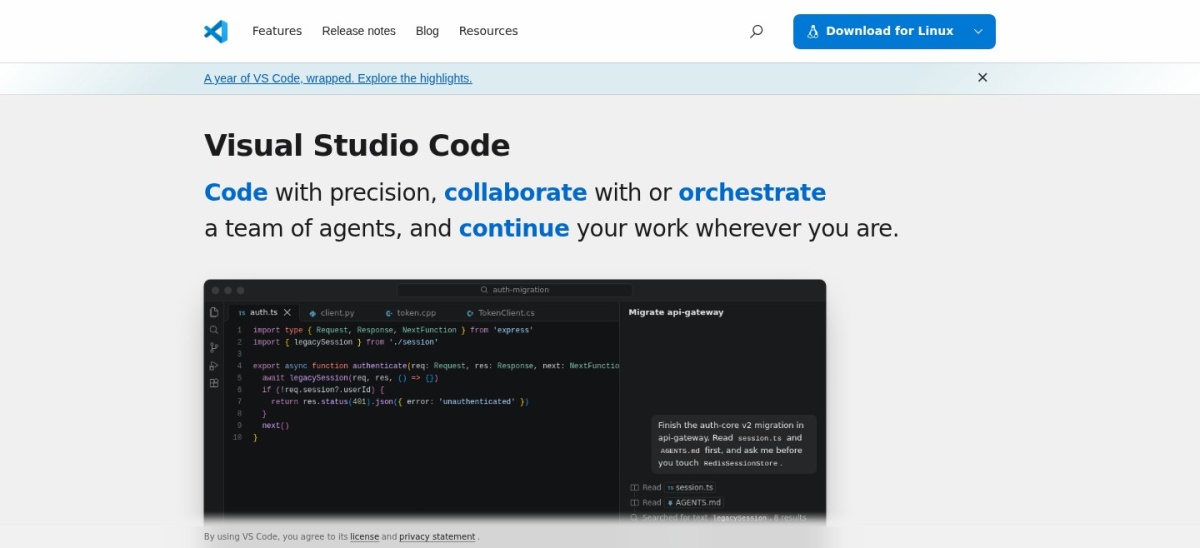
Visual Studio Code is a free source code and text editor from Microsoft with debugging, Git integration, intelligent code completion and an integrated terminal. Commercial use does not require a paid editor license, and its extension marketplace supports numerous development workflows. It holds a 4.7 G2 rating from 2,785 reviews.
The trade off is that installing numerous extensions can increase memory consumption and introduce configuration complexity. The editor remains free, but optional AI services such as GitHub Copilot have separate subscription arrangements. It suits startups that want a common development environment without mandatory per-developer licensing costs.
What we like
Free for private and commercial use
Extensive programming language and extension support
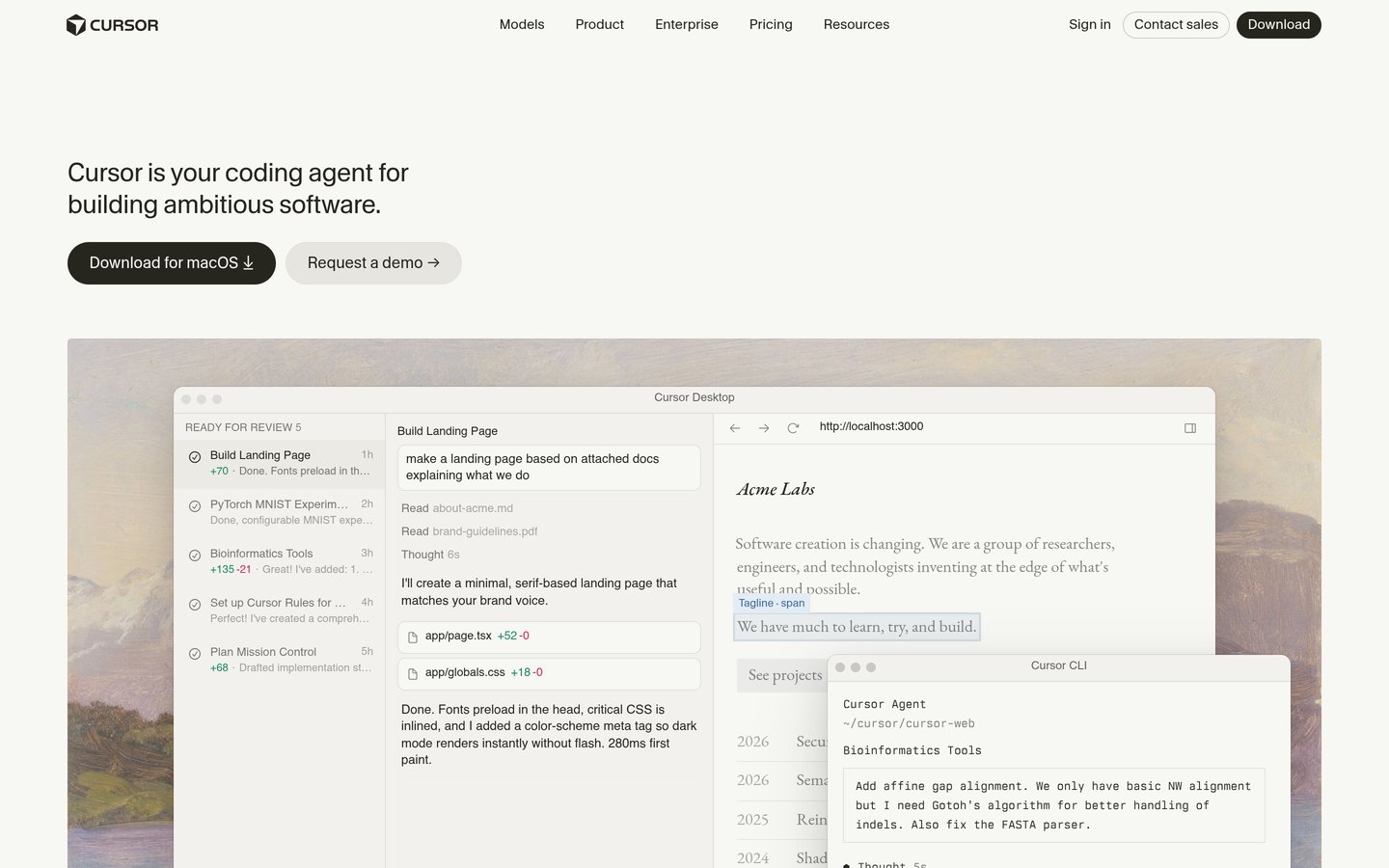
Cursor is an AI-focused code editor that combines familiar text editing workflows with automated code suggestions, repository-aware conversations and coding agents. Its free tier includes limited AI requests, while the current Plus subscription costs $8 per month and provides a shared AI usage allowance. G2 reports a 4.6 rating from 334 reviews.
The trade off is that the $8 Plus plan restricts model access to Grok, while the $30 Premium subscription provides additional capabilities and access to separately billed third-party models. Pricing includes features beyond the editor itself. It suits engineering startups that can establish AI usage budgets and review generated code before deployment.
What we like
Integrated AI coding assistance
Repository context supports multi-file development tasks
Free entry tier for evaluating the editor
Familiar interface for Visual Studio Code users
Multiple subscription levels for different AI requirements
Watch out for
Entry paid tier restricts available AI models
Additional model usage can increase costs
AI-generated changes require human verification
Cloud AI processing requires appropriate data governance
Plus expands AI access, while Premium adds cloud agents and additional model options.Visit cursor.com
03
Sublime Text
4.5/5on G2 (1,782 reviews, checked Nov 2026)
Starts at$65/yr
Best for responsive keyboard-driven editing
Business licensing$65/seat/year for first 10 seats
Personal license$99 one-time
Personal update period3 years
Operating systemsWindows, macOS and Linux
sublimetext.com
Sublime Text homepage, captured Nov 2026.
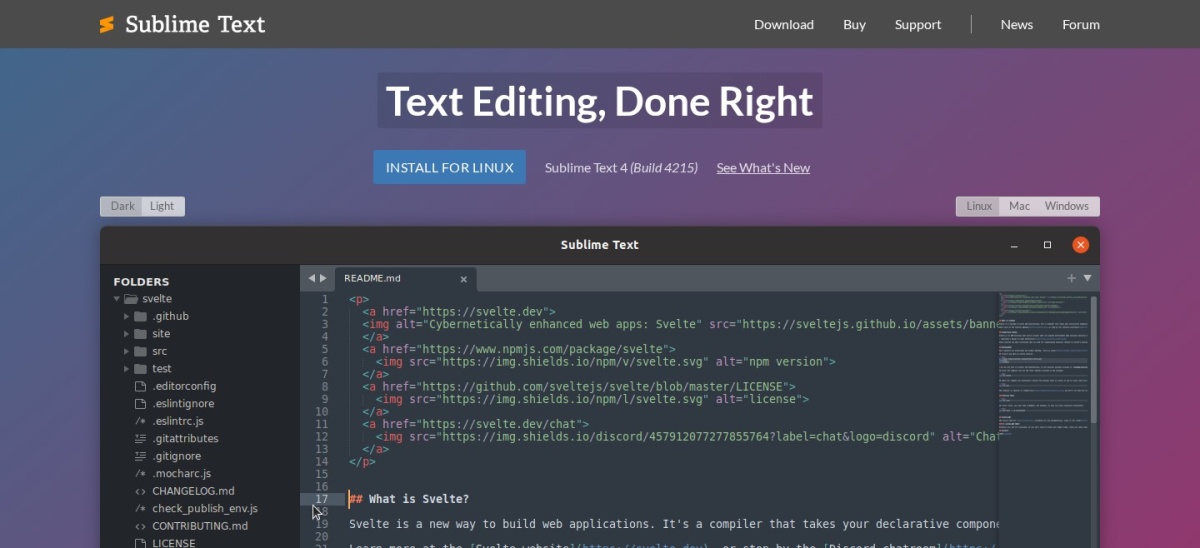
Sublime Text is a desktop text and source code editor designed for quick navigation, simultaneous text selections and configurable editing workflows. Its business subscription costs $65 per seat annually for the first 10 seats. Individual customers can purchase a separate $99 personal license that includes three years of software updates.
The trade off is that continued commercial use requires a license, even though the editor can be downloaded for evaluation without payment. The $65 annual business subscription also does not provide the same integrated debugging environment as Visual Studio Code. It suits startup developers who prefer a focused editor with fewer distractions.
What we like
Responsive editing and navigation
Multiple selections simplify repetitive changes
Available across major desktop operating systems
Customizable shortcuts and package support
Published volume-based business pricing
Watch out for
Free evaluation is not a permanent commercial license
Business subscriptions introduce recurring per-seat costs
Advanced debugging requires external tools
Business subscriptions provide licensed commercial use and software updates.Visit sublimetext.com
04
Notepad++
4.6/5on G2 (2,472 reviews, checked Nov 2026)
PriceFree
Best for free Windows text editing
Operating systemWindows
LicenseGNU GPL
SearchRegular expressions and multi-file search
CustomizationPlugins and macros
notepad-plus-plus.org
Notepad++ homepage, captured Nov 2026.
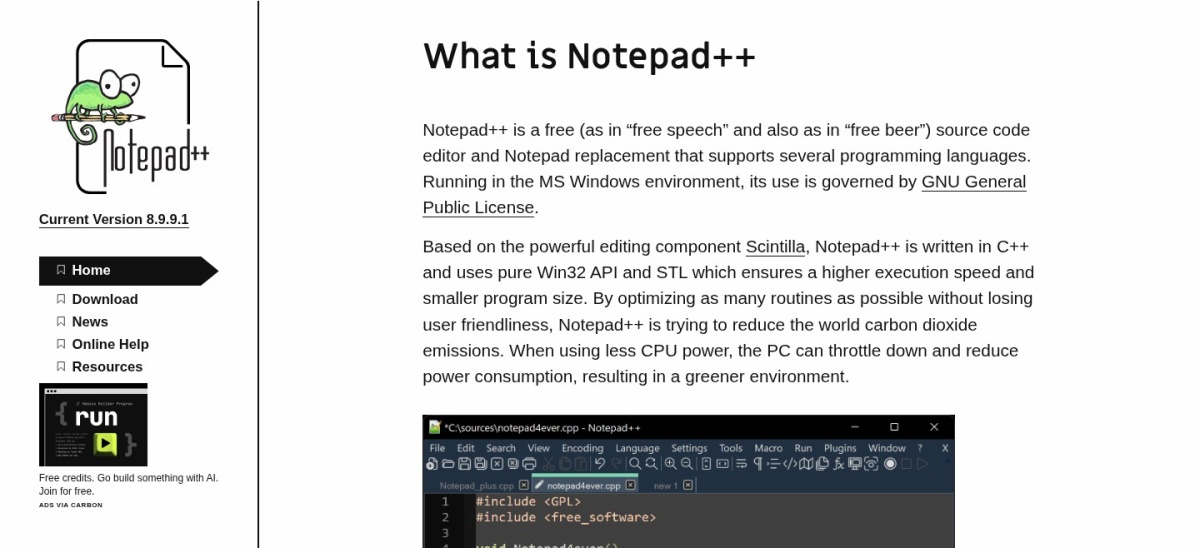
Notepad++ is a free and open-source Windows text editor that supports syntax highlighting, tabbed documents, regular expressions and configurable editing shortcuts. Its official source repository provides the software under an open-source license, without a mandatory paid subscription. G2 lists a 4.6 rating from 2,472 reviews.
The trade off is that the free editor primarily targets Windows and does not provide the integrated debugging or AI development workflows of more comprehensive code editors. There is no paid upgrade that removes these limitations. It suits startup employees who regularly edit configuration files, scripts, documentation and other plain-text documents.
What we like
No recurring software licensing costs
Useful for quick scripts and configuration changes
Supports regular expression search and replacement
Tabbed editing for multiple documents
Open-source development and plugin support
Watch out for
No native macOS or Linux application
Limited integrated development and debugging features
Best for large application logs and structured data
Entry planUltraEdit Core
Regular annual subscription$99.95
Regular two-year subscription$189.91 total
Editing featuresColumn mode, macros and large files
ultraedit.com
UltraEdit homepage, captured Nov 2026.
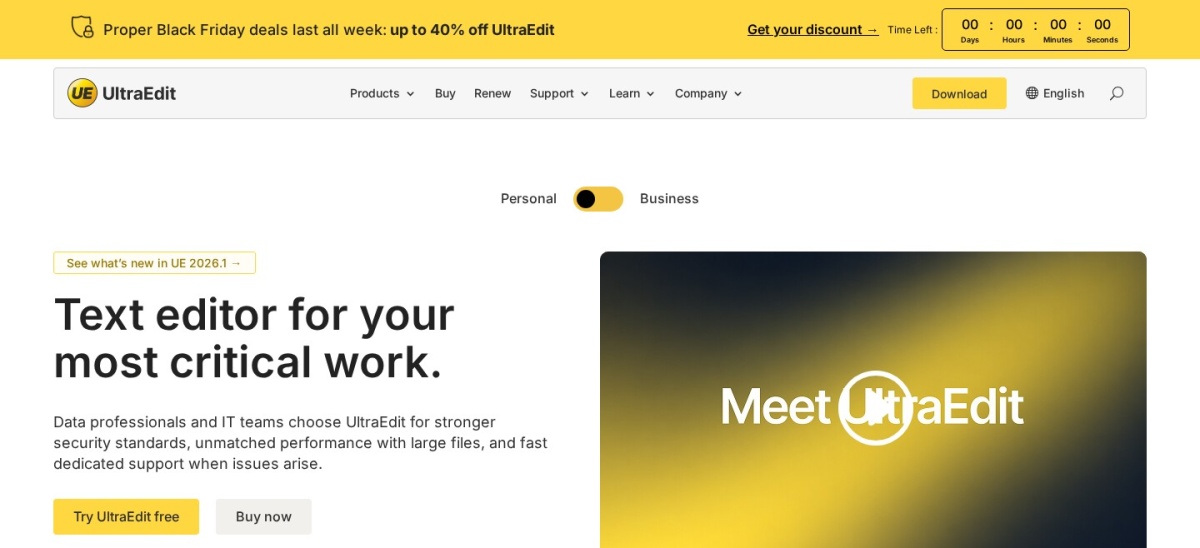
UltraEdit is a commercial text editor for developers, data specialists and IT teams that work with large files and complicated text transformations. UltraEdit Core regularly costs $99.95 for an annual subscription and provides structured text editing capabilities across desktop platforms. G2 reports a 4.7 rating from 1,124 reviews.
The trade off is the recurring subscription and a more complex interface than basic text editors. The vendor advertises a $69.97 first-year promotion ending on 30 Nov 2026, but the regular annual renewal is $99.95. It suits startups that routinely investigate large logs or modify structured data that simpler editors struggle to handle.
What we like
Designed for unusually large text files
Column-based editing for structured data
Macros and scripting for repetitive operations
Supports Windows, macOS and Linux
Commercial support and advanced file utilities
Watch out for
Recurring licensing costs
More features than basic editing tasks require
Additional enterprise capabilities cost more
Core provides the commercial editor, while Enterprise adds companion applications.Visit ultraedit.com
06
BBEdit
4.5/5on G2 (64 reviews, checked Nov 2026)
Paid from$59.99 one-time
Best for Mac-based startup teams
Operating systemmacOS
Current paid versionBBEdit 16
Individual license$59.99
Upgrade from version 15$29.99
barebones.com
BBEdit homepage, captured Nov 2026.
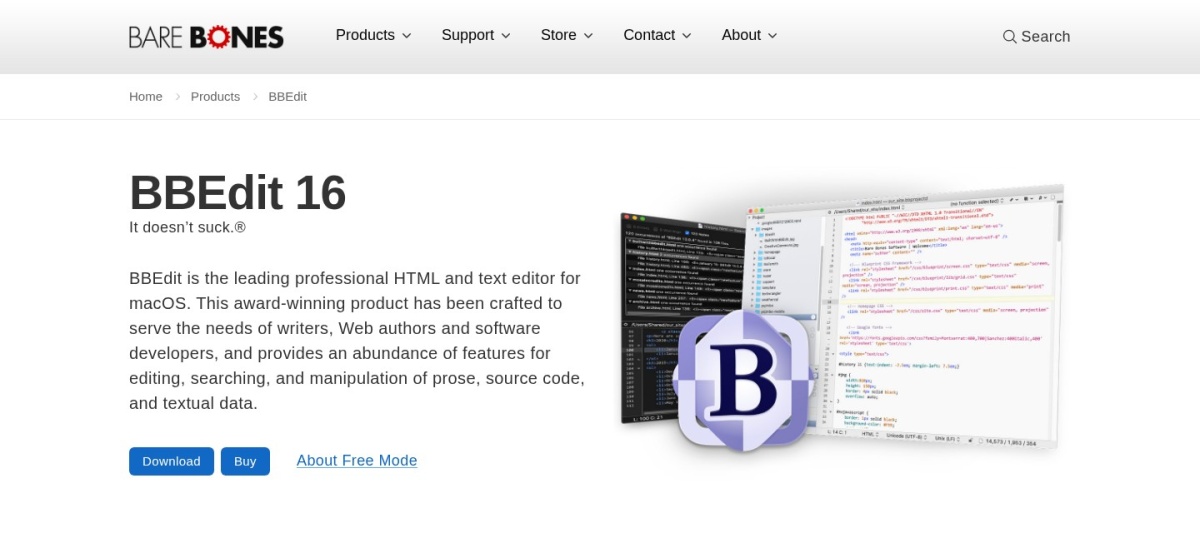
BBEdit is a native Mac text and HTML editor for developers, technical writers and web content specialists. Its free mode provides basic editing capabilities, while an individual BBEdit 16 license costs $59.99 as a one-time purchase. The editor supports text transformations, document navigation and advanced search workflows.
The trade off is that BBEdit only serves macOS users, and some advanced capabilities require the $59.99 license. Future major upgrades may also introduce additional costs, with upgrades from version 15 currently priced at $29.99. It suits Mac-based startups that prefer a dedicated desktop editor without mandatory annual subscriptions.
What we like
Permanent free editing mode
One-time individual license purchase
Native macOS interface
Advanced text search and transformation features
Suitable for HTML, scripts and technical documents
Watch out for
Unavailable for Windows and Linux
Future major version upgrades may cost extra
Multi-user licensing requires a separate quote
The individual paid license unlocks advanced BBEdit editing features.Visit barebones.com
07
EmEditor
4.4/5on G2 (27 reviews, checked Nov 2026)
Paid from$60/yr
Best for Windows CSV and data editing
Operating systemWindows
Professional first year$60
Annual renewal$45
Organizational licensingPrimarily per computer
emeditor.com
EmEditor homepage, captured Nov 2026.
EmEditor is a Windows text editor focused on large documents, structured data and repetitive text processing. Its Professional annual subscription costs $60 for the first year and currently renews at $45 per year. The editor offers Unicode support, macros, plugins and CSV-oriented workflows that can assist startup operations and data teams.
The trade off is that organizational licenses are generally counted by computer, including applicable remote access environments, rather than simply by employee. The $60 first-year subscription also adds costs that basic editors avoid. It suits Windows-based startups that frequently clean CSV exports, investigate large files or automate repetitive text changes.
Smaller independent review sample than other established editors
Professional unlocks advanced editing, automation and large-file capabilities.Visit emeditor.com
When should startups pay for text editor software?
Most early-stage startups can begin with free text editors. Visual Studio Code covers general software development, while Notepad++ handles everyday Windows text editing without requiring a subscription.
Paid AI editors make sense when their assistance addresses a recurring development bottleneck. Cursor starts at $8 per month, but founders should consider model availability, usage allowances and code review requirements before assigning paid subscriptions across the engineering team.
Commercial editing software can also solve problems unrelated to AI. UltraEdit and EmEditor provide specialized workflows for large documents and structured text, while Sublime Text emphasizes focused editing and BBEdit serves Mac users.
Avoid purchasing identical editor subscriptions for every employee without assessing their needs. Developers, technical writers, customer support specialists and data analysts may benefit from different editing tools.
What should startups check before adopting an AI text editor?
Source code confidentiality should be part of the purchasing decision. Review whether the AI editor sends repository content, prompts, selected files or diagnostic information to external services. Examine available privacy controls and contractual data handling terms.
AI-generated code needs normal engineering review. Developers should examine proposed changes, run automated checks and confirm that generated dependencies are legitimate and appropriately licensed.
Usage-based billing deserves administrative oversight. Assign subscriptions according to employee requirements, monitor additional model charges and establish approval rules for expensive AI workloads.
Free editors without mandatory AI subscriptions remain useful for confidential documents and simple text changes. Startups can reserve AI-enabled tools for approved projects while using conventional editing applications elsewhere.
How we chose
We selected established desktop text and source code editors from G2's text editor category, developer-focused applications and AI coding platforms. Rankings prioritize startup affordability, commercial licensing, operating system support, editing capabilities and independent review history.
We opened official pricing or licensing pages and public review sources on 30 Nov 2026. Regular prices are used instead of temporary promotions. Sublime Text uses its business subscription, UltraEdit uses its regular one-year subscription, and BBEdit's perpetual purchase is counted as a first-year expense rather than an annual renewal.
We excluded abandoned editors, products without verifiable public prices and applications primarily intended for rich-text word processing. Notepad++ was verified through its official source repository because its main website blocked direct access. Some review sources expose different cached totals, so we use the figures supported by the opened pages. No vendor paid for a place, and we do not claim testing for this list.
How to choose the right text editor for your startup
Identify your editing requirements, operating systems, commercial licensing obligations and AI usage expectations before purchasing editor subscriptions.
Identify what employees need to edit. Separate software development from everyday plain-text editing, technical documentation and large data file processing. Visual Studio Code suits general development, while Notepad++ handles simpler text changes and UltraEdit addresses specialized large-file requirements.
Check operating system compatibility. Choose an editor that supports the devices your employees already use. Visual Studio Code, Sublime Text and UltraEdit support Windows, macOS and Linux. BBEdit targets macOS, while Notepad++ and EmEditor primarily target Windows.
Calculate commercial licensing and renewal costs. Review whether licenses are assigned by employee, device or organization. Sublime Text starts at $65 per business seat annually, while EmEditor costs $60 in the first year with a published $45 renewal. Distinguish mandatory subscriptions from optional major-version upgrades.
Evaluate AI features and data handling separately. Determine whether your developers need AI code completion, repository-aware conversations or automated coding agents. Compare included usage, model restrictions and potential overage charges. Establish security policies and human review requirements before enabling AI access to confidential repositories.
FAQ
What is the best text editor software for startups in 2026?
Visual Studio Code is the best overall text editor for startups because it is free for commercial use and provides extensions, debugging and integrated Git. It holds a 4.7 G2 rating from 2,785 reviews. Cursor is better for AI-centered development, while Sublime Text suits focused editing.
What is the best free text editor for a startup?
Visual Studio Code is the best free editor for most startup development teams because it supports major desktop operating systems and commercial use without mandatory licensing fees. Notepad++ is a simpler free alternative for Windows employees who mainly edit scripts, logs and configuration files.
Is Visual Studio Code or Cursor better for startups?
Visual Studio Code is better for startups that prioritize flexibility, established extensions and predictable software costs. Cursor is preferable when integrated AI assistance and repository-aware coding are central requirements. Cursor offers limited free access and a paid Plus subscription starting at $8 per month.
How much does text editor software cost for startups?
Text editor costs range from free commercial-use software to recurring subscriptions and perpetual purchases. Sublime Text business licenses start at $65 per seat annually, EmEditor costs $60 for the first year, and UltraEdit Core regularly costs $99.95 for an annual subscription.
What is the easiest text editor for nontechnical startup employees?
Notepad++ is a practical choice for Windows employees who need to edit plain-text files without learning a complete development environment. BBEdit provides a suitable Mac alternative through its free mode. Both are useful for configuration files, technical notes and basic text transformations.
Can startups use Visual Studio Code for commercial projects for free?
Yes, Microsoft explicitly permits free private and commercial use of Visual Studio Code. Startups can use the editor for proprietary software development without purchasing a core editor license. Optional services such as AI coding subscriptions and certain third-party extensions may have separate terms.
Which text editor is best for large CSV files and application logs?
UltraEdit is a strong option for large application logs and structured text editing because it provides specialized file handling, column mode and automation. EmEditor is another suitable choice for Windows teams that regularly work with CSV files, Unicode documents and repetitive data transformations.
Is Sublime Text free for business use?
No, Sublime Text permits free evaluation, but continued business use requires purchasing an appropriate license. Business subscriptions start at $65 per seat annually for the first 10 seats. Its $99 personal license is intended for individuals rather than organizational purchasing.
Do startups need an AI-powered text editor?
No, startups can develop software using conventional text editors without integrated AI services. AI editors such as Cursor may help teams generate boilerplate, navigate repositories and propose code changes, but their value depends on usage costs, confidentiality requirements and the time spent reviewing generated output.
SaaS SEO and WordPress specialist with about 8 years of experience. Rakib compares WordPress plugins, themes, hosting and software using public pricing, documentation and user reviews. See how we rank.