Jan is the best Open WebUI alternative for most people: a free, open-source chat app that runs models fully offline on your own computer, rated 4.9/5 on G2. Choose AnythingLLM for team document chat, or ChatGPT if you would rather not self-host at all.
How we make this list: we compare pricing pages, product documentation and public user reviews, then re-check every price before each update. No product paid for a place. Disclosure.
Jan is the strongest free pick: fully offline, open source, and rated 4.9/5 on G2.
AnythingLLM is the team pick: free self-hosted workspaces with document chat, or Cloud from $50 a month.
LM Studio runs local models free on your own hardware, with an optional Bionic+ cloud tier at $20 a month.
ChatGPT is the no-setup fallback: free chat plus a Go plan from $8 a month, rated 4.6/5 on G2 from 2,958 reviews.
All 9 picks have a free plan, and 5 of them run free on your own hardware with no subscription at all.
How do you choose the best Open WebUI alternative?
Open WebUI is a free chat front end for language models you run yourself, usually through Ollama. It gives you a ChatGPT-style window without sending your prompts to a vendor's servers.
Self-hosting is the point for most buyers. A local tool keeps chats, files and model traffic on your own machine, which matters for private work. Our guide on adding an AI chatbot to WordPress shows the same idea applied to a site.
Price is the second split. Five picks in this list cost nothing to run locally, while hosted chatbots charge $8 to $50 a month for higher limits and stronger models.
Ratings in this niche are thin. Most self-hosted tools have only a handful of public reviews, so a high score on one or four reviews means less than ChatGPT's 4.6 from nearly 3,000.
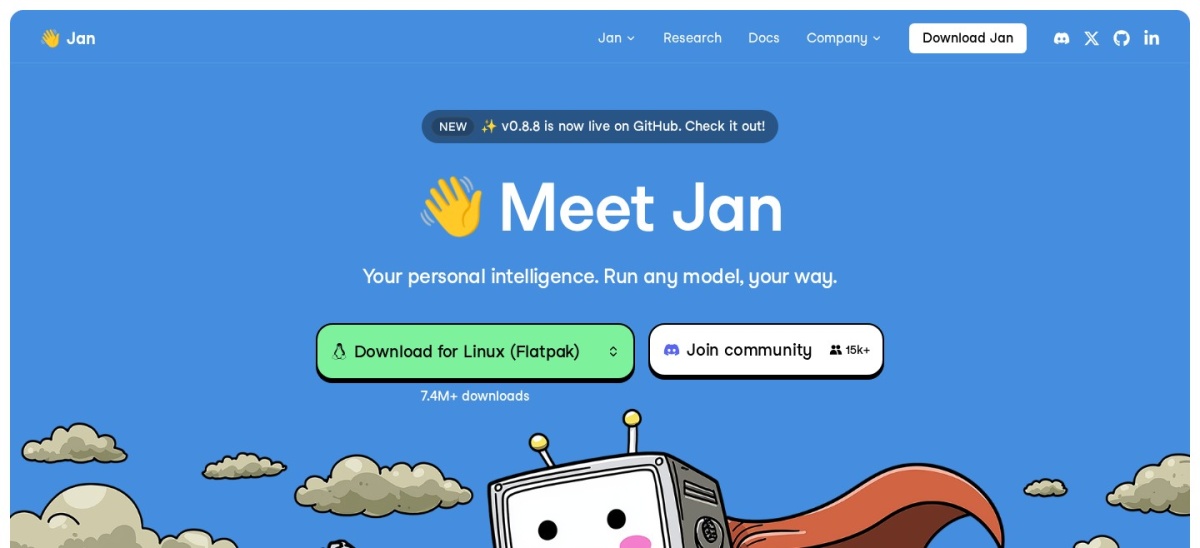
Jan is a free, open-source desktop app that runs language models fully offline on your own computer. It has a clean ChatGPT-style chat window, connects to local runtimes and cloud providers, and sends no telemetry anywhere.
The trade off is scope. Jan is a single-user desktop app with no built-in document chat, so teams and heavy RAG work need another tool. It suits one person who wants a private, free chat app for local models.
What we like
Completely free with no paid tier at all
Runs 100% offline with no telemetry
Highest G2 rating in this list at 4.9/5
Open source under AGPLv3, so the code is auditable
Watch out for
Only 4 G2 reviews, so the rating is thin evidence
No native document chat without extensions
Desktop only, with no multi-user mode
Free forever, with no paid plan to upgrade toVisit jan.ai
02
AnythingLLM
5/5on G2 (1 reviews, checked Nov 2026)
Paid from$50/mo
Best for teams and document chat
LicenseMIT
WorkspacesMulti-user
Cloud planFrom $50/mo
Providers30+
useanything.com
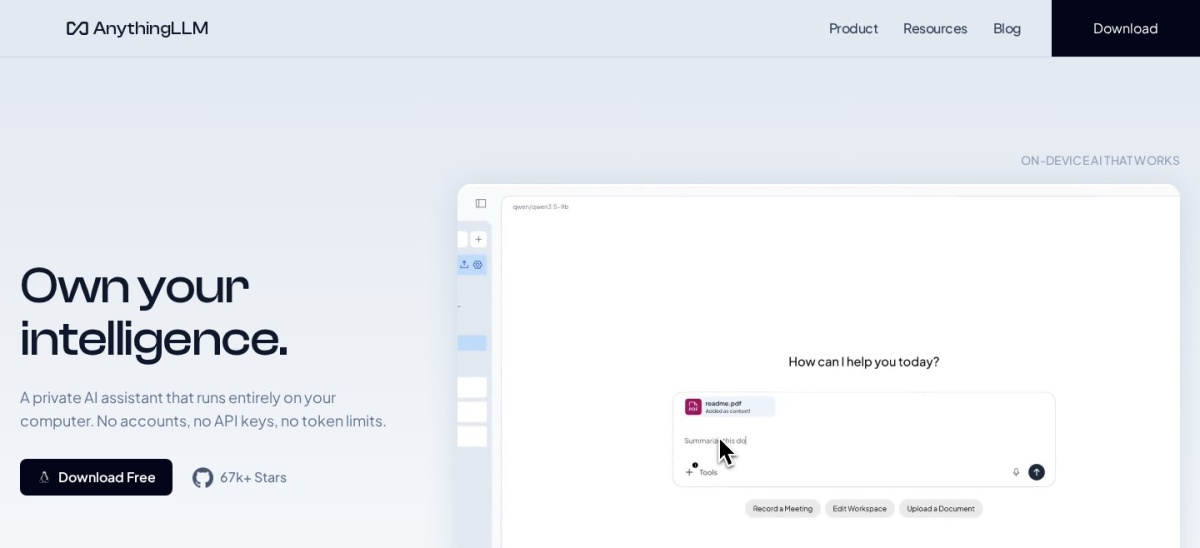
AnythingLLM homepage, captured Nov 2026.
AnythingLLM is a self-hosted workspace for chatting with your own documents and building simple AI agents. The desktop app and Docker edition are free, it connects to more than 30 model providers, and it has over 60,000 GitHub stars.
The trade off is complexity. The interface carries more settings than a plain chat app, and the managed Cloud edition starts at $50 a month. It suits teams that want one private assistant over shared files.
What we like
Full document chat across PDFs, docs and code files
Free self-hosted edition with multi-user workspaces
Agent support with web browsing and code execution
Connects to Ollama, LM Studio and cloud providers alike
Watch out for
Only 1 G2 review, so the 5.0 rating is thin evidence
Cloud pricing starts at $50 a month, steep for one user
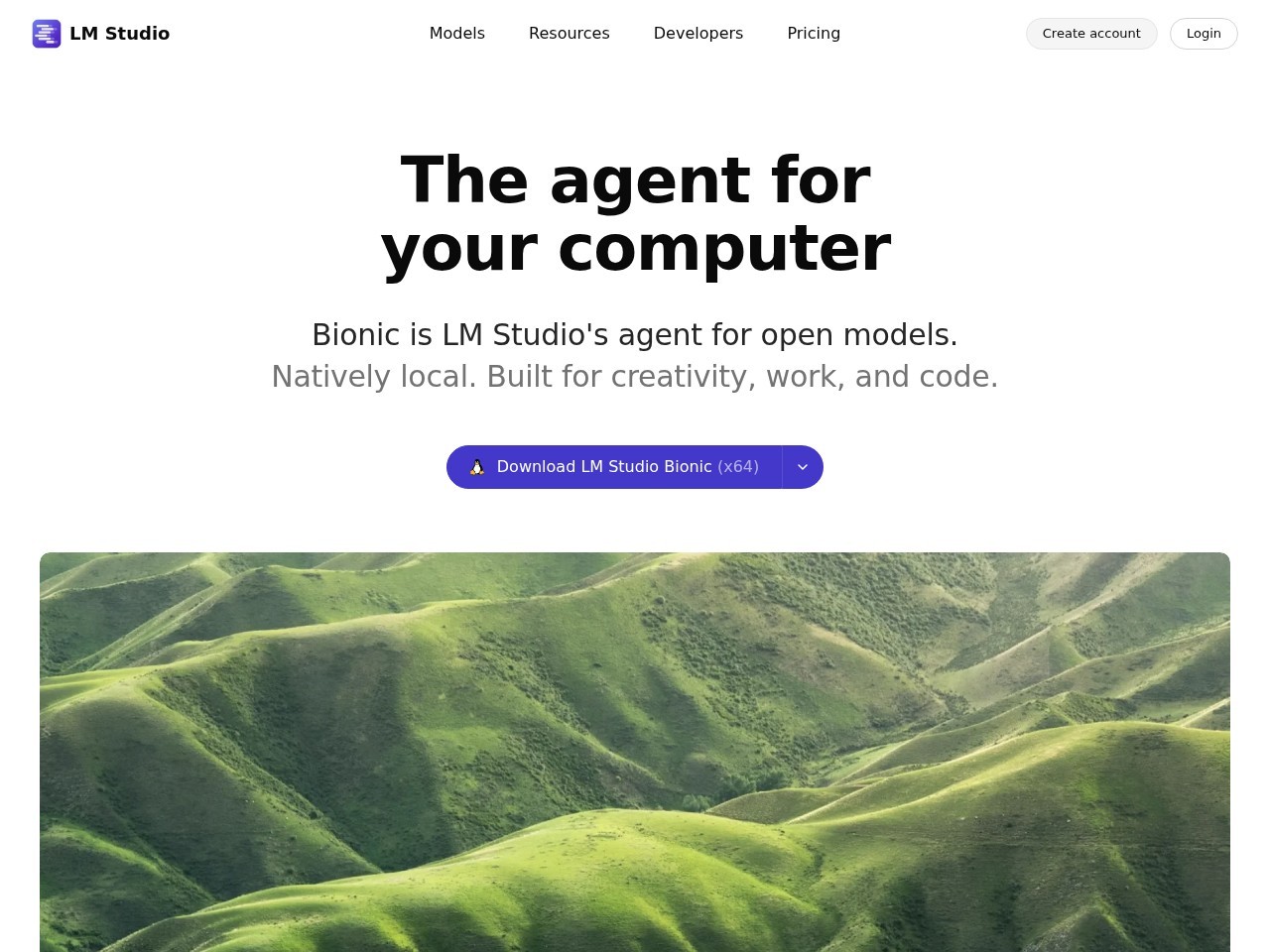
LM Studio is a free desktop app for finding, downloading and chatting with language models on your own computer. It has a visual model browser, a built-in chat view, and a local server your own apps can call.
The trade off is hardware. Big models need plenty of memory and a strong GPU or Apple Silicon, and the paid Bionic+ cloud tier costs $20 a month. It suits Mac and Windows users who want the easiest local setup.
ChatGPT is OpenAI's hosted chatbot, and the simplest Open WebUI alternative if you do not want to self-host anything. The free plan includes unlimited text chats, and the Go plan costs $8 a month for higher limits.
The trade off is privacy. Your prompts run on OpenAI's servers, not your own machine, and the newest reasoning models need Plus at $20 a month. It suits anyone who wants chat working in seconds.
What we like
No setup, hardware or maintenance at all
Largest review base here: 4.6/5 from 2,958 G2 reviews
Claude is Anthropic's hosted chatbot, and a strong Open WebUI alternative for writing and code. The free plan includes file upload, code execution and artifacts, with usage limits that reset every 5 hours.
The trade off is cost for heavy use. Pro costs $20 a month when billed monthly, or $17 a month on annual billing, and there is no image generation on any tier. It suits writers and coders who want long, careful answers.
What we like
Free tier includes artifacts, files and code execution
Perplexity is a hosted chat tool built around live web search, and every answer carries inline citations to its sources. The free plan covers everyday research, and Pro costs $20 a month for more advanced models and citations.
The trade off is depth. It writes like a research assistant, not a long-form editor, and the most advanced reasoning models are Pro-only. It suits anyone who needs checkable answers fast.
Poe is Quora's chat app, and it puts bots built on GPT, Claude, Gemini, Llama and Mistral behind one login and one subscription. The free tier gives limited access to bots from several vendors for quick comparisons.
The trade off is depth. Poe is a router between other companies' models, so advanced per-model features lag the native apps. It suits people still deciding which model fits their work.
Ollama is the free, open-source runtime that powers most local chat setups, including Open WebUI itself. One command pulls a model and serves it through an OpenAI-compatible API on your own machine.
The trade off is the interface. Ollama has no chat window of its own, so it only replaces Open WebUI when paired with a front end. It suits developers building their own stack.
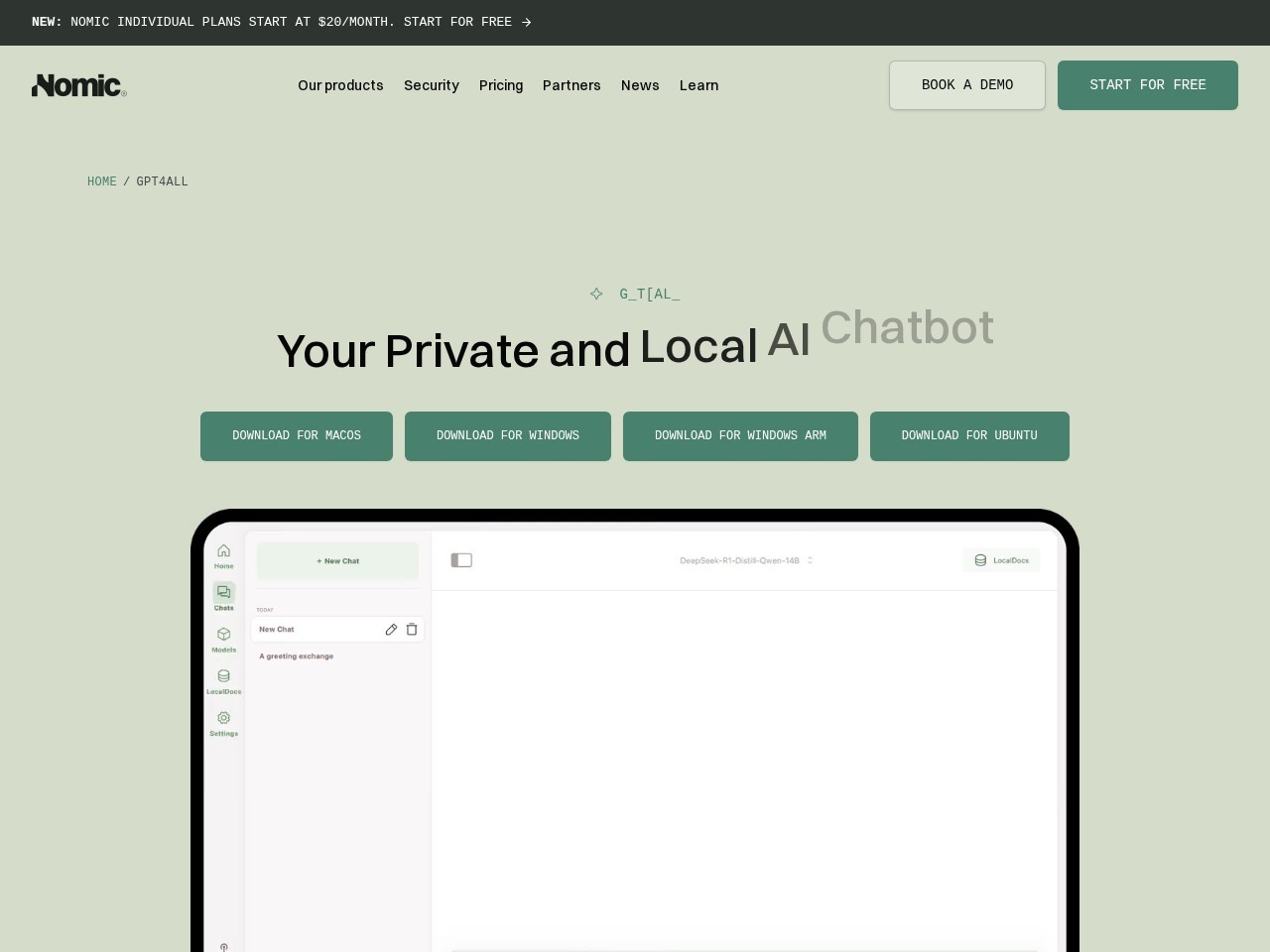
GPT4All is Nomic's free desktop app for chatting with open models without a GPU or a cloud account. It runs on CPU-only hardware and includes LocalDocs, a built-in way to chat with PDFs and text files locally.
The trade off is speed and choice. CPU-only inference is slower than GPU runs, and the model list is smaller than Ollama's. It suits older laptops and privacy-first users with modest hardware.
Self-hosted picks keep every prompt on your own machine, but you pay with setup time and hardware. Jan, LM Studio, GPT4All and Ollama all run free locally, yet large models still need memory and a capable processor.
Hosted picks remove the setup entirely, but your chats live on someone else's servers. ChatGPT, Claude, Perplexity and Poe all work in seconds, and all four have a free plan.
The middle ground is a managed self-hosted tier. AnythingLLM Cloud starts at $50 a month, and LM Studio's Bionic+ cloud tier costs $20 a month, for teams that want private data without running servers.
How we chose
We started from the tools most often named as Open WebUI replacements, then kept the nine with a published rating on G2 or SourceForge and a live homepage and pricing page.
Prices come from each vendor's pricing page, checked on 29 November 2026. Ratings are G2 or SourceForge figures from the same day. Where a vendor shows an annual price, the list shows the regular monthly price.
We left out LibreChat, the closest match on paper, because it has no published rating on G2, Capterra or Trustpilot, so it could not be scored on the same basis. No vendor paid for a place, and we do not claim to have used these tools ourselves.
How to choose an Open WebUI alternative
Start with where your chats may live, then match the tool to your hardware.
Decide if your chats must stay on your machine. If yes, pick Jan, LM Studio, GPT4All or Ollama. Hosted tools send every prompt to someone else's servers.
Check your hardware before picking a local tool. Large models need memory and a modern GPU or Apple Silicon. Small models run on most laptops, but slowly on older machines.
Match the tool to team size. Jan and GPT4All are single-user desktop apps. AnythingLLM adds multi-user workspaces for teams sharing one private assistant.
Try the free plan before paying. Every pick here has a free plan. Run it for a week on real work before paying for a cloud tier or a higher limit.
FAQ
What is the best Open WebUI alternative in 2026?
Jan is the best Open WebUI alternative for most people. It is free and open source, runs models fully offline on your own computer, and is rated 4.9/5 on G2. Pick AnythingLLM for team document chat, or ChatGPT if you would rather not self-host.
Is there a free alternative to Open WebUI?
Yes. Jan, LM Studio, Ollama, GPT4All and AnythingLLM all run free on your own hardware with no subscription. ChatGPT, Claude, Perplexity and Poe also have free plans, but those run on the vendors' servers rather than your machine.
How much do Open WebUI alternatives cost?
Five picks cost nothing to run locally. Paid plans run from $8 a month for ChatGPT Go to $50 a month for AnythingLLM Cloud. Claude, Perplexity, Poe, LM Studio and Ollama all have paid tiers around $20 a month.
Which Open WebUI alternative is best for beginners?
ChatGPT is the easiest start, because there is nothing to install and the free plan covers unlimited text chats. Claude is the next best choice for writing and coding. Local tools need more setup and capable hardware.
Jan vs AnythingLLM: which is better?
Jan is better for one person who wants a simple, free, fully offline chat app. AnythingLLM is better for teams, because it adds multi-user workspaces, document chat and agents. Both are free to self-host, so the choice comes down to team size.
Can I run Open WebUI alternatives fully offline?
Yes. Jan, LM Studio, GPT4All and Ollama all run models on your own machine with no internet connection needed once models are downloaded. AnythingLLM also works offline with a local backend. The hosted picks cannot run offline.
SaaS SEO and WordPress specialist with about 8 years of experience. Rakib compares WordPress plugins, themes, hosting and software using public pricing, documentation and user reviews. See how we rank.