Zoom is the best video meeting software for virtual fitness classes, with 30-hour meetings, cloud recording and a free plan for short sessions. Google Meet suits studios already on Google Workspace, while Whereby lets clients join from a browser with no download.
How we make this list: we compare pricing pages, product documentation and public user reviews, then re-check every price before each update. No product paid for a place. Disclosure.
Zoom leads for live fitness classes, with 30-hour meetings, 100 participants on Pro and cloud recording.
Google Meet is the best value inside Google Workspace, from $7 a user a month with a free plan included.
Microsoft Teams Essentials is the cheapest paid plan here at $4 a user a month, with 300 participants.
Whereby and Jitsi Meet are the easiest for clients, with browser joining and no download needed.
Jitsi Meet is the only fully free option here, while ClickMeeting fits studios that sell recorded classes.
How do you pick video meeting software for virtual fitness classes?
A fitness class lives or dies on the first two minutes. Clients must join fast, hear the instructor clearly and see the full demo, or they drop off before the warm-up ends.
The camera matters more than the chat box. A tool that lets the instructor pin their own video, spotlight a demo and mute late joiners keeps a class moving.
Music and sound are the hidden test. Some tools cut background music or compress it badly, so check how the platform handles an instructor playing music over a microphone.
Price scales with hosts, not clients. Most tools charge per host, so one instructor licence can run a class of 100 clients, which keeps the maths simple for a small studio.
The 9 best video meeting software for virtual fitness classes
01
Zoom
4.5/5on G2 (56,418 reviews, checked Nov 2026)
Paid from$15.99/mo
Best video meeting software overall
Participants on Pro100
Meeting length30 hours
Free planYes, 40-minute groups
Cloud recording5 GB on Pro
zoom.com
Zoom homepage, captured Nov 2026.
Zoom is the standard video meeting platform for live classes, and Pro removes the 40-minute group limit with 30-hour meetings for up to 100 participants. It adds 5 GB of cloud recording, AI meeting summaries and screen sharing, so a class can be recorded once and sold as a replay.
The trade off is cost per host. Pro is $15.99 a host a month billed monthly, or $13.33 billed annually, and every instructor needs a licence. It suits studios that run paid classes daily and want the tool clients already know.
What we like
100 participants and 30-hour meetings on Pro
Cloud recording with 5 GB per licence
Clients already know how to join
AI summaries and transcripts included
Watch out for
Free plan caps group meetings at 40 minutes
Every instructor needs a paid licence
Business plan needs at least 10 hosts
Business adds branding, SSO and 300 participantsVisit zoom.com
02
Google Meet
4.5/5on Capterra (12,079 reviews, checked Nov 2026)
Paid from$7/mo
Best for studios on Google Workspace
Participants on Starter100
Meeting length24 hours
Free planYes, 60-minute groups
RecordingStandard plan and up
meet.google.com
Google Meet homepage, captured Nov 2026.
Google Meet is the video meeting tool inside Google Workspace, so a class link lands in every calendar invite automatically. Business Starter costs $7 a user a month on an annual commitment and covers 100 participants, 24-hour meetings, business email, Docs and Drive in the same subscription.
The trade off is recording. Recording to Drive needs Business Standard at $14 a user a month, and Meet is weaker for very large broadcasts. It suits studios already paying for Google Workspace that want meetings included.
Microsoft Teams is the cheapest paid meeting option here, with Essentials at $4 a user a month billed annually. It covers meetings with up to 300 participants, 30-hour meetings, recording, transcripts and live captions, plus team chat and 10 GB of cloud storage per user.
The trade off is weight. Teams feels heavy for a solo instructor, and the best experience sits inside Microsoft 365, so Google-first studios gain less. It suits studios that already use Microsoft tools or run large classes on a tight budget.
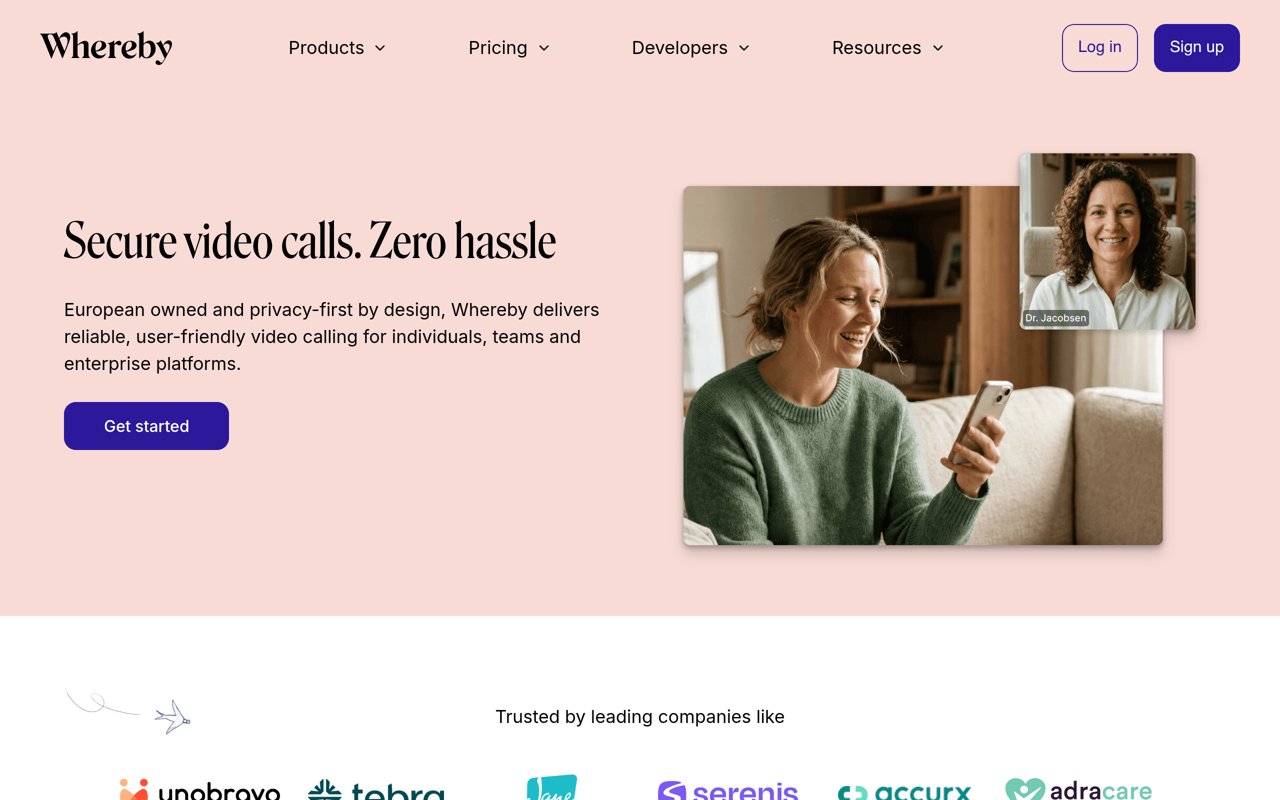
Whereby is a browser-based meeting tool where clients join from a link with no download and no account. Pro costs $10.99 a month for one host and covers 100 participants, while Business at $13.99 a host a month lifts the cap to 200 and adds branding and recording.
The trade off is depth. Whereby is simpler than Zoom or Teams, with fewer admin controls and no huge webinar mode. It suits boutique studios and personal trainers whose clients value a one-tap join.
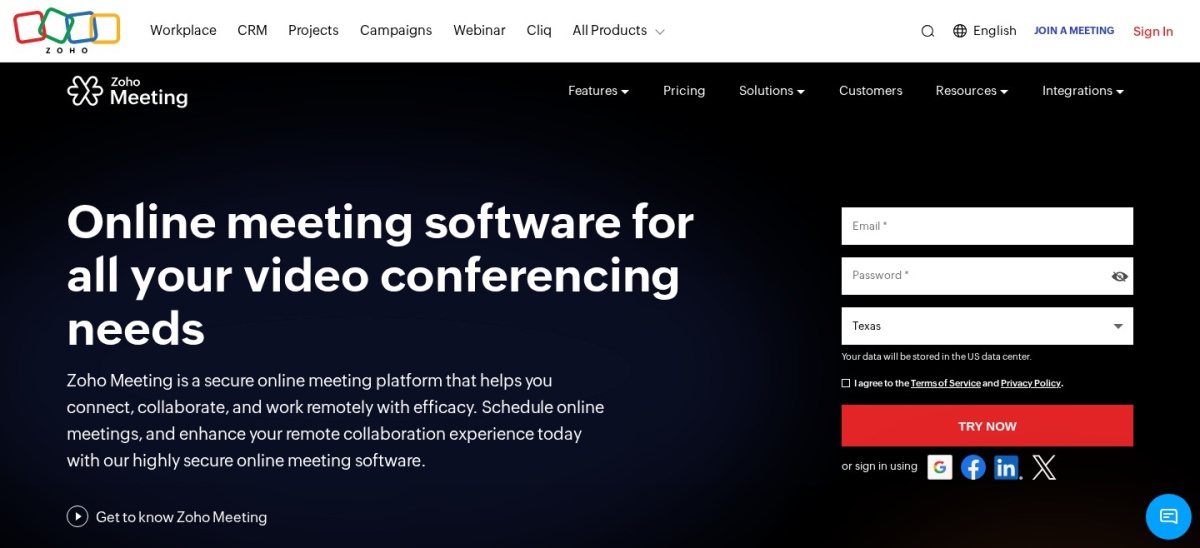
Zoho Meeting is the cheapest way into paid video meetings here, from $2 a host a month on its entry paid plan. It covers 100 participants, screen sharing and recording options, and plugs into Zoho CRM, Projects and Mail for studios already on Zoho.
The trade off is polish. Zoho Meeting is simpler than Zoom and less known to clients, so first-time joiners may need a nudge. It suits small studios and educators that want the lowest possible monthly cost.
What we like
Lowest paid price in this list
250 participants on Professional
Works inside the Zoho ecosystem
Free plan with 60-minute meetings
Watch out for
Less familiar to clients than Zoom
Fewer advanced class features
Some guides list the entry price as $3 a host
Professional adds 250 participants and webinarsVisit zoho.com
06
Webex
4.2/5on G2 (18,935 reviews, checked Nov 2026)
Paid from$12/mo
Best for enterprise security and control
Participants on Meet200
Meeting length24 hours
Free planYes, 40-minute groups
RecordingMeet plan and up
webex.com
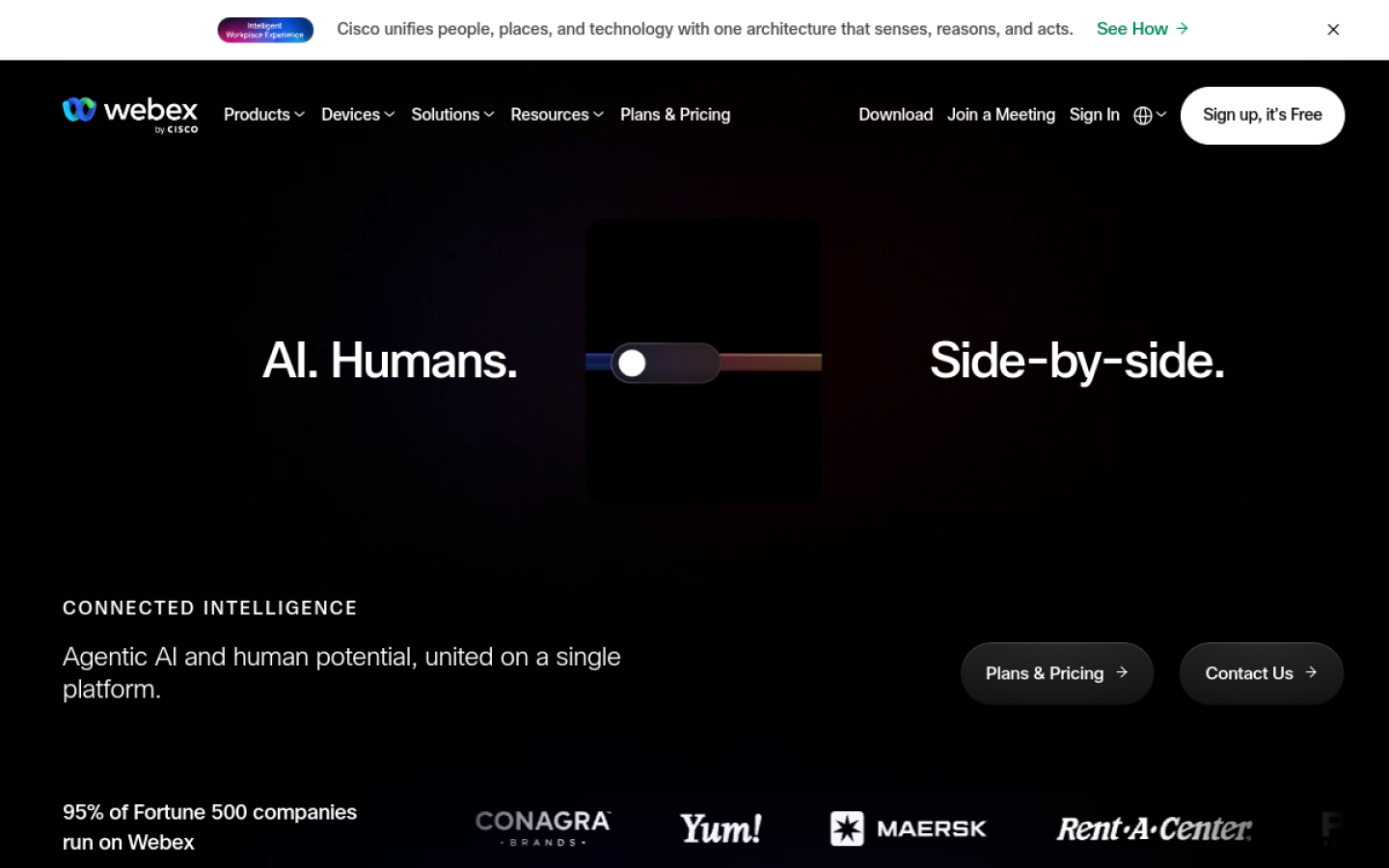
Webex homepage, captured Nov 2026.
Webex is Cisco's meeting platform, built for organisations that need tight admin controls and end-to-end encryption. The free plan hosts up to 100 participants with a 40-minute limit, and the Meet plan at $12 a user a month billed annually extends meetings to 24 hours with recording and AI summaries.
The trade off is feel. Webex is more formal than Zoom and its interface shows its age, so casual fitness clients may find it less friendly. It suits studios tied to a corporate or healthcare setting with strict security rules.
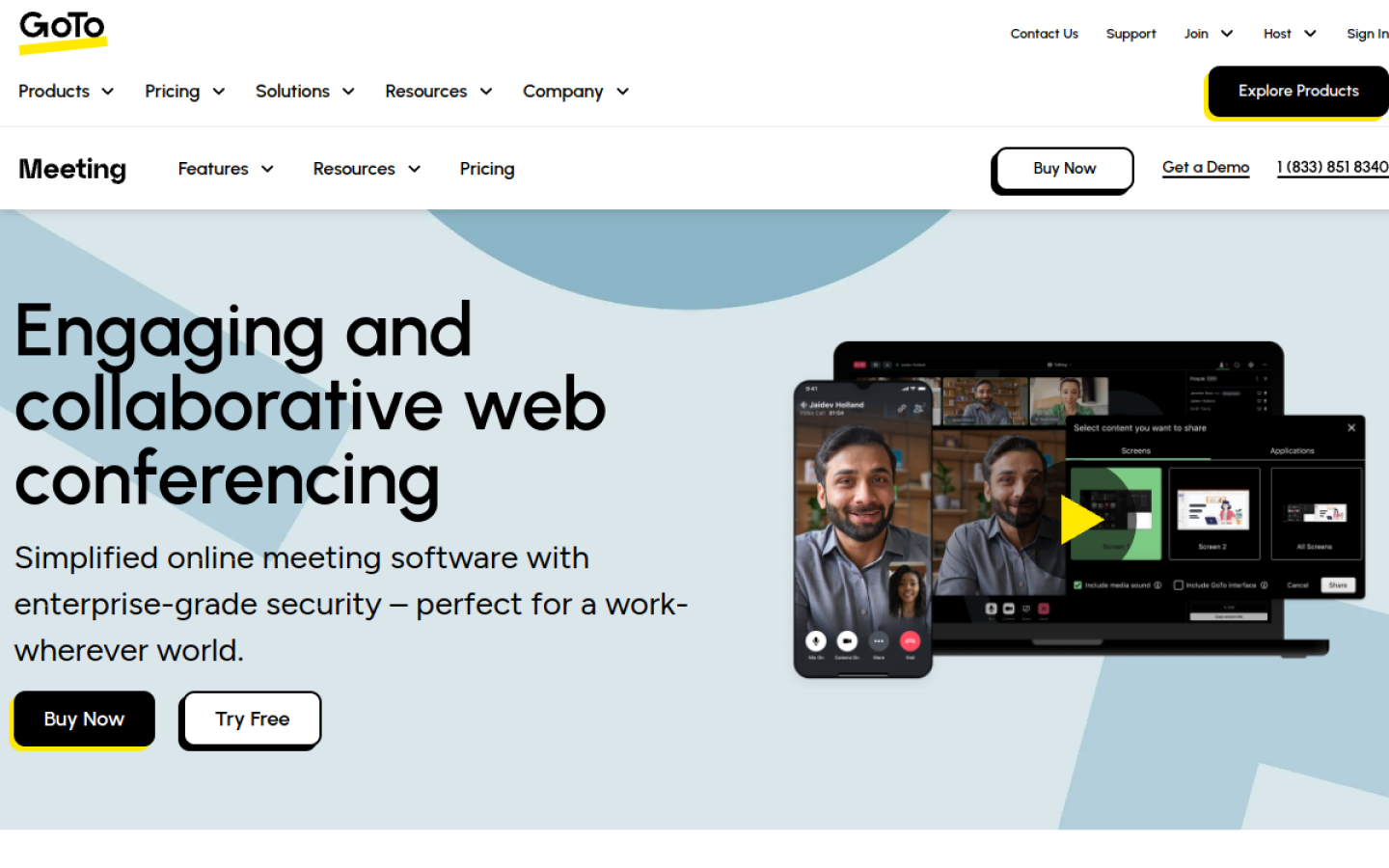
GoTo Meeting is a meeting tool that charges per organiser, not per attendee, so only hosts need a licence and guests always join free. Professional costs $12 an organiser a month billed annually and covers up to 150 participants with cloud recording, screen sharing and drawing tools.
The trade off is the missing free plan. There is no free tier, only a 14-day trial, so a studio pays from the first class. It suits a small team where one or two instructors host every session.
What we like
Guests always join free, only hosts pay
Simple and reliable for recurring classes
150 participants on Professional
Drawing tools for live coaching cues
Watch out for
No free plan, only a 14-day trial
Per-organiser cost climbs with more hosts
Fewer AI features than Zoom or Meet
Business lifts the cap to 250 and adds transcriptsVisit goto.com
08
Jitsi Meet
4.3/5on G2 (229 reviews, checked Nov 2026)
PriceFree
Best completely free option
PriceFree
Participants100 or more per session
Free planYes, the whole service
Self-hostingYes, open source
meet.jit.si
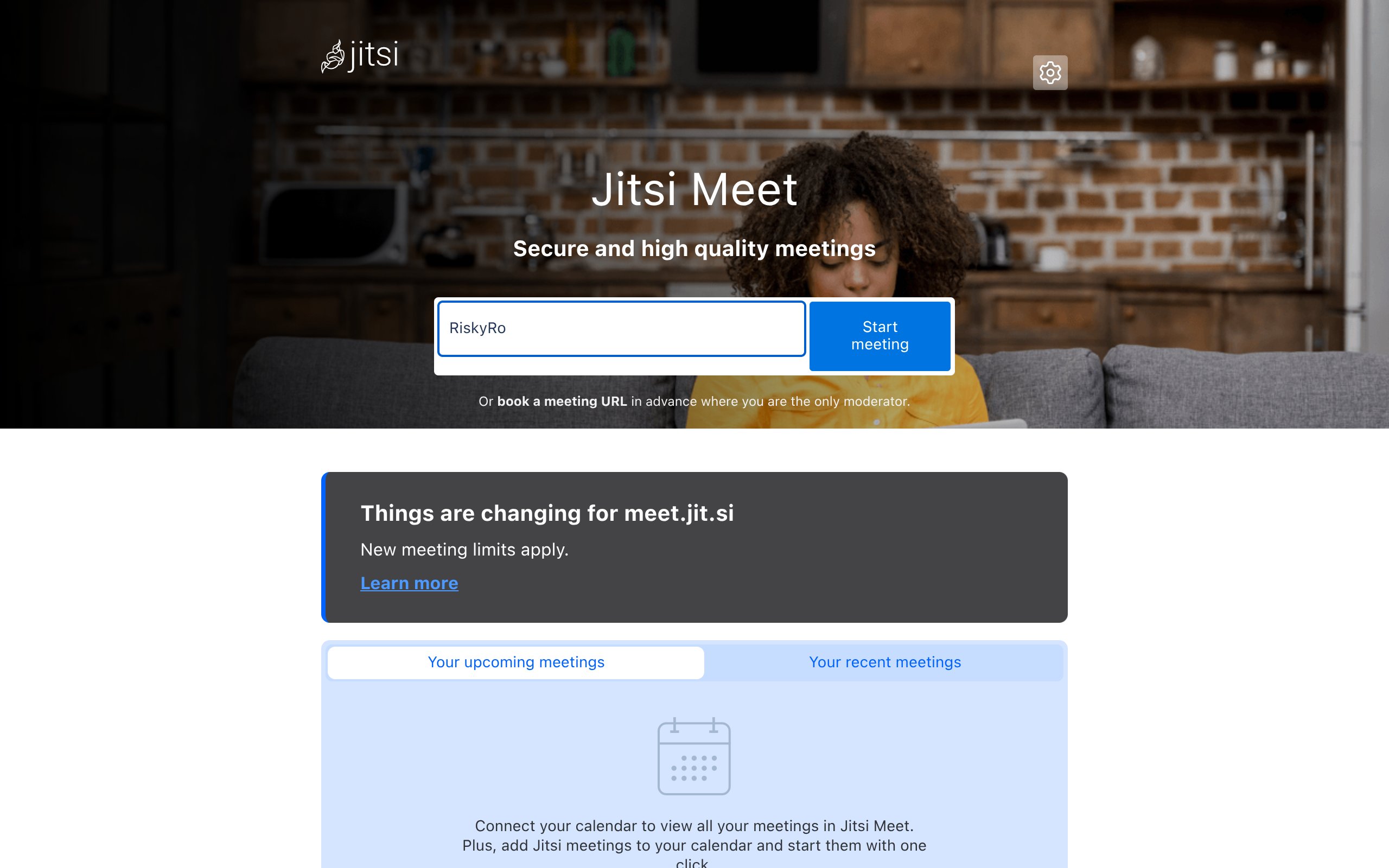
Jitsi Meet homepage, captured Nov 2026.
Jitsi Meet is a free, open-source video meeting tool with no account needed to join or host. The public service at meet.jit.si runs unlimited meetings with no time limit, supports screen sharing and chat, and can be self-hosted for full control over data and branding.
The trade off is support. There is no vendor help desk, recording is limited on the free service, and very large classes can strain the public servers. It suits community classes, free trials and studios that want zero meeting cost.
4.2/5on G2 (Not published reviews, checked Nov 2026)
Starts at$26/mo
Best for selling recorded classes and webinars
Cheapest planFrom $26 a month
Free planNo, 30-day trial
Paid eventsYes, monetisation built in
RecordingYes, with replays
clickmeeting.com
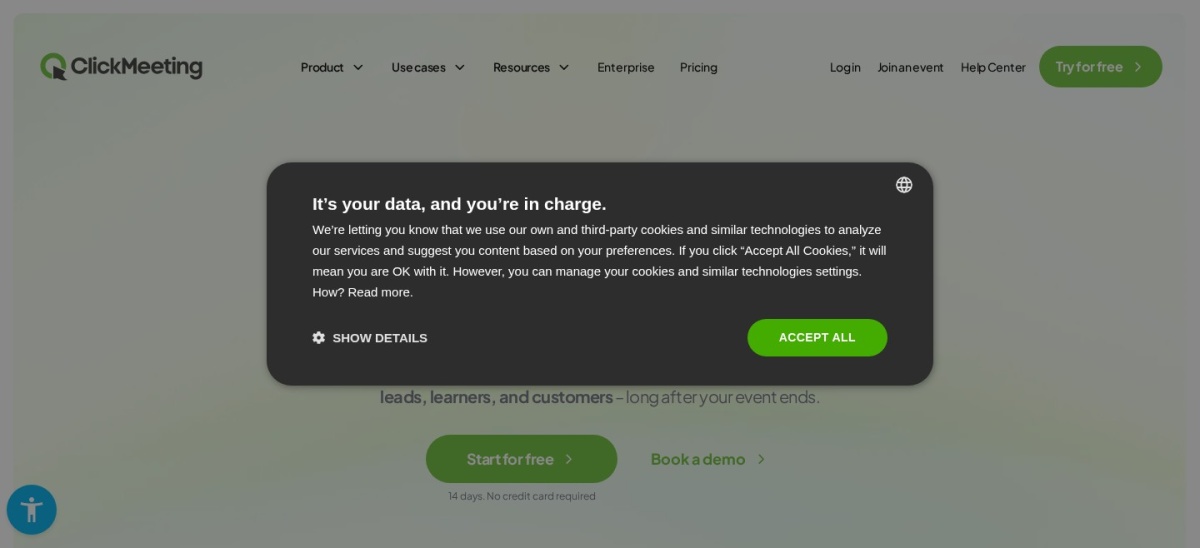
ClickMeeting homepage, captured Nov 2026.
ClickMeeting is a webinar and online-event platform that fits studios selling recorded classes. It starts from $26 a month, adds automated webinars, paid-event monetisation and branding, and gives a 30-day trial to test the class flow before paying.
The trade off is that it is built for events, not everyday meetings, so a simple live class carries more setup than on Zoom. It suits studios that run paid workshops and sell replays as a product.
A class is not a meeting. The instructor talks most of the time, clients mostly watch, and the chat is for questions, not discussion.
Spotlight and pin controls matter here. The instructor video should stay large on every screen, even when a client unmutes by mistake.
Recording is a product, not an archive. A recorded class can be sold as an on-demand replay, so cloud recording and easy sharing pay for themselves.
Keep a backup link ready. If the main room fails five minutes before class, a free second room saves the session and your reputation.
How we chose
We started from video meeting platforms with a live G2 or Capterra rating and a plan that fits a single instructor running live classes.
Prices come from each vendor pricing page or G2 vendor-supplied pricing, checked on 30 November 2026. Zoom Pro is $15.99 a host a month, Teams Essentials is $4 a user a month and Google Meet starts at $7 a user a month inside Workspace.
We left out tools with no aggregator rating. No vendor paid for a place, and we do not claim hands-on testing for this list.
How to choose video meeting software for virtual fitness classes
Start with your class size and your clients, then test the sound before you commit.
List your class size and length. A 60-minute class for 100 clients needs a different plan than a 30-minute class for 10, so write both numbers down first.
Test the music and the demo camera. Run a trial class with music playing and check that clients can still hear cues and see the full demo.
Check the join flow on a phone. Most clients join from a phone, so open the class link yourself and count the taps to get in.
Price it per host, not per client. One host licence usually covers the whole class, so compare host prices and recording costs, not per-client seats.
FAQ
What is the best video meeting software for virtual fitness classes?
Zoom is the best pick for most virtual fitness classes, because it handles 100 participants on the Pro plan, runs 30-hour meetings and records to the cloud. Google Meet is the best free-start option for studios already on Google Workspace.
How much does video meeting software cost for fitness classes?
Paid plans start at $2 a host a month for Zoho Meeting and $4 a user a month for Microsoft Teams Essentials. Zoom Pro costs $15.99 a host a month, while Jitsi Meet is free with no time limit on the public service.
Can I run fitness classes on a free video meeting plan?
Yes, with limits. Zoom free caps group meetings at 40 minutes, Google Meet free caps them at 60 minutes, and Jitsi Meet is free without a time limit. Paid plans remove the caps and add recording.
Which video meeting tool is easiest for fitness clients to join?
Whereby is the easiest, because clients join from a browser link with no download and no account. Jitsi Meet is nearly as simple, while Zoom and Google Meet ask guests to open an app or a Google account.
Zoom vs Google Meet for virtual fitness classes: which is better?
Zoom is better for paid classes, with longer meetings, cloud recording and 100 participants on Pro. Google Meet is better for studios already paying for Google Workspace, since Meet is included from $7 a user a month.
Do I need a special plan for music in fitness classes?
No special plan is needed, but sound quality varies. Zoom and Webex handle shared computer audio well, while free browser tools can compress music. Test your music setup in a trial class before you sell tickets.
SaaS SEO and WordPress specialist with about 8 years of experience. Rakib compares WordPress plugins, themes, hosting and software using public pricing, documentation and user reviews. See how we rank.