Kling AI is the best Viggle AI alternative, with Motion Control that copies full-body movement from a reference video onto a character photo, from $10 a month. Runway suits directed acting through Act-Two, while Pika is the cheapest route to viral swap effects.
How we make this list: we compare pricing pages, product documentation and public user reviews, then re-check every price before each update. No product paid for a place. Disclosure.
Kling AI is the closest Viggle replacement: Motion Control copies a dance from a reference video onto a character photo for $10 a month.
Runway Act-Two is the pick for acting: film yourself and transfer the performance to a character, from $15 a month.
D-ID is the cheapest paid plan at $5.90 a month, and the lowest-cost way to animate a photo into a talking video.
HeyGen has the highest-rated avatars at 4.8 out of 5 on G2, but Creator costs $29 a month and credits burn fast.
Every tool except D-ID has a free plan, and Pika is the only one whose free exports carry no watermark.
How do you pick the best Viggle AI alternative?
Viggle AI turns a photo into a dancing character by copying motion from a template or a driving video. The tools in this list do the same job in different ways: some copy full-body motion, some animate a face, and some generate the whole clip from a prompt.
Motion transfer is the feature to check first. Kling Motion Control and Runway Act-Two both take a character image plus a reference video, while avatar tools such as HeyGen and D-ID only move a face and shoulders. If the dance matters more than the dialogue, pick a motion tool.
Credits decide the real cost. Most of these tools sell monthly credits, and a single 5-second clip can use 100 or more, so a $10 plan may only cover a few clips a month. Once you have a clip worth publishing, our guide on embedding a video in WordPress shows where to put it.
Free plans are for testing, not publishing. Most free exports carry a watermark and bar commercial use, and Pika is the exception, with no watermark even on its free plan. Start free to compare motion quality, then pay for the tool whose clips you would actually post.
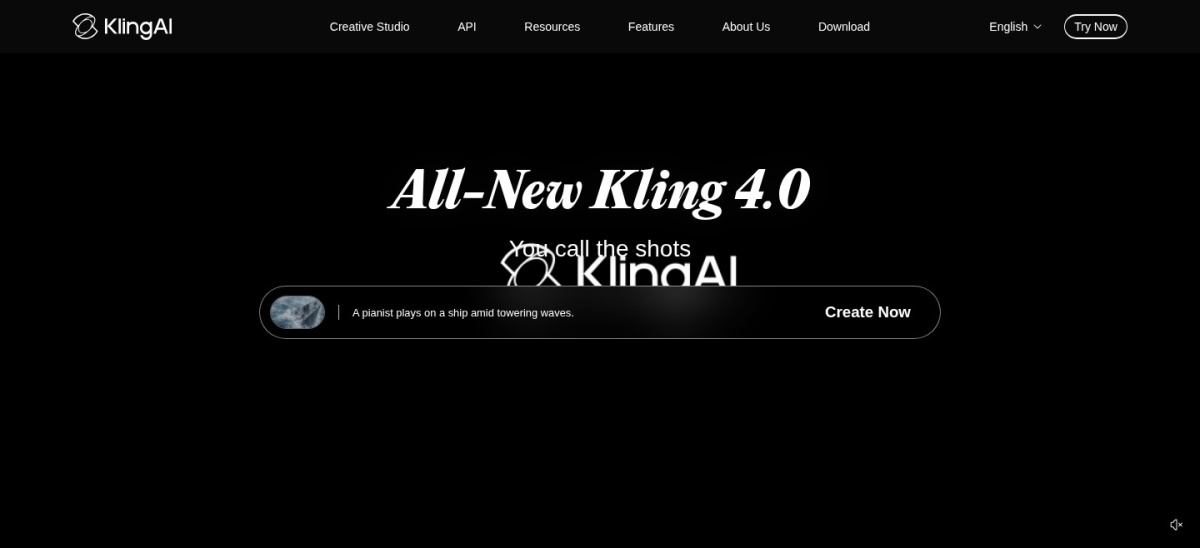
Kling AI is a video generator from Kuaishou that turns a photo and a reference video into a moving character clip. Its Motion Control mode copies full-body movement from a driving video, and the Kling 4.0 model makes clips up to 30 seconds long with native audio. The free plan gives 66 credits a day.
The trade off is a thin review base and strict free limits. Kling holds 4.7 out of 5 on G2 from only 5 reviews, free exports carry a watermark and bar commercial use, and credits expire after 31 days. It suits creators who want the closest Viggle-style motion transfer at the lowest paid price.
What we like
Motion Control copies full-body movement
Clips up to 30 seconds with native audio
Cheapest paid plan in this list at $10 a month
Daily free credits that refresh
Watch out for
G2 rating rests on only 5 reviews
Free exports are watermarked with no commercial use
Monthly credits expire after 31 days
Standard adds commercial rights and 1080p outputVisit kling.ai
02
Runway
4.1/5on G2 (125 reviews, checked Nov 2026)
Paid from$15/mo
Best for directed acting performances
Free plan125 one-time credits
Cheapest paidStandard, $15/mo
Act-TwoPerformance transfer
Monthly credits625
runwayml.com
Runway homepage, captured Nov 2026.
Runway is an AI video platform whose Act-Two tool transfers a filmed performance onto a character image or video. Its Gen-4.5 model also generates cinematic clips from text or images, with camera control and up to 4K upscaling. The free plan includes 125 one-time credits.
The trade off is credit burn. Standard costs $15 a month for 625 credits, about 52 seconds of Gen-4.5 video, and credits do not roll over to the next month. It suits creators who direct performances and want studio-grade editing in the same place.
Pika is a video platform built for short social clips, with Pikaffects that melt, inflate or swap the subject of a photo and Pikaswaps that replace people and objects. It runs its own Pika 2.5 model beside Seedance, Kling and Veo, and Video Studio makes clips up to 30 seconds. The free plan includes no monthly credits, so it works with bought credit packs.
The trade off is cost per clip and a weak public rating. Starter costs $10 a month for 600 credits, and a 5-second Seedance clip at 720p uses about 122 credits. It suits creators chasing viral effect clips who can live with short, punchy generations.
What we like
Pikaffects effects no rival copies
Runs Seedance, Kling and Veo in one place
Commercial license from the $10 Starter plan
No watermark on any plan
Watch out for
Free plan has no monthly credits
600 credits buy about 4 Seedance clips
Trustpilot score is 2.3 from 81 reviews
Starter adds 600 credits and a commercial licenseVisit pika.art
04
D-ID
4.6/5on G2 (139 reviews, checked Nov 2026)
Starts at$5.90/mo
Best for animating a still photo cheaply
Free trial14 days
Cheapest paidLite, $5.90/mo
Talking avatarsPhoto to video
Languages26
d-id.com
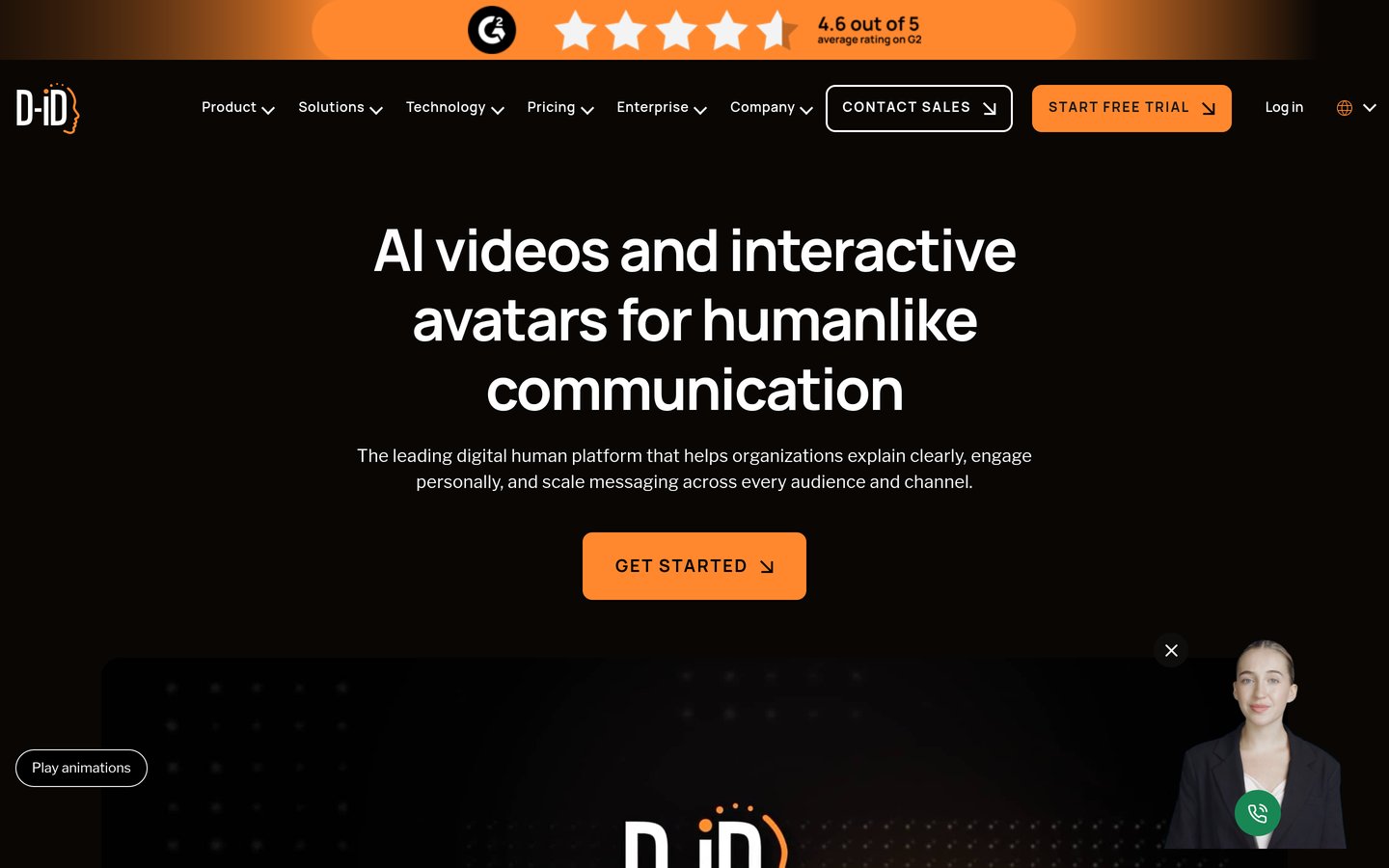
D-ID homepage, captured Nov 2026.
D-ID is an AI avatar platform that animates a still photo into a talking video from a typed script. Its Creative Reality Studio adds voices in 26 languages, and the same avatars can hold real-time conversations as visual agents. The Lite plan costs $5.90 a month, the lowest paid price in this list.
The trade off is credits and a narrow frame. There is no free plan, only a 14-day trial, and credits burn fast when a script is re-rendered after small edits. It suits creators who want the cheapest way to make a photo talk.
What we like
Cheapest paid plan in this list at $5.90 a month
Animates any front-facing photo
Real-time conversational avatars
26 languages with lip sync
Watch out for
No free plan, only a 14-day trial
Credits are spent again on every re-render
Talking heads only, no full-body motion
Lite adds watermark-free talking videos for personal useVisit d-id.com
05
HeyGen
4.8/5on G2 (1,953 reviews, checked Nov 2026)
Paid from$29/mo
Best avatar realism for presenters
Free plan3 videos a month
Cheapest paidCreator, $29/mo
Stock avatars700+
Languages175+
heygen.com
HeyGen homepage, captured Nov 2026.
HeyGen is an avatar video platform that turns a script into a presenter video with more than 700 stock avatars or a digital twin made from a 15-second recording. It translates videos into 175 languages with voice cloning, and its own video model adds cinematic B-roll with dialogue and sound. The free plan includes 3 watermarked videos a month.
The trade off is price and credits. Creator costs $29 a month for 600 credits, and premium avatar minutes burn credits fast, so heavy months need top-ups. It suits creators who want the most realistic avatars and multilingual versions from one script.
InVideo is a prompt-to-video workspace that turns a script, a prompt or a link into a finished clip with stock footage, AI visuals, voiceover and music. Its Pro mode can generate B-roll with Veo 3.1 and Sora 2, and the free plan exports watermarked videos. The Plus plan costs $20 a month for 75 credits.
The trade off is how far 75 credits stretch. A minute of Pro-mode generative video costs about 80 credits, so Plus is mainly a stock-compilation plan unless more credits are bought. It suits marketers who publish scripted social clips every week.
Synthesia is an AI video platform that turns a script into a presenter-led video with more than 125 stock avatars and 140 languages. Its Syren agent writes and renders creative videos from a description, and the free Basic plan includes 500 credits a month with a watermark. Starter costs $19 a month for 1,250 credits.
The trade off is that it is built for business video, not memes. Starter allows one editor, and the avatars are head-and-shoulders presenters with no full-body motion or dance moves. It suits teams making training, onboarding and explainer videos at scale.
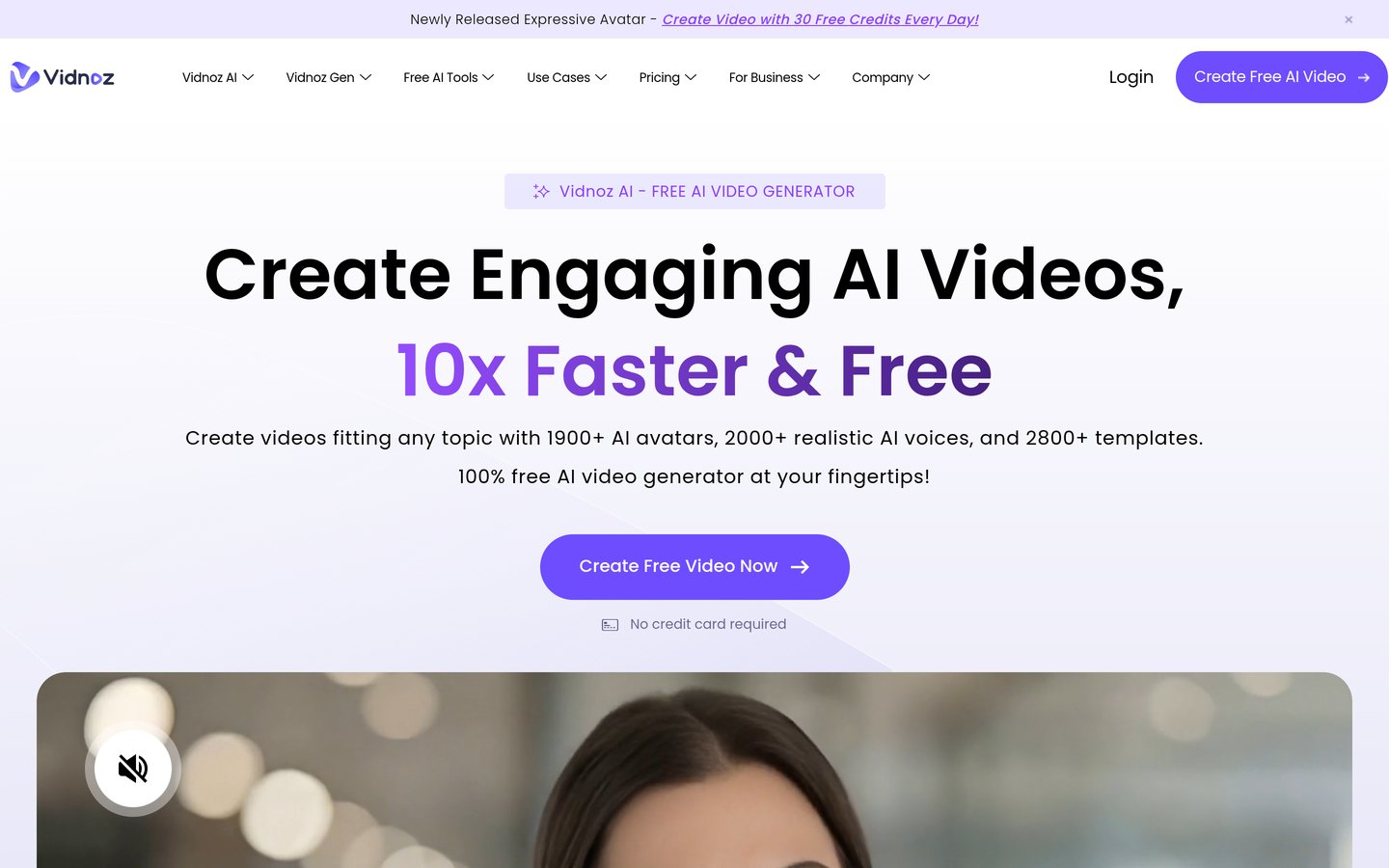
Vidnoz AI is a browser avatar platform that turns scripts, photos and slides into presenter videos with more than 1,900 avatars and 3,200 templates. Its photo avatar tool turns a portrait into a talking head, and the free plan gives 2 video minutes a day at 720p with a watermark. Starter costs $26.99 a month for 450 credits.
The trade off is a small review base and credit math. Vidnoz holds 4.9 out of 5 on G2 from only 16 reviews, and standard video costs half a credit per second, so 450 credits buy about 15 minutes. It suits beginners who want generous free minutes before paying.
Filmora is a beginner-friendly video editor with image-to-video generation, templates, auto captions and reframing in the same timeline. AI clips made elsewhere can be cut, captioned and posted without switching apps, and the free version exports with a watermark. Basic costs $49.99 a year with no watermark and 4K export.
The trade off is that AI generation is not the main job here. Basic includes no AI credits, so image-to-video and other AI tools are paid separately, and its own FAQ says AI-made images and clips are for non-commercial use. It suits creators who generate clips elsewhere and need a cheap editor to finish them.
Free plans cover testing well. Most include a few credits or minutes a month, enough to compare motion quality across two or three tools.
Paid plans mostly add watermark-free exports and commercial rights. The cheapest step up is D-ID at $5.90 a month, while Kling and Pika both start at $10.
Credits are the hidden limit. A $10 plan can mean 600 credits on Pika or 660 on Kling, and one clip can use over 100, so count clips per month before you subscribe.
For a creator posting daily, the mid-tier plans matter more than the entry price. HeyGen Creator at $29 a month and Synthesia Starter at $19 a month both add the credits and exports a regular schedule needs.
How we chose
We started from the tools most often named as Viggle replacements in 2026 guides, then kept the nine with a public rating and a published price.
Prices come from each vendor's pricing page, checked on 29 November 2026. Ratings come from G2 or Trustpilot on the same day. Where a vendor shows a sale or a first-month offer, the list shows the regular price.
We left out tools with no public rating or no published price. No vendor paid for a place, and we do not claim to have used these tools ourselves.
How to choose a Viggle AI alternative
Start with the clip you want to make, then match the tool to it.
Decide whether the body or the face moves. A dance or a stunt needs full-body motion transfer from Kling or Runway. A talking message only needs an avatar tool such as D-ID or HeyGen.
Try the free plan with your own photo. Upload the same character image to two tools and compare how the motion holds up. See how to embed a video in WordPress once you have a clip worth publishing.
Count the clips your plan buys. Divide the monthly credits by the cost of one clip. A $10 plan can cover 4 clips or 30, depending on the model and length.
Check the watermark and commercial rules. Free exports are watermarked on most tools here, and some bar commercial use entirely. Pay before posting a clip that earns money.
FAQ
What is the best Viggle AI alternative in 2026?
Kling AI is the best Viggle AI alternative for most creators. Its Motion Control copies full-body movement from a reference video onto a character photo, and the Standard plan costs $10 a month with 660 credits.
How much does a Viggle AI alternative cost?
Paid plans run from $5.90 a month for D-ID Lite to $29 a month for HeyGen Creator. Kling and Pika both start at $10 a month, Synthesia Starter costs $19 a month, and every tool except D-ID has a free plan to try first.
Is there a free Viggle AI alternative?
Yes. Kling, Runway, Pika, HeyGen, InVideo, Synthesia, Vidnoz and Filmora all have free plans. Pika is the only one with no watermark on free exports, while the others watermark free clips or limit credits, so free plans suit testing rather than publishing.
Which Viggle AI alternative is best for beginners?
Pika is the easiest start for meme and effect clips, with one-click Pikaffects and a $10 Starter plan. For talking videos, D-ID is the simplest choice at $5.90 a month, with a script box, a photo upload and no timeline to learn.
Which is better, Kling AI or Runway?
Kling AI is better for copying a dance or full-body motion from a reference video at $10 a month. Runway is better for directed acting through Act-Two and for studio editing, but Standard costs $15 a month and its 625 credits buy under a minute of Gen-4.5 video.
Can I use a Viggle AI alternative for commercial videos?
Yes, but only on a paid plan for most tools. Kling, Pika, Runway and the avatar tools all require a paid plan for commercial use, and free exports on Kling, Synthesia and Vidnoz bar it. Check the plan terms before posting a clip that earns money.
Which Viggle AI alternative makes the longest clips?
Kling AI makes the longest clips here, up to 30 seconds with the Kling 4.0 model. Runway clips are shorter per generation, and Pika Video Studio also reaches 30 seconds, so Kling and Pika lead on length for social videos.
SaaS SEO and WordPress specialist with about 8 years of experience. Rakib compares WordPress plugins, themes, hosting and software using public pricing, documentation and user reviews. See how we rank.