Zoom is the best video meeting software for remote sales teams, with a free plan for 100 people, 40-minute group calls and AI Companion summaries on Pro at $14.16 per user a month. Microsoft Teams is the cheapest paid route at $4 a month, while Livestorm fits teams that run product demos as webinars.
How we make this list: we compare pricing pages, product documentation and public user reviews, then re-check every price before each update. No product paid for a place. Disclosure.
Zoom leads with the most familiar guest experience: free for 100 people, 40-minute group calls, and AI summaries on Pro at $14.16 a month.
Microsoft Teams Essentials is the cheapest paid plan at $4 a user a month, with 30-hour meetings for up to 300 people.
Zoho Meeting is the budget pick at $1 a host a month, and per-host pricing suits teams where only a few reps host calls.
GoTo Meeting is the only tool here with no free plan, only a 14-day trial, but per-organizer pricing keeps costs down.
Livestorm is the priciest at $1,200 a year, but it is the only pick built for demo webinars with registration pages and CRM links.
How do you pick video meeting software for remote sales teams?
Guests should join from one link with no download. Prospects drop off when a demo needs an install or an account, so browser joining and a clear dial-in option matter more than extra features.
Recording and notes decide whether a call turns into pipeline. Look for cloud recording, transcripts and AI summaries on the plan you actually buy, since several tools in this list keep recording on higher tiers.
Price follows who hosts, not who attends. Per-host pricing from GoTo, Zoho and Whereby can beat per-user pricing when only a few reps run calls, while per-user tools charge for every seat. Our guide on embedding a video in WordPress shows one way to share a recorded demo afterwards.
Free plans differ most on time limits. Zoom and Webex stop free group calls at 40 minutes, Google Meet and Teams at 60, and Whereby at 30 minutes with only 4 people, so check the cap before you book a demo on a free plan.
The 9 best video meeting software tools for remote sales teams
01
Zoom
4.5/5on G2 (56,478 reviews, checked Nov 2026)
Paid from$14.16/mo
Best video meeting software for remote sales teams overall
Free participants100
Free group limit40 minutes
Free recordingLocal, free
Paid planWorkplace Pro, $14.16/mo
zoom.com
Zoom homepage, captured Nov 2026.
Zoom is the most widely used video meeting platform in this list, with a free Basic plan for 100 participants and 40-minute group calls. The free plan includes screen sharing, chat, virtual backgrounds and local recording, and guests join from a link. Pro adds 30-hour meetings, cloud recording and AI Companion summaries.
The trade off is price. Pro costs $14.16 per user a month billed annually, or $16.99 month to month, so the bill grows with every licensed rep. It suits remote sales teams that run client calls all day and want the joining flow prospects already know.
What we like
Free plan covers 100 participants
Most familiar joining flow for guests
AI Companion summaries on Pro
Local recording on the free plan
Watch out for
Paid price climbs per user as teams grow
Free group calls stop at 40 minutes
Webinars cost extra as an add-on
Pro adds 30-hour meetings, cloud recording and AI summariesVisit zoom.com
02
Microsoft Teams
4.4/5on G2 (19,330 reviews, checked Nov 2026)
Paid from$4/mo
Best value for Microsoft 365 sales teams
Free participants100
Free group limit60 minutes
Free recordingNo, paid
Paid planTeams Essentials, $4/mo
microsoft.com
Microsoft Teams homepage, captured Nov 2026.
Microsoft Teams is the meeting and chat hub of Microsoft 365, with video calls, channels and shared files in one app. The free plan covers 100 participants and 60-minute group meetings, and Essentials adds recordings with transcripts. Meetings run up to 30 hours with up to 300 participants on Essentials.
The trade off is weight. Teams can feel slow on older machines, and reviewers often mention notification overload and a busy interface. It suits remote sales teams that already run Microsoft 365 and want meetings, chat and files without a second subscription.
What we like
Cheapest paid plan here at $4 a month
Chat, files and meetings in one app
Free plan covers 100 people for 60 minutes
Recordings with transcripts on Essentials
Watch out for
Can feel slow on older machines
Busy interface with many notifications
No breakout rooms on Essentials
Essentials adds recordings, transcripts and 300-person meetingsVisit microsoft.com
03
Google Meet
4.5/5on Capterra (12,079 reviews, checked Nov 2026)
Paid from$7/mo
Best for Google Workspace sales teams
Free participants100
Free group limit60 minutes
Free recordingNo, paid
Paid planWorkspace Starter, $7/mo
meet.google.com
Google Meet homepage, captured Nov 2026.
Google Meet is the video meeting tool built into Google Workspace, with browser joining and no install for guests. The free plan covers 100 participants and 60-minute group calls, and meetings start from Gmail or Calendar with one click. Business Starter adds a business email address and 30 GB of pooled storage per user.
The trade off is recording. Cloud recording and meeting transcripts need Business Standard at $14 per user a month, not the $7 Starter plan. It suits remote sales teams that already pay for Google Workspace and want the simplest way to start a call.
What we like
No install needed for guests
Starts from Gmail or Calendar in one click
Free 60-minute group calls for 100 people
Simple interface with few settings to learn
Watch out for
Recording needs Business Standard or higher
Fewer host controls than Zoom or Webex
Screen sharing glitches reported by some reviewers
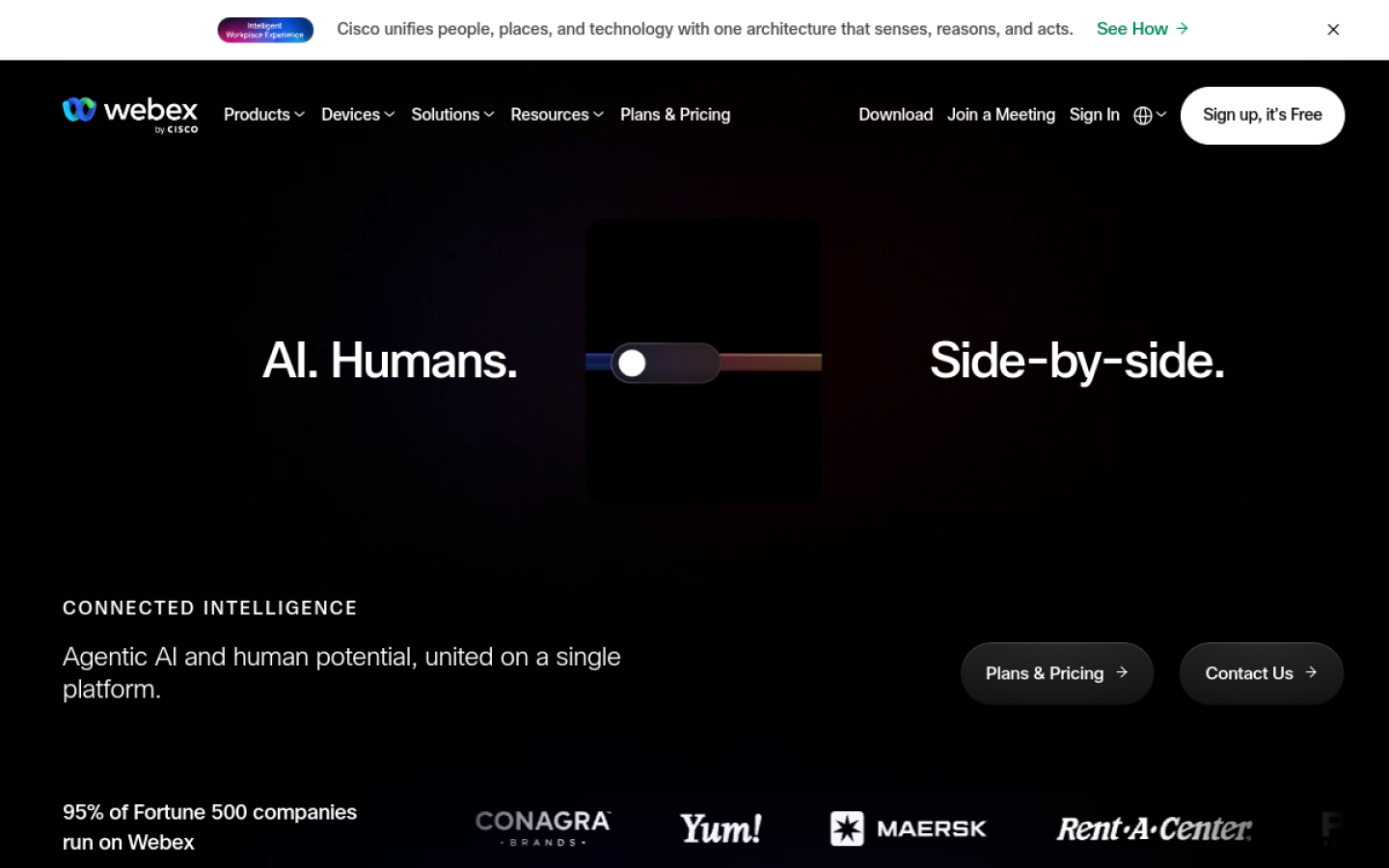
Webex is Cisco's video meeting platform, built for large and regulated organizations. The free plan covers 100 participants and 40-minute meetings, with local recording, screen sharing and virtual backgrounds included. The Meet plan adds cloud recording and more admin controls at $12 a month.
The trade off is complexity. Reviewers praise its security and call quality but describe a steeper learning curve and a busier interface than Zoom or Meet. It suits sales teams that need strong admin controls, translated captions in over 100 languages and Slido polling built in.
What we like
Strong security and admin controls
Translated captions in over 100 languages
Slido polling built in
Local recording on the free plan
Watch out for
Steeper learning curve than Zoom or Meet
Busy interface with many settings
Suite plan at $25 a month is pricey for small teams
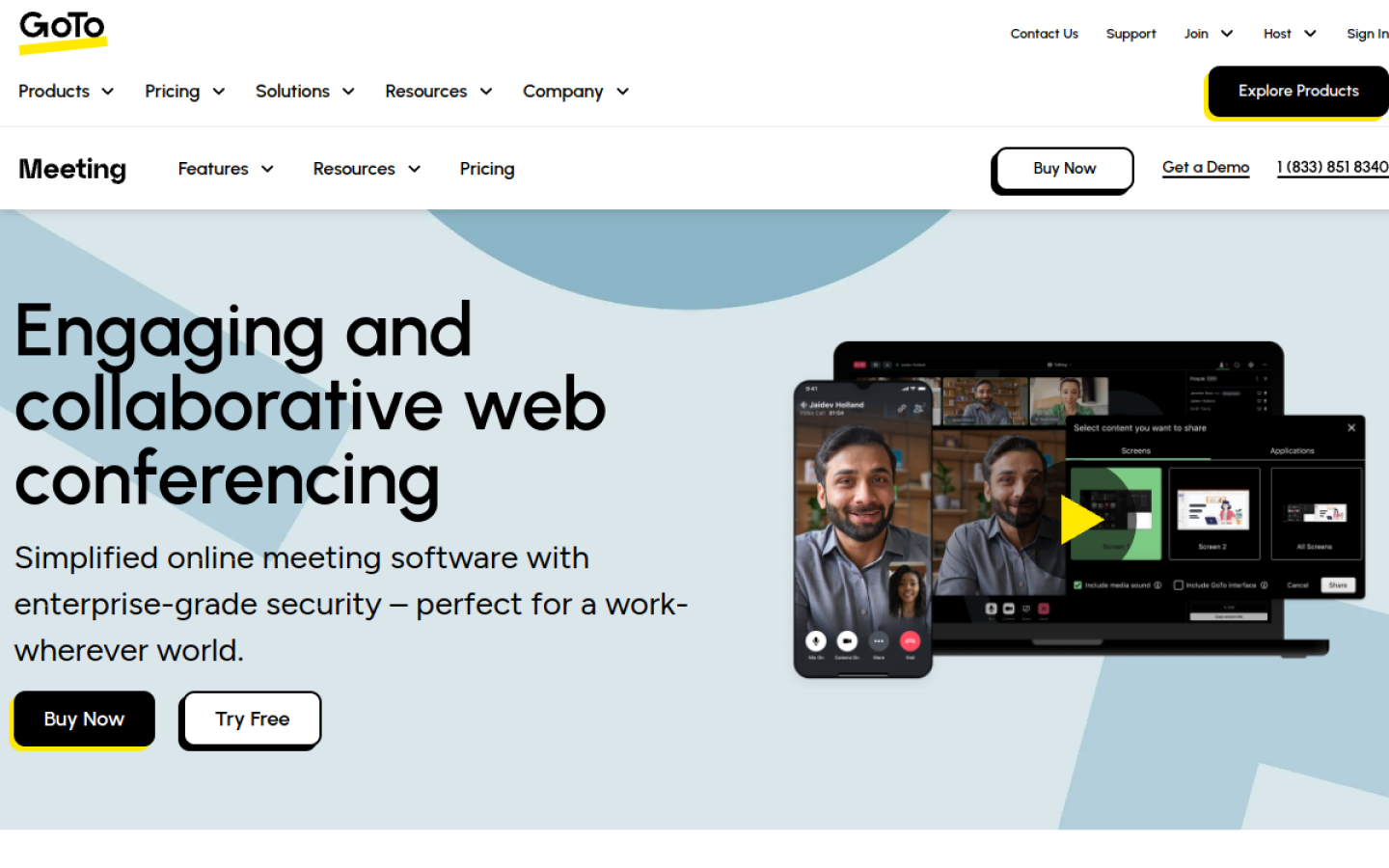
GoTo Meeting is a straightforward meeting tool from GoTo, built for scheduled calls with a link and a screen share. Pricing is per organizer, so only hosts need a license, and Professional costs $12 per organizer a month billed annually for 150 participants. It includes HD video, phone dial-in and single sign-on from the cheapest plan.
The trade off is the free tier. GoTo Meeting has no always-free plan, so a 14-day trial is the only free route before paying. It suits small sales teams that want reliable calls, phone dial-in and per-organizer pricing that keeps costs down when few reps host.
What we like
Per-organizer pricing keeps costs down
Single sign-on on every plan
Reliable audio and HD video
150 participants on the cheapest plan
Watch out for
No always-free plan, only a 14-day trial
Plain chat and few collaboration extras
Business plan needed for transcripts and cloud recording
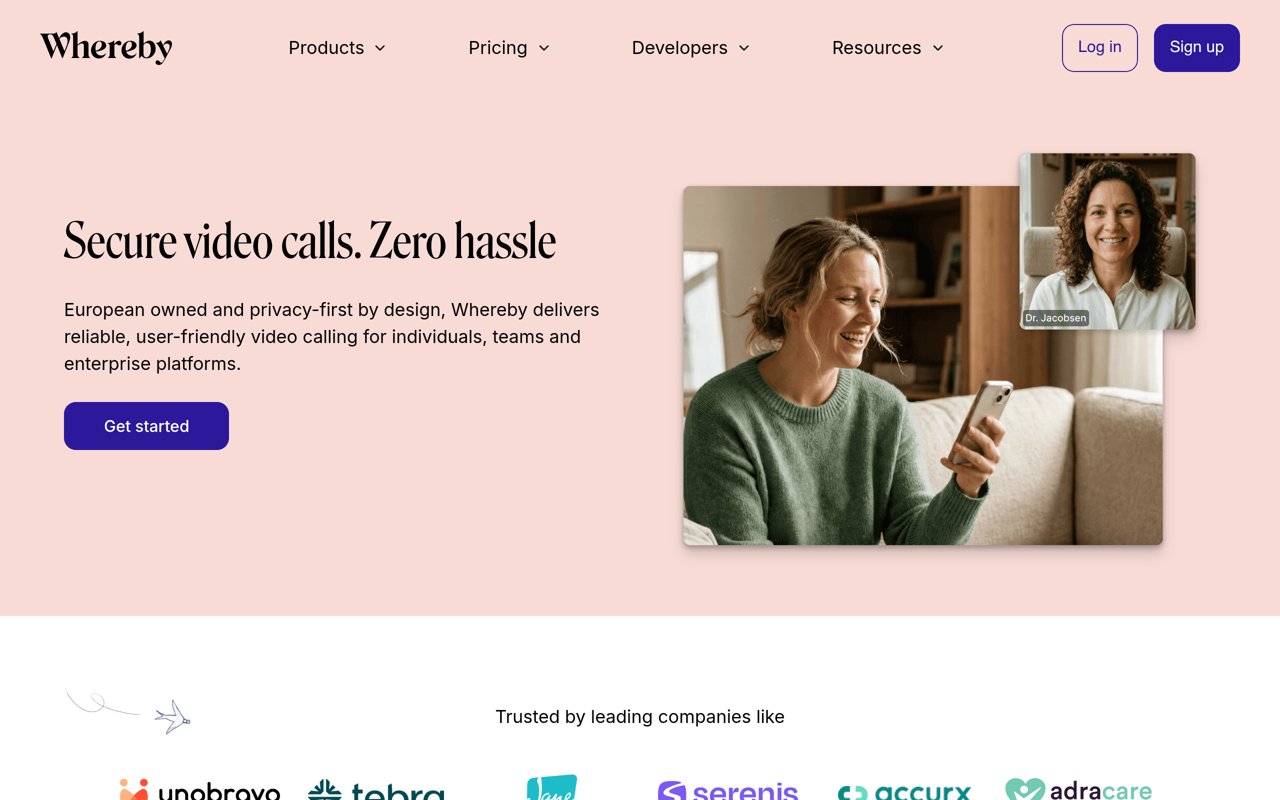
Whereby is a browser-based meeting tool built around permanent room links. Guests join from a link with no download and no account, and the free plan covers 4 attendees and 30-minute meetings in one room. Pro costs $10.99 per host a month, lifts the cap to 100 participants with no time limit, and adds recording and custom branding.
The trade off is scale. Whereby has few admin controls for large teams, and the Business plan needs a 3-host minimum. It suits consultants and small sales teams that want the simplest possible guest experience for one-to-one demos and check-ins.
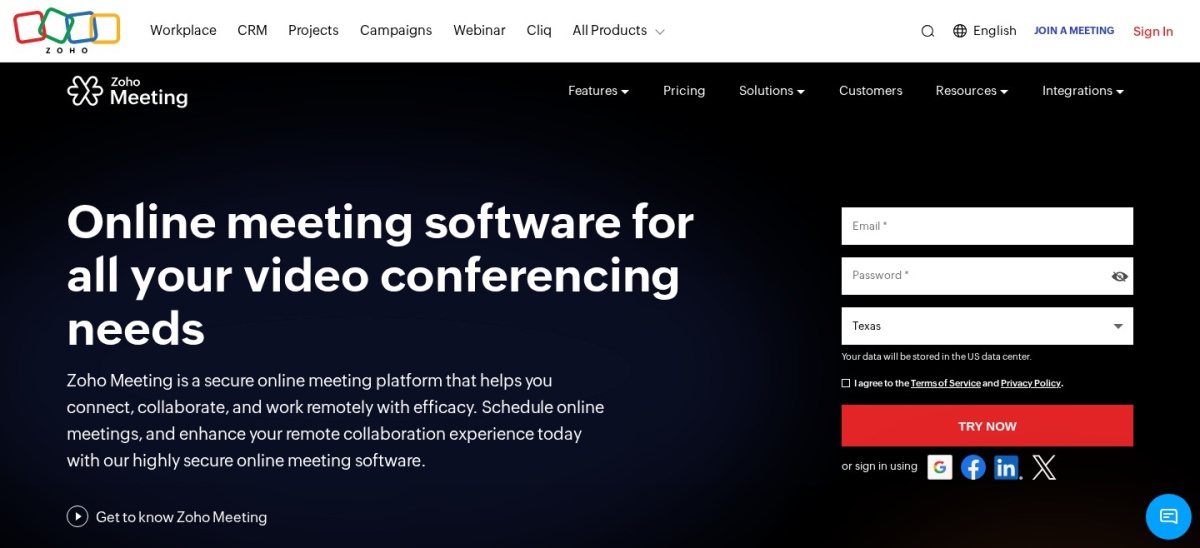
Zoho Meeting is the video meeting tool from Zoho, sold per host for small and mid-size teams. The free plan covers 100 participants and 60-minute meetings, and the Standard plan starts at $1 per host a month billed annually. Standard adds cloud recording storage, meeting locks and meetings up to 24 hours.
The trade off is the tier ladder. The price rises with the participant count, so a 250-person meeting costs more than a 10-person one, and webinars sit on higher tiers. It suits Zoho users and budget buyers who want the lowest entry price in this list.
What we like
Lowest paid price in this list at $1 a month
Per-host pricing suits teams with few hosts
Free plan covers 100 people for 60 minutes
Works with the wider Zoho suite
Watch out for
Price rises with participant count
Recording and webinars need higher tiers
Video and audio quality complaints in some reviews
Professional adds breakout rooms, transcription and API accessVisit zoho.com
08
RingCentral Video
4.2/5on G2 (504 reviews, checked Nov 2026)
Paid from$10/mo
Best for phone, video and chat in one app
Free participants100
Free group limit50 minutes
Free recording10 hours, cloud
Paid planVideo Pro+, $10/mo
ringcentral.com
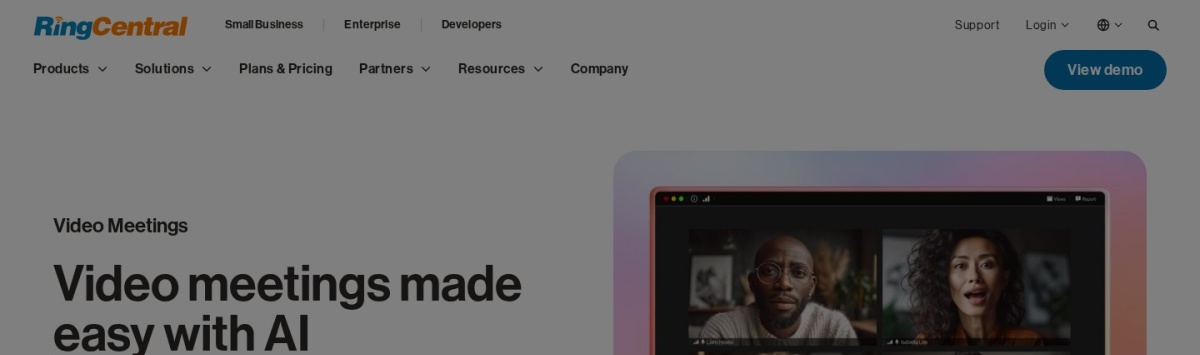
RingCentral Video homepage, captured Nov 2026.
RingCentral Video is the video meeting part of RingCentral, with phone and messaging in the same app on paid plans. The free plan covers 100 participants and 50-minute meetings, with 10 hours of cloud recording included. Video Pro+ costs $10 a month and raises the meeting limit.
The trade off is that the best value sits in the full suite. Phone, video and messaging together start with RingEX Standard at $20 per user a month, so video alone is a stepping stone. It suits teams that want one app for calls, video and chat.
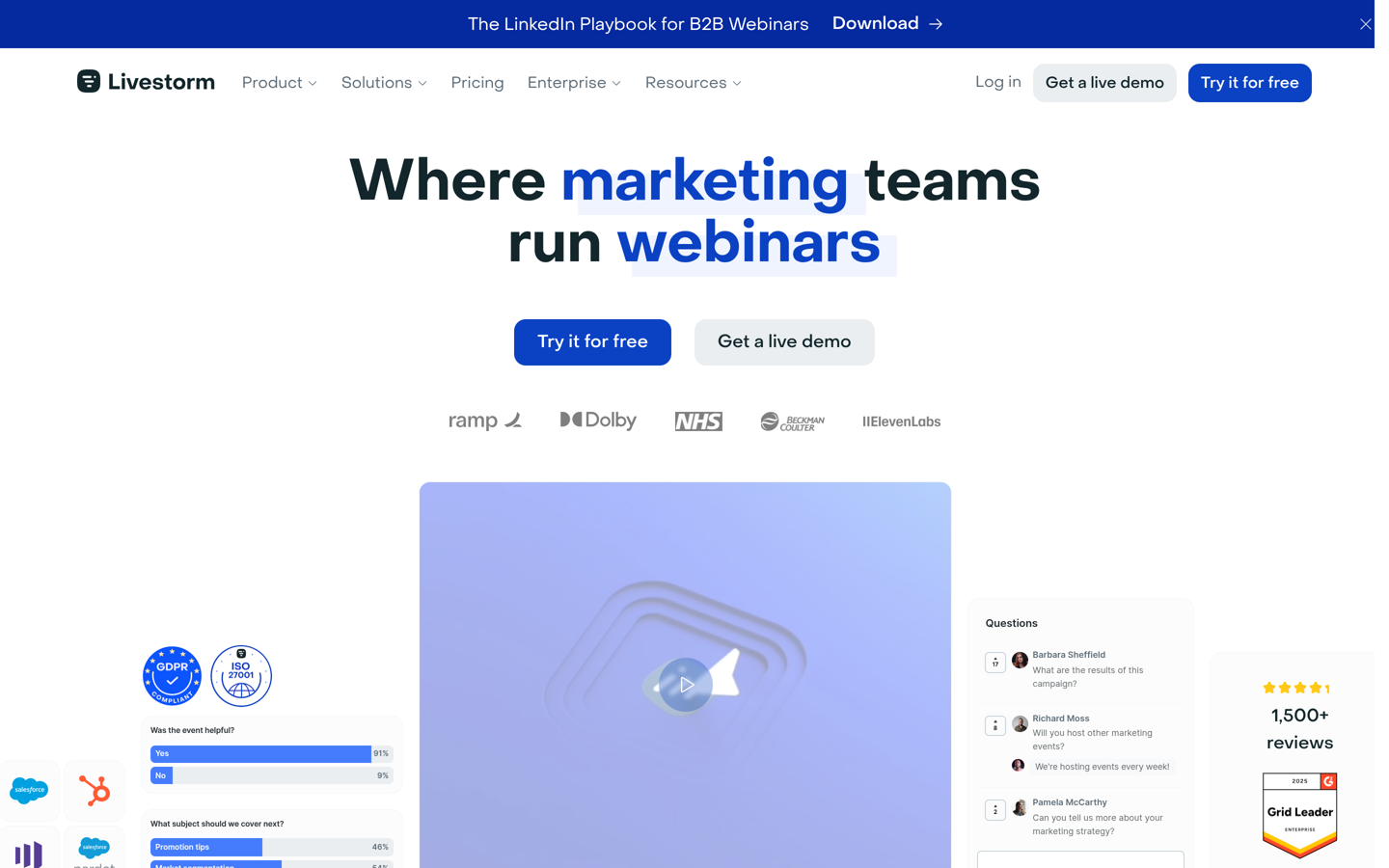
Livestorm is a browser-based webinar and meeting platform built for demos, product launches and lead generation. The free plan covers 30 attendee credits a year with 30-minute sessions, and hosts and moderators are free. Pro costs $1,200 a year for 400 attendee credits, with 4-hour sessions and up to 3,000 live attendees.
The trade off is price. Pro is annual only, with no monthly billing, and credits run out if attendance beats the pack size. It suits remote sales teams that run regular demo webinars and want registration pages, engagement tools and CRM links in the same tool.
What we like
Built for demo webinars with registration pages
Unlimited team seats at no extra charge
CRM links including HubSpot
Browser-based with no download for attendees
Watch out for
Pro is annual only at $1,200 a year
Credits limit total attendance per year
Meeting features are weaker than its webinar tools
Free plans cover the call itself well. Most include screen sharing, chat and 100 participants, and Zoom, Webex and RingCentral include some recording free.
Paid plans mostly add recording and time. Cloud recording, transcripts and AI summaries usually sit above the cheapest tier, and free group calls stop at 30 to 60 minutes.
Per-host billing changes the math for small teams. GoTo, Zoho and Whereby charge only for hosts, so a team with two reps hosting demos pays far less than a per-user tool would charge for the whole team.
For a team that demos every day, the first paid tier often costs less than one lost deal. Pick the plan that includes recording, then check the participant cap before you pay.
How we chose
We started from the established video meeting platforms that remote sales teams actually use, including Zoom, Microsoft Teams, Google Meet, Webex, GoTo Meeting, Whereby, Zoho Meeting, RingCentral Video and Livestorm.
Prices come from each vendor's pricing page or vendor-supplied pricing, checked on 30 November 2026. Ratings and review counts come from G2 on the same day, except Google Meet, which uses Capterra. Where a vendor shows a sale, the list shows the regular price.
We left out Jitsi Meet because its $99-a-month hosted plan is the priciest route to a basic meeting and it is built for self-hosting, not sales calls. No vendor paid for a place, and we do not claim to have used these tools ourselves.
How to choose video meeting software for remote sales teams
Start with how your reps actually sell, then match the tool to that motion.
Count your hosts, not your team. Per-host tools such as GoTo and Zoho charge only for the reps who run calls, while per-user tools charge for every seat.
Test the guest join flow. Send a prospect the link and join as a guest: no download, no account and a working dial-in are what keep demos starting on time.
Check recording on the plan you will buy. Cloud recording, transcripts and AI summaries often sit above the cheapest tier, so confirm they are included before you pay.
Match the tool to your CRM. If demos feed your pipeline, pick a tool with CRM links or webinar registration, such as Livestorm, rather than adding a second tool later.
FAQ
What is the best video meeting software for remote sales teams?
Zoom is the best video meeting software for remote sales teams for most teams. Its free plan covers 100 people and 40-minute group calls, Pro adds AI summaries and cloud recording at $14.16 per user a month, and prospects already know how to join.
How much does video meeting software for remote sales teams cost?
Paid plans run from $1 per host a month for Zoho Meeting to $100 a month for Livestorm Pro at $1,200 a year. Most remote sales teams pay between $4 and $14.16 per user a month, and 8 of the 9 tools in this list have a free plan.
Is there a free video meeting tool for remote sales teams?
Yes, 8 of the 9 tools here have a free plan. Zoom covers 100 people for 40 minutes, Google Meet and Teams cover 100 people for 60 minutes, and Whereby covers 4 people for 30 minutes. GoTo Meeting is the exception, with a 14-day trial only.
Which video meeting tool is best for small sales teams?
Zoho Meeting is the best pick for small sales teams on price, at $1 per host a month with per-host billing. Microsoft Teams Essentials is the best value at $4 a user a month if the team already uses Microsoft 365 for email and files.
Zoom vs Microsoft Teams: which is better for remote sales teams?
Zoom is better for client-facing sales calls, with the most familiar guest join flow and AI summaries on Pro. Microsoft Teams is better for teams already on Microsoft 365, at $4 a month against $14.16 for Zoom Pro, with chat and files in the same app.
Which video meeting tool is best for product demos?
Livestorm is the best tool for product demos run as webinars, with registration pages, engagement tools and CRM links. It costs $1,200 a year for Pro, so teams that demo one to one should use Zoom or Whereby instead.
SaaS SEO and WordPress specialist with about 8 years of experience. Rakib compares WordPress plugins, themes, hosting and software using public pricing, documentation and user reviews. See how we rank.