Zoom is the best video meeting platform for most teams, with a free plan for 100 participants and 40-minute group calls and Pro at $14.16 per user a month billed annually for 30-hour meetings and AI summaries. Pick Google Meet if you live in Google Workspace, or Microsoft Teams if you run Microsoft 365.
How we make this list: we compare pricing pages, product documentation and public user reviews, then re-check every price before each update. No product paid for a place. Disclosure.
Zoom leads on reach: 4.5 out of 5 from 56,478 G2 reviews, with a free plan for 100 people and 40-minute group calls.
Google Meet is the simplest choice for Google Workspace teams, with browser joining and no install for guests.
Microsoft Teams Essentials is the cheapest paid plan here at $4 per user a month, and it is free to start.
Zoho Meeting is the budget pick at $1 per host a month, with per-host pricing that suits teams with few hosts.
Jitsi Meet is the only free, open-source option, but its $99-a-month hosted plan is the priciest paid plan in this list.
What to look for in a video meeting platform
Video meetings are now the default way teams meet, interview and support customers. A good platform should let guests join from a link, keep audio clear on weak connections and record the call when you need a record.
Free plans differ most on time limits. Zoom and Webex cap free group calls at 40 minutes, Google Meet and Teams at 60 minutes, and Whereby at 30 minutes with only 4 people.
Price is usually per user or per host, so count who actually runs meetings before you compare totals. Per-host pricing from GoTo, Zoho and Whereby can beat per-user pricing when only a few people host.
If you record calls to share them later, check where the recording lives. Our guide on how to embed a video in WordPress shows how a recording can be shared on a site.
Zoom is the most widely used video meeting platform in this list, rated 4.5 out of 5 from 56,478 G2 reviews. The free Basic plan covers 100 participants and 40-minute group calls, with screen sharing, chat, virtual backgrounds and local recording included.
The trade off is price. Pro costs $14.16 per user a month billed annually, or $16.99 month to month, and the price climbs per user as the team grows. It suits teams that run client calls and large meetings every day and want the most familiar joining experience.
What we like
Free plan covers 100 participants
Most familiar joining flow for guests
AI Companion summaries on Pro
Local recording on the free plan
Watch out for
Paid price climbs per user as teams grow
Free group calls stop at 40 minutes
Desktop app gives the smoothest experience for hosts
Pro adds 30-hour meetings, cloud recording and AI summariesVisit zoom.com
02
Google Meet
4.5/5on Capterra (12,079 reviews, checked Nov 2026)
Paid from$7/mo
Best for Google Workspace teams
Free group limit60 minutes
Free participants100
Free recordingNo, paid
Paid planWorkspace Starter, $7/mo
meet.google.com
Google Meet homepage, captured Nov 2026.
Google Meet is the video meeting tool built into Google Workspace, with browser joining and no install for guests. The free plan covers 100 participants and 60-minute group calls, and meetings start from Gmail or Calendar with one click.
The trade off is recording. Cloud recording and meeting transcripts need Business Standard at $14 per user a month or higher, not the $7 Starter plan. It suits teams that already pay for Google Workspace and want the simplest way to start a call.
What we like
No install needed for guests
Starts from Gmail or Calendar in one click
Free 60-minute group calls for 100 people
Clean, simple interface with few settings to learn
Watch out for
Recording needs Business Standard or higher
Fewer host controls than Zoom or Webex
Screen sharing glitches reported by some reviewers
Microsoft Teams is the meeting and chat hub of Microsoft 365, with video calls, channels and shared files in one app. The free plan covers 100 participants and 60-minute group meetings, and Teams Essentials costs $4 per user a month.
The trade off is weight. Teams can feel slow on older machines, and reviewers often mention notification overload and a busy interface. It suits organisations that already run Microsoft 365 and want meetings, chat and files without a second subscription.
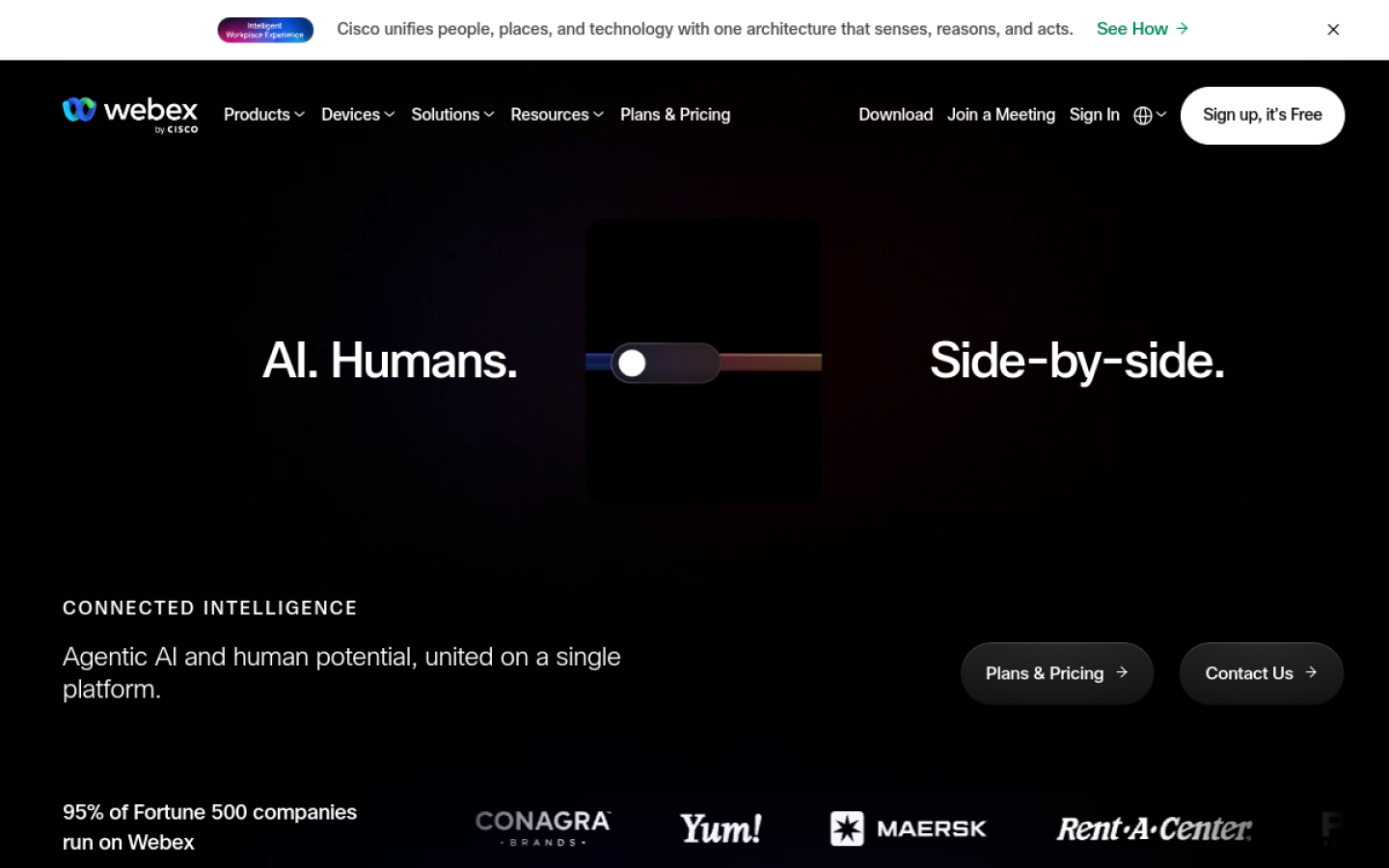
Webex is Cisco's video meeting platform, built for large and regulated organisations. The free plan covers 100 participants and 40-minute meetings, with local recording, screen sharing and virtual backgrounds included.
The trade off is complexity. Reviewers praise its security and call quality but describe a steeper learning curve and a busier interface than Zoom or Meet. It suits enterprise teams that need strong admin controls, translated captions in over 100 languages and Slido polling built in.
What we like
Strong security and admin controls
Translated captions in over 100 languages
Slido polling built in
Local recording on the free plan
Watch out for
Steeper learning curve than Zoom or Meet
Busy interface with many settings
Suite plan at $25 a month is pricey for small teams
Meet plan adds cloud recording and longer meetingsVisit webex.com
05
GoTo Meeting
4.2/5on G2 (17,127 reviews, checked Nov 2026)
Starts at$12/mo
Best for simple scheduled meetings
Free planNo, 14-day trial
Paid participants150
Free recordingNo, paid
Paid planProfessional, $12/organiser/mo
goto.com
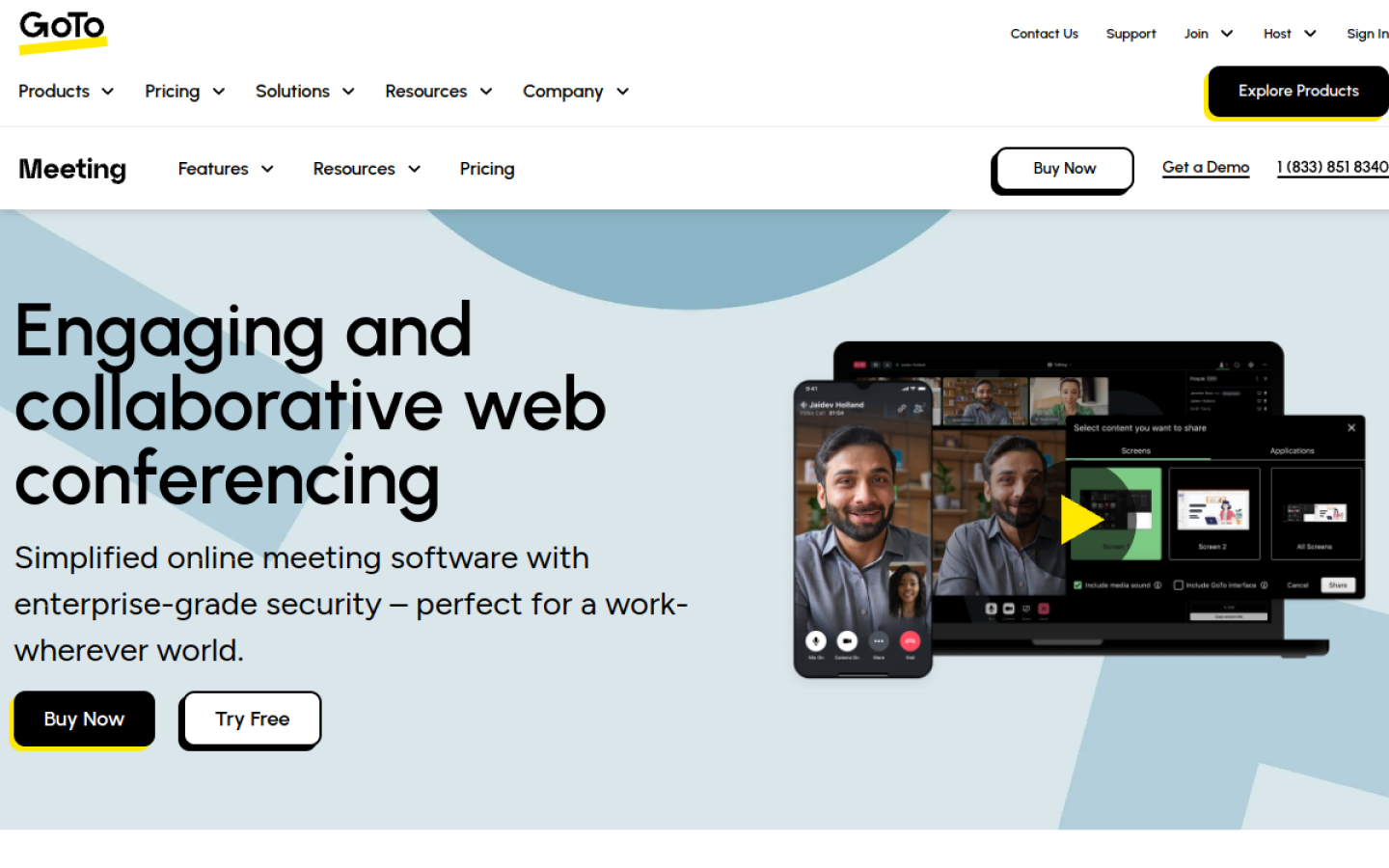
GoTo Meeting homepage, captured Nov 2026.
GoTo Meeting is a straightforward meeting tool from GoTo, built for scheduled calls with a link and a screen share. Pricing is per organiser, so only hosts need a licence, and Professional costs $12 per organiser a month billed annually for 150 participants.
The trade off is the free tier. GoTo Meeting has no always-free plan, so a 14-day trial is the only free route before paying. It suits small teams that want reliable calls, phone dial-in and single sign-on from the cheapest plan.
What we like
Per-organiser pricing keeps costs down
Single sign-on on every plan
Reliable audio and HD video
150 participants on the cheapest plan
Watch out for
No always-free plan, only a 14-day trial
Plain chat and few collaboration extras
Business plan needed for transcripts and cloud recording
Business adds transcripts and unlimited cloud recordingVisit goto.com
06
Whereby
4.6/5on G2 (1,161 reviews, checked Nov 2026)
Paid from$10.99/mo
Best for no-download guest meetings
Free group limit30 minutes
Free participants4
Free recordingNo, paid
Paid planPro, $10.99/host/mo
whereby.com
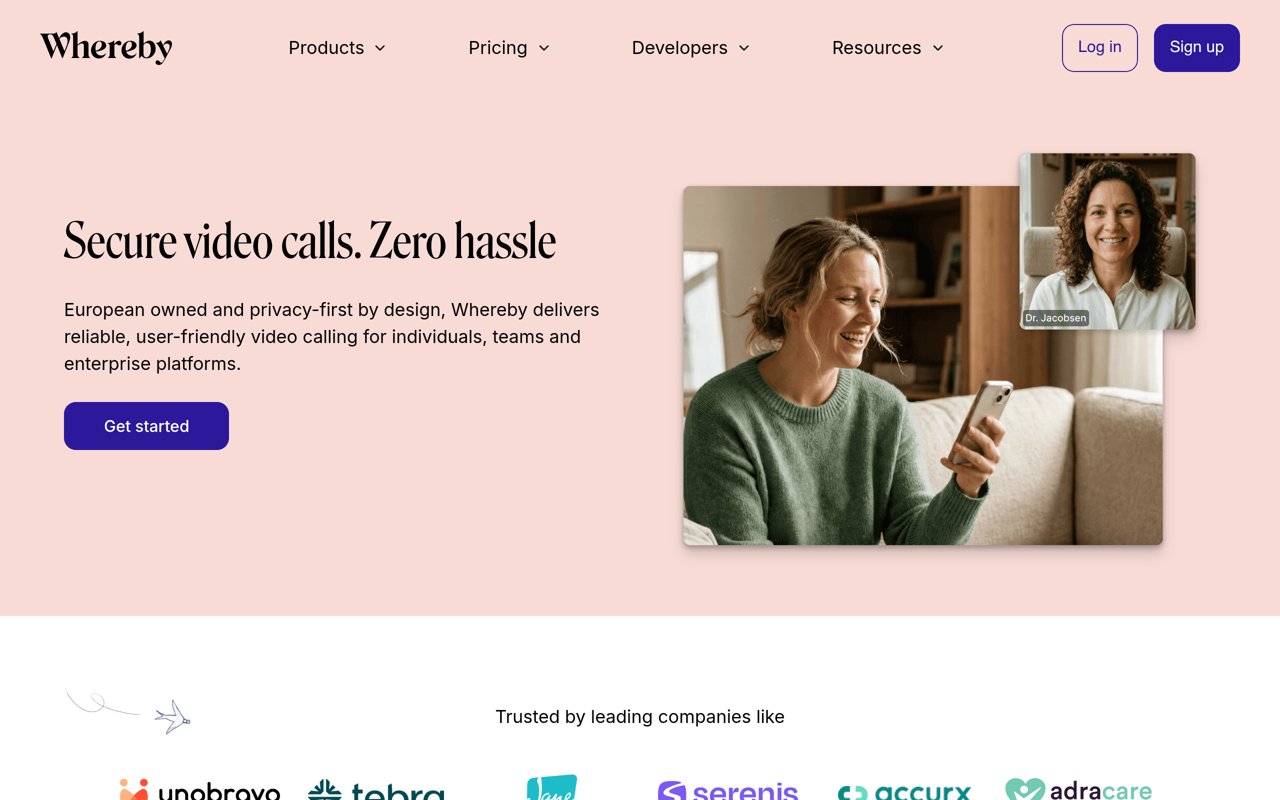
Whereby homepage, captured Nov 2026.
Whereby is a browser-based meeting tool built around permanent room links. Guests join from a link with no download and no account, and the free plan covers 4 attendees and 30-minute meetings in one room.
The trade off is scale. Pro costs $10.99 per host a month, lifts the cap to 100 participants with no time limit, and adds recording and custom branding. It suits consultants and small teams that want the simplest possible guest experience.
What we like
No download or account for guests
Permanent branded room links
Highest G2 rating in this list at 4.6 out of 5
Simple setup with few settings
Watch out for
Free plan allows only 4 people and 30 minutes
Business plan needs a 3-host minimum
Few admin controls for large teams
Pro adds unlimited meeting length, recording and brandingVisit whereby.com
07
Zoho Meeting
4.5/5on G2 (1,257 reviews, checked Nov 2026)
Paid from$1/mo
Best budget pick for small teams
Free group limit60 minutes
Free participants100
Free recordingNo, paid
Paid planStandard, $1/host/mo
zoho.com
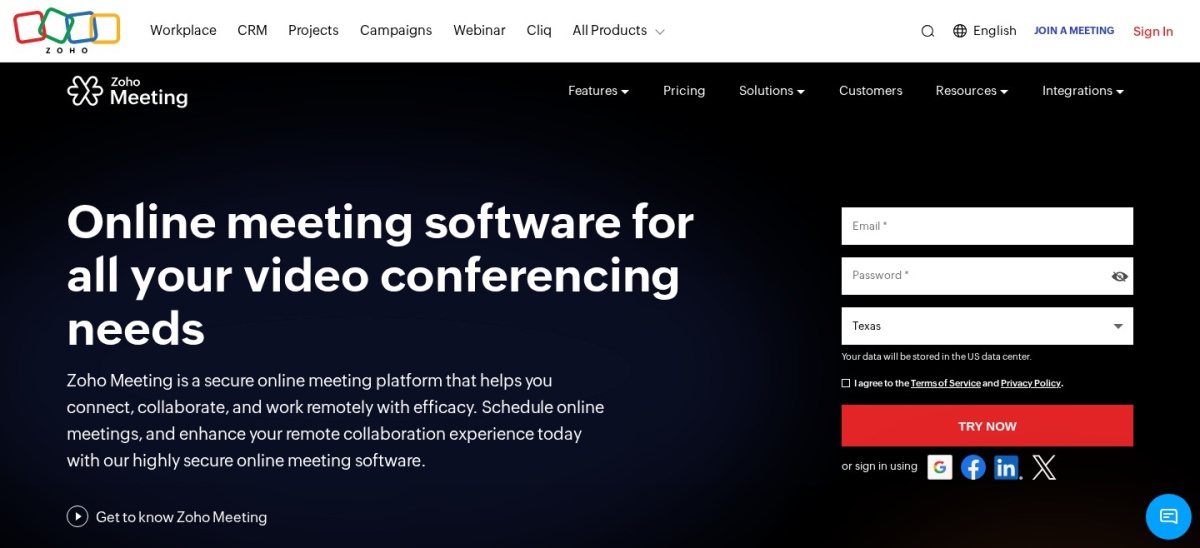
Zoho Meeting homepage, captured Nov 2026.
Zoho Meeting is the video meeting tool from Zoho, sold per host for small and mid-size teams. The free plan covers 100 participants and 60-minute meetings, and the Standard plan starts at $1 per host a month billed annually.
The trade off is the tier ladder. The price rises with the participant count, so a 250-person meeting costs more than a 10-person one, and webinars sit on higher tiers. It suits Zoho users and budget buyers who want the lowest entry price in this list.
What we like
Lowest paid price in this list at $1 a month
Per-host pricing suits teams with few hosts
Free plan covers 100 people for 60 minutes
Works with the wider Zoho suite
Watch out for
Price rises with participant count
Recording and webinars need higher tiers
Video and audio quality complaints in some reviews
Professional adds breakout rooms, transcription and API accessVisit zoho.com
08
RingCentral Video
4.2/5on G2 (504 reviews, checked Nov 2026)
Paid from$10/mo
Best for phone, video and chat in one app
Free group limit50 minutes
Free participants100
Free recording10 hours, cloud
Paid planVideo Pro+, $10/mo
ringcentral.com
RingCentral Video homepage, captured Nov 2026.
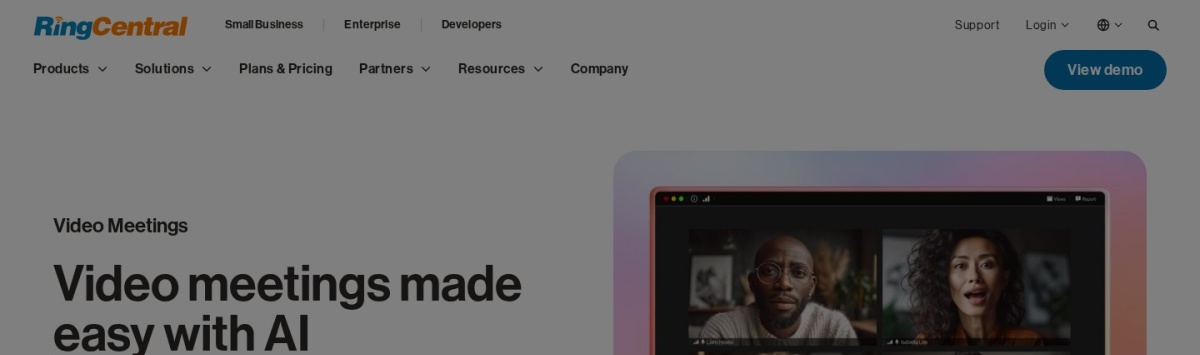
RingCentral Video is the video meeting part of RingCentral, with phone and messaging in the same app on paid plans. The free plan covers 100 participants and 50-minute meetings, with 10 hours of cloud recording included.
The trade off is that the best value sits in the full suite. Video Pro+ costs $10 a month, while phone, video and messaging together start with RingEX Standard at $20 per user a month. It suits teams that want one app for calls, video and chat.
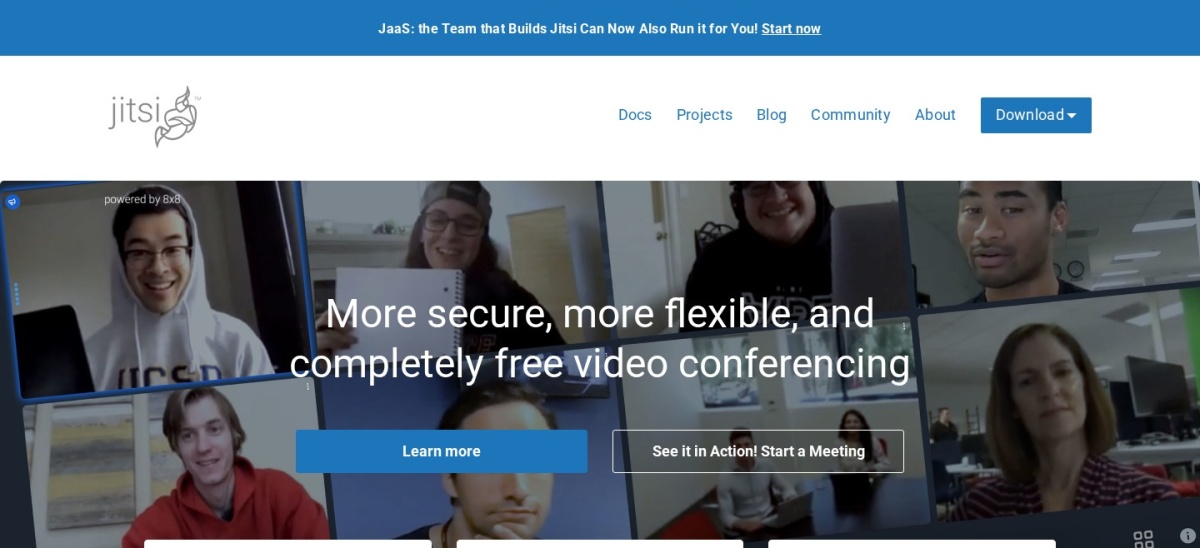
Jitsi Meet is a free, open-source video meeting platform that anyone can use or host themselves. The public service at meet.jit.si needs no account, has no time limit, and guests join from a browser link.
The trade off is support. There is no vendor help desk for the free version, and running your own server takes technical setup, while the hosted Jitsi as a Service plan starts at $99 a month. It suits privacy-minded teams and developers who want full control.
What we like
Free with no time limit
Open source and self-hostable
No account needed to join
Guests join from a browser link
Watch out for
No vendor support for the free version
Self-hosting needs technical setup
Best quality up to about 35 participants on the public service
Hosted JaaS plans add support, branding and higher limitsVisit jitsi.org
Free vs paid: what you give up
Free plans cover everyday team calls well. Most allow 100 participants, screen sharing and chat at no cost.
Paid plans mostly add time, recording and admin controls. Longer meetings, cloud recording, transcripts and meeting analytics sit behind the paywall.
Per-host pricing changes the math. If only two people in a ten-person team run meetings, a $12 per-host plan costs less than a $7 per-user plan for everyone.
If you share recordings with clients or on a site, check the file size and format first. Our guide on uploading videos to WordPress explains the limits.
How we chose
We started from the video meeting platforms with a public rating on G2 or Capterra and a published pricing page, then kept the nine that cover the most common needs: bundled suites, standalone apps, budget picks and open source.
Prices come from each vendor's pricing page and vendor-provided pricing on G2, checked on 25 November 2026. Ratings and review counts come from G2 on the same day, except Google Meet, where the G2 listing covers Google Workspace as a whole, so we used its Capterra rating instead. Where a vendor shows a sale, the list shows the regular price.
We left out Skype, which Microsoft retired on 5 May 2025. No vendor paid for a place, and we do not claim to have used these tools ourselves.
How to choose a video meeting platform
Start with the apps your team already pays for, then check the free limits against your longest meeting.
Count who hosts, not who attends. Per-user plans charge for everyone, while per-host plans from GoTo, Zoho and Whereby charge only for hosts. Count hosts first, then compare yearly totals.
Check the free time limit against your meetings. A 40-minute cap breaks a one-hour standup, so test the free plan on a real call before you pay.
Confirm recording and captions on the plan you would buy. Cloud recording, transcripts and translated captions often sit on higher tiers, so check the plan page, not the homepage.
Test guest joining from a plain link. Guests should join from a browser with no install and no account. If they must download an app, expect missed starts.
FAQ
What is the best video meeting platform?
Zoom is the best video meeting platform for most teams. Its free plan covers 100 participants and 40-minute group calls, Pro costs $14.16 per user a month billed annually, and it is rated 4.5 out of 5 from 56,478 G2 reviews.
Which video meeting platform is free?
Google Meet, Microsoft Teams, Zoom, Webex, Whereby, Zoho Meeting, RingCentral Video and Jitsi Meet all have free plans. Google Meet and Teams allow 100 participants and 60-minute group calls free, while Zoom and Webex cap free group calls at 40 minutes.
What is the cheapest paid video meeting platform?
Zoho Meeting is the cheapest paid plan in this list at $1 per host a month billed annually for small meetings. Microsoft Teams Essentials is next at $4 per user a month. Both are far below Zoom Pro at $14.16 per user a month.
Do I need to install an app to join a video meeting?
Not always. Google Meet, Whereby, Zoho Meeting and Jitsi Meet let guests join from a browser with no download. Zoom, Teams and Webex also offer browser joining, but their apps add features such as virtual backgrounds and better screen sharing.
Can I record video meetings for free?
It depends on the tool. Zoom and Webex allow free local recording, while RingCentral Video includes 10 hours of cloud recording on its free plan. Google Meet, Teams, Whereby and Zoho Meeting keep recording on paid plans.
Is Zoom or Google Meet better?
Zoom is better for large or external meetings, with longer paid calls, breakout rooms and AI summaries. Google Meet is better for Google Workspace teams that want the simplest setup, since meetings start from Gmail or Calendar with one click.
SaaS SEO and WordPress specialist with about 8 years of experience. Rakib compares WordPress plugins, themes, hosting and software using public pricing, documentation and user reviews. See how we rank.