Zoom is the best virtual meeting platform for large groups, with paid plans that scale to 1,000 participants and a 4.5/5 G2 rating from 56,000+ reviews. Pick Microsoft Teams for the lowest cost at scale, and Google Meet if your team already lives in Google Workspace.
How we make this list: we compare pricing pages, product documentation and public user reviews, then re-check every price before each update. No product paid for a place. Disclosure.
Zoom scales furthest: 100 participants on Pro, 300 on Business and 1,000 on Enterprise.
Microsoft Teams Essentials is the cheapest paid plan here at $4 per user a month, with 300 participants.
Google Meet caps at 500 participants on Business Plus, but recording needs the $14 Standard plan.
Zoho Meeting is the cheapest way in at $2 a host a month, with 250 participants on Professional.
Livestorm and ClickMeeting bill by attendees or credits, so costs climb fast with big, frequent sessions.
What matters most for large-group meetings
A platform that works fine for a team of ten can fall apart at 200 people. The participant cap is the first number to check, and it varies widely: free plans in this list stop at 100, while paid plans reach 250 to 1,000.
Price is the second trap. Most tools charge per host or per user, so one licence can cover hundreds of attendees. ClickMeeting and Livestorm are the exceptions: they charge by room size or by attendee credits, which changes the maths for frequent large sessions.
Breakout rooms, hand raising, polls and Q&A keep a big room usable. Our guide on adding a booking calendar to WordPress covers the scheduling side if you run public sessions from your site.
Check the recording and storage limits too. Several cheap plans leave out cloud recording, which matters when a session needs to be shared with people who could not attend.
The 9 best virtual meeting platforms for large groups
01
Zoom
4.5/5on G2 (56,411 reviews, checked Nov 2026)
Paid from$15.99/mo
Best virtual meeting platform for large groups overall
Max participants1,000 (Enterprise)
Free planYes, 100 people, 40-min limit
Cloud recordingPro plan and up
Breakout roomsYes
zoom.us
Zoom homepage, captured Nov 2026.
Zoom is the most widely used meeting platform in this list, rated 4.5 out of 5 on G2 from more than 56,000 reviews. The free plan hosts up to 100 participants with a 40-minute limit on group meetings, and Pro at $15.99 a month per host removes the time limit and adds cloud recording and AI meeting summaries.
The trade off is the participant cap. Pro still caps meetings at 100 people, so groups over 100 need Business for 300 or Enterprise for 1,000, or the Large Meetings add-on. It suits any team that meets with outside guests often, since joining needs no account.
What we like
Highest participant cap in this list at 1,000
Largest review base, so help is easy to find
Guests join from a link with no account needed
Watch out for
Pro still caps at 100 participants
Large Meetings add-on costs extra on top of Pro
Trustpilot reviewers complain about billing and renewals
Business adds 300 participants, SSO and managed domainsVisit zoom.us
02
Microsoft Teams
4.4/5on G2 (19,268 reviews, checked Nov 2026)
Paid from$4/mo
Best for the lowest cost at scale
Max participants300 (Essentials)
Free planYes, 60-min limit
Meeting recordingYes, Essentials
Cloud storage10 GB per user
microsoft.com
Microsoft Teams homepage, captured Nov 2026.
Microsoft Teams is the cheapest paid option in this list. Teams Essentials costs $4 per user a month billed annually and covers meetings with up to 300 participants, 30-hour meetings, recording, transcripts and live captions, plus team chat and 10 GB of cloud storage per user.
The trade off is the ecosystem. Essentials is meetings and chat only, with no desktop Office apps, so teams that want Word, Excel and Outlook need a Microsoft 365 plan instead. It suits organisations already on Microsoft 365, where Teams often costs nothing extra.
What we like
Cheapest paid plan in this list
300 participants on the entry paid plan
Often bundled with Microsoft 365 at no extra cost
Watch out for
Essentials has no desktop Office apps
Reviewers report heavy resource use and slow loading
Enterprise meetings need a higher Microsoft 365 plan for 1,000 people
Microsoft 365 Business plans add Office apps and larger meetingsVisit microsoft.com
03
Google Meet
4.6/5on G2 (47,643 reviews, checked Nov 2026)
Paid from$7/mo
Best for teams already on Google Workspace
Max participants500 (Business Plus)
Free planYes, 60-min limit
RecordingBusiness Standard and up
Noise cancellationBusiness Standard and up
meet.google.com
Google Meet homepage, captured Nov 2026.
Google Meet is the video meeting tool built into Google Workspace, and it is the simplest to join: guests click a link in a browser with nothing to install. Business Starter costs $7 per user a month on a one-year commitment and covers meetings with up to 100 participants and 24-hour meetings, alongside Gmail, Docs and Drive.
The trade off is that Meet is not sold on its own. Recording, noise cancellation and polls need Business Standard at $14 a user a month, and the 500-participant cap needs Business Plus at $22. It suits teams that already live in Google Workspace.
What we like
Nothing to install, join from a browser link
Highest G2 rating in this list at 4.6 out of 5
Meeting links land in every Calendar invite automatically
Watch out for
Not sold on its own, only inside Google Workspace
Recording needs the $14 Standard plan
Reviewers flag glitches in large calls and for outside guests
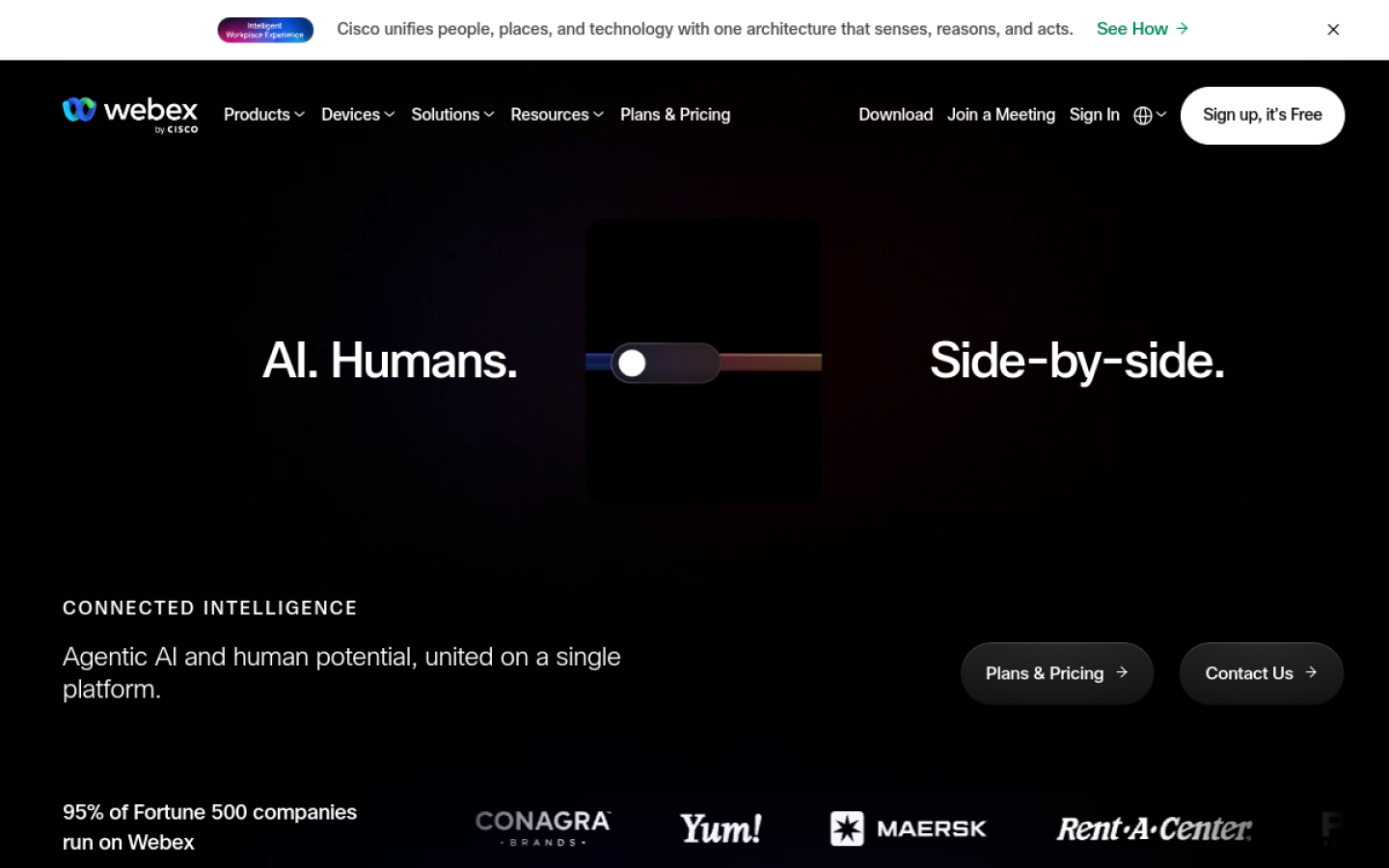
Webex is Cisco's meeting platform, built for large organisations that need tight admin controls and end-to-end encryption. The free plan hosts up to 100 participants with a 50-minute limit, and the Meet plan at $14.50 per user a month extends meetings to 24 hours with recording and AI summaries.
The trade off is price and complexity. The full Suite with calling and messaging costs $25 per user a month, and the settings take longer to learn than Zoom or Meet. It suits regulated industries and IT-led rollouts where control matters more than the lowest price.
What we like
Strong security and admin controls
1,000 participants on Enterprise
Reliable HD audio and video in large rooms
Watch out for
Full Suite costs $25 per user a month
Steeper learning curve than Zoom or Meet
Lowest G2 rating among the big four in this list
Webex Suite adds calling, messaging and 1,000-participant meetingsVisit webex.com
05
Zoho Meeting
4.5/5on G2 (1,276 reviews, checked Nov 2026)
Paid from$2/mo
Best value for small teams and educators
Max participants250 (Professional)
Free planYes, 100 attendees
Cloud recordingPaid plans
Co-hostProfessional plan
zoho.com
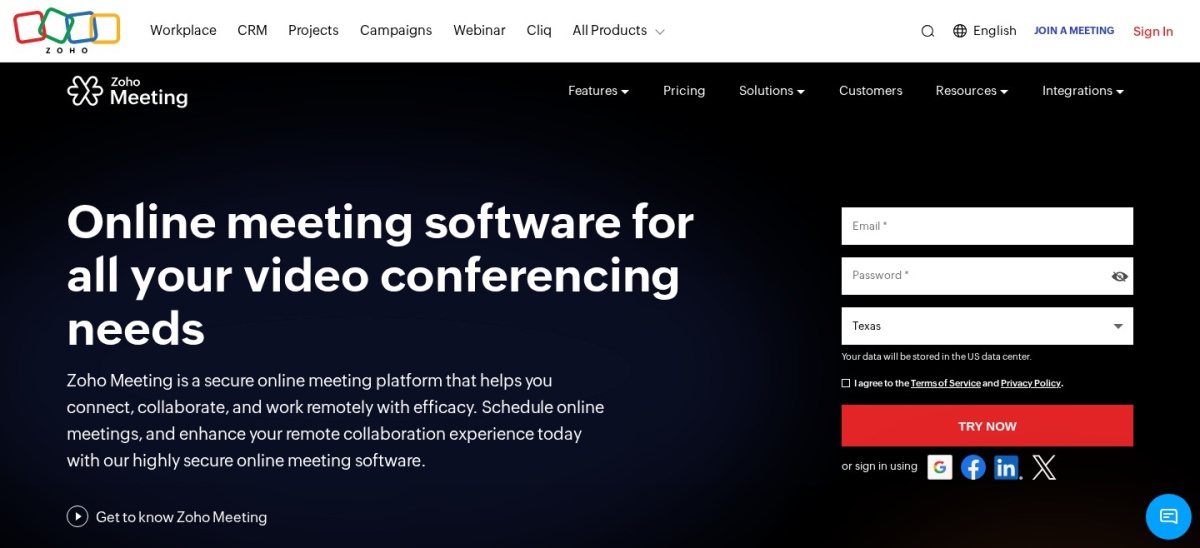
Zoho Meeting homepage, captured Nov 2026.
Zoho Meeting is the cheapest paid tool in this list. Meeting Standard costs $2 per host a month and covers meetings up to 24 hours, while Professional at $3 adds co-hosts, cloud recording and up to 250 participants. The free edition hosts up to 100 attendees with a 60-minute limit, all from a browser with no install.
The trade off is scale. The 250-participant cap is well below Zoom or Webex, and webinars are a separate product starting at $9 a month. It suits small businesses, educators and teams already using Zoho apps who want the lowest possible bill.
What we like
Lowest paid price in this list
Browser-based joining with no install
Rated 4.5 out of 5 on G2
Watch out for
Caps at 250 participants
Webinars need a separate paid plan
Each host needs a licence, which adds up with many hosts
Professional adds co-hosts, recording and 250 participantsVisit zoho.com
06
GoTo Meeting
4.2/5on G2 (17,142 reviews, checked Nov 2026)
Starts at$14/mo
Best per-organizer pricing for client meetings
Max participants250 (Business)
Free planNo, 14-day trial
Cloud recordingYes
Pricing modelPer organizer
goto.com
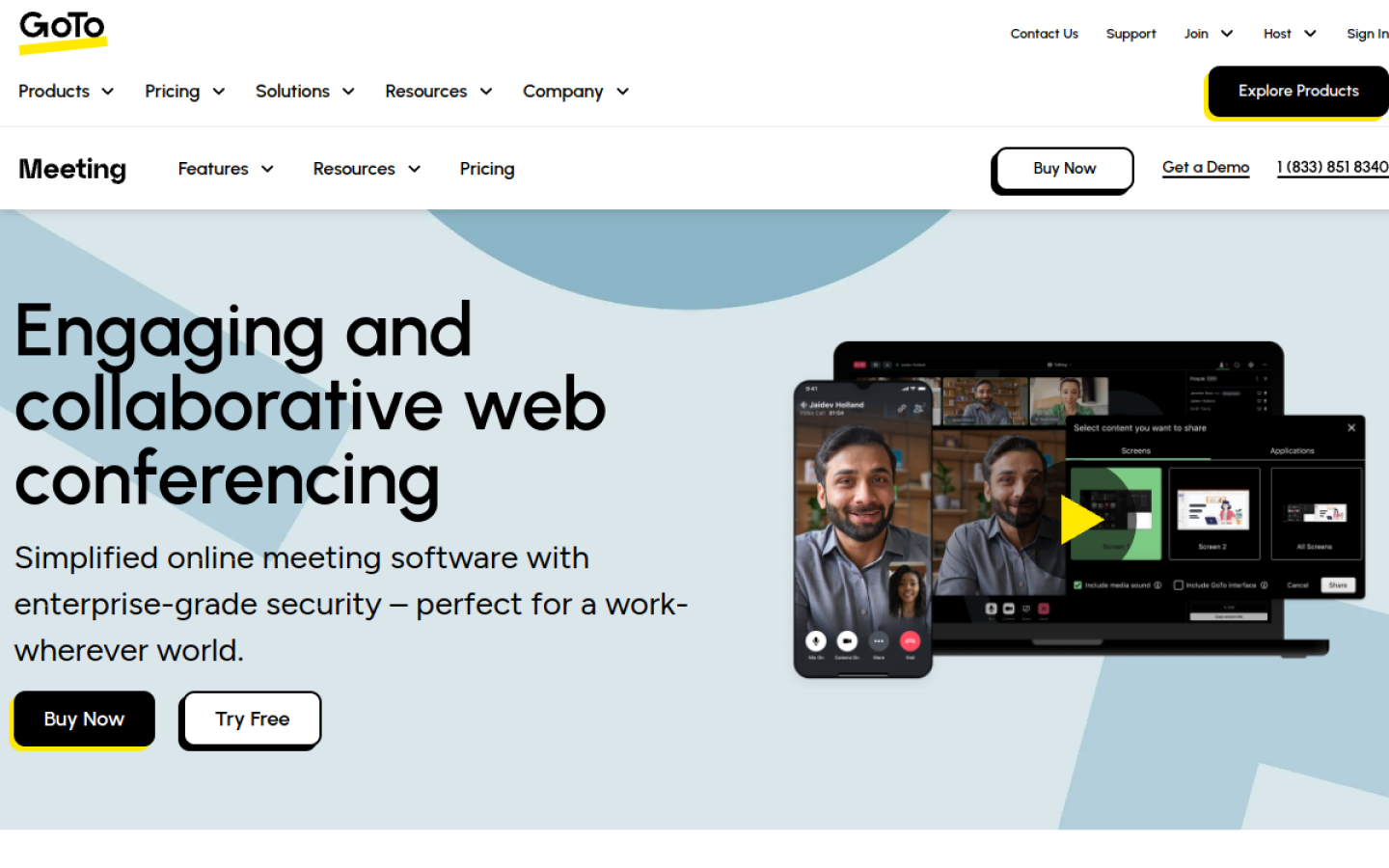
GoTo Meeting homepage, captured Nov 2026.
GoTo Meeting charges per organizer, not per attendee, so only hosts need a licence and guests always join free. Professional costs $14 per organizer a month billed monthly, or $12 billed annually, and covers up to 150 participants with cloud recording, screen sharing and drawing tools.
The trade off is the missing free plan: there is only a 14-day trial. Business at $19 a month lifts the cap to 250 participants and adds transcripts and meeting diagnostics. It suits small teams that host client meetings where one host runs the room.
What we like
Pay per organizer, attendees never need a licence
Rated 4.2 out of 5 from 17,000+ G2 reviews
Simple setup with a clean joining flow
Watch out for
No free plan, only a trial
Caps at 250 participants even on Business
Fewer integrations than Zoom or Teams
Business adds 250 participants, transcripts and diagnosticsVisit goto.com
07
ClickMeeting
4.2/5on G2 (280 reviews, checked Nov 2026)
Starts at$25/mo
Best browser-based webinars for training sessions
Max attendees1,000 (Live 1000)
Free planNo, 14-day trial
Browser-basedYes, no download
RecordingYes, with storage limits
clickmeeting.com
ClickMeeting homepage, captured Nov 2026.
ClickMeeting is a browser-based platform for live meetings, webinars and training sessions, with polls, Q&A, whiteboard and breakout rooms built in. The Live plan costs $25 a month billed annually for rooms of up to 25 attendees, and larger rooms scale up to Live 1000 at $239 a month for 1,000 attendees.
The trade off is that the price climbs with room size, so a regular 500-person session costs far more than the entry price suggests. There is no free plan, only a 14-day trial. It suits trainers and marketers who run scheduled sessions with registration and follow-up emails.
What we like
Runs fully in the browser, no downloads
Built-in registration pages and automated emails
Room sizes scale from 25 to 1,000 attendees
Watch out for
Price rises steeply with room size
No free plan, only a 14-day trial
Smallest G2 review base in this list at 280 reviews
Livestorm is a browser-based platform for webinars, virtual events and large meetings, with registration pages, polls and CRM integrations built in. Pro costs $1,200 a year for 400 attendee credits, supports up to 1,000 participants per session, and charges no per-seat fee, so the whole team can host.
The trade off is the credit model. Each unique attendee in a session uses one credit, so frequent large sessions burn through the pack fast and extra credits cost more. There is no monthly billing option. It suits marketing teams that run big branded events a few times a month.
What we like
Unlimited team seats at no extra charge
Up to 1,000 participants per session
No downloads, guests join from a browser
Watch out for
Credit billing gets expensive with frequent large sessions
Annual-only billing, no monthly option
Trustpilot reviewers report hard cancellations and auto-renewals
Best for teams replacing phone, video and chat at once
Max participants200 (Ultra)
Free planYes, 100 participants
Phone and chatBundled in RingEX plans
RecordingYes
ringcentral.com
RingCentral Video homepage, captured Nov 2026.
RingCentral Video is the meeting side of RingCentral's unified communications platform, which also covers cloud phone and team messaging in one app. The standalone Video Basic plan costs $24.99 a month, while the RingEX phone bundles that include video start at $20 per user a month billed annually.
The trade off is the cap and the price. Video tops out at 200 participants, the lowest paid cap in this list, and the standalone video plan costs more than the RingEX Core bundle that includes phone. It suits companies already replacing their phone system who want one vendor for everything.
What we like
Phone, video and messaging in one app
Rated 4.2 out of 5 on G2
Free plan covers 100 participants
Watch out for
Caps at 200 participants
Standalone video costs more than the RingEX phone bundle
Free plans in this list all cap at 100 participants and limit meeting length to 40 to 60 minutes. That works for a one-off all-hands, but not for a regular 200-person session.
Paid plans mostly add room size and time. The jump from 100 to 300 participants is usually the cheapest upgrade, while 1,000-participant rooms sit on the top tiers of Zoom, Webex and Livestorm.
Cloud recording is the other common paywall. Zoom, Teams and GoTo include it on their entry paid plans, while Google Meet and Zoho Meeting keep it for higher tiers.
If you run large sessions every week, compare the yearly cost per host, not the monthly headline. Our guide on scheduling events with WP Schedule Event helps with the calendar side once the platform is picked.
How we chose
We started from the meeting platforms with the largest G2 review bases and a published participant cap of 150 or more on a paid plan, then kept the nine that fit large-group use.
Prices come from each vendor's pricing page or G2's vendor-supplied pricing, checked on 25 November 2026. Ratings and review counts come from G2 on the same day. Where a vendor shows a sale, the list shows the regular price.
We left out tools with no public rating and webinar-only products that do not run interactive meetings. No vendor paid for a place, and we do not claim to have used these tools ourselves.
How to choose a virtual meeting platform for large groups
Start with your real headcount, then check what the cheapest plan that fits it leaves out.
Count your largest regular meeting, then add room to grow. A 150-person all-hands needs a plan rated for at least 250, since caps are hard limits and late joiners get locked out.
Check whether you pay per host or per attendee. Per-host pricing from Zoom, Teams or GoTo keeps costs flat as the room grows, while ClickMeeting and Livestorm charge more for bigger rooms.
List the features your sessions need. Breakout rooms, polls, Q&A and recording are not on every plan. See how to add a booking calendar to WordPress if sessions need public sign-up.
Run one real session before you commit. Use the free plan or trial with your actual headcount, and check audio quality, join time and recording before paying for a year.
FAQ
What is the best virtual meeting platform for large groups?
Zoom is the best pick for most large groups. Paid plans scale from 100 participants on Pro to 1,000 on Enterprise, and it holds a 4.5 out of 5 G2 rating from more than 56,000 reviews.
Which virtual meeting platform is cheapest for large groups?
Microsoft Teams Essentials is the cheapest paid plan here at $4 per user a month billed annually, with 300 participants. Zoho Meeting is cheaper still at $2 a host a month, but caps at 250 participants.
How many participants can Zoom handle?
Zoom hosts up to 100 participants on the free and Pro plans, 300 on Business and 1,000 on Enterprise. The Large Meetings add-on can also lift a paid plan to 500 or 1,000 participants.
Can I host a large meeting for free?
Yes, up to 100 people. Zoom, Teams, Google Meet, Webex, Zoho Meeting and RingCentral Video all offer free plans capped at 100 participants, with meeting limits of 40 to 60 minutes.
Do I need a webinar platform for large groups?
Not always. Interactive meetings work well up to a few hundred people on Zoom, Teams or Webex. Webinar tools like ClickMeeting or Livestorm fit better when most attendees only watch and ask questions.
What is the difference between per-host and per-attendee pricing?
Per-host pricing charges for each person who runs meetings, while attendees join free. Per-attendee pricing, used by ClickMeeting and Livestorm, charges by room size or by credits, so costs rise with every extra guest.
SaaS SEO and WordPress specialist with about 8 years of experience. Rakib compares WordPress plugins, themes, hosting and software using public pricing, documentation and user reviews. See how we rank.