Supabase is the top easy to use database software for developers, with a free plan for 2 projects and a Pro plan from $25 a month. Airtable suits teams who think in spreadsheets, while Firebase is the fastest route to a live mobile app backend.
How we make this list: we compare pricing pages, product documentation and public user reviews, then re-check every price before each update. No product paid for a place. Disclosure.
Supabase is the top pick: free Postgres with auth and APIs, Pro from $25 a month.
Airtable is the easiest start at $20 per user a month, rated 4.6 from more than 3,300 G2 reviews.
Firebase has no fixed paid price: the Blaze plan is pay as you go, with a free Spark tier.
Xano earns the highest rating here at 4.7, with a no-code backend from $85 a month.
MongoDB Atlas has a permanent free tier with 512 MB of storage and Flex from about $8 a month.
How do you choose the top easy to use database software for developers?
Ease means different things for different developers. For app builders it is a hosted Postgres with instant APIs, while for non-technical teams it is a spreadsheet grid.
Free tiers decide the first project. Supabase gives 2 free projects, Firebase gives 1 GiB of Firestore storage free, and MongoDB Atlas gives 512 MB free forever.
Per-seat pricing punishes big teams. Airtable, Notion and Baserow charge per user, so a 10-person team pays 10 times the headline price.
Leaving matters as much as starting. Supabase exports with a standard Postgres dump, while Firebase and Airtable lock more of your logic into their platform.
The 8 top easy to use database software tools for developers
01
Supabase
4.6/5on G2 (242 reviews, checked Nov 2026)
Paid from$25/mo
Best overall for developers
Free plan2 projects
Paid planPro, $25/mo
DatabasePostgres, managed
G2 rating4.6 from 242 reviews
supabase.com
Supabase homepage, captured Nov 2026.
Supabase is an open-source backend built on PostgreSQL that bundles a database, authentication, file storage and auto-generated APIs in one project. The free plan covers 2 projects, and Pro at $25 a month adds 8 GB of database storage, daily backups and a spending cap.
The trade off is the learning curve for true beginners. You still need to know some SQL to get the most from it, and usage beyond Pro limits adds metered costs. It suits developers who want real Postgres with instant APIs and no server to run.
Airtable is a spreadsheet-style database that stores records in tables with linked records, attachments and multiple views. The free plan covers small personal bases, and the Team plan adds more records, automations and sync at $20 per user a month billed annually.
The trade off is scale and price per seat. The free plan caps at 1,000 records per base, and $20 per user a month adds up fast on a big team. It suits developers and product teams who need a friendly database for internal tools, not a customer-facing backend.
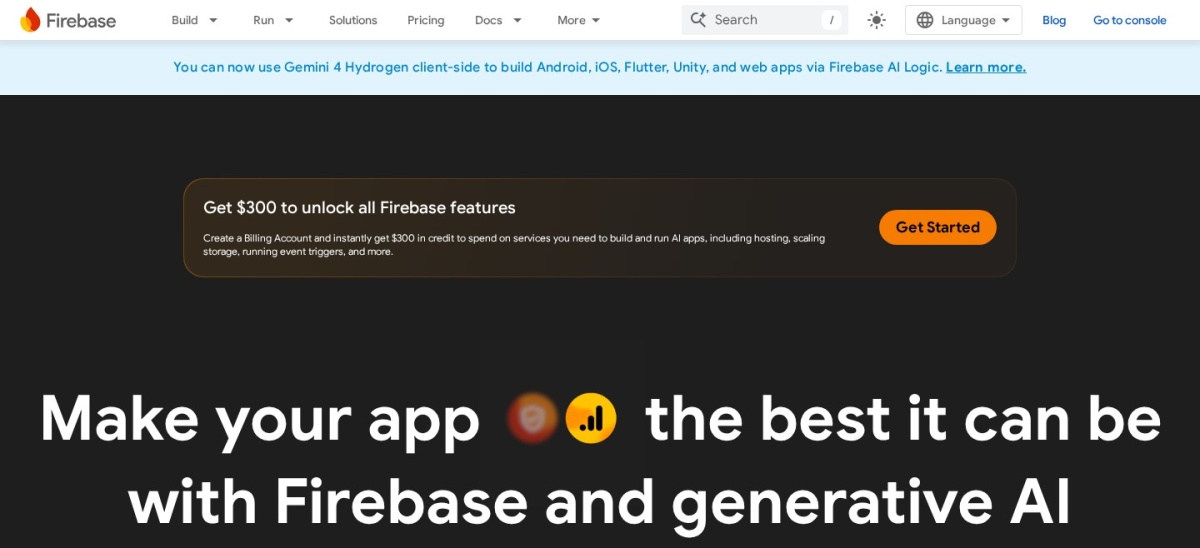
Firebase is Google's app platform with Cloud Firestore, authentication, hosting and analytics in one console. The free Spark plan covers 1 GiB of Firestore storage, and the Blaze plan is pay as you go, so you pay only for the reads, writes and function calls you use.
The trade off is budgeting and exit. With no fixed paid price, costs are hard to forecast, and leaving later means rewriting queries. It suits developers shipping a first mobile or web app who want realtime sync without running a server.
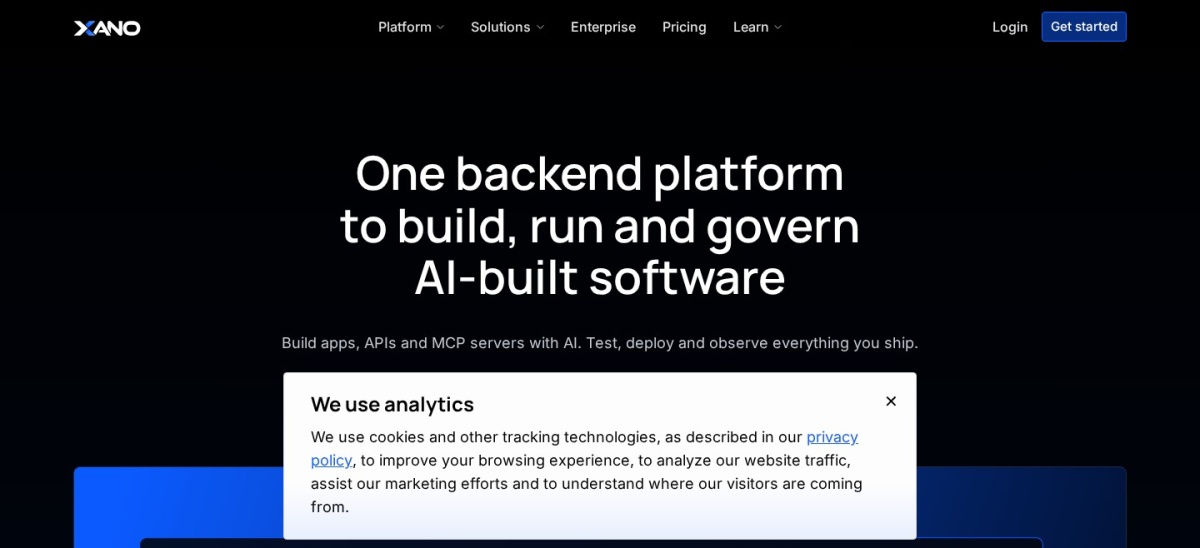
Xano is a no-code backend that turns tables into a documented API with a visual function stack. The free plan supports up to 100,000 database records, and Launch costs $85 a month billed yearly with more records, an agent builder and higher rate limits.
The trade off is price and review depth. At $85 a month it is the priciest entry here, and its 4.7 rating rests on only 68 G2 reviews. It suits teams that need a real backend and API without writing server code.
What we like
Highest G2 rating here at 4.7
No-code backend with documented APIs
Free plan holds 100,000 records
Watch out for
Priciest entry at $85 a month
Only 68 G2 reviews
Launch adds more records and the agent builderVisit xano.com
05
MongoDB Atlas
4.5/5on G2 (361 reviews, checked Nov 2026)
Paid from$8/mo
Best document database
Free plan512 MB storage
Paid planFlex, from $8/mo
DatabaseDocument, managed
G2 rating4.5 from 361 reviews
mongodb.com
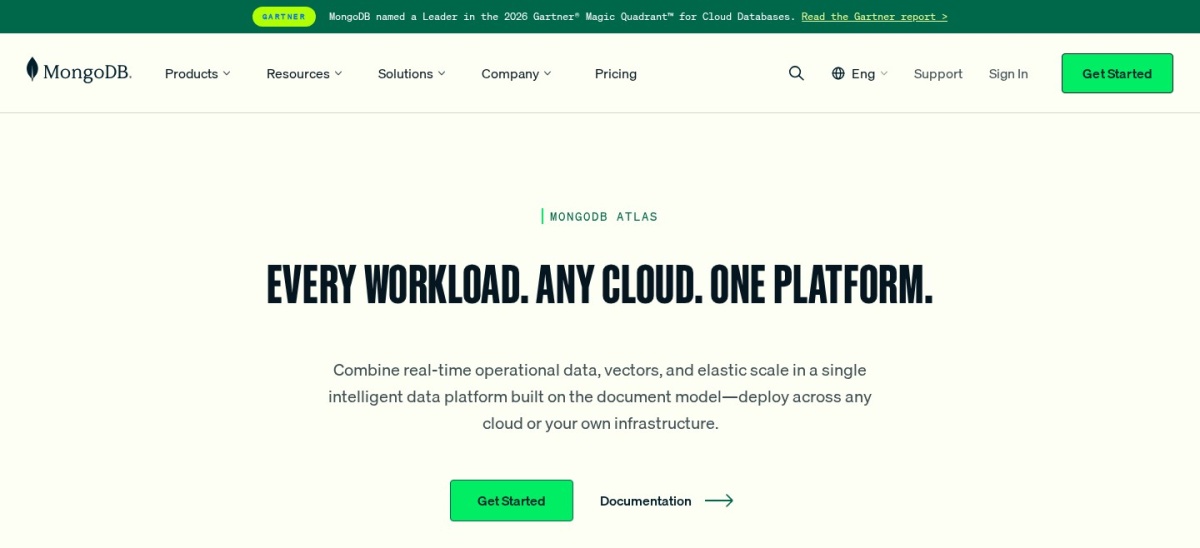
MongoDB Atlas homepage, captured Nov 2026.
MongoDB Atlas is the managed document database, storing flexible JSON-like records instead of rigid tables. The free tier includes 512 MB of storage forever, and Flex starts from about $8 a month for small workloads with 5 GB of storage.
The trade off is fit. Document data suits products with changing schemas, but teams that need joins and strict relations will miss SQL. It suits developers building apps where the data shape changes often.
Notion is a notes and docs workspace where databases live inside pages as tables, boards and calendars. The free plan covers unlimited pages for individuals, and Plus at $10 per user a month billed annually adds unlimited file uploads, 30-day history and more guests.
The trade off is that it is not a real app backend. There is no API-first database or auth system, so it cannot power a customer-facing product. It suits developers and small teams whose database is really a tracker, wiki or content plan.
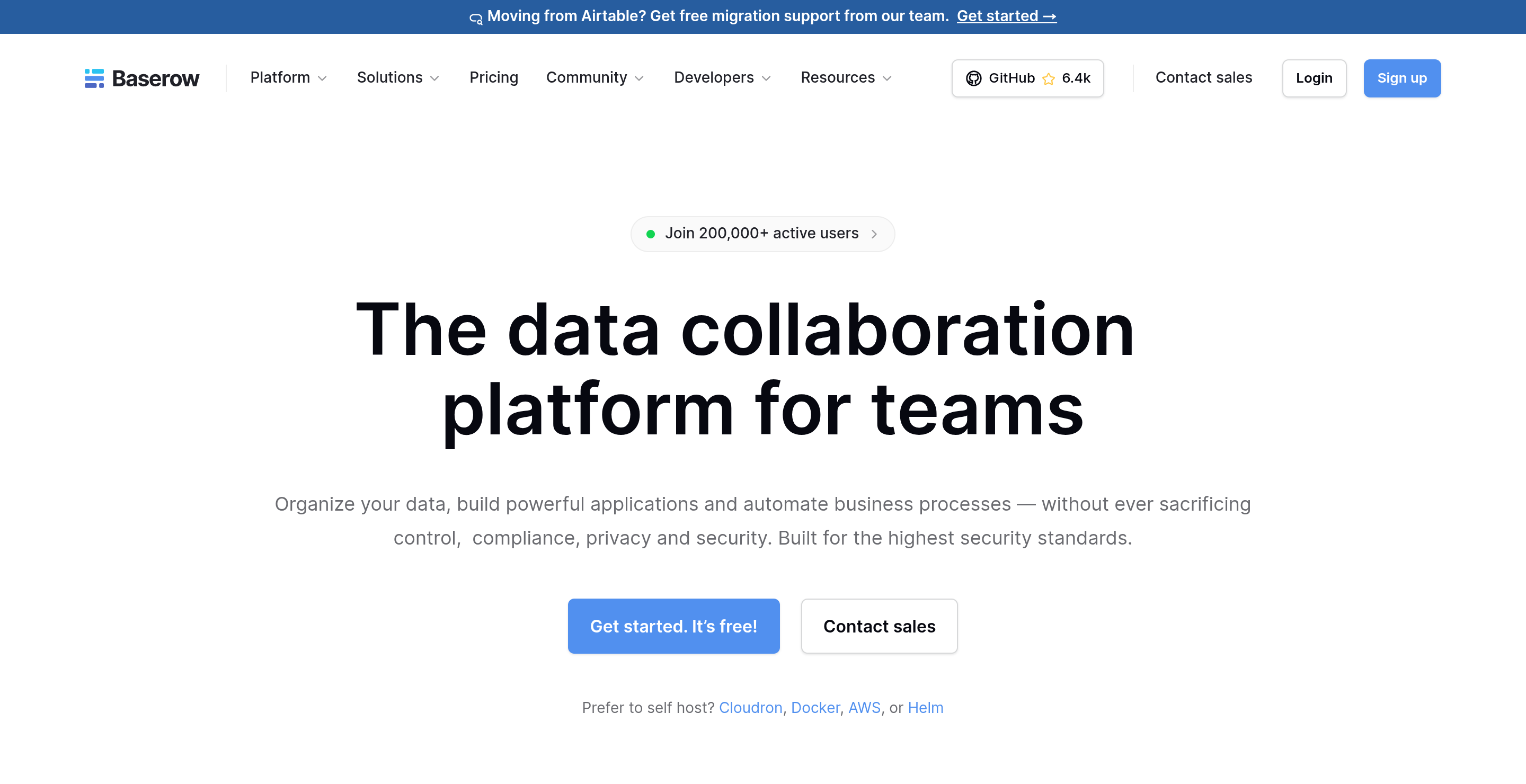
Baserow is the open-source answer to Airtable, with a spreadsheet grid over a real Postgres database. The free plan covers small teams, and Premium at $10 per user a month billed annually adds more rows, automation and priority support, with self-hosting free forever.
The trade off is a smaller ecosystem. It has fewer templates and integrations than Airtable, and its 4.6 rating comes from only 69 Capterra reviews. It suits developers who want an open-source database they can self-host and own.
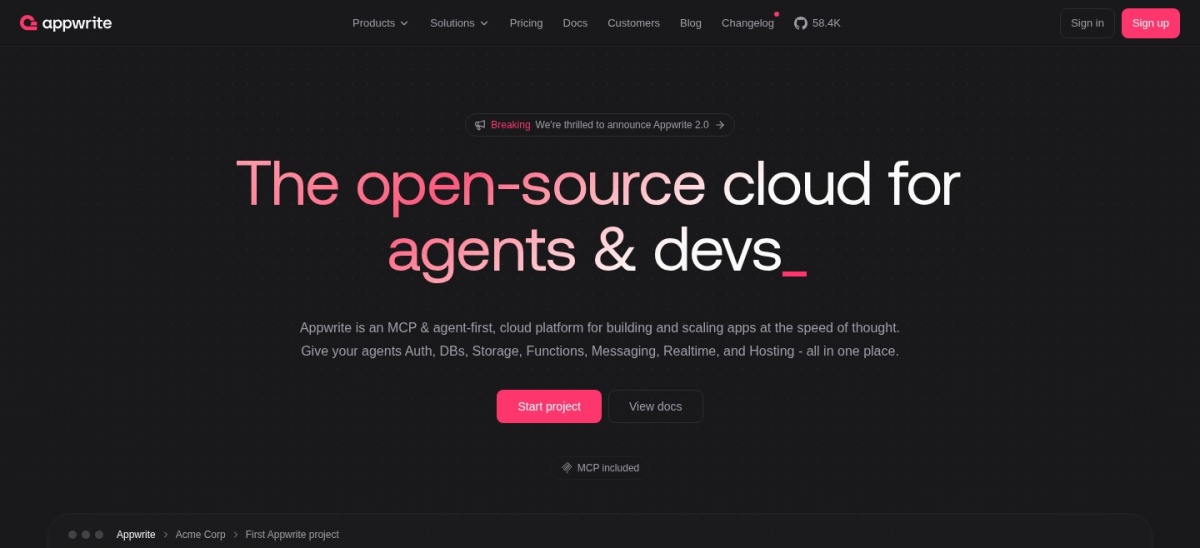
Appwrite is an open-source backend-as-a-service with databases, auth, storage and functions in one console. The free plan covers 2 projects, and Pro at $25 a month per organisation adds unlimited members, 2 TB of bandwidth and 200,000 monthly active users.
The trade off is proof. Its 4.6 G2 rating rests on only 4 reviews, and Pro pricing changed as recently as November 2026. It suits developers who want a self-hostable Firebase alternative with no per-seat billing.
Free plans cover the basics well. Supabase gives 2 projects, Firebase gives 1 GiB of storage and MongoDB Atlas gives 512 MB forever.
Paid plans mostly add storage, backups and limits. You get more records, daily backups and higher rate limits.
The gap that matters most is support. Free plans rely on community help, while paid plans add email support and uptime guarantees.
For a side project, a free plan is often enough. Once you ship to real users, the cheapest paid plan here costs $8 to $25 a month.
How we chose
We started from the databases G2 reviewers rate highest for ease of use, then kept the eight with a verifiable G2 or Capterra rating and a live pricing page.
Prices come from each vendor's pricing page, checked on 29 November 2026, at the smallest paid tier. Ratings and review counts come from G2 or Capterra on the same day.
We left out tools with no verifiable rating and tools aimed only at large enterprises. No vendor paid for a place, and we do not claim hands-on testing for this list.
How to choose easy database software for developers
Start with what you are building, then check the free tier and the exit path.
Name what you are building first. An app backend needs Supabase or Firebase. An internal tracker needs Airtable or Notion.
Check the free tier limits. Supabase gives 2 projects, Airtable caps at 1,000 records per base, and MongoDB gives 512 MB free.
Price it per seat, not per plan. Airtable, Notion and Baserow charge per user, so multiply the headline price by your team size.
Check the exit path. Supabase exports as a Postgres dump. Firebase and Airtable need more rework to leave.
FAQ
What is the top easy to use database software for developers in 2026?
Supabase is the top easy to use database software for developers in 2026. It gives a free Postgres database with auth and auto-generated APIs, and Pro costs $25 a month with daily backups.
What is the easiest database software for beginners who code?
Supabase is the easiest for developers who know some SQL, while Airtable is the easiest for teams who think in spreadsheets. Both have free plans and are rated 4.6 from G2 reviewers.
Is there a free database for developers?
Yes. Supabase is free for 2 projects, Firebase has a free Spark tier with 1 GiB of storage, MongoDB Atlas is free with 512 MB forever, and Baserow is free to self-host.
Supabase or Firebase: which is easier?
Supabase is easier if you know SQL, since it is real Postgres with instant APIs and a standard export. Firebase is easier for mobile apps that need realtime sync inside Google's ecosystem.
Which database software is best for a small team?
Airtable is the best pick for a small team that wants a friendly grid, at $20 per user a month billed yearly. Notion suits teams whose database lives inside notes and docs.
Does Airtable work as an app backend?
No, not for customer-facing apps. Its API rate limits rule it out as a backend, so use Supabase or Firebase for apps and keep Airtable for internal tools.
SaaS SEO and WordPress specialist with about 8 years of experience. Rakib compares WordPress plugins, themes, hosting and software using public pricing, documentation and user reviews. See how we rank.