Supabase is the best database software for most startups, offering managed PostgreSQL, authentication and an 8 GB database allocation on its $25 monthly Pro plan. Choose Airtable for managing internal business records without coding or Xano for building application databases and backend APIs visually.
How we make this list: we compare pricing pages, product documentation and public user reviews, then re-check every price before each update. No product paid for a place. Disclosure.
Supabase Pro starts at $25 per month and includes daily backups with 7-day retention.
Airtable Team costs $20 per user per month, billed annually, and earns 4.6/5 from 3,306 G2 reviews.
Xano supports up to 100,000 database records on its free development plan.
MongoDB Atlas includes 512 MB of storage on its permanent free plan and 5 GB on Flex.
Firebase offers 1 GiB of free Cloud Firestore storage for early-stage applications.
Redis Cloud earns 4.6/5 from 44 G2 reviews and is particularly suitable for caching and session management.
What startups need from database software
Startups need databases that support rapid product development without requiring dedicated infrastructure teams. Managed database services reduce maintenance responsibilities by handling much of the underlying infrastructure.
Relational databases such as PostgreSQL work well for structured information, transactions and connected records. Document databases offer greater flexibility when application data changes frequently.
Nontechnical teams may prefer visual database platforms for managing customers, inventory and internal workflows. These products serve different needs from databases that power customer-facing software.
Evaluate backup retention, access controls, migration options and pricing as usage increases. A low initial subscription does not necessarily translate into affordable infrastructure once an application attracts more users.
Pro authentication allowance100,000 monthly active users
Pro backup retention7 days
supabase.com
Supabase homepage, captured Nov 2026.
Supabase is an application backend platform combining managed PostgreSQL, authentication, storage and real-time data synchronization. Its $25 monthly Pro plan includes 8 GB of database storage per project, 250 GB of bandwidth and compute credits covering a Micro instance.
The trade off is that additional projects, larger compute instances and storage overages increase the $25 monthly starting cost. It suits SaaS startups that want relational databases and integrated backend services without maintaining separate infrastructure.
What we like
Standard PostgreSQL database engine
Integrated authentication and storage
Real-time database subscriptions
Daily backups on Pro
Watch out for
Additional projects increase compute costs
Advanced recovery features cost extra
Requires SQL knowledge for complex applications
Pro adds higher resource allowances, daily backups and email support.Visit supabase.com
02
Airtable
4.6/5on G2 (3,306 reviews, checked Nov 2026)
Paid from$20/mo
Best for nontechnical startup teams
Database modelLinked records
Entry paid planTeam
BillingPer user, annually
Workflow automationYes
airtable.com
Airtable homepage, captured Nov 2026.
Airtable is a visual database platform for managing customer records, projects, content calendars and internal business information. Its Team subscription costs $20 per user per month with annual billing and provides greater database capacity and workflow automation allowances.
The trade off is that the $240 annual cost applies per billable user, making larger teams more expensive. It suits founders managing internal operations rather than developers building transaction-heavy application databases.
What we like
Accessible spreadsheet-style interface
Supports relationships between records
Custom views and business dashboards
Workflow automation without coding
Watch out for
Per-user pricing increases team expenses
Not a direct replacement for PostgreSQL
Record and automation limits apply
Team adds expanded database capacity, automation and collaboration features.Visit airtable.com
03
Xano
4.7/5on G2 (68 reviews, checked Nov 2026)
Paid from$85/mo
Best for no-code application databases
Database enginePostgreSQL
Free database records100,000
Essential team seats5
Essential file storage100 GB
xano.com
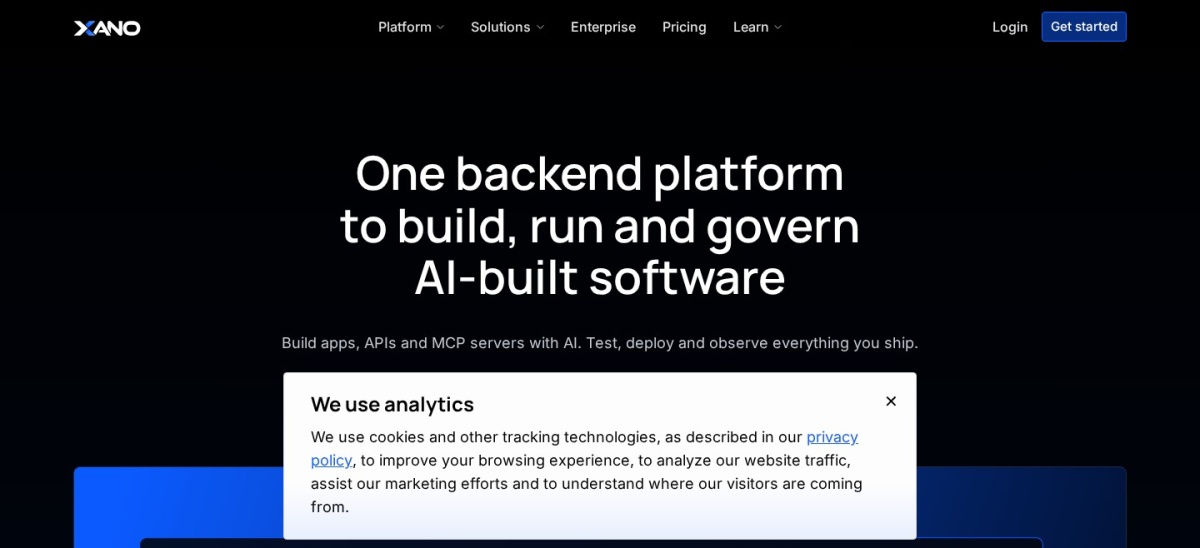
Xano homepage, captured Nov 2026.
Xano is a backend development platform with a managed PostgreSQL database, visual business logic and API-building tools. Its free plan supports up to 100,000 records, while Essential costs $85 per month with annual billing and removes the database record limit.
The trade off is that the $1,020 annual Essential subscription represents a substantial commitment for early-stage companies. Direct database access also requires upgrading from Free. It suits startups that want to build application backends with less manual programming.
What we like
Visual database and API development
Dedicated infrastructure on Essential
Unlimited database records on paid plans
Supports background processing
Watch out for
Relatively expensive production subscription
Free APIs have rate restrictions
Migration may require rebuilding business logic
Essential adds dedicated resources, direct database access and rolling backups.Visit xano.com
04
MongoDB Atlas
4.5/5on G2 (910 reviews, checked Nov 2026)
Paid from$8.03/mo
Best for flexible document databases
Database modelDocument NoSQL
Free storage512 MB
Flex storage5 GB
Flex starting rate$0.011/hour
mongodb.com
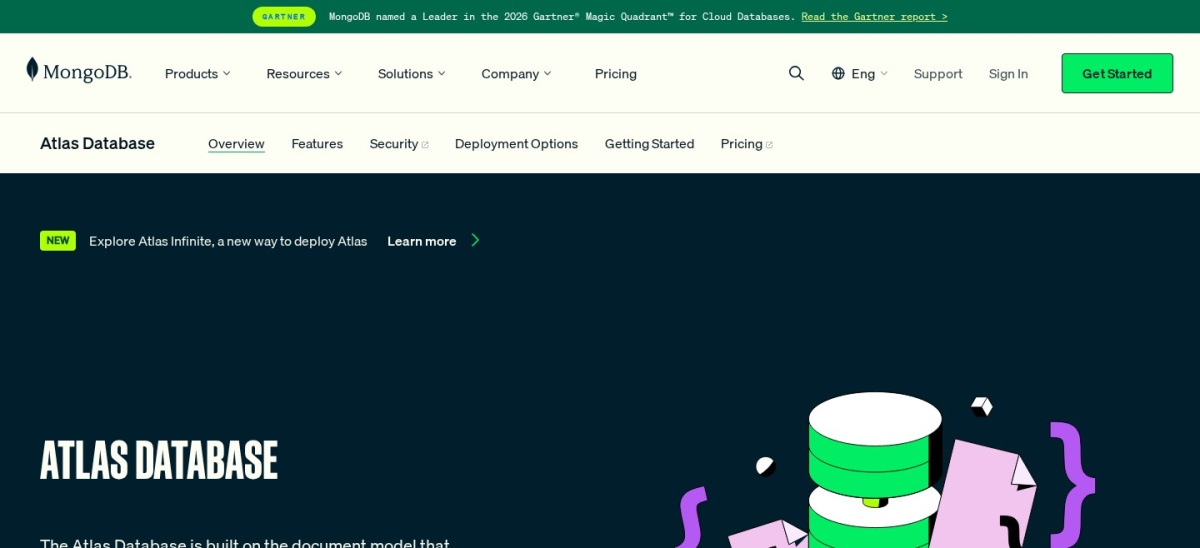
MongoDB Atlas homepage, captured Nov 2026.
MongoDB Atlas is a managed document database designed for applications with changing data structures. Its free cluster includes 512 MB of storage, while Flex provides 5 GB and starts at $0.011 per hour, approximately $8.03 for a 730-hour month.
The trade off is that Flex charges vary with usage and can reach $30 per month, while Dedicated starts at $56.94 monthly. The annual comparison uses the minimum hourly rate rather than a fixed subscription. It suits startups developing applications with flexible document structures.
What we like
Flexible document-based data model
Permanent free cloud database
Managed deployment and scaling
Integrated search capabilities
Watch out for
Usage-based expenses can fluctuate
Complex relationships require careful modeling
Dedicated production clusters cost more
Flex increases storage and supports variable application workloads.Visit mongodb.com
05
Firebase
4.5/5on G2 (308 reviews, checked Nov 2026)
PricingCustom pricing
Best for mobile application startups
Database optionsFirestore and Realtime Database
Free Firestore storage1 GiB
Entry paid planBlaze
Billing modelPay as you go
firebase.google.com
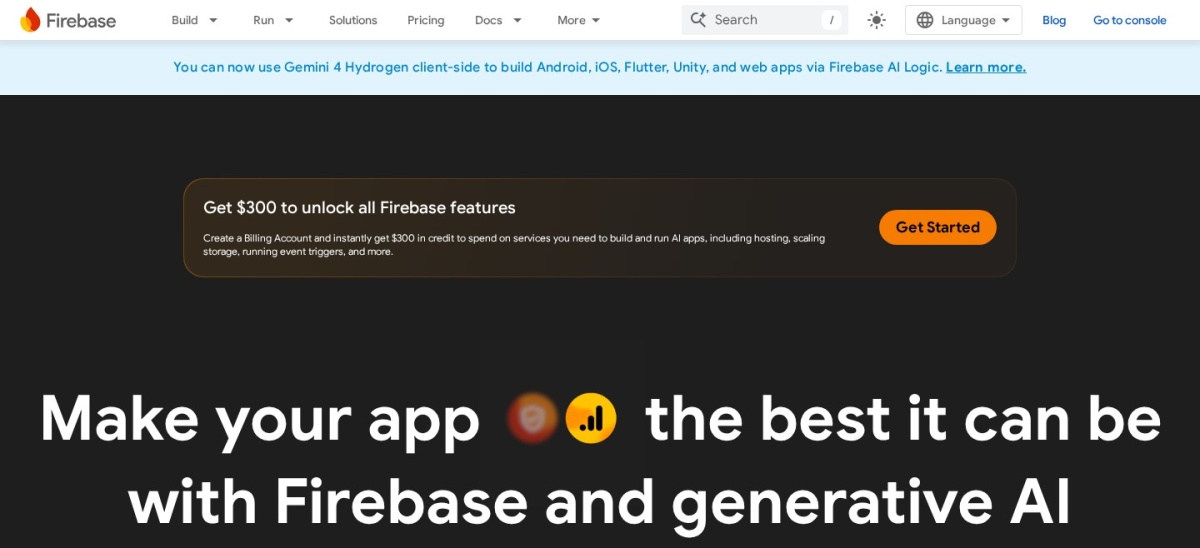
Firebase homepage, captured Nov 2026.
Firebase is Google's application development platform with cloud databases, authentication, hosting and mobile development services. Its free Spark plan includes 1 GiB of Cloud Firestore storage, making it suitable for prototypes and applications with limited initial traffic.
The trade off is that Blaze has no fixed monthly subscription and charges according to resource consumption. Database operations and network usage can raise expenses as traffic grows. It suits mobile-first startups that need synchronized application data and integrated development services.
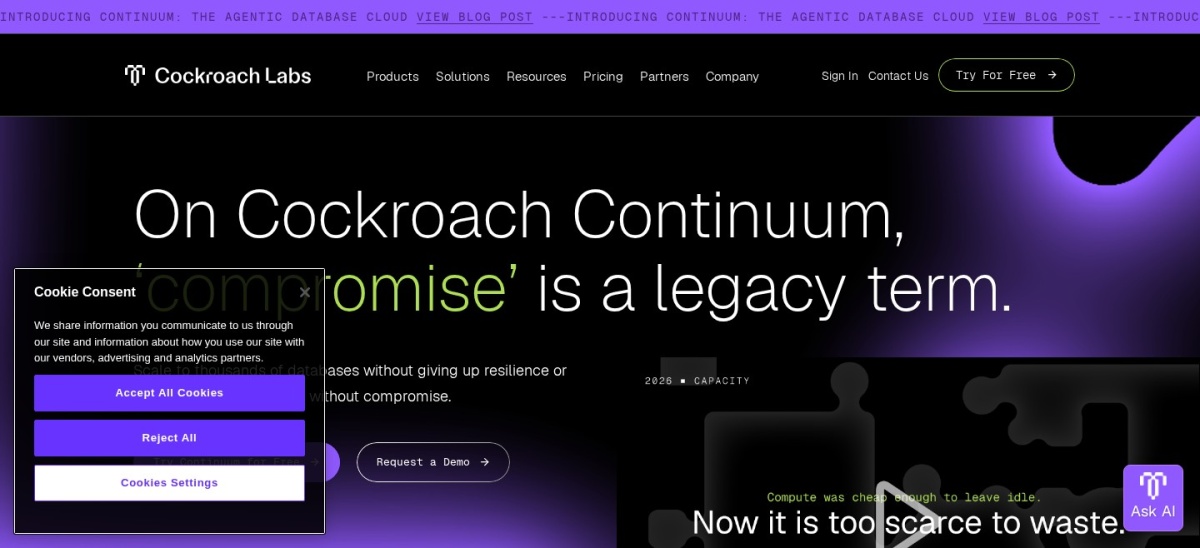
CockroachDB is a distributed SQL database designed for applications requiring transactional consistency and resilient infrastructure. Its current managed cloud offering, Cockroach Continuum, publishes Standard compute rates starting at $0.057 per vCPU-hour, with separate consumption-based charges.
The trade off is that compute, storage, backups and data transfer contribute to the final bill, so there is no single fixed annual subscription. It suits funded startups developing transactional applications that require distributed infrastructure and stronger availability guarantees.
What we like
Distributed relational database architecture
Supports transactional consistency
Multi-region deployment options
PostgreSQL-compatible interfaces
Watch out for
Higher infrastructure complexity
Consumption-based expenses
May be excessive for small prototypes
Standard provides managed distributed SQL infrastructure with metered resources.Visit cockroachlabs.com
07
Redis Cloud
4.6/5on G2 (44 reviews, checked Nov 2026)
PricingCustom pricing
Best for caching and real-time workloads
Database modelIn-memory key-value
DeploymentManaged cloud
Primary workloadsCaching and sessions
Vector searchYes
redis.io
Redis Cloud homepage, captured Nov 2026.
Redis Cloud is a managed in-memory database for caching, session storage, messaging and search workloads. It earns a 4.6/5 rating from 44 G2 reviews and helps startup applications reduce repeated queries against their primary databases.
The trade off is that cloud pricing depends on deployment configuration and resource requirements, and a fixed entry subscription was not established from the official pricing page. It suits startups adding low-latency caching rather than replacing their primary transactional database.
What we like
Fast access to frequently requested data
Managed database infrastructure
Supports session storage and messaging
Useful alongside relational databases
Watch out for
Memory-intensive workloads can become expensive
Not ideal for complex relational transactions
Requires careful persistence configuration
Paid configurations expand database capacity and infrastructure availability.Visit redis.io
Should startups choose SQL or NoSQL databases?
SQL databases are a practical default for SaaS applications that manage customers, subscriptions, orders and connected business records. They provide structured relationships, constraints and transactional operations.
NoSQL databases are useful when applications store flexible documents or require specialized data access patterns. Many startups combine a relational primary database with Redis caching or another specialized database as their infrastructure requirements grow.
How we chose
We shortlisted established database and backend platforms suitable for startup prototypes, production applications and internal operations. We considered database architecture, maintenance requirements, scalability, pricing and public customer feedback.
Official pricing pages and G2 ratings were checked on 25 Nov 2026. Annual costs represent published entry subscriptions or clearly identified minimum estimates. Firebase and CockroachDB use metered billing, while Redis Cloud's fixed entry price was not established, so these entries use the custom-pricing display.
We excluded products with limited public reviews, unclear relevance to startup workloads or unsuitable infrastructure requirements. Specialized databases were included where they address distinct startup needs. No vendor paid for a place, and we do not claim testing for this list.
How to choose database software for your startup
Evaluate your application's technical requirements and expected operating costs before committing to a database platform.
**Choose an appropriate database model.** Use relational databases for structured transactions, document databases for flexible application records and in-memory databases for specialized caching workloads.
**Estimate costs beyond the prototype.** Calculate expected expenses for storage, compute, database operations, backups, network transfers and additional team members.
**Evaluate operational responsibilities.** Check which infrastructure maintenance, updates, monitoring and recovery processes the provider manages and which remain your responsibility.
**Plan for security and migration.** Review access controls, backup restoration, database export capabilities and the effort required to move your application to another provider.
FAQ
What is the best database software for startups?
Supabase is our top overall pick because it combines managed PostgreSQL with authentication, storage and real-time features. Airtable is better for internal business operations, while Xano is suitable for startups developing application backends visually.
What is the best free database for a startup?
Supabase, MongoDB Atlas and Firebase offer free plans suitable for prototyping and early application development. Compare their storage, compute and database operation allowances before choosing a platform for long-term production use.
Is PostgreSQL or MongoDB better for startups?
PostgreSQL is generally preferable for applications with structured relationships and transactional requirements. MongoDB is suitable for applications with flexible document structures. The better choice depends on data relationships, query patterns and developer experience.
Should startups use managed database services?
Managed databases are useful for startups without dedicated infrastructure teams because they reduce server maintenance responsibilities. However, founders should still monitor application performance, configure security settings, review backup policies and control resource consumption.
How much does startup database software cost?
Costs range from free development plans to paid subscriptions and consumption-based infrastructure. Supabase Pro starts at $25 monthly, while Xano Essential costs $85 monthly with annual billing. Storage, compute and additional services may increase expenses.
Can startups build databases without coding?
Yes. Airtable provides visual tools for managing internal records and business workflows, while Xano supports visual backend development and database management. More complex applications may still require technical expertise for security, integrations and performance optimization.
SaaS SEO and WordPress specialist with about 8 years of experience. Rakib compares WordPress plugins, themes, hosting and software using public pricing, documentation and user reviews. See how we rank.