Disk Drill is our top memory card recovery software pick, offering unlimited paid recovery across Windows and macOS for $49 a year. EaseUS Data Recovery Wizard provides guided recovery for beginners, while MiniTool Power Data Recovery suits Windows users who want to recover smaller collections of files for free.
How we make this list: we compare pricing pages, product documentation and public user reviews, then re-check every price before each update. No product paid for a place. Disclosure.
Disk Drill PRO costs $49 a year and supports installation on up to 3 devices.
EaseUS Data Recovery Wizard has a 4.6/5 Capterra rating from 414 reviews.
MiniTool Power Data Recovery supports up to 1 GB of free file recovery.
Wondershare Recoverit has a 4.7/5 Trustpilot rating from 6,814 reviews.
DiskGenius publishes paid upgrade pricing starting at $69.90.
Stellar Data Recovery Professional has a 2.8/5 Capterra rating from 13 reviews.
What good memory card recovery software should offer
Memory card recovery software scans SD cards, microSD cards and other removable storage devices for deleted or inaccessible files. It can help after accidental deletion, formatting and certain file system errors.
Look for support for your card's file system, camera-specific RAW formats, video files and recovery previews. Disk imaging is particularly useful when a card shows signs of instability.
Free scanning does not always mean free recovery. Check whether the software lets you export recovered files without paying and whether a recovery limit applies.
Stop using the affected memory card immediately after discovering missing files. Never install recovery software or save recovered files onto the same card.
Disk Drill is a data recovery application for retrieving deleted photographs, videos and documents from removable storage devices. PRO costs $49 a year and supports unlimited recovery across Windows and macOS, with installation on up to three devices for one user.
The trade off is that unlimited recovery requires a paid license. A lifetime license is also advertised at $149 instead of its regular $239 price. It suits photographers and everyday users who prefer a graphical recovery interface.
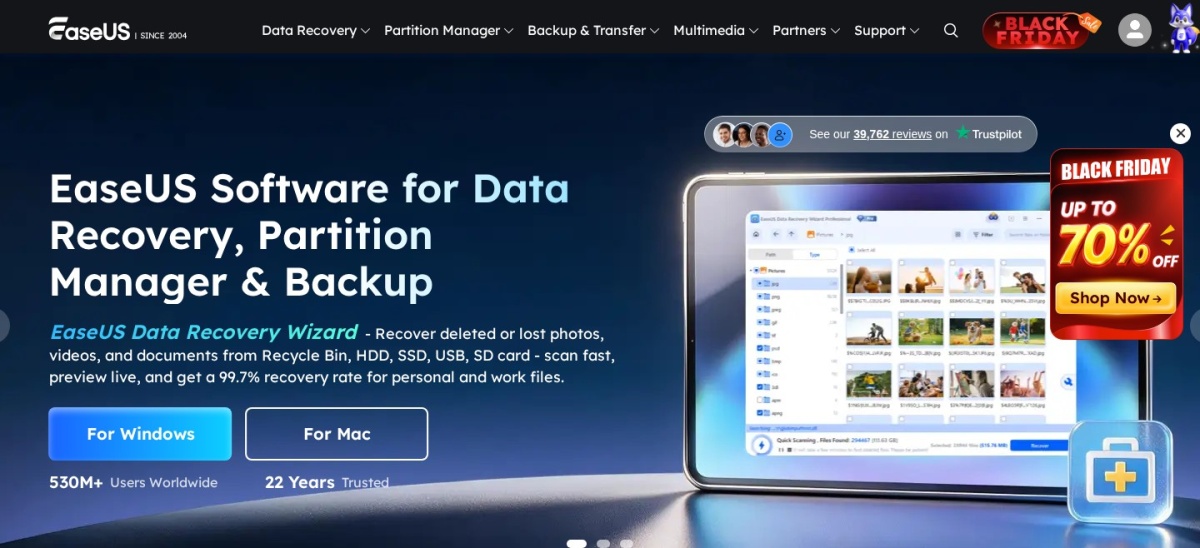
EaseUS Data Recovery Wizard homepage, captured Nov 2026.
EaseUS Data Recovery Wizard is a guided recovery application supporting memory cards, USB drives and computer storage. Its Windows One-Month license costs $69.95 and includes one month of software upgrades for one computer.
The trade off is that larger recovery jobs require a paid edition, and deep scans can take considerable time. The vendor lists the $69.95 license as a one-time charge without renewal fees. It suits beginners recovering accidentally deleted files.
What we like
Guided recovery workflow
Supports removable storage
File previews
Extensive product-specific customer feedback
Watch out for
Separate platform editions
Deep scans can be slow
Short upgrade period on entry license
Pro removes free recovery restrictions and includes remote assistance.Visit easeus.com
03
MiniTool Power Data Recovery
4.8/5on Trustpilot (3,526 reviews, checked Nov 2026)
Paid from$69/mo
Best for small free Windows recoveries
Operating systemWindows
Free recovery limit1 GB
Entry planPersonal Monthly
Renewal price$59 per month
minitool.com
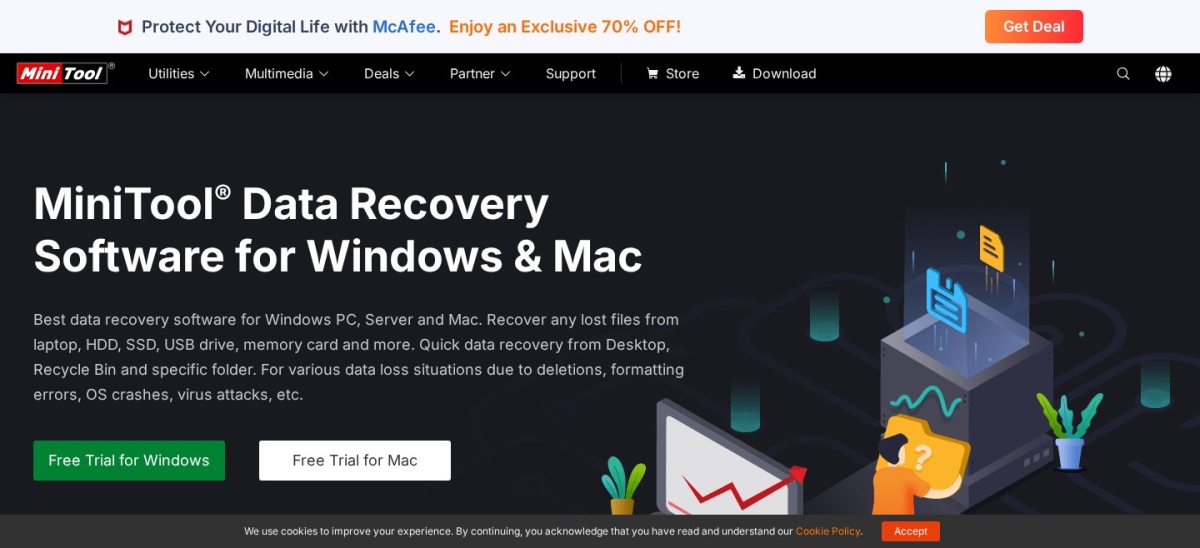
MiniTool Power Data Recovery homepage, captured Nov 2026.
MiniTool Power Data Recovery is a Windows application for retrieving lost files from memory cards, partitions and other storage devices. Its free edition supports recovery of up to 1 GB, while Personal Monthly removes the recovery allowance.
The trade off is that the entry subscription costs $69 initially, with subsequent renewals advertised at $59 per month. Its Trustpilot rating covers the wider MiniTool business. It suits Windows users recovering smaller batches of photographs and documents.
What we like
Free recovery allowance
Straightforward Windows interface
Removable media support
Multiple personal licensing options
Watch out for
Windows-only recovery application
Monthly subscription can become expensive
Rating covers multiple vendor products
Personal removes the free recovery limit and includes software upgrades.Visit minitool.com
04
DiskGenius
3.8/5on Trustpilot (51 reviews, checked Nov 2026)
Paid from$69.90 one-time
Best for memory card partition problems
Operating systemWindows
Entry paid editionStandard
Partition recoverySupported
Disk managementIncluded
diskgenius.com
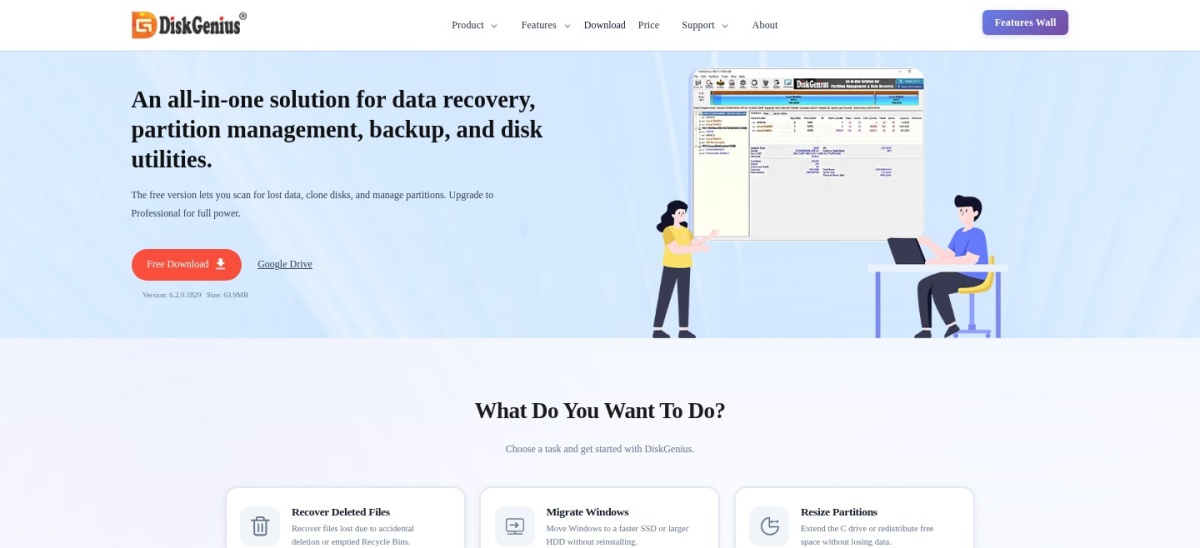
DiskGenius homepage, captured Nov 2026.
DiskGenius is a Windows storage utility combining file recovery, partition management and disk maintenance. Its paid upgrades start at $69.90, making it an option for users who need more than deleted-file scanning.
The trade off is that some advanced recovery features require the Professional edition, and its interface contains technical disk-management controls. Standard starts at $69.90. It suits experienced Windows users investigating memory card partition and file system problems.
What we like
Combined recovery and disk utilities
Partition recovery capabilities
One-time licensing
Free edition available
Watch out for
Technical interface
Windows only
Advanced recovery features require higher editions
Paid editions expand file recovery and partition management capabilities.Visit diskgenius.com
05
Wondershare Recoverit
4.7/5on Trustpilot (6,814 reviews, checked Nov 2026)
PricingCustom pricing
Best for photo and video recovery
Operating systemsWindows and macOS
Free Windows recovery100 MB
Paid recoveryUnlimited
Video repairSelected paid editions
recoverit.wondershare.com
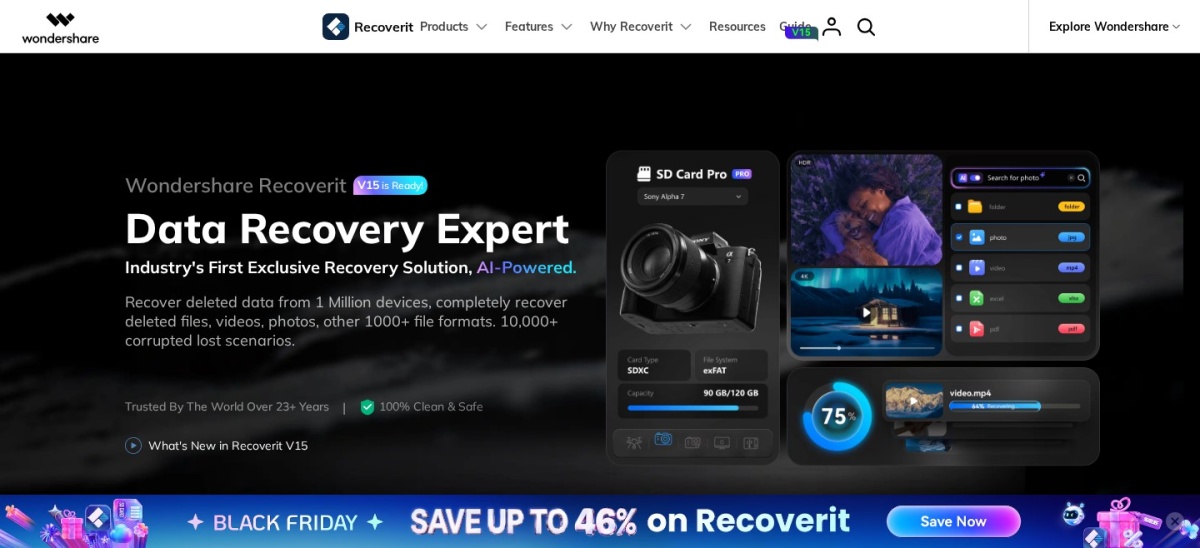
Wondershare Recoverit homepage, captured Nov 2026.
Wondershare Recoverit is a file recovery application for photographs, videos and documents stored on removable media and computer drives. Its free Windows edition supports up to 100 MB of recovered files.
The trade off is that the free recovery limit is restrictive for modern camera recordings. The official store presents paid licensing options, but a regular USD amount could not be confirmed from the retrieved page. It suits users comparing multimedia-focused recovery applications.
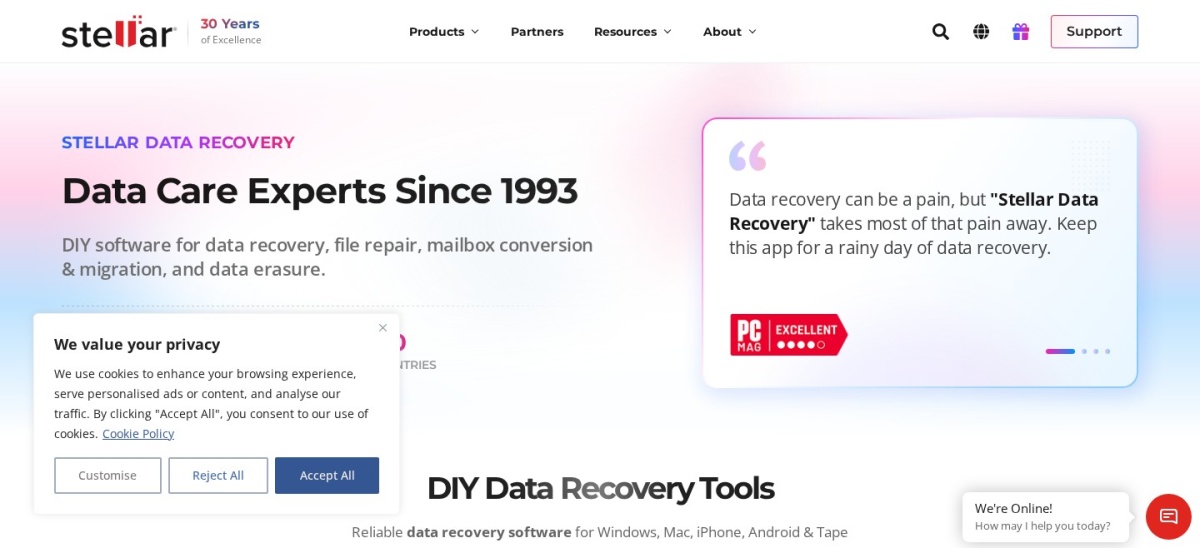
Stellar Data Recovery homepage, captured Nov 2026.
Stellar Data Recovery is a desktop application designed to retrieve deleted and inaccessible files from computer drives and external storage. Its Professional edition has a 2.8/5 Capterra rating from 13 reviews.
The trade off is its relatively low product-specific customer rating and the need for higher editions for certain advanced recovery features. The official pricing page redirected, preventing confirmation of a regular USD entry price. It suits users comparing guided file-type scanning options.
License optionsFile-system-specific and general editions
r-studio.com
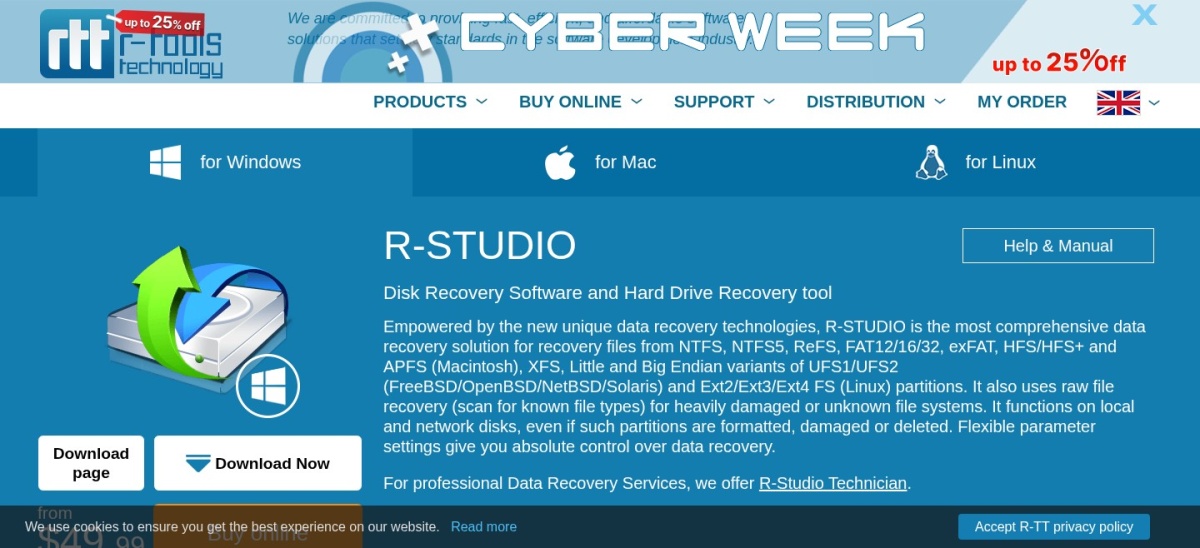
R-Studio homepage, captured Nov 2026.
R-Studio is a technical data recovery application for damaged file systems, deleted partitions and removable storage. Its official store provides separate FAT, NTFS and general recovery editions.
The trade off is a steeper learning curve and limited qualifying customer feedback, with a 3.0/5 vendor rating from six Trustpilot reviews. Regular entry pricing could not be confirmed from the retrieved store content. It suits experienced recovery technicians rather than beginners.
What we like
Advanced file system recovery
Disk imaging functionality
Cross-platform availability
Technical recovery controls
Watch out for
Steep learning curve
Review count below the required threshold
Entry license pricing requires confirmation
Paid licenses provide recovery capabilities according to supported file systems.Visit r-studio.com
What to do before recovering a memory card
Remove the memory card from your camera or recording device as soon as files disappear. Additional photographs or videos can overwrite recoverable data.
Connect the card through a reliable reader and scan it without formatting or repairing the file system. Save recovered files to a separate storage device.
If the card repeatedly disconnects, becomes unusually hot or is not recognized, stop attempting software recovery. Physical damage may require professional data recovery services.
How we chose
We compared memory card recovery applications using official product descriptions, licensing pages, public reviews and documented removable-storage support. Rankings prioritize usability, file recovery features and licensing flexibility rather than measured recovery success rates.
The assigned editorial date is 22 Nov 2026, while source pages were opened on 25 Nov 2026. The first three products have confirmed public USD prices. Recoverit, Stellar and R-Studio retain provisional pricing placeholders, which do not establish that these vendors actually use custom pricing. One-time license amounts represent acquisition costs rather than recurring annual charges.
This draft requires further verification before publication because R-Studio falls below the required review threshold and regular pricing remains incomplete for three products. MiniTool and R-Studio ratings describe their vendors rather than individual applications. No vendor paid for a place, and we do not claim testing for this list.
How to choose memory card recovery software
Identify the cause of your missing files before selecting software based on compatibility, recovery features and licensing costs.
Check the card's condition. Determine whether the computer recognizes the card and whether the problem involves accidental deletion, formatting, file system corruption or possible physical damage.
Confirm file compatibility. Check support for your memory card's file system and the image, video or camera RAW formats you need to recover.
Preview files before paying. Use available scanning and preview features to determine whether the software finds the missing files. A detected filename does not guarantee that its contents remain intact.
Choose the appropriate license. Compare free recovery allowances, regular purchase prices, subscription renewals, device restrictions and software update policies before buying.
FAQ
What is the best memory card recovery software?
Disk Drill is our overall pick for its cross-platform support, recovery interface and unlimited paid recovery. EaseUS Data Recovery Wizard offers a guided alternative, while MiniTool provides a useful free recovery allowance for smaller Windows recovery jobs.
Can I recover deleted memory card files for free?
Yes. MiniTool Power Data Recovery provides up to 1 GB of free recovery, while Wondershare Recoverit offers up to 100 MB on Windows. Recovery is possible only when the original data remains accessible and has not been overwritten.
Can software recover files from a formatted SD card?
Recovery software may retrieve files after formatting if the original data has not been overwritten or securely erased. Stop using the card immediately and save recovered files to another storage device to avoid destroying recoverable information.
Does memory card recovery software work on physically damaged cards?
Software cannot repair damaged memory chips, electrical connections or defective controllers. If a card is physically damaged, repeatedly disconnects or cannot be recognized by a working reader, professional recovery services may be necessary instead of repeated scanning.
Can I recover deleted RAW photographs and videos?
Many recovery applications support camera RAW photographs and common video formats. Successful recovery depends on file fragmentation, remaining data, storage condition and format compatibility. Preview recoverable files where possible before purchasing an unlimited recovery license.
SaaS SEO and WordPress specialist with about 8 years of experience. Rakib compares WordPress plugins, themes, hosting and software using public pricing, documentation and user reviews. See how we rank.