Airtable is the best database software for beginners, with a spreadsheet-style grid, linked records and a free plan, rated 4.6 out of 5 by 3,287 G2 reviewers. Pick Notion if your database lives inside notes and docs, or Baserow if you want an open-source tool with a free self-hosted option.
How we make this list: we compare pricing pages, product documentation and public user reviews, then re-check every price before each update. No product paid for a place. Disclosure.
Airtable is the easiest start: a spreadsheet-style grid, linked records and a free plan, rated 4.6 out of 5 by 3,287 G2 reviewers.
Notion fits beginners whose database lives inside notes, with Plus at $10 per user a month billed annually.
Baserow is the cheapest open-source route, with a free plan and Premium at $10 per user a month billed annually.
Supabase and Firebase give beginners a real app backend free, with paid plans from $0 to $25 a month.
MySQL and MongoDB are free to learn on, but expect to manage the database yourself or pay for hosting.
Knack is the priciest start at $49 a month, and it is the only tool here with no free plan.
What beginners should look for in database software
A beginner database should hide the hard parts. Look for a visual table, ready-made templates and a free plan that lets you build something real before paying.
No-code tools such as Airtable, Notion and Baserow store data in tables you can sort, filter and link, much like a spreadsheet. They are the fastest route to a working tracker, inventory or contact list.
SQL databases such as MySQL store data in strict tables and need queries to ask questions. Our guide on what MySQL is explains the basics in plain terms, and the skills transfer to most other databases.
Managed backends such as Supabase and Firebase sit in between. They give you a hosted database with login and storage built in, so you can build an app without running a server.
Airtable is a spreadsheet-style database that stores records in tables with linked records, attachments and multiple views. The free plan covers small personal bases, and the Team plan adds more records, automations and sync at $20 per user a month billed annually.
The trade off is cost per seat. A small team pays $20 for every editor each month, so the bill grows as the team grows. It suits beginners who think in spreadsheets and want a database without writing code.
What we like
Spreadsheet-style grid most beginners already understand
Linked records, views and automations in one place
Notion is a workspace where pages, notes and databases live side by side, so a beginner can build a tracker without leaving their notes. The free plan includes databases with basic views, and Plus adds unlimited file uploads, charts and 30-day page history at $10 per user a month billed annually.
The trade off is depth. Notion is not a full relational database, so complex joins and large datasets strain it. It suits solo beginners and small teams who want notes, tasks and a light database in one tool.
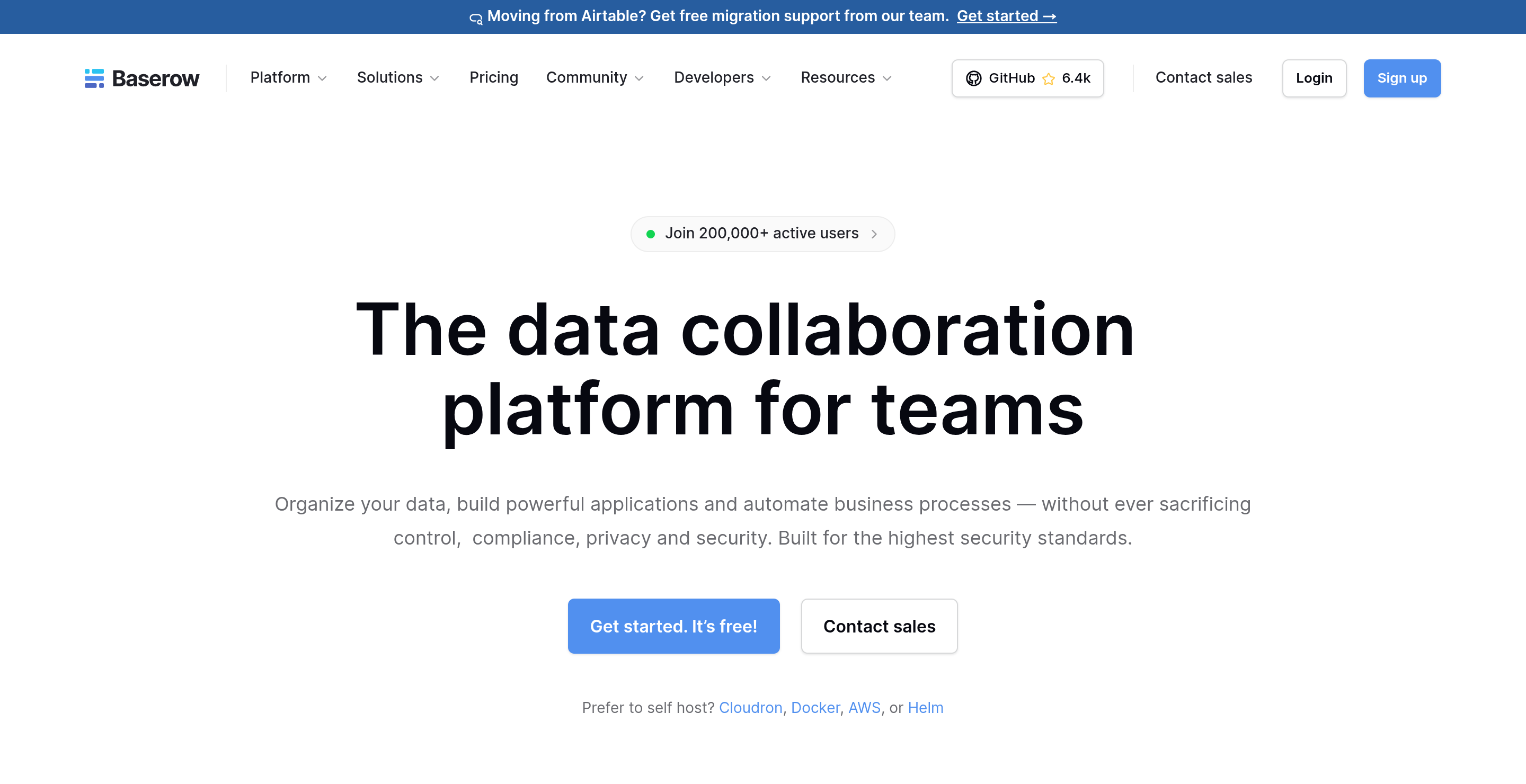
Baserow is an open-source database with the same grid, gallery and kanban views as Airtable, plus automations and an API. The free cloud plan covers 3,000 rows per workspace and 2 GB of storage, and Premium lifts the cap to 50,000 rows at $10 per user a month billed annually.
The trade off is a thin review base. Capterra rates it 4.6 out of 5 from 69 reviews, far fewer than Airtable or Notion, and self-hosting means running your own server. It suits beginners who want an open-source tool they can keep or host themselves.
Supabase is an open-source backend built on PostgreSQL that bundles a database, authentication, file storage and auto-generated APIs in one project. The free plan includes two projects, and Pro adds 8 GB of database storage, daily backups and 100,000 monthly active users at $25 a month.
The trade off is the learning curve. The table editor is friendly, but serious work still needs some SQL, and the dashboard can lag on large tables. It suits beginners who want a real Postgres database behind a first app.
What we like
Full Postgres with auth, storage and APIs in one place
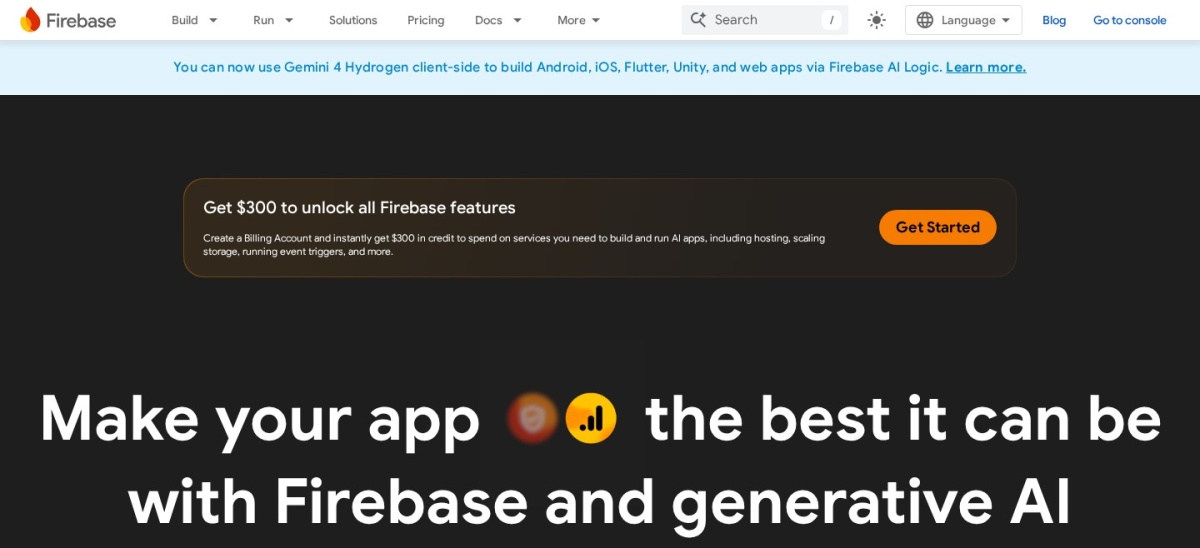
Firebase is Google's app platform with Cloud Firestore, authentication, hosting and analytics in one console. The free Spark plan needs no payment method and covers 1 GiB of Firestore storage with 50,000 document reads a day, while Blaze bills only for use above those limits.
The trade off is unpredictable billing. Blaze has no fixed monthly price and no hard spending cap, only budget alerts, so a busy month can cost more than expected. It suits beginners building a first mobile or web app who want Google's free tier.
What we like
Free Spark plan needs no card
Auth, database, hosting and analytics in one place
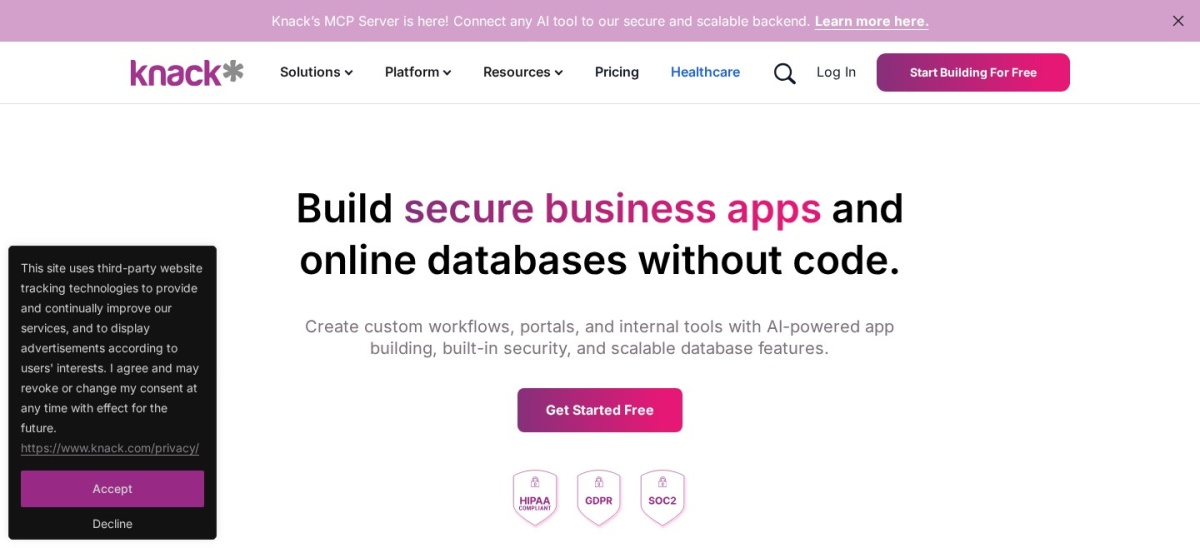
Knack is a no-code database builder for internal business apps such as CRMs, portals and dashboards, with drag-and-drop forms and role permissions. Starter costs $49 a month billed annually and covers 20,000 records, 2 GB of storage and unlimited app users, with a free trial and no free plan.
The trade off is price. Starter is the highest entry price in this list, and the review base is thin at 115 G2 reviews. It suits small businesses that want a custom database app without hiring a developer.
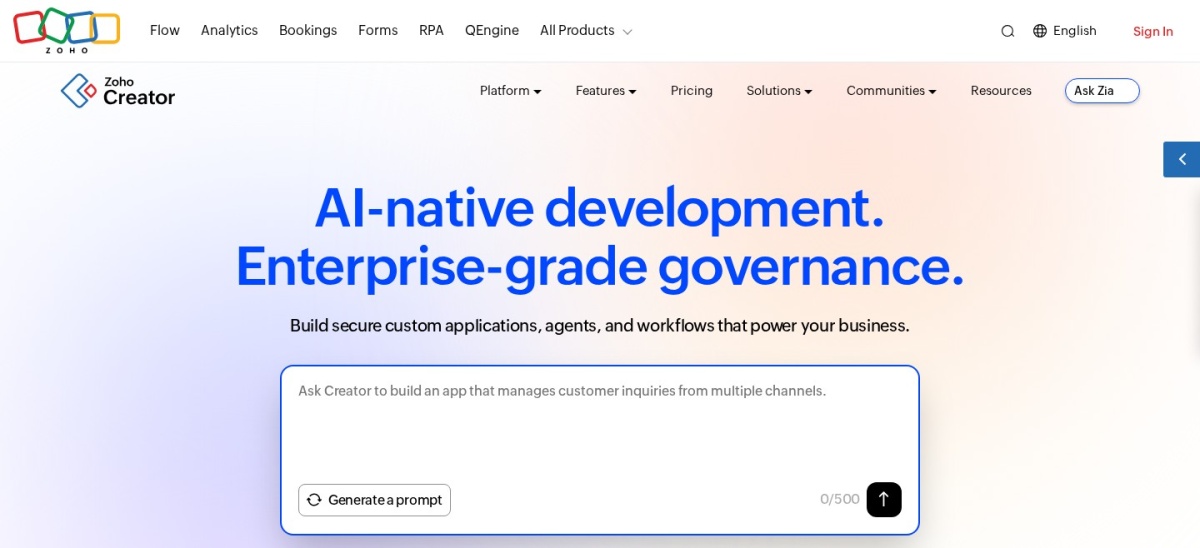
Zoho Creator is a low-code platform for building custom database apps with drag-and-drop forms, workflows and an AI builder. The free plan covers small personal projects, and Standard costs $8 per user a month billed annually, the lowest per-user price in this list.
The trade off is complexity. Reviewers praise its integrations and automations but note a learning curve and costs that climb as more users join. It suits small teams already using Zoho tools who want cheap custom apps.
What we like
Lowest per-user paid price here
Drag-and-drop plus AI-assisted building
Deep Zoho ecosystem integrations
Free plan for small projects
Watch out for
Learning curve for Deluge scripting and advanced logic
Per-user costs grow with the team
G2 review base is modest
Professional adds more users, records and AI featuresVisit zoho.com
08
MySQL
4.4/5on G2 (1,686 reviews, checked Nov 2026)
Paid from$2,000/yr
Best free SQL database to learn on
Free planCommunity Edition
LanguageSQL
PlatformsWindows, Mac, Linux
Entry planStandard, $2,000/yr
mysql.com
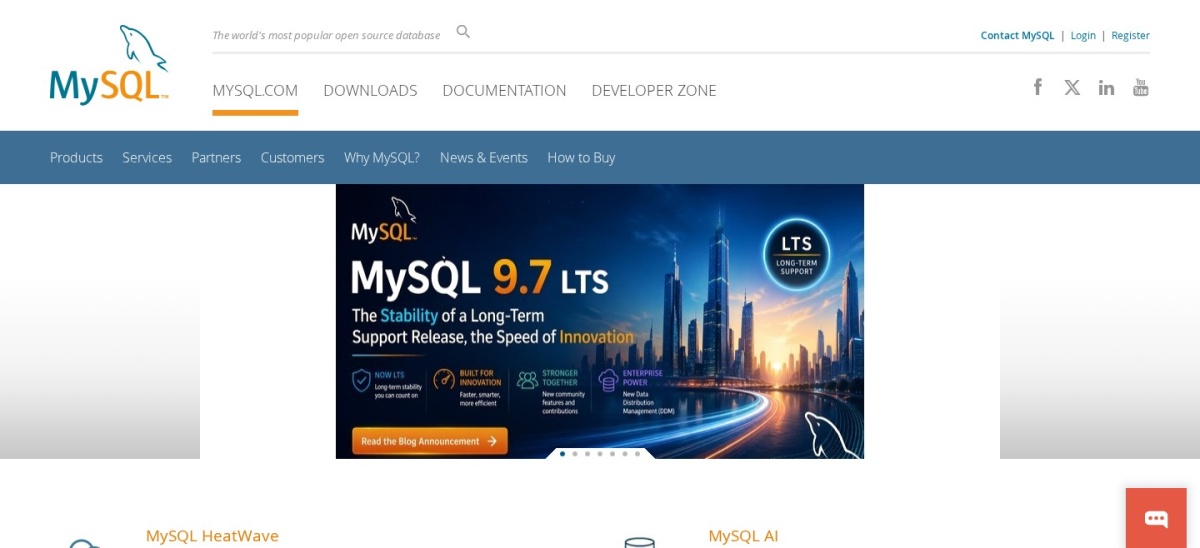
MySQL homepage, captured Nov 2026.
MySQL is the classic open-source relational database behind countless websites, and its free Community Edition costs nothing to install and learn. It runs on Windows, Mac and Linux, works with almost every programming language, and its SQL skills transfer to other databases.
The trade off is setup and support. Beginners install and manage it themselves, and paid support starts with Standard Edition at $2,000 a year. It suits learners who want real SQL skills and a database that runs almost anywhere.
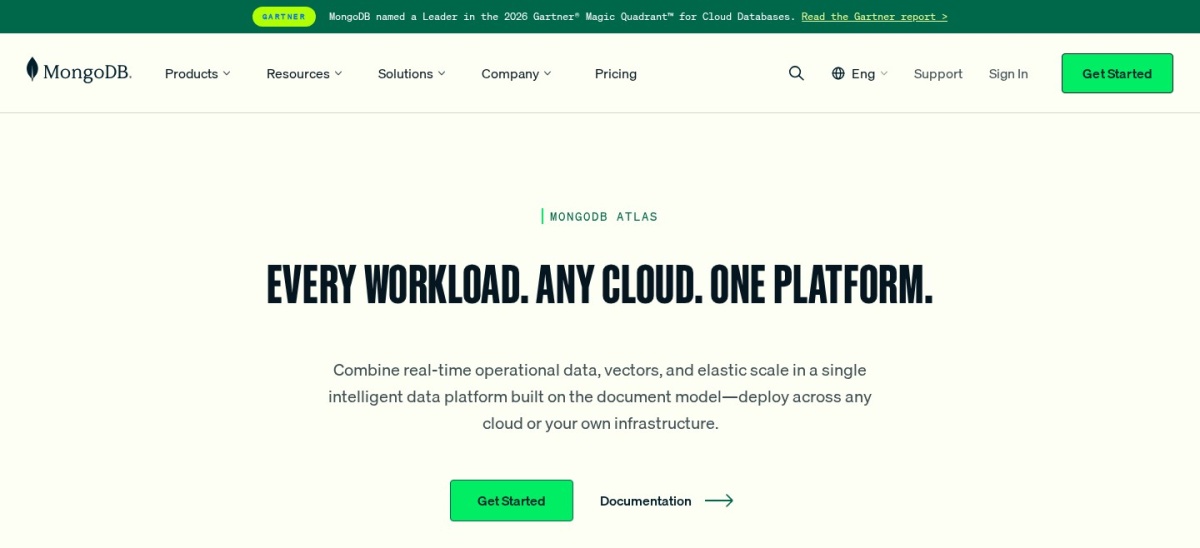
MongoDB is a document database that stores data as flexible JSON-like records instead of rigid tables, which suits fast-changing app data. The free Atlas tier covers 512 MB of storage, and Flex clusters cap at about $30 a month for small projects that outgrow the free tier.
The trade off is structure. Flexible documents make early building easy but can lead to messy data without a clear schema, and dedicated clusters start near $57 a month. It suits beginners learning NoSQL for apps with changing data shapes.
What we like
Flexible schema suits fast-changing data
Free Atlas tier for learning
Large docs and community
Managed hosting removes server work
Watch out for
Loose structure can lead to messy data
Dedicated clusters cost more than Flex
SQL skills do not transfer directly
Flex adds more storage; Dedicated adds backups and scaleVisit mongodb.com
No-code or SQL: which route fits a beginner
Start no-code if your data is a list, a tracker or a small catalogue. Airtable, Notion or Baserow will get you there in an afternoon.
Learn SQL if you plan to build software or work with data for a living. MySQL is free, and the query skills you learn apply to almost every database job.
Managed backends are the middle path. Supabase and Firebase let you build a real app with a hosted database, and you can learn SQL on Supabase as you grow.
How we chose
We started from the database tools most often recommended for beginners, then kept nine with a public rating, a free plan or trial, and published pricing.
Prices come from each vendor's pricing page, checked on 25 November 2026. Ratings and review counts come from G2 on the same day, except Baserow, which uses Capterra because its G2 base is only 4 reviews. Where a vendor shows a sale, the list shows the regular price.
We left out tools with no public rating and tools aimed only at large teams. No vendor paid for a place, and we do not claim to have used these tools ourselves.
How to choose database software as a beginner
Start with the data you already have, then pick the simplest tool that holds it.
List what you need to store. Write down your tables, such as contacts, orders or tasks, and how they link. A clear list stops you buying more database than you need.
Try the free plan first. Build your real tracker on the free plan for a week. If the limits bite, the paid plan is the one to buy.
Match the tool to your next step. Pick a no-code tool for lists and trackers, a managed backend for a first app, or MySQL if you want to learn SQL properly.
Check the price per user, not per month. Per-seat tools such as Airtable and Notion charge for every editor, so a $10 plan costs $50 a month for five people.
FAQ
What is the best database software for beginners?
Airtable is the best pick for most beginners. Its spreadsheet-style tables, linked records and free plan make it easy to start, and it is rated 4.6 out of 5 by 3,287 G2 reviewers. Notion is better if your database lives inside notes.
Is there a free database for beginners?
Yes. Airtable, Notion, Baserow, Supabase, Firebase, MySQL and MongoDB all have free plans or tiers. MySQL Community Edition and MongoDB Atlas M0 cost nothing to learn on, while Knack is the only tool here with no free plan.
Do I need to learn SQL to use a database?
No, not at first. No-code tools such as Airtable, Notion, Baserow and Knack let you build tables, forms and views without code. SQL becomes useful later if you move to MySQL, Supabase or larger projects.
What is the cheapest database software for beginners?
Zoho Creator Standard is the cheapest paid plan here at $8 per user a month billed annually. Notion Plus and Baserow Premium both cost $10 per user a month, while Firebase and MySQL cost nothing until you outgrow their free tiers.
Is Airtable or Notion better for beginners?
Airtable is better for pure databases, with linked records, richer views and automations built for data. Notion is better if you also need notes, docs and tasks in the same workspace. Both have free plans and the same 4.6 G2 rating.
Can I switch databases later?
Yes, but it takes work. Most tools export to CSV, so your rows move easily, while formulas, views and automations usually need rebuilding. Pick a tool with CSV export and an API if you think you will outgrow it.
SaaS SEO and WordPress specialist with about 8 years of experience. Rakib compares WordPress plugins, themes, hosting and software using public pricing, documentation and user reviews. See how we rank.