Tableau is the top pick among the top data viz software for analytics, with the strongest visual exploration and a free desktop edition to start. Power BI is the value pick at a low monthly price for Microsoft teams, while Looker Studio is the best free option.
How we make this list: we compare pricing pages, product documentation and public user reviews, then re-check every price before each update. No product paid for a place. Disclosure.
Tableau leads on visual depth, with a free desktop edition and Standard from $15 a month.
Power BI is the cheapest big-brand paid plan at $14 a month, and its free Desktop app is useful.
Looker Studio is completely free for core dashboards, with no paid plan required.
Klipfolio and Qlik Sense cost far more, at $120 and $300 a month for their entry plans.
Domo and Sisense publish no prices, so budget only after a sales quote.
How do you choose the top data viz software for analytics?
Start with the question the dashboard must answer. A marketing team tracking weekly campaigns needs live, simple charts, while a finance team needs governed numbers and audit trails, and the two jobs point at different tools.
Free plans cover more than most buyers expect. Looker Studio is free at the core, Power BI Desktop builds full reports without paying, and Tableau's free desktop edition handles single-user work.
Paid prices spread wide. Entry plans run from $14 a month for Power BI Pro to $300 a month for Qlik Sense Starter, and Domo and Sisense quote every deal, so the same team can pay ten times more for a similar dashboard.
Ratings cluster close together. The nine tools here score between 4.2 and 4.5 on G2, so the choice turns on fit, free plans and price rather than a clear quality gap.
Tableau is the reference tool for visual analytics, with a 4.4 out of 5 rating from 4,237 G2 reviews. Its drag-and-drop canvas turns large datasets into interactive dashboards without code, and Tableau Public and the Desktop Free Edition let new users start at no cost.
The trade off is the price curve. Standard starts at $15 per user a month billed annually, and Creator seats cost $75, so a team of analysts pays far more than the headline rate, and sharing needs a paid cloud seat. It suits large teams that live in their dashboards every day.
Power BI is Microsoft's analytics platform, with a 4.5 out of 5 rating from 1,658 G2 reviews. It connects to Excel, Azure and more than 100 other sources, and the free Desktop app builds full reports before a team pays anything. Pro adds sharing and collaboration for $14 per user a month.
The trade off is the Microsoft orbit. Reports feel best inside Teams and SharePoint, and the free account cannot share dashboards with colleagues, so sharing pushes teams to Pro. Premium Per User costs $24 a month for larger models. It suits companies already running Microsoft 365.
Looker Studio is Google's free dashboard tool, with a 4.4 out of 5 rating from 476 G2 reviews. It turns Sheets, Analytics and Ads data into shareable reports at no cost, and community connectors add hundreds of other sources. A paid Pro tier exists for team features, but the core product stays free.
The trade off is depth. Looker Studio has no built-in AI analysis and no advanced data modelling, so heavy preparation still happens in Sheets or BigQuery, and very large reports can load slowly. It suits small teams and marketers who need clear, free dashboards fast.
Klipfolio is a dashboard tool built around live metrics, with a 4.5 out of 5 rating from 257 G2 reviews. The Base plan covers 3 dashboards with unlimited viewers and more than 130 integrations, and refresh rates run as fast as every minute. It is built for teams that watch the same numbers every day.
The trade off is the price. Base costs $120 a month billed annually, which is far above the big-brand entry plans, and the 3-dashboard limit pushes growing teams to Grow at $190. It suits operations and marketing teams that need always-on KPI walls.
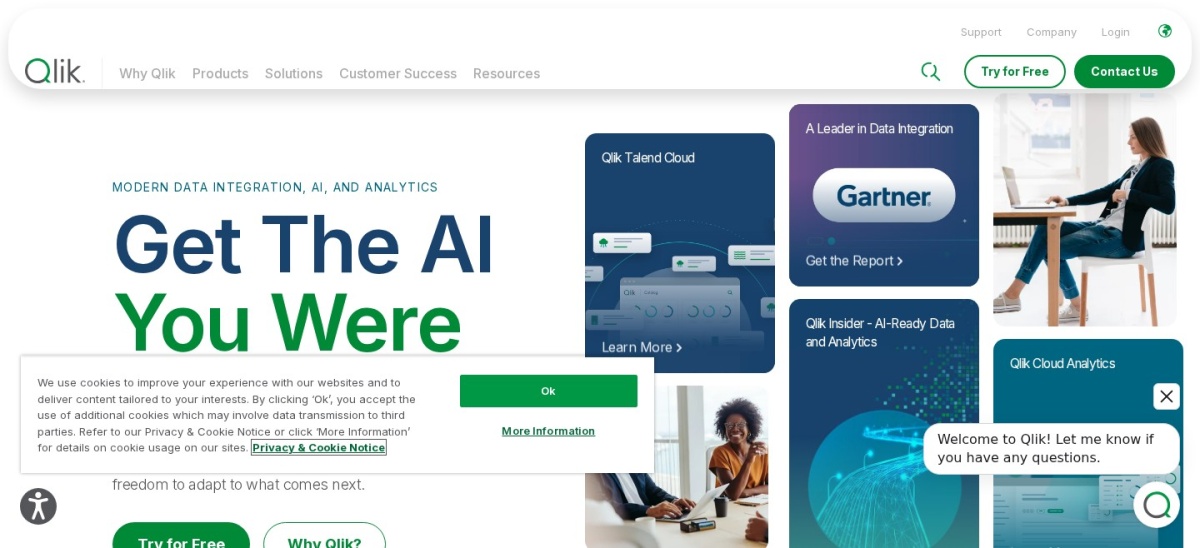
Qlik Sense is Qlik's analytics platform, with a 4.4 out of 5 rating from 929 G2 reviews. Its associative engine links every field in a dataset, so filtering one chart updates the rest and reveals relationships other tools miss. Starter covers 10 users and 10 GB of data.
The trade off is the entry cost. Starter lists at $300 a month for 10 users, and larger data volumes push teams to Standard at $825, so small teams pay enterprise money. It suits data teams that explore freely rather than read fixed reports.
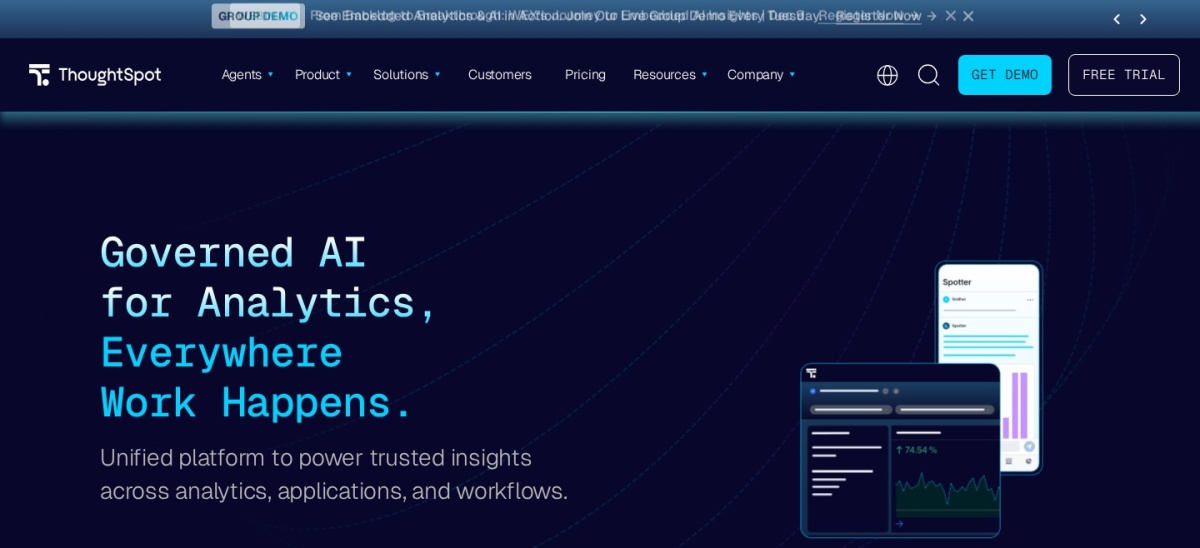
ThoughtSpot is a search-driven analytics tool, with a 4.4 out of 5 rating from 340 G2 reviews. Users type questions in plain words and get charts back, and the Essentials plan covers 5 to 50 users with 25 million rows. It works best for teams that want answers without writing queries.
The trade off is the narrow entry plan. Essentials costs $25 per user a month billed annually and leaves out the Spotter AI assistant, which arrives on Pro at $50. It suits business teams that ask the same kinds of questions every week.
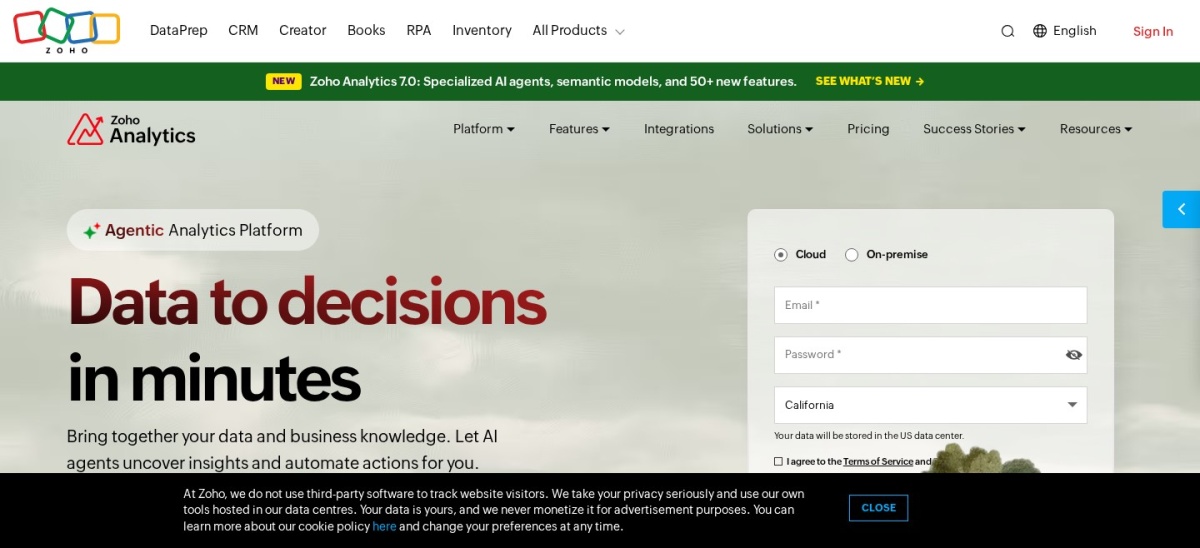
Zoho Analytics is Zoho's business intelligence tool, with a 4.2 out of 5 rating from 286 G2 reviews. The free plan covers 2 users and 10,000 rows, and Basic adds 500,000 rows for $30 a month. It connects to Zoho apps plus spreadsheets, databases and cloud drives.
The trade off is polish. Zoho Analytics has fewer visual options than Tableau or Power BI, and its best features sit inside the Zoho ecosystem, so outside apps need connectors. It suits small businesses already using Zoho CRM or Zoho Books.
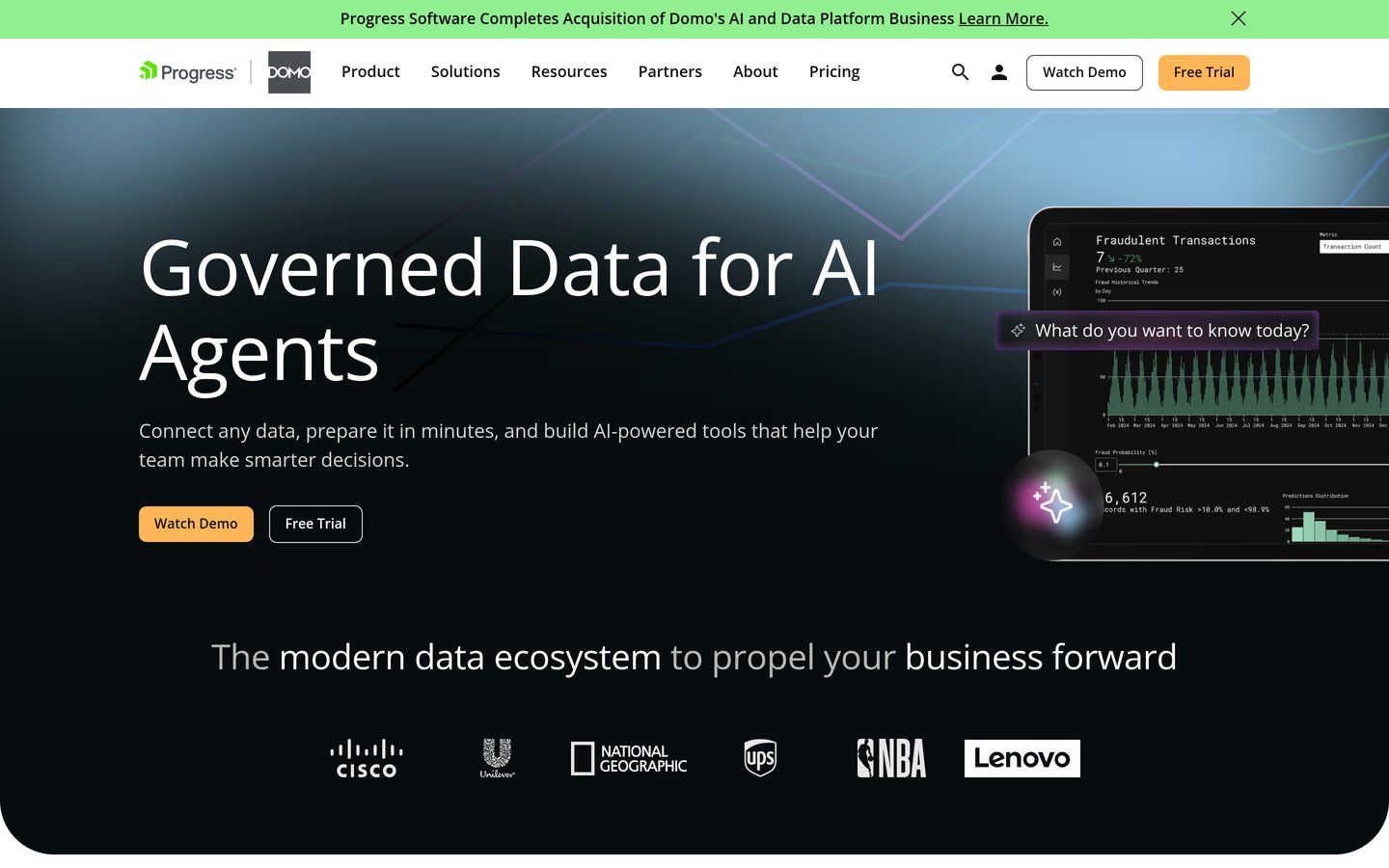
Domo is a cloud analytics platform, with a 4.3 out of 5 rating from 1,086 G2 reviews. It pulls data from more than 1,000 sources into real-time dashboards and alerts, and its mobile app puts the same numbers in an executive's pocket. Pricing is custom and credit-based, so every deal is quoted.
The trade off is opacity. With no published price, buyers cannot budget without a sales call, and the credit model makes costs hard to predict as usage grows. It suits mid-size and large companies that want one live view of the whole business.
Sisense is an analytics platform built for embedding, with a 4.2 out of 5 rating from 1,063 G2 reviews. Product teams white-label its dashboards inside their own apps, and its AI layer answers plain-language questions over large datasets. Published prices were withdrawn in 2026, so every deal is now quoted.
The trade off is the sales process. Buyers cannot compare Sisense on price without a quote, and implementation takes longer than the simpler dashboard tools here. It suits software companies that sell analytics as part of their own product.
Free plans are real tools, not demos. Looker Studio runs full dashboards for free, Power BI Desktop builds reports without a subscription, and Tableau's free desktop edition handles single-user analysis. The gap appears at sharing: free tiers limit who can view, comment or refresh data.
Paid plans buy sharing, scale and support. Power BI Pro adds sharing at $14 a month, Tableau Standard adds cloud publishing at $15, and Klipfolio Base adds live refresh at $120. Buy the paid plan when more than one person needs the same dashboard every day.
How we chose
We started from the data viz tools with the most G2 reviews and the clearest pricing, then ranked them by rating, free-plan depth and entry price. Every tool here holds a G2 rating between 4.2 and 4.5 from at least 250 reviews, so the order reflects fit for analytics work rather than a popularity contest.
Prices were checked on 29 Nov 2026. Tableau, Power BI and Klipfolio prices come from the vendors' own pricing pages opened that day. Qlik Sense, ThoughtSpot and Zoho Analytics prices come from third-party reads of vendor pages, since the official pages did not render figures, and Domo and Sisense publish no prices at all.
We left out tools with no verifiable G2 rating and tools that only sell through partners. No vendor paid for a place, and we do not claim hands-on testing for this list.
How to choose the top data viz software for analytics
Start with the data you already have, then match the tool to the audience that reads the dashboards.
List your data sources first A tool is only useful if it connects to your warehouse, spreadsheets and apps without manual exports.
Check the free plan before paying Build one real dashboard on the free tier and see whether sharing, refresh rates and row limits hold up.
Price the seats you actually need Multiply the per-user price by every viewer and editor, since cheap entry plans grow fast with a team.
Test sharing with one colleague Send a dashboard to a teammate and confirm they can open, filter and comment without a paid seat.
FAQ
What is the top data viz software for analytics in 2026?
Tableau is the top data viz software for analytics in 2026, with the strongest visual exploration and a 4.4 rating from more than 4,200 G2 reviews. Power BI is the value pick for Microsoft teams, and Looker Studio is the best free option for simple dashboards.
How much does the top data viz software cost?
Prices run from free to $300 a month. Looker Studio is free at the core, Power BI Pro costs $14 per user a month, Tableau Standard costs $15, and Qlik Sense Starter costs $300. Domo and Sisense publish no prices, so their cost only comes from a sales quote.
Is there a free data viz tool for analytics?
Yes. Looker Studio is free for its core dashboards, Power BI Desktop builds full reports without paying, and Tableau offers a free desktop edition. All three let a small team start without a subscription, though sharing and collaboration usually need a paid plan.
Which is better for beginners, Tableau or Power BI?
Power BI is the easier start for most beginners, especially inside Microsoft 365, because its free Desktop app and Excel links feel familiar. Tableau rewards deeper study with stronger visual exploration, so pick it when dashboards are the team's daily work.
Which data viz tool is best for small teams?
Looker Studio is the best pick for small teams that use Google tools, since it is free and shares by link. Zoho Analytics is the budget paid pick at $30 a month with a free plan for two users, and Power BI Pro suits small Microsoft teams.
Do I need a paid plan to share dashboards?
Usually yes. Looker Studio shares free dashboards by link, but Power BI needs Pro seats for sharing, Tableau needs paid cloud seats, and Klipfolio charges for viewers beyond its Base plan. Check the sharing rules before choosing, since they drive the real cost.
SaaS SEO and WordPress specialist with about 8 years of experience. Rakib compares WordPress plugins, themes, hosting and software using public pricing, documentation and user reviews. See how we rank.