Microsoft Power BI is the best dashboard software for most teams, with Pro at $14 per user a month, hundreds of connectors and a 4.5/5 rating from 1,658 G2 reviews. Pick Tableau for deep visual analysis and Looker Studio if your data already lives in Google tools.
How we make this list: we compare pricing pages, product documentation and public user reviews, then re-check every price before each update. No product paid for a place. Disclosure.
Power BI Pro costs $14 per user a month, the cheapest capable paid plan in this list, and it is rated 4.5 out of 5 from 1,658 G2 reviews.
Looker Studio is free for creators and viewers, and it is the obvious pick if your data already lives in Google tools.
Tableau has the strongest charts here, but every author needs a Creator licence at $75 per user a month.
Klipfolio, Databox and Zoho Analytics cover small teams and agencies, with paid plans from $30 to $90 a month.
Grafana and Metabase are free to self-host, which keeps the bill at zero if your team runs the server.
What to look for in dashboard software
A dashboard tool pulls numbers from your apps and databases and shows them on live boards, so a team can see sales, marketing or system health without opening ten tabs.
The first thing to check is where your data lives. A tool that connects to your CRM, ad platforms and spreadsheets out of the box saves weeks of manual exports.
Price is the second check, because most of these tools charge per user or per month. Our guide on adding Google Analytics to WordPress shows how a free data source feeds a dashboard at no extra cost.
Sharing matters too. Some tools charge for every viewer, while others let anyone view a dashboard for free, which changes the real cost for a large team.
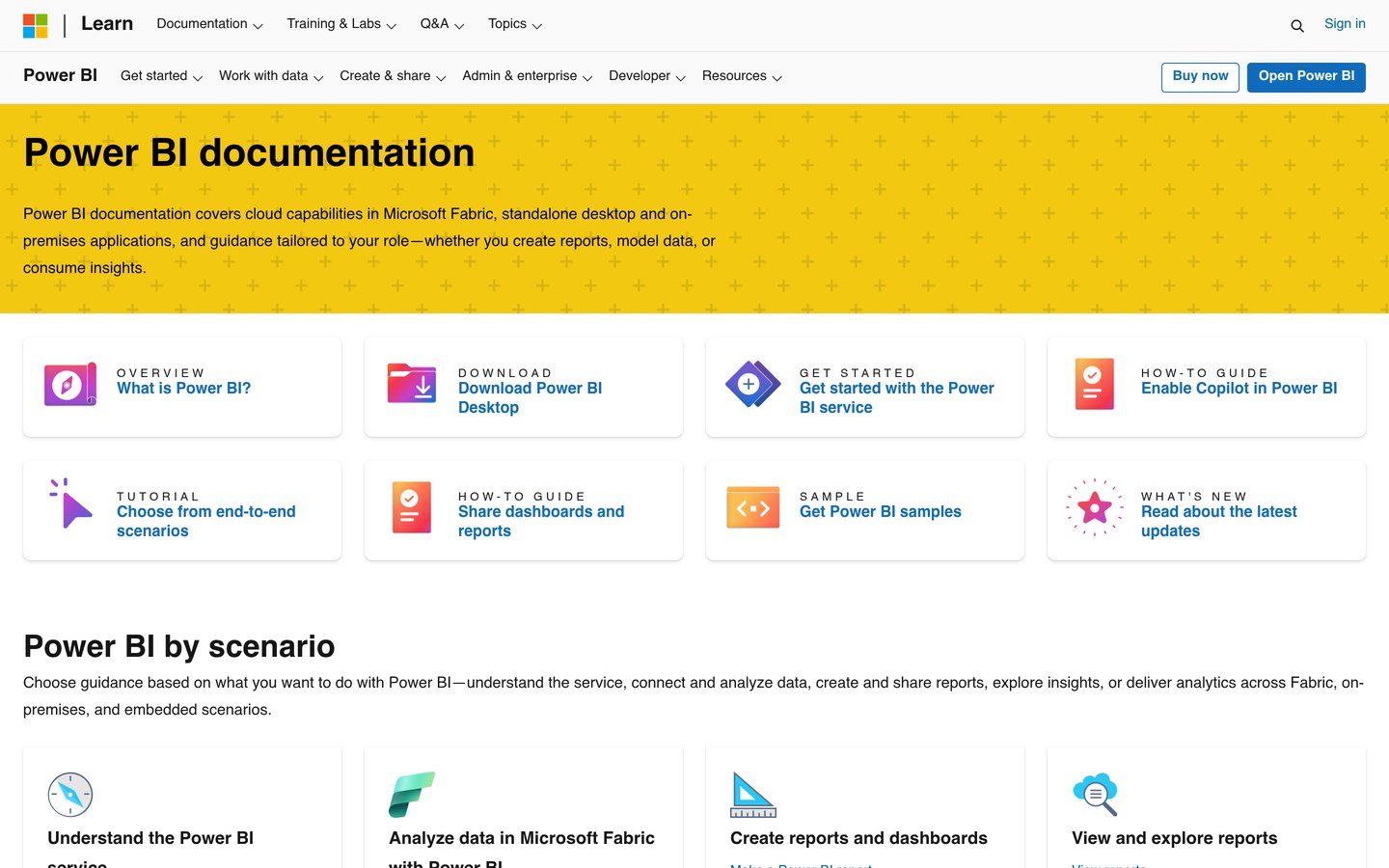
Microsoft Power BI is a business analytics platform from Microsoft that turns spreadsheets, databases and cloud apps into interactive dashboards. The free account and Power BI Desktop let one person build reports at no charge, and Pro at $14 per user a month adds publishing, sharing and collaboration.
The trade off is the per-user bill. Every person who views a shared report needs a Pro licence, so costs grow with each viewer, and the 1 GB model limit on Pro can push larger teams toward Premium Per User at $24. It suits teams already using Microsoft 365 who want the cheapest capable dashboard tool.
What we like
Pro costs $14 per user a month, the lowest paid plan here
Hundreds of built-in connectors, from Excel to Salesforce
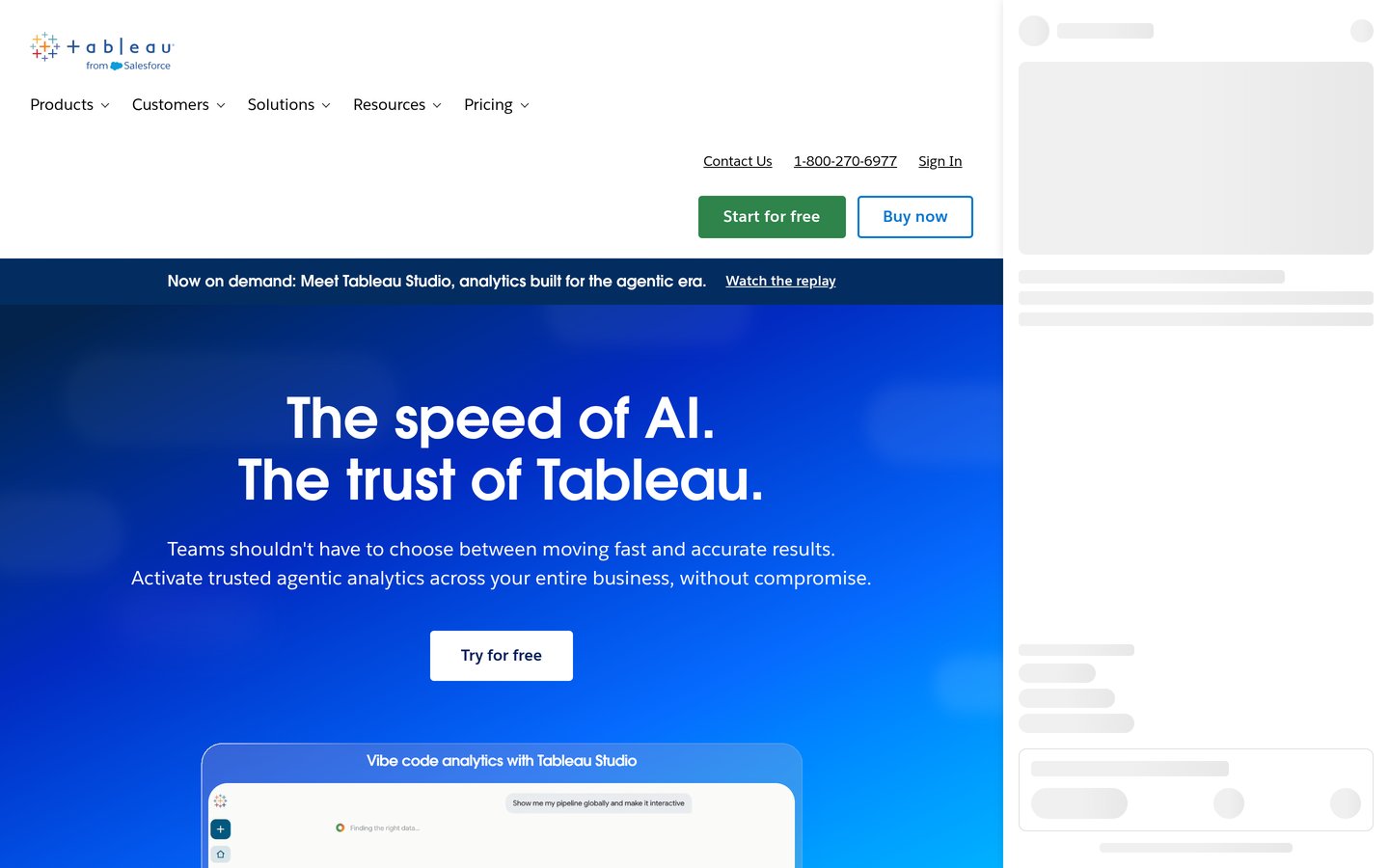
Tableau is the visual analytics platform from Salesforce, known for flexible charts, maps and interactive dashboards. The Standard edition starts with the Viewer licence at $15 per user a month, while the Creator licence that builds dashboards costs $75 per user a month, both billed annually.
The trade off is price. A team that needs several authors pays $75 per author each month, and the Enterprise edition raises Creator to $115, so costs climb fast as a team grows. It suits analysts who build complex dashboards and need the strongest charting in this list.
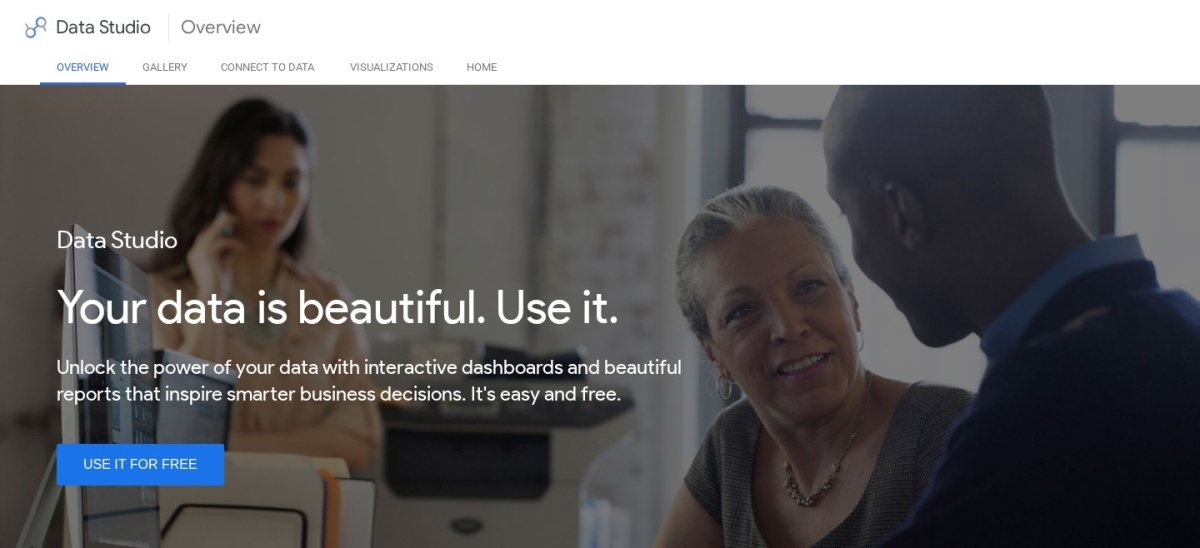
Looker Studio is Google's free dashboard and reporting tool, now renamed Data Studio. Creators and viewers pay nothing, and it connects to Google Analytics, Google Ads, Sheets and BigQuery, plus more than 1,400 partner connectors. Pro costs $9 per user per project a month and adds team workspaces and more schedules.
The trade off is performance and depth. Reviewers report slow loads with large or blended data sets, and it has fewer modelling and governance features than Power BI or Tableau. It suits small teams whose data already lives in Google tools and who want a free dashboard.
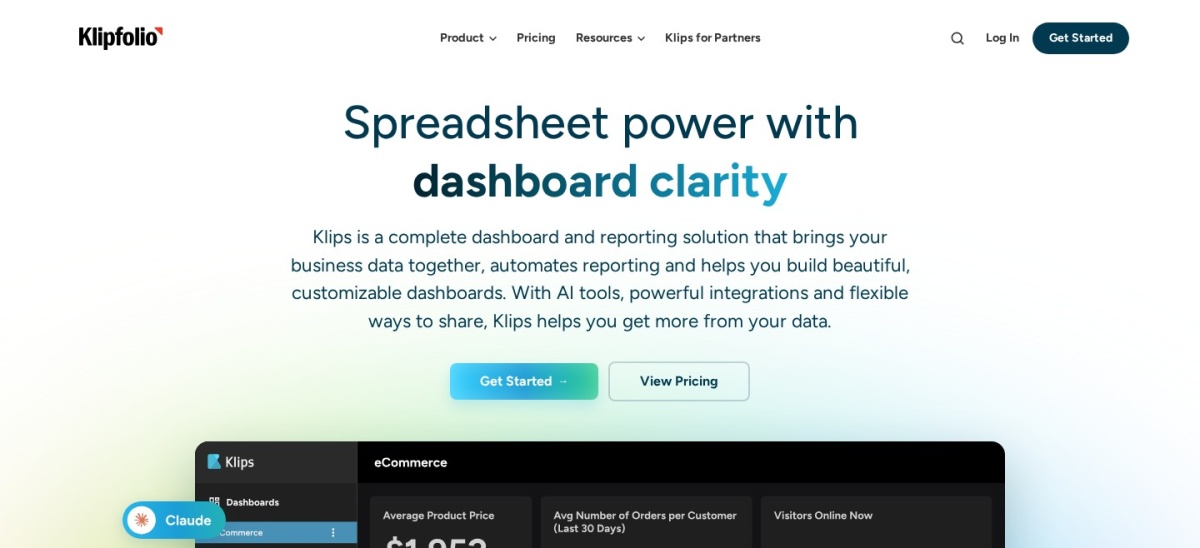
Klipfolio is a cloud dashboard tool built around KPIs, with pre-built metrics for marketing, sales and finance. The Base plan costs $90 a month and includes 3 dashboards, unlimited users, 130+ integrations and data refreshes every 4 hours.
The trade off is the dashboard cap. Base allows only 3 dashboards, so teams that outgrow it move to Grow at $190 a month, and the per-month price is high for a single small team. It suits small businesses that want a few live KPI boards without paying per user.
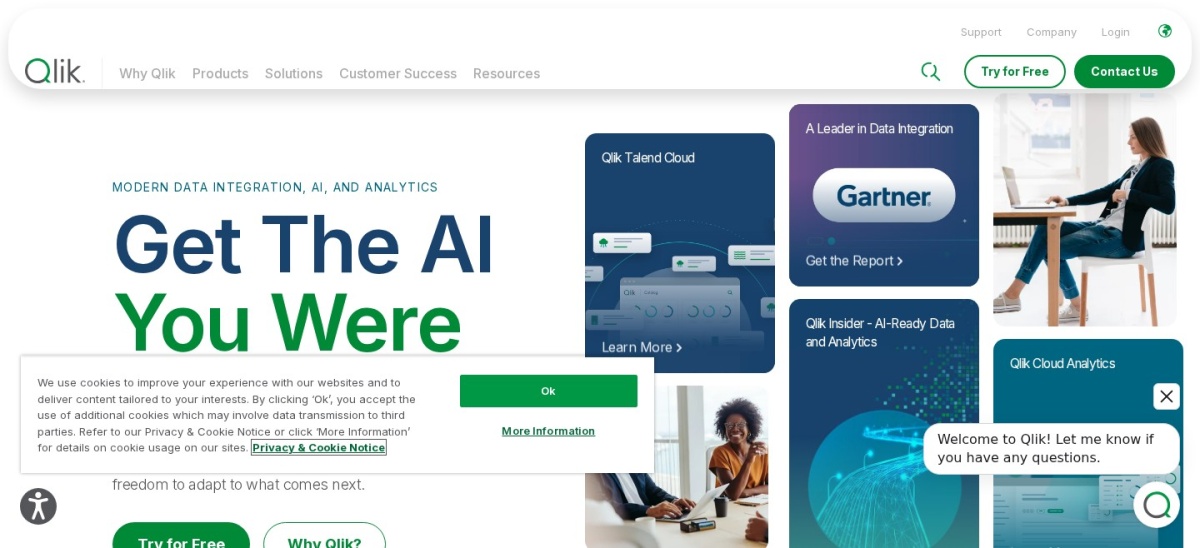
Qlik Sense, sold as Qlik Cloud Analytics, is an analytics platform built on an associative engine that lets users explore data freely without fixed queries. Starter costs $300 a month billed annually and covers 10 users and 10 GB of data, while Standard at $825 a month adds users at no extra cost.
The trade off is the fixed data cap. Starter's 10 GB cannot be extended, so a team that outgrows it must jump to Standard at $825 a month, and the price is high for small teams. It suits mid-size and large teams that want many viewers on a fixed data volume.
What we like
Additional users cost nothing from Standard up
Associative engine for free-form exploration
Strong data integration and ETL
Rated 4.4 out of 5 from 929 reviews
Watch out for
Starter's 10 GB data cap cannot be extended
Cheapest plan is $300 a month
Setup takes longer than simpler tools
Standard adds unlimited users and 25 GB of dataVisit qlik.com
06
Databox
4.4/5on G2 (194 reviews, checked Nov 2026)
Paid from$71/mo
Best for agency client reporting
Free planYes, 1 dashboard
Cheapest paidAnalyst, $71/mo
Integrations130+ sources
White label$80/mo add-on
databox.com
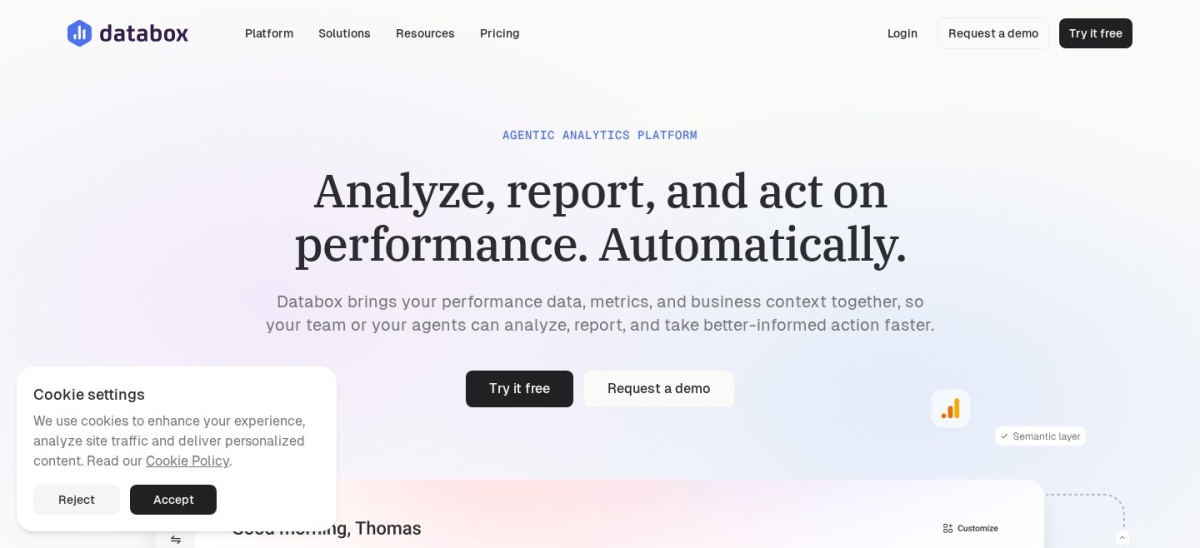
Databox homepage, captured Nov 2026.
Databox is a dashboard tool aimed at marketing teams and agencies, pulling metrics from more than 130 tools into shareable dashboards. The free plan covers 1 dashboard, 3 data sources and 1 user, and the Analyst plan costs $71 a month billed annually with 5 sources and hourly sync.
The trade off is the jump from free to paid. The free plan is small, and higher tiers rise fast: Team Core is $199 a month and the Agency plan starts at $79 a month, with white labelling as an $80 a month add-on. It suits agencies that send branded reports to many clients.
What we like
Free plan for a first dashboard
130+ integrations, mostly marketing tools
AI analyst answers questions about the data
Agency plan has unlimited users
Watch out for
Free plan allows only 1 dashboard
White labelling costs $80 a month extra
Pricing page and FAQ list different prices for some plans
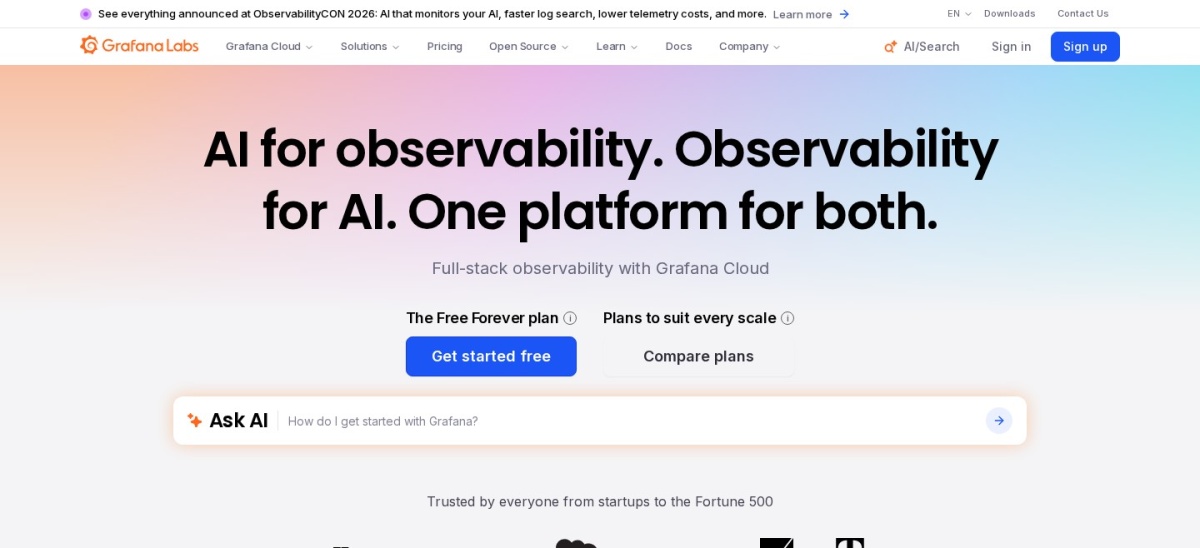
Grafana is an open-source dashboard tool built for live metrics, logs and traces from systems such as Prometheus. The open-source edition is free to self-host, and Grafana Cloud has a free tier with 10,000 metric series, 50 GB of logs and 50 GB of traces. Pro starts at $19 a month plus usage charges.
The trade off is setup and billing. Self-hosting needs engineering time, and Cloud Pro bills by usage, so a busy system can cost far more than the $19 base fee. It suits engineering teams that already run Prometheus and want live operations dashboards.
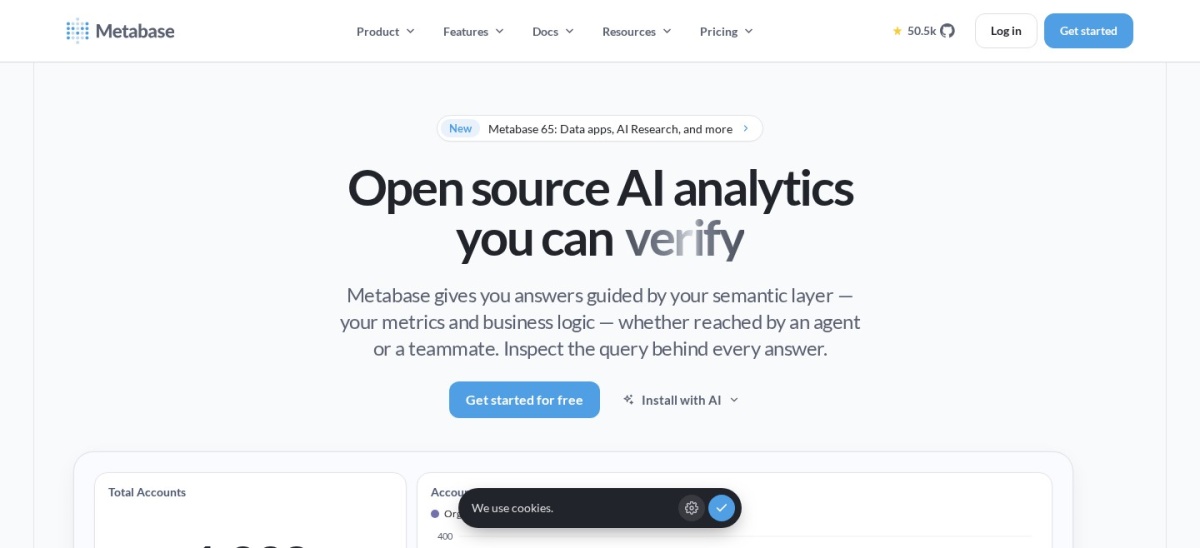
Metabase is an open-source business intelligence tool that lets non-technical users ask questions of a database and turn the answers into dashboards. The open-source edition is free to self-host with unlimited users, and Cloud Starter costs $90 a month billed annually for the first 5 users.
The trade off is the paid tier jump. Row-level security and single sign-on need Pro at $517.50 a month billed annually, and self-hosting means your team handles upgrades and backups. It suits small teams that want simple self-service dashboards without a per-seat bill.
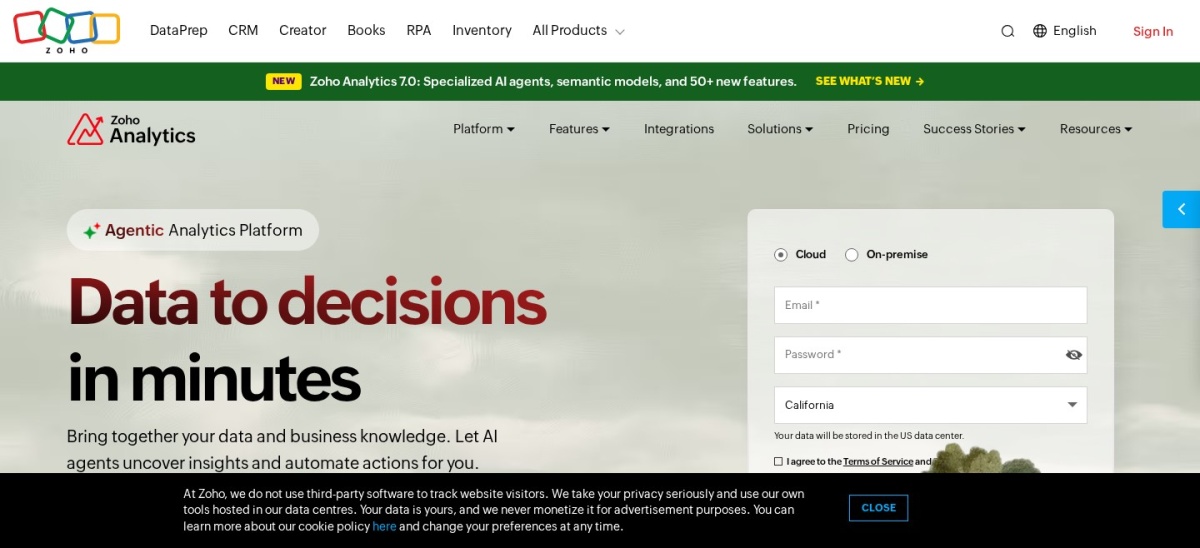
Zoho Analytics is a low-cost business intelligence tool from Zoho for small and mid-size teams. The free plan covers 2 users and 10,000 rows, and Basic costs $30 a month billed annually for 2 users and 0.5 million rows, with 100+ connectors and deep links into other Zoho apps.
The trade off is scale and polish. Reviewers report slow performance above 10 million rows, and the interface draws complaints about a steep learning curve for advanced features. It suits small teams already using Zoho products who want capable dashboards at a low price.
What we like
Basic plan is only $30 a month
Strong value for Zoho users
Unlimited reports and dashboards on all plans
AI assistant builds charts from questions
Watch out for
Slow with very large data sets
Lowest G2 rating in this list at 4.2
Advanced features have a steep learning curve
Standard adds more rows and users at $60 a monthVisit zoho.com
Free vs paid: what you give up
Free plans cover the basics well. Looker Studio, Grafana and Metabase all give you working dashboards at no charge.
Paid plans mostly add sharing, refresh speed and governance. You get more viewers, hourly data updates, single sign-on and row-level permissions.
If a dashboard only serves one person, a free plan is often enough. For a whole team or for client reports, budget for the paid tier that covers your viewers.
Per-user tools look cheap until every viewer needs a licence. Check the viewer price before you pick, not just the author price.
How we chose
We started from the dashboard tools with the most G2 reviews in the business intelligence and data visualisation categories, then kept those with published prices and a usable free or trial plan.
Prices come from each vendor's pricing page, checked on 25 November 2026. Ratings and review counts come from G2 on the same day. Where a vendor shows a sale, the list shows the regular price.
We left out tools with quote-only pricing, such as Domo and Sisense, because their prices cannot be compared. No vendor paid for a place, and we do not claim to have used these tools ourselves.
How to choose dashboard software
Start with your data sources, then check who needs to see the dashboards.
List your data sources first. Write down the apps and databases your dashboards must read. Pick a tool with built-in connectors for all of them.
Count your viewers, not just your authors. Some tools charge for every viewer, so a free authoring tool can still cost hundreds a month once the team views the boards.
Try the free plan with real data. Build one dashboard with your own numbers before you pay. Check speed, sharing and exports on the free tier.
Check the upgrade path. Make sure the next tier up covers your row limits, refresh needs and permissions, so growth does not force a switch.
FAQ
What is the best dashboard software?
Microsoft Power BI is the best pick for most teams. Pro costs $14 per user a month, it connects to hundreds of sources, and it is rated 4.5 out of 5 from 1,658 G2 reviews.
What is the best free dashboard software?
Looker Studio is the best free option. It costs nothing for creators and viewers, connects to Google Analytics, Sheets and BigQuery, and the paid Pro tier is only $9 per user a month.
How much does dashboard software cost?
Paid plans in this list run from $9 to $300 a month. Power BI Pro is $14 per user a month, Looker Studio Pro is $9, and Tableau Creator is $75 per user a month.
Can I use dashboard software for free?
Yes. Looker Studio, Grafana and Metabase all have free plans or free open-source editions. Power BI, Databox and Zoho Analytics also offer free tiers with limits on dashboards, users or rows.
Is Tableau or Power BI better?
Tableau has stronger charts and visual exploration, while Power BI costs far less at $14 per user a month against $75 for a Tableau Creator licence. Most teams pick Power BI for value and Tableau for deep analysis.
Which dashboard tool is best for agencies?
Databox and Klipfolio are built for agencies. Databox offers client dashboards across 130+ sources from $71 a month, while Klipfolio gives unlimited users and KPI templates from $90 a month.
SaaS SEO and WordPress specialist with about 8 years of experience. Rakib compares WordPress plugins, themes, hosting and software using public pricing, documentation and user reviews. See how we rank.