Yodeck leads our list of the top digital display software, with one screen free and paid screens at eight dollars a month. OptiSigns suits app-heavy screens, while Xibo is the cheapest cloud option for small teams.
How we make this list: we compare pricing pages, product documentation and public user reviews, then re-check every price before each update. No product paid for a place. Disclosure.
Yodeck leads for most teams: one screen free, paid screens at $8 a month, and 800-plus templates.
OptiSigns has the widest app library, with 100-plus apps and three screens free.
Xibo Cloud starts at $4.89 per display a month, and its software is free to self-host.
ScreenCloud costs $20 a screen a month but adds SSO, dashboards and enterprise security.
Per-screen pricing adds up fast: 50 screens cost $4,800 a year on Yodeck Basic.
Juuno is the cheapest full-featured option at $5 a screen a month, with far fewer reviews.
How do you choose the top digital display software?
Screens are cheap; the software bill is not. Most tools charge per screen per month, so a price gap of a few dollars becomes thousands a year once you pass 25 displays, and the free tier is often the deciding factor for a first screen.
Hardware locks buyers in more than software does. Yodeck works best with its own Raspberry Pi player, while OptiSigns and Juuno run on smart TVs and Fire TV sticks, so check the players you already own before you pick a platform.
Content decides the winner for most teams. App-heavy screens need OptiSigns, school and office alerts need Rise Vision, and polished multi-site networks need ScreenCloud. Our best digital signage software for offices guide compares the same tools for workplace screens.
Free plans are genuinely useful here. Yodeck covers one screen free forever, OptiSigns covers three, and Play Digital Signage covers one, so a single display can run for nothing while you test the editor.
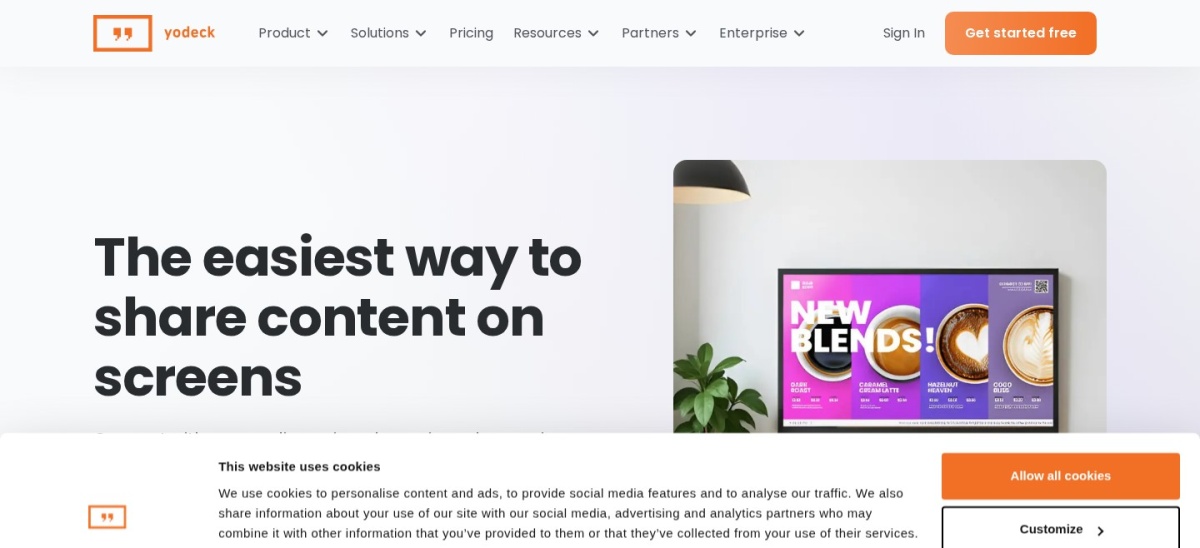
Yodeck is a cloud digital signage platform for designing, scheduling and remotely managing displays from one dashboard. Its free plan covers one screen with unlimited users, while Basic at $8 per screen a month adds 800-plus templates, 147 apps and a layout editor, with a free Raspberry Pi player on annual plans.
The trade off is hardware and scale. Yodeck works best with its own player, and the per-screen price adds up fast: 50 screens cost $4,800 a year on Basic. It suits small and midsize teams that want screens live the same day.
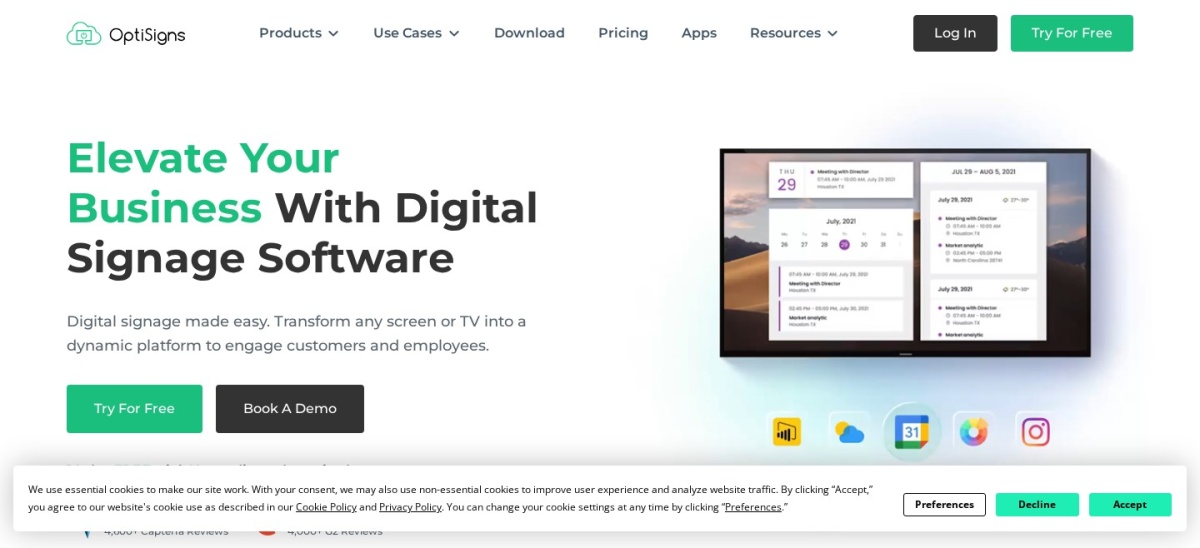
OptiSigns is a cloud signage platform with a drag-and-drop design studio, split-screen zones and a free plan for up to 3 screens with 1GB of storage and 25 basic apps. Upgrading to Standard at $10 per screen a month removes the branding limit and unlocks 100-plus apps and unlimited cloud storage.
The trade off is the enterprise ladder. Business dashboards like Power BI and Looker, plus SSO and team workspaces, require Pro Plus at $15 per screen a month. It suits retail and office teams with mixed hardware fleets.
ScreenCloud is the polished option for workplaces with many locations. Clean templates cover company updates, KPI walls and promotions, deep integrations connect Slack, Teams and BI tools, and an enterprise security layer with SSO and MFA survives IT review.
The trade off is price. Core starts at $20 per screen a month billed annually, $24 on monthly billing, and Pro runs $30 with a five-screen minimum, so a 200-screen network becomes a budget conversation. It suits multi-site companies that need dashboards and security.
Xibo is a long-running digital signage platform available as managed Xibo Cloud or free self-hosted software. Essentials starts at $4.89 per display a month billed annually, with scheduling, layouts and multi-platform players and no hardware lock-in.
The trade off is polish. Xibo's editor and templates feel plainer than Yodeck or ScreenCloud, and support is thinner for self-hosted installs. It suits teams that want the lowest cloud bill or full control over their own server.
Rise Vision is a cloud signage platform built for schools, workplaces and manufacturers that need centrally managed screens. Basic starts at $11 per display a month and covers templates, scheduling, emergency alerts and screen sharing from one control layer.
The trade off is the audience. Rise Vision is strongest for education and internal comms, with fewer retail and advertising features than OptiSigns. It suits schools and offices that need alerts and meeting-room screens.
NoviSign is a digital signage platform for interactive retail and workplace screens, with a drag-and-drop editor, templates and integrations with POS, Toast, Zapier and Power BI. Plans start at $14 per screen a month billed annually.
The trade off is the review base. NoviSign holds a perfect 5 out of 5 on G2, but from only 47 reviews, so the score says less than Yodeck's thousands. It suits mid-market teams that want interactive screens and deep integrations.
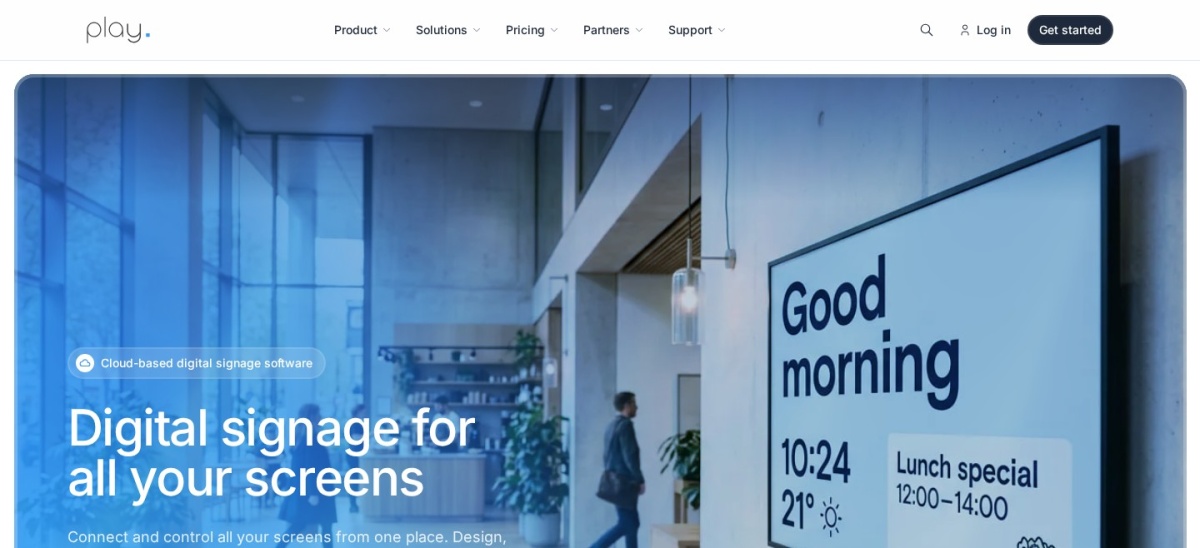
Play Digital Signage is a cloud platform connecting 25,000-plus screens, with Essential at $8 per screen a month, a cloud editor, templates and timeline scheduling. The free plan covers one screen, and setup takes minutes on Fire TV, Raspberry Pi, Android or ChromeOS.
The trade off is depth. Play is simpler than OptiSigns or ScreenCloud, with fewer apps and no enterprise security layer. It suits first-time buyers who want simple multi-device playback without a sales call.
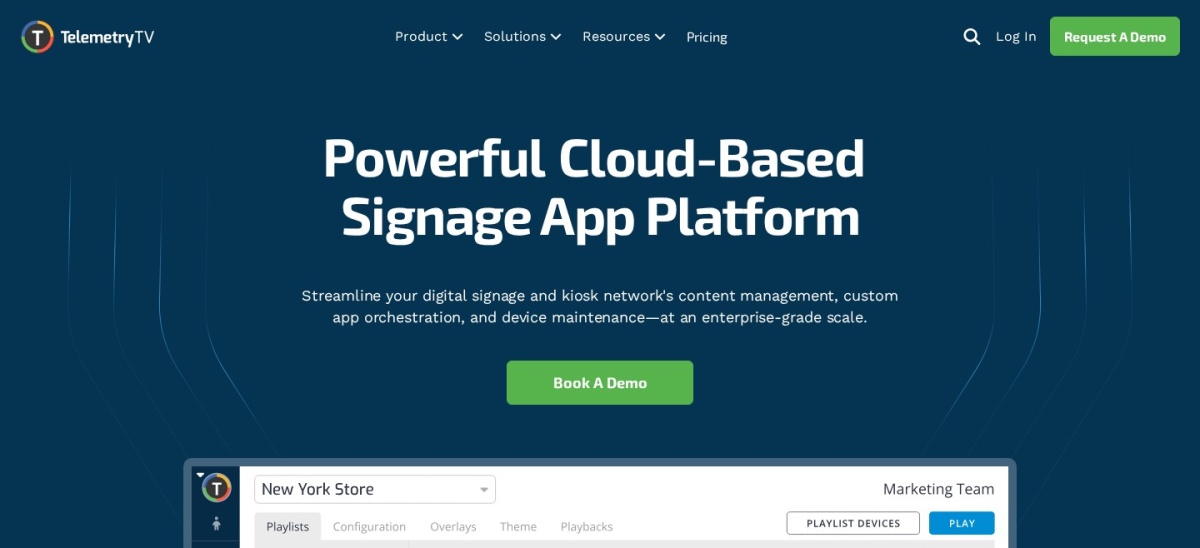
TelemetryTV is a cloud signage and device management platform starting on Entry at $8 per device a month with no device minimum. It covers playlists, live content, dashboards and remote device controls from one console, with fast content updates across locations.
The trade off is the review base. TelemetryTV holds 4.8 on G2 from 106 reviews, far fewer than Yodeck or OptiSigns, and there is no free plan. It suits teams that want live dashboards and device management in one tool.
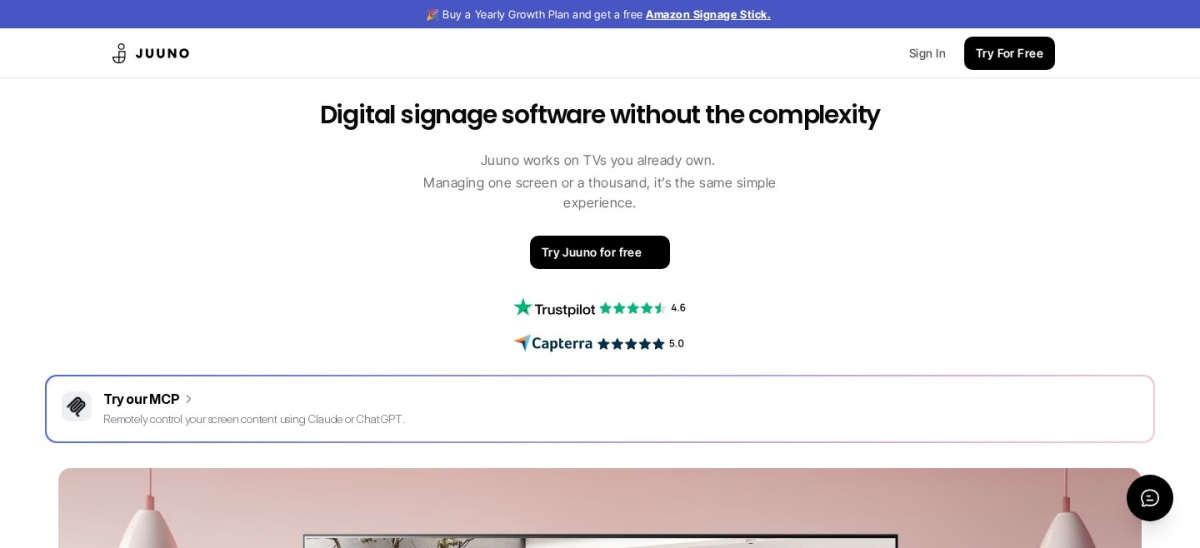
Juuno is the cheapest full-featured option in this list at $5 per screen a month for the Business plan. It runs on a $99 Amazon Signage Stick or a smart TV browser, so hardware stays cheap, and the Growth plan at $9 adds proof-of-play reporting and API access.
The trade off is track record. Juuno has far fewer reviews than the established tools, with 38 on G2, and its app library is smaller. It suits small teams and agencies that want white-label screens on a tight budget.
What we like
Cheapest full-featured option here
Runs on smart TVs with no Pi setup
White-label plan for agencies
Offline playback included
Watch out for
Only 38 G2 reviews
Smaller app library
Growth adds proof-of-play at $9 a screen a monthVisit juuno.co
Per-screen math: do the yearly sums first
A $5 gap per screen becomes $3,000 a year at 50 screens. Compare the yearly total for your real screen count, not the monthly headline, before you shortlist.
Free tiers change the maths for small networks. One free screen from Yodeck or Play, or three from OptiSigns, can cover a single display forever, so a small shop may never pay.
How we chose
We started from the digital signage tools with a verifiable rating on G2 or Capterra and a published per-screen price, then kept the nine that cover the main buying cases, from a single shop screen to a multi-site network.
Prices come from each vendor's pricing page, checked on 29 November 2026. Yodeck lists Basic at $8 a screen a month, OptiSigns Standard at $10 and ScreenCloud Core at $20. Ratings and review counts come from G2 or Capterra on the same day.
We left out tools with no verifiable rating and full-service installers that do not sell software alone. No vendor paid for a place, and we do not claim hands-on testing for this list.
How to choose digital display software
Start with your screen count, then check the players you already own.
Count your screens and do the yearly maths. Multiply the per-screen price by your screen count and 12, because a small monthly gap becomes thousands a year.
Check your players first. Yodeck wants its own Pi player, while OptiSigns, Juuno and Play run on smart TVs and Fire TV sticks you may already own.
Test the free tier on one screen. Yodeck, OptiSigns and Play all offer free screens, so run your real content for a week before you pay.
Match the app library to your content. Dashboards need ScreenCloud or TelemetryTV, retail apps need OptiSigns, and alerts need Rise Vision.
FAQ
What is the best digital display software in 2026?
Yodeck is the best digital display software for most teams. One screen is free forever, paid screens cost $8 a month, and it holds 4.7 out of 5 on G2 from 3,348 reviews, the largest review base in this list.
What is the cheapest digital display software?
Xibo is the cheapest cloud option at $4.89 per display a month, and its software is free to self-host. Juuno is the cheapest full-featured hosted option at $5 per screen a month, with no hardware beyond a smart TV or a $99 stick.
Does any digital display software have a free plan?
Yes. Yodeck covers one screen free forever, OptiSigns covers three screens free, and Play Digital Signage covers one screen free. ScreenCloud, Rise Vision, NoviSign and TelemetryTV offer trials instead of free plans.
Yodeck vs OptiSigns: which is better?
Yodeck is better for simple deployments, with one free screen, 800-plus templates and a free Raspberry Pi player on annual plans. OptiSigns is better for app-heavy screens, with 100-plus apps, 14 native player apps and three screens free.
What does digital display software cost per screen?
Entry paid prices in this list run from $4.89 per display a month for Xibo Cloud to $20 per screen a month for ScreenCloud Core. Most tools sit between $8 and $14, and the bill scales with every screen you add.
Is ScreenCloud worth $20 a screen a month?
ScreenCloud is worth it for multi-site companies that need polished templates, dashboards, SSO and MFA in one tool. Smaller teams get the same screens for less from Yodeck at $8 or Juuno at $5 a screen a month.
SaaS SEO and WordPress specialist with about 8 years of experience. Rakib compares WordPress plugins, themes, hosting and software using public pricing, documentation and user reviews. See how we rank.