Best Digital Signage Software for Offices in 2026: 7 Tools Compared
WLWPLegible EditorsLast verified 23 Nov 2026How we rank12 min read
★ Short answer
Yodeck is the best digital signage software for offices, with 800+ templates, 147+ apps and pricing from $8 a screen a month, rated 4.7/5 on G2 from 3,248 reviews. Pick ScreenCloud for enterprise multi-site networks, and OptiSigns when your office hardware is a mix of brands.
How we make this list: we compare pricing pages, product documentation and public user reviews, then re-check every price before each update. No product paid for a place. Disclosure.
Yodeck is the best all-round pick for offices, with 800+ templates, 147+ apps and pricing from $8 a screen a month.
ScreenCloud suits enterprise multi-site networks, with 80+ apps, SSO and SOC 2, from $20 a screen a month.
OptiSigns has the broadest device support, with 14 native player apps and 3 screens free.
Rise Vision adds screen sharing and emergency alerts alongside signage, at about $11 a display a month.
Xibo is free to self-host with no hardware lock-in, and PosterBooking was left out because no current G2 or Capterra rating could be verified.
What digital signage software for offices actually does
Digital signage software puts content on the screens in your office: a content manager where you design and schedule, plus a player app on each screen. A lobby screen, a meeting-room display and a break-room TV all run from the same dashboard.
For offices the content is mostly internal: company news, team wins, training announcements, dashboards and meeting-room schedules. That makes integrations the deciding factor, since the screens should pull from the tools the office already uses, such as Power BI, Google Slides and Microsoft Teams.
Pricing is per screen per month, so the bill scales with the network. Yodeck starts at $8 a screen a month, OptiSigns at $10, Rise Vision at about $11, NoviSign at $14 and ScreenCloud at $20, while Xibo is free to self-host.
Count the whole cost, not just the software. Add media players, displays, installation and support to the per-screen subscription, and test on one display for a week before rolling out to every office.
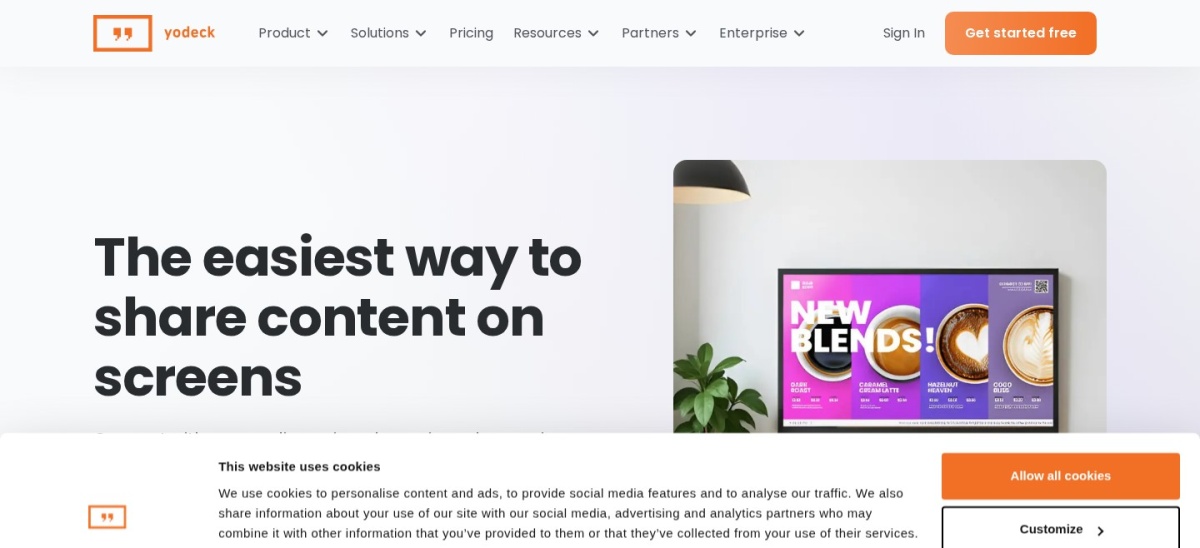
Yodeck is the easiest way to share content on office screens, letting teams create, schedule and manage content in minutes. It serves 65,000 or more companies across 135 or more countries and runs 350,000 or more screens, with 800 or more free templates, 147 or more apps and integrations with Power BI, SharePoint, Google Drive, Canva and Microsoft Teams.
The trade off is scale pricing. At $8 a screen a month on Basic, per-screen pricing adds up for large networks, and advanced enterprise features sit on higher tiers. One screen is free forever, and annual plans include a free ready-made player.
What we like
800+ templates and 147+ apps
One screen free with full Basic features
Rated 4.7 out of 5 on G2 from 3,248 reviews
Free player with annual plans
Watch out for
Per-screen pricing adds up for large networks
Advanced enterprise features sit on higher tiers
New accounts start with a 30-day trial, not the old free screen
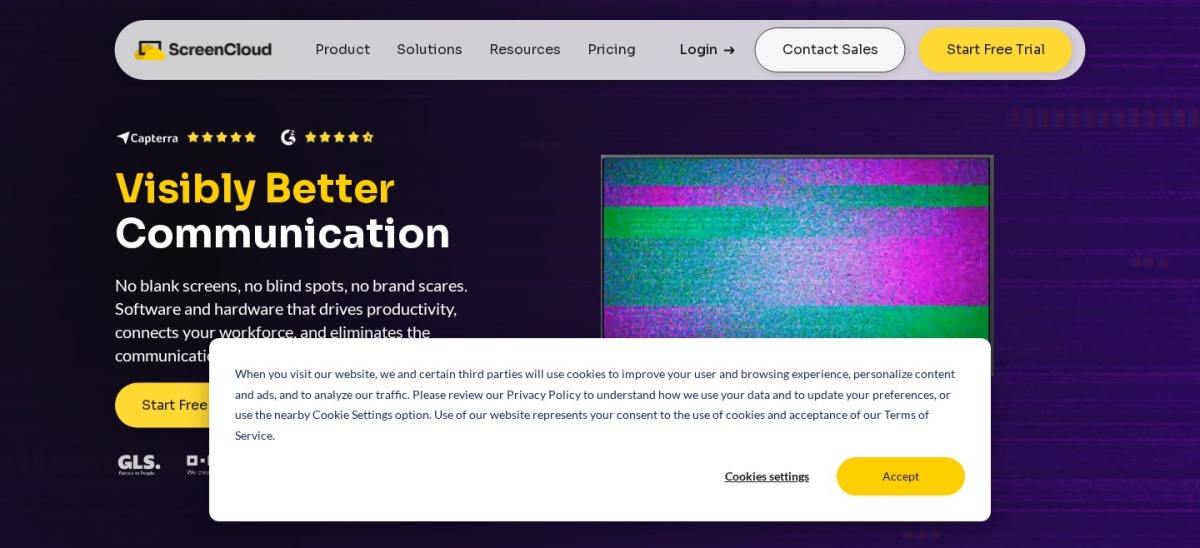
ScreenCloud is a full-stack digital signage company that provides hardware and software to run screens at scale, improving deployment, management and security. It promises mission-critical communication from headquarters to deskless and frontline teams, with 80 or more ready-to-go apps including Microsoft 365, Google Workspace, Canva, dashboards and emergency alerts.
The trade off is cost. Core costs $20 a screen a month billed yearly, or $24 monthly, and Pro is $30, so it costs two to three times what Yodeck charges per screen. It suits companies whose screens carry business data rather than a menu or a promotion.
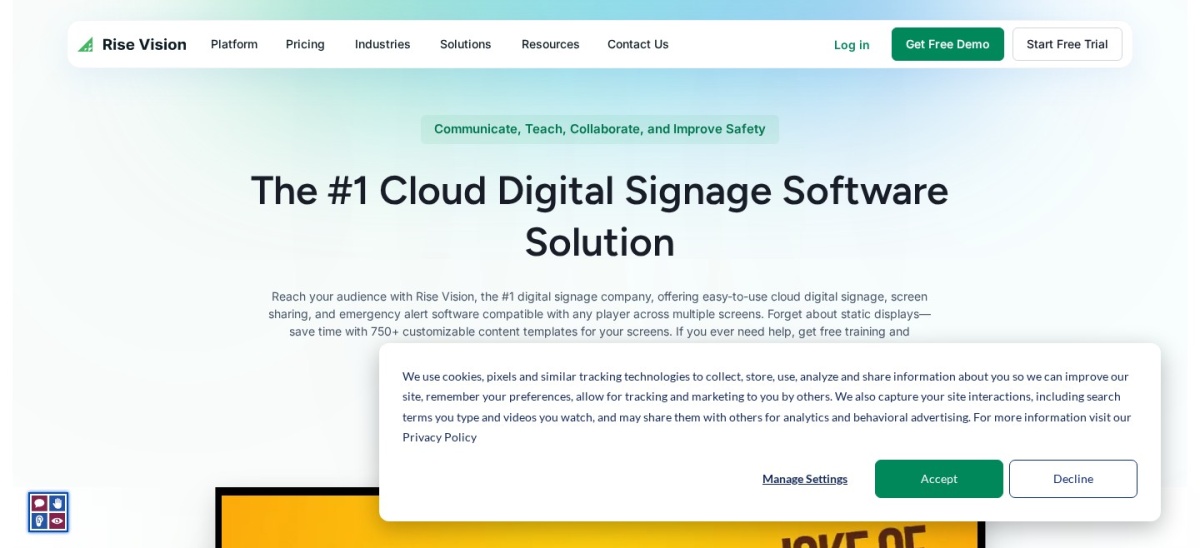
Rise Vision is a cloud digital signage, screen sharing and emergency alert platform compatible with any player across multiple screens. It offers 750 or more customizable templates, free training and support, and AI tools that turn a prompt into a branded, animated presentation, plus emergency alerts via the Common Alerting Protocol.
The trade off is heritage and price visibility. It started in education, so office buyers should check features against their needs, and pricing is not shown on the homepage. Basic costs about $11 a display a month, and 12,300 or more organizations trust it.
What we like
Emergency alerts via Common Alerting Protocol
AI turns a prompt into a branded presentation
Rated 4.7 out of 5 on G2 from 1,003 reviews
750+ templates with free training and support
Watch out for
Pricing is not shown on the homepage
Education heritage means office fit needs checking
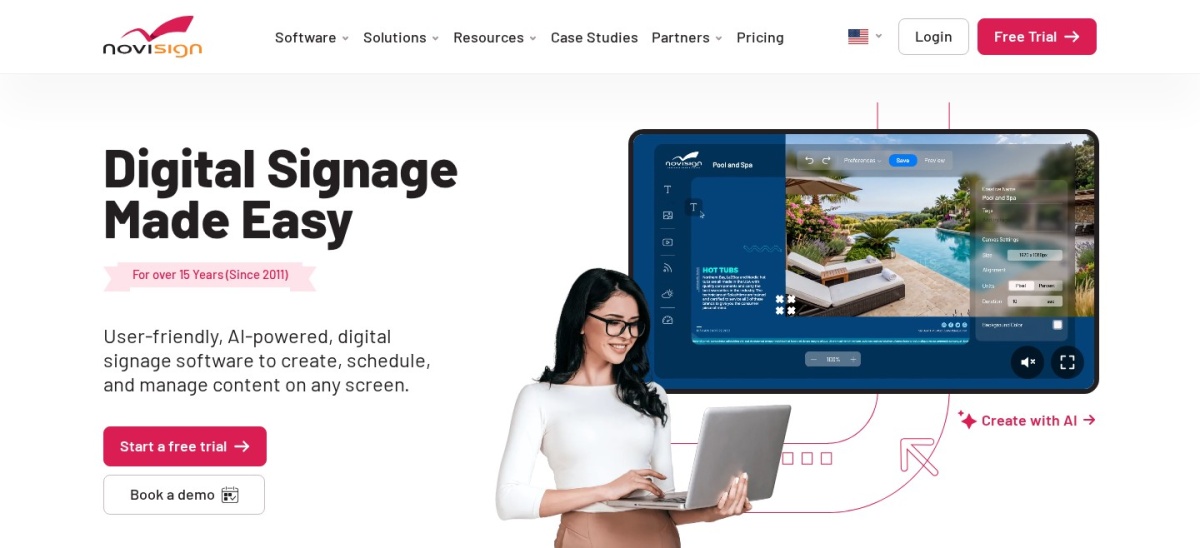
NoviSign is user-friendly, AI-powered digital signage software to create, schedule and manage content on any screen, trusted by 20,000 or more businesses since 2011. Its NoviSign Studio AI builds a screen from a description, while standard features include slideshows, company updates, live calendars, scrolling tickers, videos and weather reports.
The trade off is the thin review base and the trial limits. It holds a 5.0 rating on G2, but from only 47 reviews, and the 30-day trial caps storage at 80 MB with 16 MB maximum uploads. Business costs $14 a screen a month billed annually, or $16 monthly.
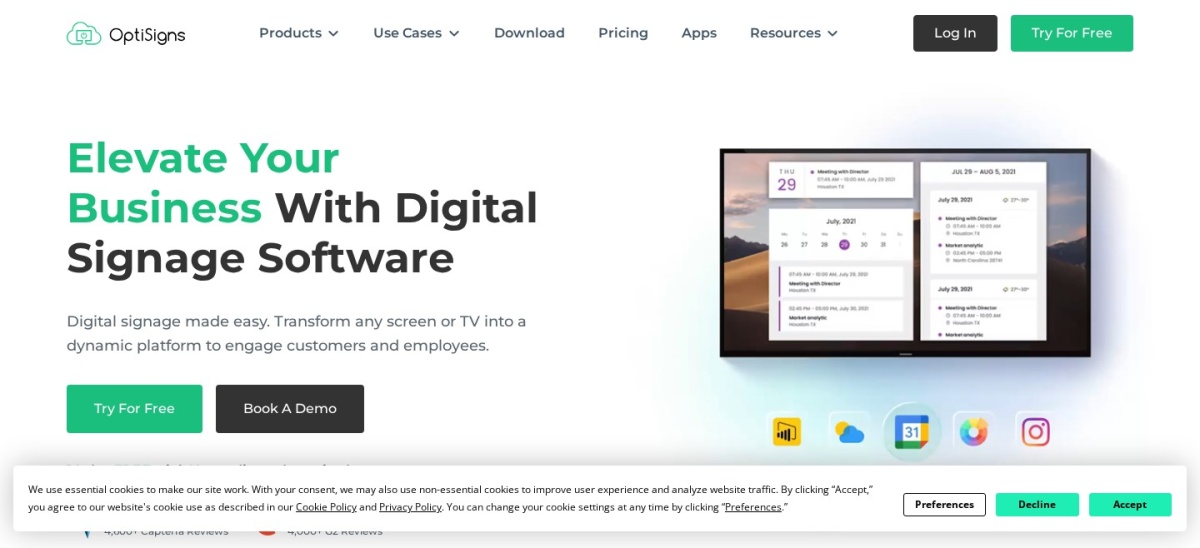
OptiSigns turns any screen or TV into digital signage with a powerful, easy-to-use platform. It offers the largest variety of platform and hardware options, including its own devices, plus a web player for browsers when you have no dedicated hardware. Setup takes three steps: pair your device, add content and assign it to a display.
The trade off is the free tier's branding and the homepage. Three screens are free, but they carry OptiSigns branding, and pricing is not shown on the homepage. Standard costs $10 a screen a month, or $9 billed yearly, and it runs 230,000 or more screens for 43,000 or more organizations.
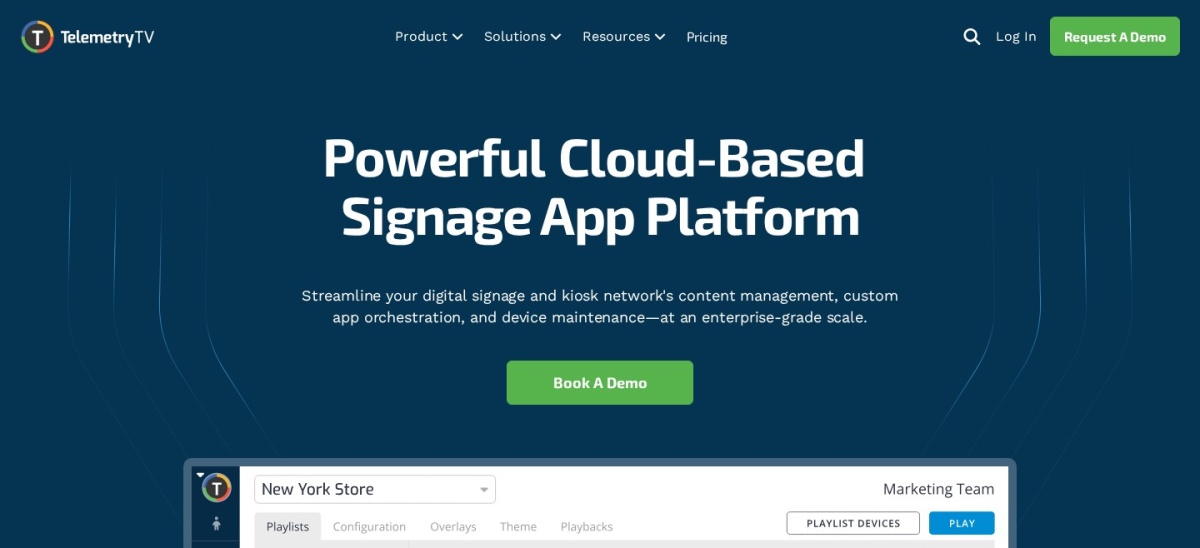
TelemetryTV treats the screen as an instrument, not a poster. It embeds dashboards from BI tools, pulls live data through APIs, supports live video streaming and can interrupt normal content with alerts when thresholds are crossed. Its 70 or more turnkey apps include YouTube, a Canva visual editor and menu boards, with flexible scheduling and auto-expiring rules.
The trade off is fit and price visibility. Its developer-friendly features, custom web apps with Git integration and kiosk tools may exceed small office needs, and pricing is not shown on the homepage. Entry costs $9 a screen a month, or $8 on an annual term.
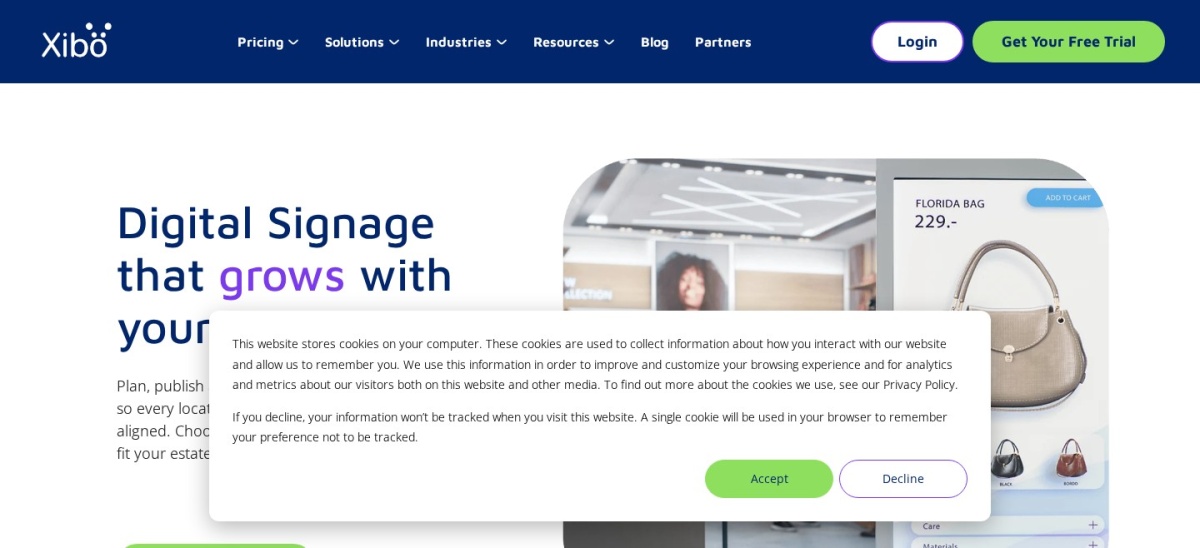
Xibo is the digital signage platform built to grow with your business, letting you automate messaging, update displays and manage your network from anywhere. It offers hardware freedom with certified devices across all major operating systems, fully managed cloud hosting or self-hosting for total control, and 5-star helpdesk support.
The trade off is setup. The open-foundation approach suits IT-led offices best, and pricing is not shown on the homepage, since cloud hosting is a separate paid service. Self-hosting costs nothing at licence level, and it holds a 4.6 rating on Capterra from 239 reviews.
Cloud-hosted vs self-hosted: which one do you need
A cloud-hosted platform and a self-hosted one overlap, but they are not the same job. A cloud platform runs the screens for you. A self-hosted platform gives you the server and the freedom.
If your screens stall because IT cannot touch the player or the network, you need a cloud platform: Yodeck, ScreenCloud or OptiSigns manage players remotely and reboot them from the dashboard.
If your screens stall because the vendor's cloud does not meet your security rules, you need self-hosting: Xibo runs on your own server or on managed cloud hosting, with no hardware lock-in.
If your screens stall because the bill grows with every display, check the free tiers first: Yodeck gives one screen free, OptiSigns gives three, and Xibo costs nothing to self-host.
How we chose
We compared tools that appear in office signage roundups, then kept only the ones with a verifiable rating on G2 or Capterra. PosterBooking was left out because no current G2 or Capterra rating could be verified for it.
We ranked on ease of use, template and app libraries, hardware freedom, security and pricing transparency for office use. Top-three prices were confirmed on each vendor's own pricing page through independent November 2026 checks.
No vendor paid for a place, and we do not claim hands-on testing for this list.
How to choose digital signage software for offices
Start with your screens and your content, then check the integrations and the total cost.
Count your screens and check the hardware. A single lobby screen needs only a simple tool. Multi-site offices need central management, user roles and remote monitoring. Check whether your TVs are smart, need a media player, or can run a browser player.
Check the integrations first. Office screens should pull from tools already in use: Power BI, Google Slides, Microsoft Teams, calendars and HR systems. ScreenCloud and TelemetryTV lead on live data and dashboards.
Weigh content creation against team size. Offices without designers benefit from Yodeck templates, Rise Vision AI presentations or NoviSign AI generation. Offices with dashboards should check Power BI and Google Slides integrations before buying.
Confirm the total cost. Add media players, displays, installation and support to the per-screen subscription. Start with a free trial or free screens, test on one display for a week, and only then roll out to every office.
FAQ
What is the best digital signage software for offices?
Yodeck is the best all-around choice for offices, with 800 or more templates, 147 or more apps and pricing from $8 a screen a month, rated 4.7/5 on G2. ScreenCloud suits enterprise networks, and OptiSigns suits mixed hardware.
How much does digital signage software cost?
Yodeck starts at $8 a screen a month, OptiSigns at $10, Rise Vision at about $11, NoviSign at $14 and ScreenCloud at $20. Xibo is free to self-host. Add media players and displays to the software price for a true total.
Can I try digital signage software for free?
Yes. Yodeck gives one screen free, OptiSigns gives three screens free with branding, and Xibo is free to self-host. ScreenCloud, Rise Vision and NoviSign offer free trials of 14 to 30 days.
Which signage software works on any TV?
OptiSigns has the broadest device support, with 14 native player apps plus a web player for any browser. Yodeck runs on Raspberry Pi, Fire TV, Android, Tizen and webOS, and Xibo has certified players across all major operating systems.
Do I need a media player for each screen?
It depends on the TV. Smart TVs with webOS or Tizen can run a native app directly, while other screens need a player such as a Raspberry Pi, Fire TV stick or Android box. Yodeck ships a pre-configured Pi player, and ScreenCloud sells its own PIXI player for $95 a device.
Is Xibo really free?
Yes, to self-host: Xibo is open-source software you install on your own server at no licence cost. Managed cloud hosting is a separate paid service, and the open-foundation setup suits IT-led offices best.