WLWPLegible EditorsLast verified 22 Nov 2026How we rank12 min read
★ Short answer
LiveChat is our top live chat software pick for dedicated sales and support teams, with its Essential plan starting at $19 per user monthly on annual billing. Tidio is better for small businesses wanting a free plan and conversation-based pricing, while Crisp suits teams that prefer a flat workspace fee.
How we make this list: we compare pricing pages, product documentation and public user reviews, then re-check every price before each update. No product paid for a place. Disclosure.
LiveChat starts at $19 per user per month billed annually, with chat, ticketing and AI assistance in its Essential plan.
Tidio offers 50 human conversations per month for free, while its human-only Starter plan costs $290 per year.
Crisp includes 2 seats on its free plan and charges $45 per workspace per month for Mini, which includes 4 seats.
Freshchat supports up to 10 agents on its free plan, with paid Growth pricing starting at $19 per agent per month billed annually.
Intercom Essential has a regular price of $29 per seat monthly, with additional usage-based charges for Fin AI outcomes.
LiveAgent has the lowest regular paid entry price in this comparison at $15 per agent monthly on annual billing, while Zendesk's chat-enabled Suite Team starts at $55.
What matters when choosing live chat software
Live chat software lets customers ask questions directly from a website or app. The right platform helps agents answer quickly, keep conversations organized and move visitors from a chat into a support ticket or sales conversation.
Start with pricing structure. Some providers charge per agent, others charge per workspace, and some limit the number of conversations your team can handle. Compare costs using your expected staffing and chat volume rather than the advertised entry price alone.
Look for a shared inbox that keeps customer history available when a conversation changes hands. Saved replies, assignment rules, visitor information, email integration and mobile access can make daily support easier to manage.
Automation deserves separate attention. Basic chat triggers, rule-based bots and AI agents have different capabilities and billing models. Check whether AI usage, additional channels, reporting and branding removal require extra payments.
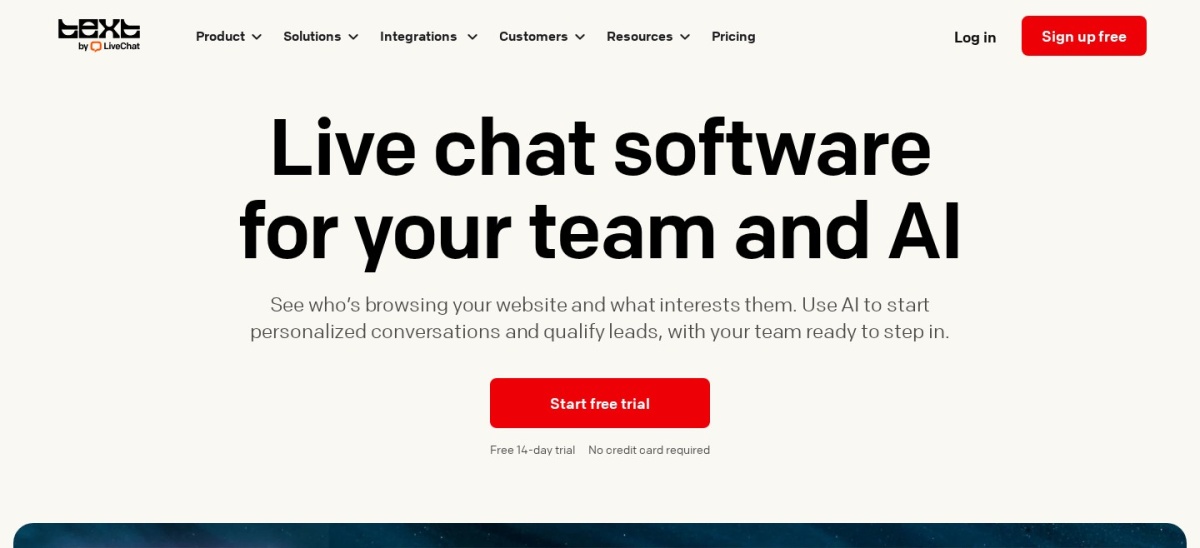
LiveChat is a website messaging platform for teams that want to answer questions, qualify shoppers and turn conversations into sales. Its Essential plan costs $19 per user monthly on annual billing and includes chat, an omnichannel inbox, ticketing, 3 proactive campaigns and an AI agent allowance.
The trade off is per-user pricing, which increases as the team grows, while deeper reporting and supervision require Growth at $79 per user monthly on annual billing. It suits online stores and customer-facing teams where live conversations directly support revenue.
What we like
Website chat and ticketing in the entry plan
Proactive campaigns for engaging visitors
AI agent and reply assistance included
Integrations with popular ecommerce platforms
Watch out for
No permanent free plan
Per-user pricing increases staffing costs
Advanced reporting requires a higher plan
Growth adds supervision, team reports and larger AI allowances.Visit livechat.com
02
Tidio
4.6/5on G2 (2,164 reviews, checked Nov 2026)
Paid from$290/yr
Best for small businesses and ecommerce support
Free conversations50 human conversations/mo
Entry planStarter, human-only
Paid allowance100 conversations/mo
Agent seatsUp to 10
tidio.com
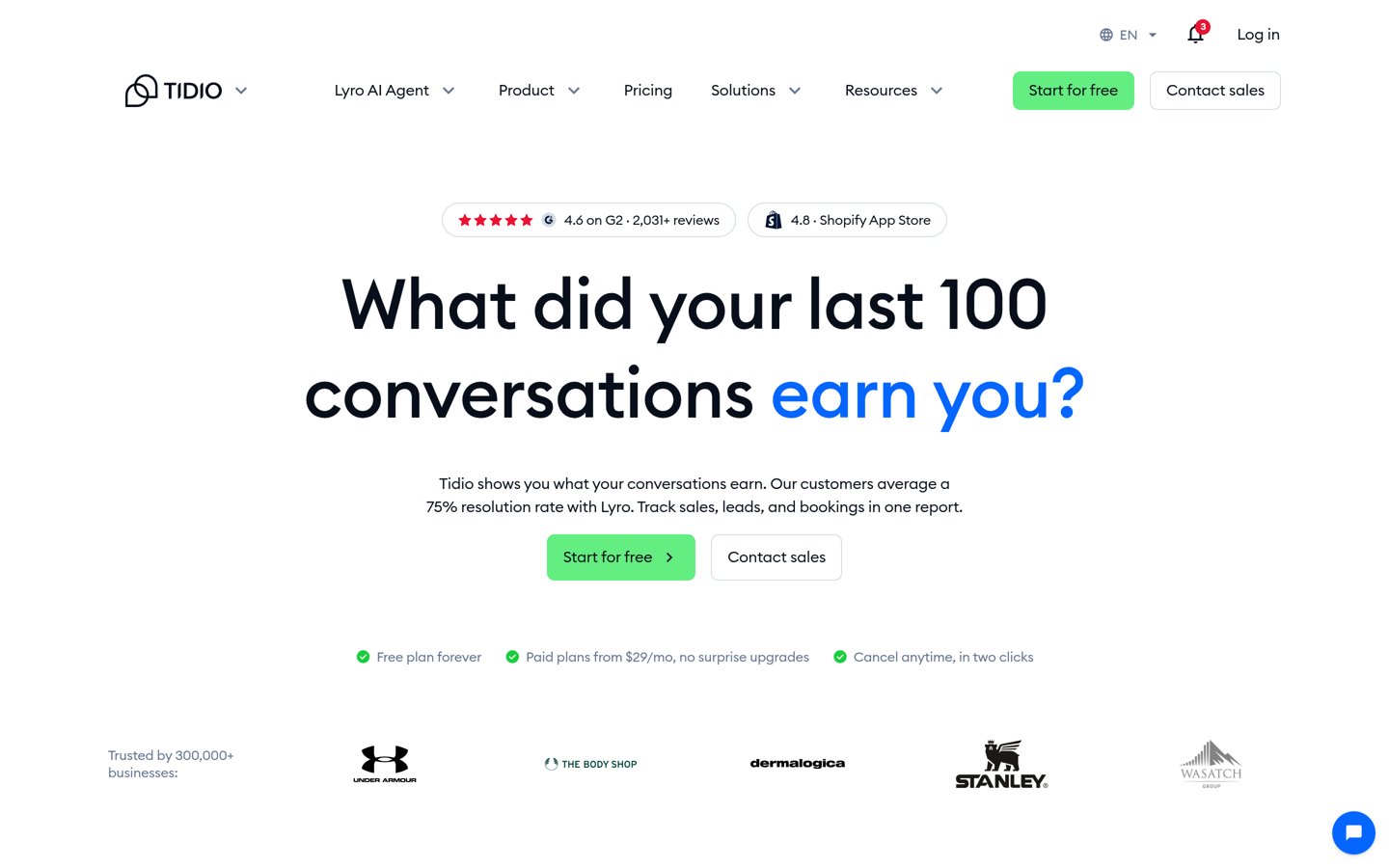
Tidio homepage, captured Nov 2026.
Tidio is a customer communication platform combining website chat, ticketing, social messaging and optional AI automation. Its free plan includes 50 human conversations monthly and 100 Flows visitors, while human-only Starter costs $290 annually and supports 100 conversations monthly with up to 10 agent seats.
The trade off is conversation-based billing, which makes usage limits important as support demand grows, while Lyro AI costs more than human-only plans. It suits smaller ecommerce stores and service businesses that want chat, customer messages and automation in one interface.
What we like
Permanent free plan for low chat volume
Up to 10 seats on standard entry plans
Website chat, email and social messaging
Optional Lyro AI for routine questions
Watch out for
Conversation quotas can constrain busy teams
AI-enabled plans cost more
Advanced workflows require an upgrade
Starter expands human conversations; AI-enabled plans add Lyro automation.Visit tidio.com
03
Crisp
4.5/5on G2 (207 reviews, checked Nov 2026)
Paid from$45/mo
Best for flat-rate team messaging
Free seats2
Entry planMini
Paid seats4 included
Pricing modelPer workspace
crisp.chat
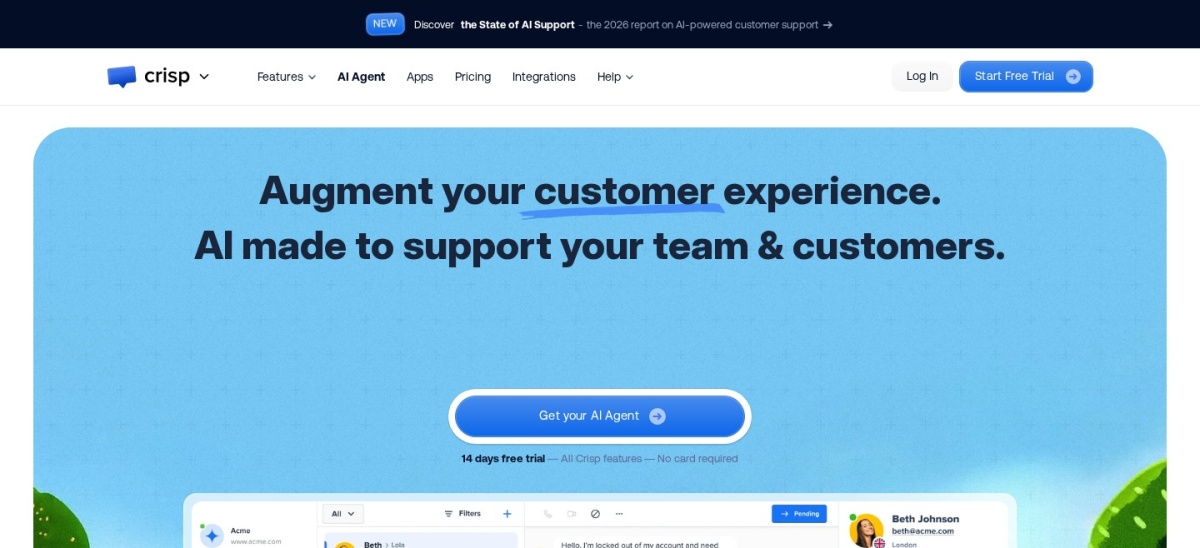
Crisp homepage, captured Nov 2026.
Crisp is a customer messaging platform built around a shared inbox and website chat widget. Its free plan includes 2 seats, mobile apps and ecommerce integrations, while Mini costs $45 per workspace monthly and includes 4 seats, shared email, chat triggers, private notes and $5 in AI credits.
The trade off is that broader automation and support features sit in higher plans, with Essentials costing $95 per workspace monthly. It suits small teams that prefer predictable workspace billing instead of paying separately for every agent.
What we like
Free website chat with 2 seats
Flat workspace pricing on paid plans
Shared email inbox in Mini
Chat triggers, shortcuts and private notes
Mobile applications and ecommerce integrations
Watch out for
Entry paid plan costs more than basic seat-based alternatives
Advanced features require higher workspace plans
AI credits are limited in Mini
Mini adds shared email, extra seats, triggers and AI credits.Visit crisp.chat
04
Freshchat
4.4/5on G2 (505 reviews, checked Nov 2026)
Paid from$19/mo
Best for growing omnichannel support teams
Free agentsUp to 10
Entry planGrowth
Paid billing$19/agent/mo, annual
AI optionFreddy AI add-on
freshworks.com
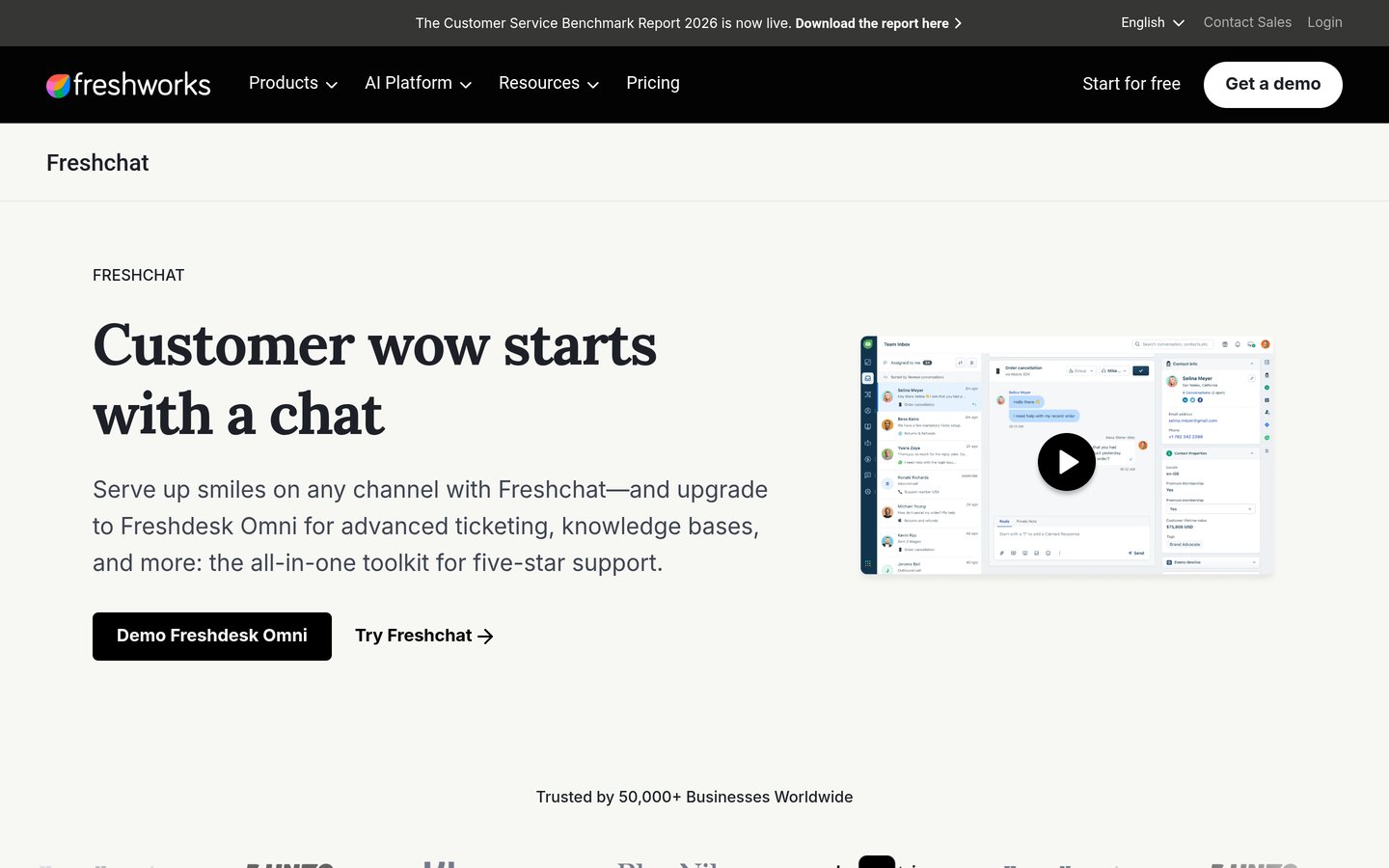
Freshchat homepage, captured Nov 2026.
Freshchat is a customer messaging platform from Freshworks, combining website chat, shared inbox management and support channels. Its free plan supports up to 10 agents with a web and mobile chat widget, email connectivity and permissions, while Growth costs $19 per agent monthly billed annually.
The trade off is that messaging expansion and automation increase costs, with Freddy AI Agent listed separately at $49 per 100 sessions. It suits support teams that want a free starting point and a path toward social messaging, reporting and advanced routing.
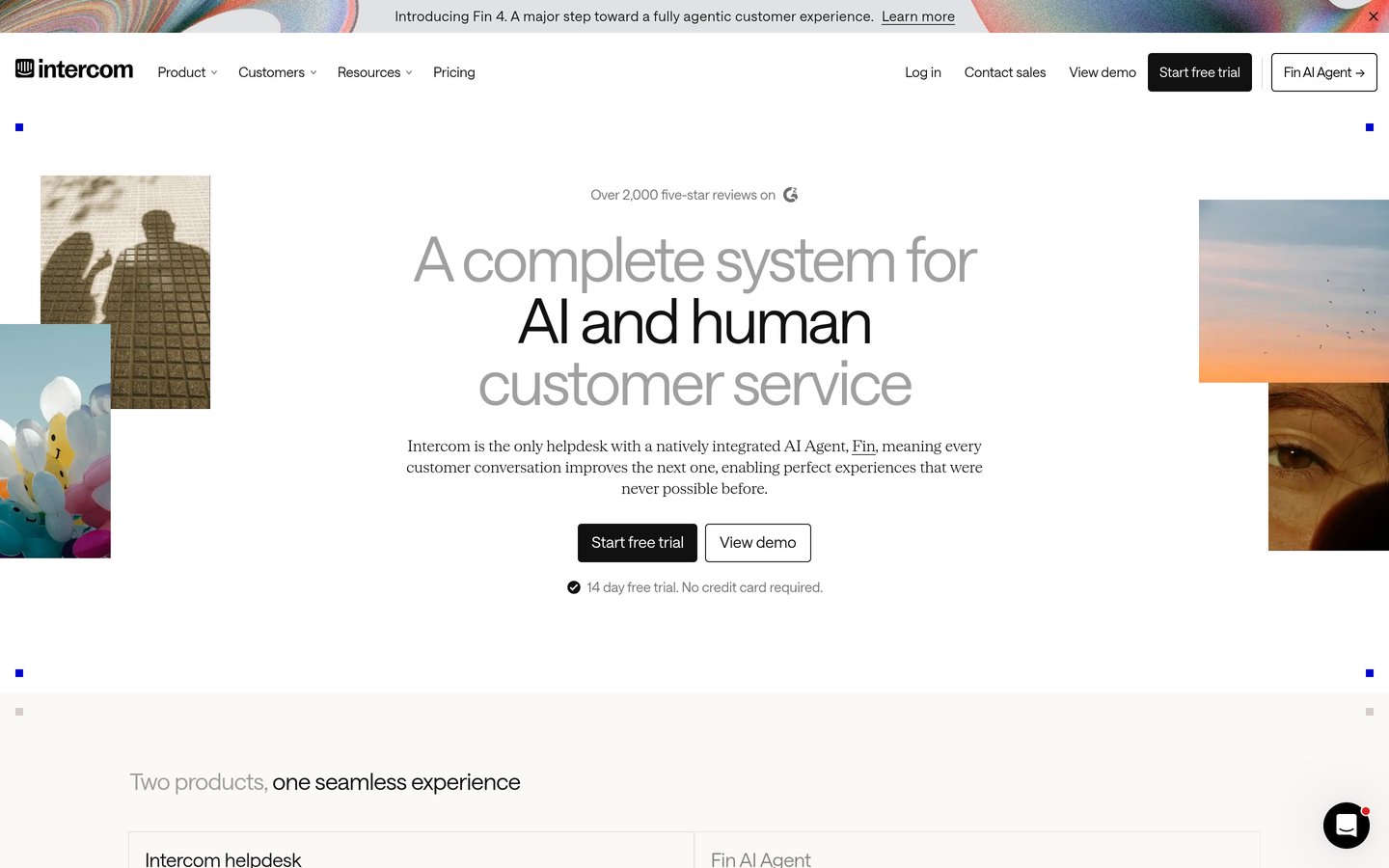
Intercom is a customer service platform combining live messaging, a shared inbox, ticketing and the Fin AI Agent. Essential has a regular price of $29 per seat monthly and includes Messenger, prebuilt reports and a public help center, with Fin AI outcomes billed separately from $0.99 each.
The trade off is usage-based AI billing on top of seat fees, which makes the final cost depend on automated resolutions, even though new-customer promotions may lower the initial seat price. It suits SaaS businesses that want conversational support and AI assistance within the same customer service platform.
What we like
Messenger, inbox and ticketing together
Fin AI for resolving routine questions
Public help center in Essential
Prebuilt reporting for support activity
Higher tiers support complex workflows
Watch out for
No permanent free plan
AI outcomes create additional usage charges
Advanced automation requires higher plans
Advanced adds workflow automation, multiple team inboxes and round-robin assignment.Visit intercom.com
06
Zendesk
4.3/5on G2 (7,123 reviews, checked Nov 2026)
Starts at$19/mo
Best for established help desks needing chat
Cheapest paid planSupport Team, $19/agent/mo
Chat-enabled planSuite Team, $55/agent/mo
Chat-enabled annual cost$660/agent
BillingAnnual
zendesk.com
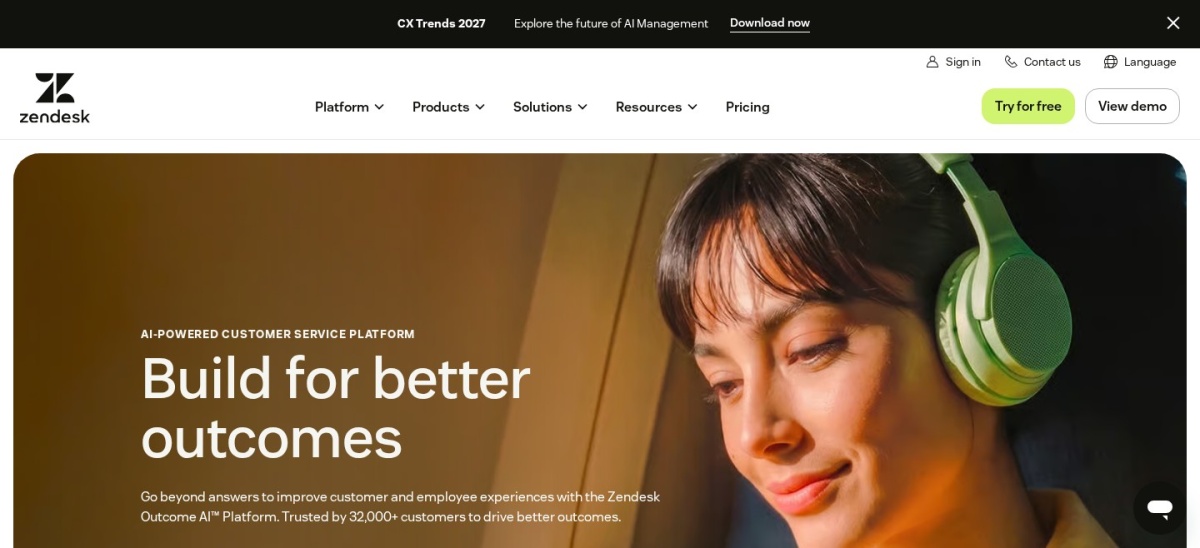
Zendesk homepage, captured Nov 2026.
Zendesk is a customer service platform combining ticketing, customer context, automation and support channels. Its cheapest paid plan, Support Team, costs $19 per agent monthly billed annually and includes email ticketing, routing and analytics; live chat and messaging are included in Suite Team at $55 per agent monthly.
The trade off is that the $19 entry plan does not include live chat, making Suite Team at $660 per agent annually the relevant starting point for chat buyers. It suits established support departments that need chat alongside ticketing, knowledge management and omnichannel workflows.
What we like
Mature ticketing and customer support workflows
Omnichannel routing in Suite Team
Messaging, live chat and telephony together
Knowledge base and AI capabilities
Extensive integrations marketplace
Watch out for
Cheapest paid plan excludes live chat
Suite Team costs substantially more than basic chat tools
Advanced administration requires higher tiers
Suite Team adds live chat, messaging, telephony, knowledge base and AI features.Visit zendesk.com
07
Help Scout
4.4/5on G2 (437 reviews, checked Nov 2026)
Paid from$25/mo
Best for email-first teams adding live chat
Free usersUp to 5
Free inboxes1
Entry paid planStandard
Paid billing$25/user/mo, annual
helpscout.com
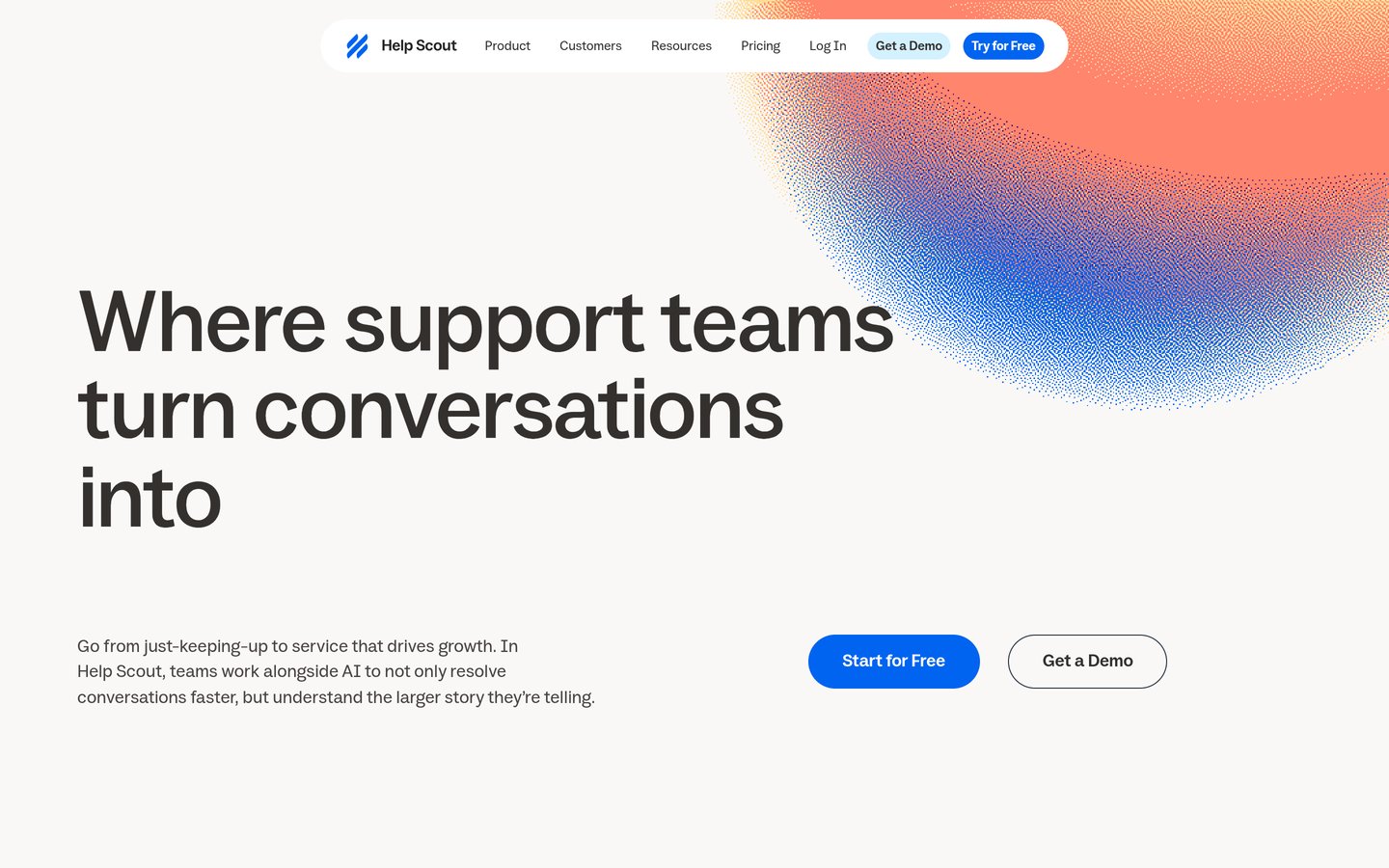
Help Scout homepage, captured Nov 2026.
Help Scout is a shared-inbox customer support platform combining email, live chat, knowledge content and team collaboration. Its free plan includes up to 5 users, 1 inbox and 1 Docs site, while Standard costs $25 per user monthly billed annually and includes live chat, multiple inboxes and basic workflows.
The trade off is that the free tier has limited contacts and its paid plans charge per user, making expansion more expensive as teams grow. It suits businesses where email remains the main support channel but website chat and self-service documentation are also important.
What we like
Free plan for small support teams
Shared inbox and knowledge base
Live chat included in Standard
Saved replies and team workflows
Additional messaging channels on paid plans
Watch out for
Free tier has a 100-contact monthly limit
Live chat requires a paid plan
Advanced service management requires upgrades
Standard adds live chat, multiple inboxes, workflows and broader messaging.Visit helpscout.com
08
LiveAgent
4.5/5on G2 (1,538 reviews, checked Nov 2026)
Starts at$15/mo
Best for affordable chat and help desk support
Entry planStarter
Regular price$15/agent/mo, annual
Chat buttons2
AI agents1
liveagent.com
LiveAgent homepage, captured Nov 2026.
LiveAgent is a customer support platform that combines live chat, email ticketing, a knowledge base and AI assistance. Its Starter plan has a regular price of $15 per agent monthly billed annually and includes 2 live chat buttons, 3 email accounts, 10 departments and 1 AI agent.
The trade off is that Starter lacks social channels, a call center and reporting, while an advertised $11 promotional price is not the regular rate. It suits budget-conscious support teams that need website chat and email before investing in a full omnichannel help desk.
What we like
Low regular entry price
Live chat and email support together
AI functionality available on entry plans
Knowledge base included
Single sign-on available
Watch out for
Starter excludes reporting and social messaging
Phone support requires a higher tier
AI provider charges may apply separately
Team adds phone, social messaging, reports and broader channel support.Visit liveagent.com
How live chat pricing models affect your bill
Per-agent pricing charges for each support representative. LiveChat, Freshchat, Intercom, Zendesk, Help Scout and LiveAgent use seat-based pricing on their entry plans. This works well when staffing is predictable, but total cost rises as more agents are added.
Workspace pricing charges for a shared account or team allocation. Crisp's Mini plan costs $45 per month per workspace and includes 4 seats. This can be attractive when several people need to respond to incoming conversations.
Conversation pricing limits or bills according to support volume. Tidio's human-only Starter plan includes 100 conversations per month at $290 annually. Teams should estimate monthly chat demand before comparing its price against seat-based tools.
AI usage pricing may sit on top of the subscription. Intercom lists Fin outcomes from $0.99 each, while Freshchat offers Freddy AI Agent sessions separately. A low subscription fee does not guarantee a low overall bill.
When should you upgrade from free live chat?
Free live chat works when support demand is light and teams can answer questions manually. Tidio provides 50 human conversations monthly, Crisp includes 2 free seats, and Freshchat allows up to 10 free agents.
Upgrade when conversation limits interrupt support, when multiple channels need shared ownership, or when agents require better routing, reporting and automation. A paid plan should address a measurable limitation rather than simply add features.
Before upgrading, estimate the number of agents, incoming chats, required channels and expected AI usage. The cheapest advertised subscription may not be the lowest-cost choice after these requirements are included.
How we chose
We shortlisted established live chat and customer support platforms with public user reviews, maintained product offerings and features relevant to website messaging. Selection considered chat functionality, shared inboxes, support workflows, integrations, automation and the suitability of each product for different business sizes.
Pricing pages and G2 review listings were checked on 22 Nov 2026. We used regular published prices rather than temporary promotions, converted monthly rates into annual equivalents, and distinguished entry subscriptions from additional usage fees or the higher plan needed to enable live chat.
We excluded products without a verifiable fixed paid starting price, insufficient public review evidence or a clear fit for ongoing customer support. The comparison uses vendor documentation and public ratings rather than direct product evaluations. No vendor paid for a place, and we do not claim testing for this list.
How to choose the right live chat software
Start with your team's actual support workflow, then compare plans against these requirements before selecting a platform.
Estimate your monthly chat volume. Review how many conversations your website receives and how many agents respond. This determines whether conversation limits, per-seat charges or workspace pricing will provide better value.
Match chat features to your support channels. Decide whether you need website chat alone or a shared inbox for email, messaging apps and support tickets. Check which channels are included in the specific plan you intend to buy.
Separate automation from human support. List the repetitive questions you want automated, then compare chat triggers, rule-based flows and AI agents. Confirm whether automated conversations are included or billed separately.
Calculate the full annual subscription cost. Include user seats, chat volume, AI charges and any necessary feature upgrades. Compare the resulting budget with the value of faster responses, more organized support and fewer missed conversations.
FAQ
What is the best live chat software in 2026?
LiveChat is our top overall pick for businesses focused on website sales and customer support. Its Essential plan starts at $19 per user monthly on annual billing. Tidio is a better starting point for smaller teams that need a free option, while Crisp offers a flat workspace subscription.
What is the best free live chat software?
Tidio, Crisp and Freshchat all offer permanent free plans. Tidio includes 50 human conversations per month, Crisp includes 2 seats, and Freshchat supports up to 10 agents. The best choice depends on whether your main limitation is conversation volume, number of operators or support channels.
How much does live chat software cost?
Prices vary by subscription structure. LiveAgent starts at a regular $15 per agent monthly billed annually, while LiveChat and Freshchat start at $19 per user or agent monthly on annual billing. Crisp charges $45 per workspace monthly for Mini, and some providers add AI usage charges.
Is live chat software worth paying for?
Paid live chat can be worthwhile when incoming conversations exceed free limits or when a team needs routing, reporting and shared workflows. The benefit depends on support demand and staffing costs. Start with the features you cannot operate without, then compare the annual subscription against your available budget.
Can live chat software replace email support?
Live chat can handle urgent questions and short conversations, but email remains useful for detailed requests and issues requiring follow-up. Platforms such as Help Scout, Freshchat, Intercom and LiveAgent bring multiple support channels into a shared workspace so agents can manage conversations without relying on chat alone.
What is the difference between live chat and an AI chatbot?
Live chat usually connects a website visitor with a human support agent. An AI chatbot attempts to answer questions automatically using available information and predefined capabilities. Many modern platforms combine both approaches, allowing an AI agent to handle routine requests and escalate harder issues to a person.
Which live chat software is best for ecommerce?
Tidio and LiveChat are strong choices for online stores. Tidio offers website messaging, social channels and optional AI support, while LiveChat focuses on direct visitor engagement and sales conversations. Compare the relevant ecommerce integrations and paid conversation or seat limits before choosing.
Which live chat software is best for SaaS companies?
Intercom is a strong fit for SaaS companies seeking messaging, ticketing and AI-assisted support in one platform. LiveChat works well for sales-focused conversations, while Help Scout suits email-led support operations. The right choice depends on product support complexity, automation needs and how many agents require access.
Does Zendesk include live chat in its cheapest plan?
No. Zendesk Support Team starts at $19 per agent monthly billed annually and focuses on email ticketing. Messaging and live chat are included in Suite Team, which starts at $55 per agent monthly on annual billing. Buyers comparing live chat platforms should use Suite Team's price rather than the lower ticketing-only entry price.