WLWPLegible EditorsLast verified 22 Nov 2026How we rank11 min read
★ Short answer
Freshdesk is the best ticketing software for most customer support teams, combining email ticketing, a shared inbox, customer portal and reporting from $19 per agent monthly with annual billing. Zendesk suits teams needing extensive automation and scalability, while Zoho Desk offers a lower-cost entry plan at $7 per user monthly.
How we make this list: we compare pricing pages, product documentation and public user reviews, then re-check every price before each update. No product paid for a place. Disclosure.
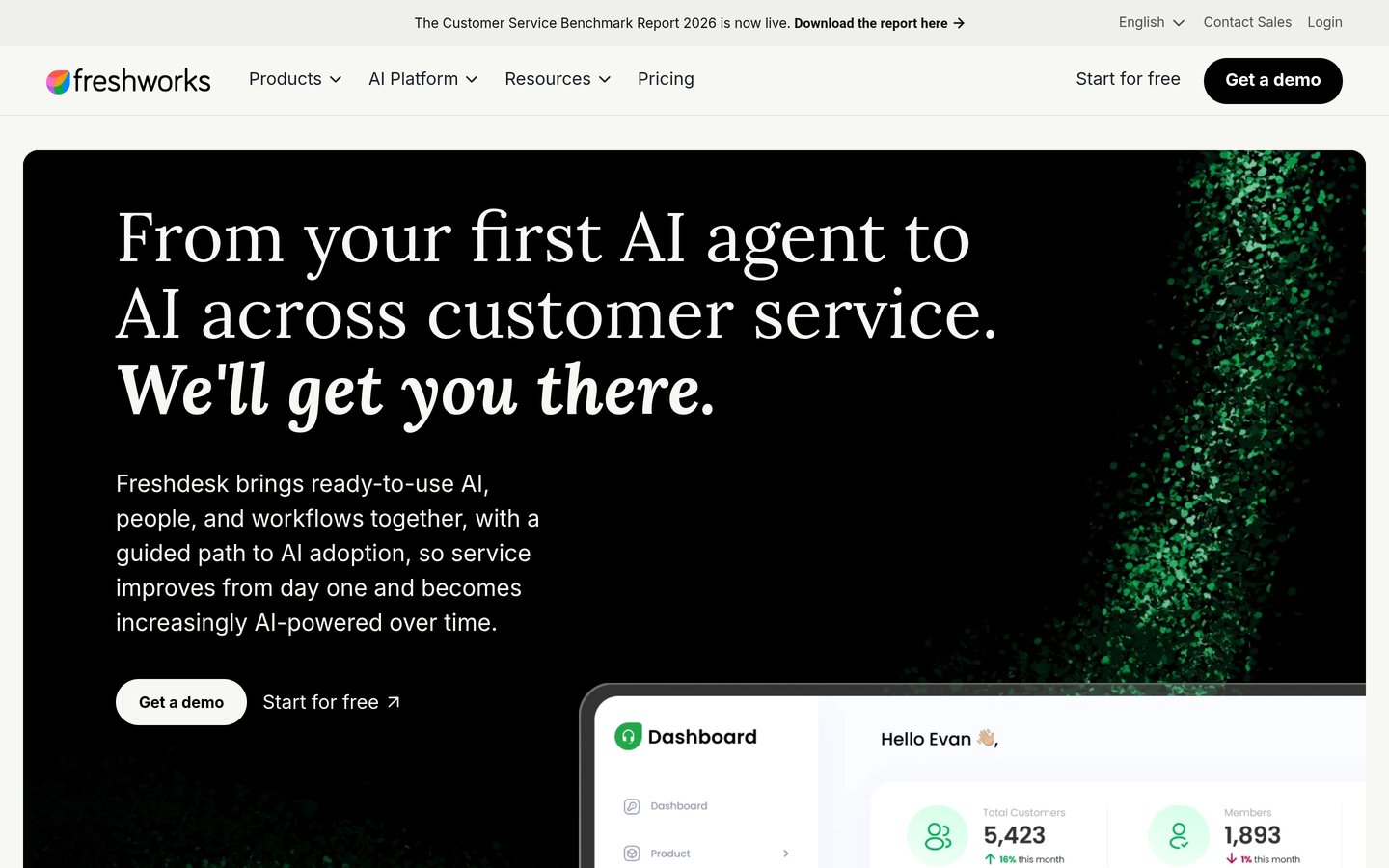
Freshdesk Growth costs $19/agent/mo billed annually and includes ticketing, a shared inbox, customer portal, knowledge base and reporting.
Zendesk Support Team starts at $19/agent/mo billed annually, with routing, macros, automations and prebuilt analytics.
Zoho Desk offers a free plan for 3 users and Express at $7/user/mo billed annually, making it the lowest-priced paid option here.
Help Scout Standard costs $25/user/mo billed annually, or $30 on monthly billing, and includes multiple inboxes and basic workflows.
LiveAgent Starter has a regular annual-billing price of $15/agent/mo, with 3 email accounts and 2 live chat buttons.
Front Starter costs $25/seat/mo billed annually and includes shared inbox ticketing, basic analytics and up to 10 automation rules.
What to look for in ticketing software
Ticketing software converts customer questions, complaints and service requests into organized records. Each ticket can have an owner, status, priority and history, helping support teams resolve issues without losing important conversations.
Start with ticket routing and shared inboxes. A useful platform should assign requests to the right agents, prevent duplicate replies and keep customer context available when a ticket changes ownership.
Automation becomes more important as ticket volume grows. Look for rules that categorize requests, assign priorities, send acknowledgments and escalate unresolved issues. Advanced platforms may also offer service-level agreements and AI-assisted replies.
Customer communication channels matter too. Email-only ticketing can be enough for smaller teams, while businesses handling chat, phone and social messaging may benefit from omnichannel support. Confirm which channels are included in the entry plan.
Finally, compare costs per agent rather than looking only at the headline subscription price. Knowledge bases, analytics, AI automation and additional channels may require more expensive plans or separate usage charges.
Freshdesk is a customer support ticketing platform that organizes incoming email requests into a shared workspace. Growth includes ticketing, a customer portal, knowledge base, reporting, tasks, roles and permissions, plus the first 500 Freddy AI Agent sessions.
The trade off is that advanced routing, multilingual support and custom dashboards require higher plans. Growth costs $19 per agent monthly with annual billing, and additional AI Agent sessions cost $49 per 100 sessions. It suits growing support teams that need ticket management with accessible automation.
What we like
Shared inbox and ticket management
Customer portal and knowledge base included
Built-in analytics and reporting
AI Agent allowance included
Roles and permissions for support teams
Watch out for
Advanced routing requires Pro
Additional AI usage costs extra
Custom dashboards are not included in Growth
Costs increase with additional agents
Pro adds multilingual support, custom dashboards, intelligent routing and multiple SLA policies.Visit freshworks.com
02
Zendesk
4.3/5on G2 (7,131 reviews, checked Nov 2026)
Starts at$19/mo
Best for scalable customer service operations
Entry planSupport Team
Annual-billing price$19/agent/mo
RoutingIncluded
G2 rating4.3/5 from 7,131 reviews
zendesk.com
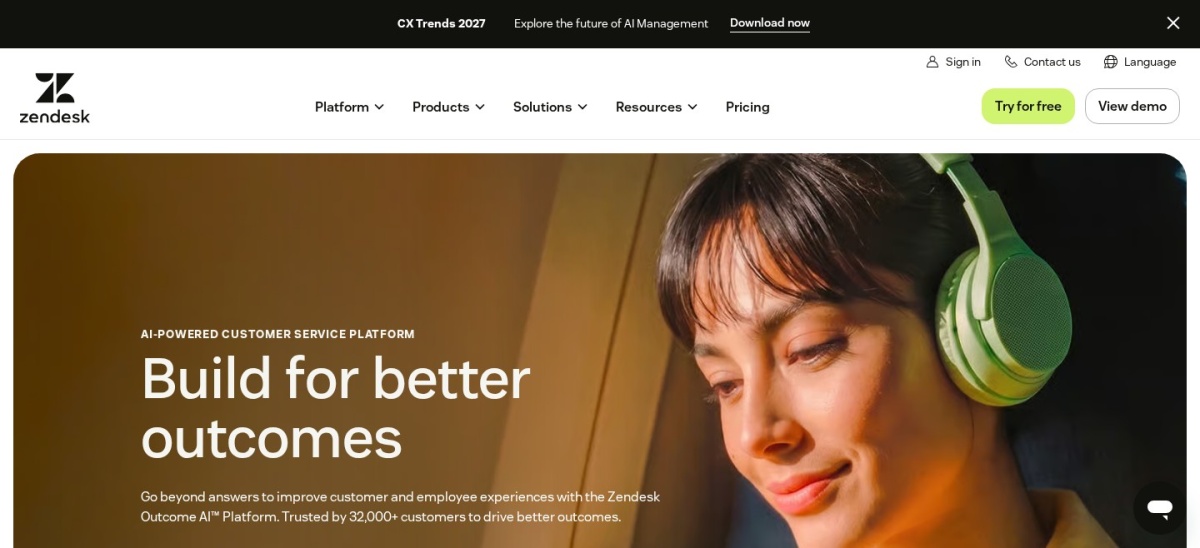
Zendesk homepage, captured Nov 2026.
Zendesk is a customer service platform that organizes support requests through ticketing, routing, customer context and automation. Support Team costs $19 per agent monthly with annual billing and includes email ticketing, prebuilt analytics dashboards, prewritten responses, triggers and automations.
The trade off is that broader omnichannel support, live chat and a knowledge base require Suite Team at $55 per agent monthly with annual billing. AI capabilities may also carry usage-based charges. It suits established businesses that want customizable ticket workflows and room to expand.
What we like
Customizable ticket routing and automations
Prebuilt analytics dashboards
Customer history and contextual information
Macros for recurring support questions
Extensive marketplace and integrations
Watch out for
Entry plan excludes several omnichannel features
Advanced AI can increase operating costs
More sophisticated workflows require higher plans
Configuration may take time for complex teams
Suite Team adds messaging, live chat, knowledge base, AI Agents and omnichannel routing.Visit zendesk.com
03
Zoho Desk
4.4/5on G2 (8,117 reviews, checked Nov 2026)
Paid from$7/mo
Best affordable ticketing for small businesses
Free users3
Entry planExpress
Express limit5 users
G2 rating4.4/5 from 8,117 reviews
zoho.com
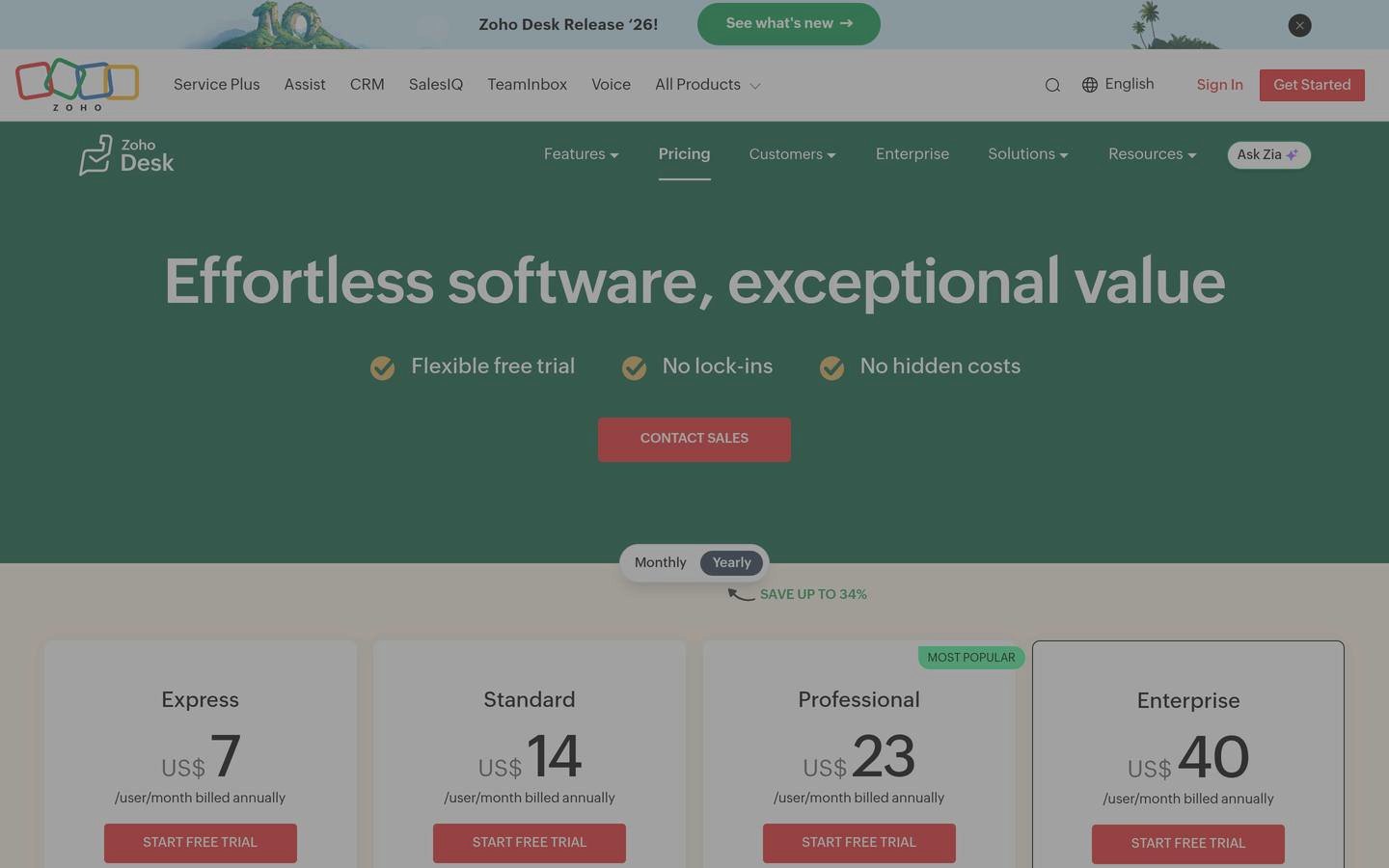
Zoho Desk homepage, captured Nov 2026.
Zoho Desk is a customer service help desk that manages email tickets, contacts and support workflows. Its free edition supports 3 users, while Express adds a custom domain, contact management and multilevel ticket escalations for small support teams.
The trade off is that Express has a 5-user limit and excludes several features available in Standard, such as business messaging, a knowledge base and custom reporting. Express costs $7 per user monthly with annual billing. It suits small companies seeking affordable ticket organization without purchasing a large service suite.
What we like
Permanent free plan for small teams
Lowest paid entry price in this comparison
Email ticketing and escalation features
Integrates with the Zoho business ecosystem
Upgrade path for more advanced customer service
Watch out for
Express has a limited user allowance
Advanced messaging requires Standard
Custom reporting requires higher tiers
Some AI capabilities depend on plan and configuration
Standard adds business messaging, a knowledge base, customer ratings and custom reports.Visit zoho.com
04
Help Scout
4.4/5on G2 (437 reviews, checked Nov 2026)
Paid from$25/mo
Best for personalized email-based support
Entry paid planStandard
Annual-billing price$25/user/mo
Monthly-billing price$30/user/mo
G2 rating4.4/5 from 437 reviews
helpscout.com
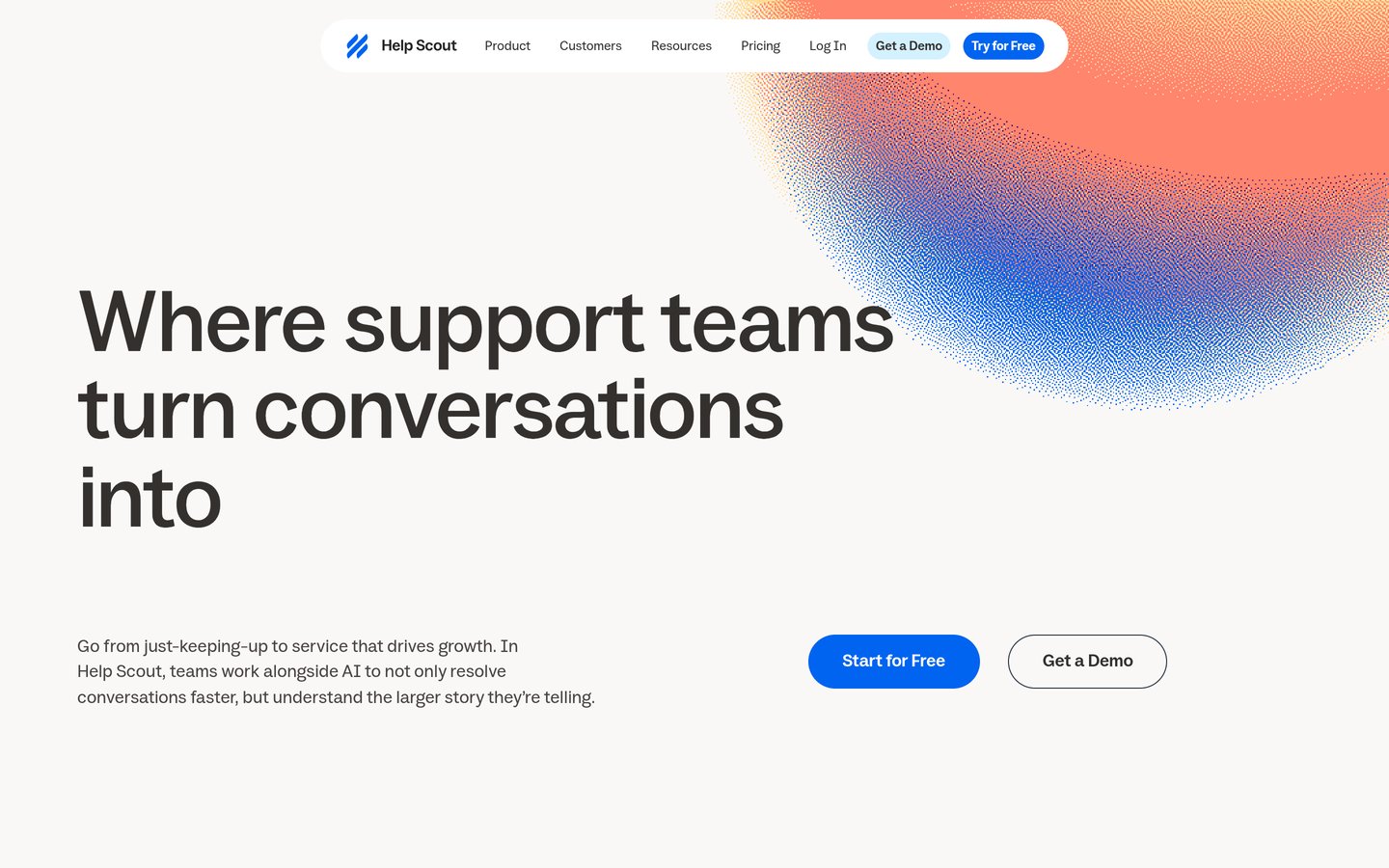
Help Scout homepage, captured Nov 2026.
Help Scout is a customer support platform that organizes customer conversations through collaborative inboxes, workflows and shared context. Standard includes multiple inboxes, live chat, SMS, messaging integrations, knowledge bases, saved replies, basic workflows and an AI Inbox assistant.
The trade off is that advanced workflows and additional service management capabilities require higher plans. Standard costs $25 per user monthly with annual billing or $30 with monthly billing. It suits customer-focused teams that prefer conversational support and shared inboxes over a complicated ticket interface.
What we like
Familiar collaborative inbox experience
Multiple inboxes and knowledge bases
Saved replies and basic automation
Customer conversation history
AI Inbox assistant included
Watch out for
Advanced automation requires higher plans
Per-user pricing increases with team growth
Additional inbox capacity can cost extra
Less focused on complex IT service management
Plus expands inbox capacity, automation and collaboration capabilities.Visit helpscout.com
05
LiveAgent
4.5/5on G2 (1,539 reviews, checked Nov 2026)
Starts at$15/mo
Best budget ticketing with live chat
Entry planStarter
Email accounts3
Live chat buttons2
Departments10
liveagent.com
LiveAgent homepage, captured Nov 2026.
LiveAgent is a help desk platform combining email ticketing, website chat, knowledge base tools and AI assistance. Starter includes 3 email accounts, 2 live chat buttons, 10 departments, an AI agent and access to reply drafting and chatbot features.
The trade off is that Starter excludes social channels, call center functionality and reporting. Its regular annual-billing price is $15 per agent monthly, although a temporary offer reduces it to $11. It suits small businesses that need email tickets and website chat without paying for a broader service platform.
What we like
Affordable email and chat ticketing
Knowledge base and contact forms included
AI assistance available on entry plans
Multiple departments for organizing requests
Complete ticket history
Watch out for
Starter excludes reporting
No call center features on Starter
Social channels require an upgrade
AI provider usage is billed separately
Team adds call center capabilities, additional AI capacity and broader support features.Visit liveagent.com
06
Front
4.7/5on G2 (2,557 reviews, checked Nov 2026)
Starts at$25/mo
Best for collaborative customer operations
Entry planStarter
Seat allowanceUp to 10
Automation rulesUp to 10
G2 rating4.7/5 from 2,557 reviews
front.com
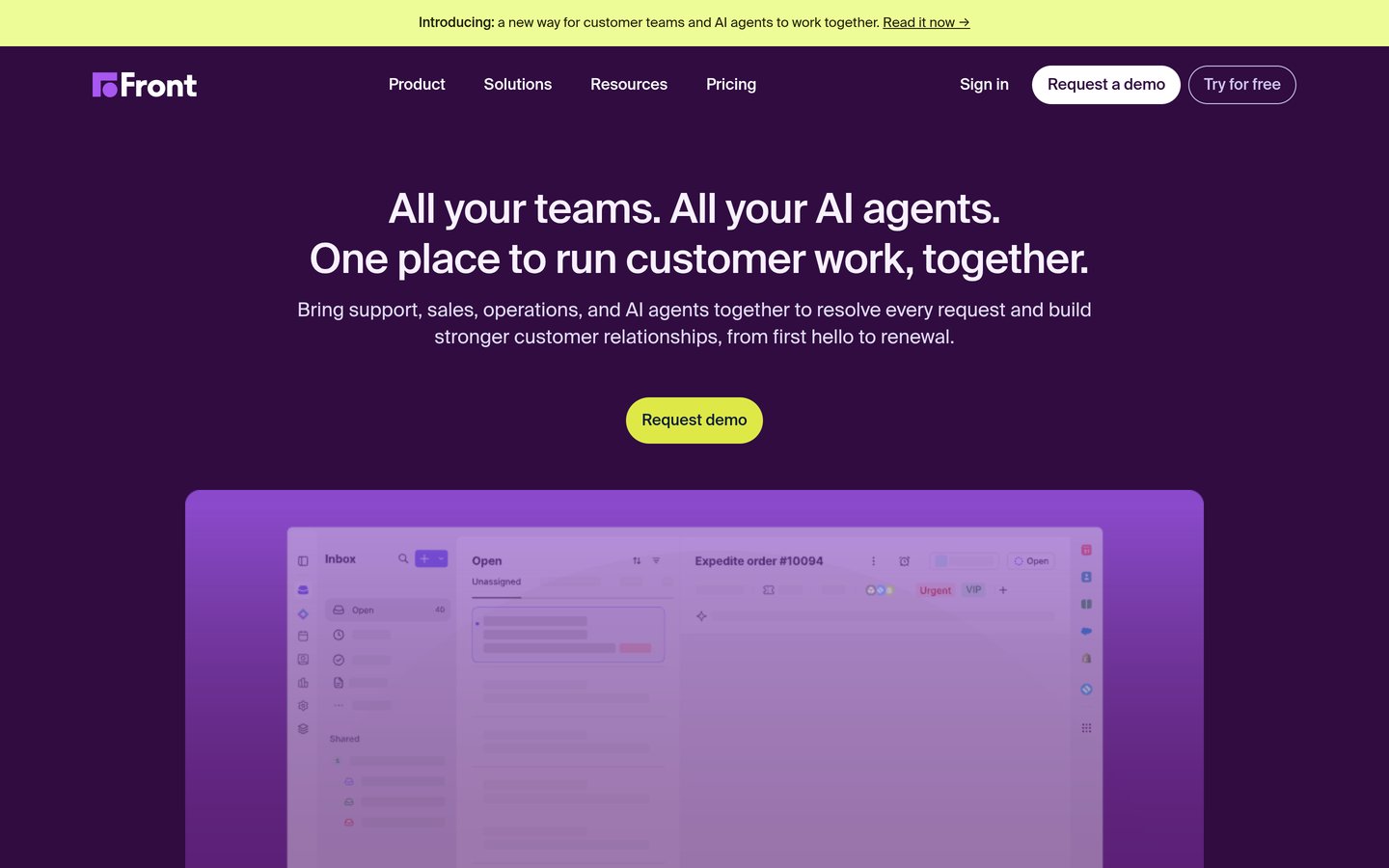
Front homepage, captured Nov 2026.
Front is a customer operations platform that combines shared inboxes, ticketing, internal collaboration and workflow automation. Starter includes single-channel support, basic analytics, a public knowledge base, AI Topics and up to 10 automation rules.
The trade off is that Starter supports a single channel type rather than comprehensive omnichannel operations. It costs $25 per seat monthly with annual billing, while Professional costs $65 per seat monthly and adds broader channel support. It suits teams whose customer requests require frequent internal coordination.
What we like
Shared inbox with clear ticket ownership
Internal collaboration around conversations
Automation rules included
Basic analytics and knowledge base
Suitable for cross-team customer workflows
Watch out for
Starter supports only one channel type
Advanced reporting requires Professional
Additional seats increase costs
More complex automations need higher tiers
Professional adds omnichannel support, macros, more automation rules and advanced reporting.Visit front.com
07
HelpCrunch
4.7/5on G2 (240 reviews, checked Nov 2026)
Starts at$15/mo
Best for support combined with customer engagement
Entry planBasic
Starting price$15/team member/mo
Free trial14 days
G2 rating4.7/5 from 240 reviews
helpcrunch.com
HelpCrunch homepage, captured Nov 2026.
HelpCrunch is a customer communication platform combining a shared inbox, live chat, contact management and engagement tools. Its Basic plan starts at $15 per team member monthly, with pricing also depending on configured usage. The platform supports conversations across connected customer communication channels.
The trade off is that pricing can change with team size and email volume, while AI Agents are reserved for Pro and Unlimited. Annual billing offers a discount compared with monthly billing. It suits small support teams that want ticket-style conversation management alongside customer engagement.
What we like
Shared inbox and live chat
Supports multiple communication channels
Combines support and engagement tools
Customer contact history
Optional AI Agents on higher plans
Watch out for
Final pricing depends on usage configuration
AI Agents require Pro or Unlimited
Less focused on traditional IT ticket management
Advanced automation increases subscription costs
Pro introduces AI Agents and additional customer communication capabilities.Visit helpcrunch.com
Customer support ticketing vs IT help desk software
Customer support ticketing software organizes requests from buyers, subscribers and website visitors. It typically emphasizes email, chat, response times, customer history and satisfaction reporting.
IT help desk software handles employee incidents, technical requests, access issues and internal service workflows. These systems may require asset management, change management, approval processes and IT service management capabilities.
Freshdesk, Zendesk, Help Scout and Zoho Desk primarily address customer service requirements. Some vendors also offer separate IT service management products, which should not be confused with their customer support subscriptions.
Choose according to the people submitting tickets and the work involved in resolving them. A customer support inbox may be sufficient for product questions but inappropriate for complex infrastructure incidents.
How ticketing software pricing changes as your team grows
Most help desk platforms charge per support agent. That makes seat count a major cost factor, especially when temporary staff, supervisors or external collaborators need access.
Annual billing can reduce the published monthly-equivalent rate but requires a longer commitment. A listed per-agent monthly price should not automatically be treated as a month-to-month subscription.
AI is another potential expense. Freshdesk lists additional AI Agent sessions at $49 per 100 sessions, while LiveAgent allows AI functionality through providers that bill separately for usage.
Evaluate the entire workflow before selecting a plan. Advanced routing, knowledge bases, custom reporting, phone support and social messaging may require upgrades even when basic email ticketing is affordable.
How we chose
We shortlisted established customer support ticketing products with publicly documented pricing, maintained official websites and substantial independent user feedback. The comparison focuses on ticket creation, routing, shared inboxes, automation, knowledge bases, reporting and communication channels rather than event ticket sales.
We opened vendor pricing pages, official pricing documentation and G2 review listings on 22 Nov 2026. Regular published prices were used rather than temporary promotions. Annual-billing prices were multiplied by twelve to create a comparable first-year per-agent baseline, and usage-dependent charges were identified separately.
We excluded quote-only products without a confirmable paid entry price, tools lacking sufficient public review evidence and platforms focused exclusively on event registration. We also distinguished customer support systems from dedicated IT service management products. No vendor paid for a place, and we do not claim testing for this list.
How to choose the best ticketing software
Identify the requests your team handles, map your support channels and compare automation features against the total cost of supporting your customers.
Identify your ticket sources. List where support requests arrive, such as email, website chat, messaging apps or phone calls. Choose software that brings those channels into a manageable workflow without forcing agents to switch between disconnected systems.
Define ticket ownership and routing. Decide how tickets should be assigned, prioritized, escalated and closed. Look for shared inboxes, assignment rules, internal notes and status tracking. More complex teams may also need service-level agreements and automated escalation.
Evaluate self-service and reporting. Consider whether customers need a knowledge base or support portal. Review reporting for ticket volume, resolution times, agent workloads and satisfaction. Check whether dashboards are included in the entry plan or require an upgrade.
Calculate your full support budget. Multiply the applicable seat price by the number of agents, then account for AI sessions, messaging channels, additional users and optional features. Compare annual commitments with monthly flexibility and confirm how costs change as ticket volume increases.
FAQ
What is the best ticketing software in 2026?
Freshdesk is our top recommendation for most customer support teams because it combines email ticketing, a shared inbox, reporting and self-service features. Growth starts at $19 per agent monthly with annual billing. Zendesk is suitable for expanding service operations, while Zoho Desk provides a more affordable entry option.
Which ticketing software offers a free plan?
Zoho Desk provides a permanent free edition supporting three users and basic email ticketing. Help Scout also lists a free tier with limited capacity. Other platforms in this comparison offer trials rather than unrestricted free subscriptions. Check available channels and ticket allowances before relying on a free plan.
What is the cheapest paid ticketing software?
Zoho Desk Express is the lowest-priced paid plan in this comparison at $7 per user monthly with annual billing. LiveAgent Starter has a regular annual-billing rate of $15 per agent monthly, while HelpCrunch Basic starts at $15 per team member monthly with usage-dependent pricing.
Is Zendesk better than Freshdesk?
Zendesk is a strong choice for businesses that need configurable service workflows and room to expand across support channels. Freshdesk offers an accessible ticketing setup with reporting, a customer portal and AI features on Growth. Compare routing, integrations and subscription costs before choosing.
What is the difference between a help desk and ticketing software?
Ticketing software focuses on recording, assigning and resolving individual requests. A help desk usually includes ticketing alongside knowledge bases, communication channels, automation and performance reporting. The terms often overlap because many customer support products combine these features.
Can ticketing software automatically assign customer requests?
Yes. Many ticketing platforms provide rules that route requests according to teams, categories, priorities or other conditions. Zendesk includes ticket routing and automations in Support Team, while Freshdesk offers more advanced intelligent routing on higher plans. Configuration depends on the complexity of your workflow.
Does ticketing software include AI customer support?
Several platforms offer AI-assisted replies, chatbots, categorization or automated resolutions. However, availability and pricing vary. Freshdesk includes an initial AI Agent session allowance, while LiveAgent supports AI through separately billed providers. Human review remains important for unusual, sensitive or complex cases.
Can ticketing software integrate with a CRM?
Many platforms offer integrations or APIs for customer relationship management systems. These connections can provide agents with purchase history, account information and previous interactions. Check whether your specific CRM is supported and whether the integration requires a higher plan or additional connector fees.
What metrics should a ticketing system track?
Useful metrics include first response time, resolution time, open ticket volume, backlog age, agent workload and customer satisfaction. Teams may also track reopened tickets and service-level agreement compliance. Choose a reporting setup that helps identify recurring problems rather than merely counting completed tickets.