WLWPLegible EditorsLast verified 22 Nov 2026How we rank12 min read
★ Short answer
SurveyMonkey is the best survey software for structured feedback and research, offering a free plan with unlimited surveys and access to more than 400 templates. Typeform is better for conversational, visually engaging questionnaires, while QuestionPro suits researchers who need advanced survey logic and analysis.
How we make this list: we compare pricing pages, product documentation and public user reviews, then re-check every price before each update. No product paid for a place. Disclosure.
SurveyMonkey offers unlimited surveys with up to 10 questions each on its free plan; Standard Monthly costs $149/mo at the published regular USD rate.
Typeform Basic costs $29/mo with monthly billing, and G2 rates the platform 4.5/5 from 1,027 reviews.
QuestionPro Essentials is free with 200 responses per survey and 30 question types; Advanced costs $99/user/mo billed annually.
Zoho Survey offers a free plan with 100 responses per survey, while Basic starts at $7.42/mo billed annually.
Tally provides unlimited free forms and submissions under fair-use rules; Pro costs $24/mo and adds branding controls and collaboration.
Jotform Bronze starts at $39/mo, while forms.app Basic costs $29/mo and supports 25 forms with unlimited monthly responses.
What to look for in survey software
Survey software helps organizations collect structured feedback, conduct research and understand customer or employee experiences. Modern platforms combine questionnaire builders, distribution tools, response management and reporting.
Start with question types and branching logic. Basic feedback surveys may only need ratings and multiple-choice questions, while research projects can require conditional paths, answer piping, matrix questions and validation rules.
Response limits can matter more than the number of surveys you create. Some platforms charge according to submissions or annual response allowances, while others provide unlimited responses under fair-use policies.
Survey design also affects completion. Conversational interfaces, mobile-friendly layouts, progress indicators and clearly written questions can make questionnaires easier to navigate, particularly when collecting feedback from busy respondents.
Finally, evaluate analysis and distribution. Look for exports, charts, integrations, reminders and reporting features that match how your team will interpret results. Survey software does not automatically provide research participants unless a separate audience service is included.
SurveyMonkey is an online survey and research platform for collecting customer feedback, employee opinions and market insights. Its free Basic plan supports unlimited surveys with 10 questions each, AI-assisted creation, web links and social sharing. The platform also offers more than 400 survey templates.
The trade off is that free surveys have response and question limits, while advanced analysis requires paid access. Standard Monthly lists at $149 per month, with lower-priced annual commitments available. It suits organizations that prioritize established survey workflows, research features and structured response analysis.
What we like
Extensive survey template library
AI-assisted questionnaire creation
Supports customer, employee and market research
Survey logic and data exports on paid plans
Large independent review sample
Watch out for
Free surveys have question and response limits
Monthly paid access is relatively expensive
Research audience purchases cost extra
Advanced features require higher subscriptions
Standard Monthly adds unlimited questions, skip logic, more response capacity and data exports.Visit surveymonkey.com
02
Typeform
4.5/5on G2 (1,027 reviews, checked Nov 2026)
Paid from$29/mo
Best for engaging conversational surveys
Entry planBasic
Regular monthly price$29
Annual billingAvailable
G2 rating4.5/5 from 1,027 reviews
typeform.com
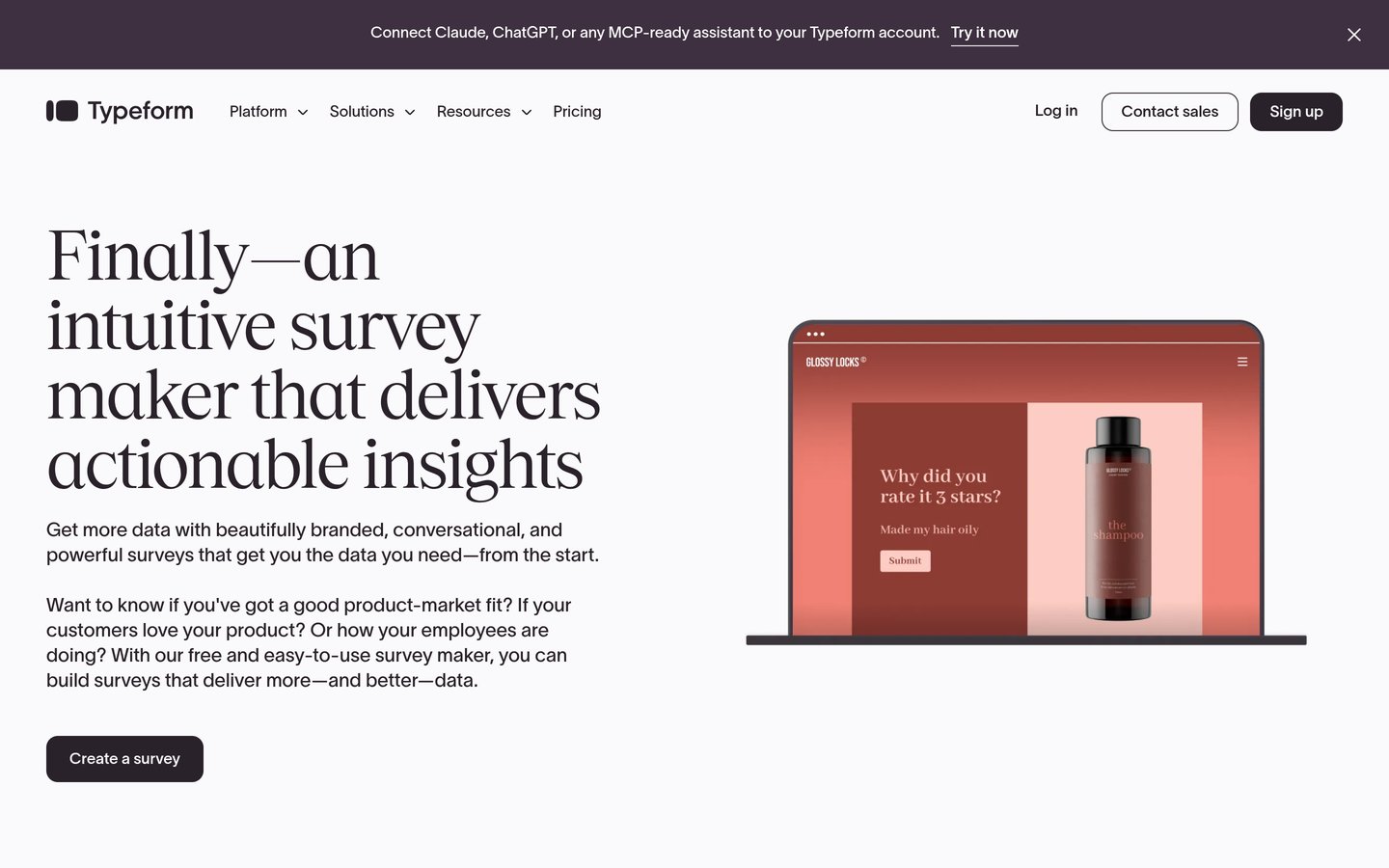
Typeform homepage, captured Nov 2026.
Typeform is a conversational form and survey platform designed around interactive questions, visual presentation and conditional experiences. Its free access supports basic form creation, while Basic adds paid response capacity, additional customization and features for collecting feedback through published forms.
The trade off is that response allowances and advanced collaboration depend on the subscription tier. Basic costs $29 per month on monthly billing, with a lower regular rate for annual commitments. It suits marketers, product teams and businesses that prioritize respondent experience and branded questionnaires.
What we like
Conversational question presentation
Mobile-friendly survey design
Conditional logic and interactive forms
Integrations with marketing and workflow tools
Suitable for lead generation and customer feedback
Watch out for
Response allowances apply to paid subscriptions
Higher-volume plans cost more
Advanced collaboration requires upgrades
May be unnecessarily elaborate for simple polls
Basic increases survey response capacity and customization; Plus expands branding and team capabilities.Visit typeform.com
03
QuestionPro
4.5/5on G2 (1,167 reviews, checked Nov 2026)
Paid from$99/mo
Best for detailed research questionnaires
Free planEssentials
Free response allowance200 per survey
Free question types30
Advanced responses25,000/yr
questionpro.com
QuestionPro homepage, captured Nov 2026.
QuestionPro is a survey and research platform supporting questionnaires, branching logic, distribution and response analysis. Its free Essentials plan includes 200 responses per survey, 30 question types, one user and chat and email support. Advanced expands the offering to 38 question types and 25,000 annual responses.
The trade off is that Advanced requires annual billing and costs $99 per user monthly, or $1,188 yearly. More extensive collaboration and research capabilities are reserved for team or research subscriptions. It suits researchers and organizations that need detailed survey structures rather than basic feedback forms.
What we like
Free plan with varied question types
Research-focused questionnaire features
Branching logic and response analysis
Supports structured feedback programs
Dedicated research and team offerings
Watch out for
Advanced requires annual billing
Higher starting cost than basic builders
Team plans have separate requirements
Specialized research services require additional spending
Advanced adds more question types, larger response allowances, branding and expanded analysis.Visit questionpro.com
04
Zoho Survey
4.4/5on G2 (1,047 reviews, checked Nov 2026)
Paid from$7.42/mo
Best affordable survey tool for business feedback
Free questions10 per survey
Free responses100 per survey
Survey templates250+
Basic annual rate$7.42/mo
zoho.com
Zoho Survey homepage, captured Nov 2026.
Zoho Survey is an online questionnaire platform for customer feedback, employee surveys and structured data collection. Its free plan allows unlimited surveys with 10 questions and 100 responses per survey. The platform also provides more than 250 templates and connects with other Zoho business applications.
The trade off is that the free tier restricts question and response capacity, while advanced reporting and integrations require upgrades. Basic is advertised at $7.42 per month billed annually. It suits smaller organizations that want affordable surveys and already use related Zoho products.
What we like
Low-cost paid entry option
Permanent free plan
Large survey template collection
Integrates with Zoho business applications
Supports response reporting and distribution
Watch out for
Free surveys have response limits
Advanced analysis requires higher plans
Some integrations depend on paid subscriptions
Entry plan has fewer advanced research options
Basic increases survey capacity; Plus adds more extensive feedback and analysis features.Visit zoho.com
05
Jotform
4.6/5on G2 (5,950 reviews, checked Nov 2026)
Paid from$39/mo
Best for surveys connected to business workflows
Entry planBronze
Template library10,000+
Integrations200+
G2 rating4.6/5 from 5,950 reviews
jotform.com
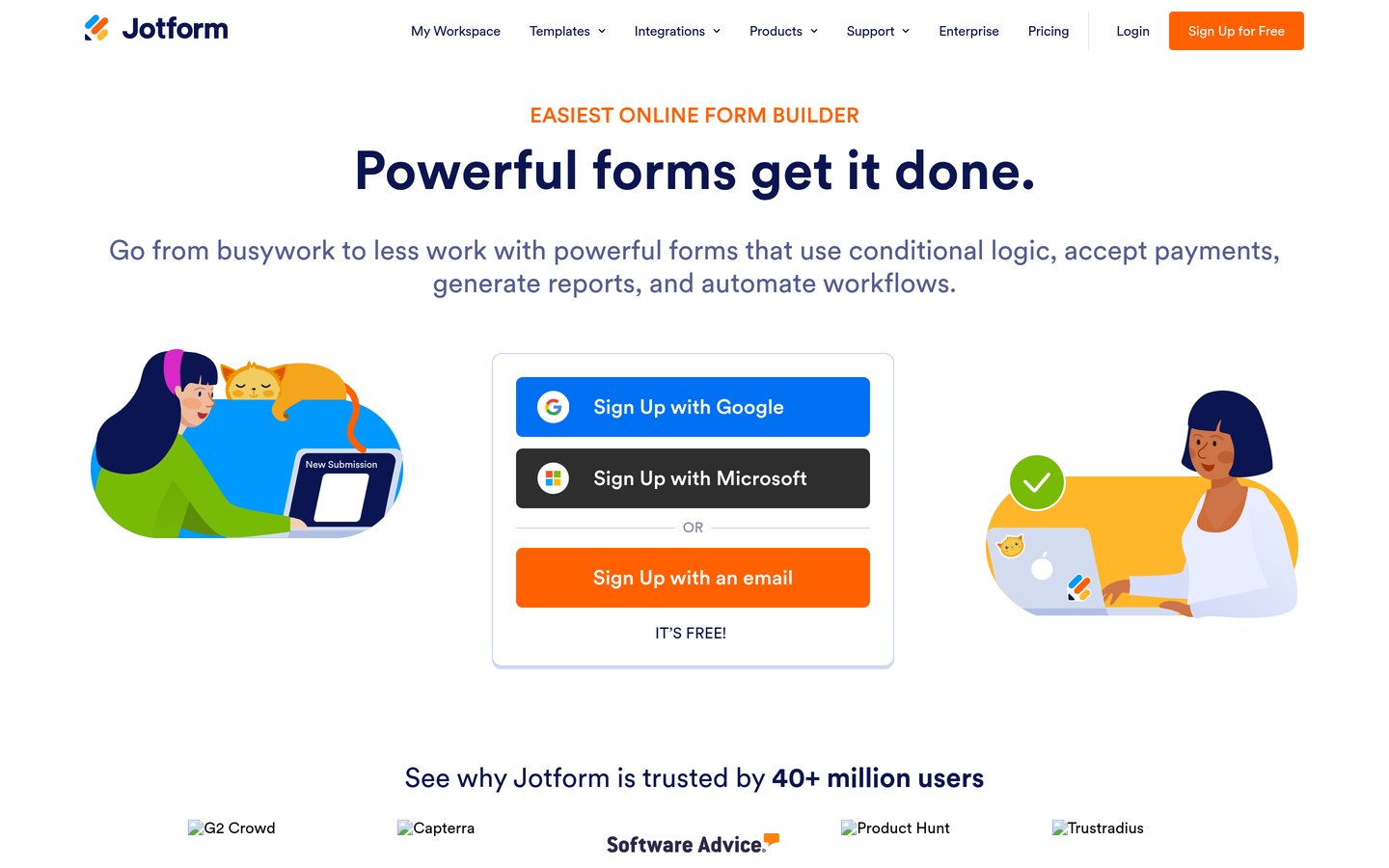
Jotform homepage, captured Nov 2026.
Jotform is an online form and survey builder combining questionnaires with workflows, payments and data collection. Its free Starter plan supports basic survey creation, while the platform offers more than 10,000 templates and 200 integrations. Bronze expands usage limits and supports removing Jotform branding.
The trade off is that Jotform covers many form-related tasks rather than focusing exclusively on research analysis. Bronze costs $39 per month at the regular monthly rate, with annual billing options and occasional promotions. It suits businesses that want surveys connected to registrations, approvals, payments and customer intake.
What we like
Large library of customizable templates
Drag-and-drop survey creation
Integrations with business applications
Supports conditional logic and payments
Report Builder and workflow tools available
Watch out for
Free account has usage restrictions
Advanced research analysis is not the main focus
Higher submission volumes require larger plans
Broad feature set may be excessive for simple surveys
Bronze increases usage limits and removes branding; Silver and Gold expand capacity.Visit jotform.com
06
Tally
4.9/5on G2 (163 reviews, checked Nov 2026)
Paid from$24/mo
Best for unlimited free surveys
Free formsUnlimited
Free submissionsUnlimited, fair use
Free languages45+
G2 rating4.9/5 from 163 reviews
tally.so
Tally homepage, captured Nov 2026.
Tally is a document-style form builder for surveys, questionnaires and customer feedback. Its free plan includes unlimited forms and submissions under fair-use guidelines, conditional logic, calculations, answer piping, file uploads and integrations with Google Sheets, Notion and automation tools.
The trade off is that advanced branding, collaboration and analytics features require Pro at $24 per month. Its survey analysis is also less specialized than dedicated research platforms. It suits creators, startups and small businesses that want flexible questionnaires without strict free submission quotas.
What we like
Unlimited free forms and submissions under fair use
Conditional logic included for free
Simple document-style editing
Integrations with productivity tools
High G2 rating
Watch out for
Advanced analytics require Pro
Free forms display platform branding
Not designed for complex statistical research
Custom domains require a paid plan
Pro adds custom domains, branding removal, collaboration, drop-off analytics and expanded customization.Visit tally.so
07
forms.app
4.5/5on G2 (507 reviews, checked Nov 2026)
Paid from$29/mo
Best for affordable collaborative surveys
Entry planBasic
Paid forms25
Monthly responsesUnlimited
File storage10 GB
forms.app
forms.app homepage, captured Nov 2026.
forms.app is a no-code form and survey platform offering AI-assisted creation, conditional logic, templates and team collaboration. Basic supports 25 forms, unlimited monthly responses, 10 GB of file storage, unlimited team members and branding removal. Its free plan supports basic forms and survey collection.
The trade off is that Basic limits the number of forms, while advanced analytics and customization require higher tiers. The regular monthly price is $29, or $19 per month with standard annual billing before temporary promotions. It suits small teams that need collaborative survey creation with generous response capacity.
What we like
Unlimited response collection on paid plans
AI-assisted survey creation
Unlimited team members
Conditional logic and integrations
Affordable monthly subscription
Watch out for
Basic limits total forms
Advanced drop-off analytics require Pro
Some branding features require higher tiers
Less specialized for complex academic research
Pro adds unlimited forms, more storage, drop-off analysis and additional customization.Visit forms.app
Which survey software works for different research needs?
Customer satisfaction surveys usually benefit from short questionnaires, rating scales and straightforward reporting. SurveyMonkey, Zoho Survey and Typeform can support these workflows, although their presentation and analysis features differ.
Market research projects may require branching logic, more varied question types and advanced analysis. QuestionPro and SurveyMonkey offer research-oriented functionality beyond basic form collection.
Internal feedback forms and operational questionnaires can work well with Jotform, Tally and forms.app. Their integrations and workflow capabilities help teams move collected information into spreadsheets, notifications and business processes.
Choose the platform according to the questions you need to ask, how you will recruit respondents and how results will be interpreted.
Why survey response limits matter more than headline pricing
Survey providers use different limits for forms, questions, responses, users and storage. A subscription that permits unlimited surveys may still restrict how many responses can be collected or viewed.
SurveyMonkey and QuestionPro emphasize survey features and analysis, while Tally provides unlimited submissions on its free tier under fair-use conditions. These models serve different requirements.
The price ladder compares regular paid entry plans. It does not treat temporary discounts as standard pricing, and annual-billing commitments are identified separately.
Before upgrading, calculate the expected number of participants and review whether responses are counted per survey, monthly or annually. Also check export permissions, collaboration and the availability of additional research participants.
How we chose
We shortlisted established survey and online form platforms with active products, public pricing and substantial independent user feedback. The comparison includes dedicated research software, conversational questionnaire builders and flexible form tools suitable for feedback collection.
We opened official vendor pricing pages and G2 review listings on 22 Nov 2026. Published regular prices were used rather than temporary promotional discounts. Monthly subscriptions were multiplied by twelve for annual comparison, while plans requiring annual billing were identified.
We excluded products without confirmable published pricing, services centered primarily on unrelated functions and tools without sufficient public reviews. We compared response limits, question types, reporting and collaboration rather than assuming every form builder offers advanced research analysis. No vendor paid for a place, and we do not claim testing for this list.
How to choose the best survey software
Define your research objective, estimate response volume and compare the question types and analysis features available within your budget.
Identify the type of feedback you need. Simple customer satisfaction surveys may require ratings and short text fields, while market research can demand complex branching and advanced analysis. Choose features that match the questions you plan to ask.
Calculate your expected response volume. Estimate participants per survey and the total responses needed each month or year. Check whether limits apply to collection, viewing, exporting or storing results. Include the cost of additional responses when comparing plans.
Evaluate survey design and distribution. Consider mobile layouts, conditional logic, templates, branding, email invitations and website embedding. Make sure respondents can access the questionnaire through your intended channels and that the completion process is straightforward.
Review reporting and integration requirements. Check whether the platform supports charts, exports, collaborative analysis and integrations with spreadsheets or CRM systems. If your team needs statistical research tools, prioritize research-focused platforms instead of general-purpose form builders.
FAQ
What is the best survey software in 2026?
SurveyMonkey is our top recommendation for organizations that need structured surveys, customer feedback and research capabilities. Its free plan supports unlimited surveys with question and response limits. Typeform is better suited to conversational questionnaires, while QuestionPro offers more specialized survey and research features.
Which survey software is completely free?
Tally offers unlimited forms and submissions on its free tier, subject to fair-use guidelines. SurveyMonkey, Typeform, QuestionPro, Zoho Survey, Jotform and forms.app also provide free access with different restrictions. Compare question types, response limits and exports before selecting a free tool.
What is the cheapest paid survey software?
Zoho Survey has the lowest advertised paid entry rate among the products compared, with Basic listed at $7.42 monthly when billed annually. Tally Pro costs $24 monthly, while Typeform Basic and forms.app Basic each list a regular monthly price of $29.
Is SurveyMonkey better than Typeform?
SurveyMonkey is generally better suited to structured feedback programs and research analysis, while Typeform emphasizes an interactive questionnaire experience and visual customization. The better platform depends on whether advanced research features or respondent presentation is your priority.
Which survey software is best for market research?
QuestionPro and SurveyMonkey are suitable for research projects requiring varied questions, branching logic and detailed analysis. QuestionPro provides a free Essentials tier with 30 question types, while SurveyMonkey offers research templates and analysis features. More complex projects may require higher subscriptions.
Can survey software collect anonymous responses?
Many survey platforms support anonymous questionnaires or settings that reduce identifying information. However, anonymity depends on configuration, distribution methods and the information requested. Review whether email tracking, IP information, hidden fields or connected account details could identify participants.
How many survey responses do I need?
The appropriate number depends on your target audience, research purpose and required precision. Internal feedback may involve a defined group, while broader market research requires sampling decisions. More responses do not automatically eliminate selection bias, so participant relevance matters alongside sample size.
Can I export survey responses to Excel or Google Sheets?
Many survey platforms offer spreadsheet exports or integrations with Google Sheets and similar services. Tally includes Google Sheets integration on its free tier, while other providers may reserve some export options for paid subscriptions. Check the exact plan before collecting responses.
What is the difference between survey software and form builders?
Survey software emphasizes questionnaires, feedback analysis and research workflows. Form builders often focus on collecting operational information, including registrations, applications and payments. Many modern platforms overlap, but dedicated research tools may offer more advanced question logic, analysis and participant management.