Best Accounting Software for Handyman Business in 2026: 7 Tools Compared
WLWPLegible EditorsLast verified 22 Nov 2026How we rank6 min read
★ Short answer
QuickBooks Online is the best accounting software for most handyman businesses, starting at $38/mo with bank feeds, invoicing, and receipt tracking, rated 4.3/5 across 8,546 Capterra reviews. For low-cost basic bookkeeping, pick Wave at $19/mo or Zoho Books at $15/mo billed annually.
How we make this list: we compare pricing pages, product documentation and public user reviews, then re-check every price before each update. No product paid for a place. Disclosure.
QuickBooks Online starts at $38/mo in the US and holds a 4.3/5 rating across 8,546 Capterra reviews.
Wave offers a free Starter tier and a Pro plan at $19/mo (or $190/yr) with automated bank feeds and receipt capture.
Zoho Books starts at $15/mo billed annually (or $20/mo monthly) with a free tier for small businesses under $50K revenue.
FreshBooks starts at $23/mo (Lite) with estimates, expense tracking, and online payments, holding 4.5/5 across 4,527 Capterra reviews.
Xero US Early starts at $27/mo with a 4.4/5 rating across 1,863 G2 reviews.
What to look for in handyman accounting software
Handyman businesses juggle small repair jobs, supply runs at hardware stores, mileage between stops, and quick customer payments. Good accounting software keeps material receipts, customer estimates, and paid invoices tied to the right jobs.
Estimating and invoice follow-ups matter because many handyman jobs start with a quote and end with a card or bank payment on site or right after completion. Software that converts estimates to invoices and sends reminders saves hours of manual chasing.
Expense capture and tax prep are equally important when buying fasteners, lumber, and replacement parts every week. Automated bank feeds, receipt snapping, and contractor 1099 tracking help keep records clean at tax time.
Check plan limits before you commit, since several entry tiers cap billable clients, monthly invoices, or included users. Add-ons for payroll or extra staff seats can also raise your monthly bill as your crew grows.
For simple flat-rate bookkeeping with unlimited users
$30/mo
No free plan
4.6/5
Price ladder: cheapest paid plan per year
List prices, USD, checked Nov 2026
Zoho BooksFREE$180
WaveFREE$190
Patriot$240
FreshBooks$276
Xero$324
Kashoo$360
QuickBooks$456
The 7 best accounting software for handyman business
01
QuickBooks Online
4.3/5on Capterra (8,546 reviews, checked Nov 2026)
Starts at$38/mo
Best overall for small trades and tax prep
Entry planSimple Start ($38/mo)
Users included1 user + accountant access
Free trial30-day trial
Rating4.3/5 (8,546)
quickbooks.intuit.com
QuickBooks Online homepage, captured Nov 2026.
QuickBooks Online is a cloud accounting platform used widely by trades and service businesses to manage expenses, estimates, and invoices. Its Simple Start plan includes 1 user, automated bank feeds, receipt uploads, and core financial reports.
The trade off is a regular price of $38/mo (promotional discounts sometimes apply for the first few months), and multi-user seats or payroll cost extra. It suits handyman owners who want wide accountant familiarity and comprehensive reporting.
What we like
Wide integration support with field service and payment tools
Automated bank feeds and receipt organization for job expenses
Includes 1 user plus accountant access on Simple Start
Familiar chart of accounts and tax reports for bookkeepers
Watch out for
Higher starting price than several entry-level competitors
Extra users and payroll add-ons increase monthly costs
Reviewers report occasional interface sluggishness and support friction
Higher tiers add multiple users, bill tracking, project profitability, and broader workflows.Visit quickbooks.intuit.com
02
FreshBooks
4.5/5on Capterra (4,527 reviews, checked Nov 2026)
Starts at$23/mo
Best for client estimates and service invoicing
Entry planLite ($23/mo)
Client limitUp to 5 billable clients
Free trial30-day trial
Rating4.5/5 (4,527)
freshbooks.com
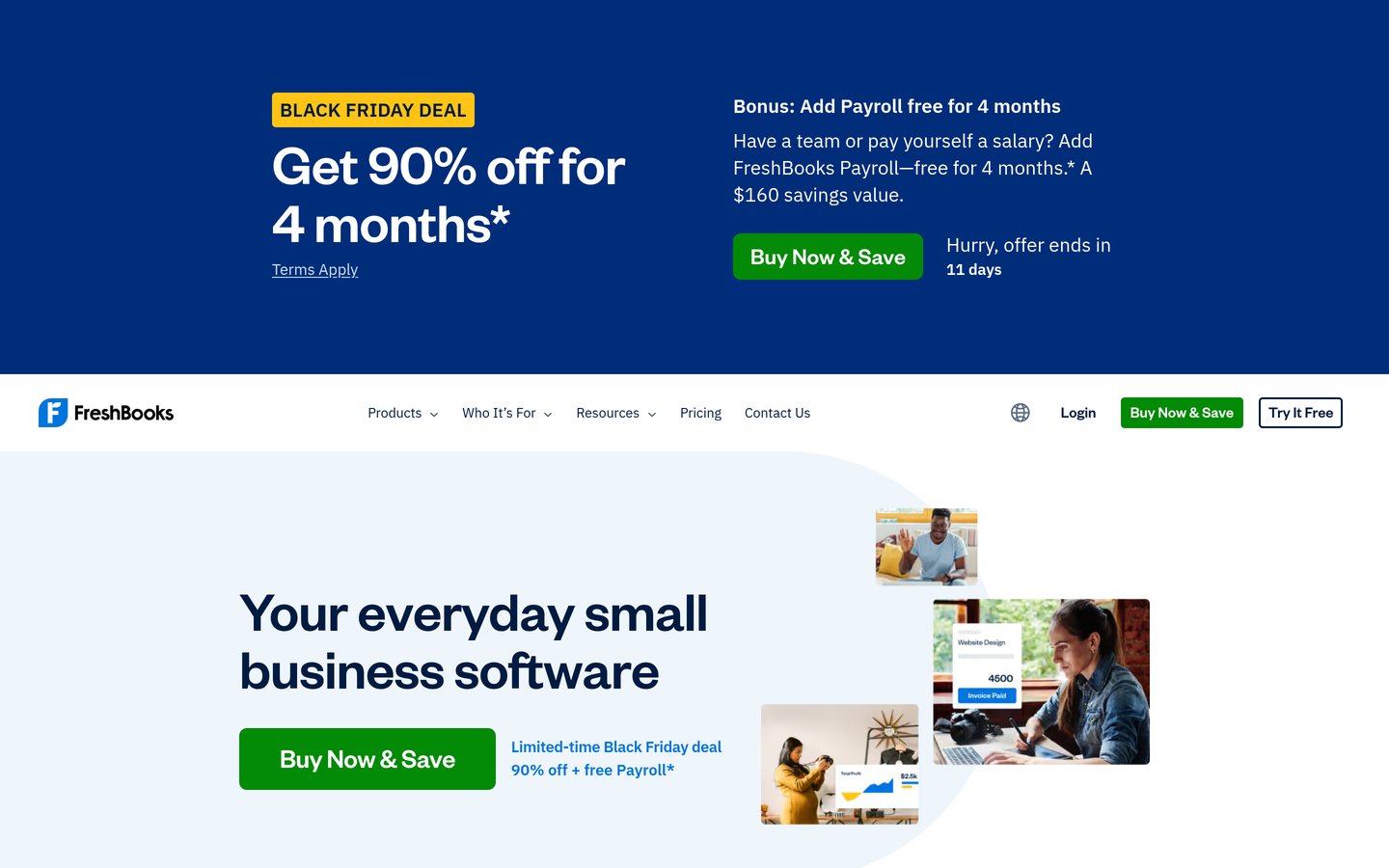
FreshBooks homepage, captured Nov 2026.
FreshBooks is an invoicing and accounting tool built for service providers who send estimates, track billable time, and collect online payments. The Lite plan covers unlimited estimates, expense tracking, tax-time reports, and up to 5 billable clients.
The trade off is a strict 5-client cap on the $23/mo Lite plan (promotional offers may discount initial months), while Plus at $43/mo raises the limit to 50 clients. It suits solo handymen with a small repeat client list who prioritize polished estimates.
What we like
Straightforward workflow for estimates, invoices, and online payments
Supports card, ACH, and digital wallet payment options
Includes tax-time reports and real-time expense tracking
Watch out for
Lite plan caps billable clients at 5
Additional team members cost extra per month
Less suited to heavy multi-warehouse stock tracking
Plus and Premium tiers raise client limits, add proposals and retainers, and track project profitability.Visit freshbooks.com
03
Zoho Books
4.4/5on Capterra (683 reviews, checked Nov 2026)
Paid from$15/mo
Best value paid plan and free micro-business tier
Entry paid planStandard ($15/mo annual)
Free tierAvailable up to $50K revenue
Users on Standard3 users included
Rating4.4/5 (683)
zoho.com
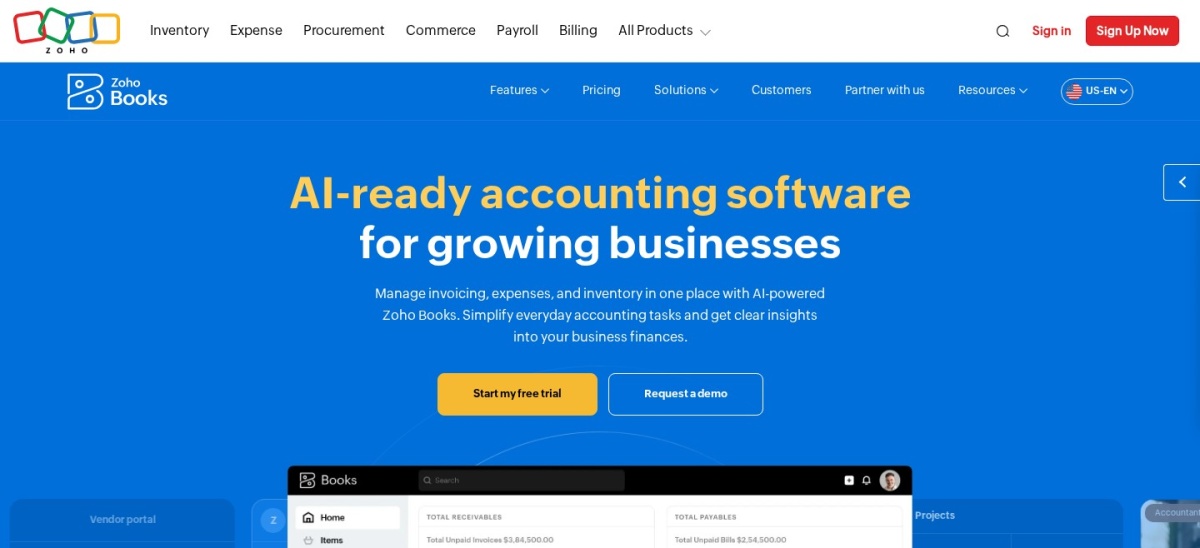
Zoho Books homepage, captured Nov 2026.
Zoho Books is a cloud accounting platform offering invoicing, quotes, expense tracking, and bank reconciliation with a free tier for small businesses under $50K annual revenue. Its Standard plan at $15/mo billed annually ($20/mo monthly) includes 3 users, sales tax tracking, and 1099 filing.
The trade off is that annual billing is required for the $15/mo rate, and inventory or project billing sits on higher tiers. It suits budget-conscious handymen who want low monthly pricing and multi-user access on Standard.
What we like
Free plan available for micro-businesses under the revenue cap
Standard plan includes 3 users at a low annual rate
Covers quotes, invoices, bank feeds, and 1099 tracking
Watch out for
Lowest paid price requires annual commitment
Inventory and project tracking require upgrading past Standard
Some users report slower support responses on complex setups
Professional and higher plans add project profitability, inventory tracking, and higher user caps.Visit zoho.com
04
Wave
4.4/5on Capterra (1,726 reviews, checked Nov 2026)
Paid from$19/mo
Best free starter option for simple bookkeeping
Free planStarter ($0/mo)
Pro plan$19/mo or $190/yr
Bank feedsIncluded on Pro
Rating4.4/5 (1,726)
waveapps.com
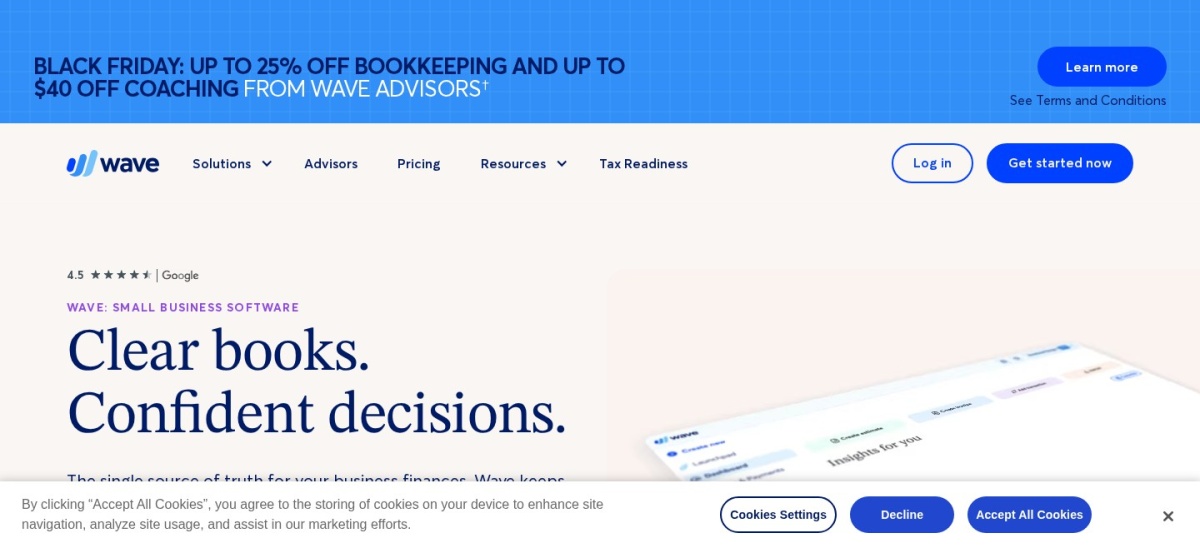
Wave homepage, captured Nov 2026.
Wave is an accounting and invoicing service with a $0 Starter plan for unlimited estimates, invoices, and basic bookkeeping records. Upgrading to Pro at $19/mo (or $190/yr; promotional discounts occasionally apply) adds automated bank transaction imports, auto-categorization, and receipt capture.
The trade off is that automated bank feeds and payment reminders require the Pro plan, and payment processing fees apply per transaction. It suits solo handymen who want to start free and add bank automation when ready.
What we like
Unlimited estimates and invoices on the $0 Starter plan
Pro plan includes automated bank feeds and receipt capture
Straightforward interface for solo operators
Watch out for
Automated bank transaction imports are not on the free tier
Per-transaction fees apply when collecting online payments
Limited depth for complex job costing or inventory
Pro unlocks bank feeds, automated transaction categorization, receipt capture, and payment reminders.Visit waveapps.com
05
Xero
4.4/5on G2 (1,863 reviews, checked Nov 2026)
Starts at$27/mo
Best for clean bank reconciliation and app add-ons
Entry US planEarly ($27/mo)
Free trial30-day trial
Add-onsExpenses, projects, payroll
Rating4.4/5 (1,863)
xero.com
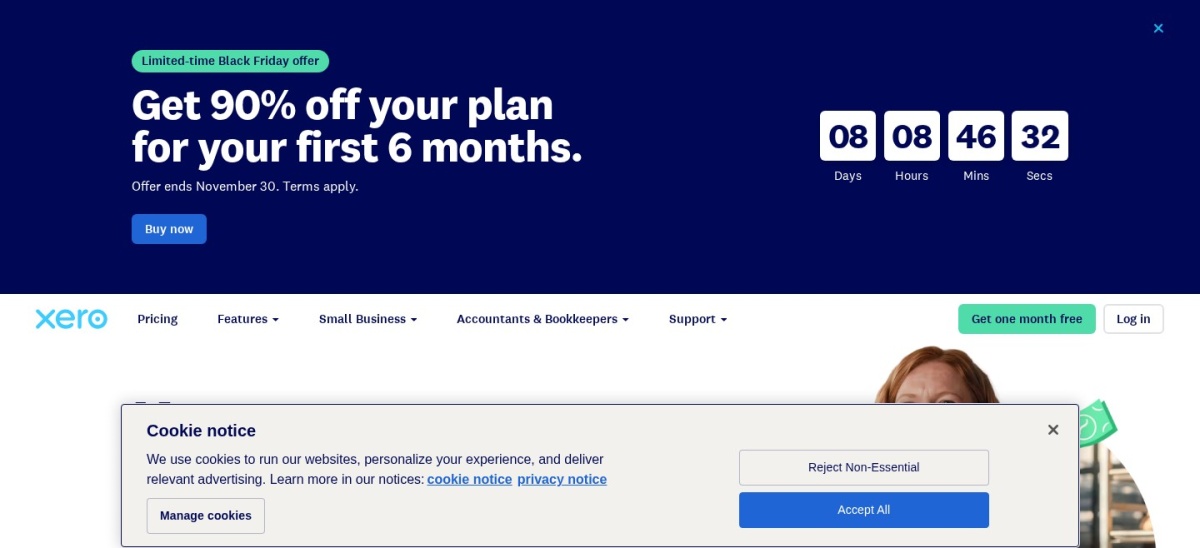
Xero homepage, captured Nov 2026.
Xero is a cloud accounting platform known for fast bank reconciliation, clear financial dashboards, and third-party app connections. Its US Early plan starts at $27/mo (promotional discounts sometimes apply to initial months) with core bookkeeping and invoicing features.
The trade off is that specialized add-ons like expenses, project tracking, or payroll add extra monthly fees on top of the base plan. It suits handymen who want clean bank reconciliation and can pick only the add-ons they need.
What we like
Streamlined bank reconciliation and clear cash flow views
Connects with third-party business and payment apps
Modular add-ons let you add expenses or projects separately
Watch out for
Add-ons for expenses, projects, and payroll increase total cost
No permanent free tier beyond the trial
Some reviewers note support response times can vary
Higher tiers and add-ons expand invoice/bill capacity, cash flow forecasting, and project tracking.Visit xero.com
06
Patriot Software
4.8/5on Capterra (3,967 reviews, checked Nov 2026)
Starts at$20/mo
Best for pairing accounting with contractor or crew payroll
Entry planAccounting Basic ($20/mo)
Users includedUnlimited users
Free trial30-day trial
Rating4.8/5 (3,967)
patriotsoftware.com
Patriot Software homepage, captured Nov 2026.
Patriot Software combines straightforward accounting with optional payroll software designed for small US businesses. Its Accounting Basic plan is $20/mo (promotional offers may discount the first months) and includes unlimited customers, invoices, vendors, contractors, and bank imports.
The trade off is that estimates and recurring invoices require Accounting Premium at $30/mo, and payroll is a separate add-on. It suits handymen with helpers or 1099 contractors who want low-cost accounting and payroll under one roof.
What we like
Low regular monthly price for unlimited customers, vendors, and users
Easy pairing with Patriot payroll for employees and contractors
High user satisfaction rating for support and value
Watch out for
Estimates and recurring invoices require the $30/mo Premium plan
Best for simple flat-rate bookkeeping with unlimited users
Plan structureOne plan ($30/mo)
Users includedUnlimited users
Free trial14-day trial
Rating4.6/5 (55)
kashoo.com
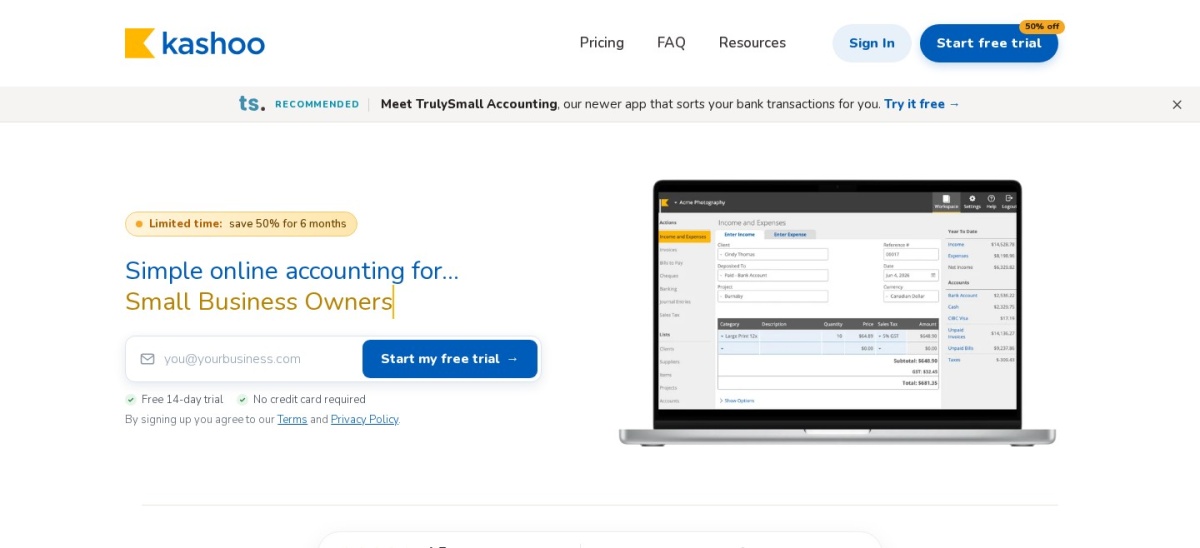
Kashoo homepage, captured Nov 2026.
Kashoo is a simple double-entry accounting platform with one plan at $30/mo (promotional discounts occasionally apply to initial months). It includes unlimited invoices, expense tracking, bank feeds, project tracking, and unlimited users at no extra seat fee.
The trade off is a smaller integration library and fewer advanced automation tools than larger accounting suites. It suits handymen who want a single plan with no tier juggling and unlimited user access.
What we like
Single plan includes core accounting and project tracking without tier lockouts
Unlimited users included at no extra cost
Clean interface for basic invoicing and expense entry
Watch out for
Smaller third-party app ecosystem than QuickBooks or Xero
Fewer advanced inventory and workflow features
Smaller review footprint on major software directories
All core bookkeeping, invoicing, expense, and project features are included in the single plan.Visit kashoo.com
How we chose
We built this shortlist from established small-business accounting platforms that support invoicing, expense tracking, and bookkeeping for independent trades and service operators.
Every regular US plan price, free tier detail, rating, and review count was checked on 22 Nov 2026 directly from official pricing pages and public review directories.
We excluded tools lacking clear public US pricing or aimed only at large enterprise accounting, and we used each platform's regular entry price rather than temporary introductory discounts.
No vendor paid for a place, and we do not claim testing for this list.
How to pick the right accounting setup for your handyman business
Follow four practical checks before you sign up for a subscription.
Match invoicing and estimate features to how you quote jobs. Check whether you need formal estimates before work starts, deposit requests, or quick mobile invoices on site.
Check receipt and mileage habits for hardware store runs. Pick a tool that makes snapping supply receipts and categorizing materials easy so tax deductions do not get missed.
Factor in crew seats, payroll, and contractor payments. Verify whether adding a helper, bookkeeper, or payroll run requires an add-on or a higher plan tier.
Compare regular renewal rates rather than intro discounts. Calculate your first-year and ongoing cost at standard rates so a discounted first few months does not surprise you later.
FAQ
Do handyman businesses need full accounting software or just invoicing?
Invoicing alone helps you get paid, but full accounting tracks expenses, bank reconciliations, and tax reports. If you buy supplies regularly and file business taxes, full accounting keeps your books organized year-round.
Can I start with a free accounting plan?
Yes, tools like Wave and Zoho Books offer free plans with core bookkeeping or invoicing features. Just check limits on bank feeds, revenue caps, or payment processing fees before relying on a free tier.
How should I track materials bought for specific jobs?
Categorize hardware and supply purchases consistently by expense type or project tag as soon as you get the receipt. Matching receipts to job dates makes it easier to review margins and hand clean records to a tax preparer.
Do accounting tools handle 1099 contractors and crew payroll?
Some platforms include 1099 tracking or connect to payroll add-ons, while others keep payroll separate. Check whether payroll is built in or billed as an extra monthly fee plus per-worker charges.
Should I choose monthly or annual billing?
Monthly billing gives you flexibility to test a workflow without locking in a full year upfront. Annual billing can lower the effective rate on plans like Zoho Books Standard or Wave Pro once you know it fits.
How does payment processing work on invoices?
Most accounting platforms let you add card or bank payment links to invoices through integrated processors. Standard processing fees apply per transaction, so factor those rates into your pricing.