Best Tools for Digital Marketing in 2026: 7 Tools Compared
WLWPLegible EditorsLast verified 22 Nov 2026How we rank12 min read
★ Short answer
Semrush is our top digital marketing tool for search visibility, offering keyword research, competitor analysis, site audits and tracking for 500 keywords from $139 per month. HubSpot Marketing Hub is better for CRM-connected campaigns, while Mailchimp offers accessible email marketing starting at $13 per month.
How we make this list: we compare pricing pages, product documentation and public user reviews, then re-check every price before each update. No product paid for a place. Disclosure.
Semrush SEO starts at $139/mo, including monitoring for 5 websites and daily tracking for 500 keywords.
HubSpot Marketing Hub Starter has a regular price of $20/seat/mo, while its free tools support up to 2 users.
Mailchimp Essentials starts at $13/mo, with a monthly sending allowance of 10 times the selected contact tier.
Buffer offers 3 free social channels with 10 queued posts per channel; Essentials costs $6/channel/mo.
Ahrefs Lite costs $129/mo and includes 750 tracked keywords, 100,000 crawl credits and 6 months of historical data.
Typeform Basic costs $29/mo for interactive lead forms, while Zapier Professional starts at $19.99/mo billed annually for workflow automation.
What to look for in digital marketing software
Digital marketing covers several connected activities: attracting visitors, generating leads, converting prospects and retaining customers. No single platform is equally strong at search optimization, email campaigns, social publishing, analytics and automation.
Start by identifying your primary marketing channel. SEO teams need keyword and competitor data, email marketers need audience segmentation, and social teams need scheduling and engagement insights. Buying a broad suite before identifying these needs can waste money.
Next, consider how your marketing data connects. CRM records, website forms, email campaigns and reporting tools should exchange information without creating duplicate contacts or requiring constant manual exports.
Pricing models differ considerably. SEO platforms often charge for projects, keywords and data usage. Email services use contact or sending allowances, social tools may charge per channel, and automation platforms measure workflow tasks.
Finally, prioritize measurable outcomes. A useful marketing stack should help you understand traffic quality, lead generation, customer acquisition and campaign performance rather than producing dashboards that nobody uses.
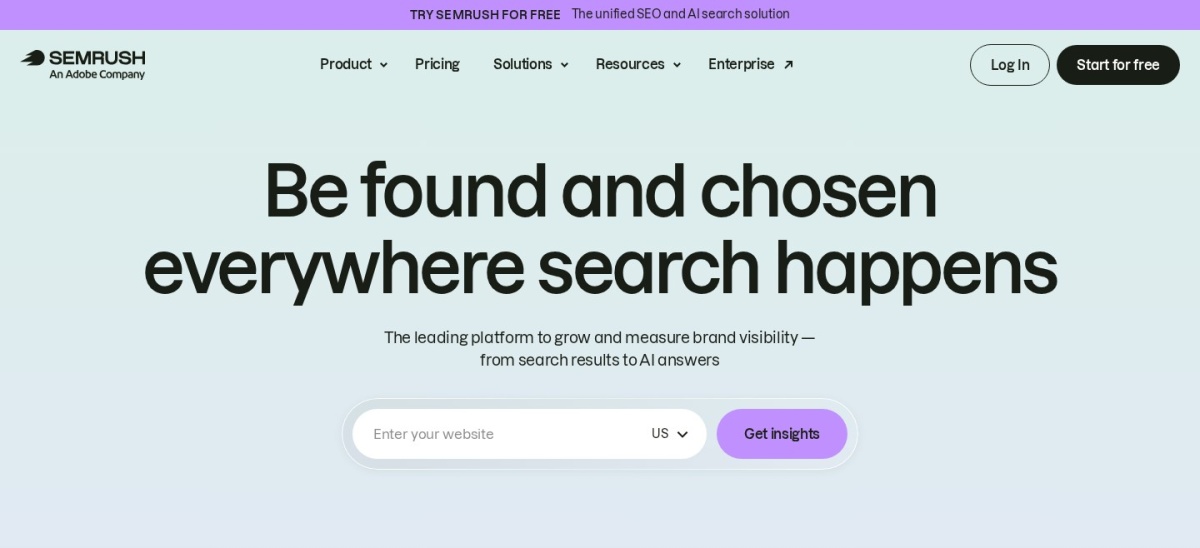
Semrush is a digital marketing research platform covering keyword analysis, competitor intelligence, technical SEO and search visibility monitoring. Its SEO plan includes monitoring for 5 websites, tracking 500 keywords daily, site auditing and access to search and AI visibility reports. Limited free tools are also available.
The trade off is its $139 monthly regular price and separate subscriptions for broader marketing products. Annual billing reduces the SEO plan to $117.33 monthly, while larger research and AI tracking requirements can increase costs. It suits businesses that depend heavily on organic search and competitive intelligence.
What we like
Keyword research and competitor analysis
Technical website auditing
Daily keyword position monitoring
Organic and AI search visibility reporting
Useful data for content and SEO planning
Watch out for
Higher starting price than channel-specific tools
Some marketing products require separate subscriptions
Research and tracking limits depend on plan
Not a replacement for email or CRM software
SEO + AI Search Starter adds expanded AI visibility tracking and competitor intelligence.Visit semrush.com
02
HubSpot Marketing Hub
4.4/5on G2 (16,098 reviews, checked Nov 2026)
Paid from$20/mo
Best for CRM-connected marketing campaigns
Entry planMarketing Hub Starter
Regular price$20/seat/mo
Marketing contacts1,000 included
Free usersUp to 2
hubspot.com
HubSpot Marketing Hub homepage, captured Nov 2026.
HubSpot Marketing Hub is a marketing platform combining CRM data, lead generation, email campaigns and customer engagement tools. Its free edition supports up to 2 users. Starter includes 1,000 marketing contacts, 500 HubSpot Credits and access to essential marketing capabilities connected to HubSpot's CRM.
The trade off is that comprehensive automation, attribution and advanced campaign reporting require Professional. Starter has a regular price of $20 per seat monthly, although introductory offers may be lower. It suits businesses that want marketing activity connected directly to customer and sales records.
What we like
Integrated CRM and marketing database
Free tools for lead generation
Email marketing and contact management
Connects marketing activity with sales workflows
Extensive integrations and user feedback
Watch out for
Advanced automation requires Professional
Contact tiers can increase costs
Some introductory prices are temporary
Professional includes substantial onboarding costs
Professional adds advanced automation, campaign attribution and broader marketing reporting.Visit hubspot.com
03
Mailchimp
4.3/5on G2 (13,001 reviews, checked Nov 2026)
Paid from$13/mo
Best for email campaigns and subscriber engagement
Entry paid planEssentials
Starting price$13/mo
Monthly send allowance10x contact tier
Integrations300+
mailchimp.com
Mailchimp homepage, captured Nov 2026.
Mailchimp is an email marketing platform for newsletters, audience management, subscriber segmentation and customer campaigns. Its free plan provides basic email marketing, while Essentials starts at $13 monthly and includes a sending allowance of 10 times the selected contact tier, with access to additional campaign features.
The trade off is that pricing increases as the contact list grows, and more advanced automation and predictive features require higher plans. The advertised $13 starting rate also has promotional and billing conditions to review. It suits businesses that prioritize email communication, subscriber retention and recurring campaigns.
What we like
Email campaign templates and audience management
Subscriber segmentation
Marketing automation capabilities
Integrations with ecommerce and business tools
Free entry option
Watch out for
Costs grow with contact count
Advanced automation requires higher plans
Sending allowances depend on contact tier
SMS and other services may have additional charges
Essentials adds additional email features; Standard expands automation and audience targeting.Visit mailchimp.com
04
Buffer
4.3/5on G2 (1,043 reviews, checked Nov 2026)
Paid from$6/mo
Best for affordable social media marketing
Free channels3
Free scheduled posts10 per channel
Essentials price$6/channel/mo
G2 rating4.3/5 from 1,043 reviews
buffer.com
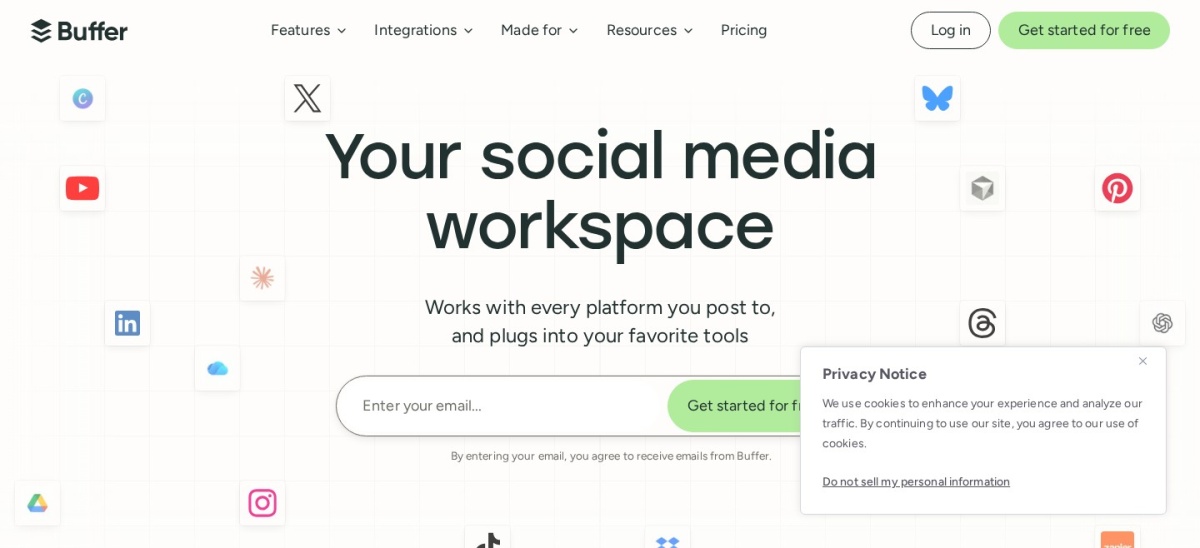
Buffer homepage, captured Nov 2026.
Buffer is a social media management platform for planning, scheduling, publishing and analyzing content across major social networks. Its free plan connects 3 channels with 10 queued posts per channel. Essentials adds expanded scheduling and analytics, along with tools for managing social content and community interactions.
The trade off is its per-channel pricing, so costs rise when more social accounts are connected. Essentials costs $6 per channel monthly, or $60 per channel yearly with annual billing. It suits creators, small businesses and marketers who need consistent publishing without a large social management subscription.
What we like
Permanent free plan
Straightforward content scheduling
Supports multiple social networks
AI assistance for writing and repurposing
Affordable per-channel entry price
Watch out for
Free plan limits scheduled posts
Additional channels increase costs
Advanced collaboration requires Team
Not a complete social listening platform
Essentials adds expanded scheduling and analytics; Team adds approval and collaboration features.Visit buffer.com
05
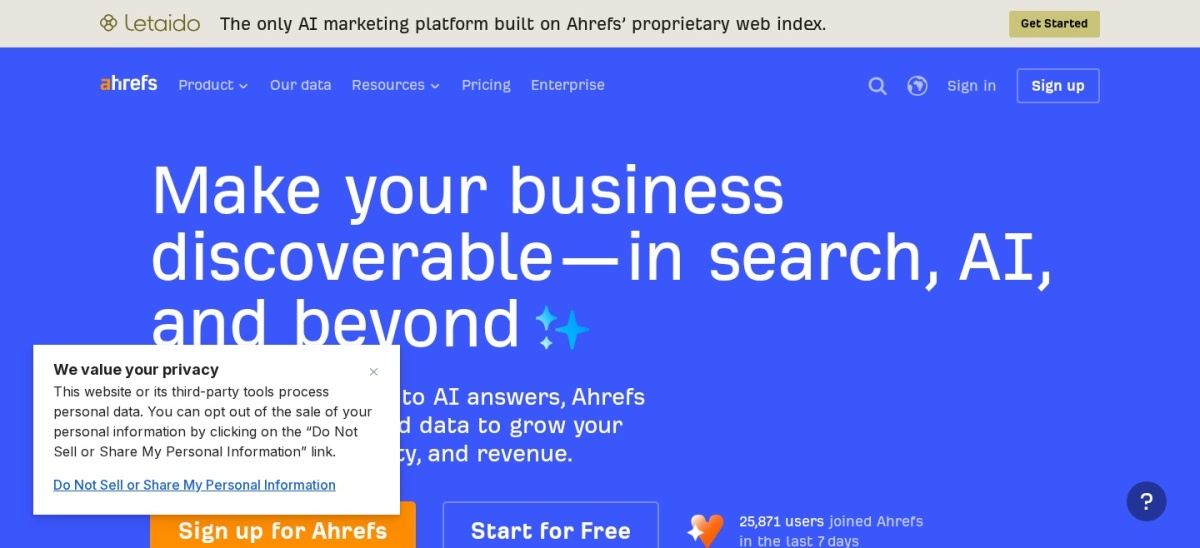
Ahrefs
4.5/5on G2 (725 reviews, checked Nov 2026)
Paid from$129/mo
Best for backlink research and organic growth analysis
Entry planLite
Tracked keywords750
Crawl credits100,000
Historical data6 months
ahrefs.com
Ahrefs homepage, captured Nov 2026.
Ahrefs is an SEO and competitive research platform for analyzing backlinks, keywords, website health and search performance. Lite includes 750 tracked keywords, 100,000 crawl credits, 6 months of historical data, one user and access to API and MCP features. Ahrefs also provides limited free webmaster tools.
The trade off is its $129 monthly price and usage limits for research data, historical analysis and additional users. Standard costs $249 monthly and increases several allowances. It suits SEO specialists, content marketers and agencies that prioritize backlink analysis and organic competitor research.
What we like
Detailed backlink research
Keyword and competitor analysis
Technical SEO auditing
Rank tracking and historical performance data
API and MCP access
Watch out for
Higher subscription cost
Lite includes only one user
Historical data is limited on Lite
Does not replace CRM or email marketing software
Standard expands research limits, keyword tracking and historical data access.Visit ahrefs.com
06
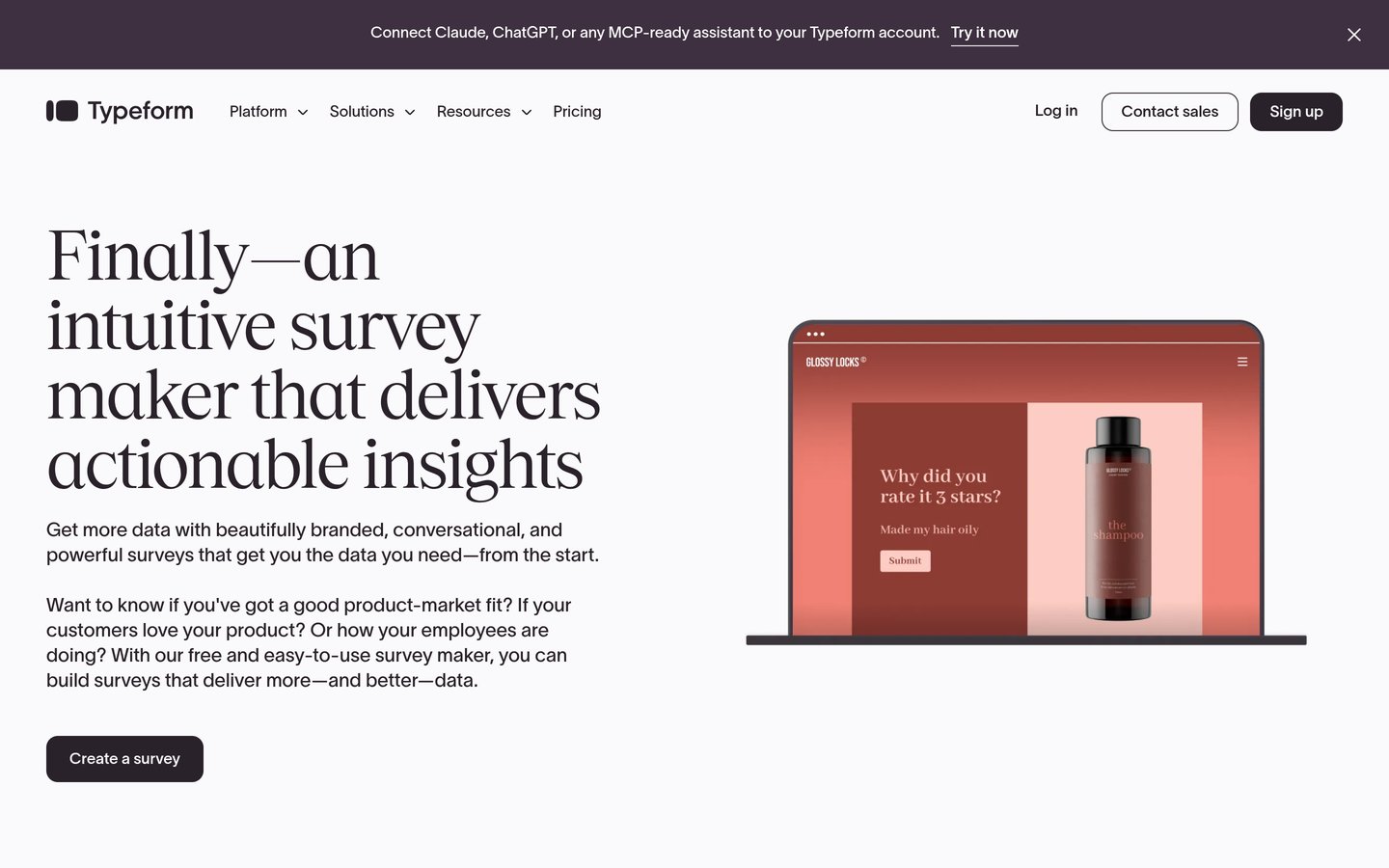
Typeform
4.5/5on G2 (1,027 reviews, checked Nov 2026)
Paid from$29/mo
Best for interactive lead generation forms
Entry planBasic
Regular monthly price$29
Annual-billing rate$25/mo
G2 rating4.5/5 from 1,027 reviews
typeform.com
Typeform homepage, captured Nov 2026.
Typeform is an interactive form and survey platform for lead generation, customer feedback, quizzes and research. Its free access supports basic form creation, while Basic starts at $29 monthly and provides paid response capacity and additional questionnaire capabilities. Forms can connect to CRM and automation tools.
The trade off is that response limits and advanced branding or collaboration depend on the selected plan. Basic costs $29 with monthly billing, while regular annual billing lists at $25 per month. It suits marketers who want conversational lead capture instead of traditional static forms.
What we like
Interactive form presentation
Conditional question logic
Useful for lead generation and surveys
CRM and workflow integrations
Free plan available
Watch out for
Response limits depend on subscription
Higher-volume collection costs more
Advanced collaboration requires upgrades
Not a complete landing page or CRM platform
Basic increases response capacity; Plus adds expanded branding and collaboration.Visit typeform.com
07
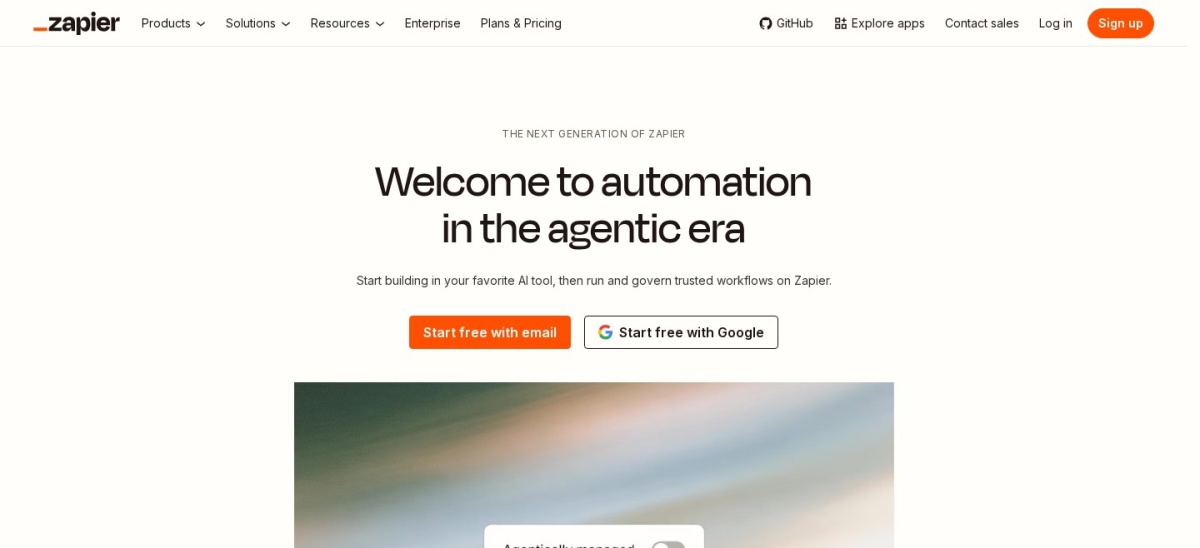
Zapier
4.5/5on G2 (2,169 reviews, checked Nov 2026)
Paid from$19.99/mo
Best for automating marketing workflows
Entry planProfessional
Free tasks100/mo
Connected apps9,000+
Starting annual rate$19.99/mo
zapier.com
Zapier homepage, captured Nov 2026.
Zapier is a no-code workflow automation platform that connects marketing applications and transfers information between them. Its free plan includes 100 monthly tasks and two-step automations. Professional starts at $19.99 monthly with annual billing and adds multistep workflows, premium integrations, webhooks and conditional form logic.
The trade off is task-based pricing, which can become expensive when workflows execute frequently. The regular monthly-billing rate is higher than the $19.99 annual-billing equivalent, and extra tasks can create additional charges. It suits marketers automating lead routing, contact updates, notifications and campaign reporting.
What we like
Connects thousands of business applications
No-code automation builder
Free plan for basic workflows
Multistep workflows on Professional
Forms, tables and AI-assisted automation
Watch out for
Task allowances affect total costs
Multistep workflows require a paid plan
Complex automations need careful maintenance
Does not independently provide SEO or campaign analytics
Professional adds multistep workflows, premium apps, webhooks and advanced automation features.Visit zapier.com
How to combine digital marketing tools without paying for overlapping features
A digital marketing stack does not need to include every available platform. Start with the channels responsible for attracting customers, then add tools that improve campaign execution and measurement.
For search-driven acquisition, Semrush or Ahrefs can provide keyword research, competitive analysis and website auditing. Most smaller teams can begin with one rather than subscribing to both.
For customer acquisition and retention, HubSpot Marketing Hub provides CRM-connected marketing workflows, while Mailchimp focuses more directly on email campaigns. Choose according to your existing customer database and automation requirements.
Buffer supports social publishing, Typeform handles interactive lead capture, and Zapier connects applications. These tools can complement a core marketing platform without requiring a complete software replacement.
Which digital marketing metrics should you track?
Search campaigns should monitor relevant organic traffic, rankings, conversions and landing-page performance. Keyword visibility can reveal progress, but revenue and qualified leads provide stronger evidence of business impact.
Email marketers should evaluate engagement, conversions, unsubscribe trends and revenue generated from campaigns. Large subscriber lists alone do not demonstrate campaign effectiveness.
Social media reporting should connect engagement and reach to useful outcomes such as website visits, inquiries and purchases. Evaluate performance according to the purpose of each campaign.
For automation, measure the time saved, data accuracy and reduction in repetitive tasks. A workflow is valuable when it reduces manual work without introducing errors or unnecessary costs.
How we chose
We shortlisted established digital marketing products covering search research, CRM-connected campaigns, email marketing, social publishing, lead capture and workflow automation. Selection prioritized actively maintained software with public pricing, substantial customer reviews and features directly relevant to campaign execution or measurement.
We opened official pricing pages and G2 review listings on 22 Nov 2026. Regular published prices were used rather than temporary promotional offers. Monthly rates were multiplied by twelve for the price ladder, while annual-billing commitments and pricing units were identified separately.
We excluded products without confirmable public USD pricing, tools with insufficient review evidence and platforms whose primary functionality did not clearly support digital marketing. We also avoided including multiple products with nearly identical purposes when a broader channel mix would better serve readers. No vendor paid for a place, and we do not claim testing for this list.
How to choose the best digital marketing tools
Identify your business goals, prioritize the marketing channels that matter most and compare software according to the workflows you need.
Identify your highest-priority marketing channel. Start with search marketing, email, social media or another channel that contributes directly to your business objectives. A specialized tool for an established acquisition channel may provide more value than purchasing a broad platform with unused features.
Check your existing software and integrations. Review the tools already collecting customer, website and campaign data. Choose additions that connect with your CRM, analytics and content systems. Avoid purchasing overlapping tools unless the new platform solves a clear limitation.
Calculate the total cost of each workflow. Include subscriptions, additional users, contacts, tracked keywords, social channels and automation tasks. Compare regular monthly pricing with annual commitments and consider how the bill changes as your marketing activity grows.
Evaluate features against measurable results. Select tools that make it easier to generate qualified traffic, capture leads, improve conversions or reduce manual work. Use reporting and campaign outcomes to decide whether each subscription deserves a permanent place in your marketing stack.
FAQ
What are the best tools for digital marketing in 2026?
Semrush is our top choice for search-focused digital marketing because it combines keyword research, competitor analysis, website audits and search visibility monitoring. HubSpot Marketing Hub is better for CRM-connected campaigns, while Mailchimp handles email marketing. Buffer, Ahrefs, Typeform and Zapier address additional marketing workflows.
Which digital marketing tools are free?
Buffer, HubSpot Marketing Hub, Mailchimp, Typeform and Zapier offer free access with different limitations. Semrush and Ahrefs also provide selected free tools. Free plans can help small teams begin marketing activities, but advanced reporting, automation and higher usage allowances often require subscriptions.
What is the cheapest paid digital marketing tool?
Buffer has the lowest regular paid entry price in this comparison at $6 per connected social channel monthly. Mailchimp Essentials starts at $13 monthly, while Zapier Professional starts at $19.99 monthly with annual billing. These products serve different purposes, so compare features rather than price alone.
Which digital marketing tool is best for SEO?
Semrush and Ahrefs are both established options for search engine optimization. Semrush combines keyword research, technical audits, competitive intelligence and AI search reporting. Ahrefs is particularly useful for backlink research and organic competitor analysis. Choose according to your research needs, existing tools and budget.
Which tool is best for email marketing?
Mailchimp is a suitable choice for newsletters, audience segmentation and recurring email campaigns. HubSpot Marketing Hub may be preferable when email activity must connect closely with CRM records and sales processes. Review contact limits, sending allowances, automation requirements and reporting capabilities before subscribing.
Do I need different tools for SEO and social media?
Usually, specialized tools provide better capabilities for their primary channels. Semrush or Ahrefs can support keyword and search analysis, while Buffer focuses on social scheduling and engagement. Smaller businesses can begin with fewer subscriptions and expand when campaign volume or reporting requirements justify additional software.
Can AI automate digital marketing campaigns?
AI can assist with content drafts, audience research, reporting and workflow automation. Zapier can connect marketing applications, while other platforms offer AI-assisted features within their specific channels. Human review remains important for campaign accuracy, brand consistency, compliance and strategic decisions.
How much should a small business spend on digital marketing tools?
The appropriate budget depends on the channels used, team size and expected return. Begin with free tools where practical and pay for capabilities that solve recurring problems. Account for subscription charges, usage limits and implementation time rather than assuming a more expensive stack produces better results.
How do I measure the ROI of digital marketing software?
Compare software costs with measurable improvements such as qualified leads, conversions, customer revenue and staff time saved. Track results consistently before and after introducing a tool, while accounting for other changes affecting performance. Avoid attributing every improvement to a subscription without supporting evidence.