Best Cloud Based Signage Software for Business in 2026: 7 Tools Compared
WLWPLegible EditorsLast verified 22 Nov 2026How we rank10 min read
★ Short answer
Yodeck is the best cloud-based signage platform for most businesses, starting at $8 per screen per month with a single-screen free tier and 4.7/5 on G2 across 3,348 reviews. Choose OptiSigns for drag-and-drop apps and Xibo for lower-cost per-display cloud or self-hosted control.
How we make this list: we compare pricing pages, product documentation and public user reviews, then re-check every price before each update. No product paid for a place. Disclosure.
Yodeck starts at $8 per screen per month with a permanent free tier for one screen and 65,000+ companies using the platform.
OptiSigns offers a free plan for up to 3 screens with 25 basic apps and paid tiers starting at $10 per screen per month.
Xibo Cloud starts at $4.89 per display per month on annual billing, with self-hosted software available separately.
ScreenCloud starts at $20 per screen per month on annual billing and focuses on offices, dashboards and internal comms.
Entry paid rates across these 7 tools range from $4.89 to $20 per screen per month before volume or hardware add-ons.
What to look for in cloud signage software
Cloud-based signage lets you upload media, schedule playlists and push updates to displays from a browser instead of visiting each screen with a USB drive.
Most vendors bill per screen rather than per user, so small per-screen gaps add up quickly once you pass 10 or 25 displays.
Check hardware support and offline caching early. A display that loses Wi-Fi should keep playing cached slides instead of showing a blank screen.
Free plans usually cap screen counts, add vendor branding or limit apps, making them best for testing one or two displays before scaling.
The 7 best cloud based signage software for business
01
Yodeck
4.7/5on G2 (3,348 reviews, checked Nov 2026)
Paid from$8/mo
Best overall for small and midsize screens
Free plan1 screen forever
Entry paid planBasic, $8/screen/mo
Templates & apps800+ templates, 90+ Basic apps
Offline supportYes, cached playback
yodeck.com
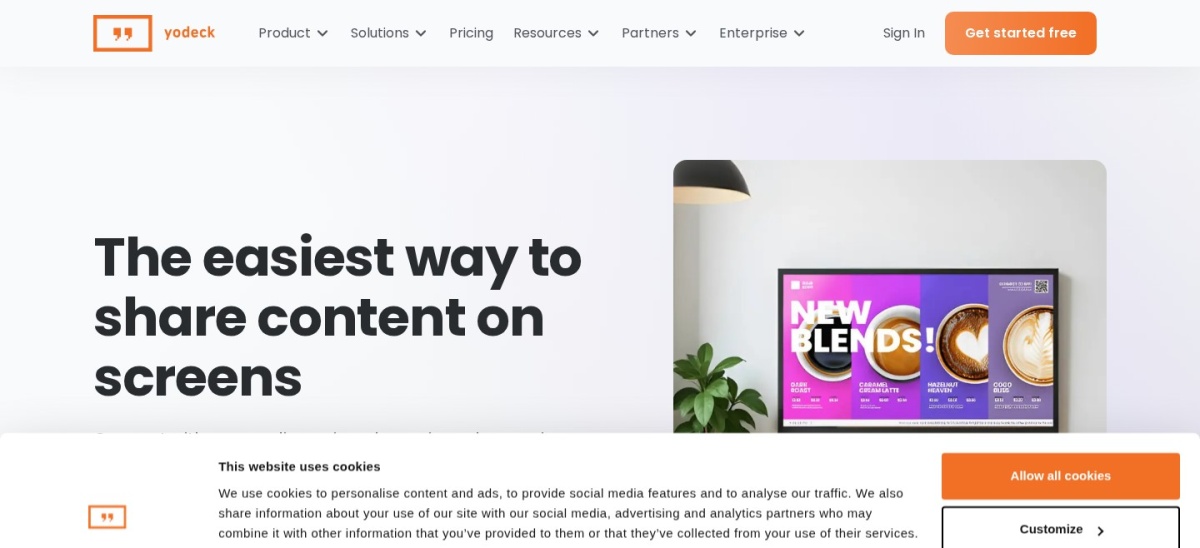
Yodeck homepage, captured Nov 2026.
Yodeck is a cloud digital signage platform used by over 65,000 companies, offering a permanent free tier for a single screen with unlimited file storage and unlimited users. Paid plans start on Basic at $8 per screen per month, adding 800+ templates, 90+ apps and a drag-and-drop layout editor.
The trade off is that per-screen billing scales steadily as you add displays, and data visualization apps and 147+ integrations sit on Premium at $12 per screen per month. It suits retail shops, offices and restaurants that want straightforward scheduling.
What we like
Free plan covers one screen with unlimited users and storage
Clear layout editor with 800+ templates and 90+ Basic apps
Strong review volume on G2 with 3,348 reviews
Watch out for
Costs climb per screen as you expand across locations
Data visualization apps require upgrading to Premium
Premium adds 147+ apps, data visualizations and API accessVisit yodeck.com
02
OptiSigns
4.7/5on G2 (3,962 reviews, checked Nov 2026)
Paid from$10/mo
Best for apps, templates and ease of use
Free planUp to 3 screens, branded
Entry paid planStandard, $10/screen/mo
Apps & storage100+ apps, unlimited storage
Offline playbackYes
optisigns.com
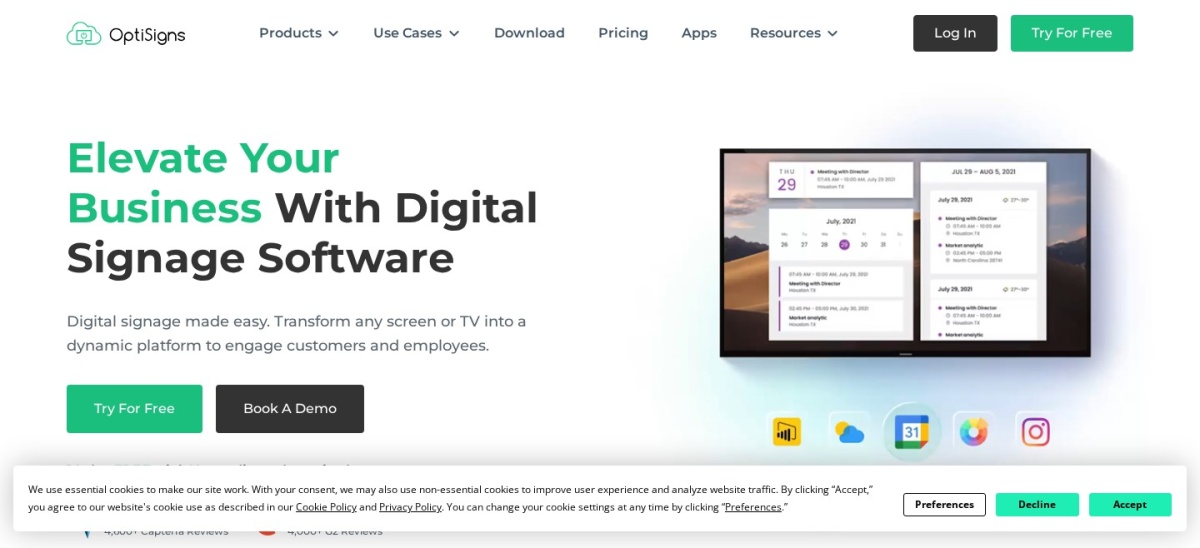
OptiSigns homepage, captured Nov 2026.
OptiSigns is a cloud signage platform with a drag-and-drop design studio, split-screen zones and a free plan for up to 3 screens with 1GB of storage and 25 basic apps. Upgrading to Standard at $10 per screen per month removes the branding limit and unlocks 100+ apps and unlimited cloud storage.
The trade off is that business dashboards like Power BI and Looker, plus SSO and team workspaces, require Pro Plus at $15 per screen per month. It suits offices, clinics and restaurants that want fast visual setup and broad app support.
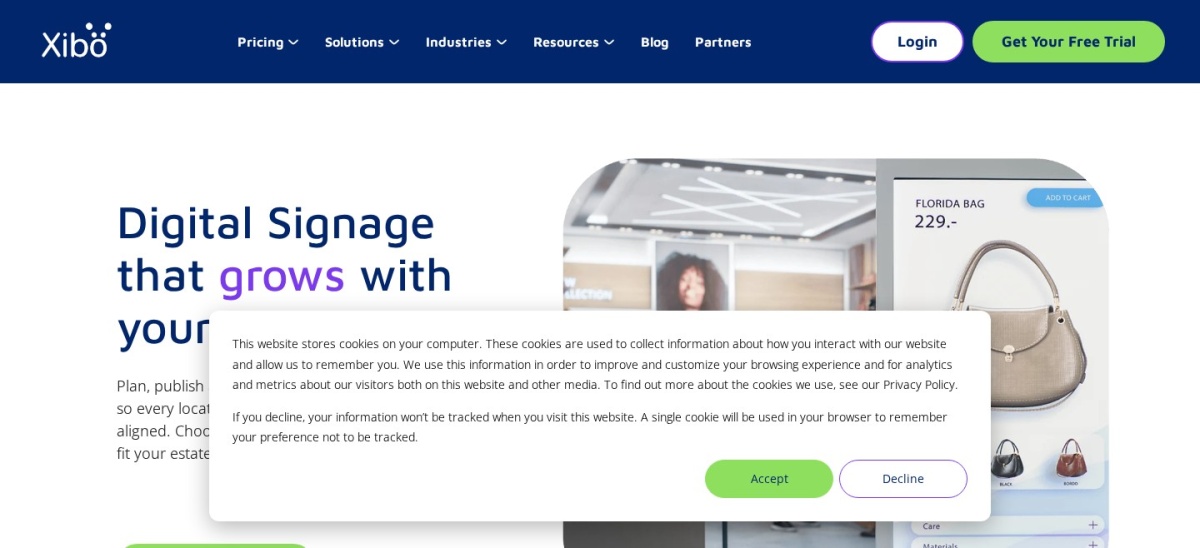
Xibo is a long-running digital signage platform available as managed Xibo Cloud or self-hosted software, with Essentials starting at $4.89 per display per month billed annually. It includes the Xibo Pro CMS, player app, SAML single sign-on and 1GB of cloud storage.
The trade off is a steeper setup curve and a smaller 1GB cloud storage allowance on Essentials, with dashboards starting on Growth at $7.70 per display per month. It suits IT teams that want lower per-display rates or hosting flexibility.
Play Digital Signage connects 25,000+ screens across businesses and offers Essential at $8 per screen per month with a cloud editor, templates and timeline scheduling. Your first screen can stay free if you publish a review within 30 days.
The trade off is that features like API access, tags, screen sync and slide conditions require Pro at $12 per screen per month. It suits small businesses that want straightforward playlists and responsive support without complex menus.
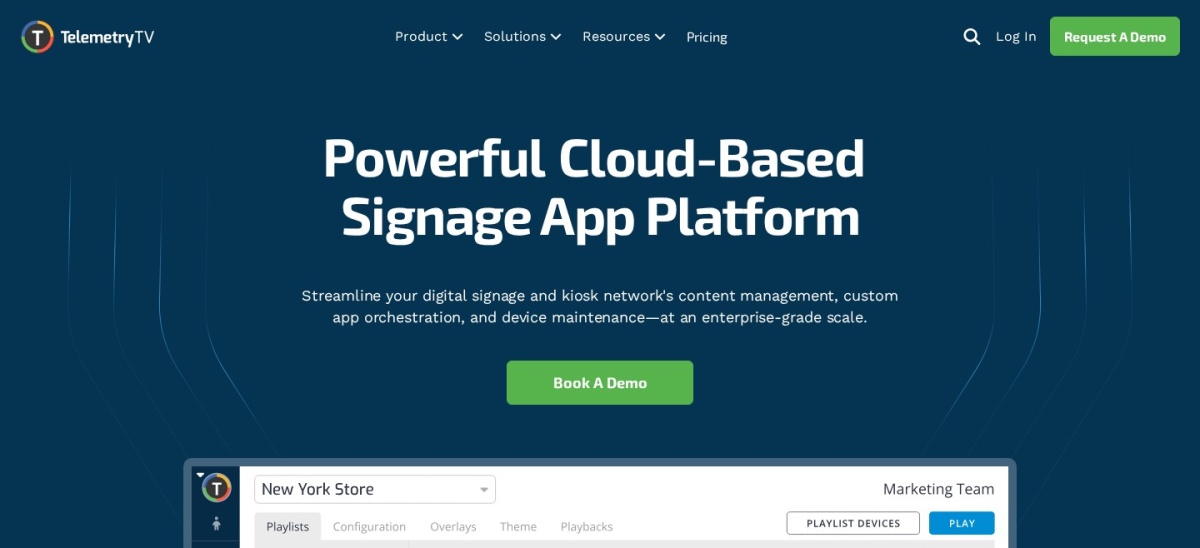
TelemetryTV is a cloud signage and device management platform starting on Entry at $8 per device per month with no device minimum. It includes 70+ turnkey apps, resizable screen zones, Canva integration, playlist scheduling and 10GB of media storage.
The trade off is that there is no free tier, and programmatic API access, group permissions and tag filters start on Core at $13 per device per month. It suits operations and IT teams displaying live metrics and schedules.
What we like
Rated 4.8 out of 5 on G2 across 102 reviews
No minimum device count on Entry or Core
Supports screen zones, Canva and 70+ apps
Watch out for
No permanent free tier, only a trial
API and activity logs require the Core plan
Core adds API access, group permissions, tag filters and 50GB storageVisit telemetrytv.com
06
NoviSign
4.9/5on Capterra (121 reviews, checked Nov 2026)
Starts at$14/mo
Best for interactive kiosks and touchscreens
Entry paid planBusiness, $14/screen/mo
Billing termBilled annually
Templates & apps500+ templates, 50+ widgets
Free tierNo permanent free plan
novisign.com
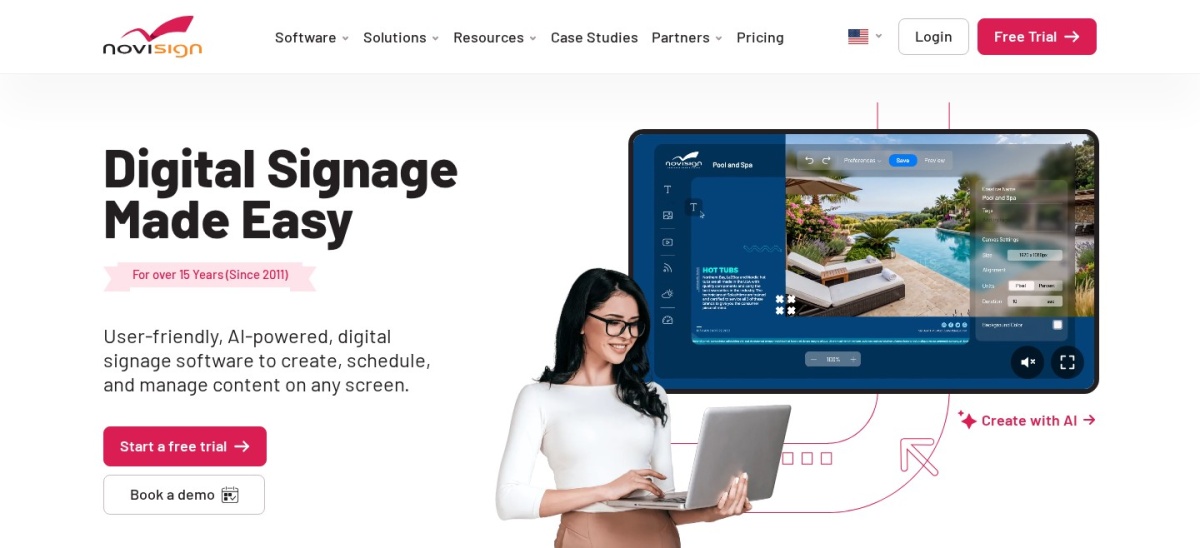
NoviSign homepage, captured Nov 2026.
NoviSign is used by over 20,000 businesses and starts on Business at $14 per screen per month billed annually, with 500+ templates and 50+ widgets. It supports touchscreen interactivity, offline playback, playlist scheduling and remote screen monitoring.
The trade off is a higher entry price and annual billing on the published plans, while data source connections and Canva integration sit on Business Plus at $17 per screen per month. It suits retail kiosks, lobbies and menus.
What we like
High Capterra rating of 4.9 from 121 reviews
Built-in touchscreen support and 500+ templates
Offline playback and remote monitoring included
Watch out for
No permanent free plan on the pricing page
Data connections and Canva integration start on Business Plus
Business Plus adds AI tools, MDM, data connections and CanvaVisit novisign.com
07
ScreenCloud
4.8/5on Capterra (289 reviews, checked Nov 2026)
Starts at$20/mo
Best for multi-location workplace comms
Entry paid planCore, $20/screen/mo
Billing termBilled annually
Apps & storage80+ apps, unlimited storage
Free tierNo permanent free plan
screencloud.com
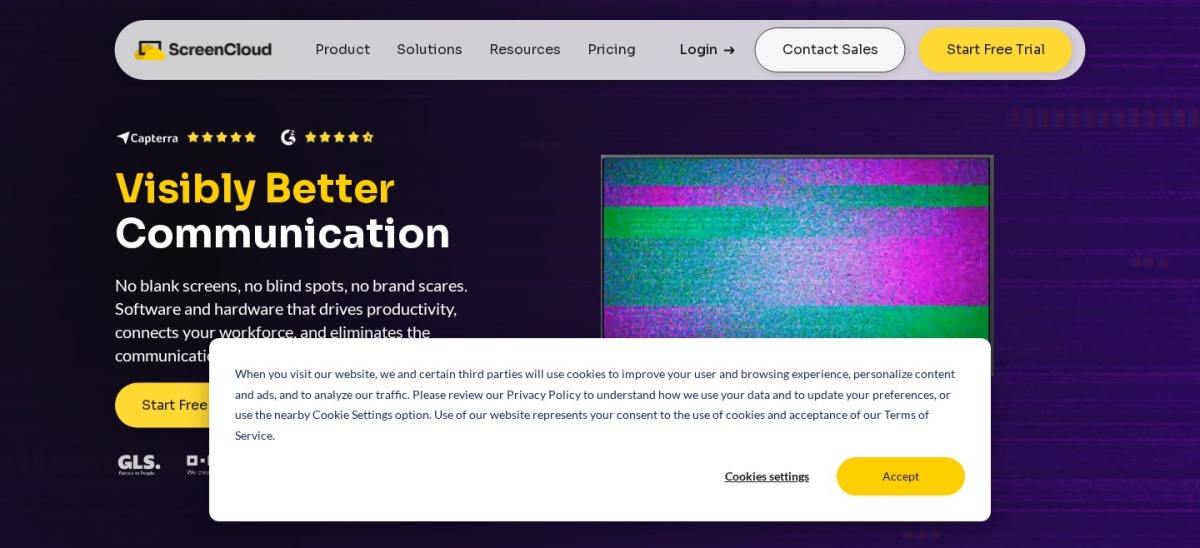
ScreenCloud homepage, captured Nov 2026.
ScreenCloud is a cloud signage platform built around internal communications and multi-location screen management, starting on Core at $20 per screen per month billed annually. Core includes 80+ apps, unlimited file storage, design templates and remote device management.
The trade off is that it sits at the top of the entry price range here, and proof of play logs, SSO and custom user permissions require Pro at $30 per screen per month. It suits midsize and enterprise teams sharing workplace news and dashboards.
What we like
Rated 4.8 out of 5 on Capterra across 289 reviews
Unlimited file storage and 80+ apps on Core
Focused on internal comms and multi-site control
Watch out for
Higher starting price per screen than budget options
A $4 or $8 difference per screen looks small on one lobby TV, but across 25 or 50 screens it changes your annual software budget by thousands of dollars.
Check whether a vendor publishes a lower annual rate, charges per user or per display, or sells dashboards and SSO on a higher tier.
Also budget for media players such as dedicated signage boxes or smart TV apps, since software subscriptions do not include the physical display.
How we chose
We built this list from established cloud-based digital signage platforms serving business buyers across retail, hospitality, offices and operations.
Prices come from each vendor's official pricing page and ratings come from G2 or Capterra, checked on 22 November 2026. Where a vendor shows a promo or annual discount, we list the regular entry paid rate.
We excluded unmaintained tools and platforms without transparent entry pricing on their pricing pages. No vendor paid for a place, and we do not claim testing for this list.
How to choose cloud signage software for business
Start with your screen count and hardware, then match integrations to what your displays show.
Count your active screens first. Multiply the monthly per-screen rate by 12 and by your total display count so you see the real yearly cost.
Match the app to your display hardware. Confirm whether your existing smart TVs, Android players, ChromeOS devices or Windows PCs are supported.
Check data and dashboard needs. Static menus and announcements run fine on entry tiers, while live dashboards or SSO often sit on mid-tier plans.
Test offline playback during a trial. Make sure screens keep running smoothly if your office or store Wi-Fi drops.
FAQ
What is the best cloud-based signage software for most businesses?
Yodeck is a strong default choice for small and midsize businesses, starting at $8 per screen per month with a single-screen free tier and a 4.7/5 rating on G2 across 3,348 reviews.
Do cloud signage tools include a free plan?
Some do, though limits apply. Yodeck offers one free screen forever, OptiSigns covers up to 3 branded screens on its free plan, and Play Digital Signage offers a free first screen with a review.
Why do digital signage prices vary so much?
Pricing usually scales per screen per month and depends on whether features like live dashboards, single sign-on, proof of play logs or interactive kiosk tools sit on entry or higher tiers.
Do I need special hardware to run cloud signage?
Many platforms run on Android devices, Windows PCs, ChromeOS players or compatible smart TVs, though some teams still buy dedicated media players for reliability.
Can cloud signage play content when the internet goes out?
Most cloud signage players cache media locally on the device so scheduled images and videos continue playing during temporary network outages.
Should I pick annual or monthly billing?
Monthly billing keeps commitments flexible while you test a setup, while annual billing often lowers the per-screen rate if you already know your screen count.