Best Cloud Integration Platforms in 2026: 7 Tools Compared
WLWPLegible EditorsLast verified 22 Nov 2026How we rank10 min read
★ Short answer
Zapier is the best cloud integration platform for most businesses, connecting more than 9,000 applications and offering 100 free monthly tasks. Boomi is better for connecting complex enterprise systems, while MuleSoft suits organizations that prioritize API management, hybrid infrastructure and centralized integration governance.
How we make this list: we compare pricing pages, product documentation and public user reviews, then re-check every price before each update. No product paid for a place. Disclosure.
Zapier supports 9,000+ applications, with paid plans starting at $19.99 per month.
Boomi starts at $99 per month plus usage and serves more than 30,000 organizations.
MuleSoft publishes an entry price of $2,000 per month for its updated credit-based platform.
Workato earns 4.7/5 from 859 G2 reviews, making it a strong enterprise automation option.
Celigo scores 4.6/5 from 1,133 G2 reviews and specializes in business system integration.
What to look for in a cloud integration platform
Cloud integration platforms connect applications, databases and business systems so information can move between them automatically. They reduce manual data entry, improve consistency and help businesses coordinate processes across separate software environments.
An integration platform as a service, commonly called iPaaS, provides a centralized environment for creating, deploying and monitoring integrations. Many platforms include visual workflow builders that reduce the need for custom integration code.
Check whether the platform supports your existing software through native connectors, APIs or webhooks. Businesses with legacy infrastructure should also investigate hybrid deployment options and connections to on-premises databases.
Data transformation, error handling and execution monitoring become increasingly important as integrations grow. A reliable platform should help administrators identify failed transactions, investigate errors and restore interrupted workflows.
Pricing models differ substantially between providers. Some charge for individual automation tasks, while others use message volumes, consumption credits or negotiated enterprise contracts. Compare costs using realistic transaction volumes.
Zapier is a no-code cloud integration platform connecting more than 9,000 applications through automated workflows. Its permanent free plan includes 100 monthly tasks, basic two-step automations, forms and data tables, making it accessible to businesses without dedicated integration developers.
The trade off is task-based pricing, which can become expensive for high-volume integrations. Professional starts at $19.99 per month with annual billing and unlocks multi-step workflows and premium application connections. It suits small and midsize businesses automating routine processes between cloud applications.
What we like
Extensive application connector library
Permanent free subscription
Accessible visual workflow creation
Integrated forms and data tables
Published subscription pricing
Watch out for
Free workflows have limited complexity
Task-based charges increase with usage
Less suitable for complex legacy infrastructure
Professional adds multi-step automation, webhooks and premium applications.Visit zapier.com
02
Boomi
4.4/5on G2 (516 reviews, checked Nov 2026)
Starts at$99/mo
Best for hybrid cloud and enterprise integration
Free trial30 days
Integration builderLow-code
DeploymentCloud and hybrid
Entry pricing$99/mo plus usage
boomi.com
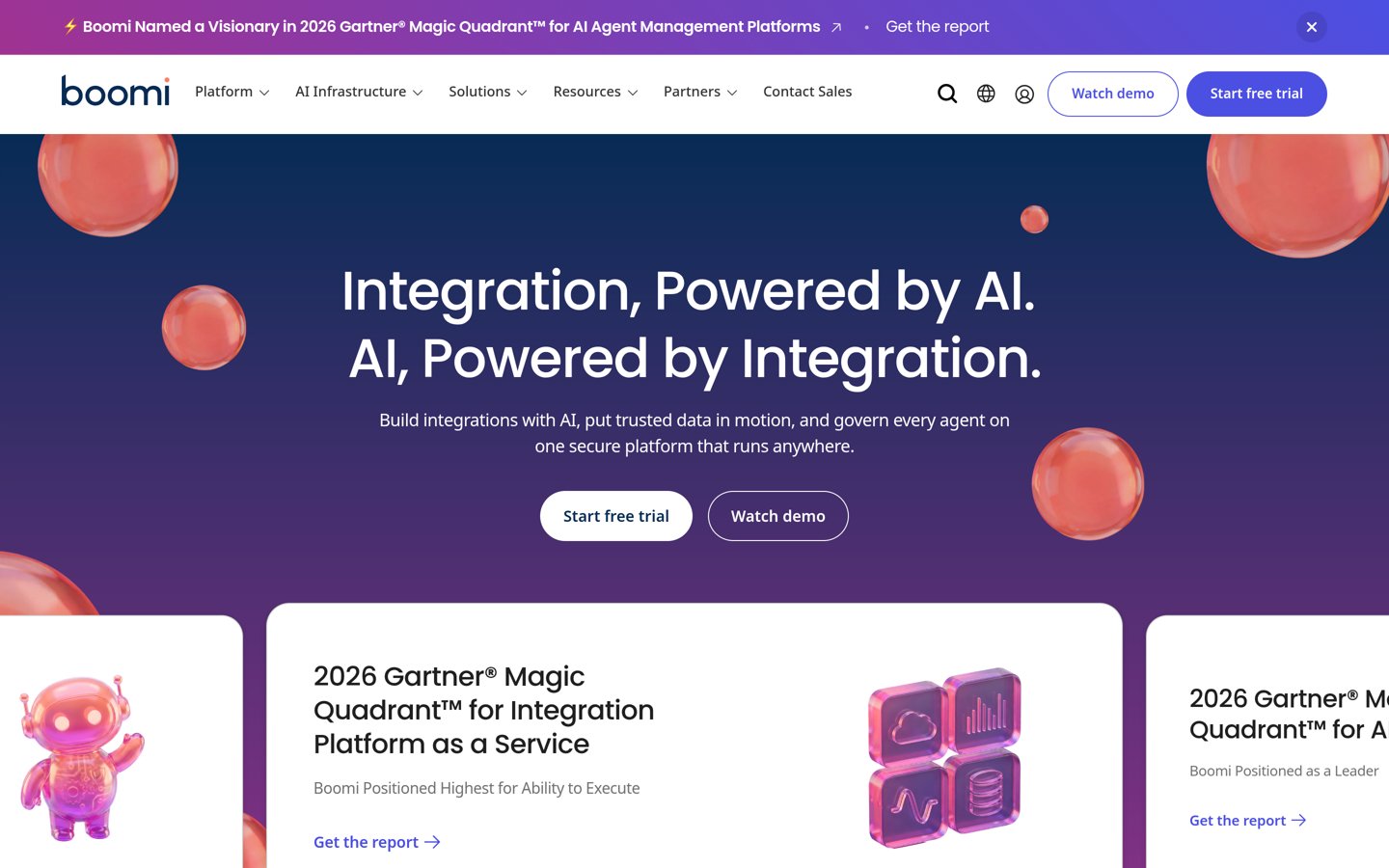
Boomi homepage, captured Nov 2026.
Boomi is an enterprise integration platform that connects applications, databases and business processes across different infrastructure environments. It serves more than 30,000 organizations and provides low-code integration development, data mapping, API management and a pay-as-you-go subscription.
The trade off is that the $99 monthly subscription excludes additional consumption charges, making the final cost dependent on usage. It suits organizations that need more advanced integration architecture than conventional no-code automation tools provide.
Pay-As-You-Go provides platform access without an annual contract.Visit boomi.com
03
MuleSoft
4.4/5on G2 (894 reviews, checked Nov 2026)
Starts at$2,000/mo
Best for API-led enterprise connectivity
Integration architectureAPI-led connectivity
DeploymentHybrid and multi-cloud
Billing currencyMule Credits
Starting price$2,000/mo
mulesoft.com
MuleSoft homepage, captured Nov 2026.
MuleSoft is an enterprise integration and API management platform rated 4.4/5 from 894 G2 reviews. Its updated commercial model uses shared Mule Credits across application integrations, API services, automation and AI capabilities, allowing organizations to allocate consumption across different functions.
The trade off is the high entry price of $2,000 per month and the technical knowledge required to design enterprise integrations. It suits organizations building reusable API architectures and connecting cloud services with existing enterprise applications.
What we like
Extensive API lifecycle management
Reusable integration architecture
Supports hybrid infrastructure
Centralized security and governance
Published platform entry price
Watch out for
High starting subscription cost
Requires experienced integration developers
Credit consumption requires monitoring
Paid packages include Mule Credits for integration, automation and API services.Visit mulesoft.com
04
Workato
4.7/5on G2 (859 reviews, checked Nov 2026)
PricingCustom pricing
Best for enterprise business process automation
Prebuilt connectors1,200+ included
User accountsUnlimited
Usage monitoringIncluded
Pricing modelContract-based
workato.com
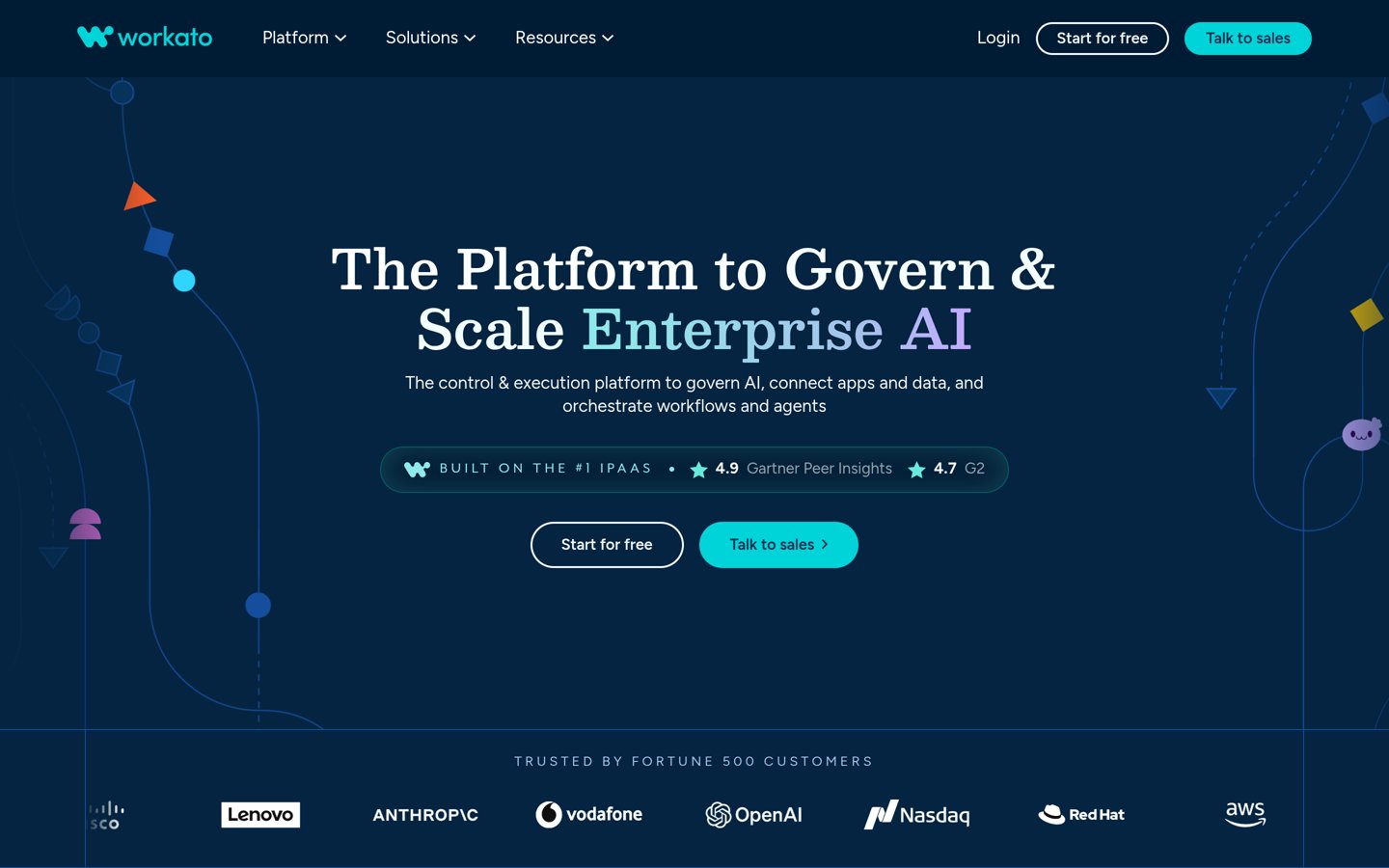
Workato homepage, captured Nov 2026.
Workato is an enterprise orchestration platform that connects business applications, data sources and automated processes. Its pricing page lists more than 1,200 included prebuilt connectors, unlimited users and workspaces, and a dashboard for monitoring subscription consumption.
The trade off is custom contract pricing, which makes estimating software expenses more difficult before contacting sales. It suits established businesses automating processes across finance, human resources, sales, customer support and IT departments.
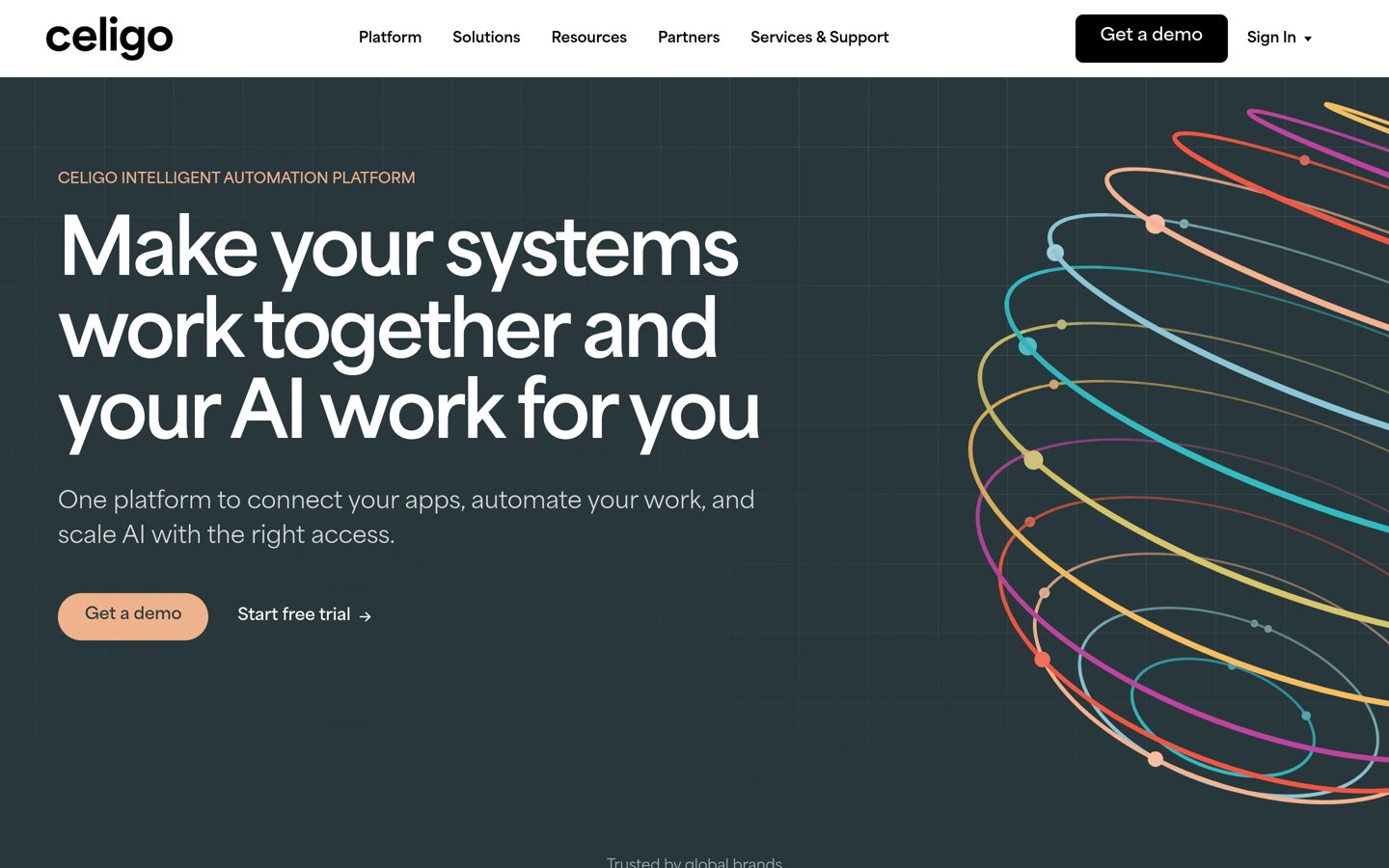
Celigo is a cloud integration platform designed to automate business processes across ecommerce, ERP, accounting and customer management systems. Its Standard edition includes file storage, role-based permissions, multifactor authentication and AI capabilities, while a 30-day trial provides temporary platform access.
The trade off is custom pricing based on the selected edition and platform usage, with development sandboxes and additional API capabilities reserved for higher editions. It suits retailers, distributors and businesses connecting order processing, inventory and financial operations.
What we like
Strong ERP and ecommerce connectivity
Supports order-to-cash automation
Integrated workflow error management
Security controls across all editions
Supports multiple API protocols
Watch out for
Subscription prices require a sales quote
Development sandbox requires Professional or higher
Standard provides essential integrations, security controls and included support.Visit celigo.com
06
Tray.ai
4.5/5on G2 (159 reviews, checked Nov 2026)
PricingCustom pricing
Best for flexible integration and AI orchestration
Connectivity coverage12,000+ apps and services
Workflow developmentVisual and headless
API managementIncluded
Standard supportBusiness hours
tray.ai
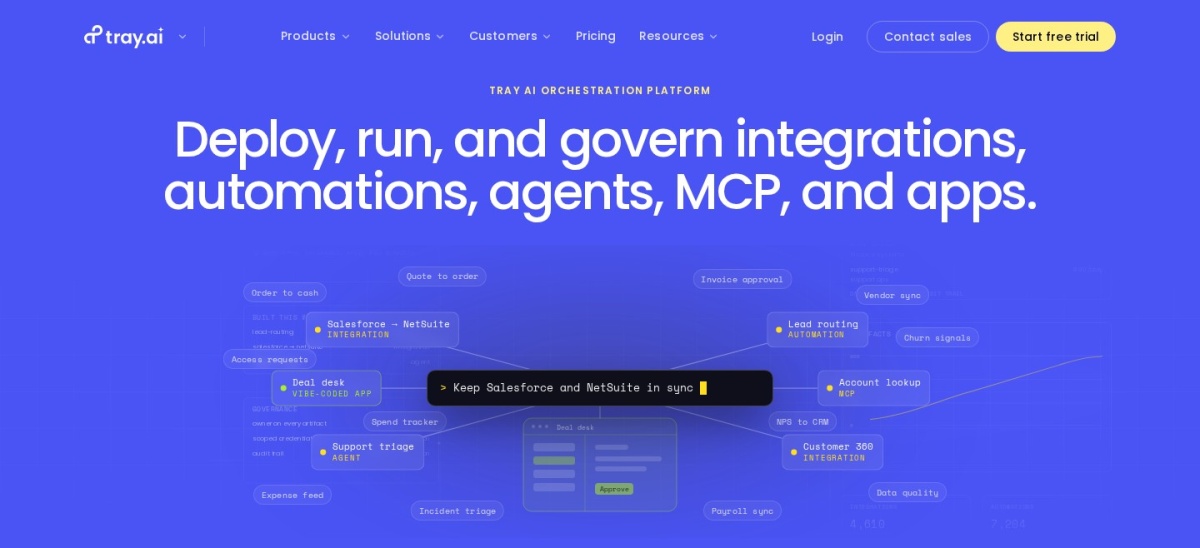
Tray.ai homepage, captured Nov 2026.
Tray.ai is a cloud integration and orchestration platform supporting connections across more than 12,000 applications, databases, APIs and services. Its paid plans include process automation, data integration, API management, execution monitoring and visual workflow development.
The trade off is custom subscription pricing and additional requirements for capabilities such as on-premises connectivity and extended monitoring. It suits technical operations teams that need flexible integration development alongside centralized management of automated processes and AI workflows.
What we like
Broad application and service connectivity
Visual and programmatic development options
Integrated API management
Workflow monitoring and audit trails
Supports governed AI integrations
Watch out for
No publicly listed entry price
Some governance features require higher editions or add-ons
Advanced workflows have a learning curve
Paid plans combine application integration, API management and AI development capabilities.Visit tray.ai
07
Make
4.6/5on G2 (512 reviews, checked Nov 2026)
Paid from$9/mo
Best for visual multi-step cloud workflows
Native application connections3,000+
Free monthly credits1,000
Billing modelCredits
Entry paid planCore
make.com
Make homepage, captured Nov 2026.
Make is a visual cloud integration platform that connects more than 3,000 applications through customizable automation scenarios. Its free subscription includes 1,000 monthly credits, allowing users to build workflows that transfer information, transform records and coordinate processes between different cloud services.
The trade off is credit consumption, as individual workflow actions generally use credits and some AI features consume more. Core pricing starts at $9 per month with annual billing. It suits small businesses and technical operations teams building visual integrations with branching logic.
Cloud integration platforms vs. workflow automation tools
Cloud integration platforms traditionally focus on connecting applications, databases and infrastructure through standardized integration processes. They often include data transformation, API management, centralized monitoring and deployment controls.
Workflow automation tools focus more directly on completing repetitive business tasks. Zapier and Make, for example, help users move information between applications, trigger notifications and automate routine operational processes without extensive programming.
The distinction becomes less clear as automation platforms introduce additional integration capabilities. Businesses should evaluate their actual requirements rather than selecting a product solely because it uses the iPaaS label.
Organizations connecting legacy infrastructure, ERP applications and internal APIs generally benefit from platforms such as Boomi or MuleSoft. Smaller businesses connecting cloud applications may find simpler automation tools easier to maintain.
How cloud integration platform pricing works
Task-based pricing charges for actions performed during automated workflows. Zapier uses this approach, so businesses should estimate how frequently workflows run and how many billable actions they perform.
Credit-based pricing assigns consumption allowances to different platform activities. Make uses credits for automation actions, while MuleSoft provides shared credits across its integration, API and automation capabilities.
Boomi combines a $99 monthly entry subscription with additional usage charges. Its $1,188 annual figure represents the base subscription rather than the complete cost of operating production integrations.
Workato, Celigo and Tray.ai use custom subscription pricing. Request quotes based on realistic integration requirements, expected transaction volumes, governance needs and support arrangements before comparing enterprise contracts.
How we chose
We selected established cloud integration platforms from G2's iPaaS and cloud data integration listings. We compared application connectivity, workflow development, API capabilities, deployment flexibility, public reviews and suitability for different business requirements.
The editorial verification date is 22 Nov 2026, with official pricing pages and G2 review listings consulted on 24 Nov 2026. Published subscription rates were annualized, excluding variable consumption charges. Custom pricing was used only where vendors did not publish a standard subscription amount.
We excluded products without sufficient public review evidence and tools focused exclusively on unrelated infrastructure services. Temporary trials were not classified as permanent free subscriptions. No vendor paid for a place, and we do not claim testing for this list.
How to choose the right cloud integration platform
Compare your existing technology stack, integration requirements, technical resources and expected transaction volumes before committing to a cloud integration platform.
**Identify the applications and systems you need to connect.** List your CRM, ERP, databases, ecommerce platforms and internal applications. Check whether the integration platform supports the required connectors, authentication methods and data operations.
**Evaluate your workflow complexity.** Determine whether you need simple application triggers, conditional workflows, complex data transformation or reusable APIs. Choose a platform that supports these requirements without unnecessary development overhead.
**Calculate subscription and consumption costs.** Estimate monthly workflow runs, billable actions, API requests and data volumes. Compare the resulting expenses across fixed subscriptions, consumption-based pricing and custom enterprise contracts.
**Check security, monitoring and deployment options.** Review access permissions, audit trails, error handling, credential management and hybrid connectivity. Confirm that the platform meets your organization's security policies and operational requirements.
FAQ
What is the best cloud integration platform?
Zapier is our top choice for everyday cloud application integration because it supports more than 9,000 applications and offers a permanent free subscription. Boomi is a better fit for organizations connecting complex enterprise applications and hybrid infrastructure.
What is a cloud integration platform?
A cloud integration platform is software that connects applications, databases, APIs and business systems. It enables organizations to automate information transfers, synchronize records, transform data and coordinate business processes without developing every integration independently.
What is the difference between iPaaS and API management?
iPaaS focuses on connecting applications and automating information exchange between systems. API management focuses on creating, publishing, securing and monitoring application interfaces. Enterprise platforms such as MuleSoft and Boomi combine capabilities from both software categories.
Are there free cloud integration platforms?
Yes. Zapier provides 100 monthly tasks on its permanent free plan, while Make offers 1,000 monthly credits. These subscriptions suit smaller automation requirements, although businesses with higher transaction volumes or advanced workflow needs generally require paid plans.
How much does cloud integration software cost?
Make Core starts at $9 per month, Zapier Professional starts at $19.99 per month, and Boomi starts at $99 per month plus usage. Enterprise platforms may charge substantially more or require personalized subscription quotes based on integration requirements.
Which cloud integration platform is best for enterprise businesses?
Boomi, MuleSoft and Workato are strong enterprise options. Boomi focuses on connecting diverse infrastructure environments, MuleSoft specializes in API-led integration, and Workato supports business process orchestration across departments. The appropriate choice depends on existing systems and governance requirements.
Which cloud integration platform is best for ecommerce?
Celigo is particularly suitable for ecommerce businesses connecting online stores with ERP, inventory management and accounting systems. Zapier and Make are alternatives for smaller retailers that mainly need straightforward application integrations, notifications and automated record transfers.
Can cloud integration platforms connect on-premises systems?
Yes. Platforms such as Boomi and MuleSoft support hybrid integration environments that combine cloud applications with existing infrastructure. Confirm supported connection methods, network requirements and subscription restrictions before selecting a platform for on-premises connectivity.
Do cloud integration platforms require coding?
Many platforms provide visual builders that allow users to create standard integrations without writing code. More complex requirements, including custom API connections, advanced data transformations and enterprise infrastructure integration, may still require programming or specialist implementation knowledge.