Best Cloud Backup Software in 2026: 7 Tools Compared
WLWPLegible EditorsLast verified 22 Nov 2026How we rank10 min read
★ Short answer
IDrive is the best cloud backup software for most users, with a free 10GB plan, multi-device backup, and a 4.6/5 Capterra rating. Choose Backblaze for unlimited computer backups or CrashPlan for business endpoint protection and unlimited file versioning.
How we make this list: we compare pricing pages, product documentation and public user reviews, then re-check every price before each update. No product paid for a place. Disclosure.
IDrive offers 10GB of free cloud storage and has a 4.6/5 Capterra rating from 1,206 reviews.
Backblaze provides unlimited computer backup for $99 per year.
CrashPlan offers unlimited endpoint backup and file versioning for $88 per user per year.
Acronis True Image Advanced combines cloud backup and malware protection for $72.99 per year.
MSP360 Backup Pro starts at $29.99 per year for Windows desktops, excluding cloud storage costs.
Cove Data Protection supports configurable backup retention for up to 10 years.
What to look for in cloud backup software
Cloud backup software creates remote copies of files, applications, and system data that can be recovered after hardware failure, accidental deletion, theft, or ransomware incidents. Unlike ordinary cloud storage, dedicated backup applications automate protection and maintain recoverable versions.
Check whether the software protects individual files, entire disks, external drives, network storage, servers, or cloud applications. A personal computer backup subscription may not cover business servers or shared cloud application data.
Storage allowances vary considerably. Unlimited subscriptions can be attractive for computers containing large media collections, while capacity-based plans may provide better value when protecting multiple devices with smaller combined storage requirements.
Review encryption, authentication, version retention, and recovery controls. Businesses should also consider immutable backups, administrative permissions, centralized monitoring, and the ability to recover data following a compromised account.
Calculate the complete cost of software licenses, cloud storage, additional devices, data transfers, and recovery services. A low software subscription price does not necessarily include the storage needed to protect your files.
4.6/5on Capterra (1,206 reviews, checked Nov 2026)
Paid from$0.25/mo
Best for affordable multi-device cloud backup
Free storage10GB
Entry paid planMini, 100GB
Personal plan5TB from $9.99/mo
Device supportWindows, macOS, Linux, iOS, Android
idrive.com
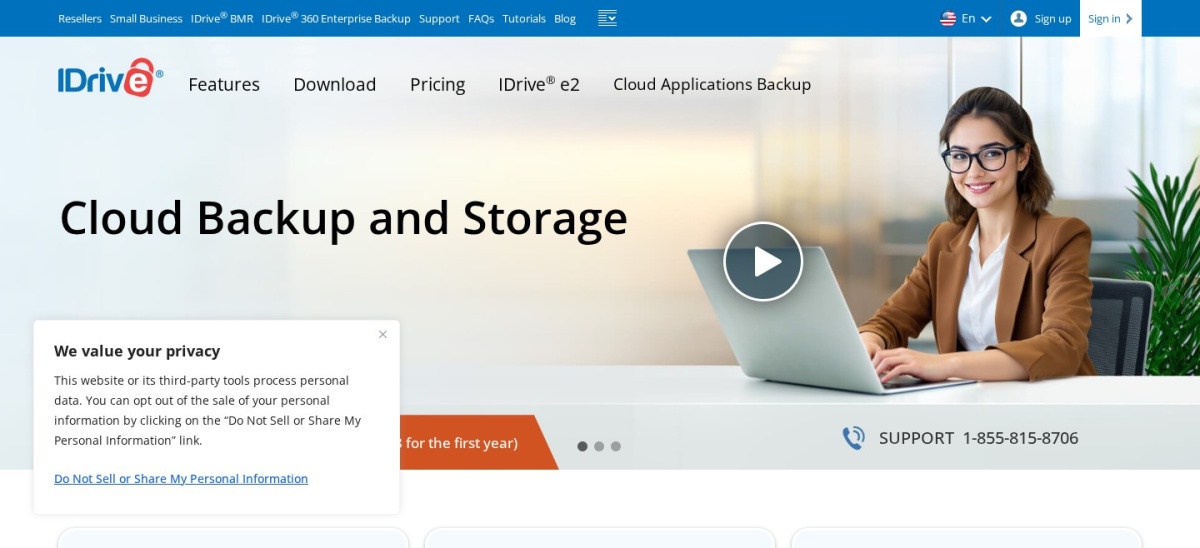
IDrive homepage, captured Nov 2026.
IDrive is a cloud backup platform that protects computers, mobile devices, external drives, and network storage. Its Basic account includes 10GB of free storage, while Mini provides 100GB for $0.25 per month.
The trade off is that storage capacity is shared across protected devices rather than unlimited, and larger backups require more expensive subscriptions. Personal starts at a regular $9.99 per month for 5TB, with introductory discounts available. It suits households, freelancers, and professionals protecting several devices under a single account.
What we like
Permanent free plan with 10GB of storage
Very affordable entry subscription
Supports multiple devices under eligible plans
Continuous and scheduled backup options
External drive and network storage support
Watch out for
Storage allowances are not unlimited
Introductory discounts expire at renewal
Server protection may require additional subscriptions
Mini increases storage to 100GB, while Personal offers larger storage allowances for multiple computers.Visit idrive.com
02
Backblaze
4.4/5on G2 (57 reviews, checked Nov 2026)
Starts at$99/yr
Best for unlimited personal computer backups
Storage capacityUnlimited
Supported computersWindows and macOS
External drive backupIncluded
Business administrationAvailable
backblaze.com
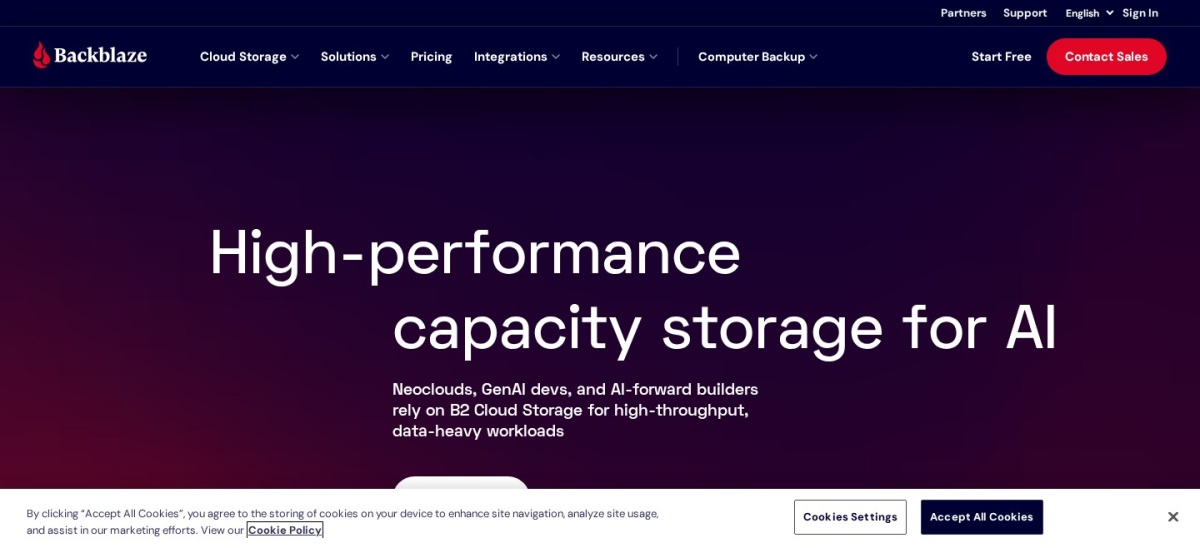
Backblaze homepage, captured Nov 2026.
Backblaze is an automatic cloud backup service for Windows and macOS computers, designed to protect user files without complicated storage management. Its Personal Backup subscription costs $99 per year and includes unlimited storage for a computer and eligible connected external drives.
The trade off is per-computer licensing, which can become expensive when protecting several devices at $99 each annually. Computer Backup also does not replace a dedicated server backup or full system imaging application. It suits photographers, designers, and everyday computer users with large collections of personal files.
What we like
Unlimited backup storage
No individual file size restrictions
Automatic continuous file protection
Connected external drive support
Business administration options
Watch out for
Separate subscriptions needed for additional computers
No permanent free backup plan
Not designed for full operating system recovery
The paid subscription includes unlimited automatic computer backup and file recovery.Visit backblaze.com
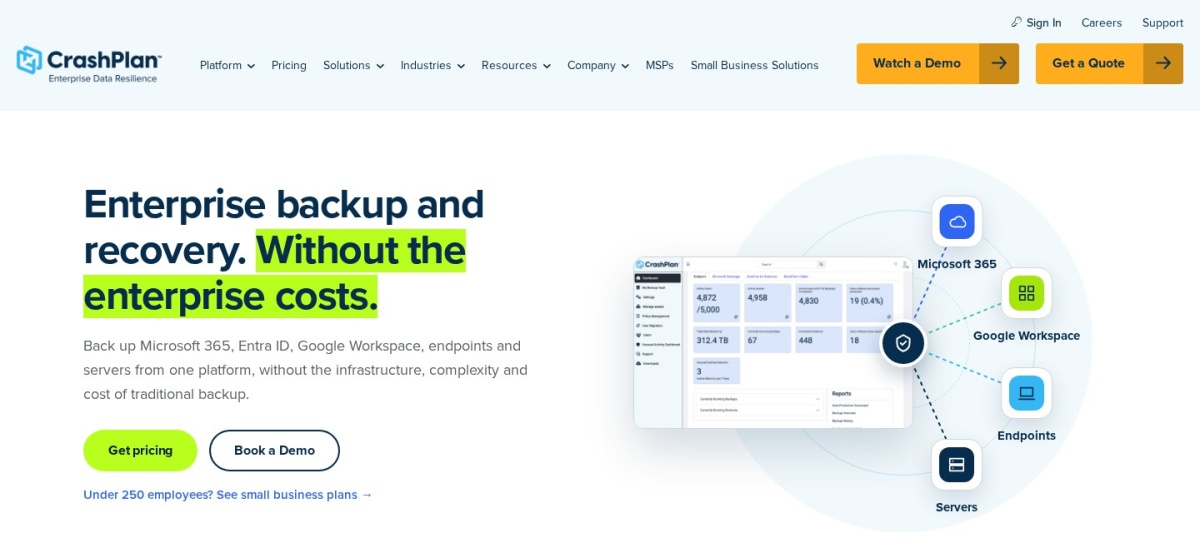
CrashPlan is a business backup platform covering computers, servers, Microsoft 365, and Google Workspace. Its cheapest cloud application subscription costs $30 per user annually, while endpoint protection costs $88 per user annually and includes unlimited cloud storage and file versioning.
The trade off is separate pricing for different workloads, with server protection starting at $189 per server annually and enterprise subscriptions requiring individual quotes. The $30 entry subscription does not protect computer files. It suits organizations that need centralized protection, historical file recovery, and flexible retention policies.
What we like
Unlimited storage for endpoint backups
Unlimited endpoint file versioning
Supports Windows, macOS, and Linux computers
Separate server and cloud application protection
Self-service file recovery
Watch out for
No permanent free subscription
Different workloads require separate licenses
Server and cloud application storage allowances apply
Some customer reviews report slow initial backups
Cloud application plans protect hosted business data, while endpoint subscriptions include unlimited computer backup.Visit crashplan.com
04
Acronis True Image
4.3/5on Capterra (23 reviews, checked Nov 2026)
Starts at$49.99/yr
Best for cloud backup and integrated cybersecurity
Cheapest paid planEssentials, local backup only
Cloud backup planAdvanced, $72.99/yr
Cloud storage on AdvancedFrom 50GB
Disk cloningIncluded
acronis.com
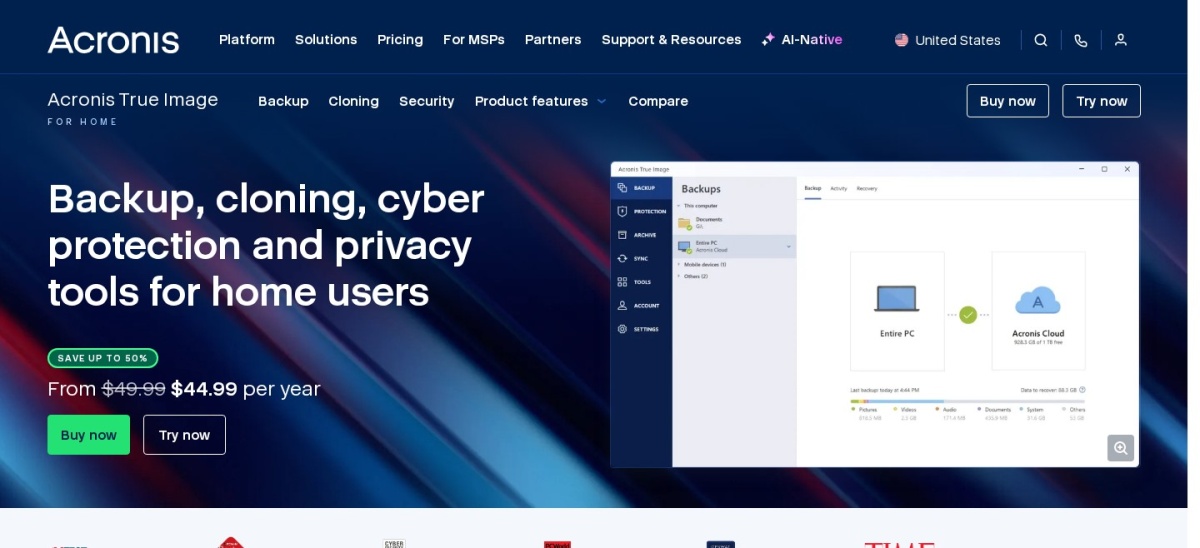
Acronis True Image homepage, captured Nov 2026.
Acronis True Image is a personal data protection application combining local backup, disk cloning, system recovery, and optional cloud backup. Essentials costs $49.99 per year for one computer, while Advanced starts at $72.99 annually with cloud storage and malware protection.
The trade off is that the cheapest subscription does not include cloud storage, making Advanced the relevant starting plan for remote backups. Black Friday offers reduce first-year prices by up to 50%, but this comparison uses regular rates. It suits users who want disk imaging and cybersecurity alongside cloud protection.
What we like
Full disk backup and cloning capabilities
Local and cloud backup on eligible subscriptions
Integrated malware protection on Advanced
System recovery capabilities
Multiple computer licensing options
Watch out for
Essentials does not include cloud backup
Cloud storage allowances depend on the subscription
Larger storage capacities increase annual costs
Limited independent review sample
Essentials covers local backup, while Advanced adds cloud storage, malware protection, and Microsoft 365 backup.Visit acronis.com
05
Carbonite
4.2/5on Capterra (173 reviews, checked Nov 2026)
Starts at$95.99/yr
Best for straightforward automatic file protection
Entry planSafe Basic
Storage capacityUnlimited
External drive backupPlus or Prime
Free trial15 days
carbonite.com
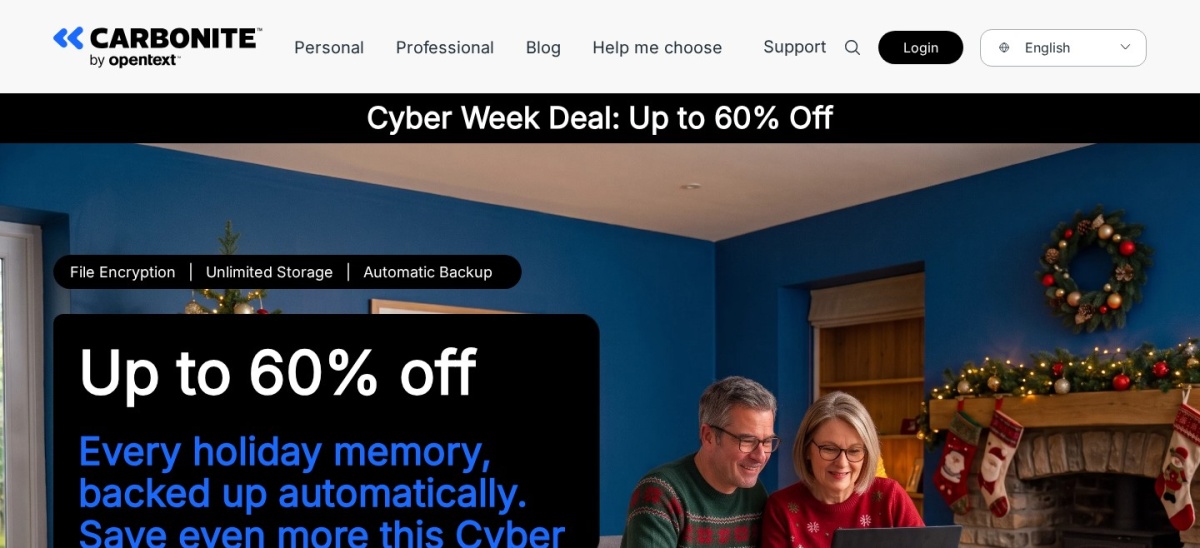
Carbonite homepage, captured Nov 2026.
Carbonite is a cloud backup service for personal computers and businesses that need automatic protection against file loss. Safe Basic costs $95.99 annually for unlimited backup on one computer and includes remote file access and encrypted storage.
The trade off is that automatic video backup and external drive protection require Safe Plus at $131.99 per year. A temporary holiday promotion reduces Basic by 25%, but regular renewal pricing is used here. It suits users who want straightforward file backup without configuring separate cloud storage services.
What we like
Unlimited personal computer backup
Automatic encrypted file protection
Remote access to backed-up files
Phone and email support included
Higher subscriptions support external drives
Watch out for
Basic excludes automatic video backup
External drive protection requires an upgrade
Separate licenses needed for additional computers
No permanent free subscription
Safe Basic provides unlimited file backup, while Plus adds external drive and automatic video protection.Visit carbonite.com
06
MSP360 Backup
4.6/5on Capterra (257 reviews, checked Nov 2026)
Paid from$19.99/yr
Best for choosing your own cloud storage provider
Free editionPersonal standalone backup
Cheapest paid licensemacOS or Linux, $19.99/yr
Windows desktop license$29.99/yr
Cloud storagePurchased separately
msp360.com
MSP360 Backup homepage, captured Nov 2026.
MSP360 Backup is a cross-platform backup application that connects to external cloud storage services, including Amazon S3, Microsoft Azure, Wasabi, and Backblaze B2. Its free edition supports personal use, while Backup Pro starts at $19.99 annually for macOS or Linux and $29.99 for Windows desktops.
The trade off is that the $19.99 entry license covers backup software rather than cloud storage, which must be purchased separately. Centralized business management requires the Managed Backup product with custom pricing. It suits technical users and IT teams that want control over backup destinations, retention, and storage providers.
What we like
Free edition for personal use
Flexible choice of cloud storage providers
File-level and supported image-based backups
Encryption and immutability capabilities
Separate managed platform for IT service providers
Watch out for
Cloud storage expenses are separate
Requires more configuration than bundled backup services
Business management features require another subscription
Backup Pro expands locally managed backup capabilities, while Managed Backup adds centralized administration.Visit msp360.com
07
Cove Data Protection
4.6/5on Capterra (375 reviews, checked Nov 2026)
PricingCustom pricing
Best for managed IT backup and disaster recovery
Protected workloadsServers, workstations, Microsoft 365
Cloud storageIncluded and pooled
Maximum configurable retention10 years
AdministrationCentralized management
n-able.com
Cove Data Protection homepage, captured Nov 2026.
Cove Data Protection is N-able's cloud-first backup and disaster recovery platform for IT departments and managed service providers. It protects servers, workstations, and Microsoft 365 data, with pooled cloud storage included and configurable retention extending up to 10 years.
The trade off is custom pricing, which requires contacting the vendor to determine costs according to protected devices, users, and storage requirements. Its business-oriented management features may also exceed the needs of individual computer users. It suits organizations responsible for protecting multiple business systems and customer environments.
What we like
Cloud storage included with backup licenses
Centralized management of multiple environments
Long-term configurable data retention
Server and workstation protection
Integration with IT monitoring platforms
Watch out for
No published numerical subscription prices
More suitable for businesses than individual users
Included storage remains subject to license allowances
Commercial subscriptions include cloud backup storage, centralized administration, and workload-specific recovery capabilities.Visit n-able.com
How much does cloud backup software cost?
Cloud backup software prices vary according to storage capacity, device count, and protected workloads. IDrive Mini starts at $0.25 per month for 100GB, while Backblaze offers unlimited computer backup for $99 per year.
Business backup services often charge according to individual users or protected systems. CrashPlan charges $30 per user annually for Microsoft 365 or Google Workspace backup, while endpoint protection costs $88 per user annually.
Some applications separate software licensing from storage expenses. MSP360 Backup Pro starts at $19.99 per year, but customers must also pay their chosen cloud storage provider. Comparing only subscription prices would underestimate the complete expense.
The price ladder shows regular entry subscription prices annualized where applicable. Some entry subscriptions protect limited workloads or provide local backup only. Custom-priced products use a zero placeholder rather than a confirmed annual cost, and that placeholder does not indicate free access.
What is the difference between cloud backup and cloud storage?
Cloud storage services primarily help users store, synchronize, access, and share files across devices. Their synchronization features keep selected folders updated, but changes and deletions may also propagate between connected computers.
Dedicated cloud backup software creates recoverable copies according to defined backup schedules and retention policies. It can preserve earlier file versions and recover information after accidental changes, corruption, or hardware failures.
Applications such as Backblaze and CrashPlan focus on automated data protection. IDrive also provides synchronization capabilities, while Acronis True Image combines local backup, remote backup, and system recovery.
Cloud storage can complement a backup strategy, but synchronization alone should not be considered complete protection. Maintain independent recoverable copies and periodically verify that important documents, applications, and systems can be restored.
How we chose
We shortlisted established products from Capterra's cloud backup software directory, G2 product listings, and official vendor documentation. Selection criteria included backup automation, storage allowances, device compatibility, recovery capabilities, licensing transparency, and suitability for personal or business use.
The requested editorial verification date is 22 Nov 2026. Official subscription pages, available regular prices, public ratings, and review counts were accessed on 24 Nov 2026. Promotional prices were excluded, and differences between software-only licenses and subscriptions that include cloud storage were identified.
We excluded discontinued applications, products without sufficient independent customer reviews, and generic cloud storage services without dedicated backup capabilities. Custom pricing was permitted for lower-ranked business products without published numerical rates. No vendor paid for a place, and we do not claim testing for this list.
How to choose the best cloud backup software
Evaluate your storage requirements, protected devices, recovery priorities, and security expectations before selecting a cloud backup subscription.
**Identify the devices and data you need to protect.** Make an inventory of computers, external drives, servers, network storage, and cloud applications. Confirm that the backup subscription covers each relevant workload and determine whether additional licenses are required.
**Calculate storage capacity and subscription costs.** Estimate your current data volume and expected growth. Compare unlimited storage subscriptions with capacity-based alternatives, including additional device charges, storage overages, cloud provider expenses, and regular renewal rates.
**Review security and backup retention policies.** Check available encryption methods, authentication controls, private key management, version retention, and administrative permissions. Businesses should also evaluate immutable storage and protection against unauthorized backup deletion.
**Establish and verify your recovery process.** Determine how quickly critical files and systems must be restored following a failure. Evaluate individual file recovery, full system restoration, internet bandwidth requirements, and backup monitoring before relying on the selected platform.
FAQ
What is the best cloud backup software in 2026?
IDrive is our top overall recommendation because it supports multiple devices, provides flexible storage subscriptions, and includes a permanent free plan with 10GB of storage. It has a 4.6/5 Capterra rating from 1,206 customer reviews.
Is there completely free cloud backup software?
Yes. IDrive provides 10GB of free cloud backup storage. MSP360 Backup also offers a free personal edition, although customers need a compatible storage destination and may incur separate cloud provider charges. Free subscriptions generally have capacity or feature restrictions.
What is the best unlimited cloud backup software?
Backblaze is a suitable unlimited cloud backup option for personal computers at $99 per year. Carbonite Safe Basic also offers unlimited storage at $95.99 annually, while CrashPlan provides unlimited endpoint backup for businesses at $88 per user annually.
What is the best cloud backup software for small businesses?
CrashPlan is a practical option for small businesses because it supports endpoint, server, and cloud application protection through separate subscriptions. MSP360 Backup is suitable for businesses that prefer their own cloud storage provider and need flexible backup configuration.
Does cloud backup protect against ransomware?
Cloud backup can help recover files following ransomware incidents when clean historical copies remain accessible. Choose appropriate version retention, access controls, and immutable storage where available. Backup software complements endpoint security but does not necessarily prevent ransomware infections.
Can cloud backup software protect external hard drives?
Yes. Backblaze and IDrive support eligible connected external drives. Carbonite requires Safe Plus or Prime for external drive protection. Review each vendor's drive connection requirements, backup schedules, and retention policies before relying on external storage backups.
How much does unlimited cloud backup cost?
Backblaze charges $99 annually for unlimited computer backup, while Carbonite Safe Basic costs $95.99 annually. CrashPlan offers unlimited endpoint storage for $88 per user annually. These subscriptions have different device coverage, retention policies, and supported workloads.
Can cloud backup software restore an entire computer?
Some backup applications support full disk imaging and operating system recovery, while others primarily protect individual files. Acronis True Image provides disk imaging and system recovery capabilities. Confirm that your selected plan supports the recovery method your organization requires.
Should I keep a local backup as well as a cloud backup?
Yes. Combining local and remote backups improves resilience against hardware failure, account compromise, internet outages, and physical damage. Independent backup copies also provide more recovery options when a cloud service or local storage device becomes temporarily unavailable.