Best Tools for Visual A/B Testing in 2026: 7 Tools Compared
WLWPLegible EditorsLast verified 22 Nov 2026How we rank10 min read
★ Short answer
Optibase is the top pick for visual A/B testing, offering a free plan for up to 10,000 monthly tested users with heatmaps and user recordings built in. WordPress teams wanting native dashboard tests should look at Nelio A/B Testing, while high-traffic CRO teams should pick Convert.
How we make this list: we compare pricing pages, product documentation and public user reviews, then re-check every price before each update. No product paid for a place. Disclosure.
Optibase includes visual A/B testing, heatmaps, and recordings on its free tier up to 10,000 tested users per month.
Nelio A/B Testing runs inside wp-admin and holds a 4.8/5 rating on WordPress.org across 4,000+ active installs.
Convert starts at $399/mo billed monthly ($299/mo billed annually) for 100,000 tested users with anti-flicker loading.
Crazy Egg bundles heatmaps and visual A/B testing starting on its Plus tier at $99/mo (billed annually).
GrowthBook offers a free cloud tier for 3 seats and unlocks its visual editor on Pro at $40/seat/mo.
Unbounce gates unlimited A/B testing to its Experiment tier at $149/mo ($112/mo billed annually).
What to look for in a visual A/B testing tool
Visual A/B testing tools let marketers and developers edit headlines, button colors, images, and page layouts directly on the live page without deploying new code. A point-and-click DOM editor saves engineering hours when testing copy or call-to-action placement.
Script performance and flicker prevention matter as much as the editor itself. Poorly loaded client-side scripts flash the original page before swapping in the variant, skewing conversion data and hurting Core Web Vitals.
Pay close attention to how each vendor meters traffic. Some platforms bill by monthly tested users (MTU) or tracked pageviews, while WordPress plugins either meter tested views in the cloud or run self-hosted with flat pricing.
Finally, check whether heatmaps, session recordings, and statistical engines are included in the base tier or locked behind higher plans. Many vendors advertise low entry prices for heatmaps or page builders while gating actual split testing behind mid-tier upgrades.
For visual A/B testing popups, floating bars, and opt-in forms
$57/mo
No free plan
4.3/5
Price ladder: cheapest paid plan per year
List prices, USD, checked Nov 2026
Nelio A/BFREE$348
GrowthBookFREE$480
OptinMonster$684
OptibaseFREE$948
Crazy Egg$1,188
Unbounce$1,788
Convert$4,788
The 7 best tools for visual A/B testing
01
Optibase
4.7/5on G2 (56 reviews, checked Nov 2026)
Paid from$79/mo
Best for no-code visual testing across CMS platforms
Free tierUp to 10,000 tested users/mo
Editor typeNo-code visual & CSS/JS
Included extrasHeatmaps & user recordings
PlatformsWordPress, Webflow, custom HTML
optibase.io
Optibase homepage, captured Nov 2026.
Optibase is a no-code experimentation platform built for marketing and product teams using WordPress, Webflow, or custom sites. Its free plan covers up to 10,000 monthly tested users and includes visual experimentation, personalization, geo and screen restrictions, CSV exports, heatmaps, and user recordings without requiring a credit card.
The trade off is traffic-tiered pricing once your experiments exceed 10,000 monthly tested users, starting at $79/mo billed monthly ($790/yr billed annually) for 20,000 tested users on Basic. It suits small and mid-sized teams that want visual split testing and behavior analytics in one self-serve dashboard.
What we like
Generous free tier for up to 10,000 monthly tested users
Heatmaps and user recordings included on every plan
Transparent self-serve pricing without sales calls
Works across WordPress, Webflow, and any site via script
Watch out for
Free tier restricts you to one active test at a time
Costs scale up quickly above 50,000 monthly tested users
Basic ($79/mo or $790/yr) raises tested user capacity to 20,000 per month.Visit optibase.io
02
Nelio A/B Testing
4.8/5on WordPress.org (99 reviews, checked Nov 2026)
Paid from$29/mo
Best for WordPress-native visual and WooCommerce tests
Free tier500 tested views/mo, 1 active test
Test scopePages, headlines, menus, WooCommerce
Included extrasHeatmaps, clickmaps & scrollmaps
Data storageOffloaded to Nelio cloud
neliosoftware.com
Nelio A/B Testing homepage, captured Nov 2026.
Nelio A/B Testing is a WordPress conversion optimization plugin that lets you build variants using Gutenberg, Elementor, or other installed page builders right inside wp-admin. The free version on WordPress.org supports 500 tested page views per month and one active test, while offloading experiment tracking to Nelio's cloud so your database stays light.
The trade off is a tight 500-view free cap and metered cloud quotas on paid plans, starting at $29/mo billed monthly ($24/mo billed annually) for Basic with 5,000 monthly tested page views on one site. It suits WordPress and WooCommerce site owners who prefer editing variants inside their native CMS.
What we like
Runs directly inside WordPress using your existing page builder
Tests WooCommerce product titles, prices, descriptions, and images
Includes heatmaps, clickmaps, and scrollmaps on paid plans
Convert is an experimentation platform engineered for fast, flicker-free client-side testing and strict GDPR privacy compliance. Its Growth plan includes a visual WYSIWYG editor, custom JavaScript and CSS editors, real-time segmented reporting, and 100,000 monthly tested users with both Frequentist and Bayesian statistical engines.
The trade off is the entry price of $399/mo billed monthly ($299/mo billed annually at $3,588/yr) and the lack of built-in heatmaps or session recordings. It suits mid-market CRO teams and agencies that already have behavior analytics and want fast, reliable split testing.
What we like
Anti-flicker script delivery protects page speed and UX
Advanced audience targeting and triggers included on the entry tier
Supports switching between Frequentist and Bayesian statistics
Privacy-first architecture built for GDPR compliance
Watch out for
No free plan and high starting cost for small sites
No native heatmaps or session replay tools included
Growth ($399/mo) includes 100,000 monthly tested users and full audience segmentation.Visit convert.com
04
Crazy Egg
4.2/5on G2 (128 reviews, checked Nov 2026)
Starts at$99/mo
Best for combining visual heatmaps with simple A/B tests
A/B test tierPlus plan ($99/mo billed annually)
Traffic limit150,000 tracked pageviews/mo
Included extras5 heatmap types, replays & surveys
Site limitUnlimited websites and team members
crazyegg.com
Crazy Egg homepage, captured Nov 2026.
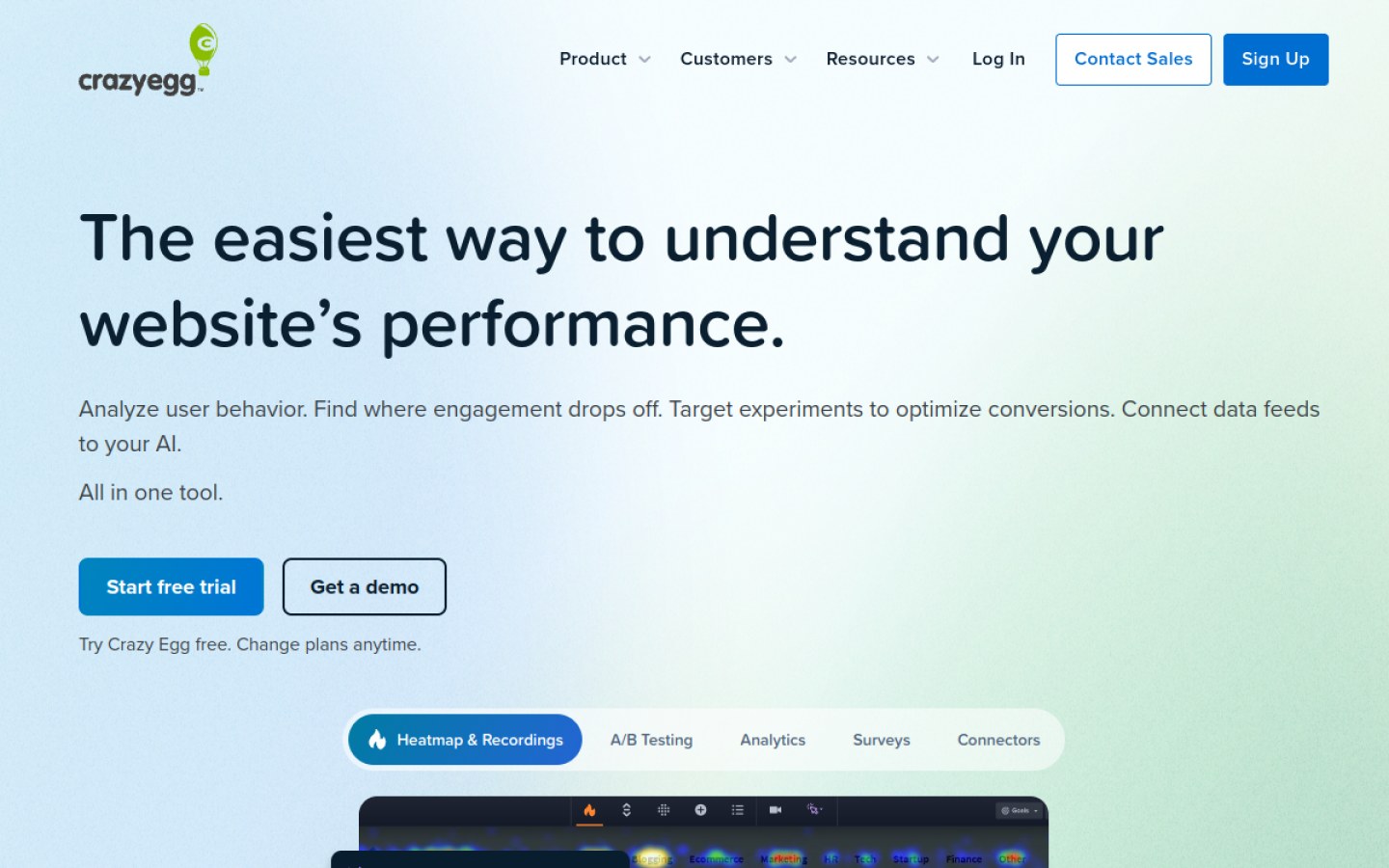
Crazy Egg pairs visual behavior analytics with a point-and-click A/B testing editor so you can spot friction on a heatmap and test a fix in the same workspace. While its $29/mo Starter plan covers heatmaps and recordings only, the Plus tier unlocks visual A/B testing alongside 150,000 monthly tracked pageviews across unlimited websites.
The trade off is that A/B testing requires the $99/mo Plus plan, and all subscriptions are billed annually upfront ($1,188/yr) after a 30-day free trial. It suits small and mid-sized marketing teams that want straightforward visual testing bundled with heatmaps and recordings.
What we like
Combines five heatmap types, session replays, and A/B tests in one tool
Covers unlimited websites and team members on every tier
Beginner-friendly visual editor requires only a single tracking snippet
No surprise overage charges when hitting pageview limits
Watch out for
A/B testing is excluded from the $29/mo Starter plan
Billed annually only with no monthly payment option
Plus ($99/mo billed annually) adds visual A/B testing, error tracking, and 150,000 pageviews.Visit crazyegg.com
05
GrowthBook
4.7/5on G2 (45 reviews, checked Nov 2026)
Paid from$40/mo
Best for product teams wanting open-source stats and a visual editor
Free tierFree for up to 3 seats & 1M events/mo
Visual editorIncluded on Pro ($40/seat/mo)
ArchitectureWarehouse-native or managed events
LicenseOpen-source core (MIT) + Cloud
growthbook.io
GrowthBook homepage, captured Nov 2026.
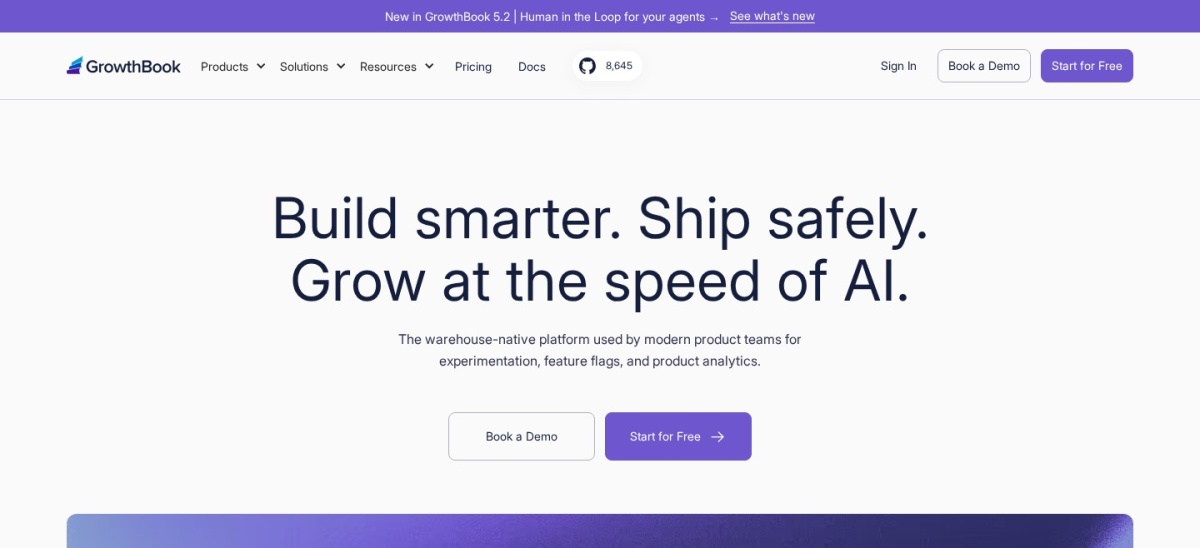
GrowthBook is an open-source experimentation and feature-flagging platform that connects directly to your existing data warehouse or uses its managed event pipeline. Its Starter cloud plan is free for up to 3 users and 1 million monthly events, while the Pro plan adds a no-code visual A/B editor for updating copy, styles, and layouts without developer deploys.
The trade off is that the visual editor is gated behind the Pro plan at $40/seat/mo ($480/yr per user), whereas the free tier limits you to code-based feature flags. It suits engineering and product teams that want rigorous Bayesian statistics alongside a visual editor for marketers.
What we like
Transparent per-seat pricing rather than punitive traffic multipliers
Connects directly to Snowflake, BigQuery, Postgres, or GA4
Free cloud tier supports up to 3 users and 1M monthly events
Open-source core avoids vendor lock-in
Watch out for
No-code visual editor requires upgrading to the $40/seat/mo Pro tier
Initial warehouse and SDK setup requires developer involvement
Pro ($40/seat/mo) unlocks the no-code visual editor, advanced stats, and 2M monthly events.Visit growthbook.io
06
Unbounce
4.2/5on G2 (1,419 reviews, checked Nov 2026)
Starts at$149/mo
Best for building and split testing standalone paid-ad landing pages
A/B test tierExperiment plan ($149/mo monthly)
Traffic cap30,000 monthly visitors
DomainsUp to 2 custom domains
Included extrasDrag-and-drop builder & dynamic text
unbounce.com
Unbounce homepage, captured Nov 2026.
Unbounce combines a drag-and-drop landing page builder with built-in split testing so paid-search teams can duplicate pages, rearrange visual blocks, and test variations without touching their main CMS. Its Experiment tier includes unlimited A/B tests, dynamic text replacement for ad keywords, and up to 30,000 monthly visitors across two domains.
The trade off is that A/B testing is excluded from the $29/mo Starter and $99/mo Build plans, pushing the regular price to $149/mo billed monthly ($112/mo billed annually). It suits demand-generation teams running dedicated campaign landing pages rather than testing an existing site.
What we like
Complete visual landing page builder and split tester in one tool
Dynamic text replacement matches landing page copy to search ads
Over 1,400 G2 reviews confirm long-term campaign reliability
Publishes standalone pages without developer bottlenecks
Watch out for
A/B testing is locked behind the $149/mo Experiment plan
Only tests pages built inside Unbounce, not existing CMS pages
Experiment ($149/mo) unlocks unlimited A/B testing, dynamic text replacement, and 30,000 visitors.Visit unbounce.com
07
OptinMonster
4.3/5on G2 (108 reviews, checked Nov 2026)
Starts at$57/mo
Best for visual A/B testing popups, floating bars, and opt-in forms
A/B test tierPlus plan ($57/mo regular monthly)
Campaign views10,000 campaign impressions/mo
Campaign typesPopups, slide-ins, bars, inline forms
Site limitUp to 2 websites
optinmonster.com
OptinMonster homepage, captured Nov 2026.
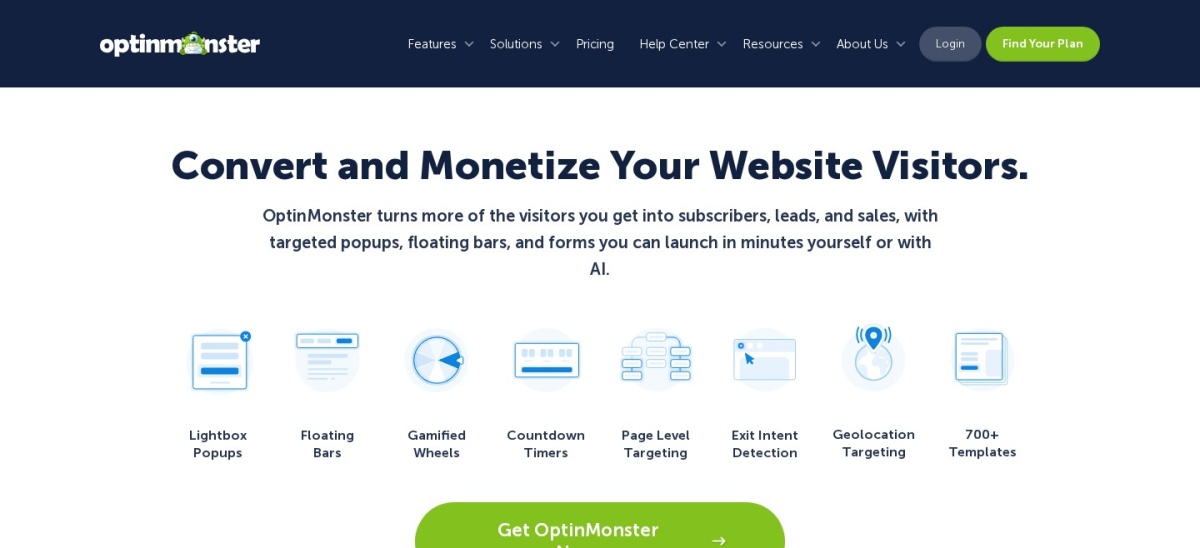
OptinMonster is a lead-generation and conversion optimization tool with a drag-and-drop visual builder for popups, floating bars, slide-ins, and inline forms. On its Plus plan and higher, marketers can duplicate any campaign in one click to A/B test headlines, designs, offers, and display triggers across up to two sites and 10,000 monthly campaign impressions.
The trade off is that it only split tests OptinMonster overlays and forms rather than full web pages, and the Plus plan renews at its regular $57/mo monthly rate ($570/yr billed annually, though first-year promo discounts often apply). It suits sites focused on capturing more email leads and reducing cart abandonment.
What we like
One-click split testing for popups, inline forms, and floating bars
Granular page-level, referral, and scroll-based targeting rules
Official WordPress plugin has over 1 million active installations
Cannot run visual A/B tests on standard full-page layouts
No free plan and introductory discounts jump to full price on renewal
Plus ($57/mo regular) unlocks A/B split testing, 2 sites, and 10,000 monthly impressions.Visit optinmonster.com
Visual DOM editors vs. split URL testing
A visual DOM editor overlays your live web page so you can click any headline, button, or image and modify its text or CSS inline. Tools like Optibase, Convert, and Crazy Egg inject those changes via JavaScript when a visitor loads the page, making them ideal for rapid copy and styling experiments.
Split URL testing routes visitors between two completely separate URLs—such as /pricing-a and /pricing-b—and is better suited for major layout overhauls or backend changes. Most visual testing suites support both methods, letting you start with quick visual tweaks before testing full page redesigns.
How we chose
We evaluated standalone experimentation platforms, landing page builders, and WordPress-native plugins that provide a visual point-and-click editor for creating A/B test variations without writing code.
All prices, plan limits, active installation counts, and review scores were verified directly on official vendor pricing pages, WordPress.org, and G2 on 22 Nov 2026, using regular non-promotional rates.
We excluded discontinued products like Google Optimize, tools without public self-serve pricing such as VWO and Optimizely, and plugins with fewer than 1,000 active installs or outdated maintenance records. No vendor paid for a place, and we do not claim testing for this list.
How to choose a visual A/B testing tool
Match your monthly traffic volume, technical workflow, and CMS stack to the right pricing model before installing a testing script.
Check which tier actually unlocks A/B testing. Many tools advertise a low entry plan for heatmaps or page building while gating split testing behind a $57/mo to $149/mo upgrade.
Calculate your monthly tested users, not total site traffic. If your site gets 100,000 visitors but only 15,000 visit the pricing page you are testing, you only need a 15,000 to 20,000 MTU allowance.
Decide between CMS-native editing and an external script. WordPress teams using Gutenberg or Elementor often move faster with Nelio A/B Testing, while multi-site teams benefit from cross-platform scripts like Optibase or Convert.
Verify anti-flicker loading and privacy compliance. Choose a tool with asynchronous or pre-rendered variant delivery so visitors never see the original headline flash before the test variation loads.
FAQ
What is the best free tool for visual A/B testing?
Optibase offers the most complete free plan for visual A/B testing, covering up to 10,000 monthly tested users along with heatmaps and session recordings. For WordPress users who want native dashboard tests, Nelio A/B Testing provides a free tier for up to 500 tested page views per month.
Do visual A/B testing tools slow down a website?
Every client-side visual editor loads a JavaScript snippet that modifies the page DOM before display. Modern platforms like Convert and Optibase minimize this delay with lightweight scripts and anti-flicker mechanisms, whereas poorly configured synchronous scripts can hurt Largest Contentful Paint scores.
What happened to Google Optimize?
Google shut down Google Optimize in September 2023 and did not build a native visual A/B testing replacement into Google Analytics 4. Teams that previously relied on Optimize now use free tiers from Optibase, PostHog, or GrowthBook, or WordPress plugins like Nelio A/B Testing.
How much traffic do I need before paying for an A/B testing tool?
You generally need at least a few thousand monthly visitors and roughly 100 conversions per variant on a tested page to reach statistical confidence within a few weeks. Low-traffic sites should start on a free tier from Optibase or Nelio A/B Testing before upgrading.
What is the difference between visual A/B testing and multivariate testing?
Visual A/B testing compares two or more distinct versions of a page or element against a single control. Multivariate testing simultaneously tests multiple combinations of changes—such as three headlines paired with two button colors—and requires significantly higher traffic to reach statistical significance.