Best Accessibility Testing Software in 2026: 8 Tools Compared
WLWPLegible EditorsLast verified 24 Nov 2026How we rank12 min read
★ Short answer
axe DevTools is the best accessibility testing software for developers, with the industry-standard axe-core engine, free browser extension and CI/CD integration, rated 4.6/5 on G2. UserWay is the best widget option at $490 a year, rated 4.8/5 on G2.
How we make this list: we compare pricing pages, product documentation and public user reviews, then re-check every price before each update. No product paid for a place. Disclosure.
axe DevTools runs on axe-core, the open-source engine used by Google, Microsoft and the US government, with a free browser extension.
UserWay starts at $490 a year and holds the highest G2 rating here at 4.8/5 from 652 reviews.
accessiBe also starts at $490 a year, but it was fined $1 million by the FTC in 2025 over its compliance claims.
AudioEye starts at $49 a month and pairs automation with human experts who fix issues.
Siteimprove and Level Access are enterprise platforms from around $15,000 and $25,000 a year, with no published list price.
What to look for in accessibility testing software
Accessibility testing software checks websites and apps against WCAG, the Web Content Accessibility Guidelines. Automated scans catch roughly 30 to 40 percent of issues, so manual testing still matters.
The tools split into two camps. Scanners such as axe DevTools and Siteimprove find real code violations for developers to fix, while widgets such as UserWay and accessiBe adjust how the site renders for visitors.
Overlays are controversial. accessiBe agreed to pay $1 million to settle FTC charges in 2025 over deceptive compliance claims, and courts have been skeptical of overlays as a compliance route.
For most teams, the practical stack is a free scanner in development plus a monitoring platform for the live site. Enterprise platforms add audit trails, VPATs and legal documentation.
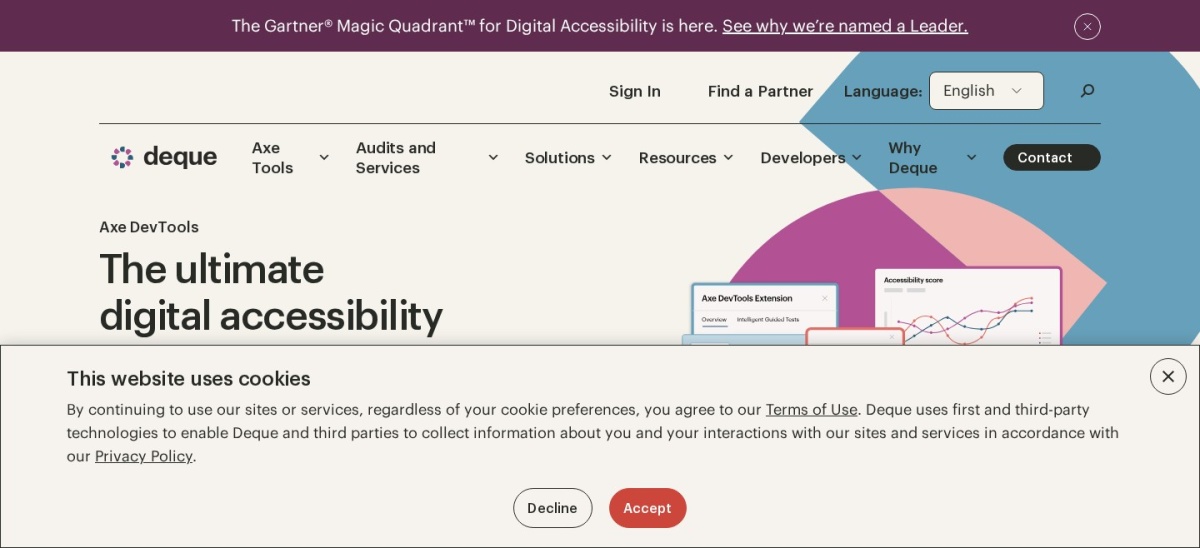
axe DevTools is Deque's browser extension and developer toolkit built on axe-core, the open-source engine that powers accessibility checks at Google, Microsoft and the US government. The extension is free, Pro starts from $79 a month, and it adds guided testing, saved scans and CI/CD integration. It holds a 4.6 G2 rating.
The trade off is it is developer-first, so non-developers get less from it than from a dashboard tool, and site-wide monitoring needs the enterprise platform. It suits development teams that want the standard engine with CI/CD integration..
UserWay is an accessibility widget and monitoring platform that pairs with monitoring tools, and it holds the highest G2 rating in this list at 4.8 from 652 reviews. The Small plan starts at $490 a year on annual billing, or $49 a month, covering up to 100,000 page views a month. Paid plans include an attorney support program.
The trade off is the widget adjusts rendering for visitors rather than fixing underlying code violations, and it has faced no FTC action, unlike accessiBe. It suits small and mid-size sites that want a widget plus monitoring at a published price..
accessiBe is an end-to-end accessibility platform that audits and remediates websites against WCAG, combining a widget with automated monitoring. The Micro plan starts at $490 a year on annual billing, or $59 a month, covering up to 1,000 pages. It holds a 4.7 G2 rating from 1,587 reviews.
The trade off is accessiBe agreed to pay $1 million to settle FTC charges in 2025 over deceptive compliance claims, so treat its compliance marketing with caution. It suits small sites that want a fast start with a published price and audit support..
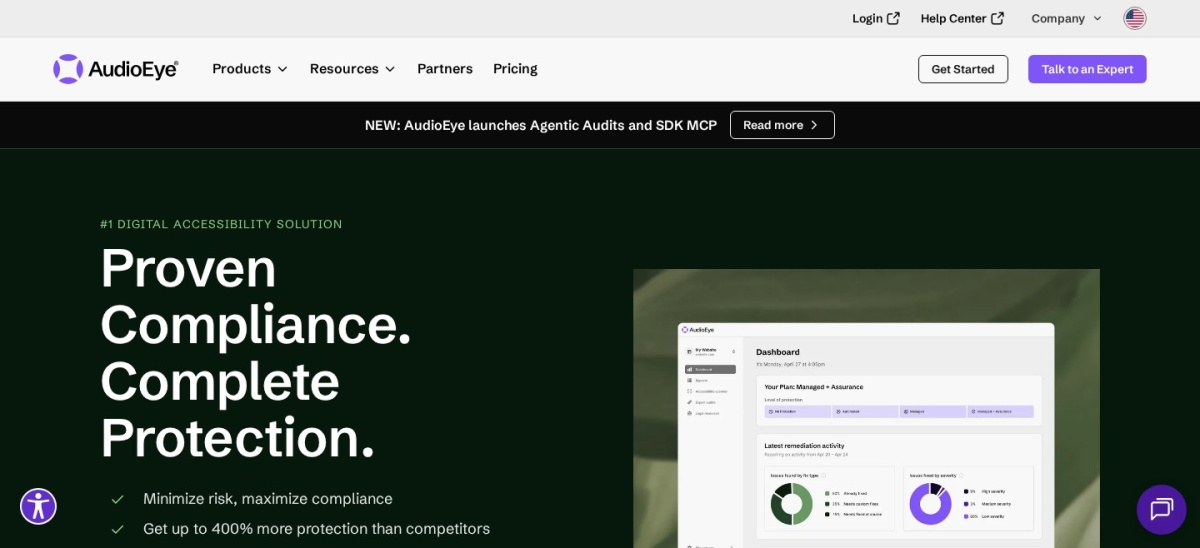
AudioEye is an accessibility platform that combines automated testing with AI-powered remediation and fixes from IAAP-certified accessibility experts. It starts from $49 a month, and its hybrid model means real issues get fixed by people, not just flagged by a scanner. It holds a 4.7 G2 rating from 239 reviews.
The trade off is it does not publish full plan prices, so the real cost needs a sales conversation, and implementation takes about a month on average. It suits organisations that want a vendor to share the remediation work..
Siteimprove is a unified platform that combines accessibility with SEO, analytics and content quality management, so content teams see everything in one dashboard. It gives each page an accessibility score and points to the code with errors. Industry surveys put Accessibility-only plans from around $15,000 a year.
The trade off is pricing is custom and not published, and it is built for large content teams, so small sites pay for governance they do not need. It suits large content teams that need accessibility next to SEO and content quality..
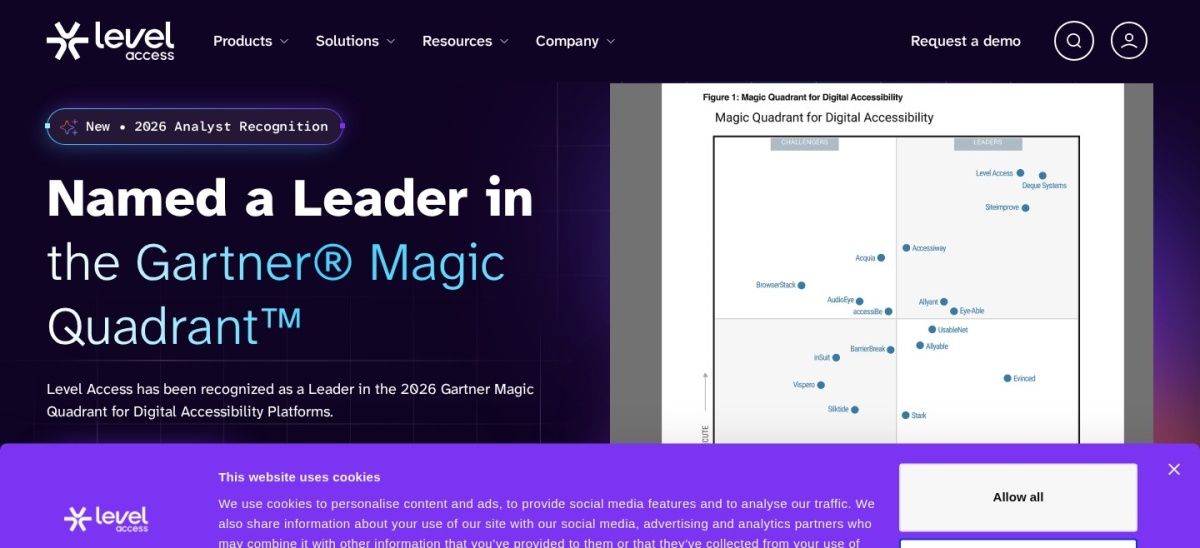
Level Access is an accessibility platform that offers software, managed services and training across websites, mobile apps and documents, built for large portfolios and government work. It adds automated regression testing and scored, rule-level tracking across releases. Industry surveys put software-only plans from around $25,000 a year.
The trade off is pricing is custom, and G2 reviewers report about four months to implement, so plan for a long onboarding. It suits large enterprises and government teams running a full accessibility program..
Stark is a design-stage accessibility tool that brings checks into the design tool, with plugins for Figma, FigJam and Sketch plus a browser extension and dashboard. It checks contrast, focus order and other issues while designers work, instead of after launch. The Premium Pack costs $198 per user a year, with a 3-seat minimum.
The trade off is it is a design-stage tool, so it does not replace site-wide monitoring or manual testing of the live site. It suits design and product teams that want accessibility checks inside Figma..
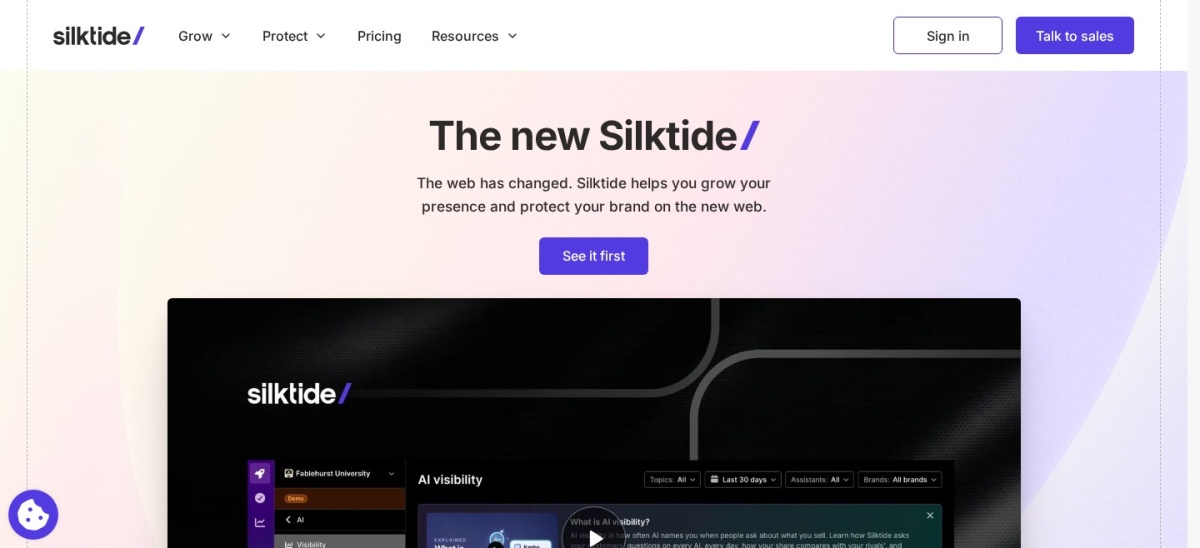
Silktide is a monitoring platform with strong multi-site management, used by government, agencies and enterprises. It pairs accessibility monitoring with SEO and content analysis, and it holds a 4.8 G2 rating from 281 reviews. Industry surveys put plans from around $500 a month.
The trade off is it does not publish prices, so budgeting needs a quote, and it is aimed at teams managing many sites rather than a single small site. It suits government and agency teams monitoring many sites at once..
We started from the accessibility tools most often named in 2026 round-ups, then kept eight established tools with a G2 rating and a published or surveyed starting price.
Prices come from each vendor's pricing page, checked on 24 November 2026. Ratings come from G2, Capterra or Trustpilot on the same day, where a rating page was available. Where a vendor shows a sale, the list shows the regular price.
We left out tools with no published price and tools that have not been updated in the last 12 months. No vendor paid for a place, and we do not claim hands-on testing for this list.
How to choose accessibility testing software
Start with who will fix the issues the tool finds.
Pick a scanner for developers. If your team fixes code, choose axe DevTools, Siteimprove or Level Access, which report real WCAG violations with fix guidance.
Be careful with overlays. Widgets adjust rendering for visitors but do not fix underlying violations, and regulators have challenged their compliance claims.
Check WCAG version coverage. Confirm the tool tests WCAG 2.2 as well as 2.1, and that it covers your site's pages, not just a sample.
Budget for monitoring, not just a scan. A one-off scan is cheap, but ongoing monitoring and manual testing cost far more over a year.
FAQ
What is the best accessibility testing software?
axe DevTools is the best accessibility testing software for developers. It runs on axe-core, the industry-standard engine, with a free browser extension and CI/CD integration, rated 4.6 out of 5 on G2.
What is the best free accessibility testing software?
axe DevTools offers a free browser extension that catches a large share of WCAG issues during development. WAVE is also free for one-page checks, and Google Lighthouse is built into Chrome DevTools.
Do accessibility overlays make a website compliant?
No. Overlays adjust how a site renders for visitors but do not fix underlying WCAG violations in the source code. accessiBe agreed to pay $1 million to settle FTC charges in 2025 over deceptive compliance claims.
How much does accessibility testing software cost?
Developer tools start free, with axe DevTools Pro from $79 a month. Widget plans start at $490 a year, while enterprise platforms run from around $15,000 a year.
What is WCAG?
WCAG is the Web Content Accessibility Guidelines, the standard for making web content usable by people with disabilities. Most tools test against WCAG 2.1 or 2.2 at levels A, AA or AAA.
Which accessibility tool has the best reviews?
UserWay holds the highest G2 rating in this list at 4.8 out of 5 from 652 reviews, ahead of accessiBe and AudioEye at 4.7 out of 5.