Best Digital Accessibility Platforms in 2026: 7 Tools Compared
WLWPLegible EditorsLast verified 22 Nov 2026How we rank8 min read
★ Short answer
Equalize Digital Accessibility Checker leads this list with a 4.9 out of 5 rating on WordPress.org and unlimited server-side page scans. AllAccessible fits budget-minded teams starting at $10 per month, while UserWay suits businesses wanting a widely deployed accessibility widget.
How we make this list: we compare pricing pages, product documentation and public user reviews, then re-check every price before each update. No product paid for a place. Disclosure.
Equalize Digital Accessibility Checker holds a 4.9/5 rating from 80 WordPress.org ratings with 10,000+ active installs.
AllAccessible offers a free forever widget and paid compliance plans starting at $10/month.
OneTap Accessibility holds a 4.9/5 rating across 80 WordPress.org ratings with 60,000+ active installs.
UserWay Accessibility Widget has 80,000+ active WordPress.org installs and paid annual plans from $490/year.
accessiBe accessWidget starts at $490/year on annual billing for up to 5,000 monthly visits.
What to look for in a digital accessibility platform
Digital accessibility platforms help website owners and developers find and address barriers tied to standards such as WCAG 2.1, WCAG 2.2, ADA, and Section 508. Some tools run source-level or editor audits to flag markup and content problems, while others add a front-end toolbar or automated script adjustments.
Automated checks catch many technical issues quickly, yet they cannot judge context, alt-text accuracy, or full keyboard flows on their own. Pairing code-level fixes and content edits with periodic human review gives teams a much stronger foundation than relying on a single overlay.
Pricing models vary widely across vendors. WordPress plugins often bill by site count or one-time licenses, whereas hosted widgets and compliance platforms frequently meter by monthly pageviews, tracked domains, or scanned pages.
Before choosing a tool, check whether you need editor-level auditing, visitor display controls, or ongoing site monitoring. Also confirm whether a vendor requires an external account or recurring annual commitment.
4.9/5on WordPress.org (80 reviews, checked Nov 2026)
Paid from$190/yr
Best for WordPress-native WCAG auditing
Free tierYes, core plugin
Entry paid plan$190/yr (1 site)
Scan modelServer-side, no page cap
Standards focusWCAG 2.2, ADA, EAA
equalizedigital.com
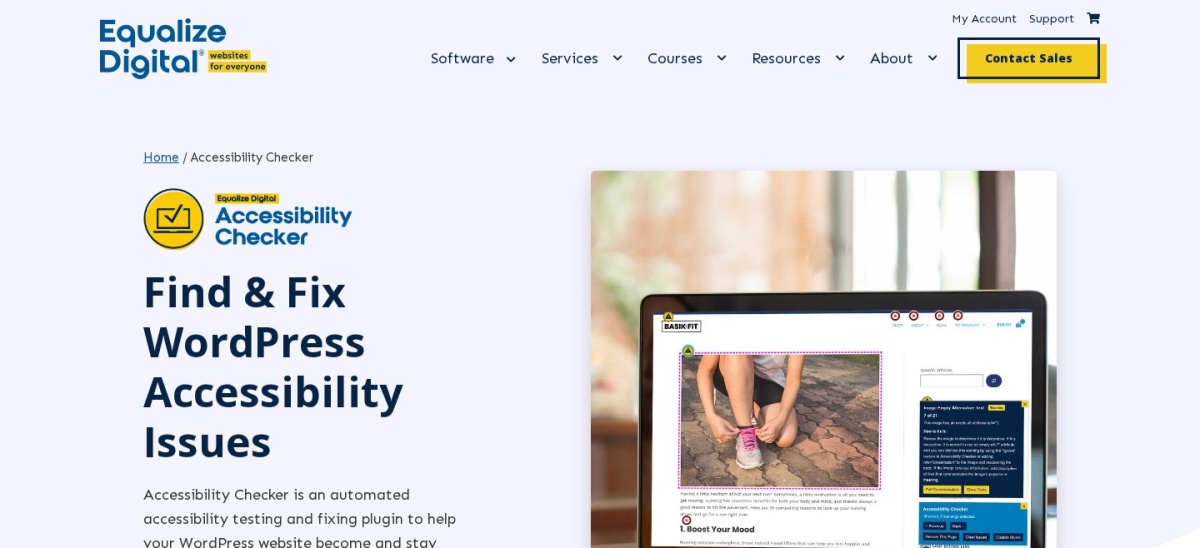
Equalize Digital Accessibility Checker homepage, captured Nov 2026.
Equalize Digital Accessibility Checker is a WordPress auditing plugin whose free version includes unlimited post and page scans, readability checks, and 12 automated fixes with 10,000+ active installs. It runs checks on your server without third-party pageview limits.
The trade off is that paid single-site coverage starts at $190 per year and higher multi-site tiers rise to $750 or $2,250 per year. It suits WordPress site owners and agencies that want editor-level WCAG reports rather than a hosted overlay widget.
What we like
Free version scans unlimited posts and pages on your server.
Holds a 4.9 out of 5 rating across 80 WordPress.org ratings.
Includes accessibility statement tools and readability checks in the free tier.
Offers a 30-day money-back guarantee on paid licenses.
Watch out for
Paid single-site plan costs $190 per year.
Multi-site plans jump steeply to $750 for 5 sites and $2,250 for 25 sites.
Limited to WordPress rather than non-WordPress websites.
Paid plans add bulk site scanning, custom post type checks, and priority support.Visit equalizedigital.com
02
AllAccessible
5/5on WordPress.org (15 reviews, checked Nov 2026)
Paid from$10/mo
Best for low-cost entry with a free widget
Free tierYes, free forever widget
Entry paid plan$10/mo ($120/yr)
WordPress installs2,000+ active installs
Standards focusWCAG 2.0-2.2, ADA, 508
allaccessible.org
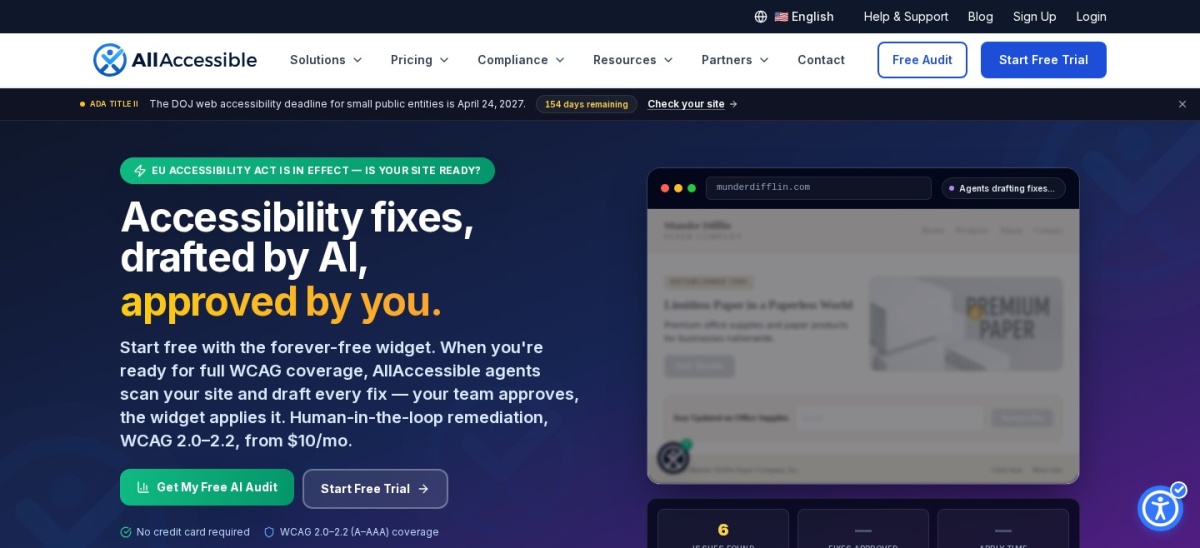
AllAccessible homepage, captured Nov 2026.
AllAccessible is a web accessibility platform and WordPress plugin with 2,000+ active installs and a free forever widget that includes 36 widget features and limited AI previews. Its Starter plan adds automated WCAG scanning and compliance reports starting at $10 per month.
The trade off is that paid plans carry traffic and feature limits, such as 10,000 pageviews per month on Starter and extra monthly fees for growth or compliance add-ons. It suits small sites and budget-conscious teams that want a low-cost entry point.
What we like
Offers a free forever widget with no credit card required.
Entry paid Starter plan starts at $10 per month.
Holds a 5.0 out of 5 rating from 15 WordPress.org reviews.
Supports human-in-the-loop review before applying AI suggestions.
Watch out for
Starter plan limits traffic to 10,000 pageviews per month.
Extra compliance reports, custom branding, and traffic upgrades cost extra per month.
Smaller WordPress.org review count than older plugins.
4.9/5on WordPress.org (80 reviews, checked Nov 2026)
Paid from$129/yr
Best for a customizable WordPress toolbar
Free tierYes, on WordPress.org
Regular 1-site price$129/yr (discounted to $59)
WordPress installs60,000+ active installs
Languages40+ toolbar languages
wponetap.com
OneTap Accessibility homepage, captured Nov 2026.
OneTap Accessibility is a WordPress accessibility toolbar plugin with 60,000+ active installs and a free base version on WordPress.org. It gives site visitors display adjustments and supports over 40 toolbar languages.
The trade off is a regular single-site price of $129 per year, though the vendor lists a promotional sale price of $59. It suits WordPress site owners who want a visitor-facing toolbar without a high monthly SaaS bill.
What we like
Rated 4.9 out of 5 across 80 WordPress.org ratings.
Has 60,000+ active WordPress installations.
Offers a free base plugin on WordPress.org and a 14-day refund policy.
Includes 40+ toolbar languages and a statement generator in paid plans.
Watch out for
Regular single-site pricing is $129 per year outside promotional sales.
Focuses on front-end toolbar controls rather than deep source-code auditing.
Three-site plan carries a regular list price of $169.
Paid plans unlock 24 modules, 5 profiles, statement generation, and logo removal.Visit wponetap.com
04
WP Accessibility Helper
4.7/5on WordPress.org (57 reviews, checked Nov 2026)
PriceFree
Best for free contrast and font-resize controls
Free tierYes, core plugin free
WordPress.org priceFree on repository
WordPress installs10,000+ active installs
Core controlsFont resize, contrast, skip links
wordpress.org
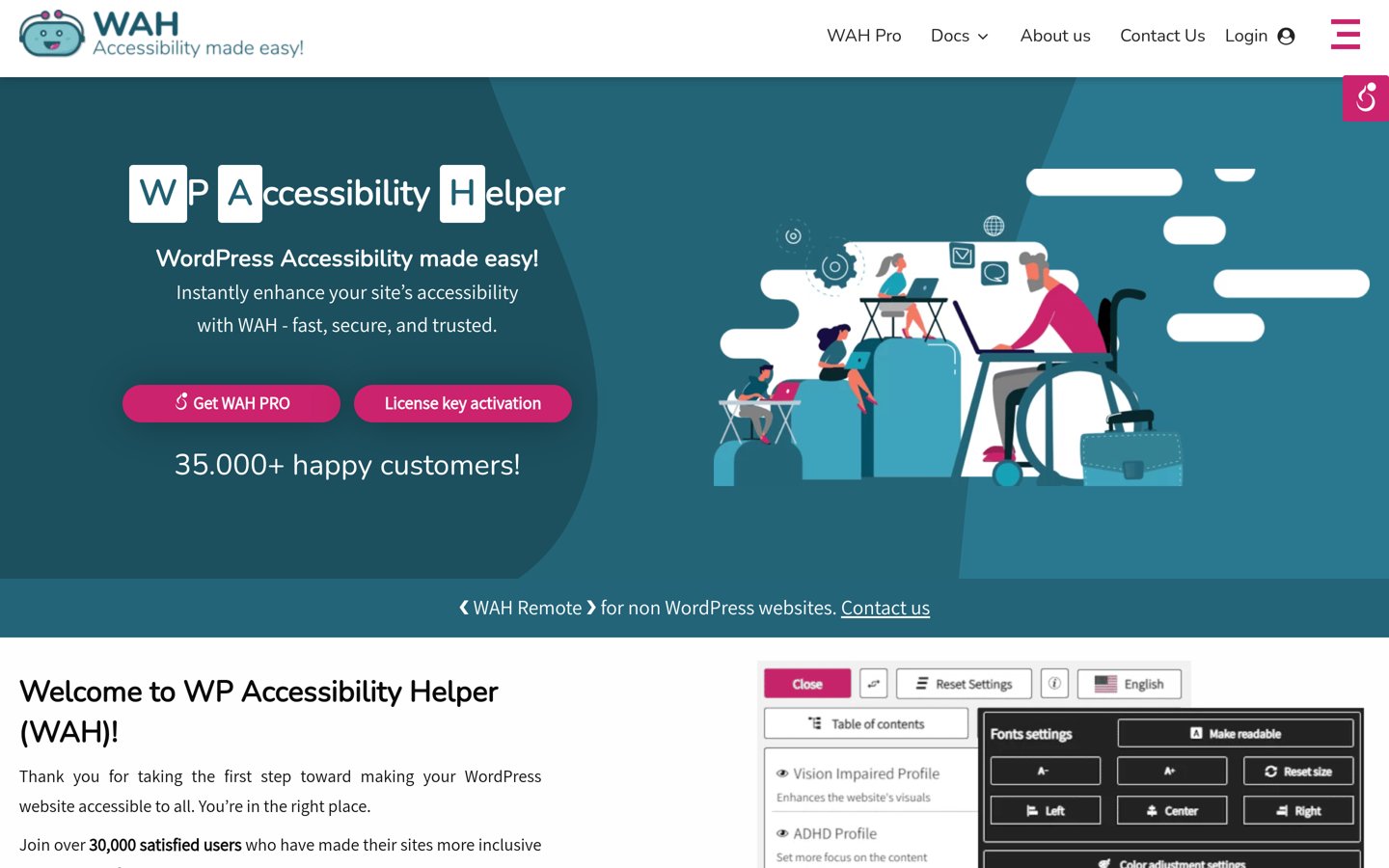
WP Accessibility Helper homepage, captured Nov 2026.
WP Accessibility Helper is a WordPress plugin by Alex Volkov with 10,000+ active installs that adds font resizing, contrast variations, skip links, and landmark controls. Its WordPress.org listing is free to install and use.
The trade off is that a verified regular paid plan price is not published on the WordPress.org listing we checked. It suits site owners who want straightforward visitor contrast and text-size controls on WordPress.
What we like
Rated 4.7 out of 5 across 57 WordPress.org ratings.
Actively maintained with 10,000+ active installations.
Provides customizable contrast modes, font resizing, and skip links.
Watch out for
No verified paid plan price is listed on its WordPress.org page.
Some older DOM scanner features were removed in past releases.
Toolbar adjustments do not replace semantic theme or content fixes.
Core plugin provides contrast modes, font resizing, and skip-link controls.Visit wordpress.org
05
WP Accessibility
4.8/5on WordPress.org (68 reviews, checked Nov 2026)
PriceFree
Best for quiet WordPress theme and markup fixes
Free tierYes, free plugin
WordPress.org priceFree on repository
WordPress installs60,000+ active installs
ApproachMarkup & theme fixes, no overlay
wordpress.org
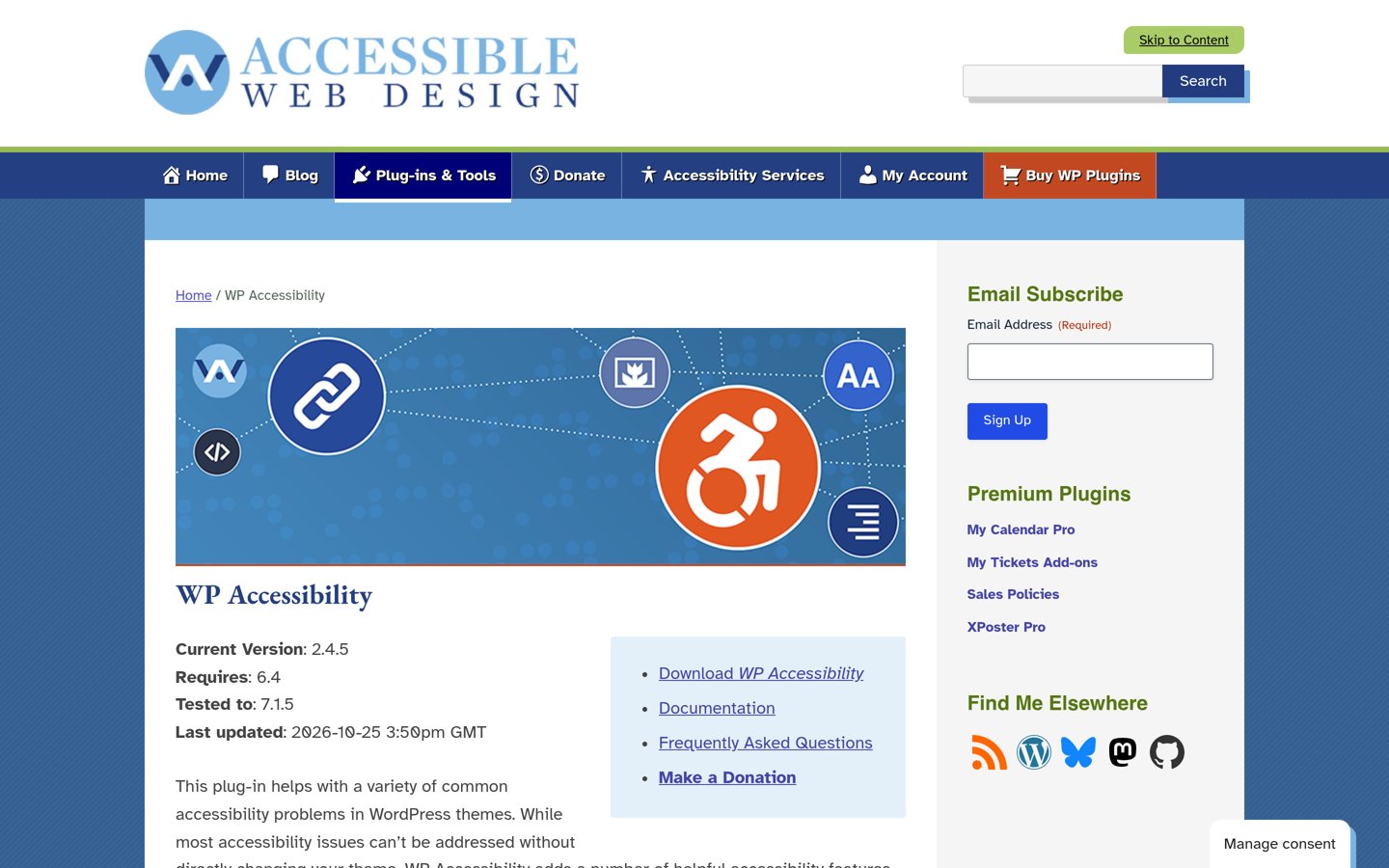
WP Accessibility homepage, captured Nov 2026.
WP Accessibility is a WordPress plugin maintained by Joe Dolson with 60,000+ active installs that addresses common theme and core accessibility gaps such as skip links, focus outlines, and alt-text checks. The plugin is free on WordPress.org.
The trade off is that it does not include a front-end visitor widget or published self-serve paid tier on WordPress.org. It suits WordPress developers and site owners who want subtle markup improvements without a floating toolbar.
What we like
Rated 4.8 out of 5 across 68 WordPress.org ratings.
Maintained with 60,000+ active installations and recent updates.
Avoids front-end overlay toolbars while fixing common theme and editor issues.
Watch out for
No built-in visitor accessibility toolbar or overlay panel.
Requires checking theme compatibility when enabling specific fixes.
Does not fix content-level issues like missing editorial alt text on its own.
4/5on WordPress.org (57 reviews, checked Nov 2026)
Starts at$490/yr
Best for high-install widget and monitoring tiers
Free tierNo paid entry starts $490/yr
Entry paid plan$490/yr (Small, 100K views)
WordPress installs80,000+ active installs
MonitoringUp to 10 pages on Small
userway.org
UserWay Accessibility Widget homepage, captured Nov 2026.
UserWay Accessibility Widget is a hosted accessibility widget and monitoring service with 80,000+ active WordPress installations. Its Small annual plan starts at $490 per year for up to 100,000 monthly pageviews and monitoring of up to 10 pages.
The trade off is a $490 yearly entry price, with Pro Plus at $1,190 per year and Ultimate at $2,490 per year. It suits businesses that want a managed widget and optional monitoring add-ons across growing traffic.
What we like
Widely installed with 80,000+ active WordPress installations.
Published annual tiers from $490/year for up to 100,000 monthly pageviews.
Offers optional standalone page monitoring and audit add-ons.
Watch out for
Entry Small plan costs $490 per year and monitors up to 10 pages.
Holds a 4.0 out of 5 rating across 57 WordPress.org ratings.
Higher tiers jump to $1,190 and $2,490 per year.
Paid plans expand monthly pageviews, monitored page counts, and live translations.Visit userway.org
07
accessiBe accessWidget
4.7/5on G2 (1,588 reviews, checked Nov 2026)
Starts at$490/yr
Best for traffic-tiered widget deployment
Free tierNo, paid tiers from $490/yr
Entry paid plan$490/yr (Micro, 5K visits)
G2 rating4.7/5 (1,588 reviews)
Next annual tier$1,490/yr (Growth, 30K visits)
accessibe.com
accessiBe accessWidget homepage, captured Nov 2026.
accessiBe accessWidget is a hosted web accessibility widget designed to apply interface adjustments and automated remediations against WCAG 2.1 Level AA. Its annual Micro plan starts at $490 per year for up to 5,000 monthly website visits.
The trade off is a $490 yearly entry limit capped at 5,000 monthly visits, with Growth at $1,490 per year and Scale at $3,990 per year. It suits small businesses that prefer traffic-based annual widget plans without editing site templates.
What we like
Rated 4.7 out of 5 across 1,588 G2 reviews.
Clear published annual pricing starting at $490 per year on Micro.
Supports multiple CMS platforms via asynchronous script loading.
Watch out for
Micro plan caps traffic at 5,000 monthly visits for $490 per year.
Growth jumps to $1,490 per year for up to 30,000 monthly visits.
Automated widget adjustments do not fix every underlying code barrier.
Higher plans raise monthly visit allowances and add multi-account or SSO features.Visit accessibe.com
Source auditing vs. front-end widgets
Accessibility tools generally fall into two categories: scanners and code helpers that inspect content and markup, and front-end widgets that adjust display settings such as contrast, text size, or spacing. Each approach addresses a different part of how visitors interact with a site.
Fixing missing headings, form labels, and contrast in your theme or templates benefits every visitor regardless of whether they open a toolbar. Front-end controls can still help visitors adjust typography or contrast on the fly, provided they do not conflict with keyboard navigation or screen readers.
How we chose
We gathered candidates from WordPress.org accessibility directories and established web accessibility software listings for small and mid-sized sites.
All ratings, review counts, active install numbers, and regular entry prices were checked on 22 Nov 2026 from WordPress.org listings, G2, and vendor pricing pages.
We excluded tools that lacked a verifiable public price on their pricing page, were closed or stale on WordPress.org, or had minimal adoption. No vendor paid for a place, and we do not claim testing for this list.
How to choose a digital accessibility platform
Follow four practical steps to match a tool to your site and budget:
Start with your actual platform and site size. Check whether your site runs on WordPress or another CMS and how many pages or monthly visits you need covered.
Decide between code audits and display tools. Pick a scanner or markup plugin if you want to catch structural issues, or a toolbar if you want visitor display adjustments.
Compare regular annual costs, not just discounts. Check the standard renewal or regular tier rate so first-year promos or traffic overages do not surprise your budget.
Plan for manual review alongside automation. Use automated checks to spot patterns quickly, and pair them with human review for alt text, forms, and keyboard flow.
FAQ
Does installing an accessibility plugin make a website legally compliant?
No plugin or widget guarantees legal compliance on its own. Standards such as WCAG 2.2 require proper content structure, clear labels, accessible media, and ongoing maintenance across your templates and editorial content, so software should support rather than replace careful site work.
What is the difference between a scanner plugin and an accessibility widget?
A scanner or markup plugin inspects pages or adjusts HTML attributes and landmarks, while a widget typically adds a front-end menu for contrast, text size, or spacing. Many teams use auditing tools to find issues and fix source code.
Why do some accessibility platforms charge by monthly pageviews or visits?
Hosted services often meter plans by traffic or monitored pages because cloud scanning, widget delivery, and reporting scale with site activity. Low-traffic sites usually fit entry tiers, while high-traffic sites move into higher-priced plans.
Can free accessibility plugins work well for smaller websites?
Yes, free tools such as WP Accessibility, WP Accessibility Helper, and the free tier of Equalize Digital Accessibility Checker can help with basic checks and adjustments. Paid tiers generally add site-wide scans, extra fixes, or higher usage limits.
Should I rely only on automated accessibility checks?
Automated tools are useful for catching repeatable technical issues quickly, but they cannot verify whether image alt text is accurate or whether custom interactions work smoothly for every user. Combining automated checks with manual testing is safer.
How often should I check my website for accessibility issues?
Run checks whenever you publish new pages, update themes or plugins, or change forms and navigation. Regular spot checks catch regressions early before small layout or content changes pile up.