Best WordPress Accessibility Plugins in 2026: 7 Tools Compared
WLWPLegible EditorsLast verified 22 Nov 2026How we test11 min read
★ Short answer
Accessibility Checker is the best WordPress accessibility plugin for most sites. It scans posts and pages in the editor against WCAG 2.2, is rated 4.9 out of 5, and starts free. Pick WP Accessibility for free code fixes and UserWay if you want a visitor widget.
How we make this list: we compare pricing pages, product documentation and public user reviews, then re-check every price before each update. No product paid for a place. Disclosure.
Accessibility Checker is the strongest auditor: 4.9 out of 5 from 80 reviews, with 40+ WCAG 2.2 checks in the editor.
WP Accessibility is completely free and fixes common theme problems, with 60,000+ active installs.
UserWay and accessiBe are overlays that start at $490 a year, and neither makes a site compliant on its own.
AccessiYes and AllAccessible both offer a free visitor widget, with paid scanning from $120 a year at AllAccessible.
No plugin here can prove WCAG conformance. Automated checks catch only part of the standard, so manual review still matters.
What an accessibility plugin can and cannot do
Accessibility plugins do three different jobs: find problems in your content, fix common problems in your theme code, or add controls for visitors, such as larger text and higher contrast.
A checker is the honest starting point. It flags missing alt text, poor headings and weak contrast while you edit, so you fix the source instead of layering a widget over it.
Widgets change what visitors see in their browser, not the code underneath. Our guide on checking a plugin for vulnerabilities shows the same habit: verify what a tool actually does before you trust it.
No automated tool proves conformance with WCAG. The US regulator fined accessiBe $1 million in 2025 over claims that its widget could make any site compliant, so treat any promise of automatic compliance with care.
4.9/5on WordPress.org (80 reviews, checked Nov 2026)
Paid from$190/yr
Best for finding WCAG issues as you edit
WCAG checks40+, WCAG 2.2
Where it scansPosts and pages
One-click fixes10 free, 4 more in Pro
Paid planProfessional, $190/yr
equalizedigital.com
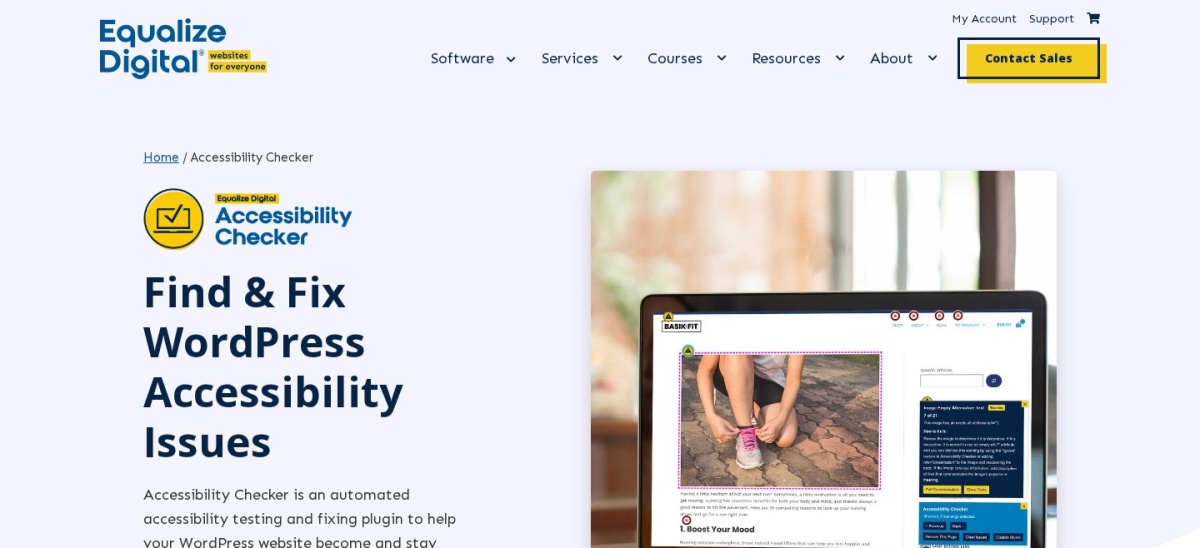
Accessibility Checker homepage, captured Nov 2026.
Accessibility Checker is a scanner from Equalize Digital that runs more than 40 automated checks based on WCAG 2.2 every time you save a post or page. The free version scans posts and pages without limits, explains each issue, and applies 10 one-click fixes.
The trade off is scope. Full-site scanning, custom post types, a central list of open issues and the extra fixes need Professional at $190 a year for one site. It suits editors and small teams who publish often and want problems caught before a page goes live.
What we like
Highest rating in this list at 4.9 out of 5
Checks run inside the editor as you write
Unlimited scans of posts and pages on the free plan
4.8/5on WordPress.org (68 reviews, checked Nov 2026)
PriceFree
Best free code-level fixes
PriceFree, donations only
What it fixesTheme and core issues
Visitor toolbarOptional, basic
Paid planNone
joedolson.com
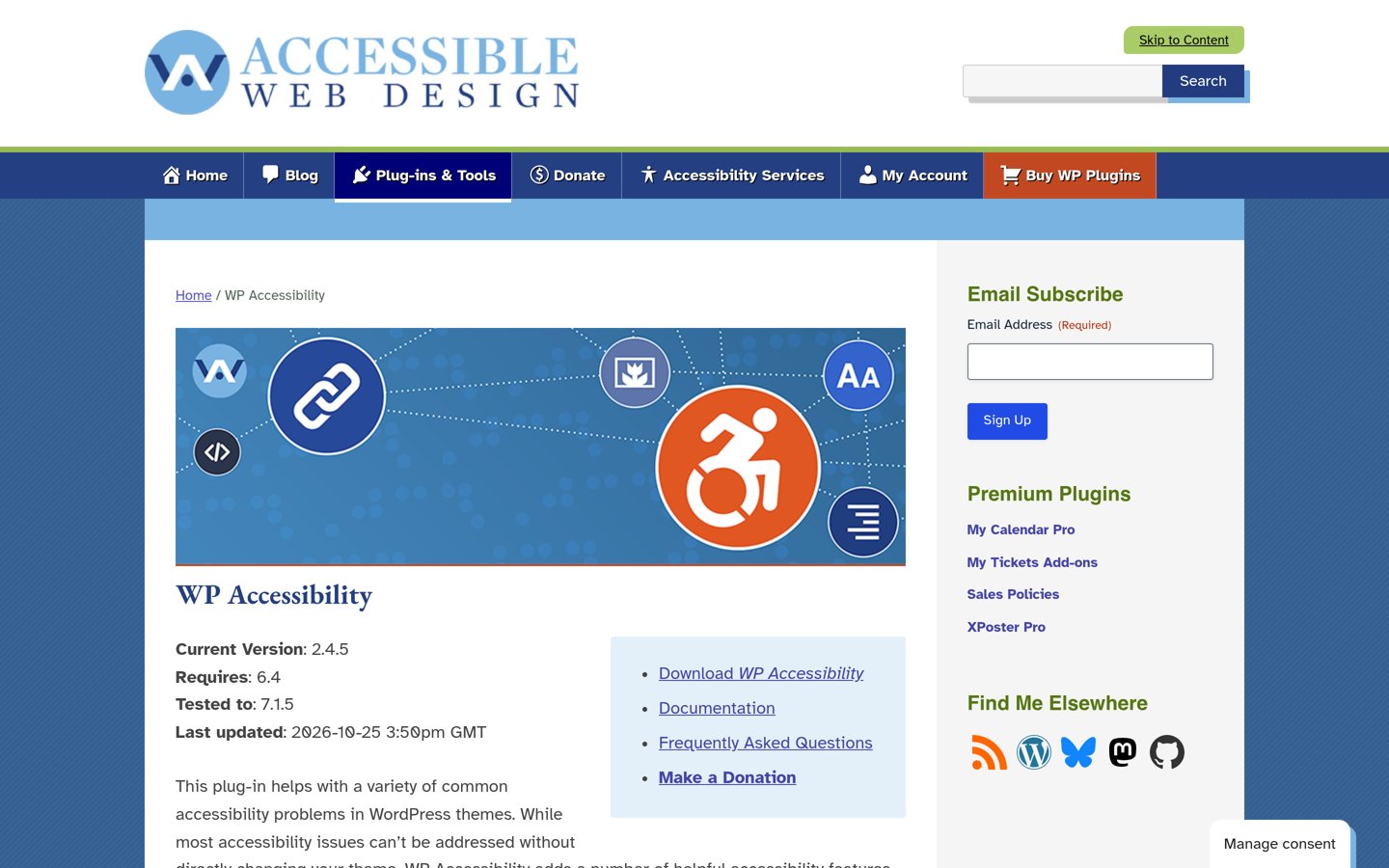
WP Accessibility homepage, captured Nov 2026.
WP Accessibility is a free plugin from Joe Dolson, a WordPress core contributor who has worked on accessibility since 2004. It repairs common theme problems automatically, such as missing labels, poor skip links and image title attributes, and adds an optional basic toolbar for visitors.
The trade off is that it finds nothing. It fixes known patterns in your theme but does not scan your content or report new issues, so pair it with a checker. It suits any site that wants real fixes in its code for no money.
4/5on WordPress.org (57 reviews, checked Nov 2026)
Paid from$490/yr
Best visitor widget with monitoring
Free widgetYes, 12 tools
Paid planPro, $490/yr
Page views100,000 a month on Pro
Languages50+
userway.org
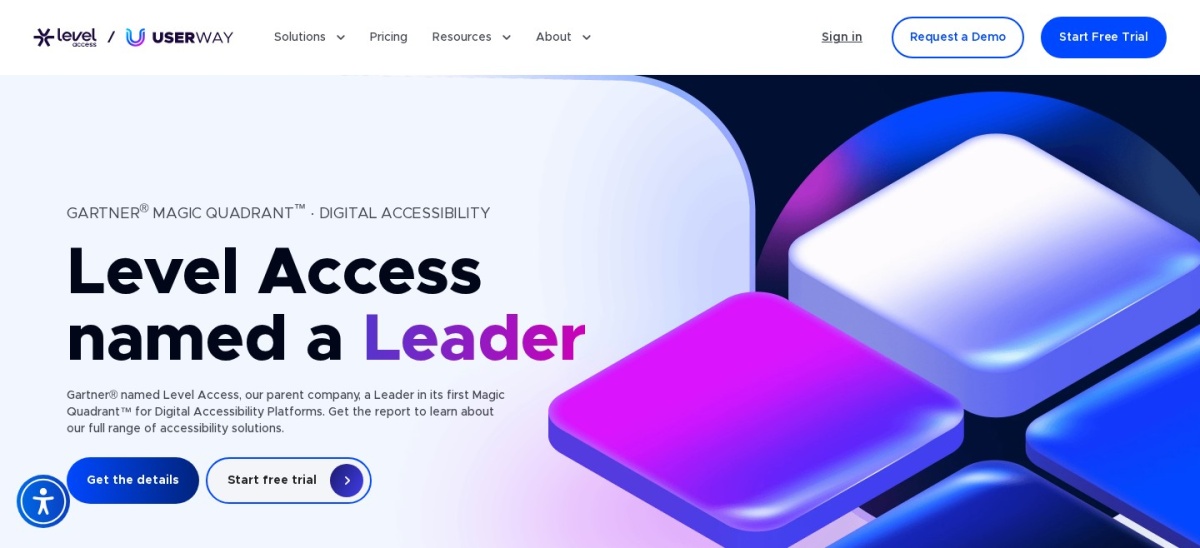
UserWay homepage, captured Nov 2026.
UserWay is an accessibility widget with more than 80,000 active installs, the most in this list. The free widget gives visitors contrast, text size, reading guides and more in over 50 languages, while Pro at $490 a year adds AI-powered fixes and monitoring of 10 pages.
The trade off is price and limits. Pro covers one domain and up to 100,000 page views a month, and the widget does not change your underlying code. It suits sites that want a visible set of visitor controls quickly.
What we like
Most-installed widget in this list
Free widget with 12 visitor tools
Pro includes monitoring and a legal support program
4.7/5on WordPress.org (57 reviews, checked Nov 2026)
Paid from$249/yr
Best visitor toolbar with dark mode
Visitor toolbarYes, customisable
Dark modeYes
Dyslexia fontYes
Paid planPro, $249/yr, 1 domain
accessibility-helper.co.il
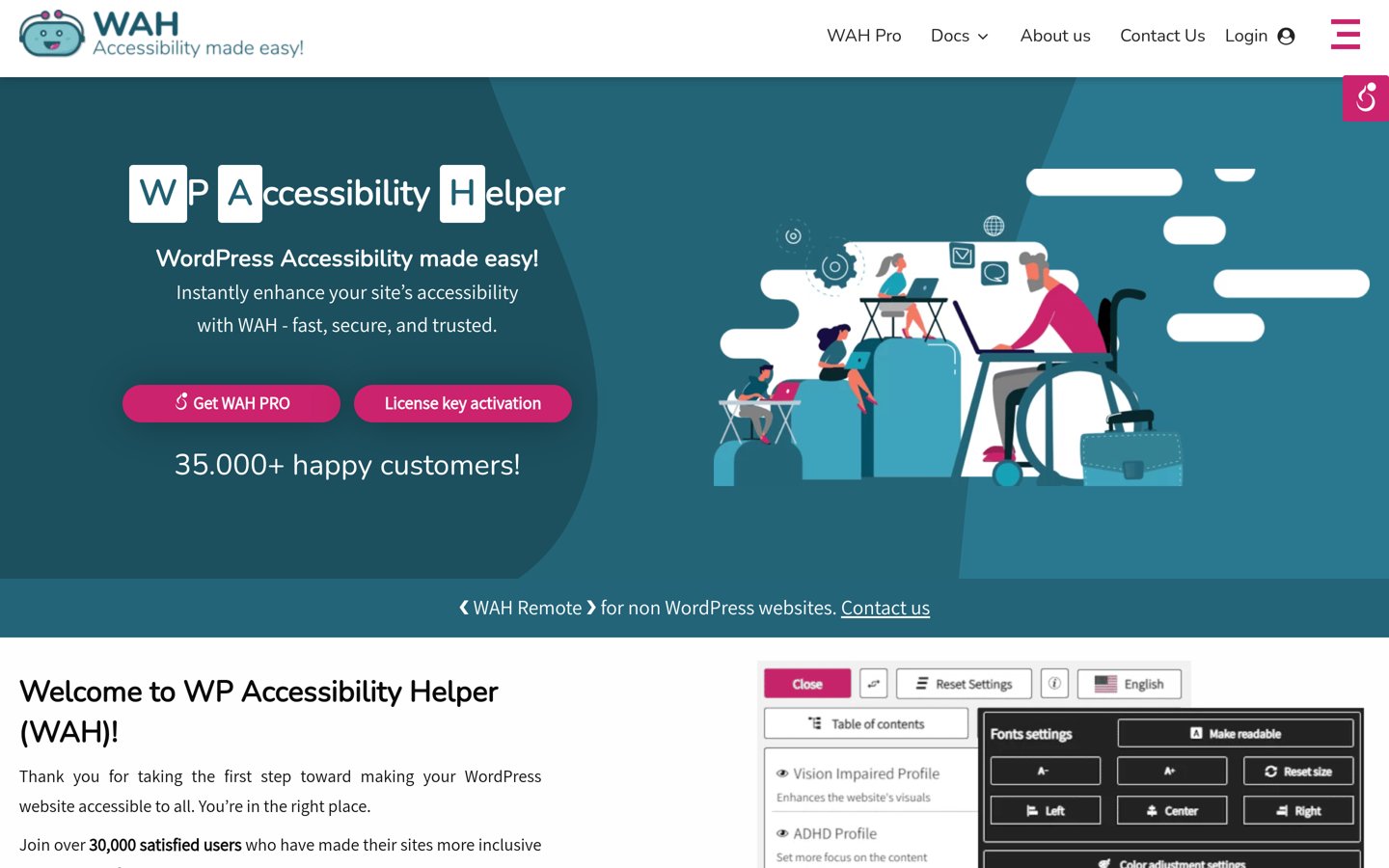
WP Accessibility Helper homepage, captured Nov 2026.
WP Accessibility Helper is a customisable toolbar, known as WAH, so visitors can change font size, contrast and spacing, switch on a dyslexia-friendly font or dark mode, and use keyboard navigation aids. The free version covers the toolbar and the main display tools.
The trade off is the paid price. Pro costs $249 a year for one domain and adds more profiles and settings, which is steep for a toolbar. It suits sites that want a polished, branded set of visitor controls.
4.8/5on WordPress.org (39 reviews, checked Nov 2026)
PriceFree
Best free visitor widget
PriceFree, no paid tier
Visitor profilesPreset profiles
Statement generatorYes
LanguagesMany widget languages
cookieyes.com
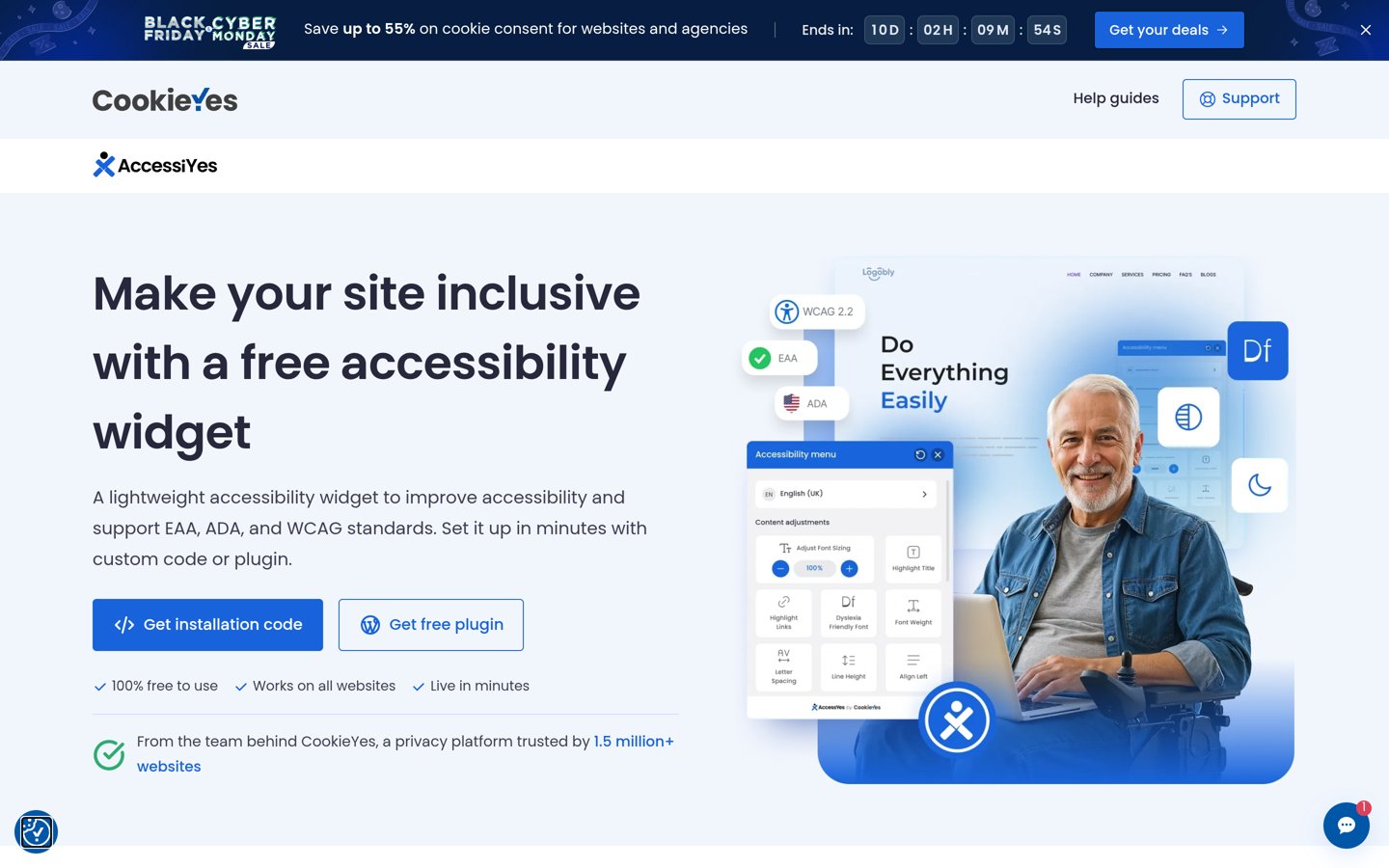
AccessiYes Accessibility Widget homepage, captured Nov 2026.
AccessiYes Accessibility Widget is a free visitor widget from CookieYes with more than 20,000 active installs. It gives visitors content and colour tools, preset profiles for common needs, an accessibility statement generator and a widget in many languages.
The trade off is depth. There is no paid tier, so there is no scanning, no reporting and no support beyond the free plugin. It suits small sites that want a simple, honest visitor widget without a subscription.
4.1/5on WordPress.org (32 reviews, checked Nov 2026)
Starts at$490/yr
Best for a fast automated overlay start
Free planNo, 7-day trial
Entry planMicro, $490/yr
Traffic limit5,000 visits a month
Daily scansYes, with reports
accessibe.com
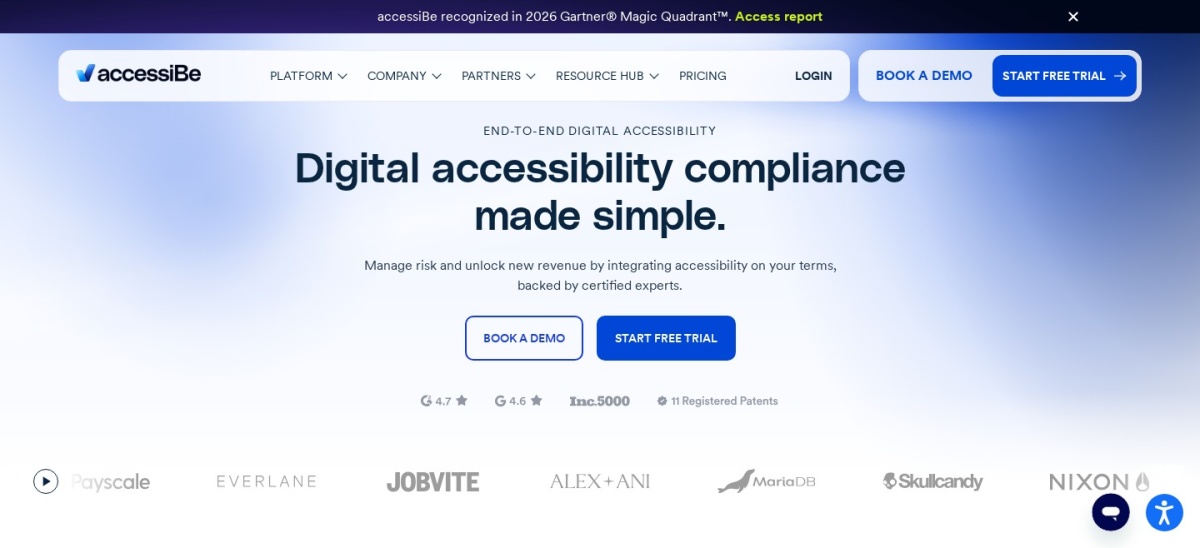
accessiBe homepage, captured Nov 2026.
accessiBe is the best-known accessibility overlay. Its accessWidget installs with one line of code, scans the site daily with AI, adjusts pages in the visitor browser and sends a monthly report. Micro costs $490 a year for sites with up to 5,000 visits a month.
The trade off is trust. The FTC ordered accessiBe to pay $1 million in 2025 over claims that its widget could make any site compliant, and the price climbs with traffic. It suits sites that want a quick overlay start and budget separately for real fixes.
5/5on WordPress.org (15 reviews, checked Nov 2026)
Paid from$10/mo
Best budget widget with scanning
Free widgetYes, forever
Starter plan$10/mo
WCAG scanningStarter and up
Widget features36+
allaccessible.org
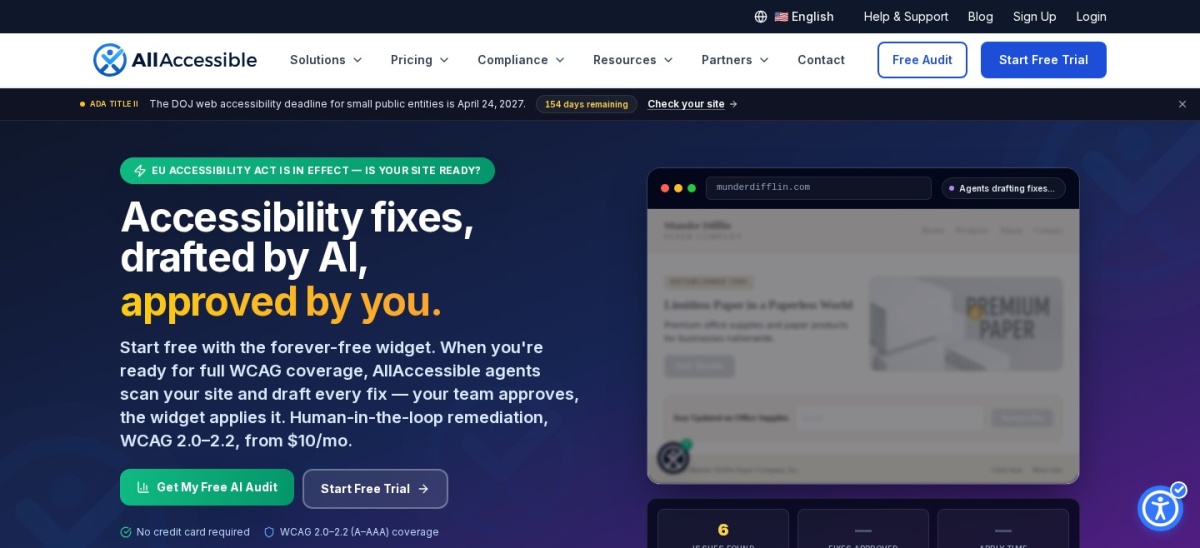
AllAccessible homepage, captured Nov 2026.
AllAccessible is a newer widget with a genuinely free forever plan: 36 widget features with no credit card and no time limit. The $10 a month Starter plan adds automated WCAG scanning, coverage reports and an unbranded widget for sites up to 10,000 page views a month.
The trade off is size. It has only 2,000+ active installs and 15 reviews, so it is far less proven than UserWay or accessiBe. It suits small sites that want a free widget now and cheap scanning later.
What we like
Free forever widget, no card needed
Cheapest paid scanning in this list at $10 a month
Start with the fixes that live in your code. WP Accessibility repairs common theme problems for free, and Accessibility Checker flags what your editors write.
Add a visitor widget second, not first. A widget helps some visitors, but it cannot fix missing alt text, broken headings or unlabeled forms in your pages.
If you buy an overlay, read its limits first. Check whether it charges by page views or by pages, and whether it promises compliance it cannot deliver.
How we chose
We started from every accessibility plugin on WordPress.org with a useful free version, then kept the seven that cover the three jobs: checking, fixing and visitor controls.
Prices come from each vendor's pricing page, checked on 22 November 2026. Ratings and install counts come from WordPress.org on the same day. Where a vendor shows a sale, the list shows the regular price.
We left out plugins closed on WordPress.org and tools with almost no users. No vendor paid for a place, and we do not claim hands-on testing for this list.
How to choose a WordPress accessibility plugin
Start with the job you need most, then check whether the tool fixes code or only changes what visitors see.
Pick a checker first. Accessibility Checker or WP Accessibility catch real problems in your content and theme. A widget alone cannot do that job.
Add a widget only if visitors need controls. AccessiYes is free, AllAccessible adds cheap scanning, and UserWay adds monitoring at a much higher price.
Read the overlay limits before you pay. UserWay charges by page views and accessiBe by visits, so a busy month can push you into a higher tier.
Budget for manual review. No plugin proves WCAG conformance. Plan time for a human check of your main pages and forms.
FAQ
What is the best WordPress accessibility plugin?
Accessibility Checker is the best pick for most sites. It runs 40+ WCAG 2.2 checks in the editor, is rated 4.9 out of 5, and its free version scans posts and pages without limits.
Can a plugin make my site WCAG compliant?
No. Automated checks catch only part of the WCAG standard, and a widget changes the visitor view, not your code. You still need manual review and real fixes in your theme and content.
Are accessibility widgets safe to use?
They help some visitors, but they are not a legal shield. The FTC fined accessiBe $1 million in 2025 over compliance claims, and hundreds of lawsuits have named sites using widgets.
Which accessibility plugin is completely free?
WP Accessibility and AccessiYes are completely free with no paid tier. WP Accessibility fixes theme problems, while AccessiYes adds a visitor widget with preset profiles.
What is the difference between a checker and a widget?
A checker scans your content and reports problems to fix, while a widget gives visitors controls such as larger text and higher contrast. Use a checker first, then add a widget if visitors need it.
How much does an accessibility plugin cost?
Free tools cover the basics. Paid plans run from $10 a month at AllAccessible and $190 a year for Accessibility Checker Pro, up to $490 a year for UserWay and accessiBe.