Best Static Code Analysis Software in 2026: 9 Tools Compared
WLWPLegible EditorsLast verified 24 Nov 2026How we rank13 min read
★ Short answer
SonarQube Cloud is the best static code analysis software for most teams. It is free for private projects up to 50,000 lines of code and its Team plan costs $34 a month. Pick Snyk Code for fix guidance in pull requests and Semgrep if you want to write your own security rules.
How we make this list: we compare pricing pages, product documentation and public user reviews, then re-check every price before each update. No product paid for a place. Disclosure.
SonarQube Cloud is the cheapest way in for most teams: free to 50,000 lines of code, Team at $34 a month for up to 100,000 lines.
Snyk Code gives the clearest fix guidance in the pull request, at $25 per contributing developer a month on Team.
Semgrep is the pick for custom rules, with a free open-source engine and Teams Code at $30 per contributor a month.
GitHub Code Security puts CodeQL scanning inside GitHub at $30 per active committer a month, and it is free for public repositories.
Checkmarx One and Veracode publish no price and need a sales quote, so budget for an enterprise contract with either one.
What static code analysis software should catch
Static code analysis reads your source code without running it. It flags bugs, security holes, duplicated code and style problems before the code reaches production.
A good scanner should cover the languages you ship, run in the pull request, and explain each finding well enough that a developer can fix it without a security expert.
Security findings matter most. Our guide on the most common WordPress vulnerabilities shows the same flaw classes these tools look for: injection, cross-site scripting and broken access control.
Pricing models differ more than features do. Some tools charge per line of code, some per contributor, and the two enterprise tools in this list publish no price at all.
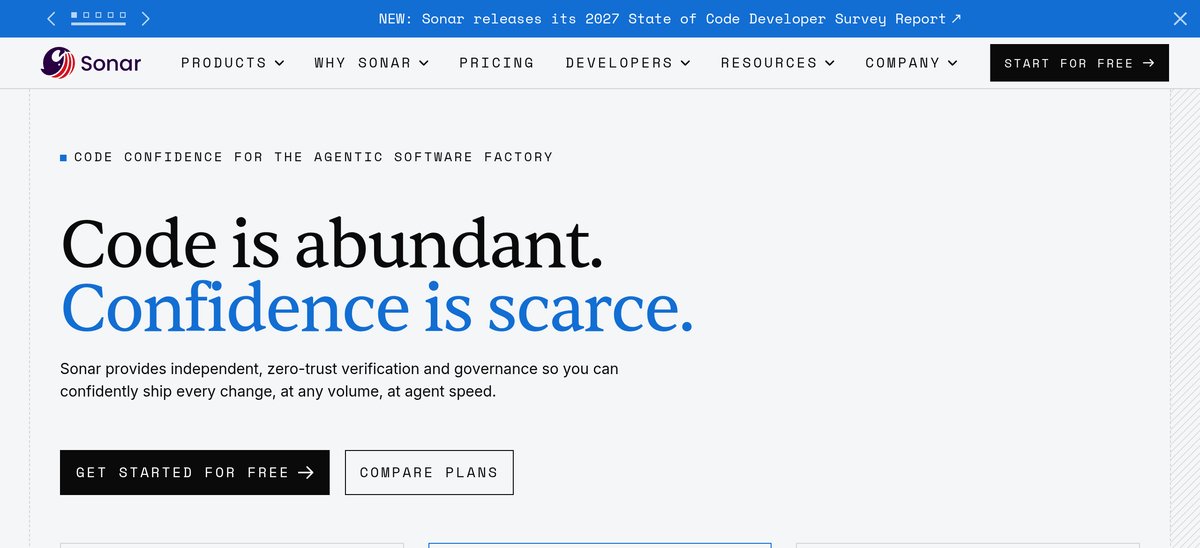
SonarQube Cloud is the hosted version of SonarQube from SonarSource, and it pairs code quality checks with security scanning in one place. The free plan covers private projects up to 50,000 lines of code, and the Team plan starts at $34 a month for up to 100,000 lines, with no seat limit.
The trade off is the meter. The bill follows lines of code, so a large codebase costs more even with a small team, and software composition analysis sits in a paid add-on. It suits teams that want quality gates on every pull request at a flat monthly figure.
What we like
Free tier covers private projects to 50,000 lines
Quality gates can block a failing pull request
Flat price per codebase, not per developer
Watch out for
Cost rises with lines of code, not team size
Dependency scanning needs the Advanced Security add-on
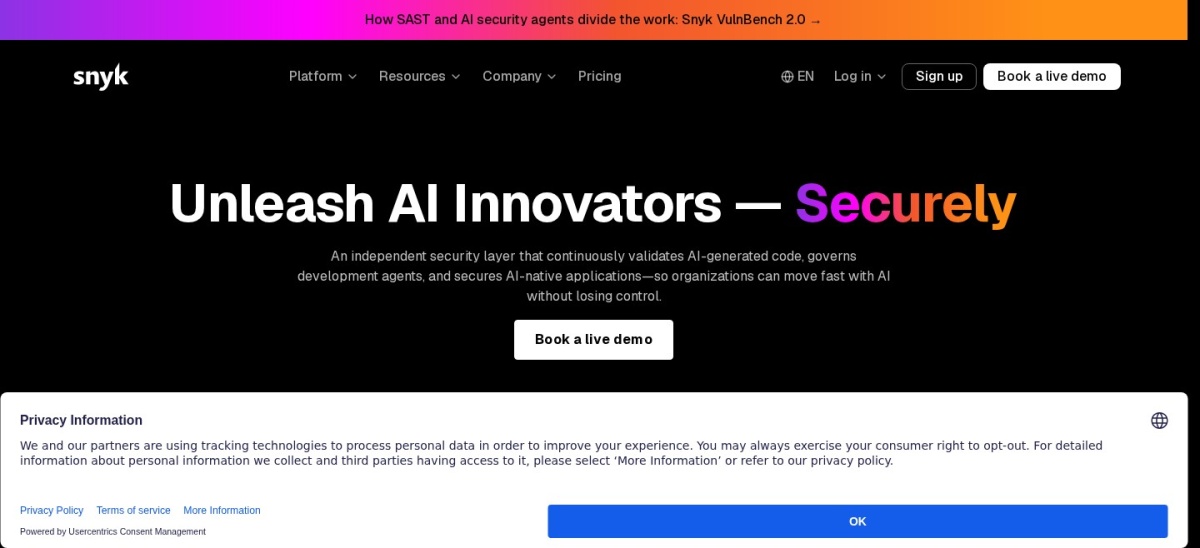
Snyk Code is the static analysis module inside the Snyk platform, built on the DeepCode engine. It scans in the IDE and in CI, and each finding comes with a plain-language explanation, the data flow behind it and a suggested fix. The free plan allows 100 Code tests a month across 5 projects.
The trade off is the Team cap. Team costs $25 per contributing developer a month, needs at least 5 developers and stops at 10, so growing teams move to credit-based Enterprise pricing. It suits small teams that want fixes, not just findings, in the pull request.
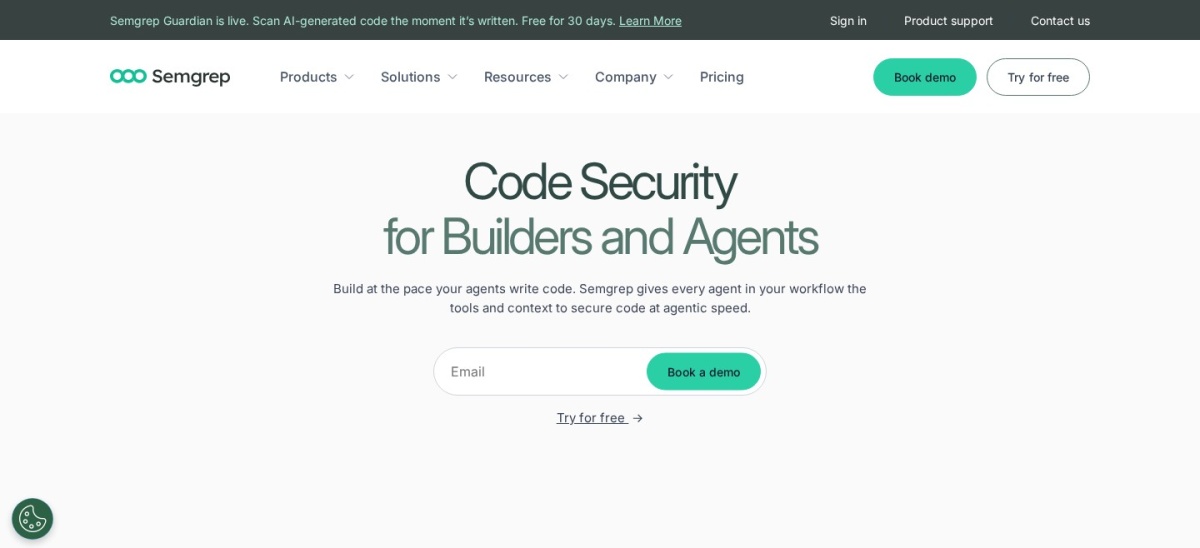
Semgrep is a rule-based scanner with a free open-source engine and a commercial platform on top. Its rule language reads like the code it matches, so teams can write their own checks for internal APIs and frameworks. The free tier covers up to 10 contributors and 10 repositories, and Teams Code costs $30 per contributor a month.
The trade off is that the products are sold separately. Code, Supply Chain and Secrets each cost $30, $30 and $15 per contributor a month, so buying all three triples the bill. It suits security teams that want custom rules and fast scans in CI.
What we like
Open-source engine is free with community rules
Readable rule language for custom checks
Free tier covers the full platform to 10 contributors
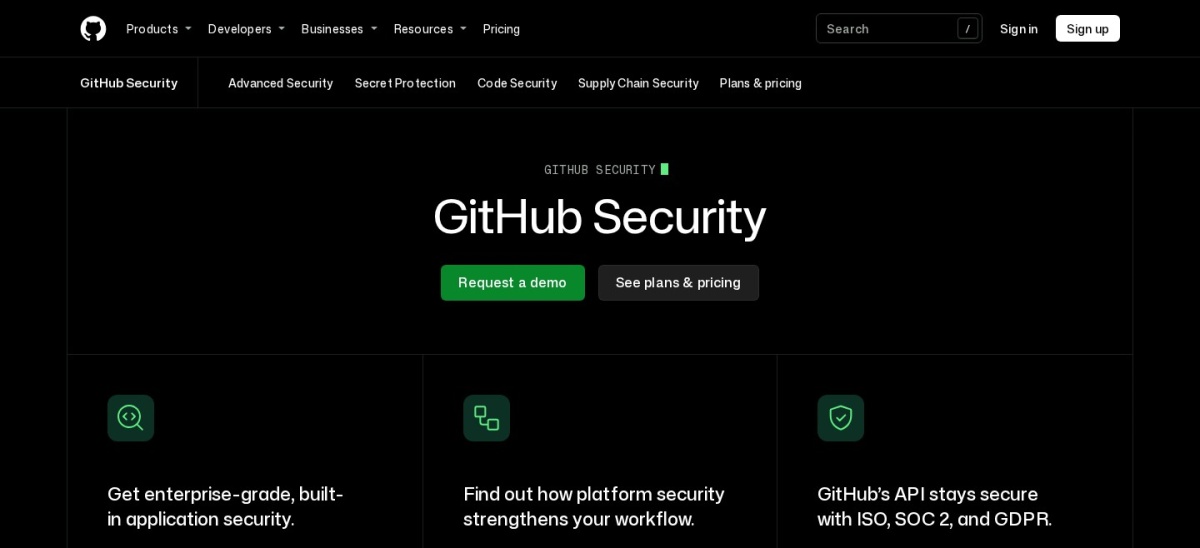
GitHub Code Security is GitHub's own security product, and CodeQL is the semantic analysis engine behind its code scanning. It builds a queryable database of the codebase, traces data flow across files, and files findings as pull request alerts with Copilot Autofix suggestions. It is free for public repositories.
The trade off is price and lock-in. Code Security costs $30 per active committer a month on private repositories, and it only makes sense if the code already lives on GitHub. It suits GitHub shops that want scanning without adding another dashboard.
What we like
Deep semantic analysis with custom queries
Copilot Autofix suggests code changes
No extra tool to set up for GitHub teams
Watch out for
Needs a GitHub Team or Enterprise plan
Scans take longer than pattern-based tools
Secret Protection is a separate $19 per committer add-onVisit github.com
05
Codacy
4.6/5on G2 (29 reviews, checked Nov 2026)
Paid from$18/mo
Best all-in-one for small teams
Free planDeveloper tier, IDE only
Languages49
BillingPer developer
Paid planTeam, $18/mo
codacy.com
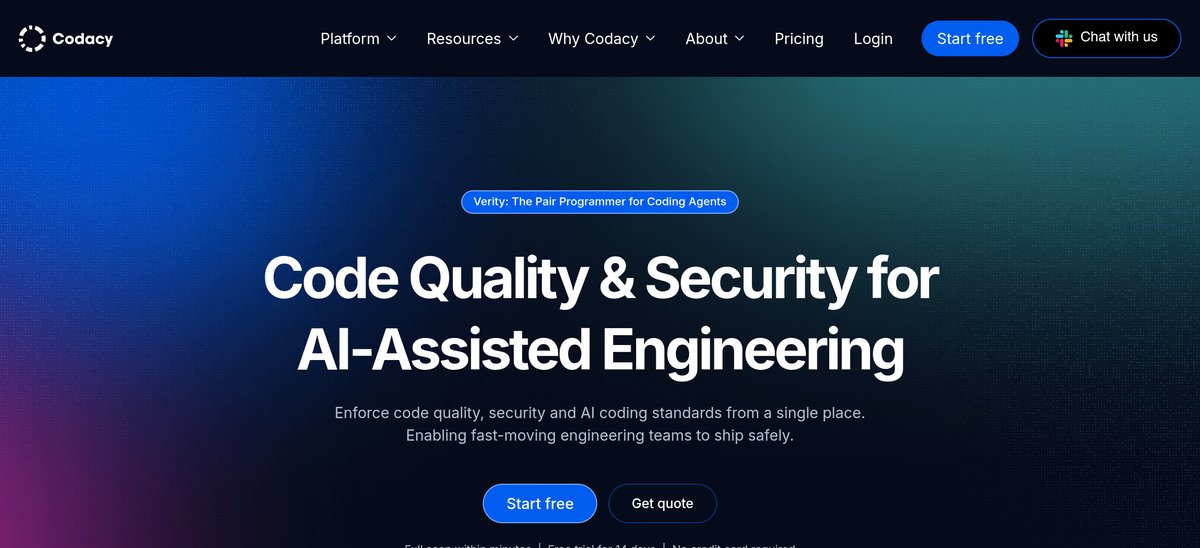
Codacy homepage, captured Nov 2026.
Codacy is an automated code quality and security platform that checks pull requests across 49 languages. One dashboard covers SAST, dependency scanning, secrets detection, coverage tracking and AI code review. The free Developer tier covers IDE scanning, and Team costs $18 per developer a month billed yearly.
The trade off is the ceiling. Team stops at 30 developers and 100 private repositories, and DAST, container scanning and SSO need the quote-only Business plan. It suits teams under 30 developers that want one bill for quality and security.
DeepSource is an AI code review platform built on static analysis with more than 5,000 rules. It comments on pull requests, checks security against OWASP and SANS lists, and suggests autofixes that are verified before they are shown. The Team plan costs $24 per user a month billed yearly.
The trade off is the free tier. Private repository analysis needs the paid Team plan, and the free Open Source plan covers public repositories only. It suits teams that process many pull requests a day and want review comments they can trust.
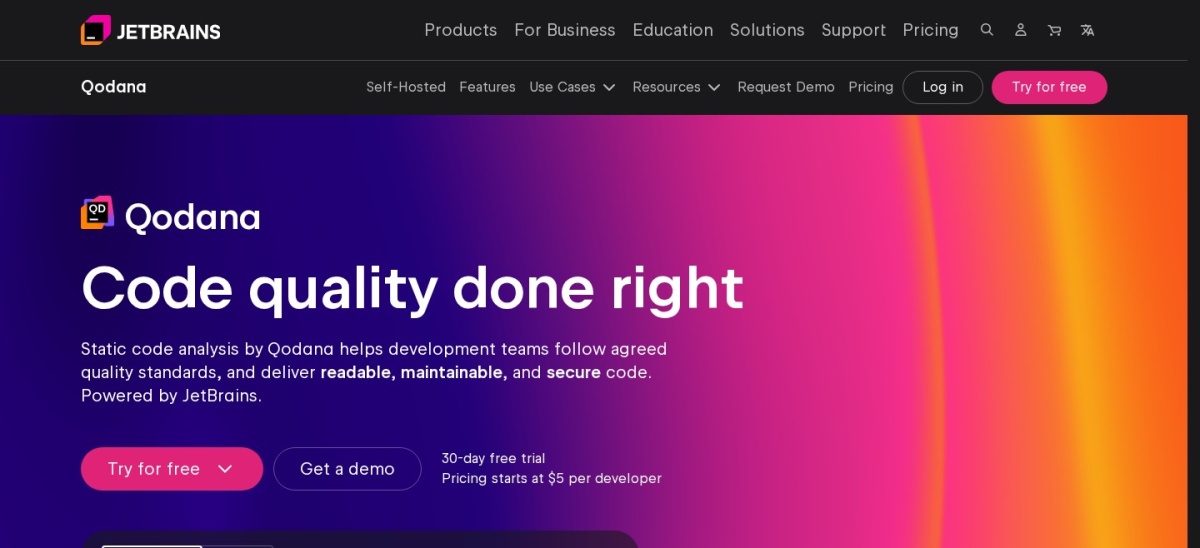
Qodana is JetBrains' code quality platform, and it runs the same 3,000-plus IntelliJ inspections in CI that developers see in their IDE. That means a finding in the pipeline matches what the IDE already showed, with no second rule set to keep in sync. Ultimate costs $5 per contributor a month billed yearly.
The trade off is the ecosystem. Qodana fits best where developers already use JetBrains IDEs, and taint analysis, SSO and unlimited history need Ultimate Plus at $15 a month. It suits JetBrains shops that want the cheapest paid analysis in this list.
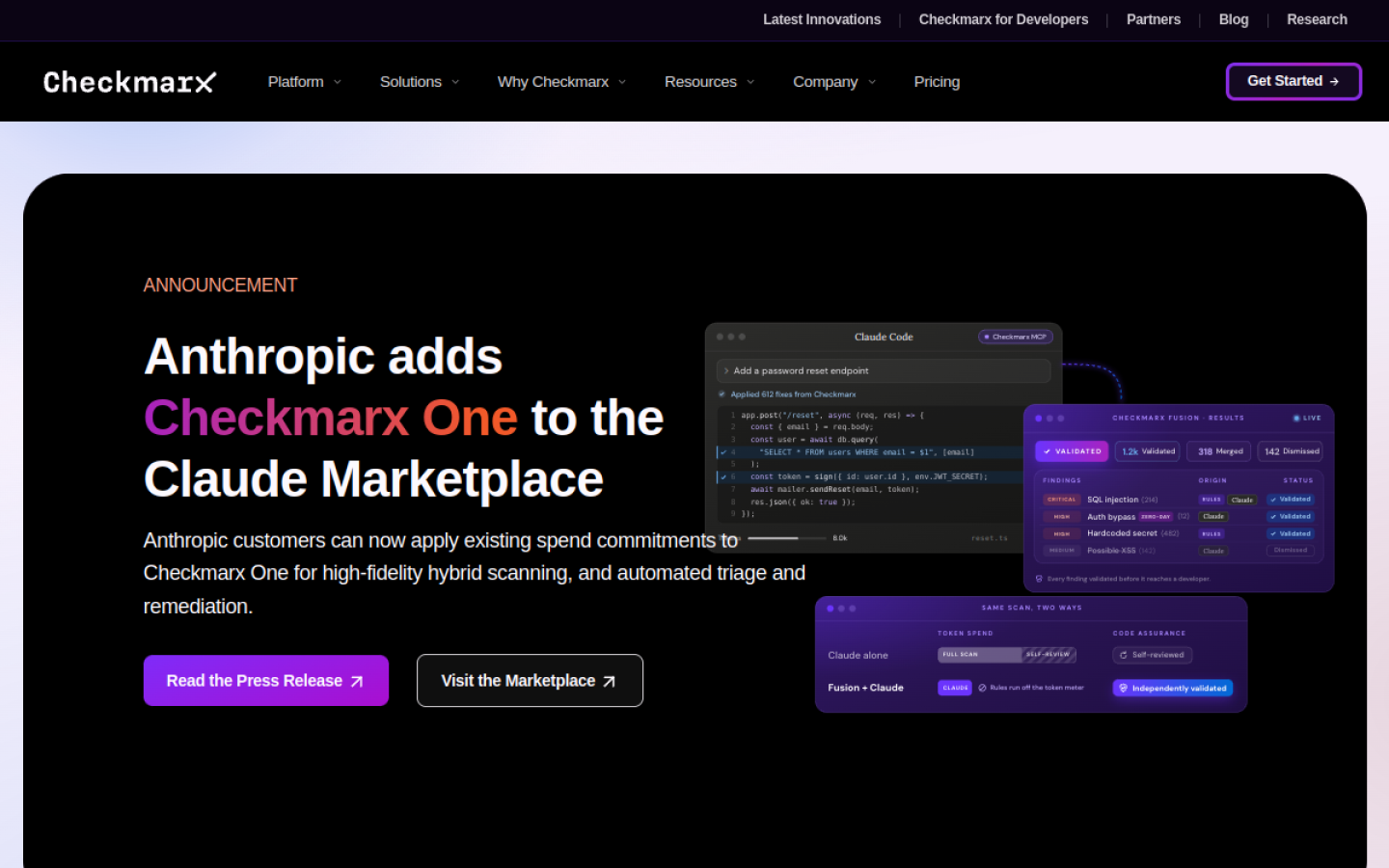
Checkmarx One is a cloud AppSec platform with SAST at its core, plus software composition analysis, API security, container scanning and ASPM in one dashboard. Its CxQL query language lets security teams write their own SAST rules, and it covers more than 30 languages.
The trade off is cost and process. Checkmarx publishes no list price, so every deal is a custom quote, and there is no self-service free trial. It suits enterprises running a formal AppSec program that need deep SAST customization.
What we like
CxQL custom query language for own rules
SAST, SCA, API security and ASPM in one place
Self-hosted and hybrid deployment options
Watch out for
No published price and no self-service trial
Minimum deal sizes put it out of reach for small teams
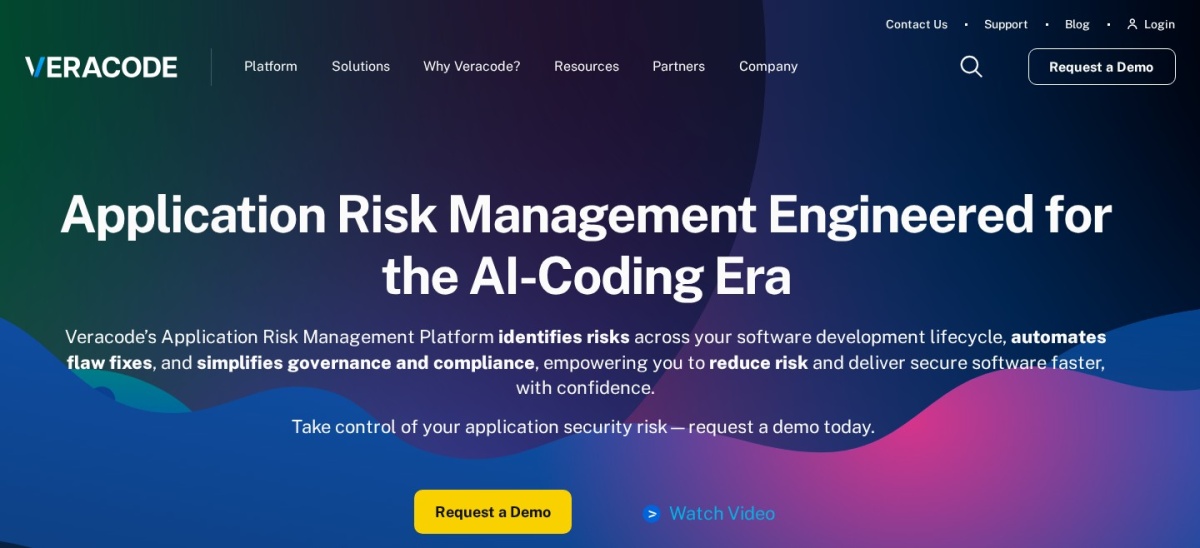
Veracode is a long-standing enterprise application security platform that analyzes compiled binaries and bytecode rather than raw source code. It covers SAST, DAST, SCA and manual penetration testing in one platform, with compliance reporting for PCI, FedRAMP, OWASP and CWE.
The trade off is opacity and speed. Veracode publishes no price, so budgeting needs a sales cycle, and scans of large codebases can take hours. It suits regulated enterprises where compliance reporting is a hard requirement.
Free plans cover small codebases well. Most include pull request scanning, a set of security rules and some form of IDE feedback.
Paid plans mostly add scale and depth. You get more lines of code, more contributors, cross-file analysis, taint tracking and SSO.
If your code is public, several tools in this list cost nothing at all. SonarQube Cloud, Semgrep, GitHub Code Security and Codacy all have a free tier for open-source projects.
For a team shipping paid software every day, the first year of a paid plan often costs less than one security incident found late.
How we chose
We started from the established static analysis tools with published pricing or a clear enterprise position, then kept the nine that cover the most languages and workflows.
Prices come from each vendor's pricing page, checked on 24 November 2026. Ratings and review counts come from G2 on the same day. Where a vendor shows a sale, the list shows the regular price.
We left out single-language linters and tools with no public product page. No vendor paid for a place, and we do not claim hands-on testing for this list.
How to choose static code analysis software
Start with where your code lives and how your team already works, then match the tool to that flow.
Match the tool to your code host. GitHub teams get the most from GitHub Code Security, while GitLab and Bitbucket teams should look at SonarQube Cloud, Codacy or DeepSource.
Check the billing meter first. Lines of code, contributors and committers all scale differently. Price the tool on your real codebase size, not the headline monthly figure.
Use the free tier before you pay. Most tools in this list scan a small project for free. See how to check a plugin for vulnerabilities to judge what a scan should catch.
Turn on quality gates in the pull request. A scan that only reports findings gets ignored. Block merges that fail the gate, then tune the rules that cause noise.
FAQ
What is the best static code analysis software?
SonarQube Cloud is the best pick for most teams. It is free for private projects up to 50,000 lines of code, its Team plan costs $34 a month, and it pairs code quality checks with security scanning in one place.
Is there a free static code analysis tool?
Yes. Semgrep's open-source engine is free, SonarQube Cloud is free to 50,000 lines of code, and GitHub Code Security is free for public repositories. Codacy and Qodana also have free tiers.
How much does static code analysis software cost?
Paid plans in this list start at $5 per contributor a month for Qodana Ultimate and reach $34 a month for SonarQube Cloud Team. Checkmarx One and Veracode publish no price and need a sales quote.
What is the difference between SAST and a linter?
A linter checks style and simple mistakes, usually in one language. SAST tools trace data flow and look for security flaws such as injection and broken access control across the whole codebase.
Can static analysis replace penetration testing?
No. Static analysis finds known flaw patterns in code before release. Penetration testing probes the running application and finds problems static tools cannot see, such as misconfigured servers.
Which tool is best for custom security rules?
Semgrep is the best pick for custom rules. Its rule language reads like the code it matches, and teams can write checks for their own frameworks and internal APIs.