Best Uptime Monitoring Tools in 2026: 9 Tools Compared
WLWPLegible EditorsLast verified 24 Nov 2026How we rank8 min read
★ Short answer
UptimeRobot is the best uptime monitoring tool for most sites, with 50 free monitors checked every 5 minutes and paid plans from $13 a month. Pick Better Stack if you also need on-call paging, and Pulsetic for the cheapest paid plan with status pages.
How we make this list: we compare pricing pages, product documentation and public user reviews, then re-check every price before each update. No product paid for a place. Disclosure.
UptimeRobot gives the most free: 50 monitors at 5-minute checks, with paid Solo at $13 a month.
Better Stack is the only pick here that bundles on-call paging with monitoring, at $34 a month per responder.
Pingdom has no free plan and starts at $18 a month, but adds real user monitoring and checks from 100+ locations.
StatusCake covers the most monitor types free: uptime, SSL, domain and page speed in one account.
Pulsetic and HetrixTools are the cheapest paid steps, at $9 and $9.95 a month, and both have free plans.
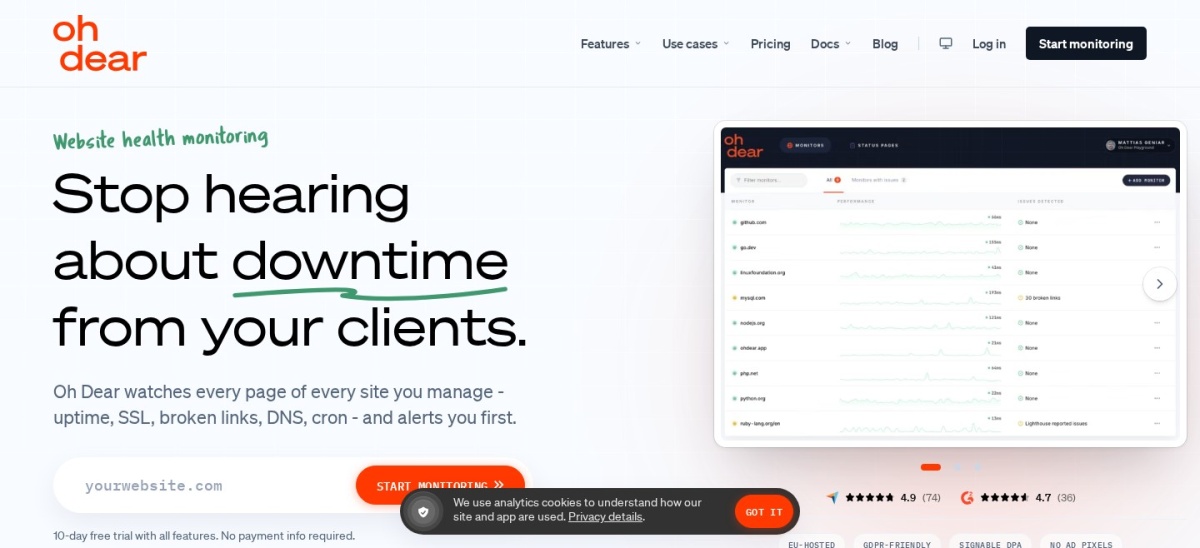
Oh Dear charges by site, from $17 a month for 2 sites, with every feature on every plan.
What to look for in an uptime monitor
A site can look fine from your desk and be down for everyone else. An uptime monitor checks your site from outside your network every few minutes and alerts you the moment it stops responding.
Check interval matters most. A 5-minute interval can leave a short outage unnoticed, while 1-minute or 30-second checks catch it sooner. Free plans usually check every 5 minutes; faster checks sit on paid plans.
Look past the headline price. Some tools charge per monitor, some per responder, and some per site, so the cheapest plan for 5 sites may not be cheapest for 50. Our guide on what a good uptime percentage is explains the targets worth aiming for.
Status pages and alert channels matter too. A public status page tells visitors you know about the problem, and alerts by email, SMS or chat decide how fast you hear about it.
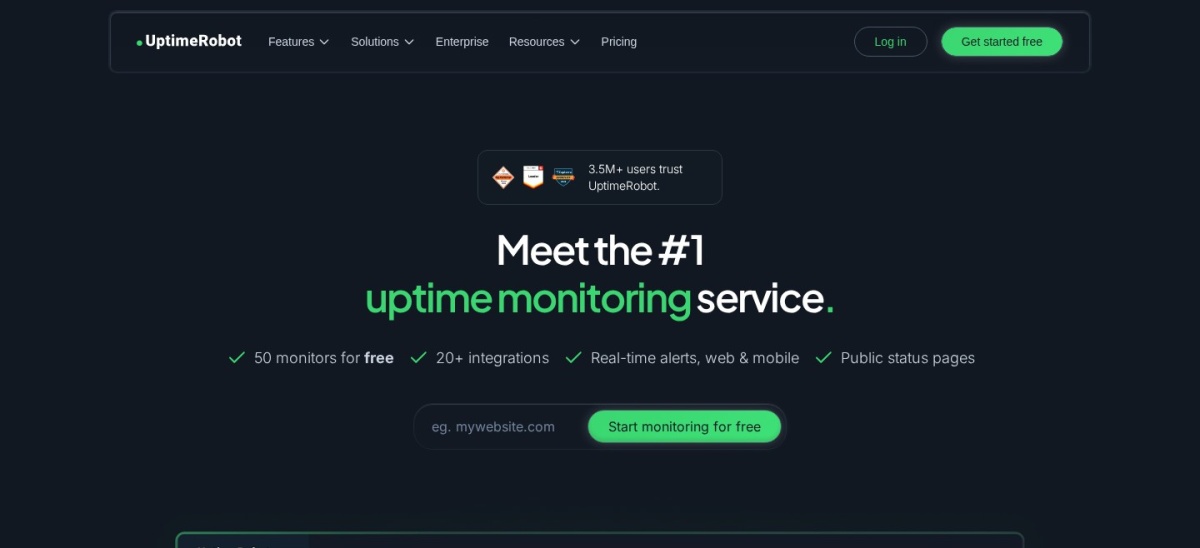
UptimeRobot is a hosted uptime monitor with the most generous free plan in this list: 50 monitors checked every 5 minutes, with HTTP, ping, port, keyword, DNS and SSL checks, plus one basic status page. Paid plans add faster checks, more monitor types and more status pages.
The trade off is the monitor count on paid plans. Solo costs $13 a month but covers only 10 monitors, fewer than the free plan, so it only makes sense if you need 60-second checks. It suits small portfolios that want a free start and a cheap upgrade path.
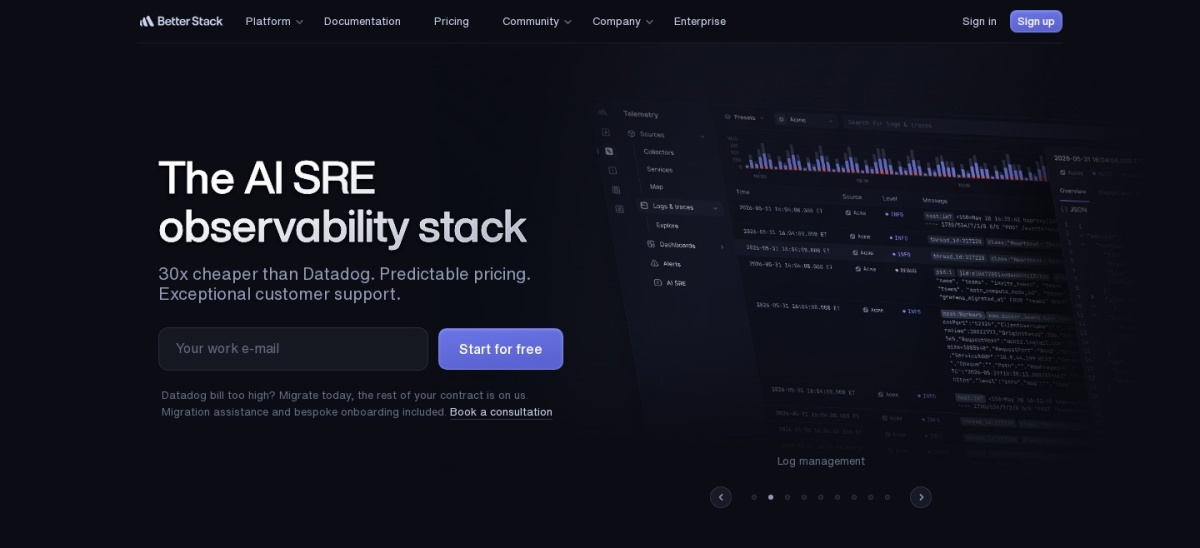
Better Stack is an observability platform that combines uptime monitoring with incident management, on-call schedules, logs and status pages. The free plan covers 10 monitors and 10 heartbeats for personal projects, with 3-minute checks and one status page.
The trade off is the price model. Paid access is a responder licence at $34 a month, or $29 billed yearly, and extra monitors cost $21 a month per 50. It suits small teams that want monitoring, paging and status pages in one bill.
What we like
Monitoring, on-call and status pages in one product
Unlimited phone and SMS alerts on paid plans
Free plan includes heartbeats and logs
Watch out for
Paid plans are priced per responder, not per monitor
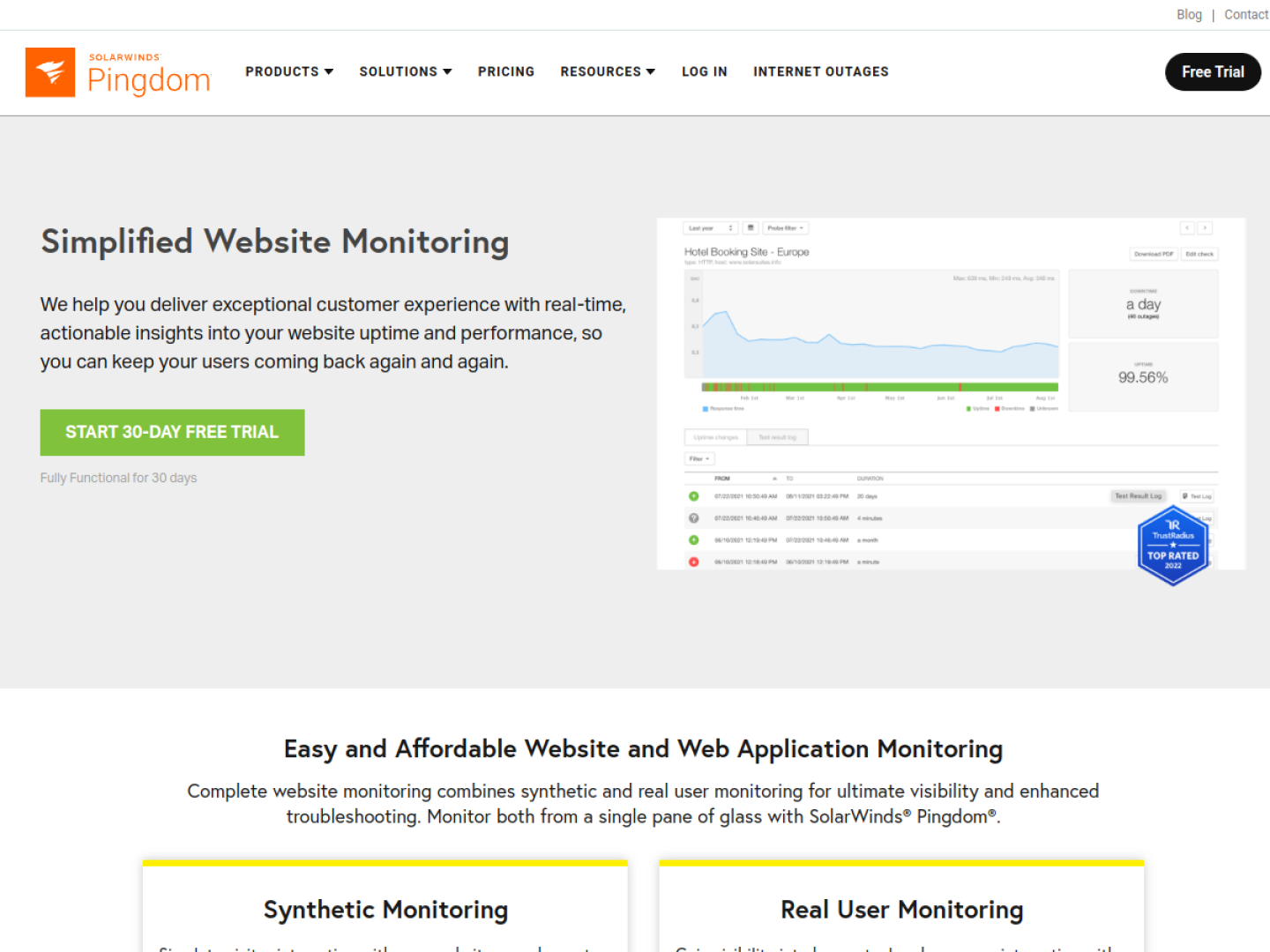
Pingdom is the longest-running monitor in this list, owned by SolarWinds, with uptime checks from more than 100 probe locations, transaction checks in a real browser, page speed checks and real user monitoring. There is no free plan, only a 30-day trial.
The trade off is price. Synthetic monitoring starts at $18 a month for 10 uptime checks, and real user monitoring is priced separately. It suits teams that need transaction checks and real user data, and can pay for the established name.
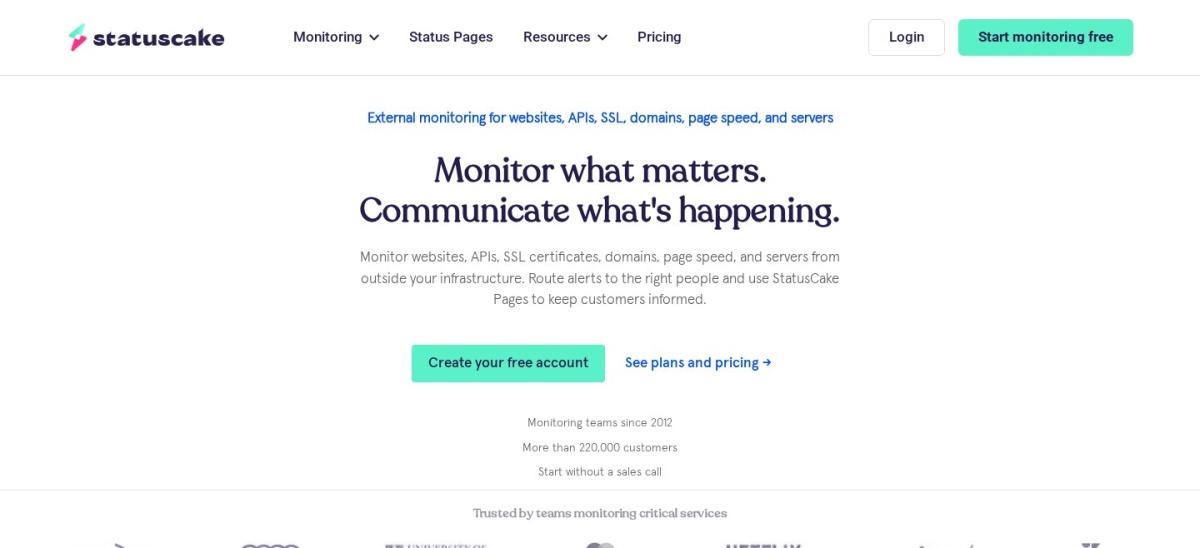
StatusCake is a monitoring service that covers uptime, page speed, domain expiry and SSL certificates in one account. The free plan includes 10 uptime monitors at 5-minute intervals, plus 1 page speed, 1 domain and 1 SSL monitor.
The trade off is the status page. Public status pages are a separate subscription, so the free plan does not include one. Superior costs $24.49 a month for 100 monitors at 1-minute intervals. It suits small teams that want several monitor types without buying extra tools.
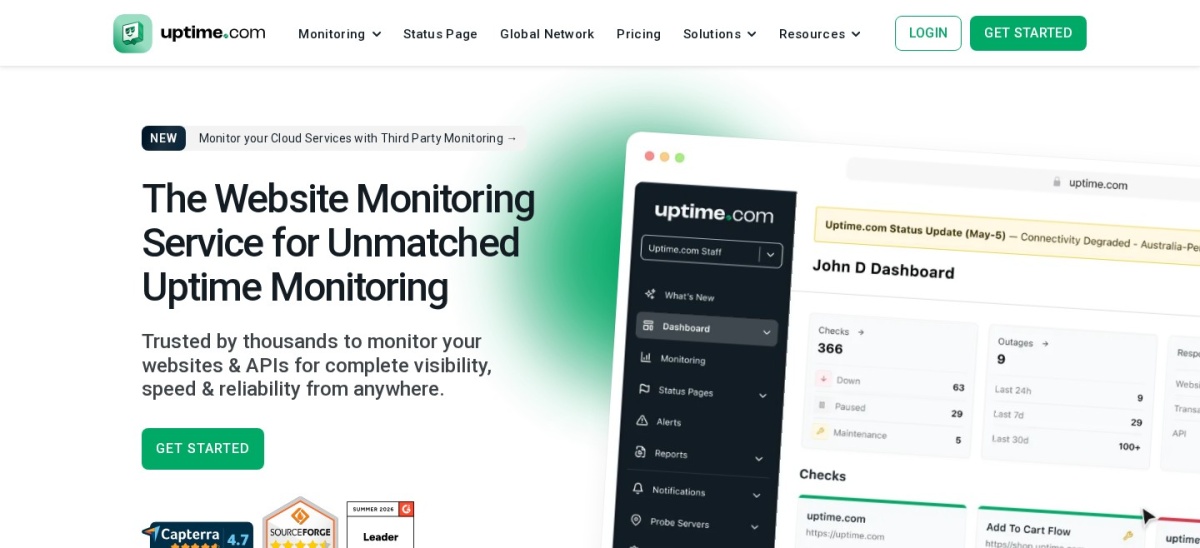
Uptime.com is a monitoring service with 10 basic checks and 1 advanced check on its entry plan, covering HTTP, SSL, DNS, port and ping checks plus transaction, API and page speed monitoring. There is no free plan, but a 14-day trial needs no card.
The trade off is the add-ons. Status pages cost $19 a month extra and real user monitoring $5 a month extra, so the bill grows past the $9 starting price. It suits teams that want advanced checks cheap and can skip the status page.
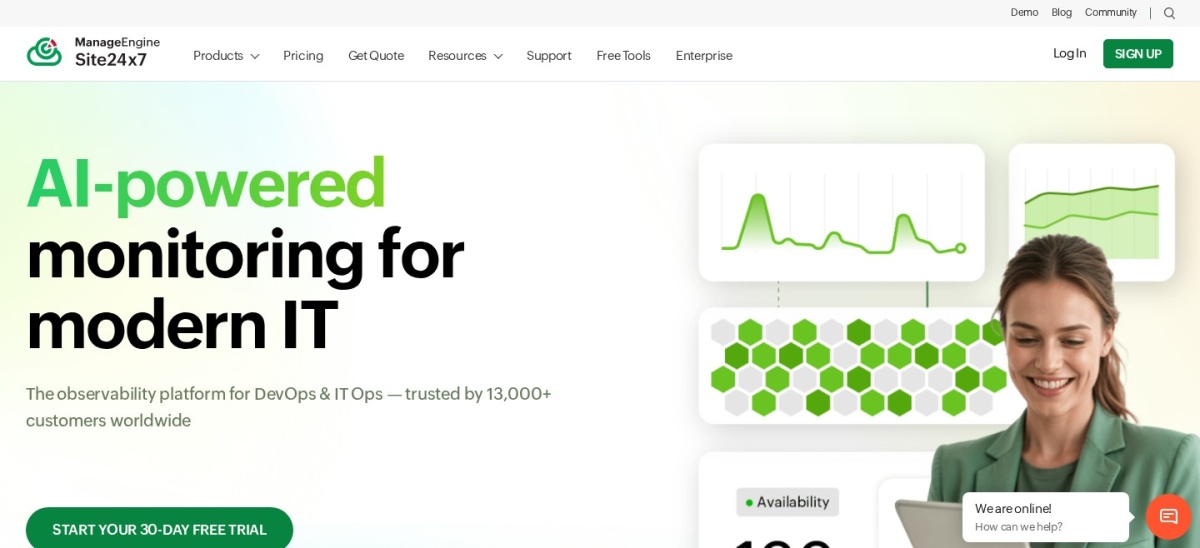
Site24x7 is a full monitoring suite from ManageEngine that covers websites, servers, networks, applications and cloud services in one account. The free plan covers 5 websites or servers, and Starter costs $10 a month for 10 sites with 1-minute checks.
The trade off is scope. Starter covers web uptime only, so server, network and application monitoring sit on higher plans, and the interface packs in a lot. It suits IT teams that expect to grow from uptime checks into full-stack monitoring.
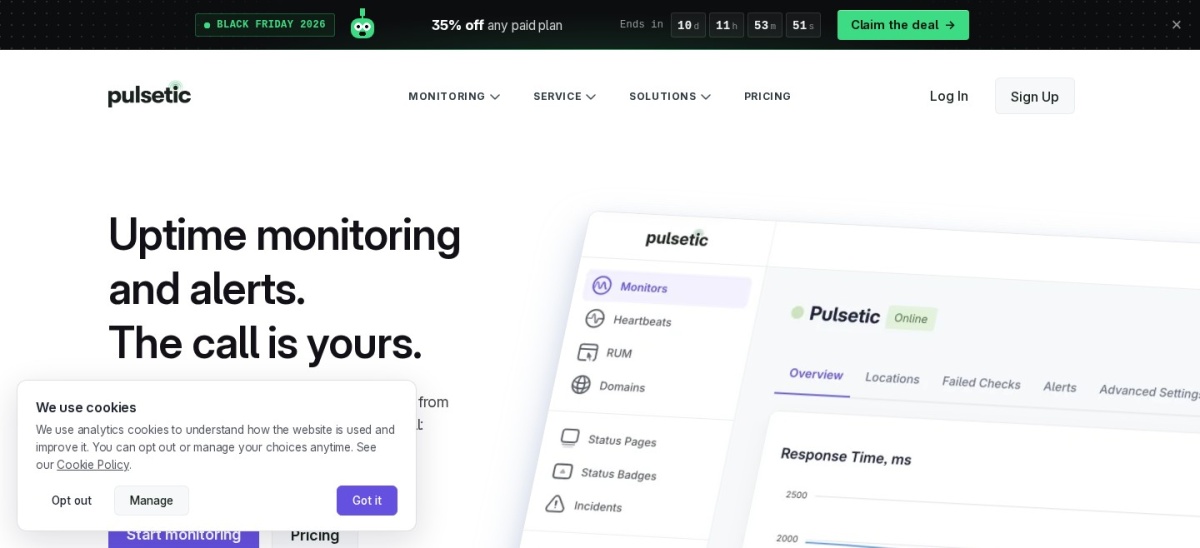
Pulsetic is a low-cost uptime monitor with a free plan covering 10 monitors at 5-minute intervals, checked from 3 regions, with 3 status pages on your own domain. Solo costs $9 a month for 60-second checks and 30 SMS and call alerts.
The trade off is scale. Solo still covers only 10 monitors, and extra teammates cost $8 each a month, so the bill grows with the team. A Black Friday offer cuts the first month to $5.85, but the regular price is $9. It suits small sites that want cheap status pages.
Oh Dear is a website health monitor that watches more than uptime: SSL certificates, broken links, mixed content, DNS records, domain expiry, cron jobs and Lighthouse performance. Every plan includes every feature, and Solo costs $17 a month for 2 sites and servers.
The trade off is the site-count pricing. Adding a third site means a bigger plan, and there is no free plan, only a 10-day trial. It suits agencies that manage client sites and want one report per client without buying extra tools.
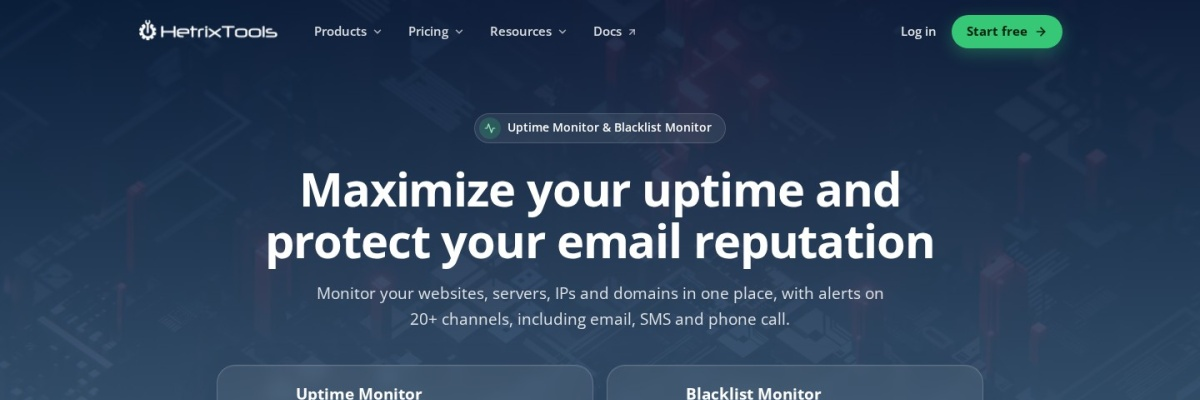
HetrixTools is a low-cost monitor that pairs uptime checks with blacklist monitoring for IPs and domains. The free plan includes 15 uptime monitors and 15 server monitors, all checked every minute, plus 32 blacklist monitors and status pages.
The trade off is speed at the top end. Checks run every minute on every plan, with no 30-second option, and the review base is thin, with 4.5 out of 5 on Trustpilot from 9 reviews. It suits small teams that want 1-minute checks and blacklist alerts for very little money.
Free plans cover the basics well. Most include several monitors, email alerts and a status page, which is enough for a personal site or a small portfolio.
Paid plans mostly add speed and reach. You get 1-minute or 30-second checks, more monitors, SMS and phone alerts, and longer history.
The gap that catches people out is the monitor count. UptimeRobot Solo costs $13 a month but covers only 10 monitors, fewer than its free plan, so count your sites before you pay. Downtime adds up fast: our website downtime statistics show what even short outages cost.
For a site that earns money every day, the cheapest paid plan often costs less than one missed outage. For a hobby site, a free plan is usually enough.
How we chose
We started from the established uptime monitors with public pricing and a track record: UptimeRobot, Pingdom, StatusCake, Better Stack, Uptime.com, Site24x7, Pulsetic, Oh Dear and HetrixTools.
Prices come from each vendor's pricing page, checked on 24 November 2026. Ratings come from G2, except Pingdom, which uses Capterra, and HetrixTools, which uses Trustpilot. Where a vendor shows a sale, the list shows the regular price.
We left out tools with no public pricing and self-hosted monitors that need a server of your own. No vendor paid for a place, and we do not claim hands-on testing for this list.
How to choose an uptime monitoring tool
Count your sites first, then match the plan to how fast you need to know.
Count the sites and services you need to watch. A free plan with 50 monitors fits a portfolio; a free plan with 5 does not. Add APIs and servers to the count, not just home pages.
Pick a check interval you can live with. Five minutes is fine for a hobby site. For a store or a client site, aim for 1-minute checks, which usually means a paid plan.
Check how alerts reach you. Email is standard, but SMS and phone calls wake you at night. See which channels each plan includes before you pay.
Add a status page if visitors need updates. A public status page tells visitors you know about an outage. Some tools include one free; others sell it as a separate add-on.
FAQ
What is the best uptime monitoring tool?
UptimeRobot is the best pick for most sites. Its free plan covers 50 monitors with 5-minute checks, and paid plans start at $13 a month. It is rated 4.7 out of 5 on G2 from 303 reviews.
Is there a free uptime monitoring tool?
Yes. UptimeRobot, Better Stack, StatusCake, Site24x7, Pulsetic and HetrixTools all have free plans. UptimeRobot is the most generous by monitor count, with 50 monitors, while HetrixTools checks every minute on its free plan.
How often should an uptime monitor check my site?
Every minute is a good target for a business site, since a 5-minute interval can miss a short outage. Free plans usually check every 5 minutes, so faster checks are the main reason to pay.
Do I need a status page?
A status page helps when visitors or clients need to know about an outage without emailing support. UptimeRobot, Better Stack, Site24x7, Pulsetic and HetrixTools include one on their free plans.
What is the cheapest uptime monitoring tool?
Pulsetic Solo and Uptime.com both start at $9 a month, and HetrixTools Professional costs $9.95 a month. Pulsetic and HetrixTools have free plans, so start free and pay only when you need faster checks or more monitors.
Does Pingdom have a free plan?
No. Pingdom offers a 30-day free trial, then paid plans start at $18 a month for 10 uptime checks. Real user monitoring is priced separately, so check the pricing page before you commit.