Best Software Development Tools in 2026: 7 Tools Compared
WLWPLegible EditorsLast verified 22 Nov 2026How we rank11 min read
★ Short answer
GitHub is our top software development tool for most teams, offering unlimited repositories and 2,000 monthly CI/CD minutes on its free plan, with Team starting at $4 per user monthly. GitLab is better for integrated DevOps workflows, while Postman specializes in API development and testing.
How we make this list: we compare pricing pages, product documentation and public user reviews, then re-check every price before each update. No product paid for a place. Disclosure.
GitHub offers unlimited public and private repositories with 2,000 monthly CI/CD minutes free. Team costs $4 per user monthly.
GitLab Premium costs $29 per user monthly with annual billing and includes 10,000 monthly compute minutes.
Postman offers free API development tools, while Solo costs $9 monthly with annual billing and includes 400 monthly AI credits.
Jira supports up to 10 users on its free plan, while Standard starts at $8.48 per user monthly.
Docker Pro costs $9 monthly with annual billing, while Bitbucket Standard starts at $3.65 per user monthly.
CircleCI offers up to 6,000 build minutes on Free, with Performance starting at $15 monthly for additional credits.
What makes a good software development tool?
Software development involves more than writing code. Teams need ways to manage source files, review changes, test applications, automate builds and coordinate releases. The right development tools reduce repetitive tasks and make project work easier to track.
Start by identifying the development lifecycle stages your team needs to improve. GitHub and Bitbucket emphasize version control, Postman handles APIs, and CircleCI automates testing and delivery. GitLab combines several development activities in one platform.
Integration matters because development tools rarely work alone. A repository hosting platform should connect with your issue tracker, testing tools and deployment environment. Check existing integrations before committing to a new subscription.
Pay attention to billing units. Some vendors charge per user, while others charge for compute minutes, credits or additional infrastructure. A free plan may cover basic development but become restrictive as your team grows.
Security and collaboration are also important. Branch protection, access controls, automated checks and audit capabilities help teams reduce mistakes while keeping development workflows organized.
GitHub is a Git-based development platform for hosting code, reviewing changes and automating software delivery. Its free plan includes unlimited public and private repositories, 2,000 monthly GitHub Actions minutes, 500 MB of package storage and built-in issue tracking. Developers can collaborate through pull requests, project boards and automated workflows.
The trade off is that advanced repository governance and greater CI/CD allowances require paid subscriptions. Team costs $4 per user monthly, equivalent to $48 yearly, and includes 3,000 Actions minutes and 2 GB of package storage. It suits developers and organizations wanting a central platform for code collaboration.
What we like
Unlimited public and private repositories
Pull requests and code reviews included
GitHub Actions automates builds and deployments
Large integration and developer ecosystem
Free security alerts through Dependabot
Watch out for
Advanced governance requires paid tiers
Additional Actions usage can increase costs
Complex workflows require configuration knowledge
Team adds repository rules, code owners, advanced reviews and more Actions minutes.Visit github.com
02
GitLab
4.5/5on G2 (905 reviews, checked Nov 2026)
Paid from$29/mo
Best for integrated DevOps workflows
Source controlGit repositories
CI/CDIntegrated pipelines
Premium compute10,000 minutes/month
Paid planPremium, $29/user/mo annually
gitlab.com
GitLab homepage, captured Nov 2026.
GitLab is a DevOps platform combining Git repositories, CI/CD pipelines, project planning and code review. Its free tier supports source control and development workflows, while Premium includes 10,000 monthly compute minutes, advanced CI/CD, team project management and priority support. Teams can manage changes from commit through deployment within the same environment.
The trade off is a substantially higher paid entry price than repository-focused alternatives. Premium costs $29 per user monthly with annual billing, equivalent to $348 yearly, while security and compliance features are concentrated in higher tiers. It suits development teams looking to consolidate tools across their delivery lifecycle.
What we like
Source control and CI/CD in one platform
Built-in merge requests and issue tracking
Supports cloud and self-managed deployments
Premium includes advanced project management
Extensive DevOps integration capabilities
Watch out for
Premium is relatively expensive per user
Advanced security features require Ultimate
Configuration can be complex for small teams
Premium adds advanced CI/CD, team project management and priority support.Visit gitlab.com
03
Postman
4.6/5on G2 (1,802 reviews, checked Nov 2026)
Paid from$9/mo
Best for API development and testing
Free API toolsClient, specs and mock servers
Free AI credits100/month
Solo AI credits400/month
Paid planSolo, $9/mo annually
postman.com
Postman homepage, captured Nov 2026.
Postman is an API development platform for creating requests, testing endpoints and managing API documentation. Its free plan includes an API client, specifications, mock servers, native Git and 100 monthly AI credits. Solo increases the allowance to 400 AI credits and adds expanded monitoring and data-driven testing with exports.
The trade off is that team collaboration and organization-level controls require higher subscriptions. Solo costs $9 monthly with annual billing, equivalent to $108 yearly, while Team costs $19 per user monthly with annual billing. It suits API developers and testers who need organized requests, repeatable tests and documentation.
What we like
API client and testing tools available free
Mock servers and specifications supported
Native Git integration
AI assistance for API workflows
Custom-branded documentation on Solo
Watch out for
Team collaboration requires a higher plan
AI credit overages can add costs
Large API collections need careful organization
Solo adds more AI credits, expanded monitoring and data-driven testing.Visit postman.com
04
Jira
4.3/5on G2 (8,093 reviews, checked Nov 2026)
Paid from$8.48/mo
Best for agile development management
Free usersUp to 10
Free storage2 GB
Free automation150 steps/month
Paid planStandard, $8.48/user/mo
atlassian.com
Jira homepage, captured Nov 2026.
Jira is a project and issue tracking platform for software development teams using agile workflows. Its free plan supports up to 10 users, 2 GB of storage and 150 automation steps monthly. Teams can organize work through backlogs, boards, timelines and calendars while managing bugs, features and release priorities.
The trade off is configuration complexity, particularly for teams with custom workflows and detailed permissions. Standard starts at $8.48 per user monthly, equivalent to $101.76 yearly at that monthly rate, and adds greater automation and administrative capabilities. It suits agile teams coordinating development tasks across multiple contributors.
What we like
Free plan supports up to 10 users
Scrum and Kanban workflows
Customizable issue tracking and project views
Integrates with GitHub and Bitbucket
Automation and reporting capabilities
Watch out for
Initial configuration can be time-consuming
Advanced planning requires higher tiers
Pricing increases with additional users
Standard adds expanded automation, storage, permissions and support.Visit atlassian.com
05
Docker Hub
4.6/5on G2 (348 reviews, checked Nov 2026)
Paid from$9/mo
Best for container-based development
Free planDocker Personal
Free image pullsUp to 200/day
Paid subscriptionDocker Pro
Paid plan$9/user/mo annually
docker.com
Docker Hub homepage, captured Nov 2026.
Docker Hub is a container image registry within Docker's development ecosystem. Docker Personal provides Docker Hub access alongside Docker Desktop, Docker Engine, Docker CLI and Docker Compose, with up to 200 image pulls per day. Developers use these tools to package applications and maintain consistent environments across development and deployment.
The trade off is that Docker subscriptions have usage allowances and commercial licensing requirements. Docker Pro costs $9 per user monthly with annual billing, equivalent to $108 yearly, or $11 with monthly billing. It suits developers building and distributing containerized applications across different environments.
What we like
Central registry for container images
Integrates with Docker Desktop and CLI
Supports repeatable development environments
Works with container-based CI/CD pipelines
Free Personal subscription available
Watch out for
Commercial licensing restrictions apply
Image pull and usage limits vary by plan
Container workflows require technical knowledge
Docker Pro expands individual developer allowances and paid Docker services.Visit docker.com
06
Bitbucket
4.4/5on G2 (1,017 reviews, checked Nov 2026)
Paid from$3.65/mo
Best for teams using Atlassian tools
Free usersUp to 5
RepositoriesUnlimited
Free Pipelines minutes50
Paid planStandard, $3.65/user/mo
bitbucket.org
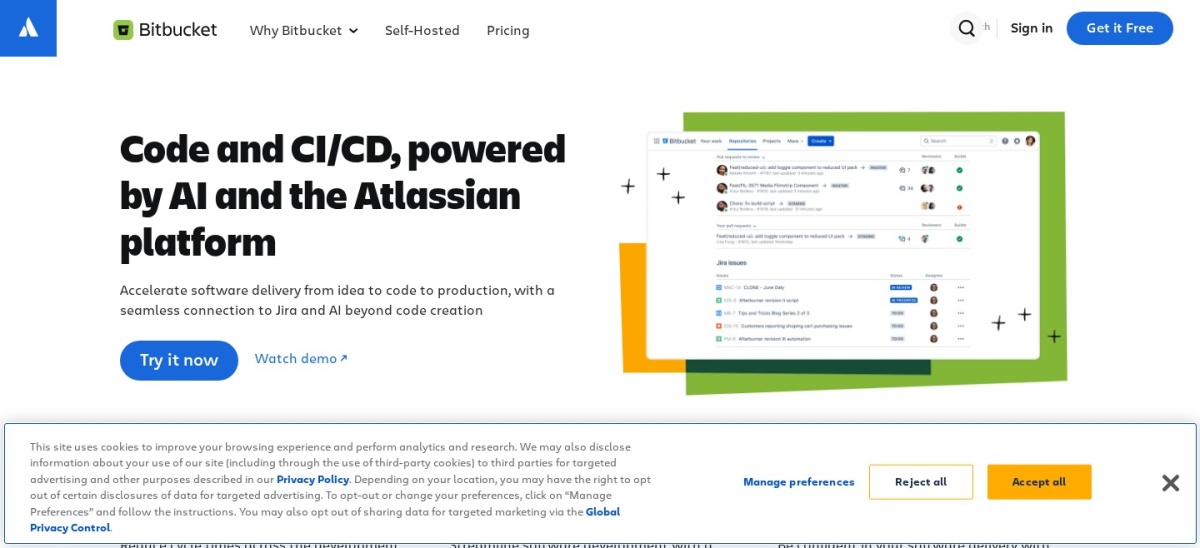
Bitbucket homepage, captured Nov 2026.
Bitbucket is a Git repository hosting platform designed for development teams, particularly those using Jira. Its free plan supports up to 5 users, unlimited public and private repositories, 1 GB of Git LFS storage and 50 monthly Pipelines build minutes. Built-in pull requests help developers review changes before merging.
The trade off is that the free plan has limited CI/CD capacity, while paid billing includes minimum team charges. Standard lists at $3.65 per user monthly, with a $18.25 monthly minimum for up to 5 users. It suits engineering teams already using Jira and wanting connected issue tracking and source control.
What we like
Free repositories for small teams
Close integration with Jira
Built-in Bitbucket Pipelines
Pull requests and branch workflows
Affordable listed per-user Standard rate
Watch out for
Free Pipelines allowance is limited
Standard has a minimum team charge
Advanced security controls require Premium
Standard increases CI/CD and storage allowances and supports paid capacity add-ons.Visit bitbucket.org
07
CircleCI
4.4/5on G2 (511 reviews, checked Nov 2026)
Paid from$15/mo
Best for automated builds and deployments
Free build minutesUp to 6,000
Free active users5/month
Performance credits$15 per additional 25,000
Paid planPerformance, from $15/mo
circleci.com
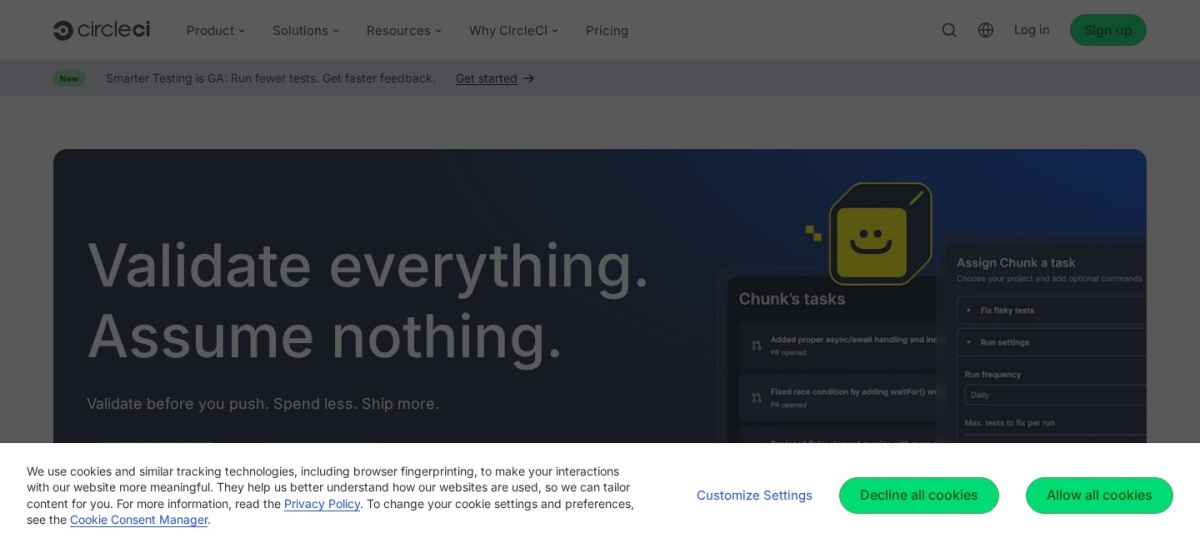
CircleCI homepage, captured Nov 2026.
CircleCI is a continuous integration and delivery platform that automates building, testing and deploying software. Its free plan provides up to 6,000 build minutes, 5 active users and support for Docker, Linux, Windows, Arm and macOS environments. Teams define workflows that run automatically when code changes occur.
The trade off is usage-based billing, which requires monitoring credits and computing resources. Performance starts at $15 monthly, equivalent to $180 yearly at that recurring purchase level, with additional credits purchased in blocks. It suits engineering teams that need specialized CI/CD automation and flexible execution environments.
Source code management tools such as GitHub, GitLab and Bitbucket help teams maintain repository histories, collaborate on branches and review changes before release. They are central to workflows involving multiple developers.
API development tools such as Postman help developers send requests, inspect responses, organize tests and document endpoints. These capabilities are useful for applications that communicate with external services.
Project management tools such as Jira organize development backlogs, bugs, sprints and priorities. They help engineering teams coordinate work, but they do not replace coding environments or source control systems.
Containerization tools such as Docker help package software with its dependencies. CI/CD platforms such as CircleCI automate builds and deployment steps. Combining these categories can create a development workflow from code changes to production delivery.
How to compare software development tool costs
Per-user subscriptions are straightforward to estimate but become more expensive as teams expand. GitHub, GitLab, Jira and Bitbucket publish entry-level prices connected to user counts.
Usage-based products require a different calculation. CircleCI charges for additional credits that cover computing resources and other usage. Docker subscriptions combine licensing and service allowances that depend on the selected plan.
Postman uses subscription tiers with different API development capabilities and AI credit allowances. Larger teams should compare collaboration features and potential overage charges rather than looking only at the individual subscription price.
Before purchasing, estimate repository activity, monthly build minutes, API testing frequency and the number of contributors. Compare those requirements against free allowances and the regular cost of upgrading.
How we chose
We selected established software development platforms across source control, DevOps, API development, issue tracking, containerization and CI/CD. The shortlist prioritizes products with maintained official documentation, active commercial offerings and substantial independent user reviews.
We opened official vendor pricing pages and G2 product review pages on 24 November 2026 for this article dated 22 November 2026. We compared published entry-level paid prices, free-plan allowances, subscription restrictions and review ratings. Monthly costs were annualized for comparison, without assuming usage-based spending remains fixed.
We excluded products lacking verifiable regular pricing or adequate public review evidence. We also excluded development utilities that did not fit the selected buying-guide categories and plans whose paid entry cost could not be established. No vendor paid for a place, and we do not claim testing for this list.
How to choose the best software development tools
Identify the development activities your team needs to improve, then compare features, integrations, pricing and long-term maintenance requirements.
Define the problem before selecting software. Determine whether you need source control, API testing, issue tracking, containers or automated deployments. GitHub and GitLab cover repository workflows, Postman focuses on APIs, and Jira organizes development tasks. Choose tools that address actual bottlenecks.
Check compatibility with your existing stack. Review supported languages, operating systems, hosting environments and integrations. For example, Bitbucket works closely with Jira, while CircleCI connects with Git repositories and supports several execution environments. Avoid tools that require unnecessary migration or duplicated work.
Calculate subscription and usage costs. Multiply per-user charges by your expected team size and include additional compute credits, build minutes, storage and premium features. Free plans can cover initial work, but production teams should estimate requirements after growth.
Evaluate security and collaboration requirements. Compare branch protection, code reviews, permissions, audit capabilities and automated checks. Choose a tool that supports your development process without introducing complicated administration. Review its official documentation and public feedback before committing.
FAQ
What is the best software development tool in 2026?
GitHub is our overall recommendation for most development teams because it combines Git repositories, pull requests, issue tracking and automated workflows. Its free plan includes unlimited repositories and 2,000 monthly CI/CD minutes. GitLab is a stronger alternative when integrated DevOps features are the main requirement.
Which software development tools are free?
GitHub, GitLab, Postman, Jira, Docker Hub, Bitbucket and CircleCI all offer free options. Their allowances vary by users, repositories, computing resources and features. For example, Jira supports up to 10 free users, while Bitbucket supports up to 5. Check the restrictions before selecting a platform.
Is GitHub better than GitLab?
GitHub is a practical choice for repository hosting, collaborative code reviews and GitHub Actions workflows. GitLab integrates source control with broader DevOps capabilities. GitHub Team starts at $4 per user monthly, whereas GitLab Premium costs $29 per user monthly with annual billing. The better option depends on your workflow.
What software development tools should beginners learn?
Beginners should start with Git, a code editor and a source repository platform such as GitHub. Postman becomes useful when learning APIs, while Docker helps developers understand containerized environments. Jira and CircleCI are more relevant when projects require team coordination or automated delivery.
What is the difference between GitHub and Bitbucket?
Both platforms host Git repositories and support code collaboration. GitHub has a broad developer ecosystem and built-in Actions workflows, while Bitbucket integrates closely with Atlassian products such as Jira. Bitbucket's free plan supports up to 5 users, while GitHub offers unlimited public and private repositories.
What is the best tool for API testing?
Postman is our preferred API testing tool in this comparison. Its free plan includes an API client, specifications, mock servers and native Git support. Paid subscriptions expand AI capabilities, monitoring and collaboration. It is especially suitable for developers who regularly build and maintain HTTP APIs.
Do developers need both Docker and CircleCI?
Not necessarily. Docker helps package and run applications in containers, while CircleCI automates development workflows such as building and testing code. They can complement one another, but teams with simpler applications may not need both. Choose based on deployment complexity and automation requirements.
How much does software development software cost?
Entry prices vary by product and billing structure. GitHub Team costs $4 per user monthly, Postman Solo costs $9 monthly with annual billing, and GitLab Premium costs $29 per user monthly with annual billing. CI/CD tools may also charge according to computing usage.
Which software development tools are best for agile teams?
Jira is particularly relevant for sprint planning, backlogs, issue tracking and Kanban workflows. GitHub and GitLab can connect development tasks with source code changes. Agile teams should evaluate how well these systems coordinate tickets, pull requests, reviews and release status.