Best Cloud Based Brainstorming Software in 2026: 7 Tools Compared
WLWPLegible EditorsLast verified 22 Nov 2026How we rank8 min read
★ Short answer
Miro is the top pick for cloud brainstorming with 13,827 G2 reviews and a 4.6 out of 5 rating. Coggle suits budget-minded mind mapping at $5 per month on Awesome, while Mural fits facilitated team workshops starting at $9.99 per month billed annually.
How we make this list: we compare pricing pages, product documentation and public user reviews, then re-check every price before each update. No product paid for a place. Disclosure.
Miro holds a 4.6/5 rating across 13,827 G2 reviews and starts at $8 per member/month billed yearly on Starter.
Coggle offers a free plan with 3 private diagrams and upgrades to Awesome at $5/month for unlimited private maps.
Mural rates 4.6/5 across 1,513 G2 reviews and starts at $9.99/month billed annually on Team+.
Lucidspark holds a 4.7/5 rating across 386 Capterra reviews and lists Individual at $9/month and Team at $10/month.
Whimsical rates 4.6/5 across 189 G2 reviews and starts at $10/month per editor on Pro with 90-day history.
What to look for in cloud brainstorming software
Cloud brainstorming tools range from freeform infinite whiteboards to structured mind maps and live audience pollers. The right choice depends on whether your group sketches rough ideas together or runs repeatable facilitation exercises.
Check how each vendor caps its free tier and counts paid seats. Some tools limit editable boards or monthly items on free plans, while others charge per editor, member, or presenter once teams collaborate regularly.
Export formats, privacy controls, and integration depth also shape day-to-day usefulness. Teams often want private boards, timer or voting tools, and clean exports to PDF, image, or document formats before moving ideas into project trackers.
Billing terms vary across vendors, with some showing annual per-month rates and others listing monthly rates or annual-only commitments. Reviewing seat rules early helps avoid unexpected renewals as a team grows.
Miro is a cloud visual collaboration platform with an infinite canvas, 7,000+ templates, and 250+ integrations. The free plan includes 3 editable boards, 25 AI credits per member per month on Starter, and tools like Docs, Tables, Timelines, Kanban, and Slides.
The trade off is that paid Starter access starts at $8 per member per month billed yearly, and larger boards can feel heavy. It suits distributed product and cross-functional teams that keep boards alive across planning stages.
What we like
Large template library with 7,000+ boards and frameworks
Supports 250+ integrations and formats like Docs, Kanban, and Slides
Free plan available with 3 editable boards
Includes facilitation tools like timer and voting on Starter
Watch out for
Free plan caps active editing at 3 boards
Dense boards can feel busy or resource-heavy to navigate
AI credits are metered on entry tiers
Starter adds unlimited and private boards, visitor editing, high-res exports, and timer and voting tools.Visit miro.com
02
Coggle
4.7/5on G2 (12 reviews, checked Nov 2026)
Paid from$5/mo
Best for fast, low-cost mind mapping
Free tier3 private diagrams
Entry paid planAwesome ($5/mo)
Diagram focusMind maps and flowcharts
CollaborationReal-time co-editing
coggle.it
Coggle homepage, captured Nov 2026.
Coggle is a browser-based mind mapping and flowchart tool built for quick branching notes and real-time group editing. Its free plan includes 3 private diagrams, unlimited public diagrams, revision history, and PDF, image, and Visio exports.
The trade off is that the Awesome plan costs $5 per month for unlimited private diagrams and extra shapes, and complex maps lack full whiteboard depth. It suits students, educators, and small teams that want straightforward mind maps.
What we like
Low entry price at $5 per month on Awesome
Free plan includes real-time collaboration and exports
Lightweight browser setup with quick branching
Watch out for
Free plan limits private diagrams to 3
Fewer layout and presentation controls than full whiteboards
SAML SSO requires the higher Organisation plan
Awesome adds unlimited private diagrams, more item shapes, line path and style controls, and link or QR collaboration.Visit coggle.it
03
Mural
4.6/5on G2 (1,513 reviews, checked Nov 2026)
Paid from$9.99/mo
Best for facilitated workshops and structured sessions
Free tier3 editable murals
Entry paid planTeam+ ($9.99/mo billed yearly)
Templates250+ templates
FacilitationTimer, voting, private mode
mural.co
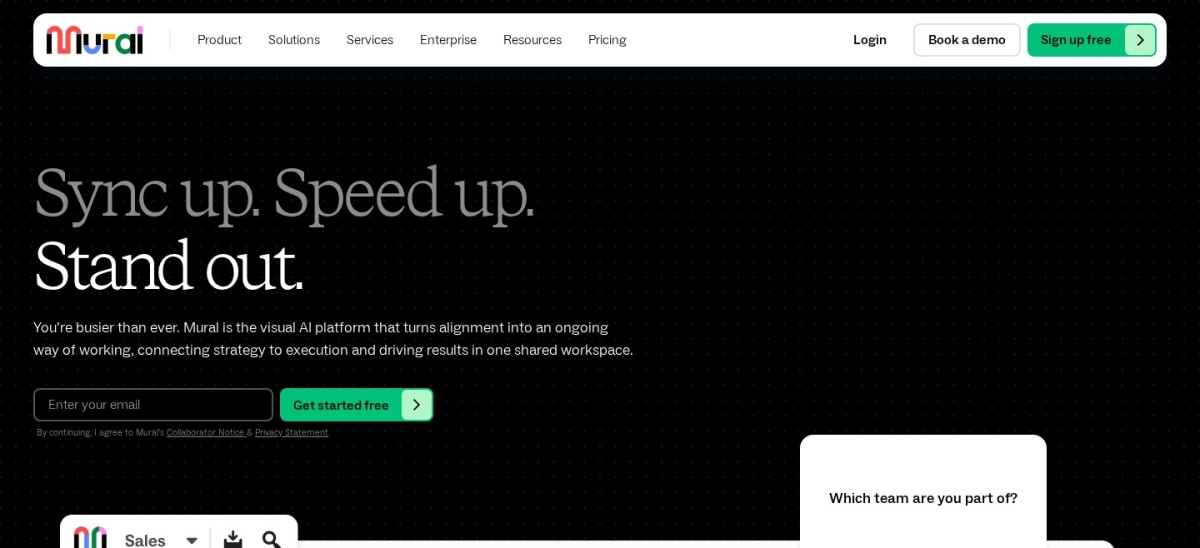
Mural homepage, captured Nov 2026.
Mural is a visual collaboration workspace built around structured group sessions, 250+ templates, and facilitation controls. The free plan includes 3 editable murals and 1 workspace, while Team+ adds unlimited editable murals and open or private rooms.
The trade off is that Team+ starts at $9.99 per month billed annually, or $12 billed monthly, and guests are not included until Business. It suits facilitators, trainers, and teams running guided ideation workshops.
What we like
Purpose-built facilitation controls including voting, timer, and private mode
Includes 250+ templates and custom template creation
Free plan supports unlimited members on up to 3 murals
Watch out for
Entry Team+ plan costs more than several basic mind-map tools
Unlimited guests start on the Business plan
Menus and controls can take time for occasional users
Team+ adds unlimited editable murals, open and private rooms, and standard chat and email support.Visit mural.co
04
Lucidspark
4.7/5on Capterra (386 reviews, checked Nov 2026)
Paid from$9/mo
Best for moving brainstorms into diagrams
Free tierLimited basic features
Individual plan$9/mo
Team plan$10/mo
Integrations50+ integrations
lucid.co
Lucidspark homepage, captured Nov 2026.
Lucidspark is a cloud virtual whiteboard designed for freeform ideation, sticky-note clustering, and group planning alongside Lucid diagramming tools. It offers a free tier with basic access, followed by Individual at $9 per month and Team at $10 per month.
The trade off is that the free tier restricts board capacity, and teams wanting full multi-user controls move to the Team tier. It suits product, agile, and consulting teams already working in the Lucid ecosystem.
What we like
Pairs freeform brainstorming boards with structured diagramming workflows
Supports 50+ integrations including Jira, Asana, and Confluence
Offers clear individual and team entry options
Watch out for
Free plan limits editable documents and shapes
Newer facilitators may need time to learn all board tools
Higher pricing than lightweight mind-map alternatives
Individual unlocks unlimited documents and shapes plus premium templates, while Team adds team collaboration features.Visit lucid.co
05
Whimsical
4.6/5on G2 (189 reviews, checked Nov 2026)
Paid from$10/mo
Best for clean flowcharts, wireframes, and mind maps
Free tier50 board objects & 50 doc blocks/mo
Entry paid planPro ($10/mo per editor)
Version history90 days on Pro
Storage100 GB total on Pro
whimsical.com
Whimsical homepage, captured Nov 2026.
Whimsical is a cloud workspace for mind maps, flowcharts, wireframes, and docs that keeps visuals tidy without heavy setup. Its free plan includes up to 50 board objects and 50 doc blocks per month, unlimited viewers, and 7-day version history.
The trade off is that Pro starts at $10 per month per editor, and free exports carry a watermark. It suits product managers and designers who want clean flows and wireframes quickly.
What we like
Clean, consistent visual style for flows, wireframes, and mind maps
Free plan allows unlimited viewers and includes 10 one-off AI credits
Pro includes 90-day version history and 100 GB storage
Watch out for
Monthly object and block caps apply on the free plan
Free exports include a watermark
Less suited to sprawling multi-project whiteboards than Miro
Pro removes monthly object and block caps, drops export watermarks, and adds 90-day version history and 100 GB storage.Visit whimsical.com
06
Creately
4.4/5on Capterra (220 reviews, checked Nov 2026)
Paid from$8/mo
Best for data-linked diagrams and visual planning
Free tierUp to 45 shapes per diagram
Entry paid planPro ($8/mo per editor billed monthly)
ExportsPDF, SVG, PNG, and JPEG on Pro
Data linking1 daily-refreshed source on Pro
creately.com
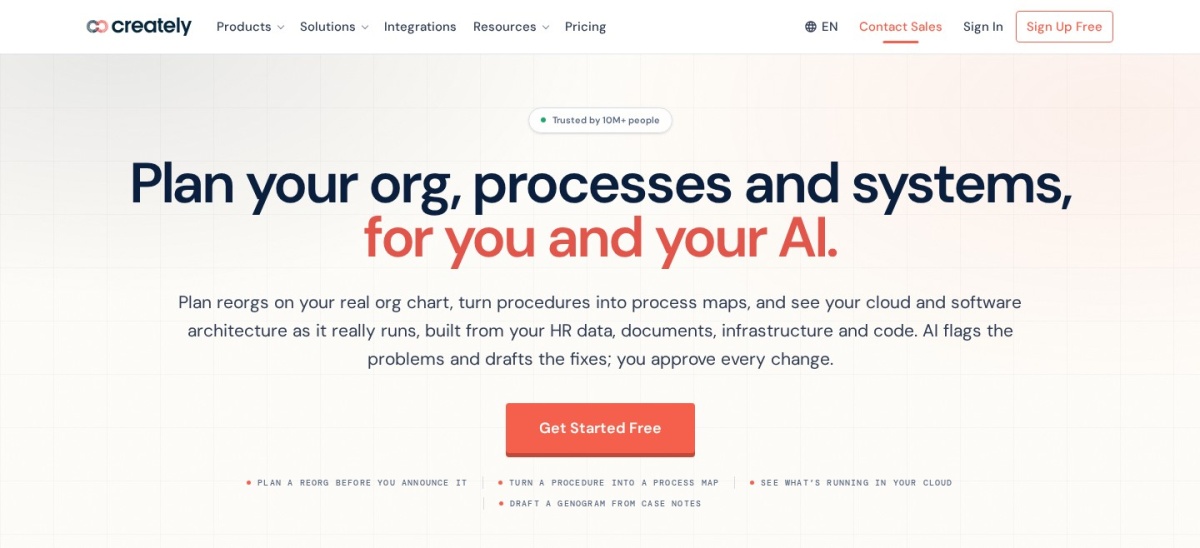
Creately homepage, captured Nov 2026.
Creately combines an infinite canvas and real-time whiteboard collaboration with diagramming and connected data sources. The free plan includes real-time collaboration and up to 45 shapes per diagram, while Pro starts at $8 per editor per month billed monthly.
The trade off is that complex diagrams can feel cluttered as they scale, and team admin controls sit on higher plans. It suits teams turning structured ideas into process maps, workflows, and data-backed visuals.
What we like
Free plan includes real-time collaboration across diagram types
Pro supports PDF, SVG, PNG, and JPEG exports plus unlimited shapes
Connects diagrams to external data sources
Watch out for
Free tier caps diagrams at 45 shapes and omits vector/PDF export
Large or dense canvases can become harder to manage
Role management and audit logs require the Business plan
Pro unlocks unlimited shapes and diagrams, PDF and SVG exports, private links, and one daily-refreshed data source.Visit creately.com
07
Mentimeter
4.7/5on G2 (788 reviews, checked Nov 2026)
Paid from$14/mo
Best for live group polls, Q&A, and word clouds
Free tierUp to 50 participants/mo
Entry paid planBasic ($14/mo per presenter yearly)
Question typesWord clouds, polls, quizzes, Q&A
ExportsExcel and PDF on Basic
mentimeter.com
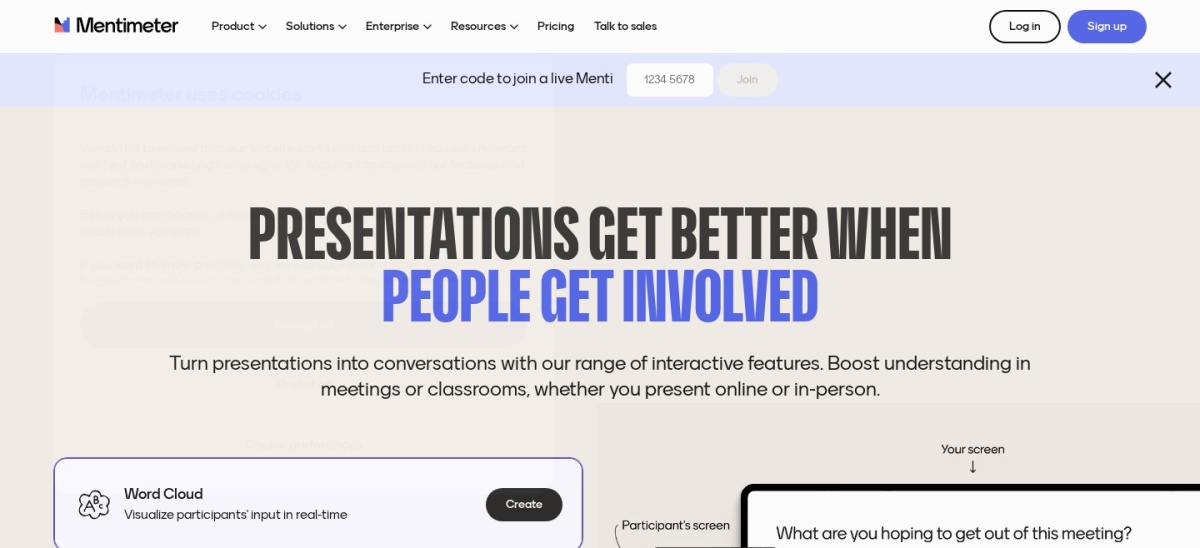
Mentimeter homepage, captured Nov 2026.
Mentimeter is a cloud presentation and audience-interaction platform built for collecting live ideas via word clouds, polls, Q&A, and quizzes. The free plan covers up to 50 participants per month, while Basic starts at $14 per presenter per month billed yearly.
The trade off is that Basic and Pro are billed yearly rather than month-to-month, and the free tier caps monthly participants. It suits team leads, trainers, and speakers gathering structured input from groups in real time.
What we like
Fast participant join flow for live word clouds, polls, and Q&A
Free plan includes Menti AI and up to 50 participants per month
Basic unlocks unlimited participants plus Excel and PDF exports
Watch out for
Basic and Pro plans require annual billing
Free plan limits monthly participant volume
Less suited to freeform spatial whiteboarding than Miro or Mural
Basic adds unlimited participants, slide imports from PowerPoint, Keynote, or PDF, and Excel and PDF result exports.Visit mentimeter.com
Infinite canvases vs. structured group input
Freeform whiteboards like Miro, Mural, and Lucidspark work best when people need space to place sticky notes, group themes visually, and map relationships over time. They give teams room to explore messy ideas before deciding what to keep.
Live polling tools like Mentimeter and structured mind mappers like Coggle or Whimsical solve a narrower problem. They keep large groups focused on specific prompts or turn branches into clean diagrams without cluttering a wide canvas.
How we chose
We selected well-known cloud brainstorming tools across whiteboards, mind mapping, diagramming, and live group ideation so readers can match the format to their workflow.
Every rating, review count, and entry price was checked on 22 Nov 2026 from each vendor's official pricing or product page and established software review directories.
We excluded tools lacking transparent entry pricing, inactive or niche options with minimal public review traction, and setups that did not fit cloud brainstorming. No vendor paid for a place, and we do not claim testing for this list.
How to choose cloud brainstorming software
Follow four practical checks before committing seats to a cloud brainstorming tool.
Match the canvas style to how your group thinks. Pick an infinite whiteboard for open-ended clustering, a mind mapper for hierarchical branches, or a polling tool for live group prompts.
Check free tier caps against real session size. Count how many active boards, objects, private maps, or monthly participants your team needs before upgrading.
Verify per-seat and billing rules for occasional contributors. Confirm whether viewers or guests are free and whether the entry paid plan bills monthly or annually.
Test how ideas move into your next workflow. Look for the exports, templates, and integrations your team actually uses once a brainstorming session wraps up.
FAQ
What is the best cloud brainstorming tool overall?
Miro is a strong default pick for teams wanting an all-in-one cloud whiteboard, backed by a 4.6/5 rating across 13,827 G2 reviews and 7,000+ templates. Its Starter plan starts at $8 per member per month billed yearly.
Which cloud brainstorming tool is best on a tight budget?
Coggle is a budget-friendly choice for mind mapping, offering a free plan with 3 private diagrams and unlimited public ones. When you need unlimited private diagrams, the Awesome plan is $5 per month.
Should we pick a visual whiteboard or a mind mapping tool?
Choose a visual whiteboard like Miro or Mural if your team mixes sticky notes, diagrams, and group exercises on one board. Choose a mind mapping or diagramming tool like Coggle or Whimsical when linear branches or flows matter most.
Are free plans enough for regular team brainstorming?
Free plans work well for trials or small sessions, but most cap editable boards, private diagrams, objects, or monthly participants. Teams that run recurring sessions usually upgrade for unlimited boards, history, or exports.
How do seat-based pricing models affect team costs?
Most cloud collaboration tools charge per active editor, member, or presenter rather than per viewer. Always check whether guests or occasional participants count toward paid seats before adding collaborators.
Can we use live audience polls for brainstorming?
Yes, tools like Mentimeter let groups submit ideas via word clouds, polls, and Q&A during meetings or workshops. They work best for structured prompts with large groups rather than open-ended spatial boards.