Yodeck is the best digital signage company for most buyers, with one free screen and paid plans from eight dollars per screen a month. Pick OptiSigns for the widest hardware support, ScreenCloud for workplace communications, or CrownTV if you want screens, software and installation from one vendor.
How we make this list: we compare pricing pages, product documentation and public user reviews, then re-check every price before each update. No product paid for a place. Disclosure.
Yodeck is the best all-round pick: 4.7 out of 5 on G2 from 3,348 reviews, one free screen, $8 per screen a month.
OptiSigns runs on the widest hardware range, with 100-plus apps and 3,959 G2 reviews.
ScreenCloud is the corporate pick, with dashboards, single sign-on and its own $95 PIXI player.
Xibo is the cheapest cloud option at $4.90 per display a month, and its software is free to self-host.
CrownTV is the only full-service company here: screens, software and installation from $2,950 per screen.
What matters when choosing a digital signage company
Digital signage companies fall into three groups: software platforms you run yourself, full-service providers that sell, install and support everything, and hardware makers whose players run other companies' software. This list covers all three, because the right buy depends on how much work you want to do yourself.
Price is usually per screen per month for software, from $4.90 for Xibo Cloud to $20 for ScreenCloud Core. Full-service providers charge per screen installed, starting around $2,950 with CrownTV, while hardware players such as BrightSign start at about $380 per screen before any software.
Check the review base, not just the score. Yodeck and OptiSigns each have more than 3,000 G2 reviews, while CrownTV has two Capterra reviews and BrightSign has eight on G2, so their scores say far less.
Hardware lock-in is the costly mistake. A platform tied to one player means replacing players if you switch, while OptiSigns and Xibo run on hardware you already own.
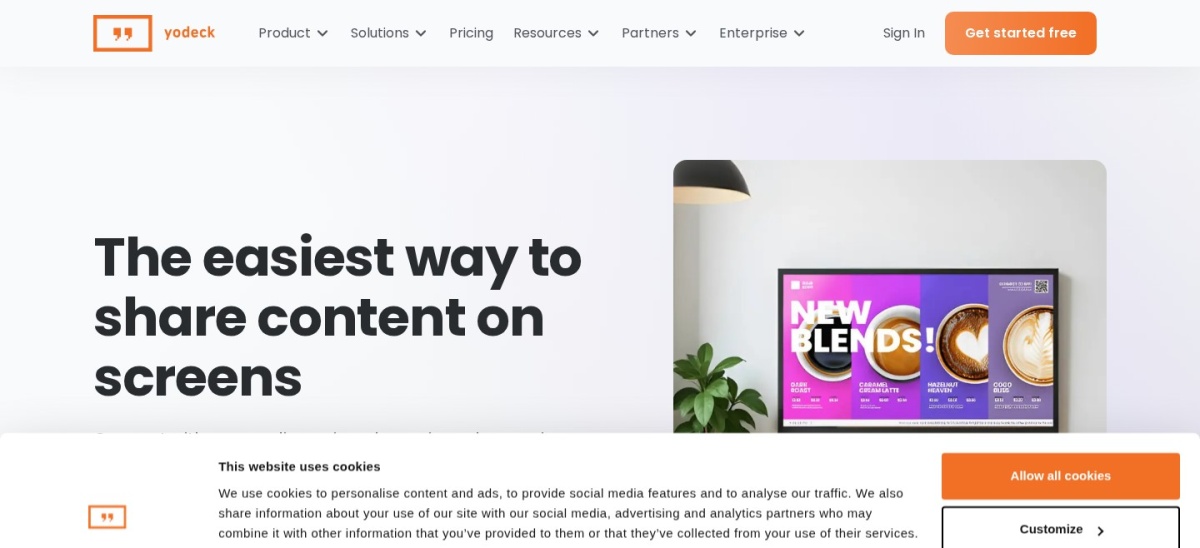
Yodeck is a cloud digital signage platform for designing, scheduling and remotely managing displays from one dashboard. Its free plan covers one screen with unlimited users, while Basic at $8 per screen a month adds 800-plus templates, 147 apps and a layout editor, with a free Raspberry Pi player on annual plans.
The trade off is hardware and scale. Yodeck works best with its own player, and the per-screen price adds up fast: 50 screens cost $4,800 a year on Basic. It suits small businesses, restaurants and growing networks that want straightforward content management without complex setup.
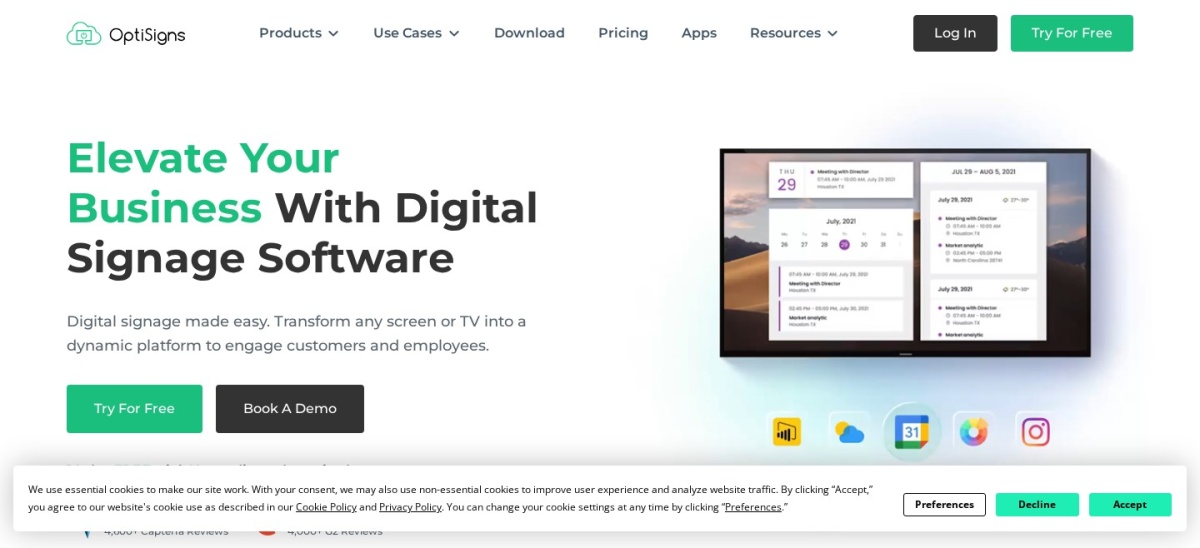
OptiSigns is a cloud digital signage platform for remotely publishing promotions, announcements, menus and information displays. Standard costs $10 per screen a month and includes playlists, content scheduling, templates, feeds and access to 100-plus apps, with support for the widest range of players and smart TVs.
The trade off is that the bill grows with features. Advanced engagement, interactive experiences and enterprise workflows need higher plans, and the free tier covers three screens with OptiSigns branding. It suits retailers and restaurants that update promotional content often across many screens.
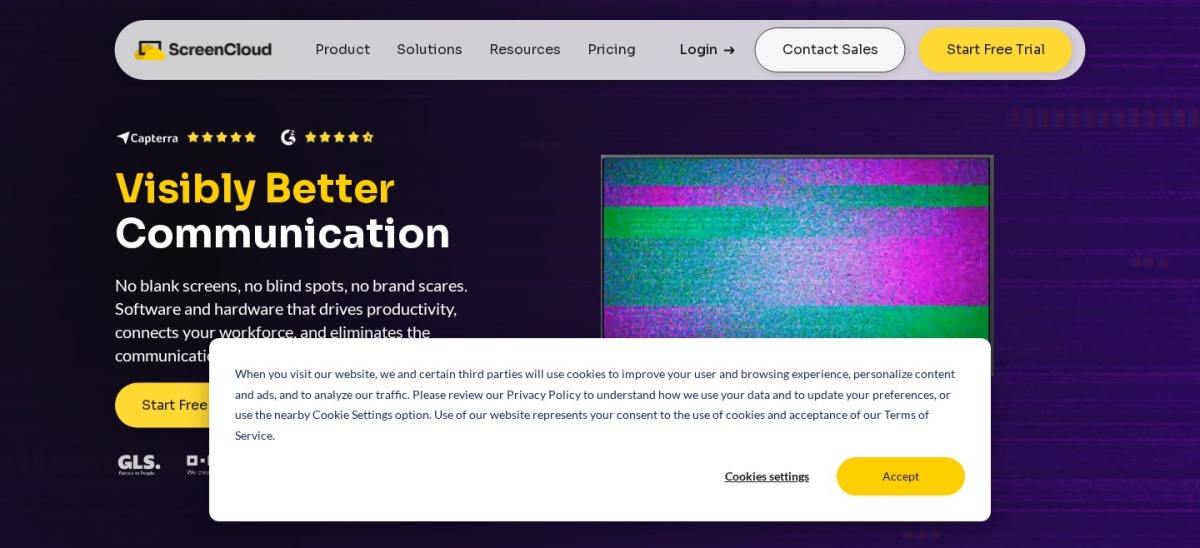
ScreenCloud is a digital signage platform for managing workplace announcements, employee communications, dashboards and information across connected displays. Its Core plan starts at $20 per screen a month with annual billing and includes ScreenCloud Studio, 80-plus apps and its own PIXI player at $95 per device.
The trade off is price. Core costs $240 per screen a year, two to three times Yodeck, and there is no permanent free plan, only a 14-day trial. It suits HR, operations and IT teams that need centrally managed communications with single sign-on and audit logs.
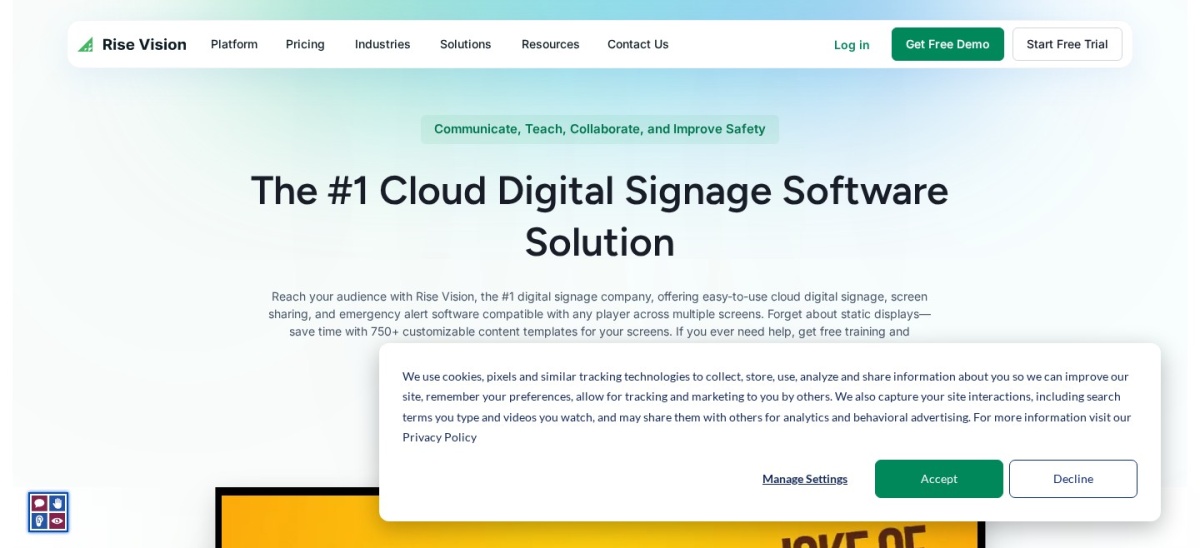
Rise Vision is a digital signage platform focused on announcements, schedules and information across educational and organizational screens. Its Basic plan starts at $11 per display a month and includes 750-plus templates, unlimited content storage, unlimited users, playlists, scheduling and offline playback.
The trade off is that safety features cost more. Emergency alerts, scheduling overrides and some administrative integrations need Advanced or Enterprise plans. It suits schools, campuses and organizations that want ready-made presentations and centrally managed announcements.
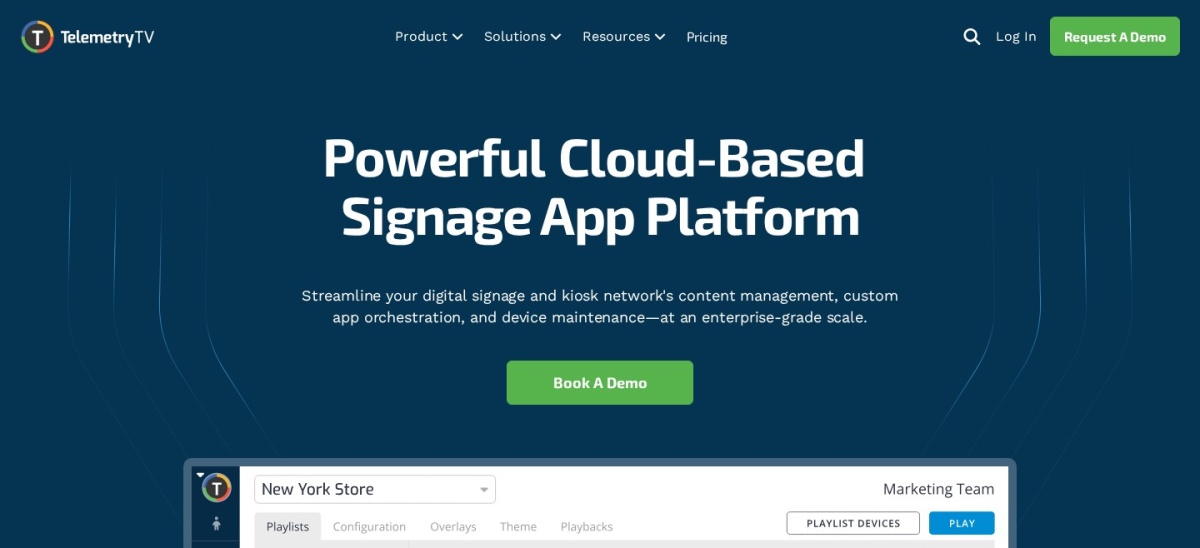
TelemetryTV is a digital signage platform for publishing scheduled content, dashboards and information across connected displays. Its Entry plan starts at $8 per device a month and includes 70-plus turnkey apps, video storage, playlist scheduling, screen zones and Canva, with no minimum device requirement.
The trade off is that management depth costs more. Core at $13 per device a month adds the controls larger fleets need, and there is no permanent free plan. It suits operations teams and offices that need app-based content and flexible screen layouts for dashboards.
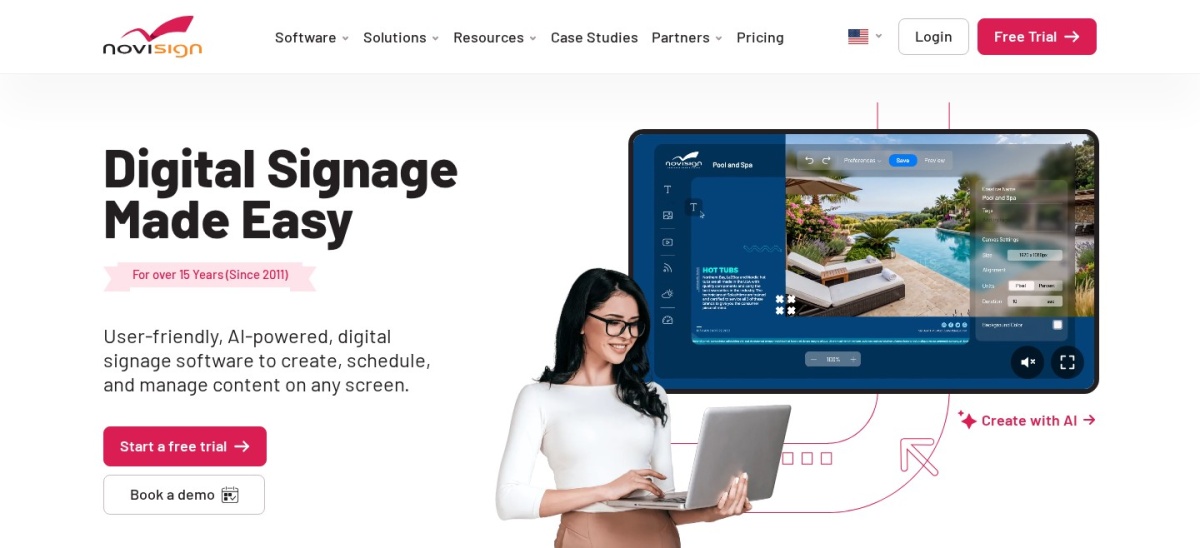
NoviSign is a cloud digital signage platform for creating and publishing content through an online design studio. Its Business plan starts at $14 per screen a month with annual billing and includes 500-plus templates, drag-and-drop widgets, content scheduling, monitoring and support.
The trade off is per-display licensing. Each display needs its own player license, so costs rise with every screen, and the G2 base is small at 47 reviews. It suits teams that want to build menus, announcements and promotional layouts without specialist design software.
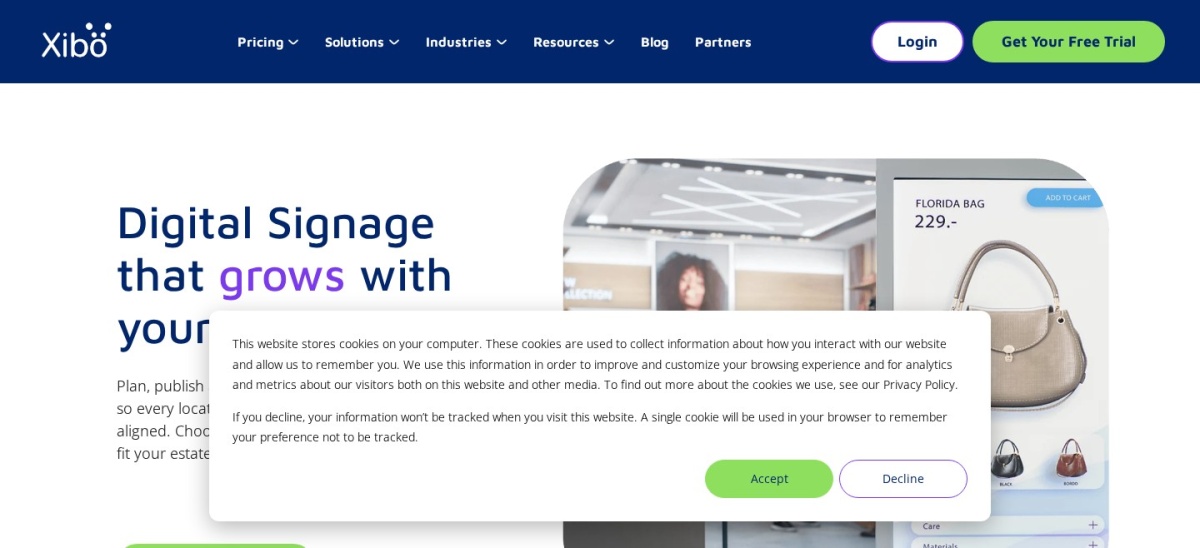
Xibo is an open-source digital signage content system with a cloud-hosted option and a free self-hosted core. Xibo Cloud Professional costs $4.90 per display a month for US visitors and includes hosting, proof of play and offline playback, while the self-hosted CMS costs nothing but needs your own server.
The trade off is effort and currency. Self-hosting needs IT skills, and cloud prices are listed in pounds, so the US dollar figure varies by visitor. It suits IT-led organizations that want an open-source system and low per-screen costs.
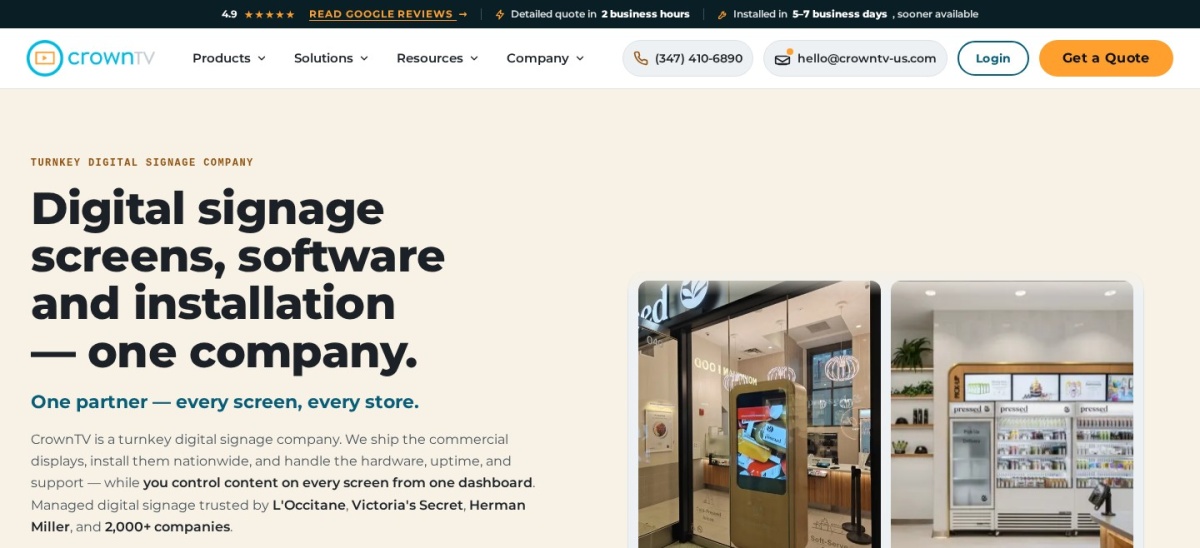
CrownTV is a full-service digital signage company that sells, installs and runs screens end to end. It ships commercial displays, installs them nationwide and handles hardware, uptime and support, while customers control content from one dashboard. Installed packages run from $2,950 to $9,950 per screen.
The trade off is price and proof. Full service costs far more than software alone, and CrownTV has only two Capterra reviews, both 5.0, so there is little independent feedback. It suits multi-site brands that want one vendor accountable for every screen.
BrightSign is a hardware-led digital signage company known for purpose-built media players, with more than 3 million players sold. Players run BrightSignOS and drive one or two displays, with free remote control through BrightSign Control, and they run more than 100 third-party content systems.
The trade off is cost and software. Every screen needs a player from about $380, and the paid content tier was last listed at $139 per player a year, with current prices by quote. It suits venues where a player must run for years without a reboot.
Software platforms are cheaper and faster to start: one screen is free on Yodeck, and paid plans start at $4.90 a screen a month.
Full-service companies cost more up front but handle displays, mounts, installation and support, which suits multi-site rollouts with no in-house AV team.
Hardware-led buys suit venues where a player must run for years without a reboot, such as transport hubs and stadiums.
How we chose
We started from the digital signage companies most often named in 2026 buyer guides, then kept those with a verifiable rating on G2 or Capterra and a published price or installed price.
Prices come from each vendor's own site or published price lists, checked on 25 November 2026, with second-hand prices flagged in the notes. Ratings and review counts come from G2 or Capterra on the same day.
We left out companies with no verifiable rating and quote-only enterprise vendors. No vendor paid for a place, and we do not claim hands-on testing for this list.
How to choose a digital signage company
Start with who does the work, then match the price to your screen count.
Decide how much you want to outsource. Software only is cheapest if your team can mount screens and manage players. Full service suits rollouts with no in-house AV help.
Count screens, then multiply. Per-screen pricing looks small at $8 a month, but 50 screens cost $4,800 a year on Yodeck and $12,000 on ScreenCloud.
Check the hardware you already own. OptiSigns and Xibo run on TVs and players you have, while Yodeck works best with its own Raspberry Pi player.
Trial before you commit. Most platforms in this list offer a free plan or a 14-day trial. Put real content on one screen for a week first.
FAQ
What is the best digital signage company?
Yodeck is the best pick for most buyers. It is rated 4.7 out of 5 across 3,348 G2 reviews, one screen is free, and paid plans start at $8 per screen a month with a free player on annual plans.
How much does digital signage cost per screen?
Cloud software runs from $4.90 to $20 per screen a month, before displays and players. Full-service installation starts around $2,950 per screen with CrownTV, and a BrightSign player starts at about $380 per screen.
Is there a free digital signage platform?
Yes. Yodeck is free for one screen, OptiSigns is free for three screens with its logo, and Xibo's content system is free to self-host. ScreenCloud, Rise Vision, TelemetryTV and NoviSign offer trials instead of free plans.
What is the difference between Yodeck and OptiSigns?
Yodeck is cheaper at $8 per screen a month and works best with its own Raspberry Pi player, while OptiSigns costs $10 and runs on the widest range of hardware, with 100-plus apps. Both are rated 4.7 out of 5 on G2.
Do I need a media player for digital signage?
It depends on the platform. Yodeck includes a player with annual plans, ScreenCloud sells its PIXI player for $95, and BrightSign sells dedicated players from about $380. OptiSigns and Xibo can run on smart TVs and hardware you already own.
Which digital signage company is best for schools?
Rise Vision is the best pick for schools, with 750-plus templates, unlimited content storage and emergency alerts on paid plans. Its Basic plan starts at $11 per display a month, and it is rated 4.7 out of 5 on G2.
SaaS SEO and WordPress specialist with about 8 years of experience. Rakib compares WordPress plugins, themes, hosting and software using public pricing, documentation and user reviews. See how we rank.