Adobe Scan is the best document scanner app for most people, with free scanning and OCR from Adobe. Pick ABBYY FineReader for the deepest desktop scanning at about $199 a year, and CamScanner for a free mobile scanner with cloud sync.
How we make this list: we compare pricing pages, product documentation and public user reviews, then re-check every price before each update. No product paid for a place. Disclosure.
Adobe Scan is the best free scanner, with free OCR from Adobe.
ABBYY FineReader is the best paid desktop scanner at about $199 a year.
CamScanner is the best free mobile scanner, with 750M+ downloads.
Adobe Acrobat Pro adds scanning to full PDF editing at $19.99 a month.
VueScan costs $24.95 once and works with old scanners other apps ignore.
What a document scanner should do
A document scanner turns paper into a searchable digital file. The best apps detect page edges, fix perspective, run OCR and save a clean PDF in seconds, all from a phone camera or a desktop scanner.
The tools split into mobile apps and desktop software. Adobe Scan, CamScanner and iLovePDF scan from a phone, while ABBYY FineReader, VueScan and Readiris work with desktop scanners and batch jobs.
Prices range from free to about $199 a year, with one-time licences in between. Free apps cover occasional scanning well, and paid tools add batch OCR and export options. Our guide on document apps covers the writing side of document work.
Check the OCR quality before you commit. A scanner that misreads text creates unusable files, so test every tool on your real documents before you pay.
List prices in each vendor's currency, checked Nov 2026
Adobe ScanFree
CamScannerFree
VueScan$25
iLovePDFFREE$60
Readiris€99
FineReader$199
Acrobat$240
The 7 best document scanner
01
Adobe Scan
4.8/5on G2 (2 reviews, checked Nov 2026)
PriceFree
Best document scanner overall
Cheapest paid planFree
Free planYes, full scanning
OCRYes, built in
PlatformsiOS, Android
adobe.com
Adobe Scan homepage, captured Nov 2026.
Adobe Scan is a free mobile scanner app from Adobe that captures documents, receipts and whiteboards with a phone camera. It detects edges, fixes perspective and runs OCR, then saves a searchable PDF to Adobe Document Cloud.
The trade off is a tiny review base: Adobe Scan holds a 4.8 out of 5 G2 rating from only 2 reviews, so the score says little on its own. Paid plans add more storage and features. It suits anyone who scans a few documents a week for free.
ABBYY FineReader is a desktop scanner and OCR tool with the deepest text recognition in this list. It converts scans, PDFs and photos into editable Word, Excel and searchable PDF files, with batch processing for large archives.
The trade off is price and source: ABBYY does not publish prices on its site, so the $199 figure rests on secondary sources. It suits offices that scan and convert documents every day.
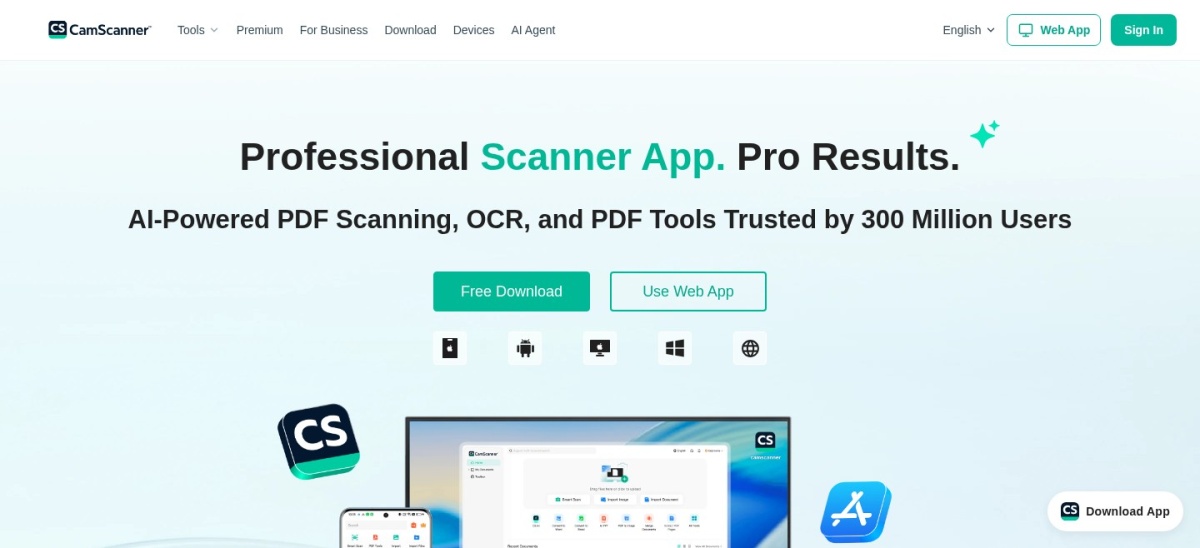
CamScanner is a free mobile scanner app with 750M+ downloads that captures documents, receipts and IDs with a phone camera. It runs OCR, syncs to the cloud and shares PDFs, with a Premium plan for extra features.
The trade off is ads and a premium upsell: the free plan shows ads, and Premium costs about $4.99 to $9.99 a month depending on the store. It suits anyone who wants a free scanner with cloud sync.
4.7/5on Capterra (4,264 reviews, checked Nov 2026)
Starts at$19.99/mo
Best for scanning and PDF editing
Cheapest paid planPro, $19.99/mo
Free planNo, 7-day trial
OCRYes, built in
PlatformsWindows, Mac, web, mobile
adobe.com
Adobe Acrobat Pro homepage, captured Nov 2026.
Adobe Acrobat Pro is a full PDF editor with scanning and OCR built in. The mobile app scans documents with a phone camera, and the desktop app runs OCR on any PDF, all for $19.99 a month billed annually.
The trade off is price for one feature: the $19.99 figure rests on secondary sources because Adobe's pricing page returned a 403 when we checked it on 25 November 2026. It suits teams that scan and edit PDFs every day.
iLovePDF is an online PDF toolkit with a mobile scanner app that captures documents and converts them to PDF. The Premium plan costs about $5 a month billed annually, or $9 monthly, and the free plan covers light use.
The trade off is that the price rests on secondary sources: iLovePDF's pricing page returned no figures when we checked it on 25 November 2026. It suits users who need a quick scan and PDF fix in the browser.
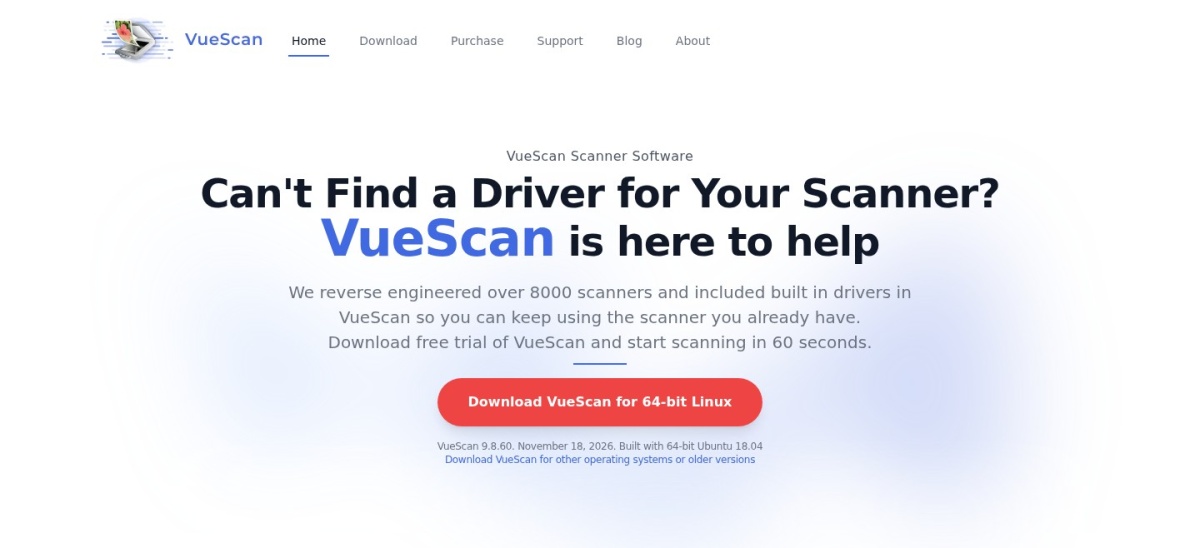
VueScan is a desktop scanner app that works with more than 7,400 scanner models, including old scanners that vendors no longer support. The Standard licence costs $24.95 once, with a free trial that watermarks scans.
The trade off is a small review base of 12 G2 reviews, and the interface looks dated. It suits anyone with an old scanner that the vendor's own software no longer supports.
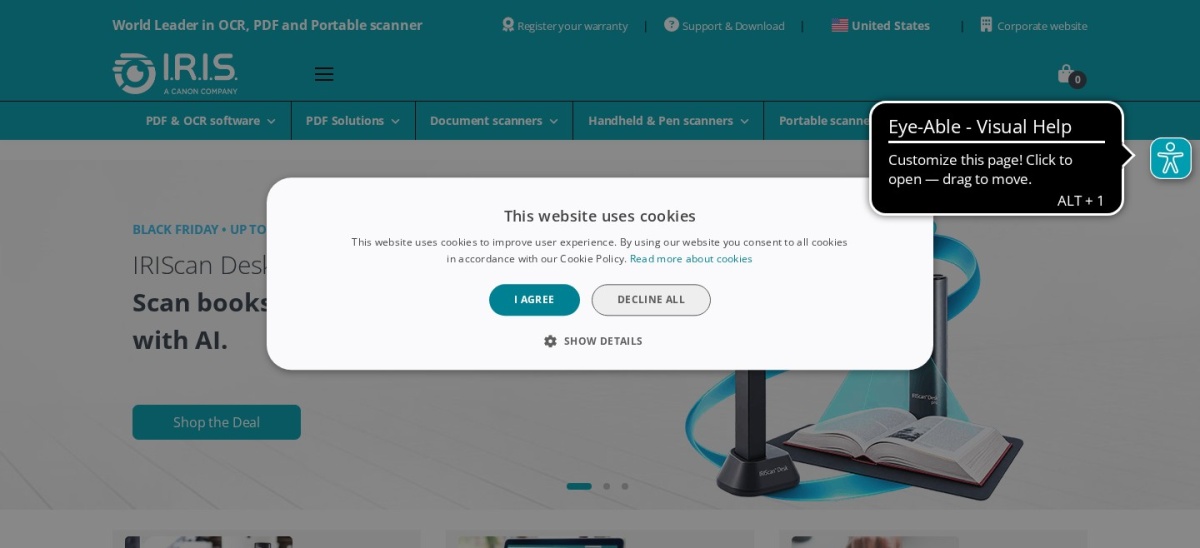
Readiris is a desktop OCR and scanning tool from IRIS that converts scans and PDFs into editable Word, Excel and searchable PDF files. The PDF Essential edition costs €99 once on the vendor's store.
The trade off is currency and a small review base: the €99 price is in euros, not dollars, and Readiris holds a 4.0 Capterra rating from only 15 reviews. It suits European users who want a one-time OCR licence.
Mobile apps win for quick scans. Adobe Scan and CamScanner capture a page with a phone camera in seconds and sync to the cloud.
Desktop software wins for volume. ABBYY FineReader and VueScan handle batch jobs, old scanners and large archives that phones cannot.
Most people need a mobile app. Choose desktop software only when you scan hundreds of pages a month or need deep OCR.
How we chose
We started from the established document scanning tools with public ratings on G2, Capterra or Trustpilot, then kept those with a published price or a clear quote process and a real product behind them.
Prices come from each vendor's pricing page, checked on 25 November 2026, and ratings and review counts come from G2, Capterra or Trustpilot on the same day. Where a vendor shows a sale, the list shows the regular price.
We left out tools with no verifiable rating and tools that have been retired. No vendor paid for a place, and we do not claim hands-on testing for this list.
How to choose document scanner software
Start with what you scan, then match the tool to that job.
List what you scan. Receipts, contracts and books need different features. A tool built for receipts may fail on books.
Test OCR with your real documents. Scan five real pages and check the text. OCR errors are the real cost of a bad scanner.
Check the export format. Scans must save as searchable PDF or editable Word. Confirm the export before you buy.
Decide between free and paid. Free apps cover occasional scanning. Paid tools add batch OCR and export for heavy use.
FAQ
What is the best document scanner app?
Adobe Scan is the best document scanner app for most people, with free scanning and OCR from Adobe. CamScanner is the best free alternative, with 750M+ downloads and cloud sync.
Is there a free document scanner?
Yes. Adobe Scan and CamScanner are both free, with paid plans for extra features. iLovePDF also offers a free plan for light scanning and PDF work in the browser.
What happened to Microsoft Lens?
Microsoft retired Lens in 2026, pulling it from app stores in February and stopping new scans in March. Users were moved to the Microsoft 365 Copilot app, which covers scanning now.
ABBYY FineReader vs Adobe Acrobat: which is better?
FineReader is the deeper scanner, with the best OCR for batch jobs at about $199 a year. Acrobat Pro adds scanning to full PDF editing at $19.99 a month, which suits teams that also edit PDFs.
Do I need OCR in a scanner app?
You need OCR only if you want to search or copy the text inside a scan. Adobe Scan, CamScanner and FineReader all include OCR, while basic camera apps save images only.
What is the cheapest document scanner?
Adobe Scan and CamScanner are both free, which beats every paid option. For desktop scanning, VueScan costs $24.95 once, which is the cheapest paid licence here.
SaaS SEO and WordPress specialist with about 8 years of experience. Rakib compares WordPress plugins, themes, hosting and software using public pricing, documentation and user reviews. See how we rank.